

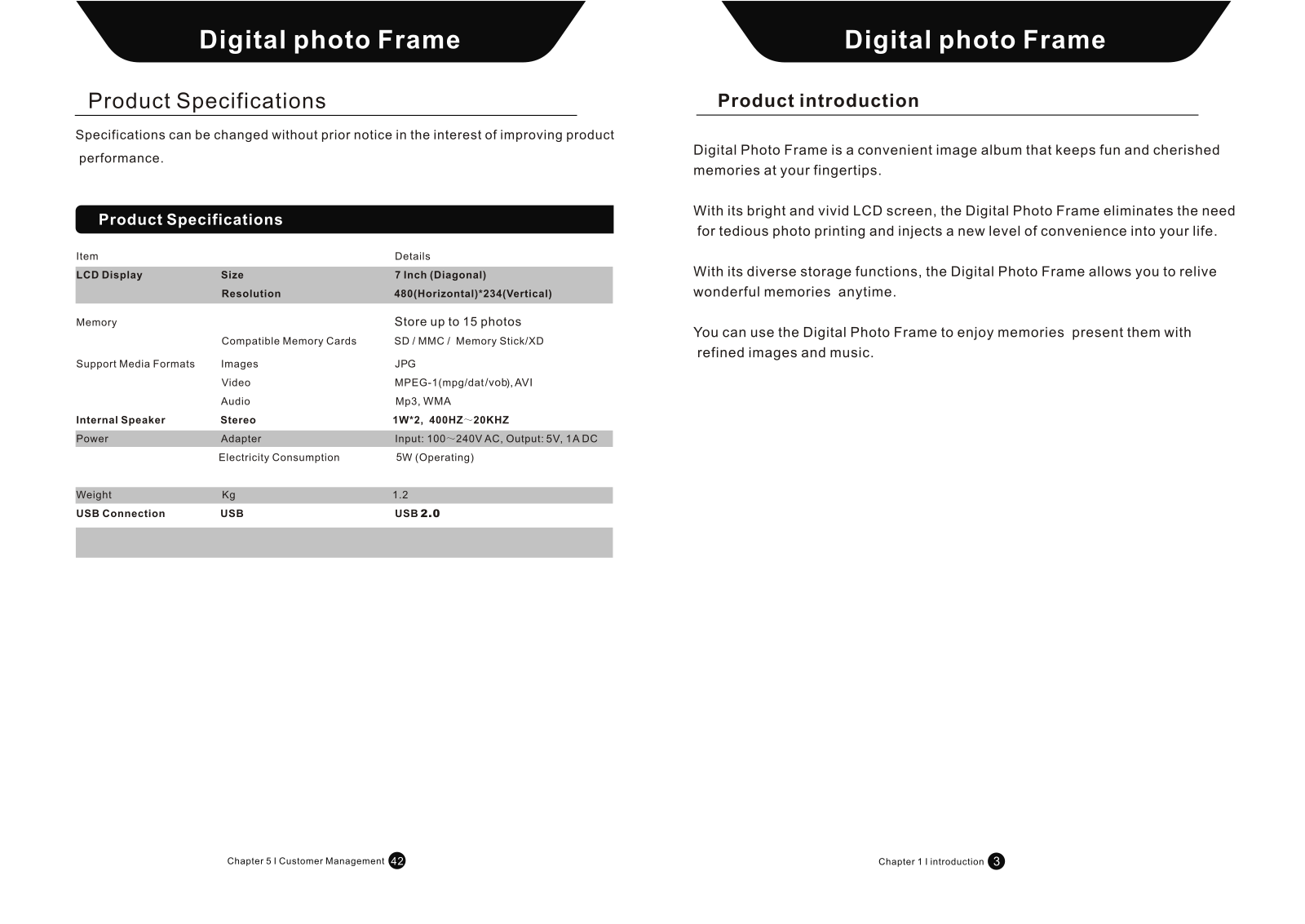
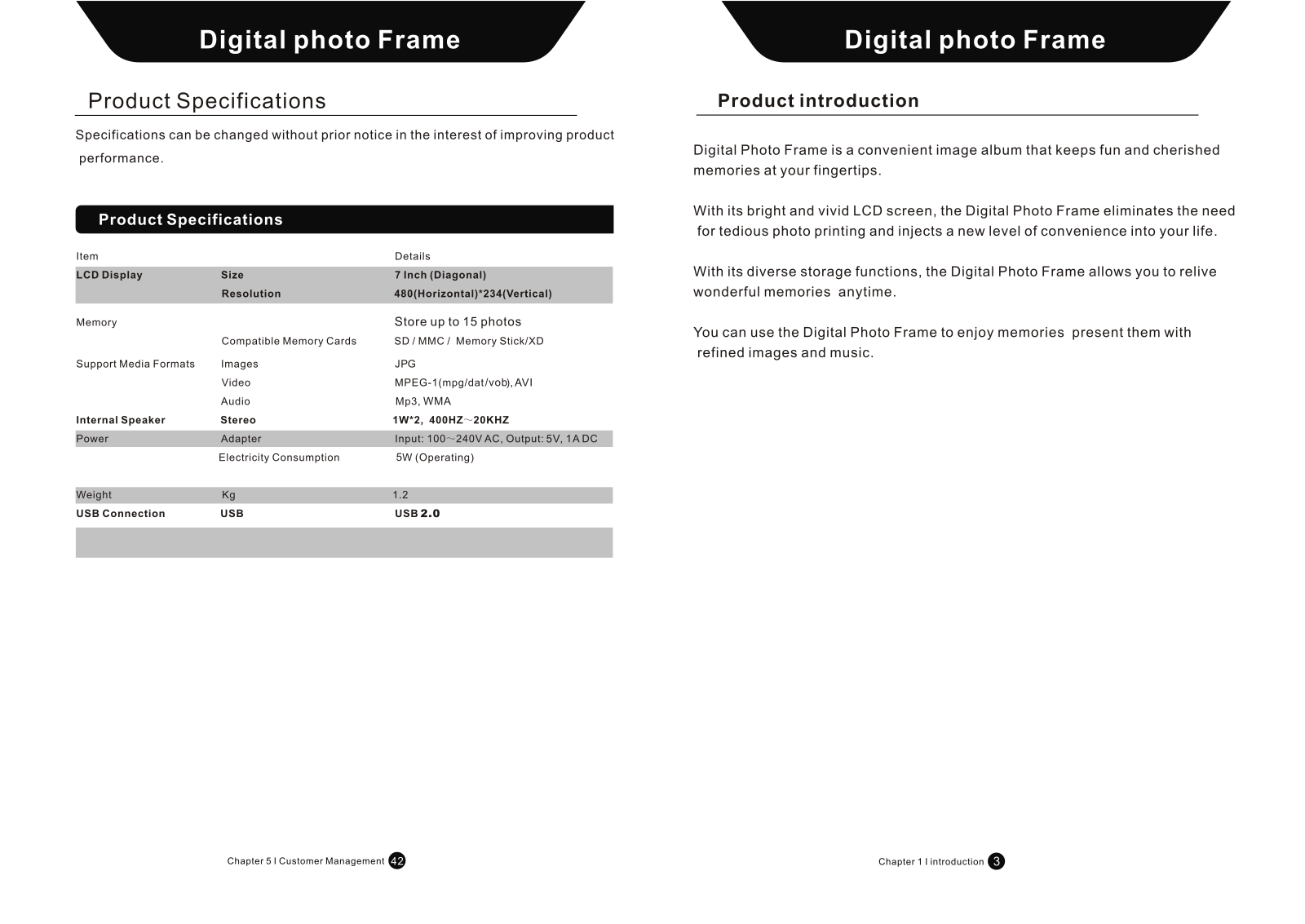
- Display screen dimensions: 7 inches
- Maximum Image Size: 480x234 Pixels
- Maximum External Storage: 15 images
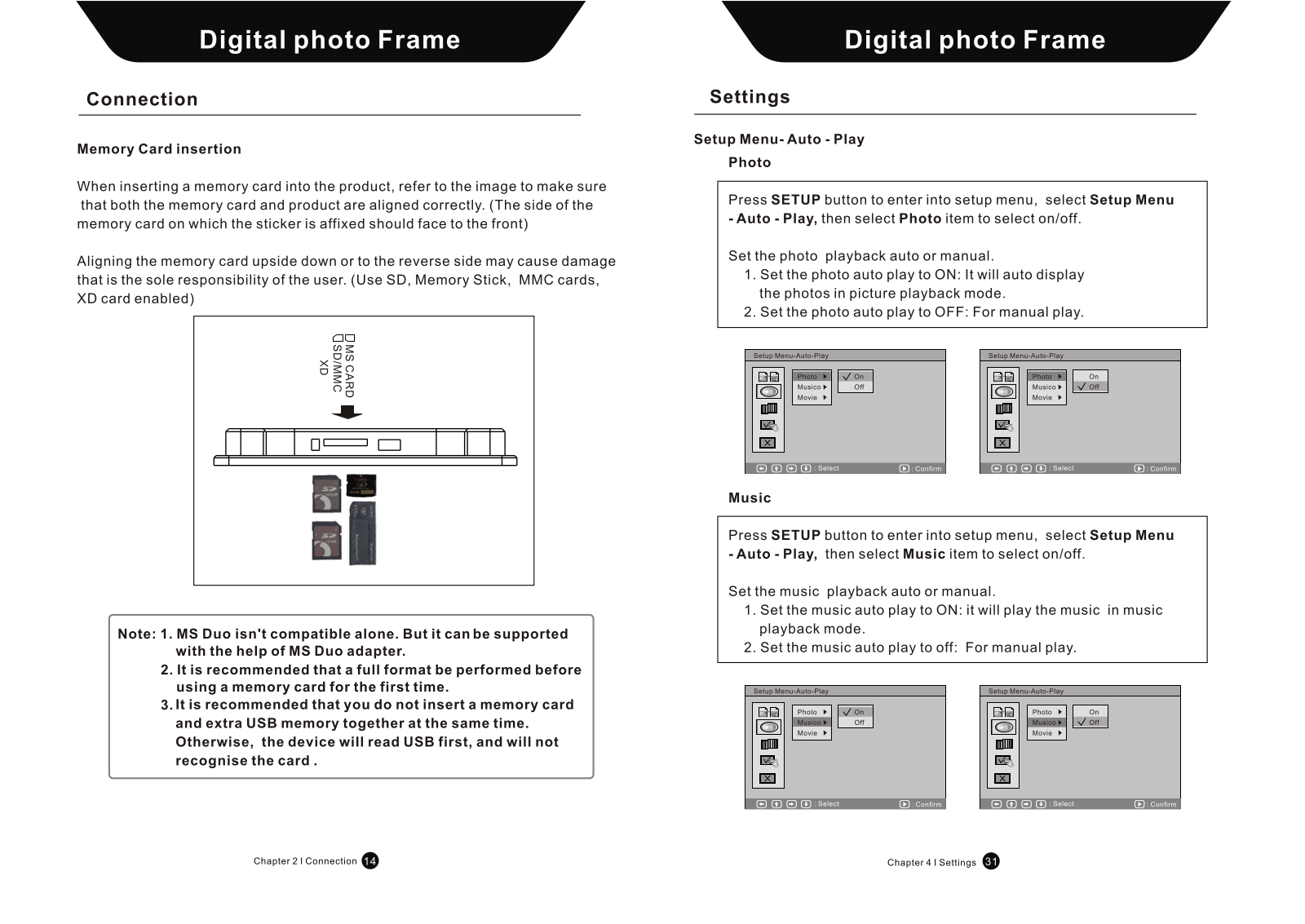
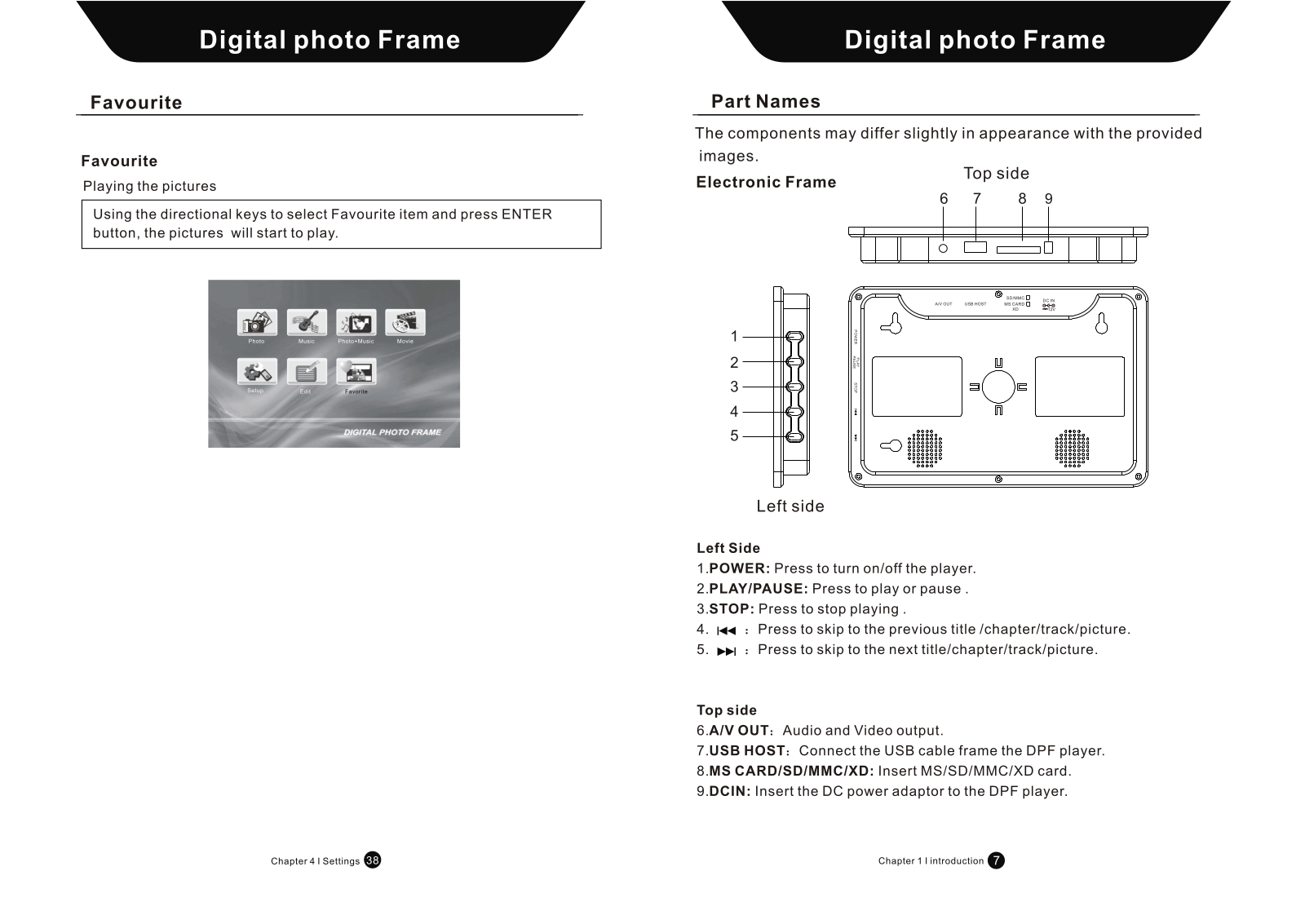
- Standart Memory Card Support: SD, MMC, Memory Stick, XD
- Supported Media Formats:
Images – JPG
Video – MPEG-1(mpg/dat/vob), AVI
Audio – MP3, WMA
- Integrated Speakers: Stereo speakers with 1 Watt rating with frequency response range of 400Hz to 20kHz
- Power Supply: AC: 100-240V, DC: 5V 1ADC
- Exposure: 5W (During Execution)
- Device’s Weight: 1.2 KG
- Provided USB Port: USB 2.0 Port
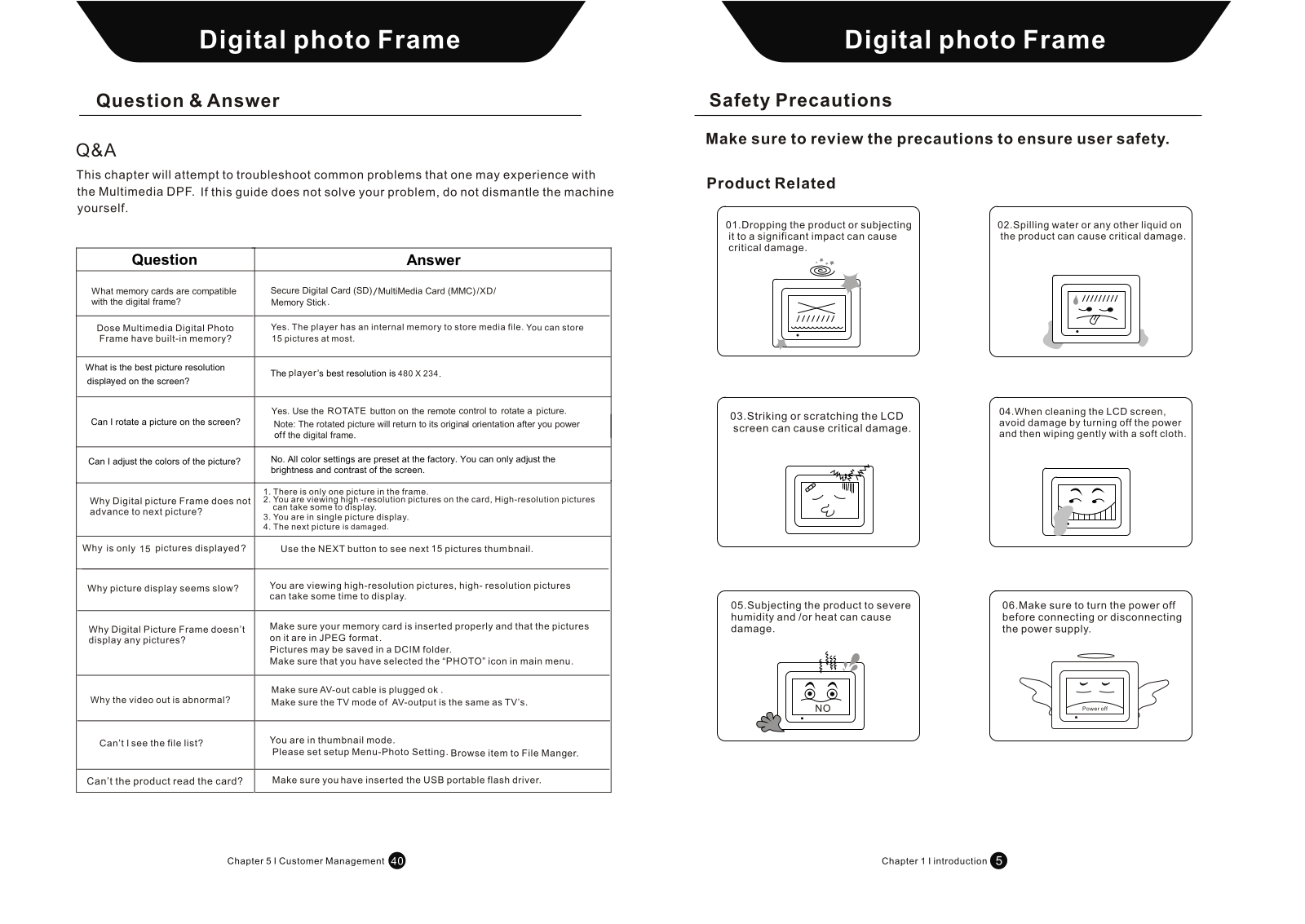
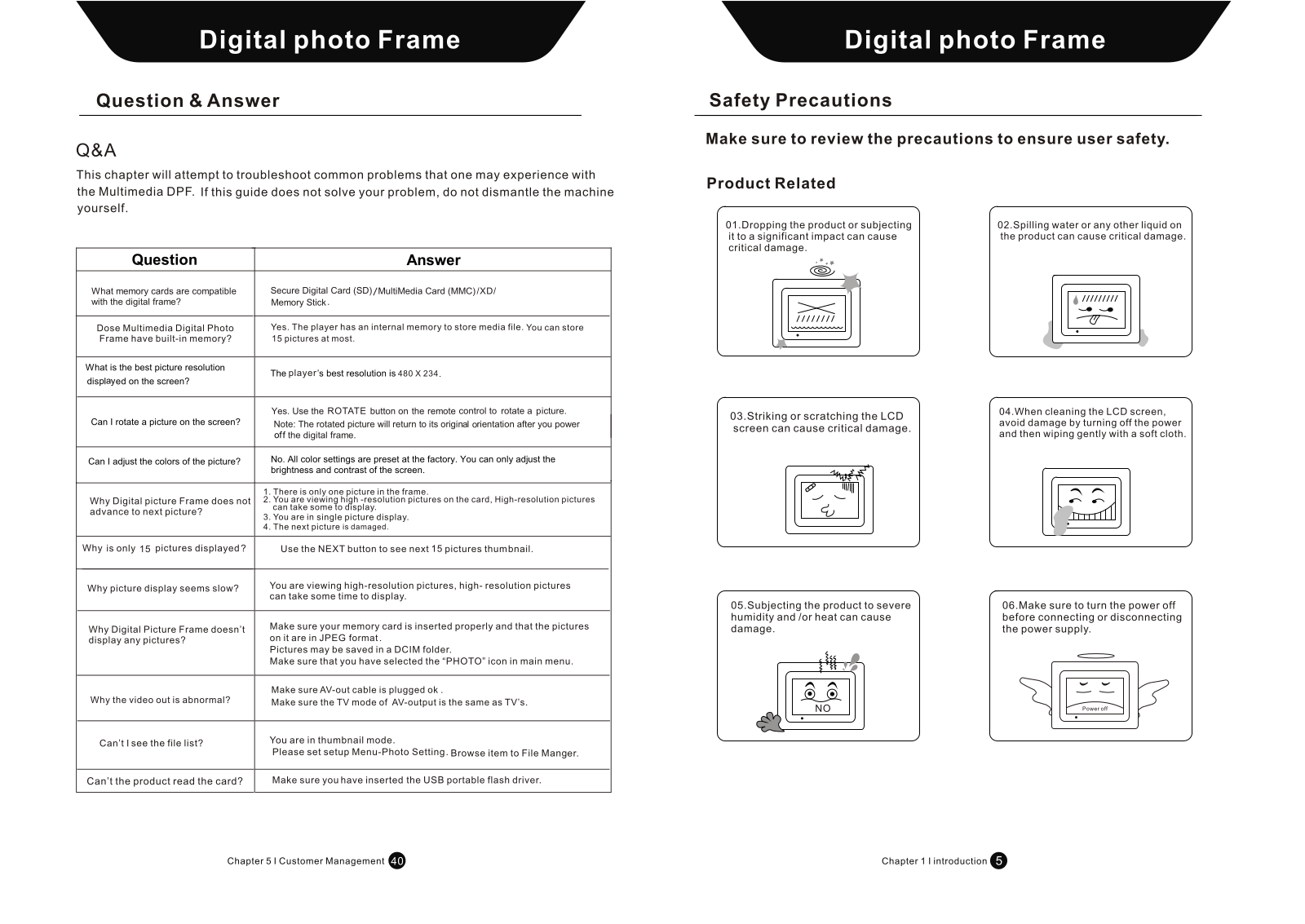
Q: Are there any restrictions on specific memory cards which can be used with the digital frame?
A: SD, MMC, XD and Memory Stick are the cards that can be utilized.
Q: Can you tell me if the device known as the Multimedia Digital Photo Frame has internal storage?
A: Yes, this particular play online can accommodate up to 15 pictures due to its internal storage.
Q: It would be interesting to know what the maximum resolution which the screen can display?
A: Maximum resolution which a player can display is 480 x 234.
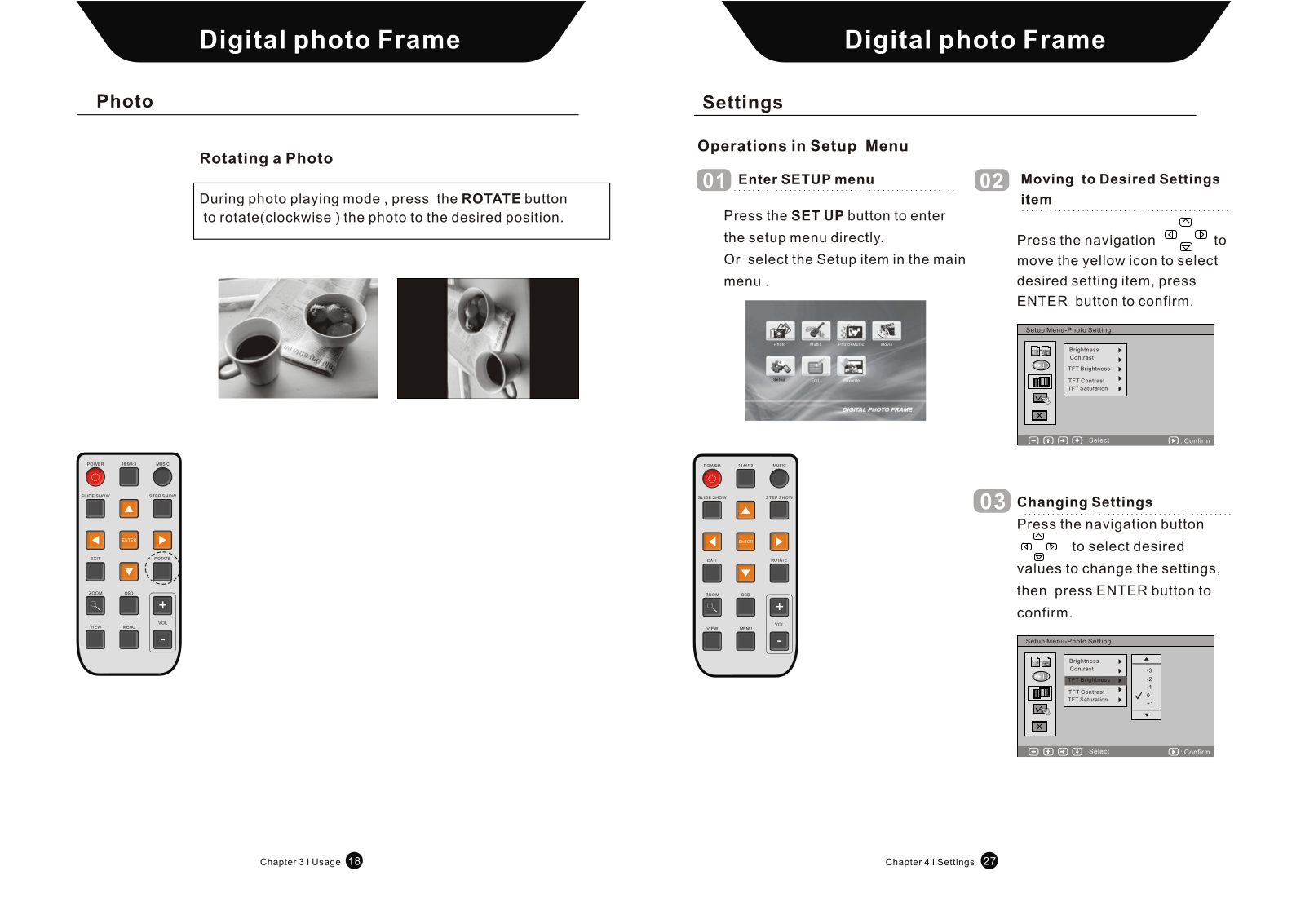
Q: Is rotating pictures on the display an impossible task?
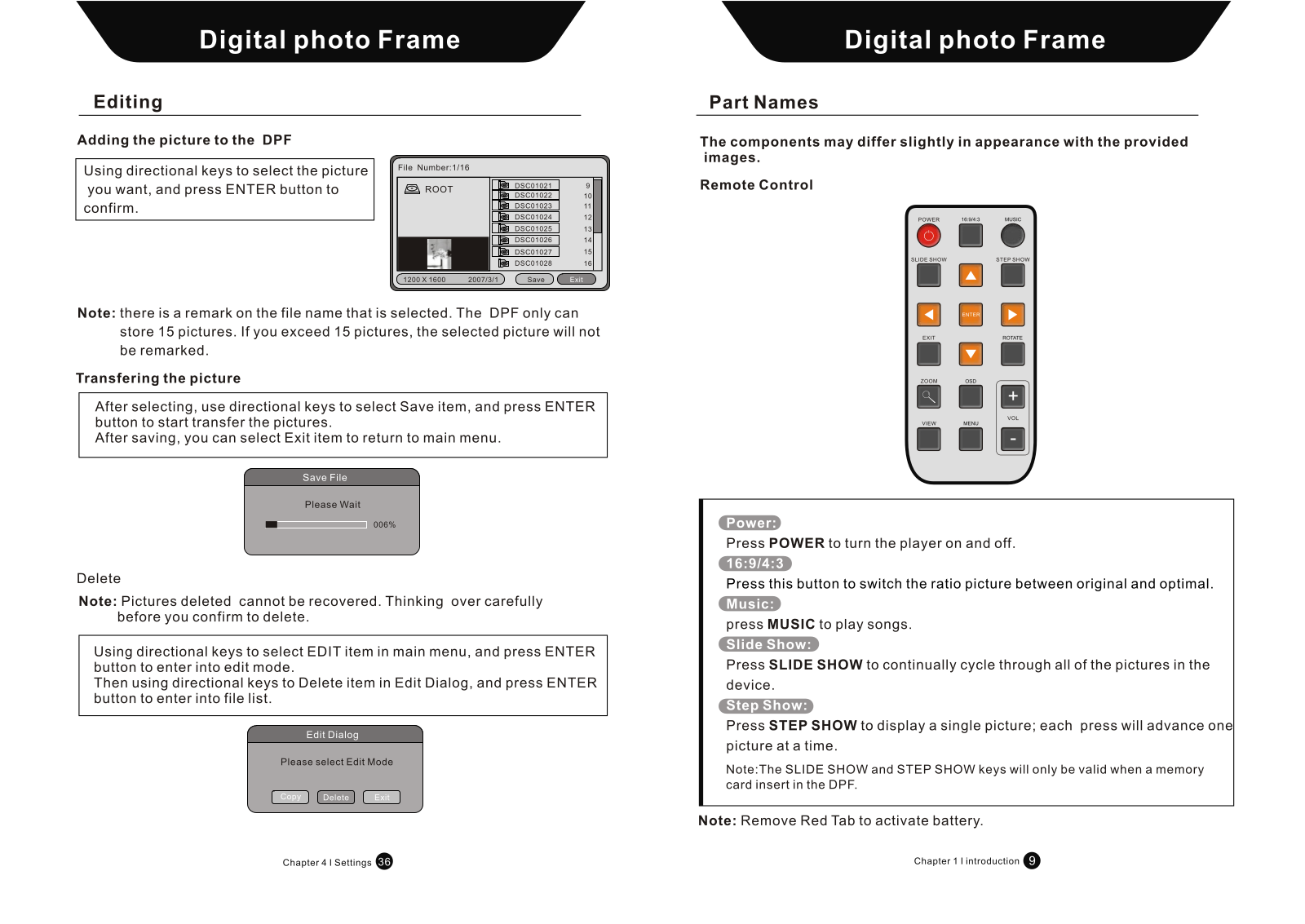
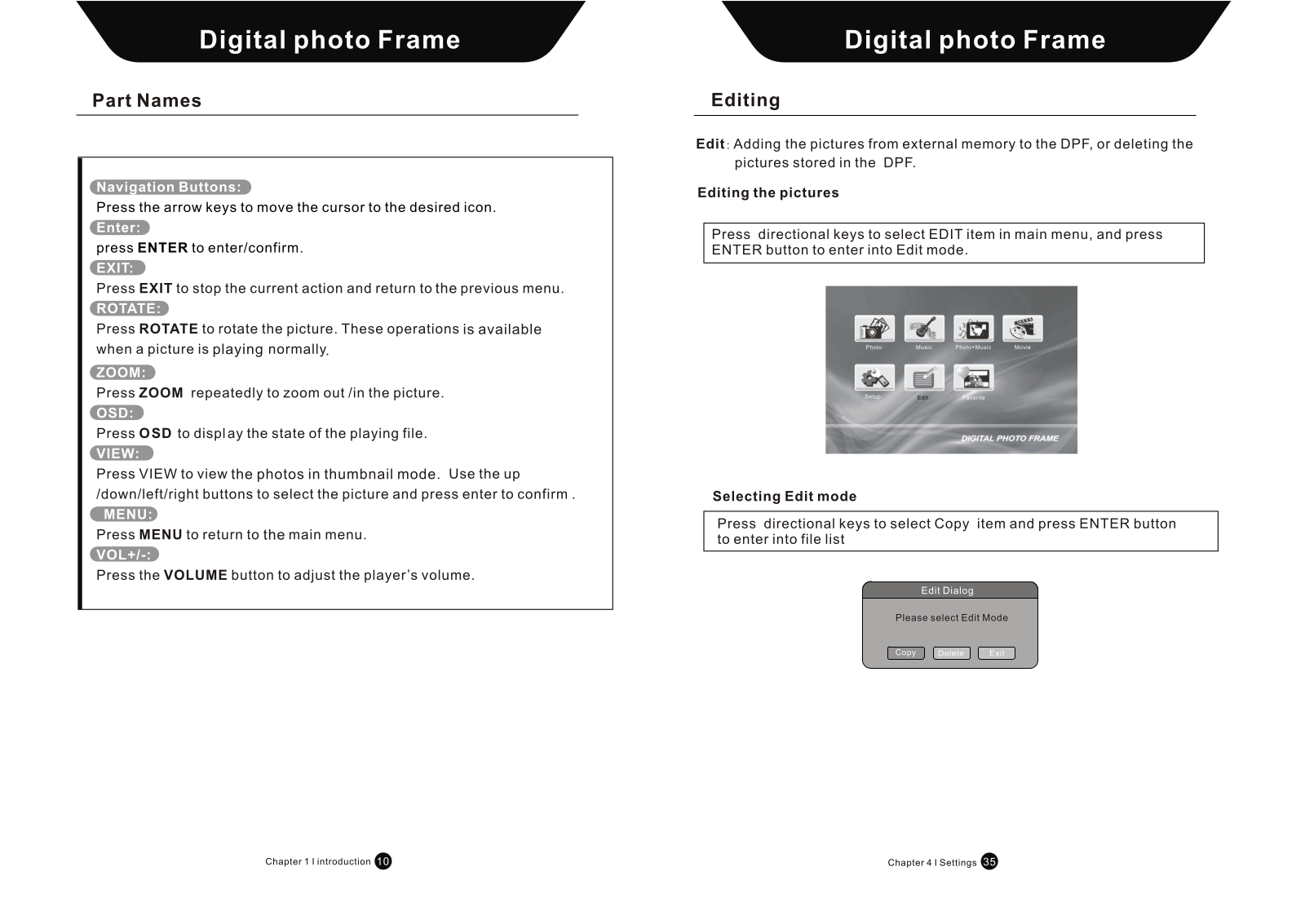
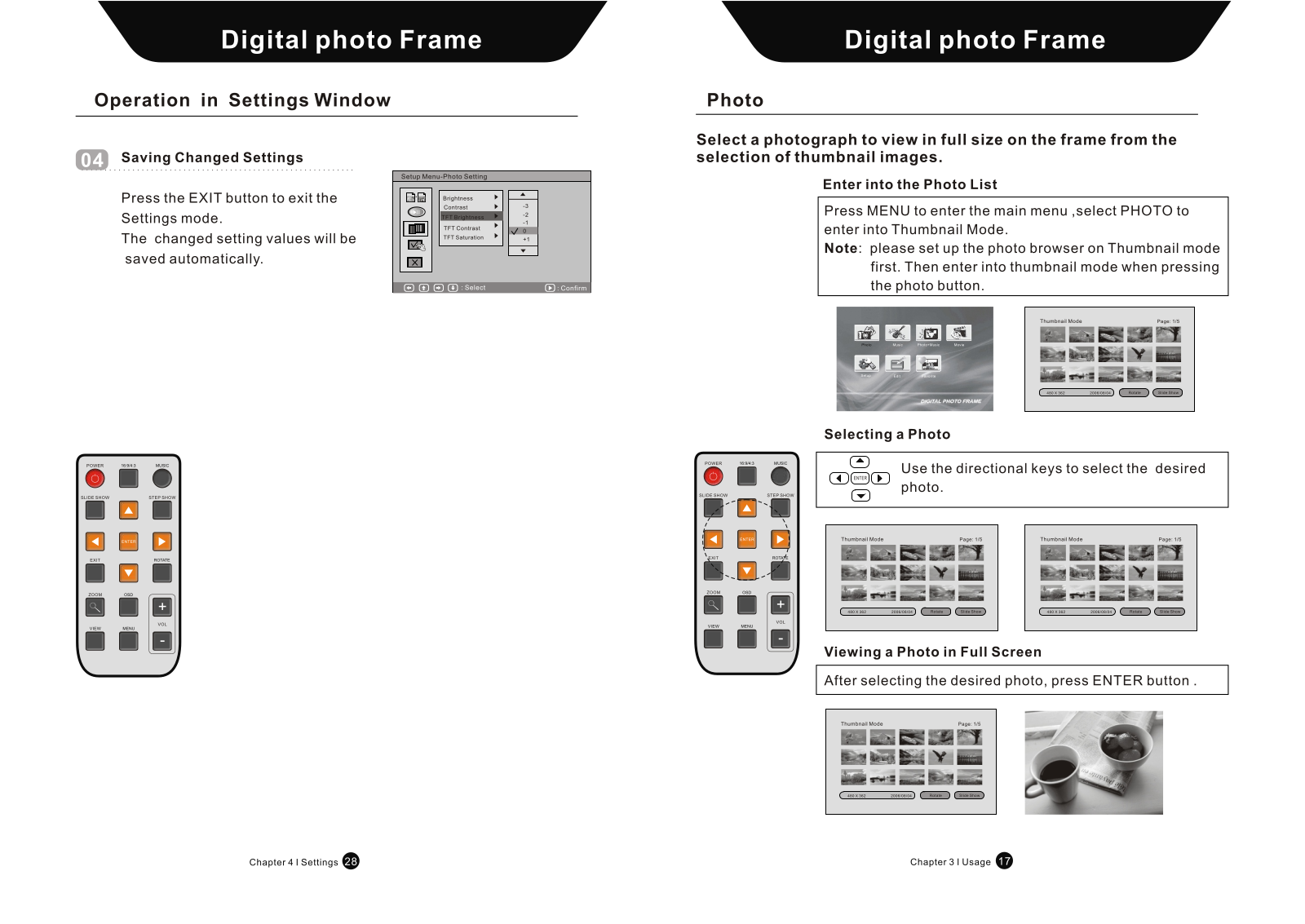
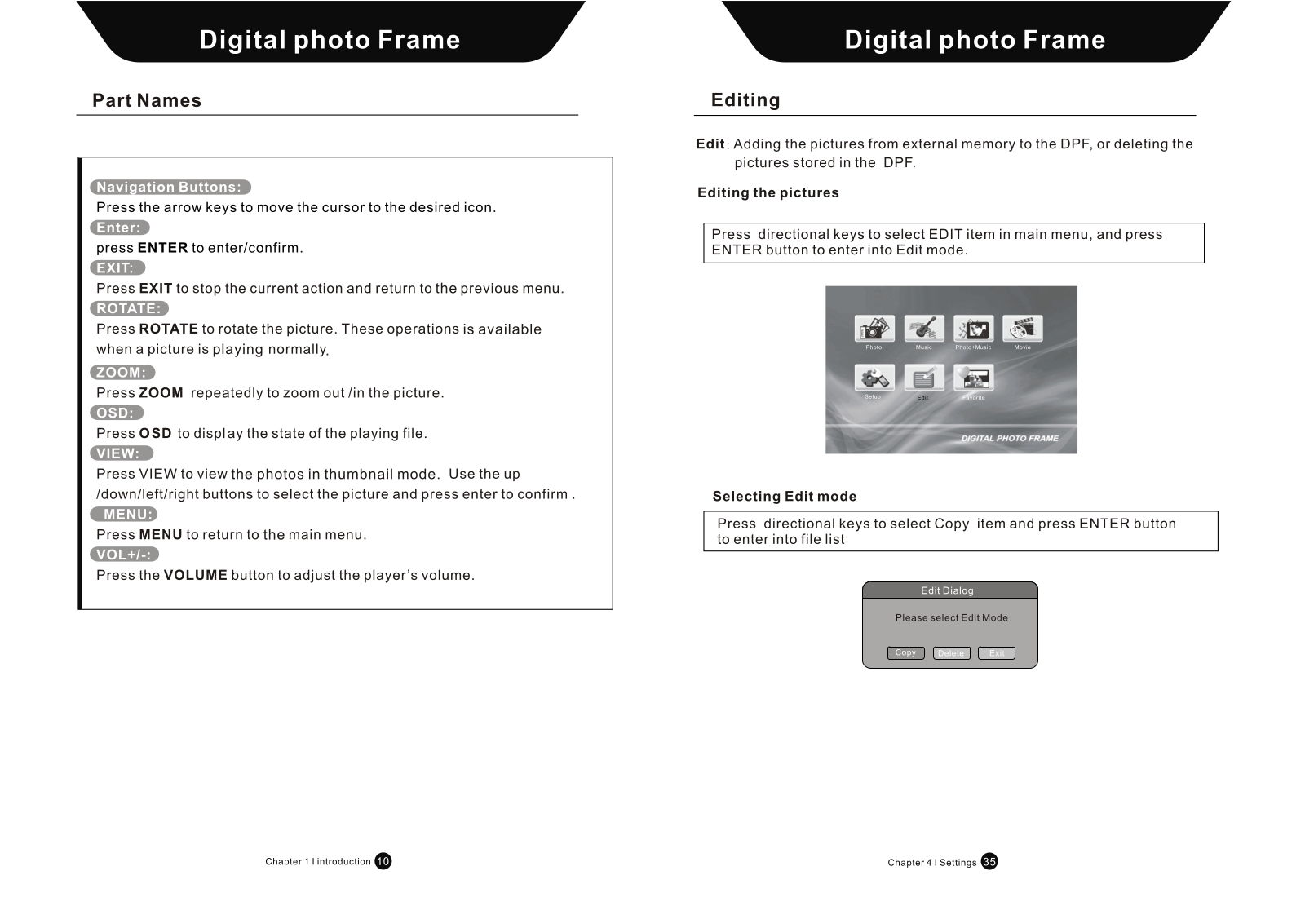
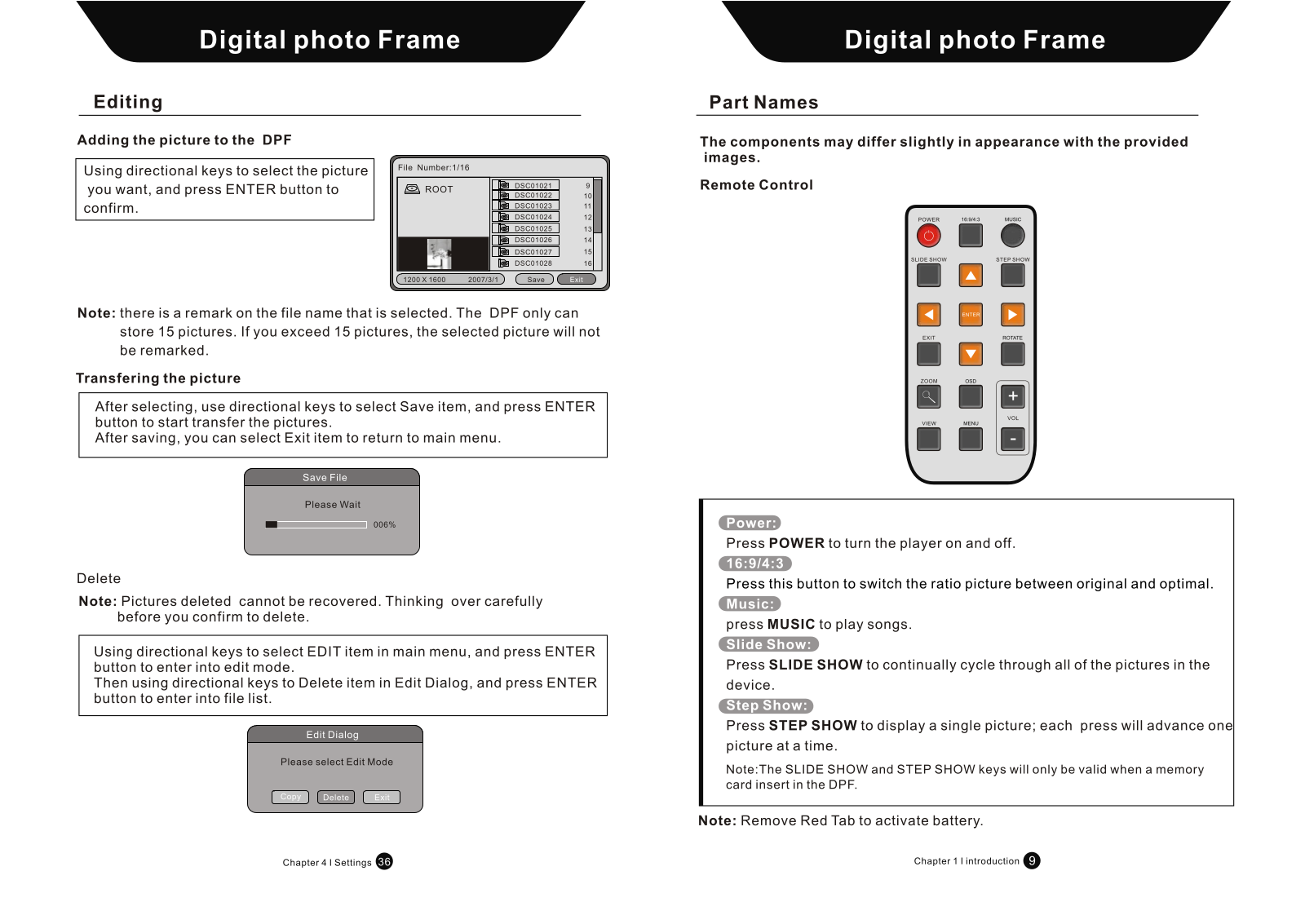
A: No, with the help of ROTATE button located on your remote controller you can easily rotate the picture on your display as many times as you would like.
Q: Is it possible to modify the colors of the picture?
A: Unfortunately, no. The factory preprogrammed all color parameters on the picture frame. The only changes that can be made are those regarding brightness or screen contrast.
Q: What is the reason the Digital Picture Frame does not change to the next picture?
A: The picture already loaded into the frame may only be one, simple images display quickly, and single frame mode might also be on.
Q: For what reason are only fifteen pictures shown on the display?
A: After loading the thumbnails you can load the next 15 pictures using the NEXT button.
Q: For what reason do you say the time it takes for the slide show to display pictures is slowing it down?
A: High-resolution images usually take a bit longer to load for display.
Q: Why are there no pictures displayed on a Digital Picture Frame?
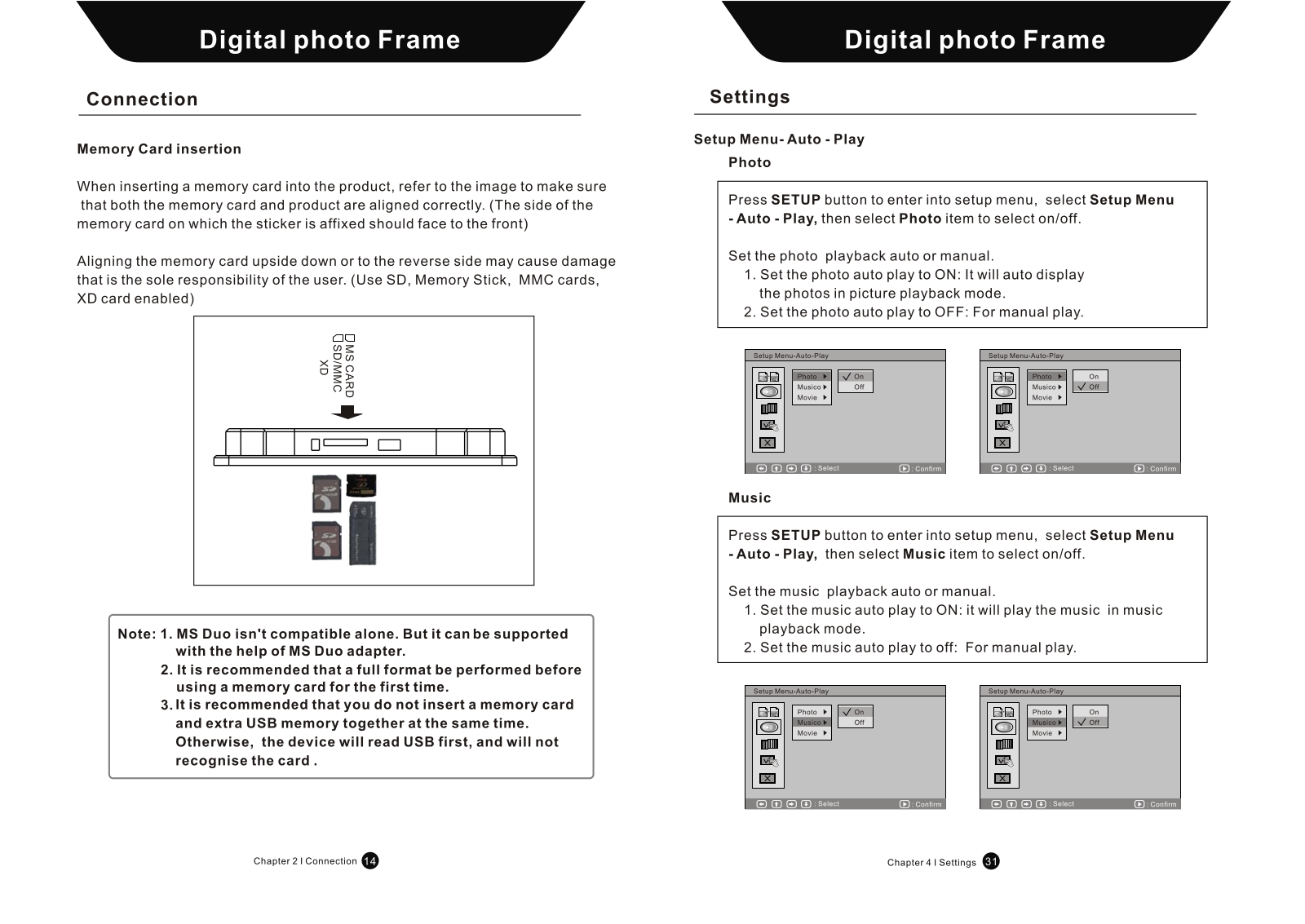
A: Check that the cards are inserted correctly and that the photos are in JPEG format.
Q: What is the reason for the abnormal video output?
A: The AV-out cable should be firmly secured and the AV-out setting should correspond with the type of TV being used.
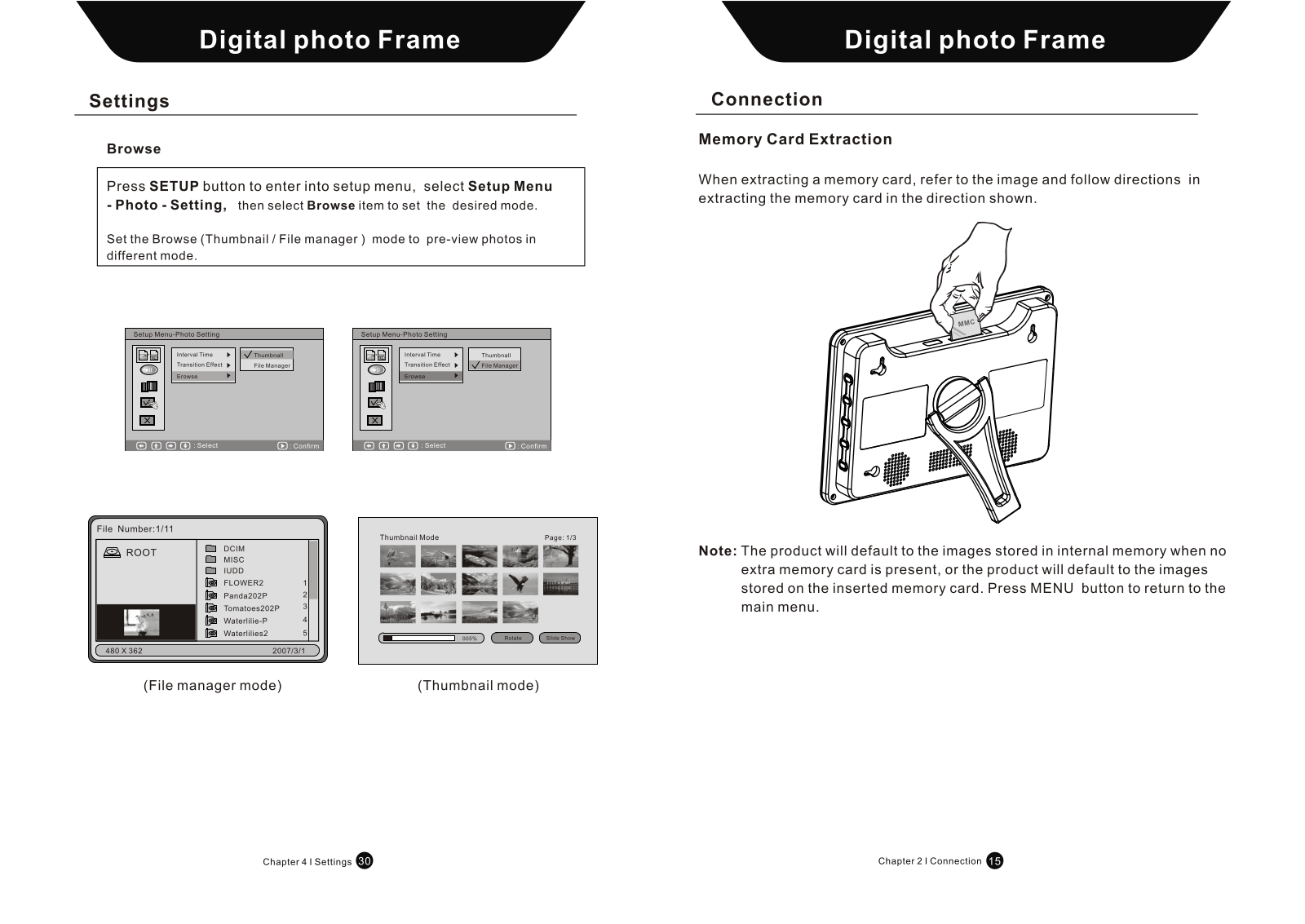
Q: What is the reason for not being able to view the file list?
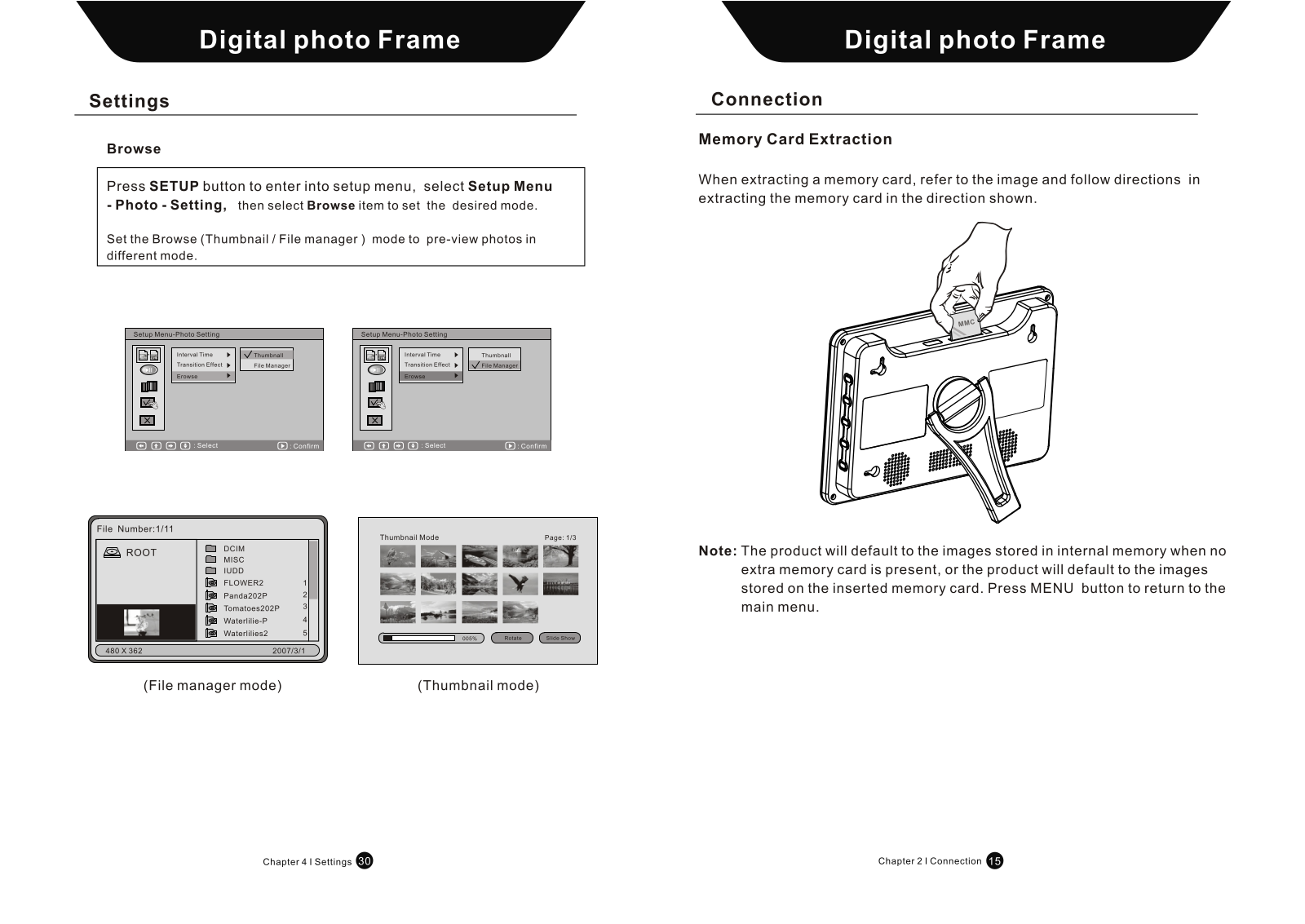
A: Thumbnail mode could be selected, please change such configurations to suit the requirements in the setup menu.
 Loading...