

Page 1
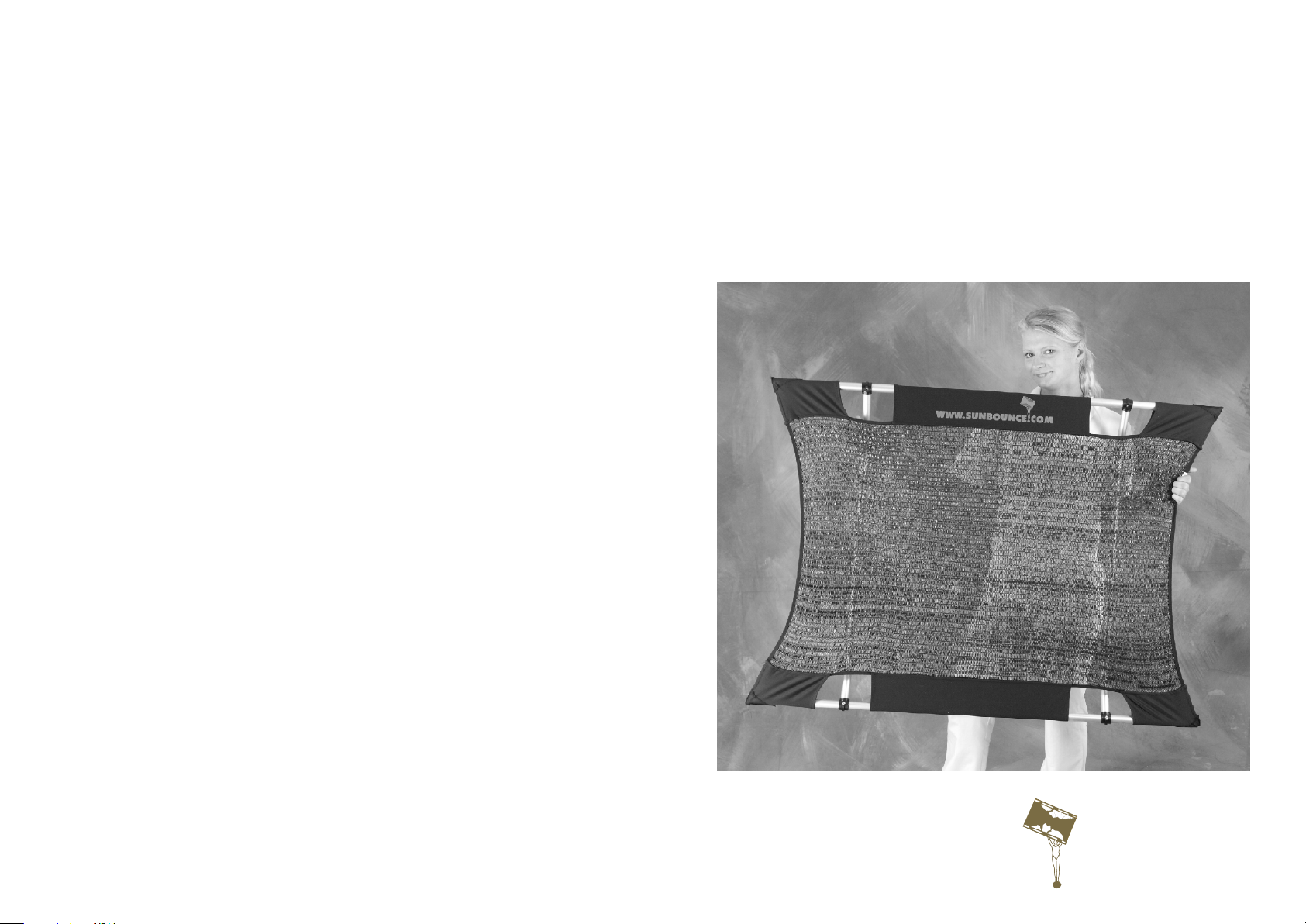
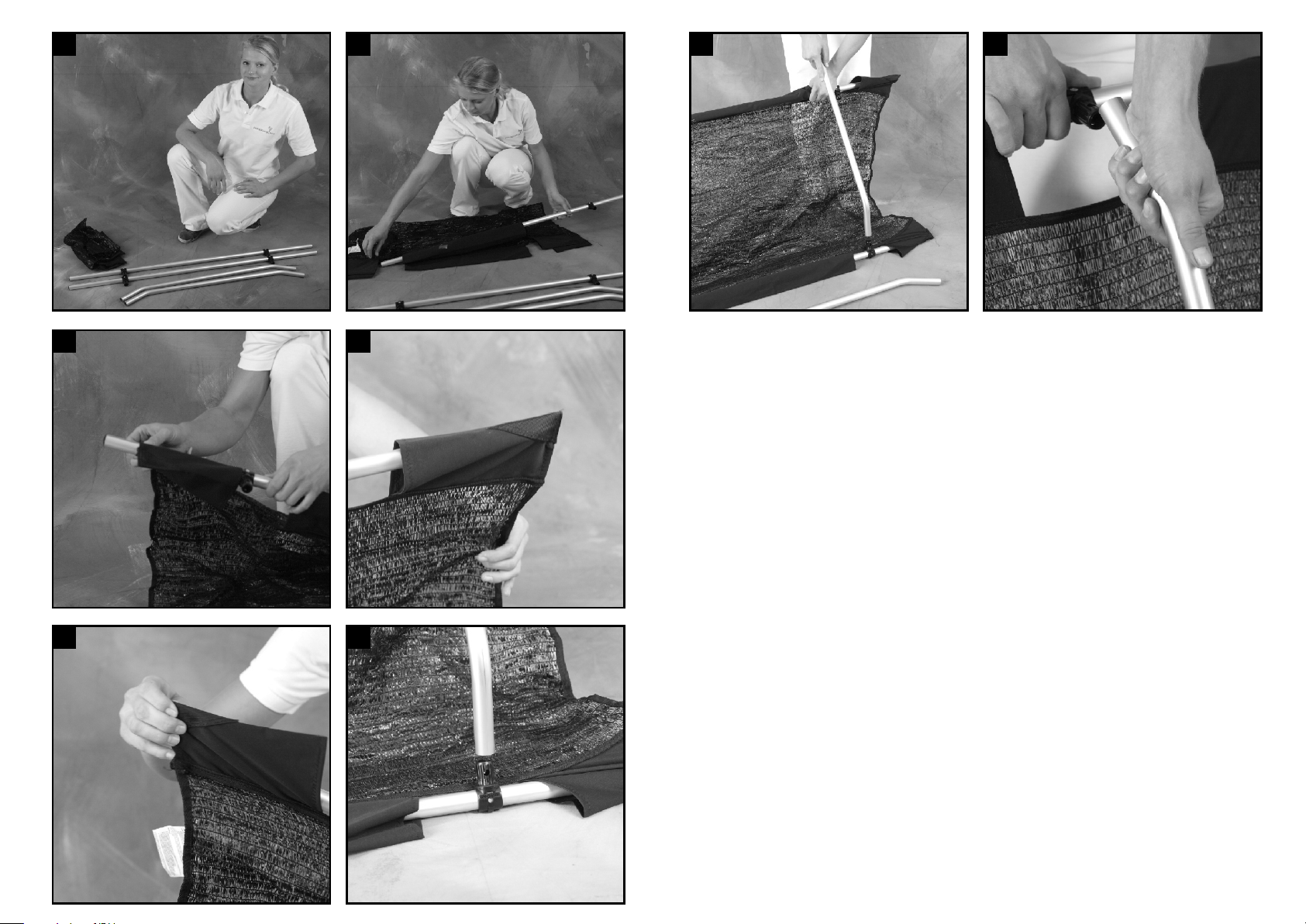
5. Now pull the closed corners of the pockets over the pole ends such that the screen is taut.
Repeat with the other side of the screen.
Aufbauanleitung
6. Next insert the crossbar in the T-connector.
7. - 8. Hold each crossbar firmly and pull the long pole towards yourself. Insert the crossbar in
the second T-connector. The WIND-KILLER is ready to go!
Operating Instructions
WIND-KILLER MINI
Stand 2012/03/14
SUNBOUNCE GmbH · Buchenring 8 - 10 · 21272 Egestorf · Germany
Telefon: +49 (0) 4175 - 80 88 79 87 · Telefax: +49 (0) 4175 - 80 88 79 67
E-Mail: [email protected] · Internet: www.sunbounce.com
© 2013 SUNBOUNCE GmbH. All rights reserved.
SUNBOUNCE.COM
Page 2
1
2
7 8
3
5 6
4
Aufbauanleitung
1. Alle Einzelteile des WIND-KILLER MINI befinden sich im Tragebeutel. Es sind zwei Längsrohre,
zwei Querbügel und eine Bespannung (optional).
2. Fädeln Sie das Längsrohr in die angesetzten Taschen der Bespannung ein.
3. Achten Sie darauf, dass das Rohr aus der Rangieröffnung am Ende herausschaut.
4. Das gibt Ihnen genug Spielraum um das Längsrohr in die Tasche am anderen Ende der
Bespannung einzuführen.
5. Ziehen Sie nun die geschlossene Ecke der Seitentasche über das Rohrende, damit die
Bespannung straff gespannt wird. Wiederholen Sie den Vorgang mit dem zweiten Längsrohr auf
der anderen Seite der Bespannung.
6. Stecken Sie den Querbügel auf ein T-Verbindungsstück.
7. - 8. Halten Sie den Querbügel fest und ziehen Sie das Längsrohr in Hüfthöhe zu sich heran.
Stecken Sie das T-Verbindungsstücke in den Querbügel. Wiederholen Sie den Vorgang mit dem
zweiten Querbügel. Jetzt ist der WIND-KILLER einsatzbereit.
Operating Instructions
1. The sling bag contains all of the parts of the WIND-KILLER MINI. There are two long frame
poles, two crossbars and one screen (optionally).
2. Slide the pole into the sleeve along the screen.
3. Ensure that the end of the pole protrudes beyond the end of the sleeve.
4. This will give you enough room to guide the pole into the fabric pocket at the other end of the
screen.
 Loading...