

Page 1
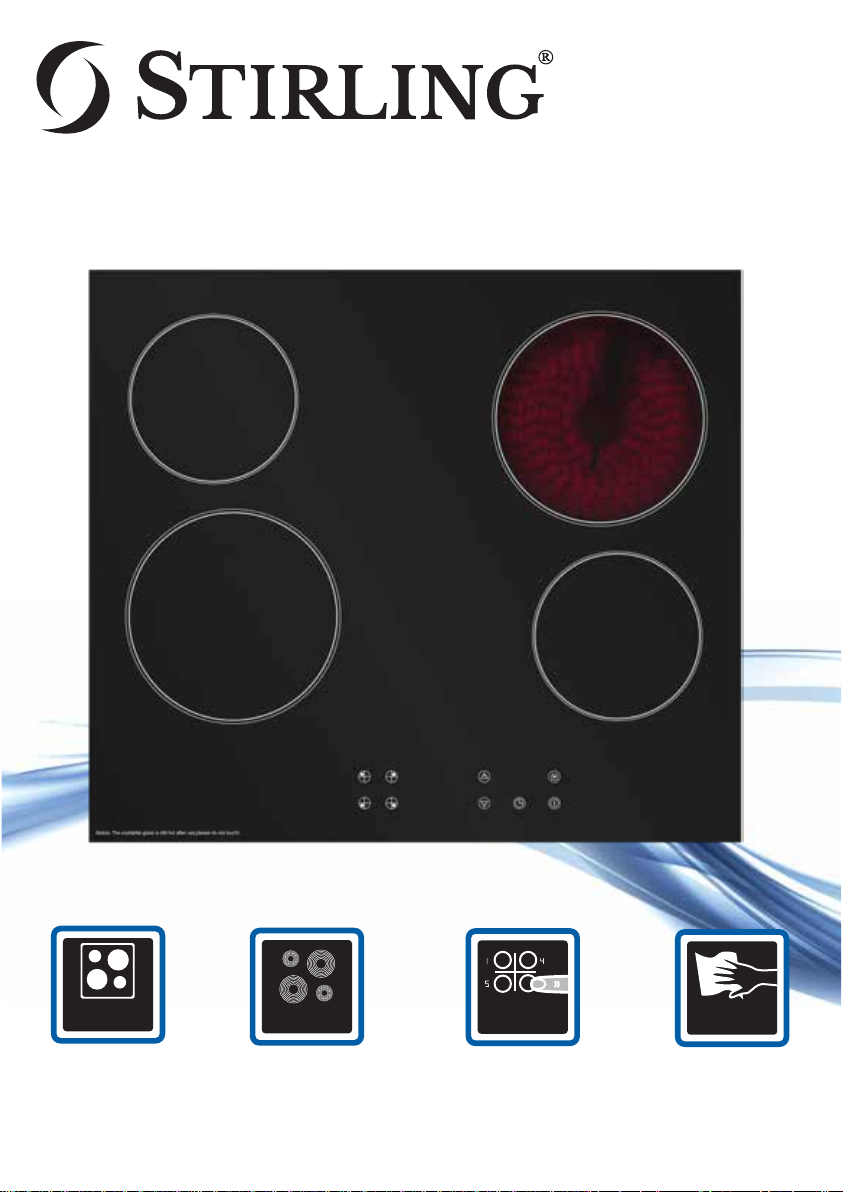
CERAMIC COOKTOP
Features:
CERAMIC
COOKTOP
Ceramic Cooktop
60cm built in, top mount
ceramic cooktop to
compliment the
STIRLING Electric Oven
and Rangehood
4 COOKING
ZONES
4 Cooking Zones
2 large (18cm, 1800W)
and 2 smaller
(14.5cm, 1200W)
cooking zones.
TOUCH
CONTROLS
Touch Controls
Digital touch control
panel with heating
indicator lights and
child lock feature.
EASY CLEAN
SURFACE
Easy to
Clean Surface
The stylish black
ceramic surface is fully
sealed and easy to clean.
Page 2
Quick Start Guide
IMPORTANT: The cooktop must be professionally installed by a licensed
electrician. See the full instruction manual for installation instructions and
a few preparatory steps before first use
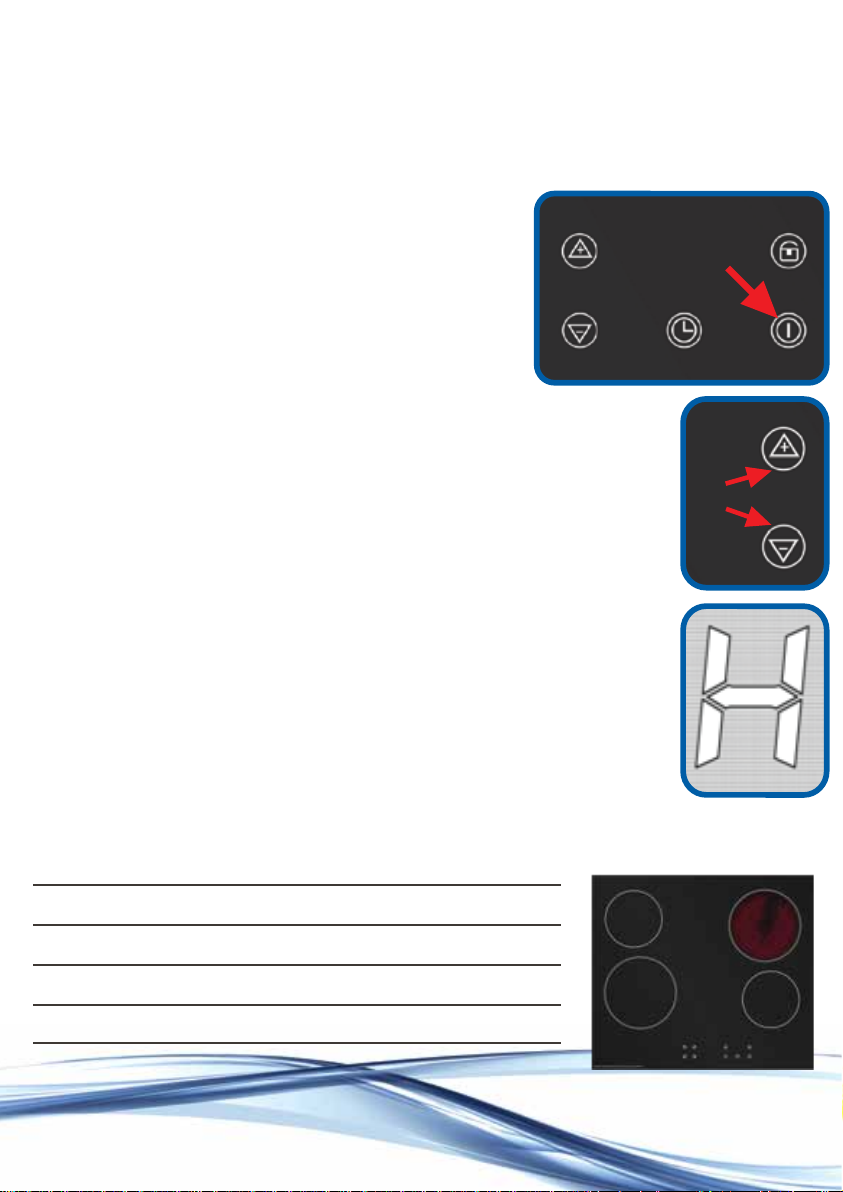
Using the cooktop
Step 1: Press the Power On/Off button
to switch on the cooktop and within
10 seconds, press the select button
for the cooking zone you want to use.
Step 2: Press the Up/Down buttons to select
the required heat level (from 1 to 9).
Step 3: Cook your food in pots and pans that
match the cooking zone diameter.
Step 4: At the end of the cooking time, press
the select button for the cooking zone you
want to switch off, then press the Down button
repeatedly until the number in the heat level
display reaches “0”. The letter “H” will appear
next to the select button, indicating that the
cooking zone is still hot.
.
Step 5: Press the Power On/Off button to switch
off the cooktop.
Consult the full instruction manual for comprehensive installation,
usage and cleaning instructions and important safety advice.
Model Number STR-C
Cooktop Cooking Zones 4
Warranty 3 Years In Home
Version QSGV1.1
For more information
please visit www.stirlingappliances.com.au
or call 1300 886 649
 Loading...