

- Model: NX-2450 Rainbow/Colour
- Print Speed: 240 c/s maximum
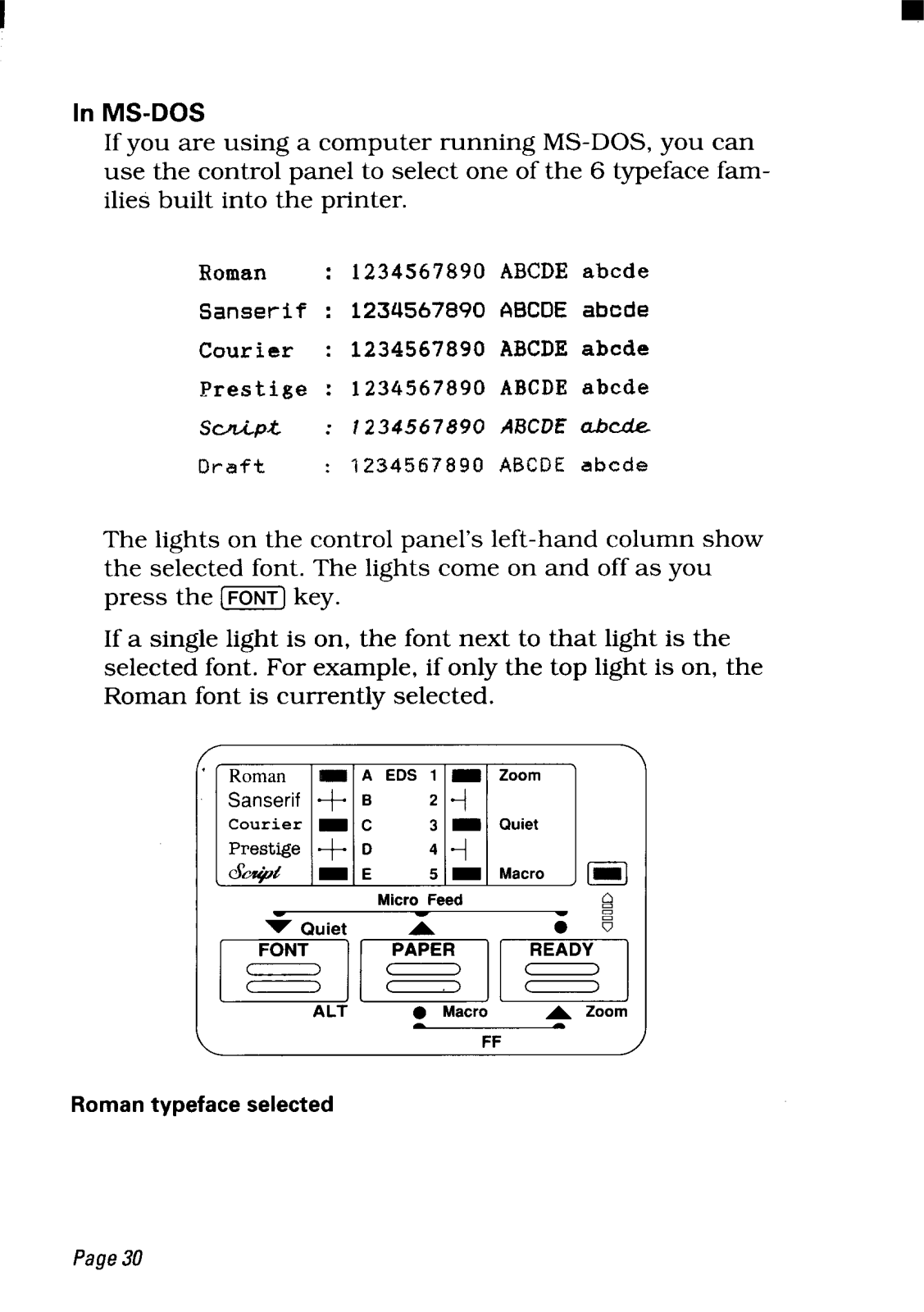
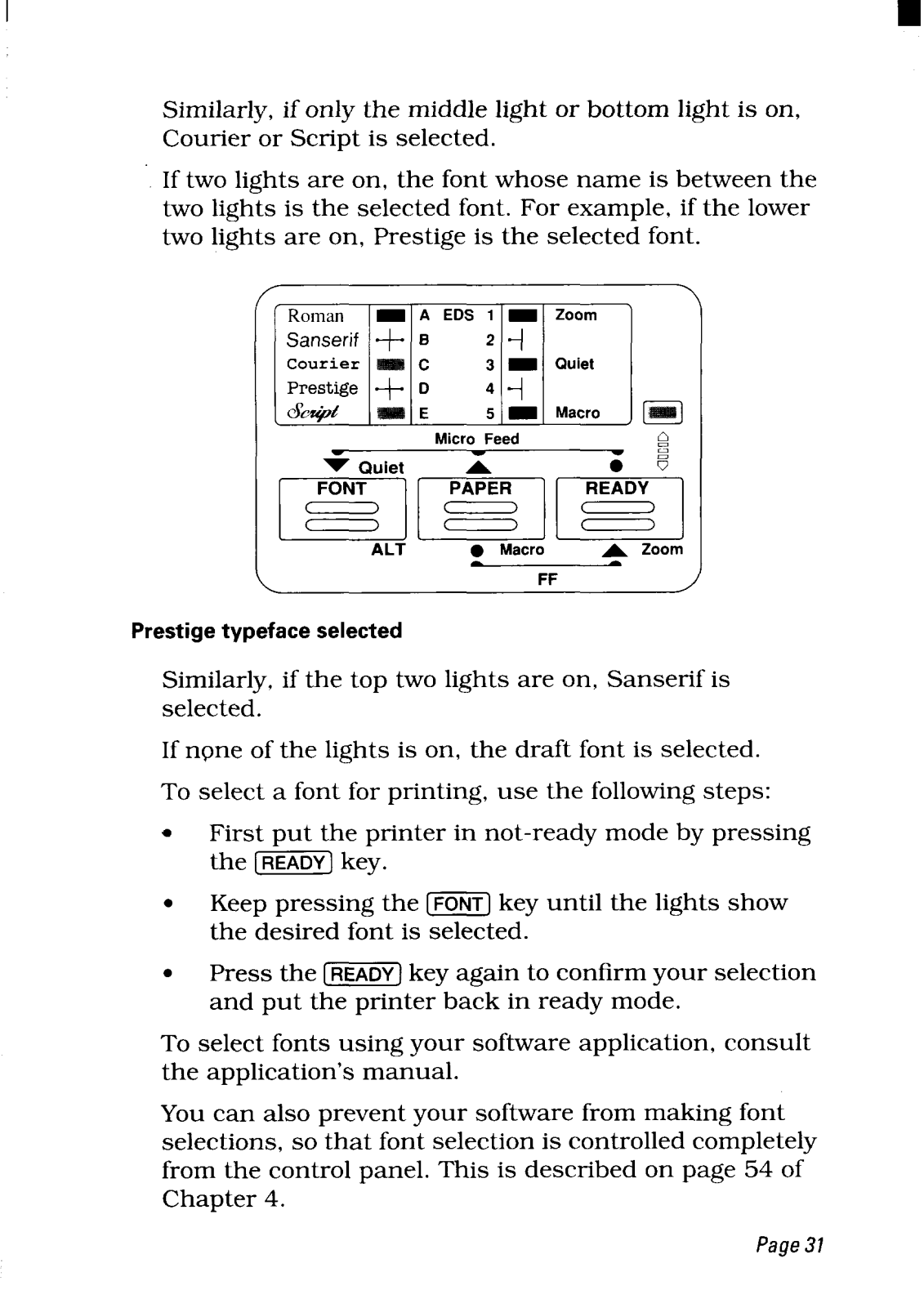
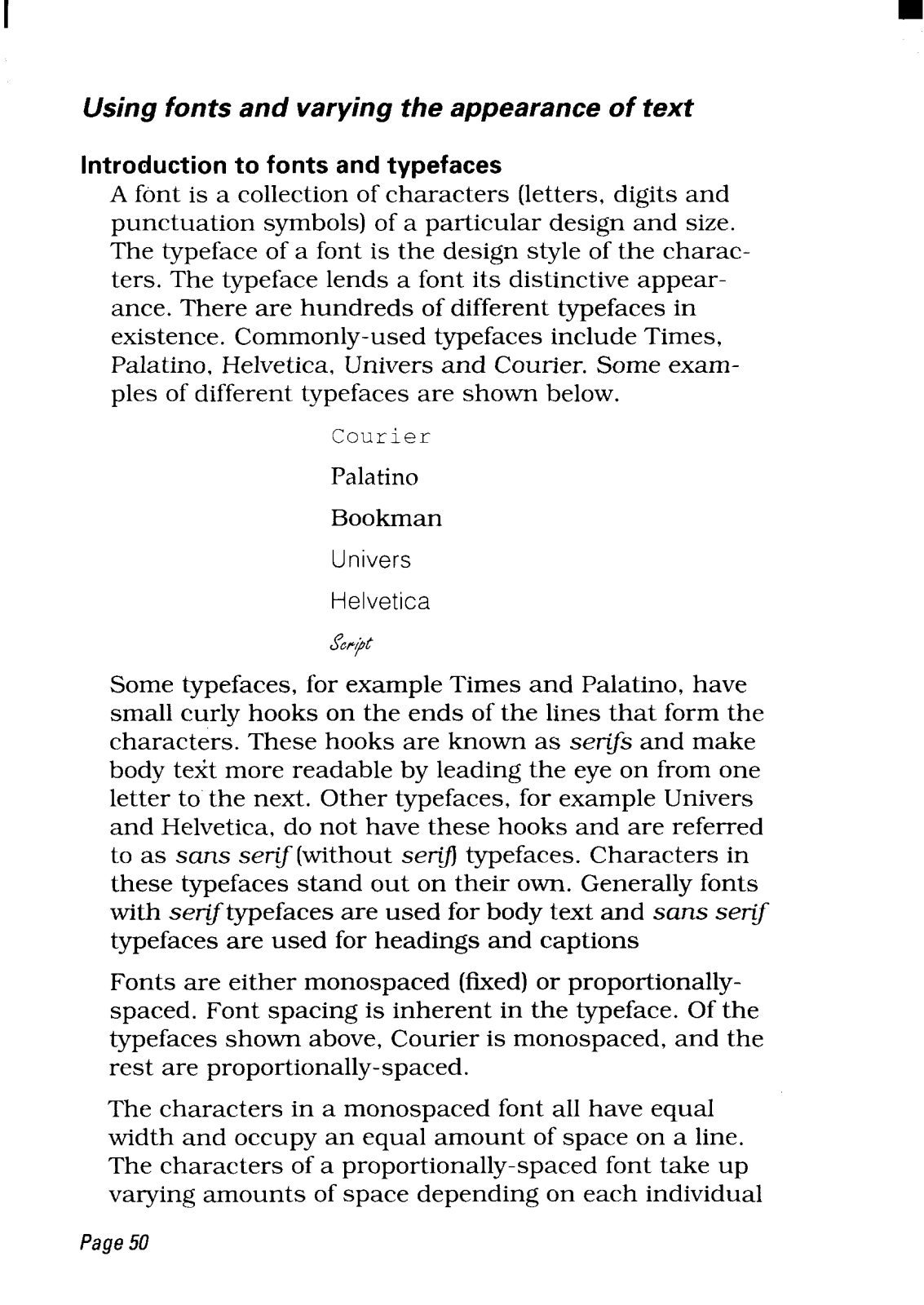
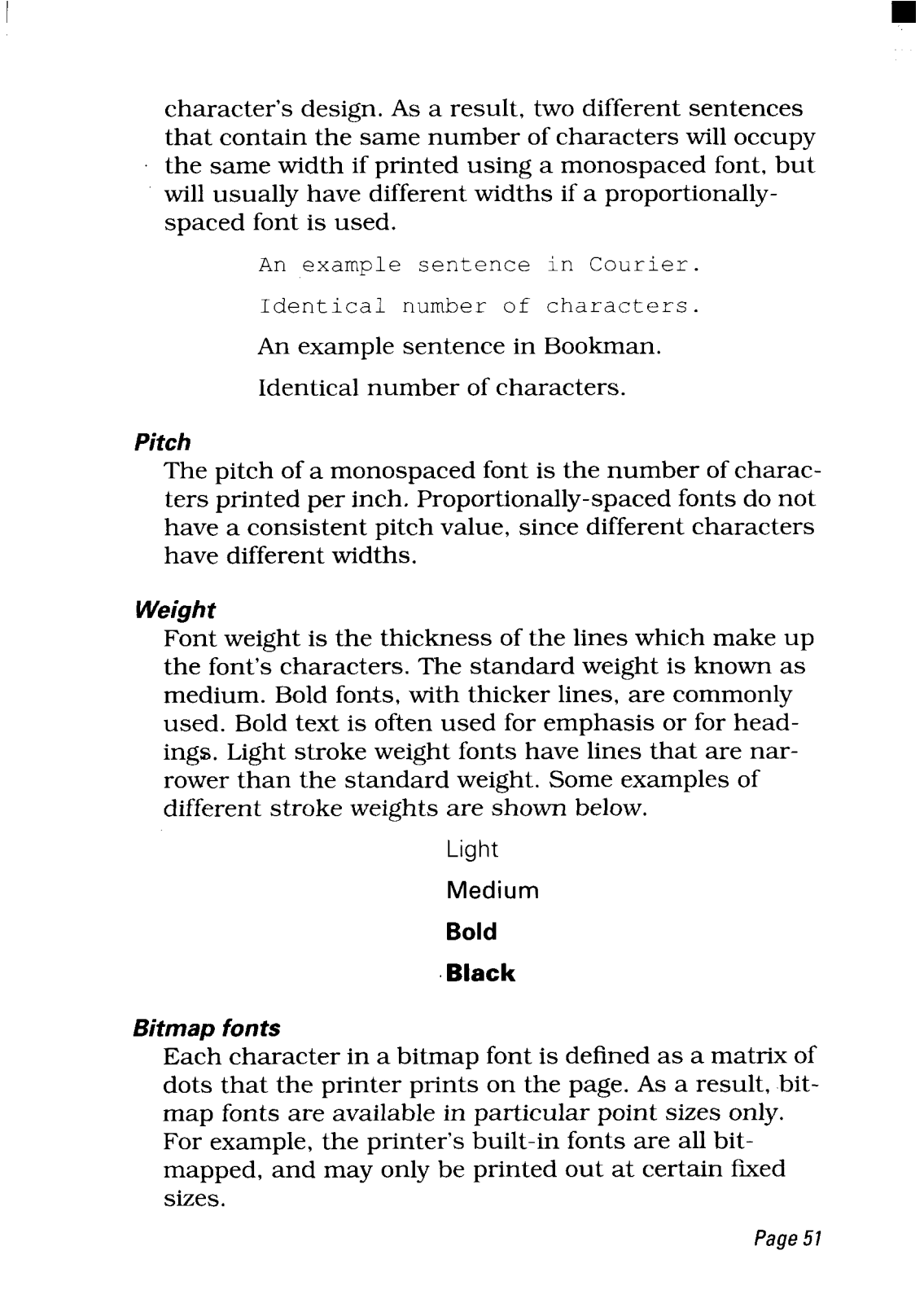
- Built-in Typeface: 11 bitmap typeface fonts – (Roman, sanserif, courier, prestige, script, draft)
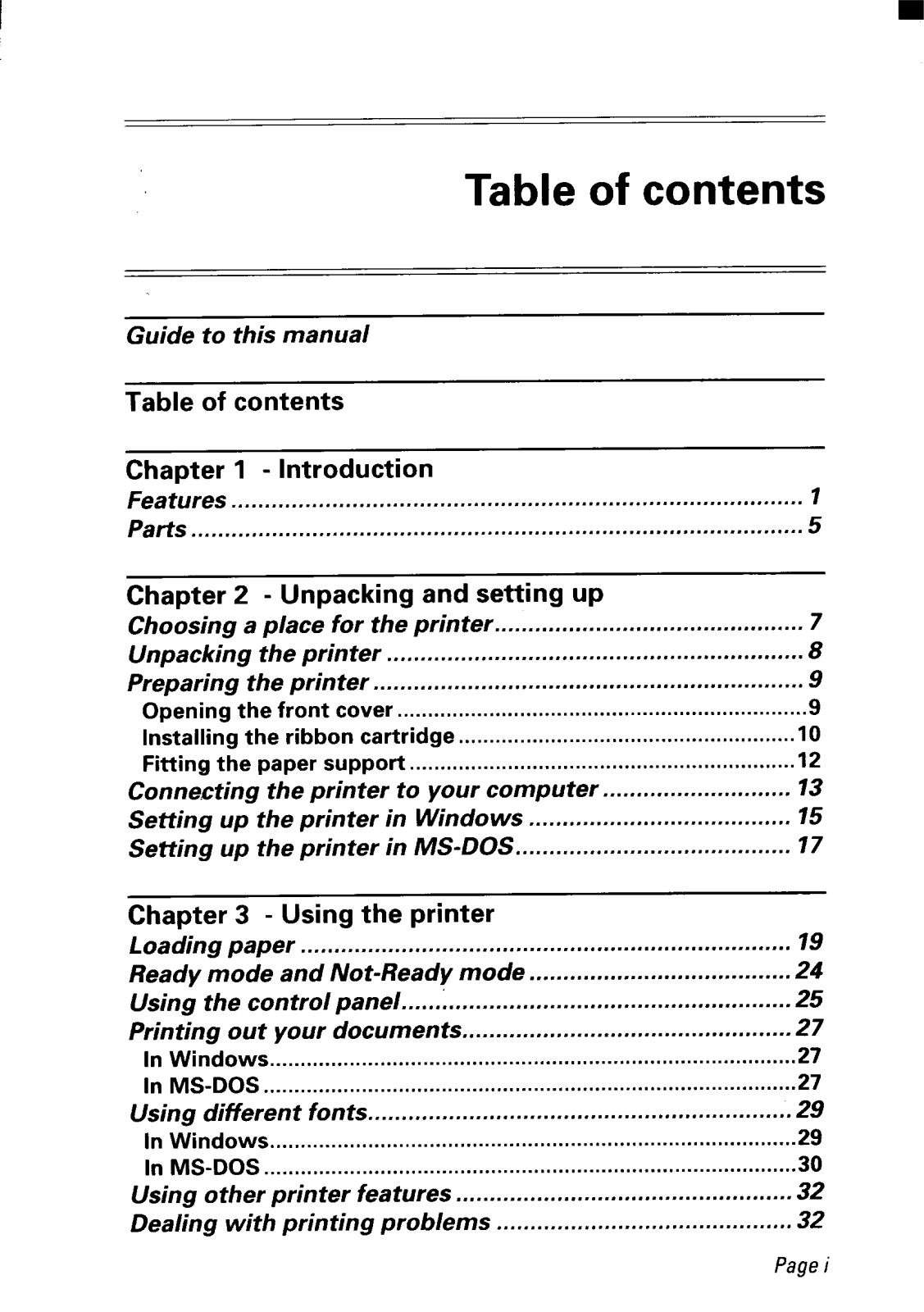
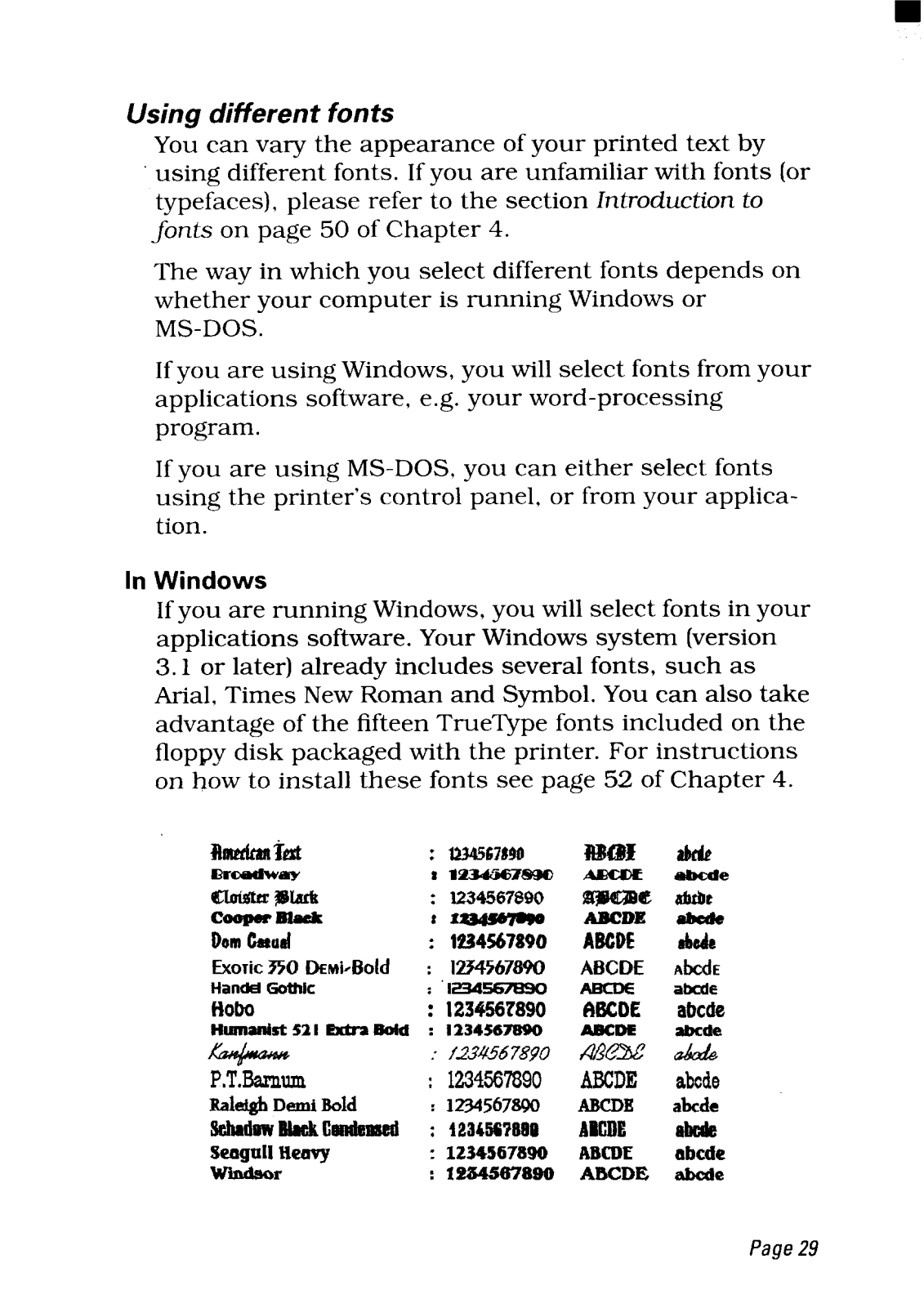
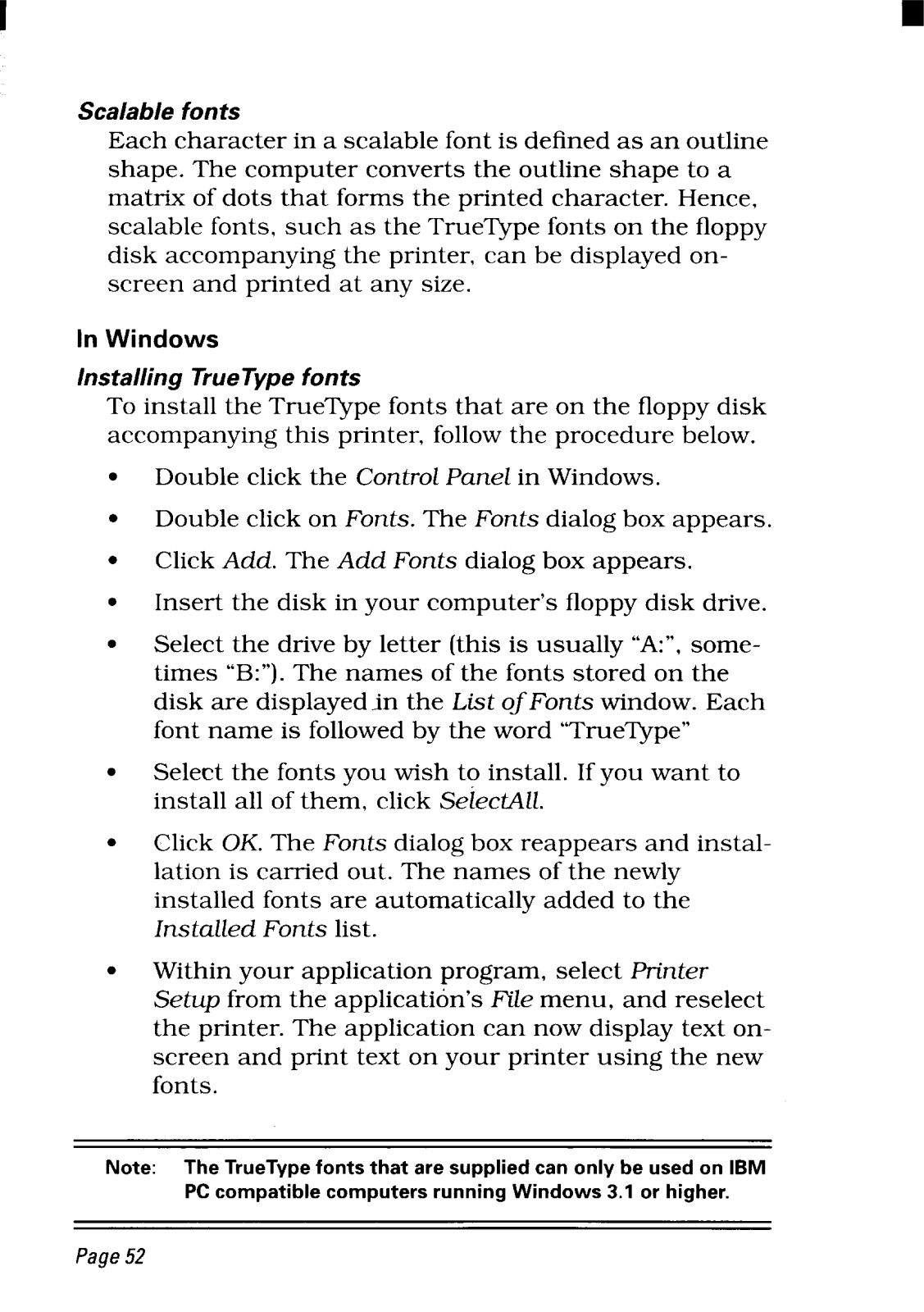
- True Type Fonts: 15 bundled with floppy disk for Windows, ver 3.1 or later
- Printing Resolution: 360 DPI maximum
- Color: Prints in Magenta, cyan, violet, yellow and orange and green and black.
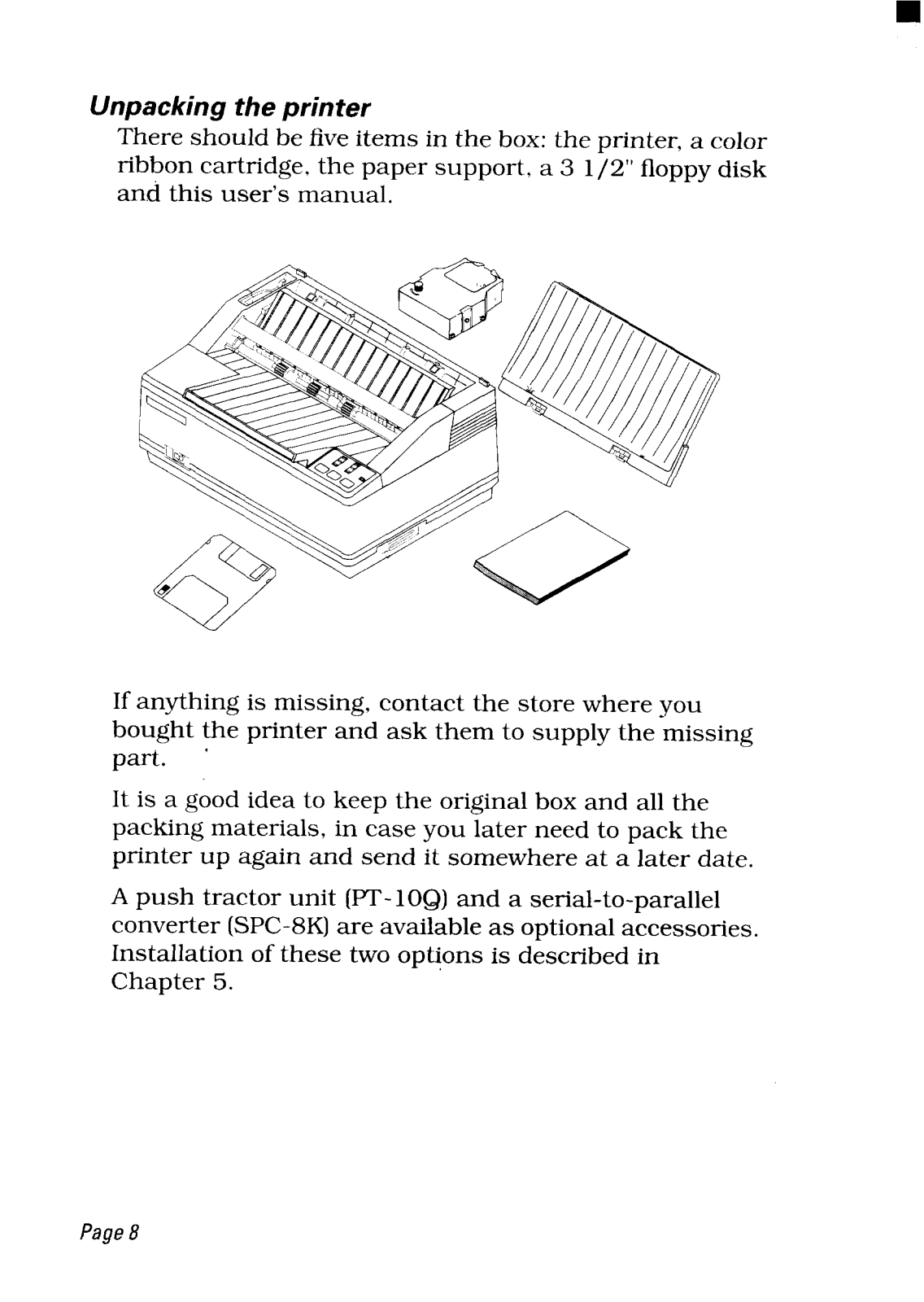
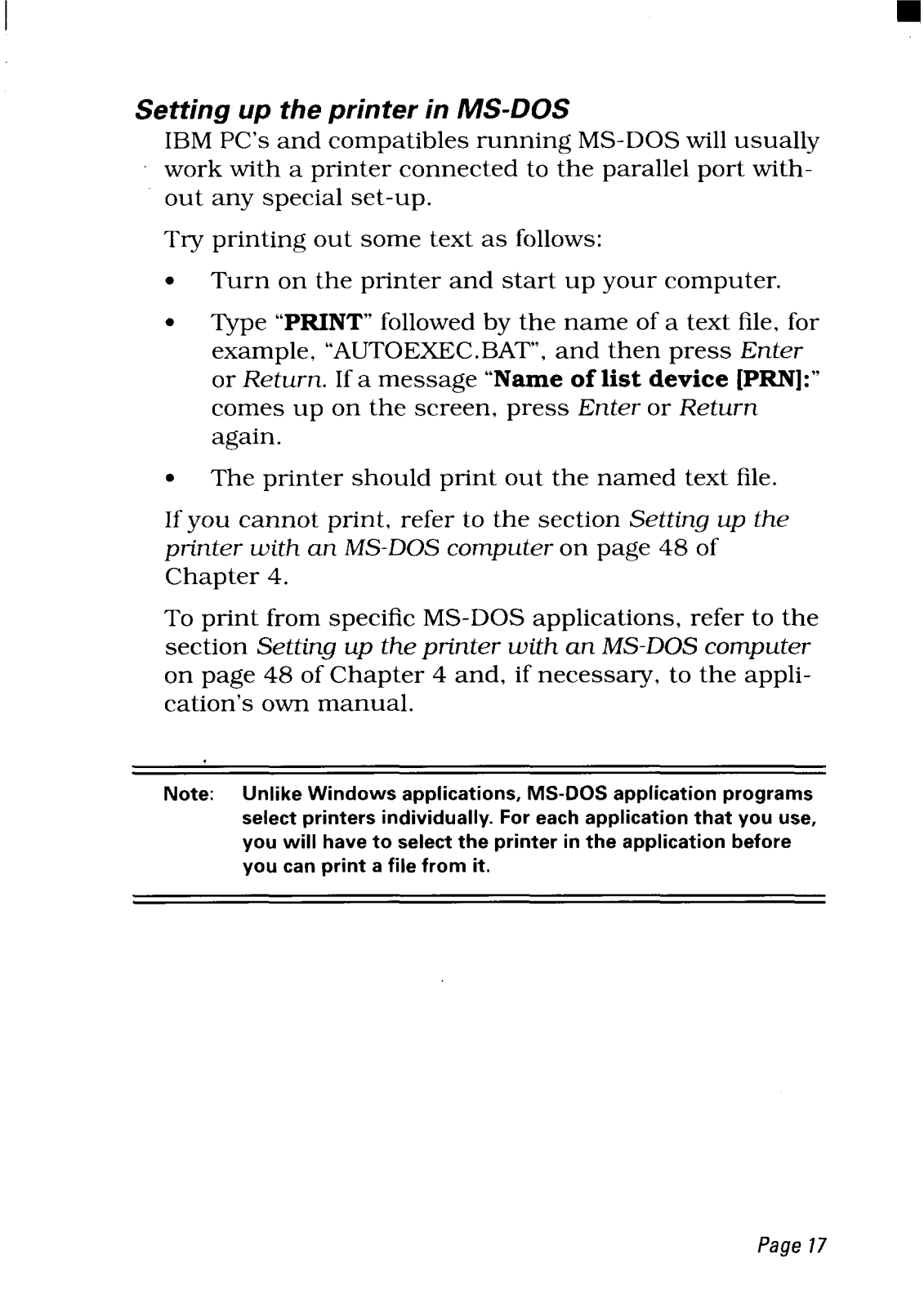
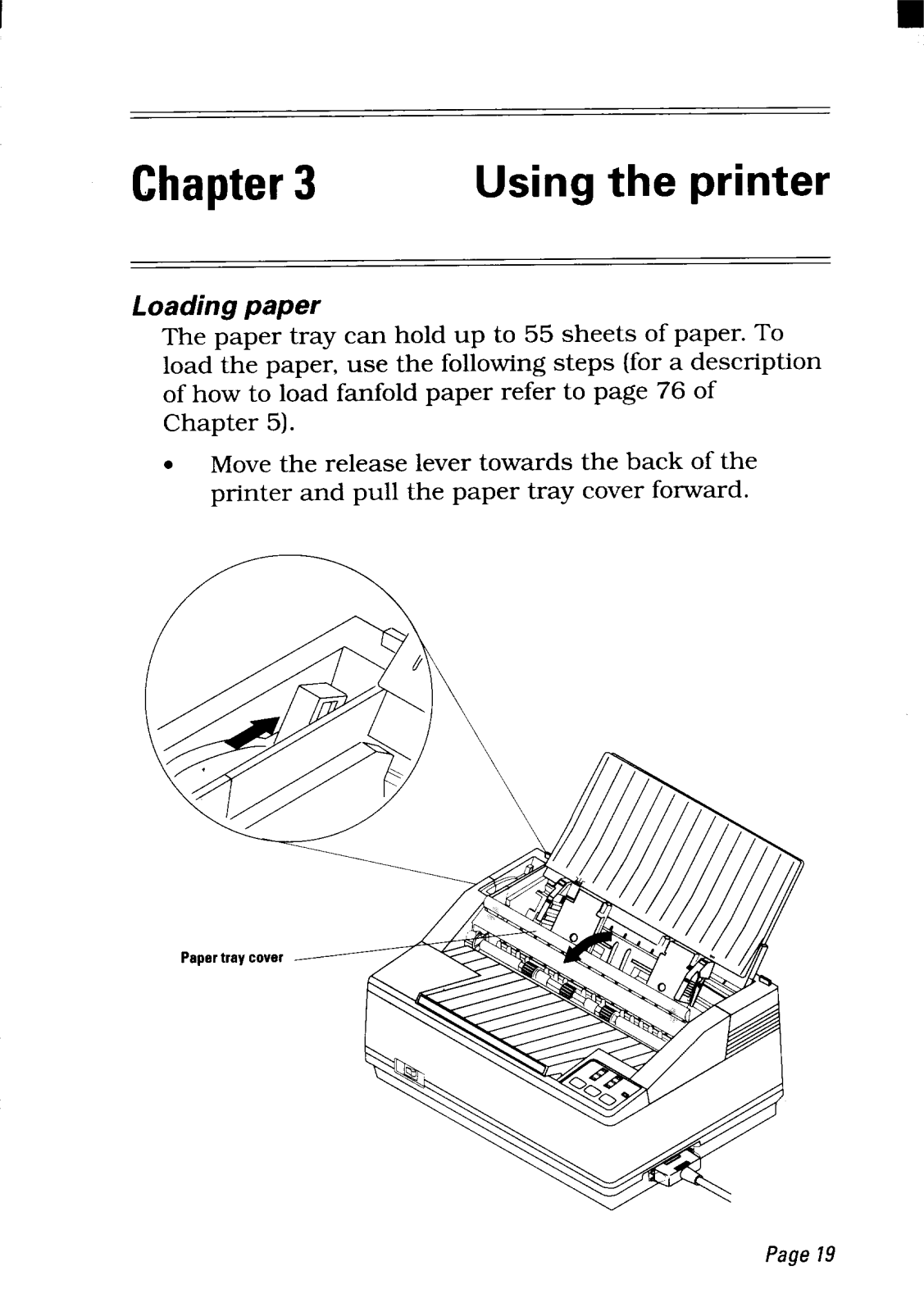
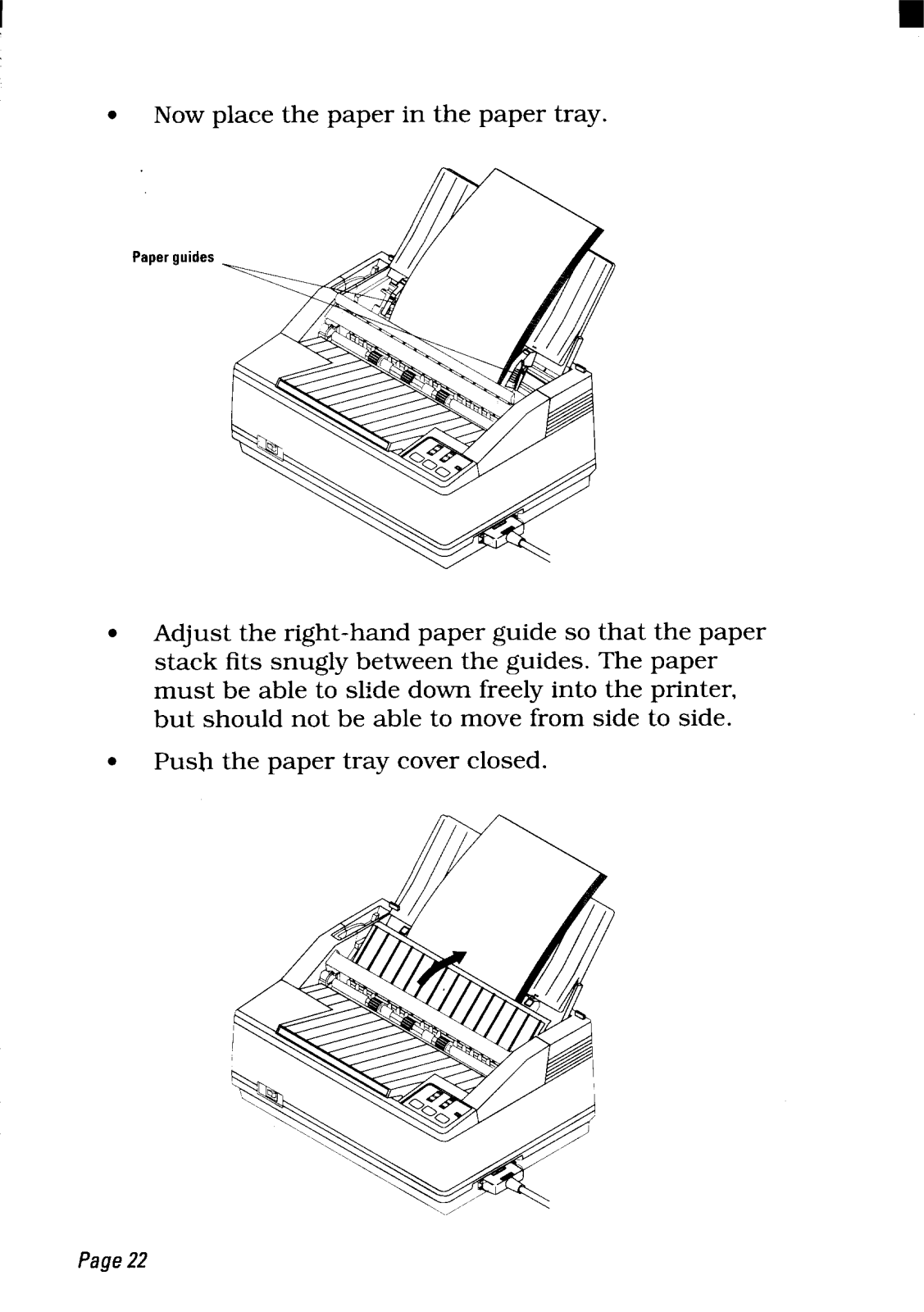
- Paper Tray Capacity: 55 sheets maximum
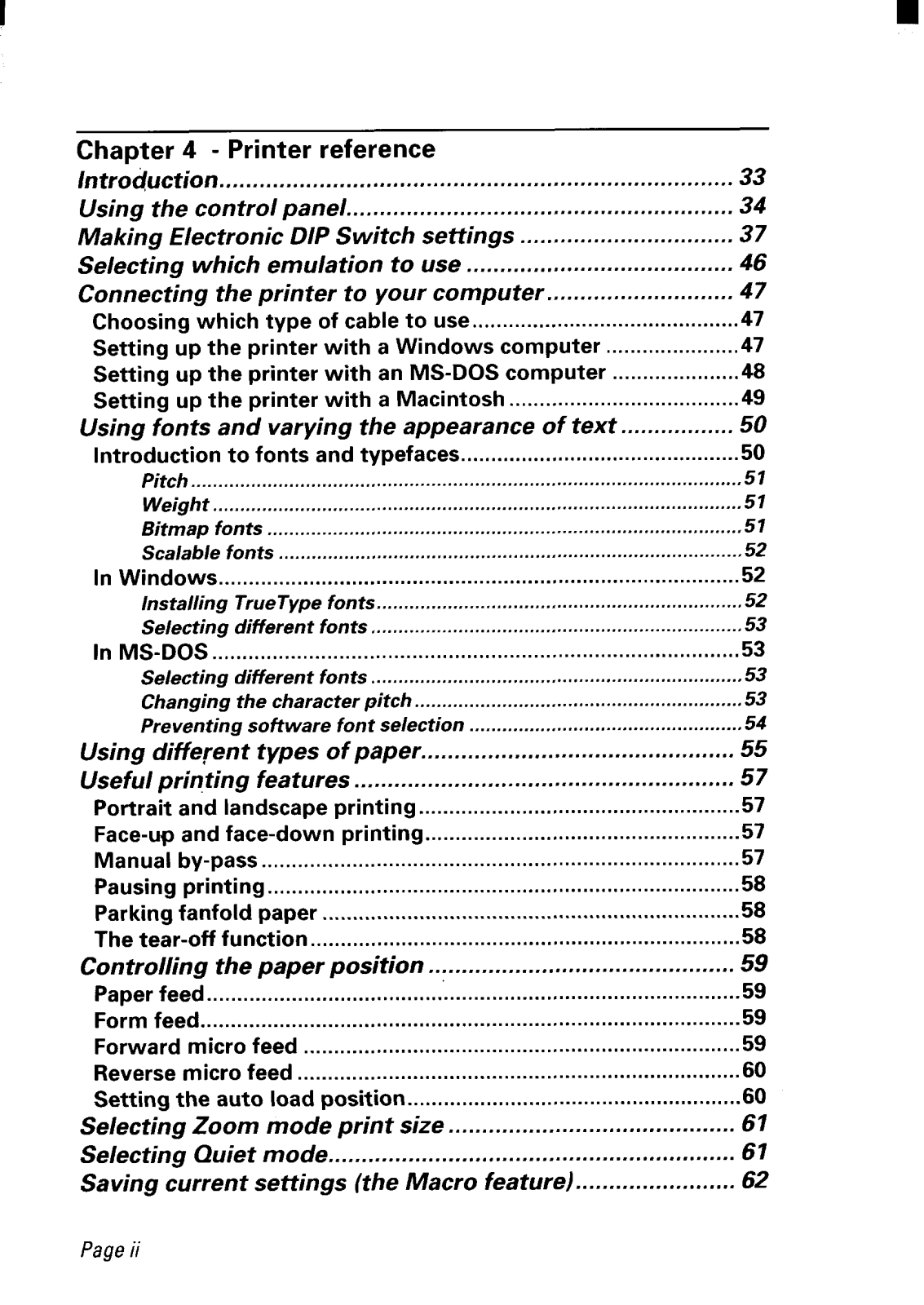
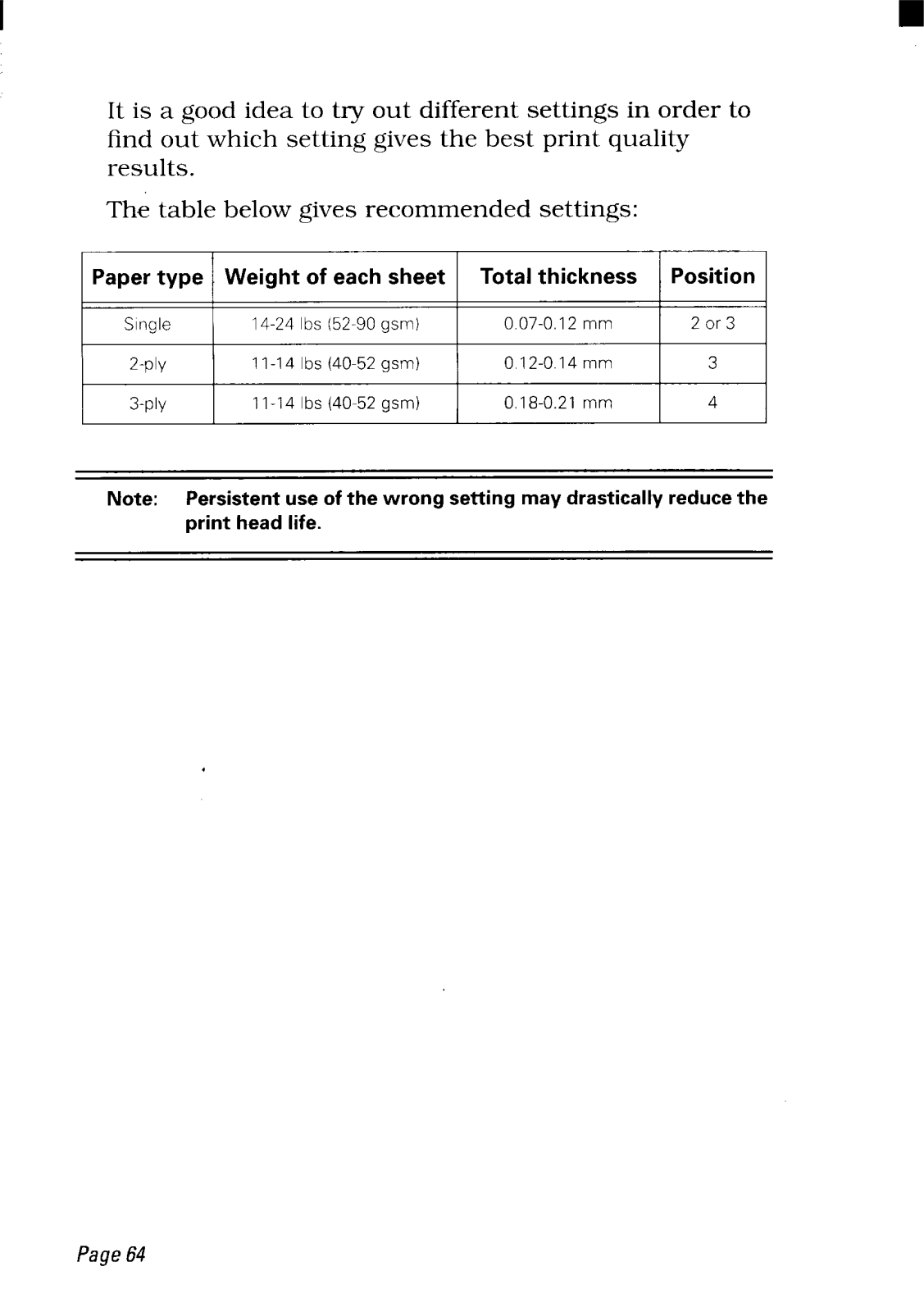
- Paper Types: single sheet, fanfold, multiparts forms
- Paper Orientation: Landscape or portrait
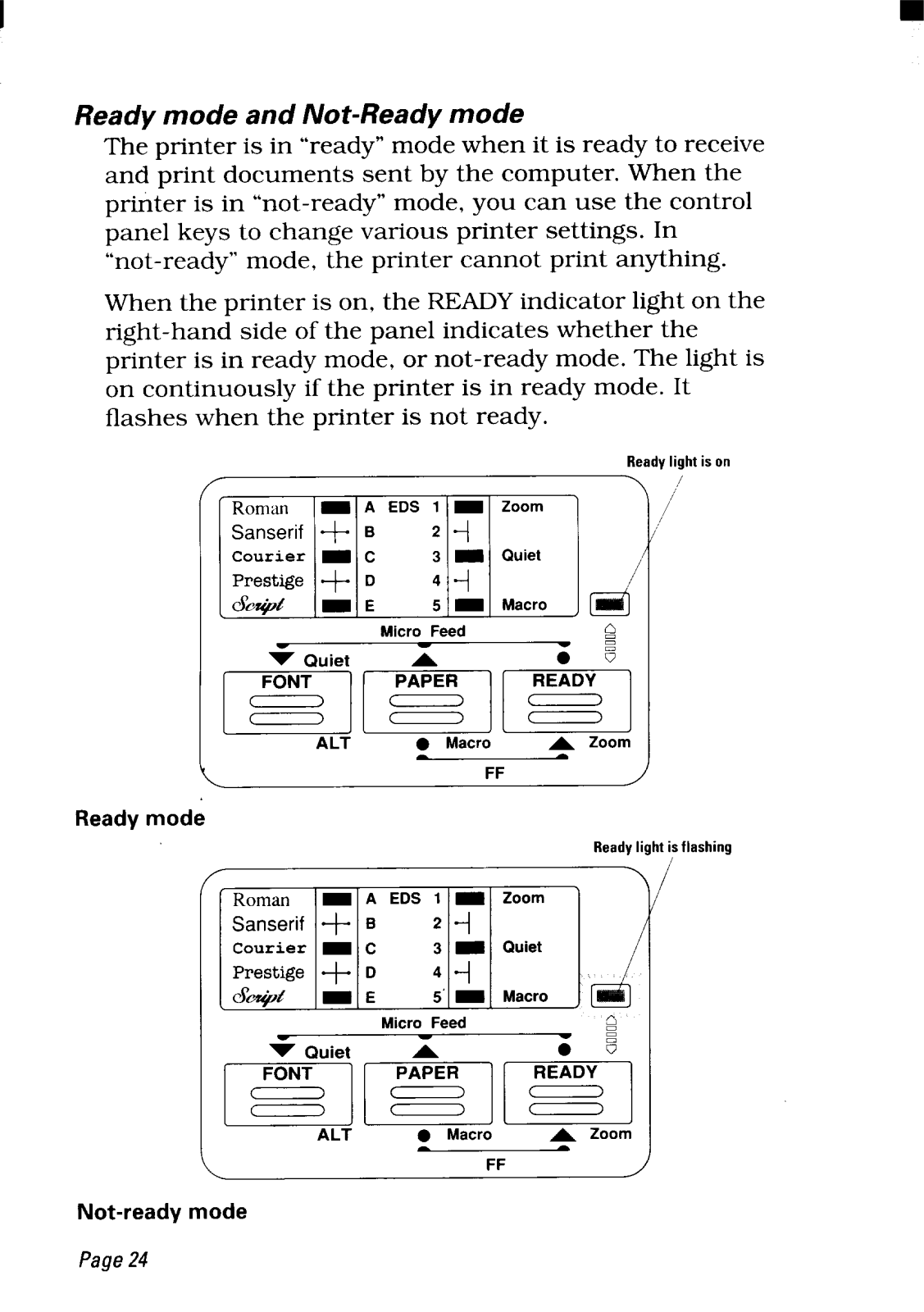
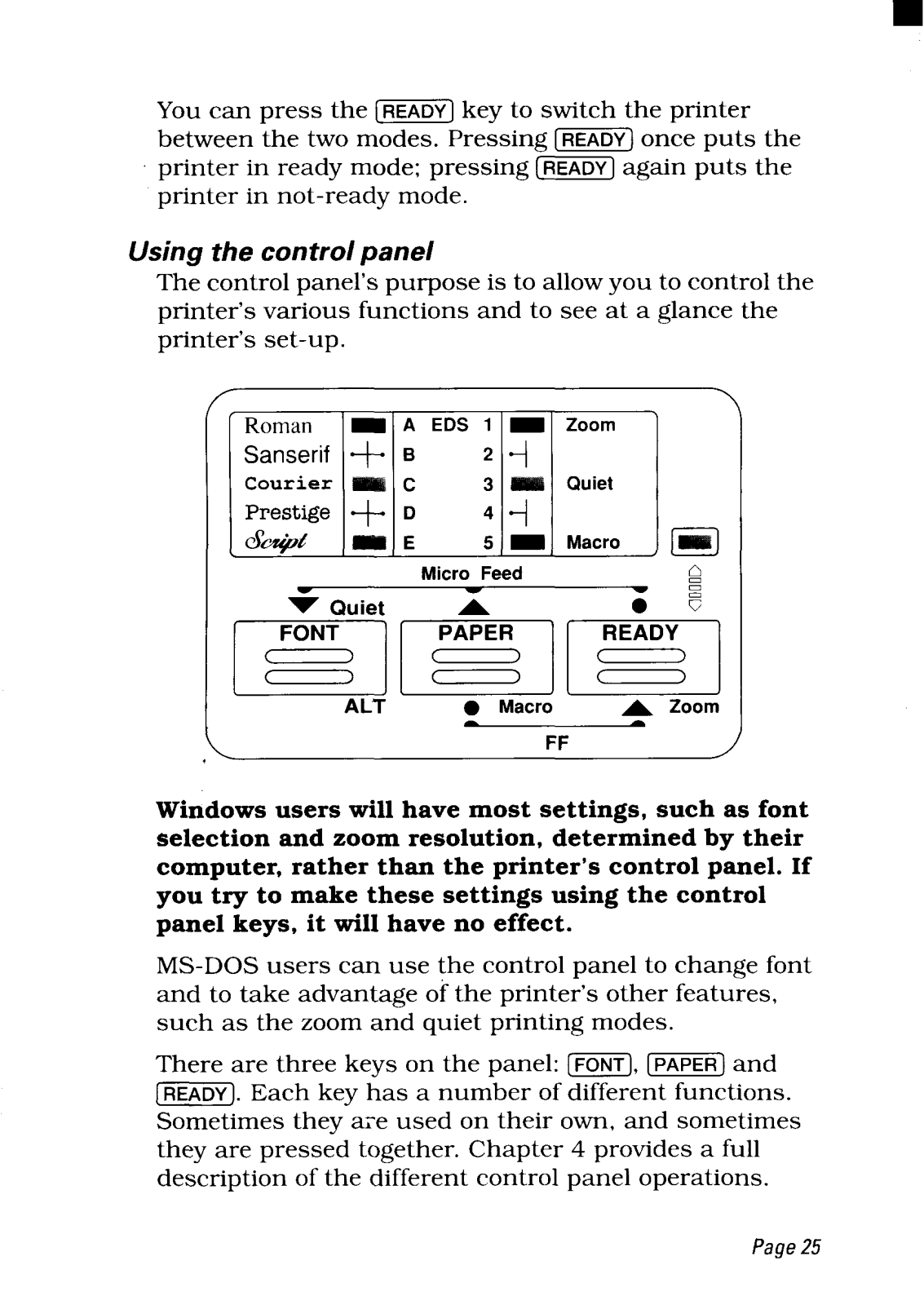
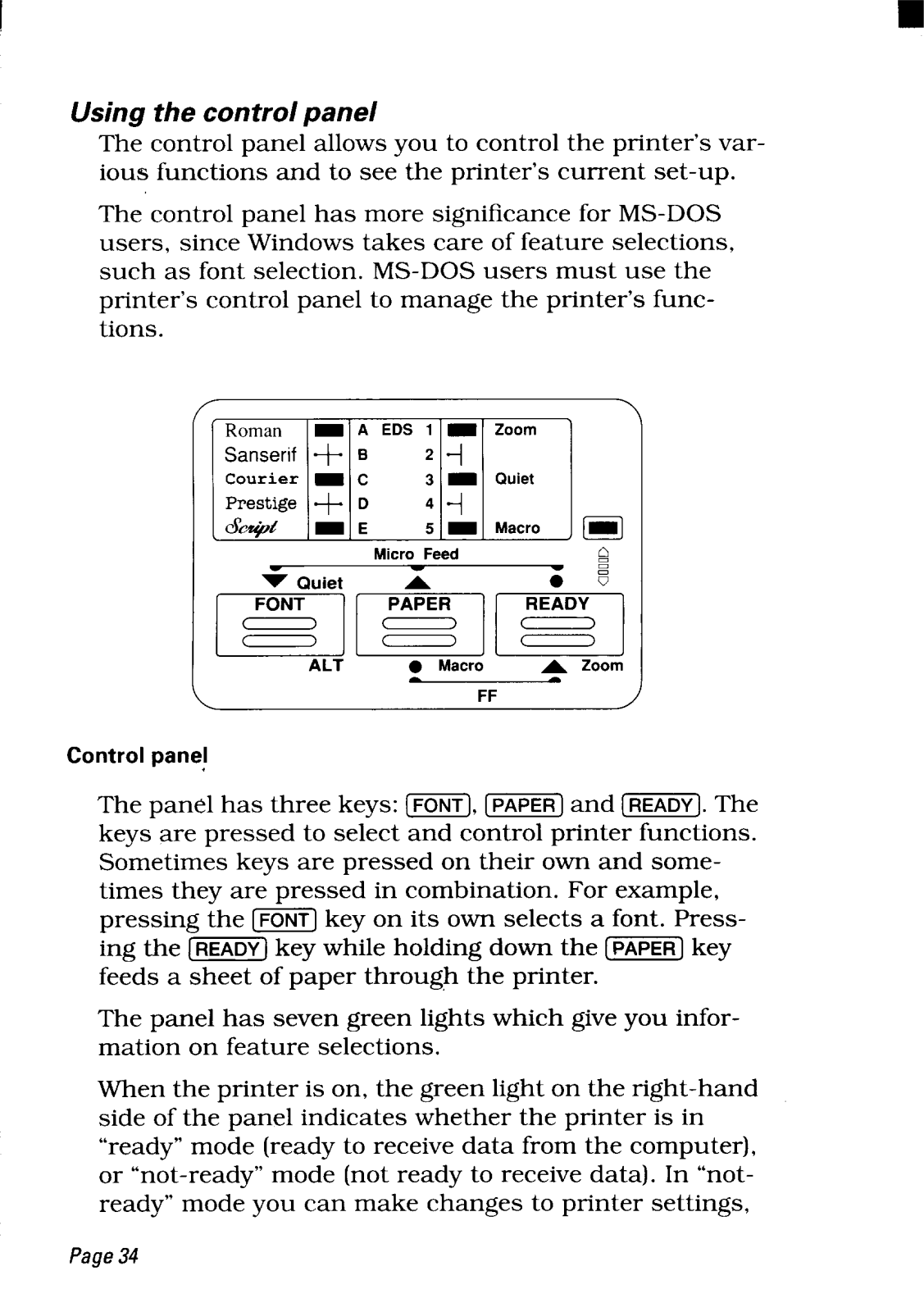
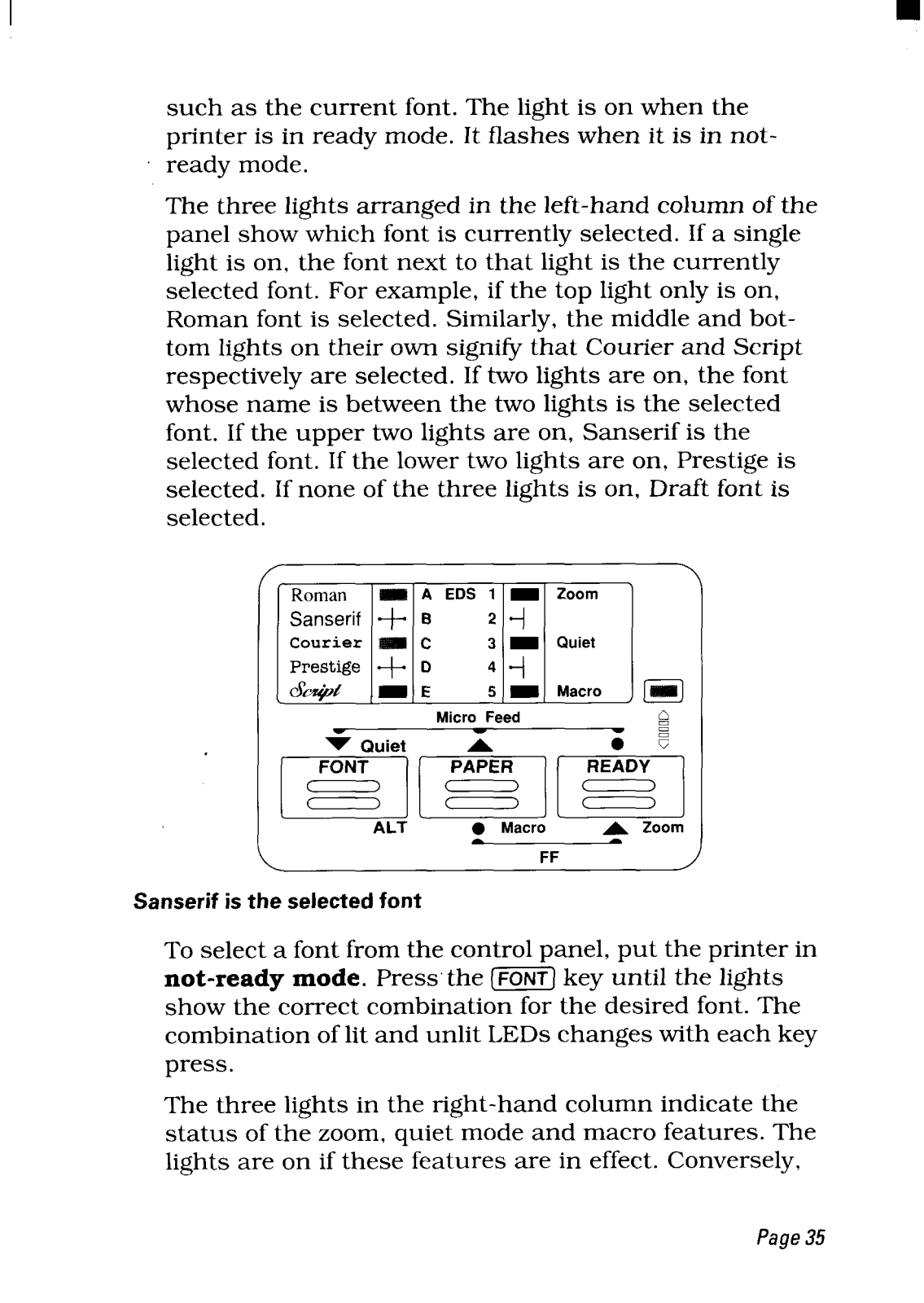
- Control Panel: Simple pleat operation with three control keys for functions.
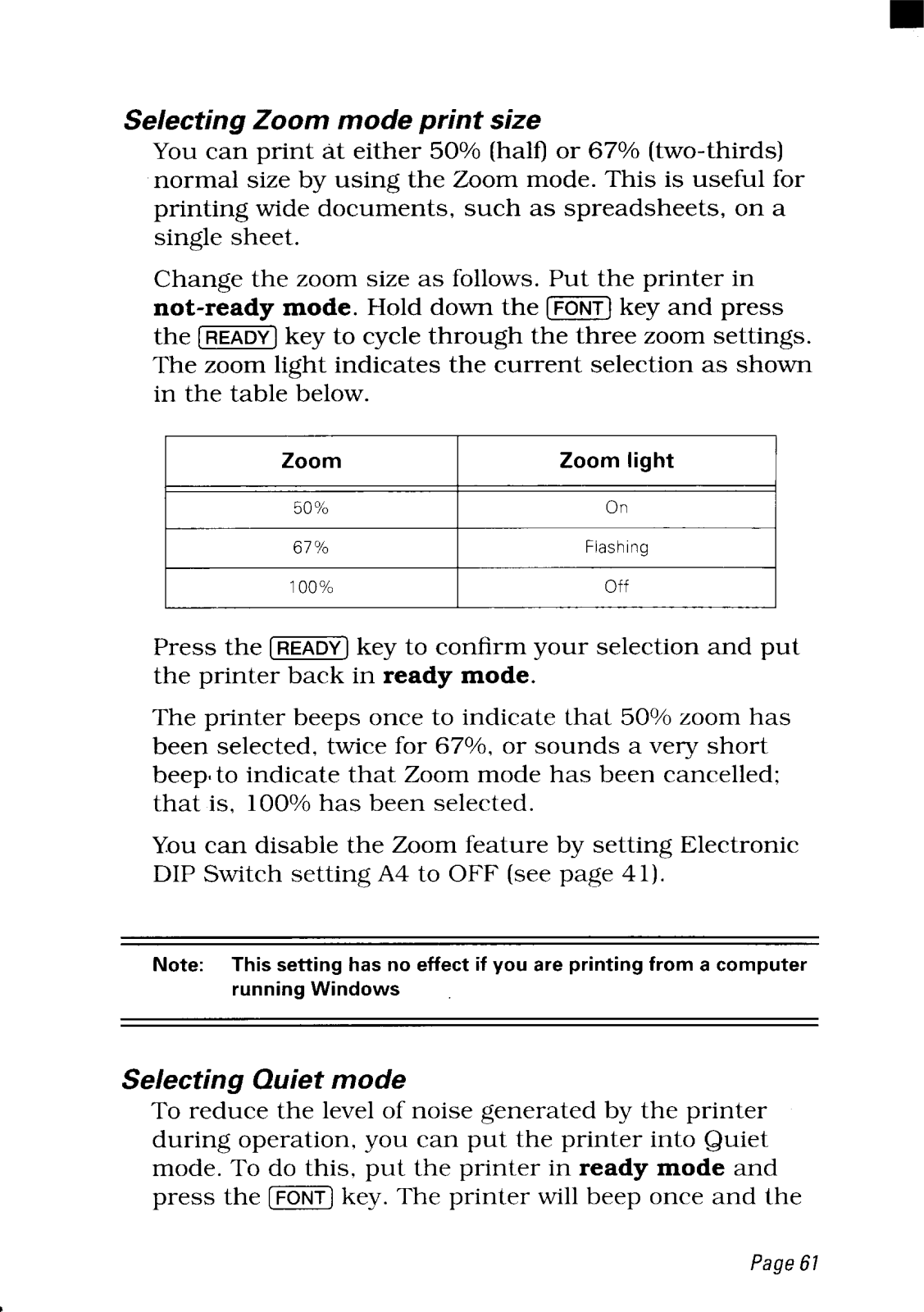
- Features: a function to zoom for increased document size ( 50% or 67% reduction ).
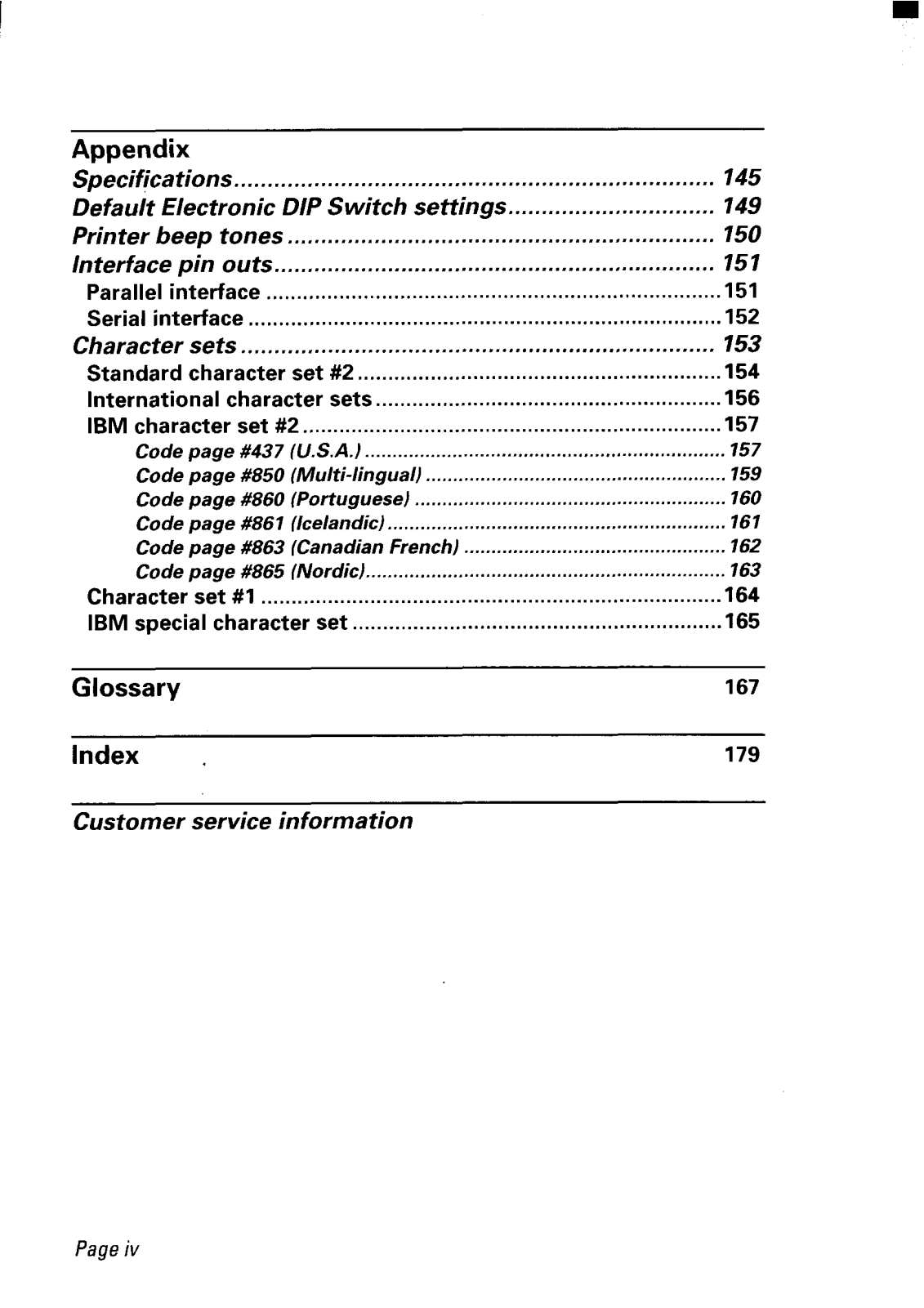
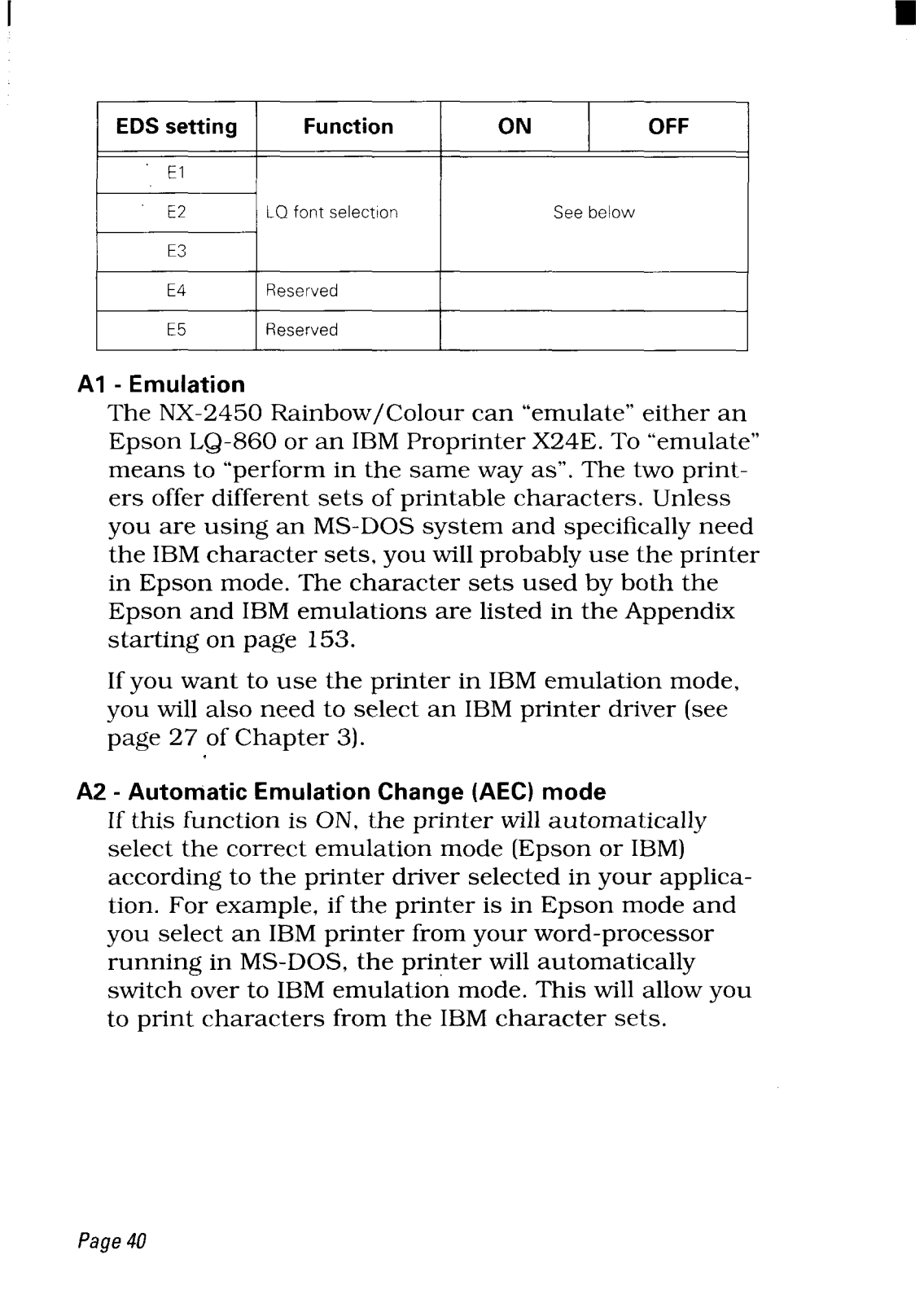
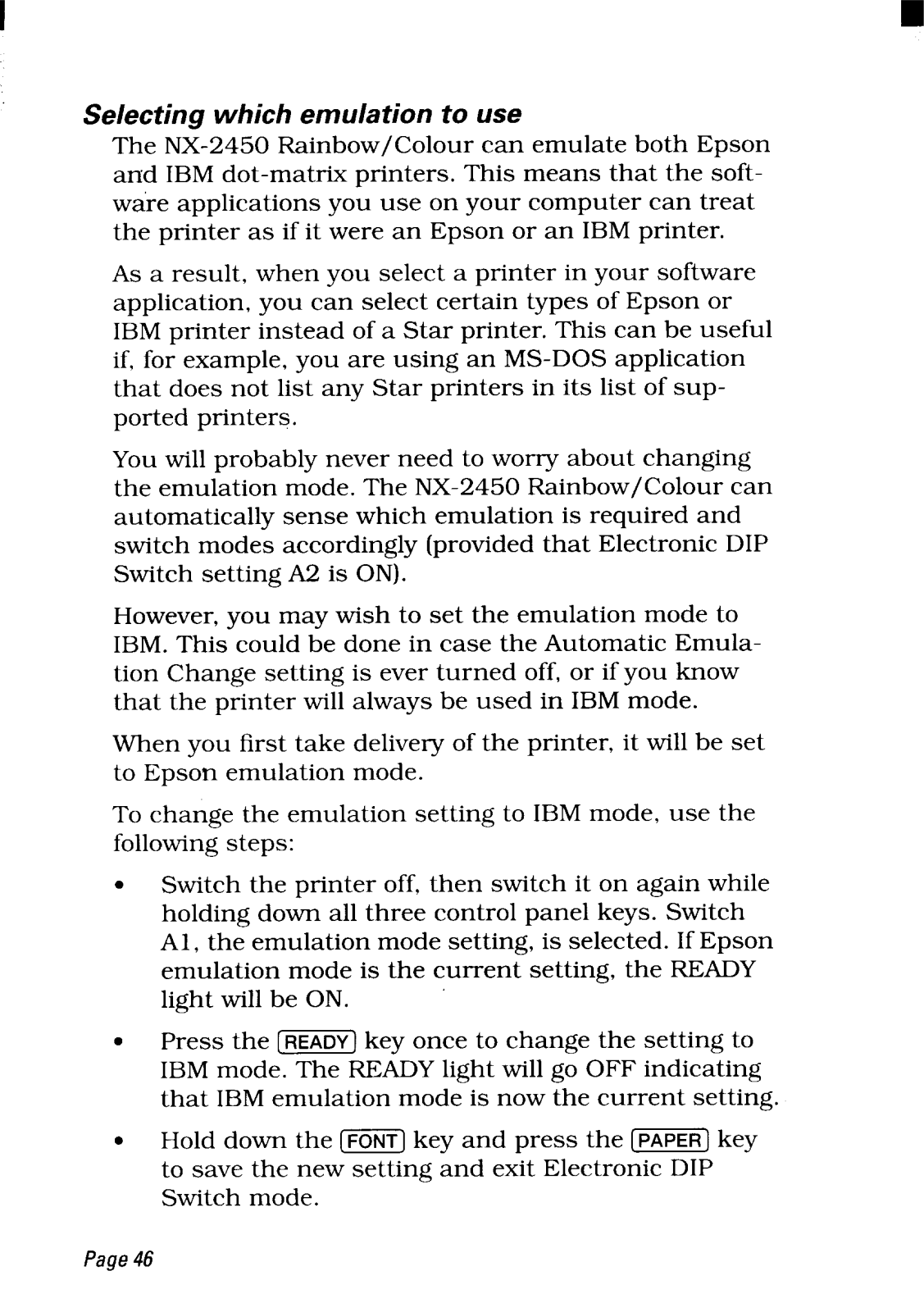
- Automatic emulation change: Epson, NEC and IBM printer command set emulation.
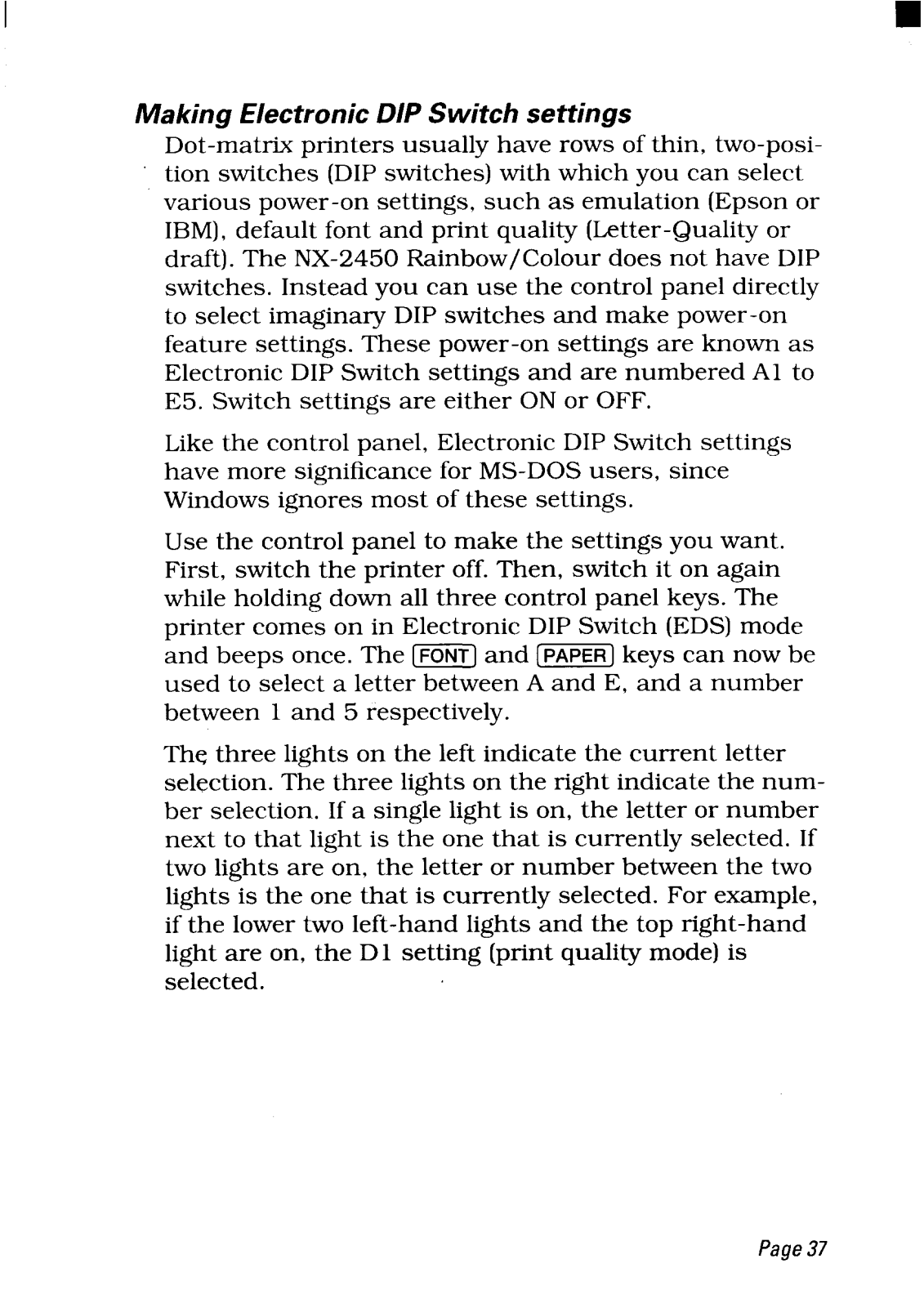
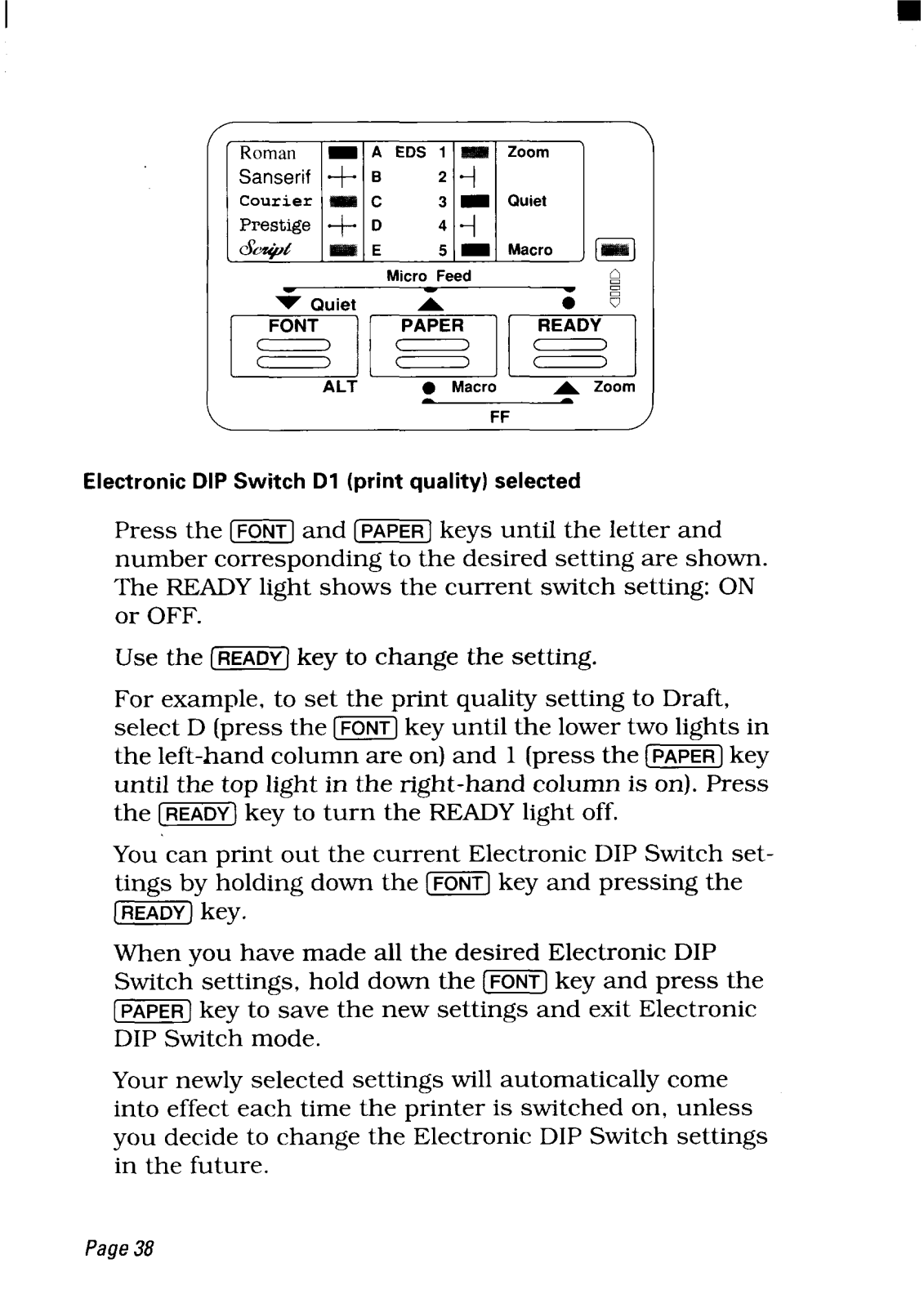
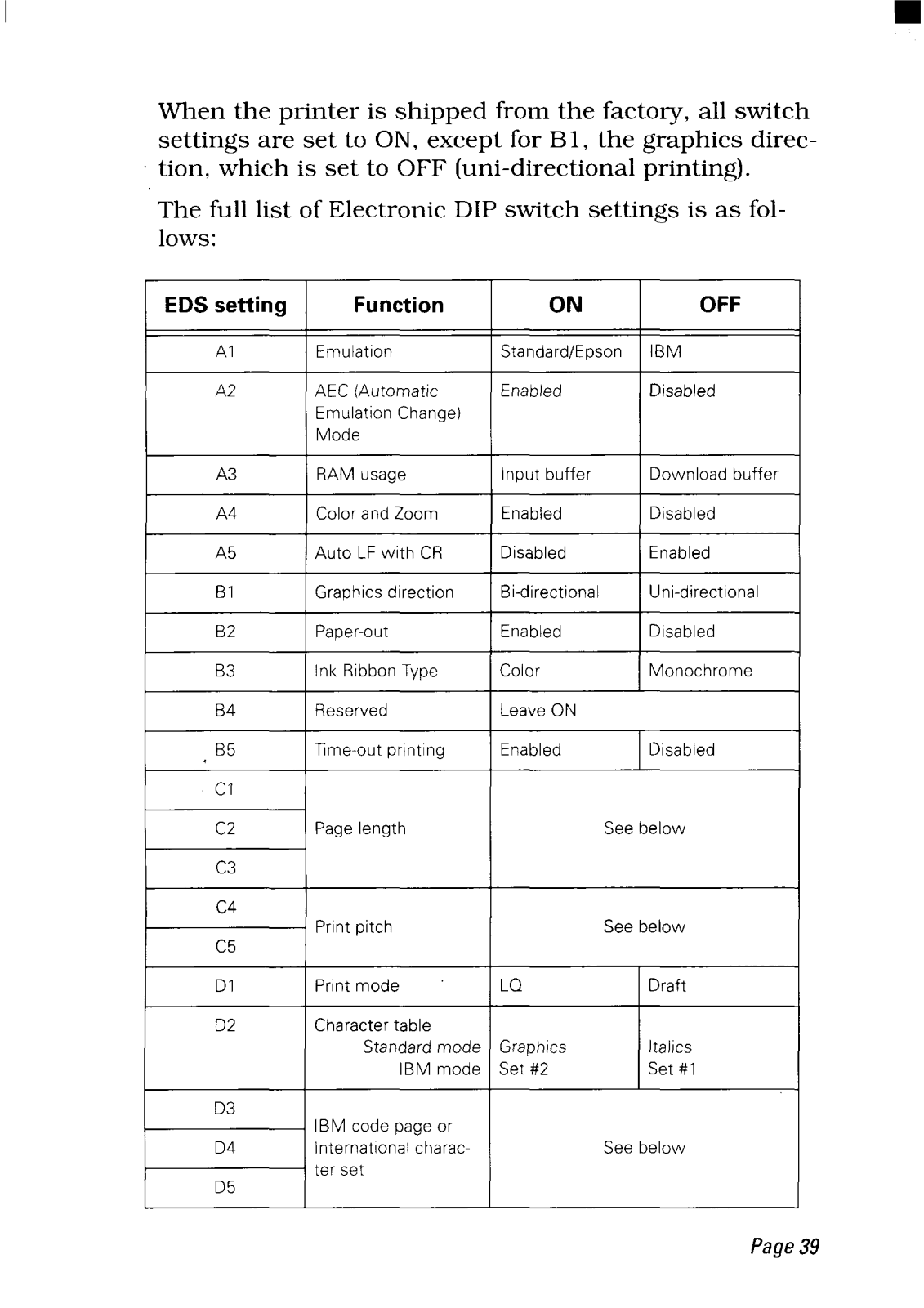
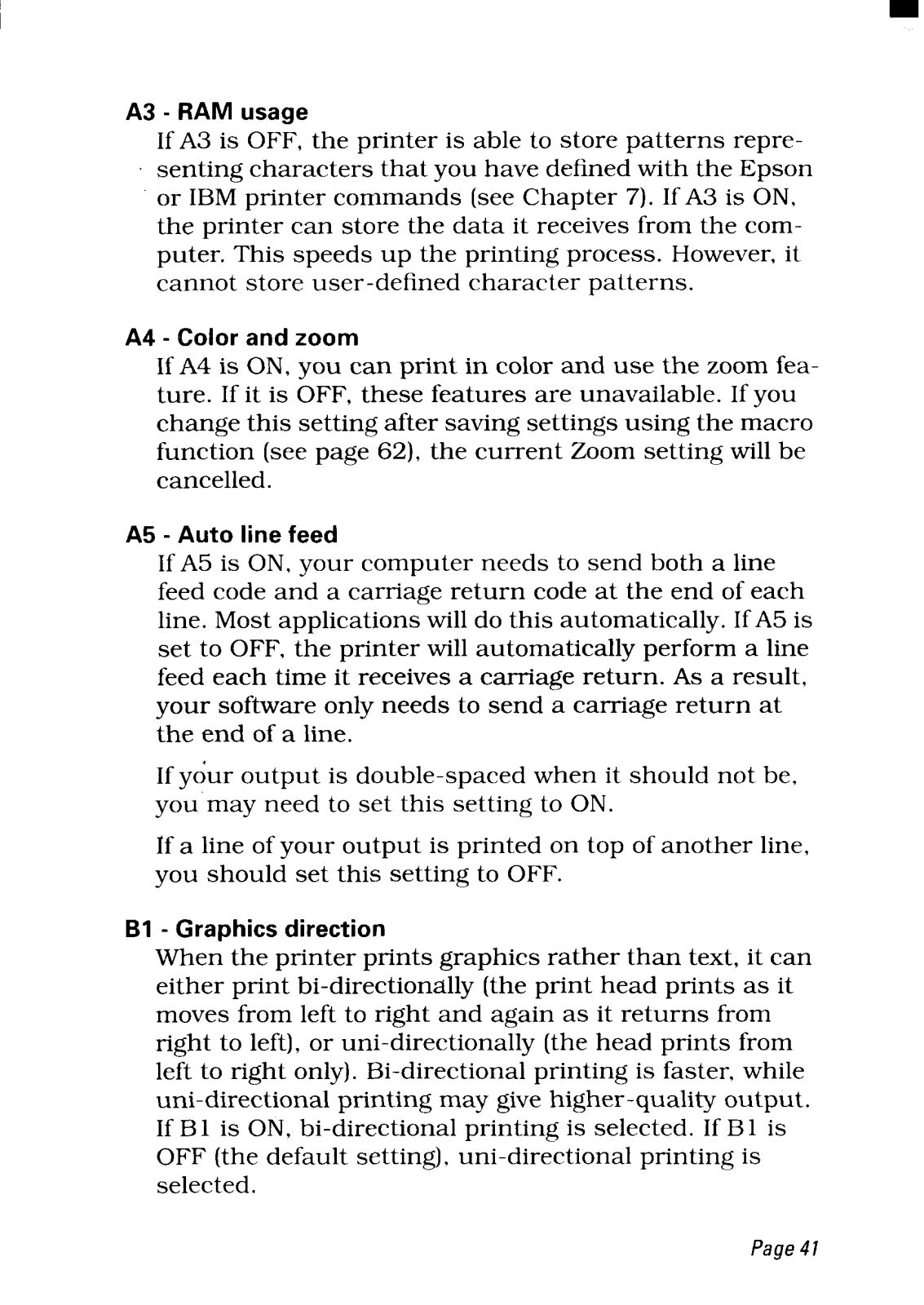
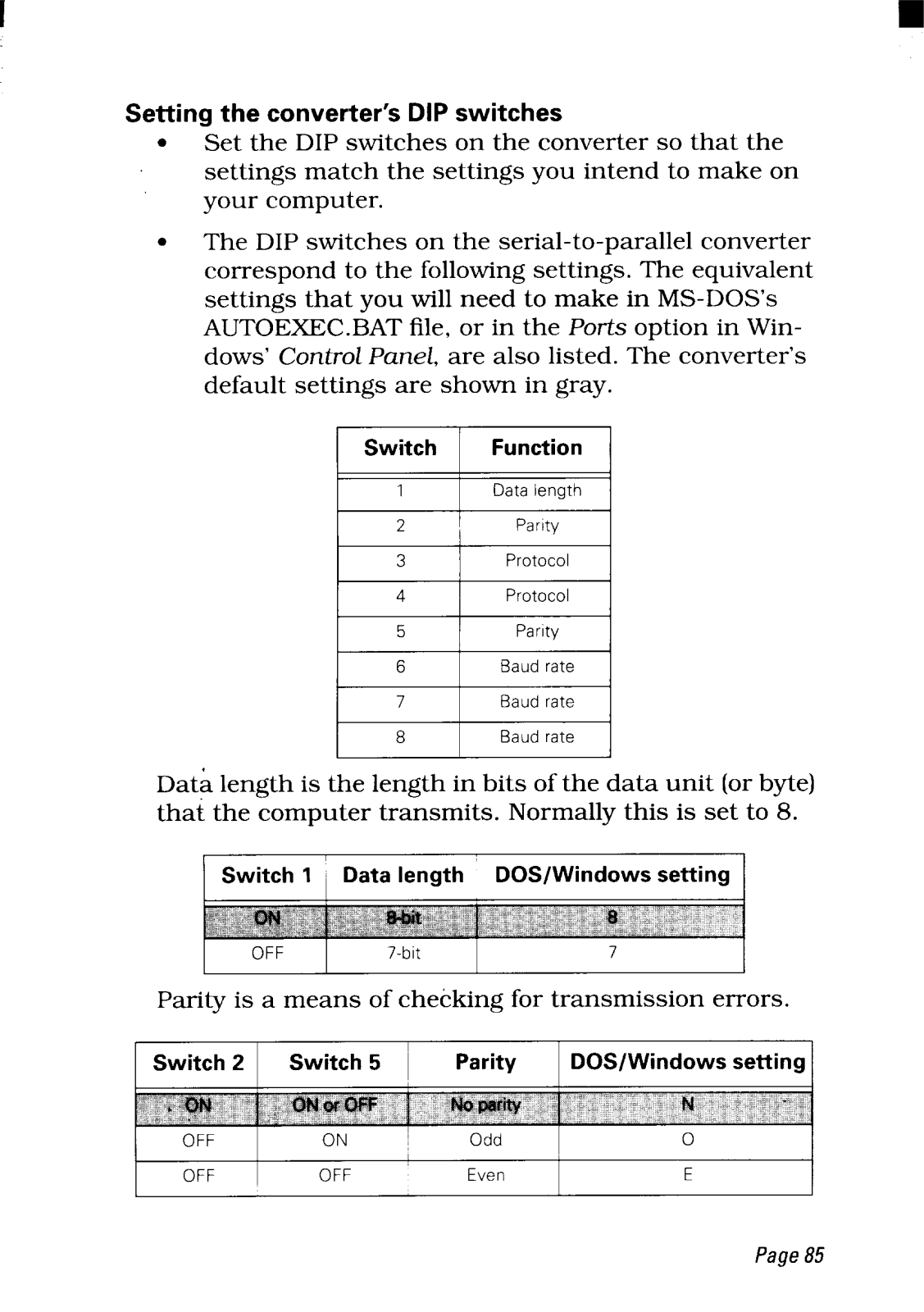
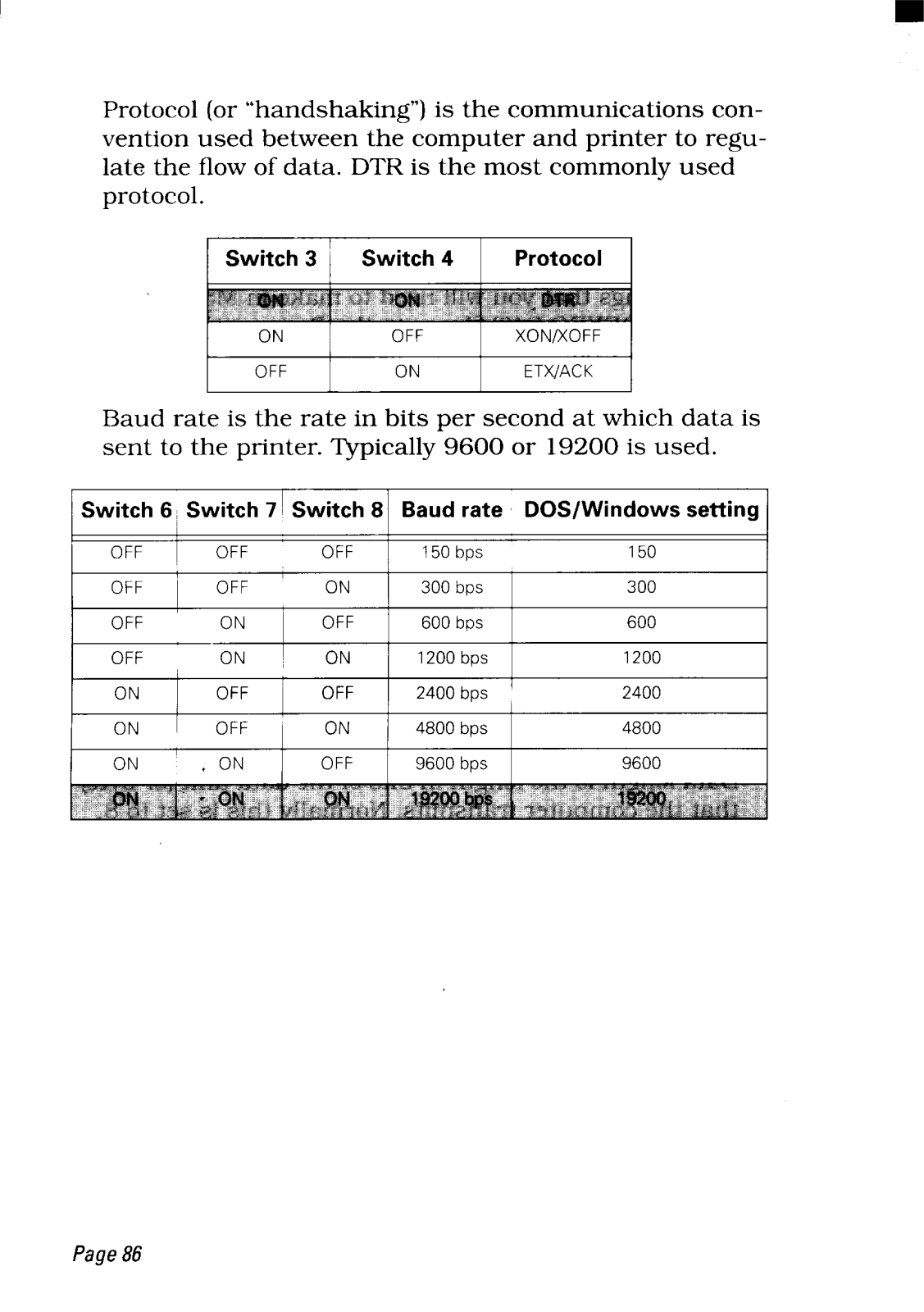
- Simple installation through Electronic DIP Switch mode- utility soft for IBM PC.
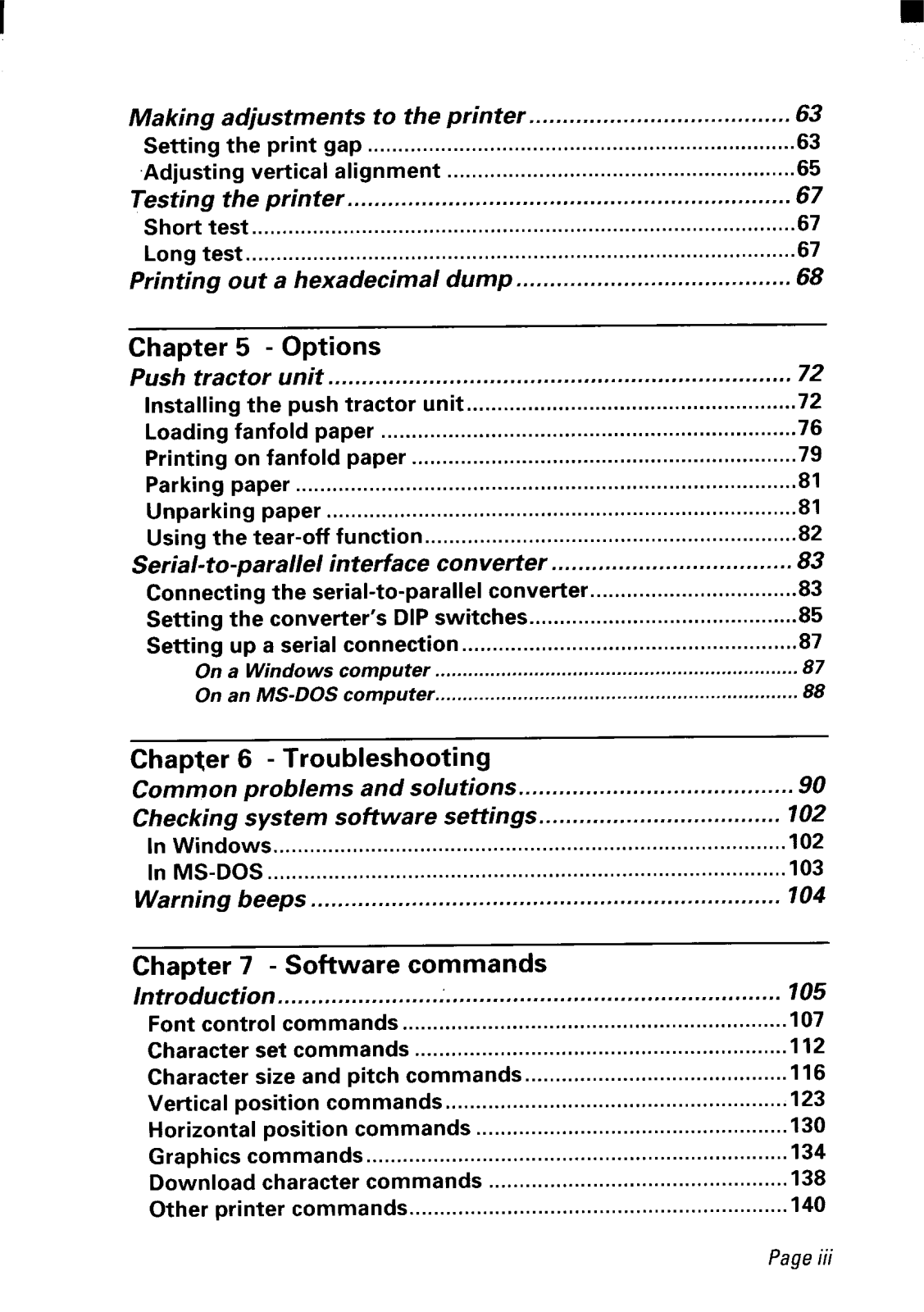
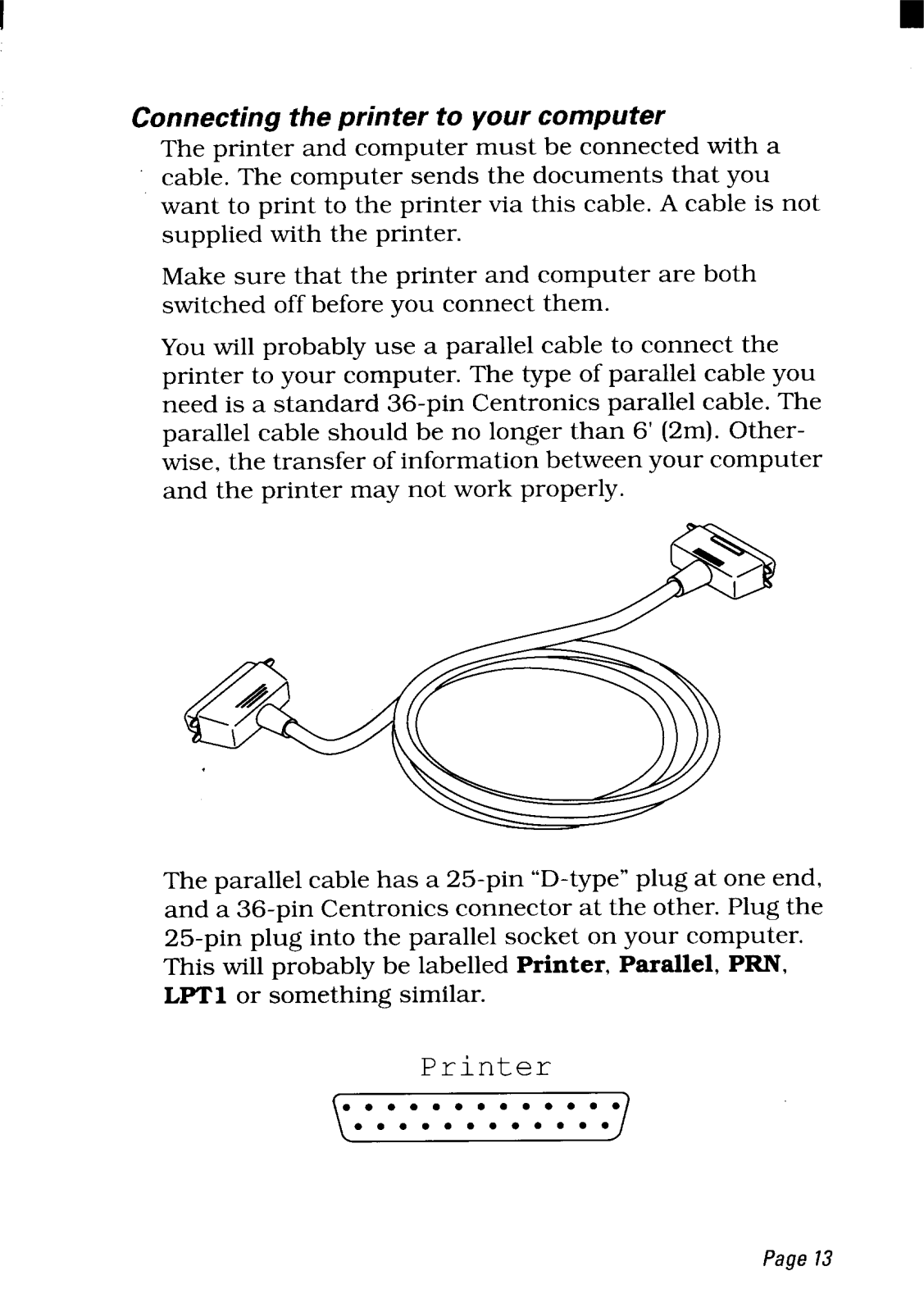
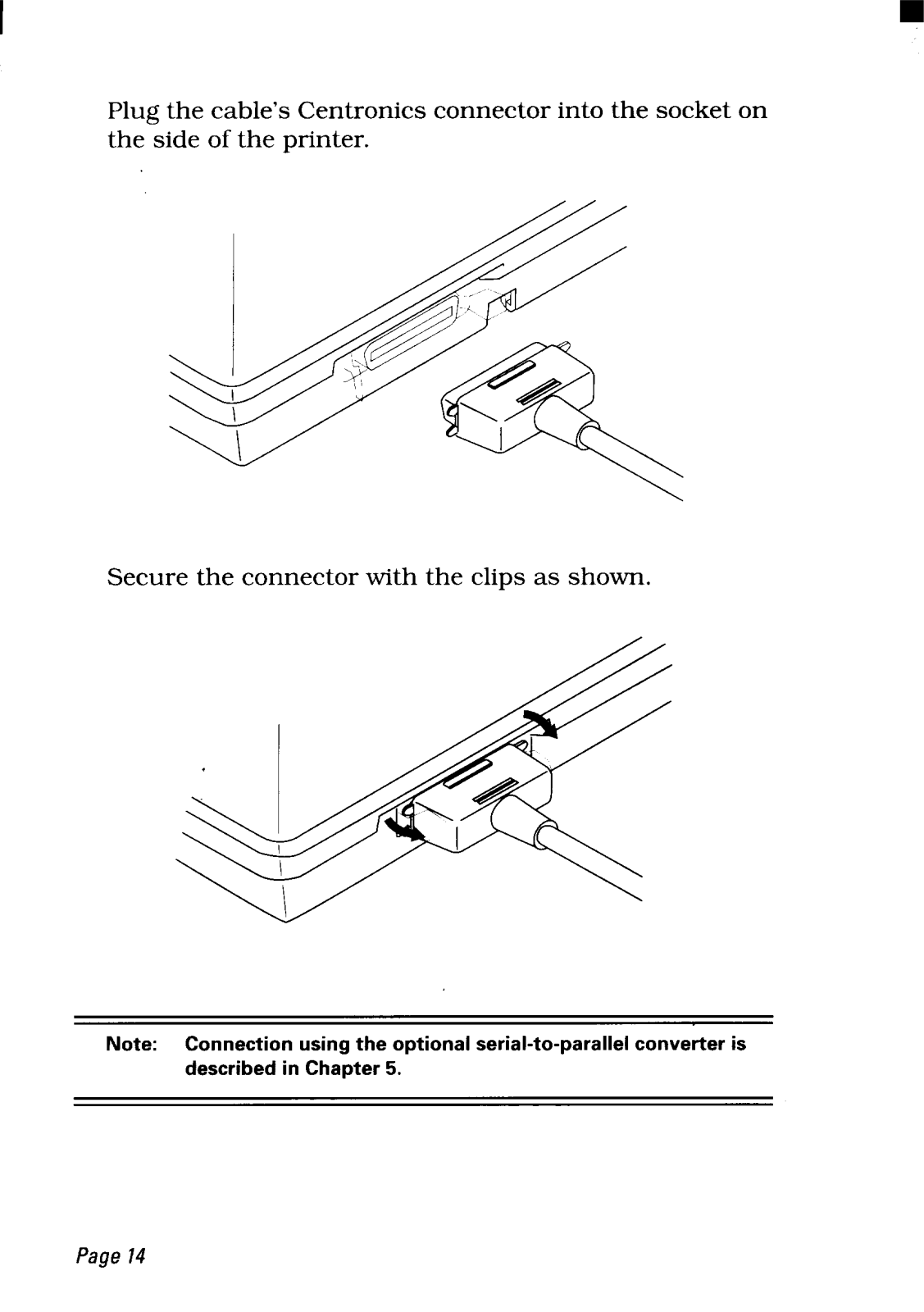
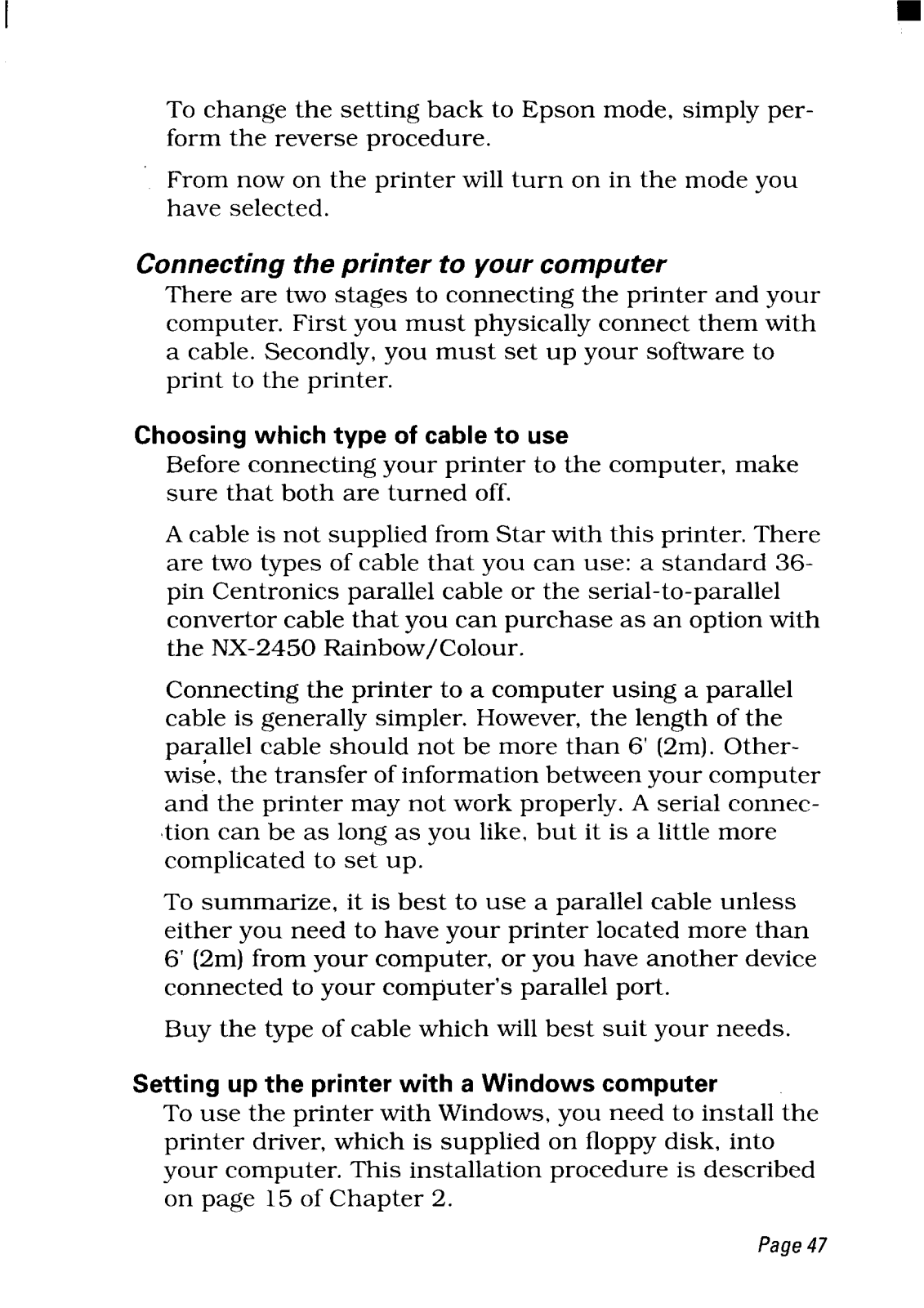
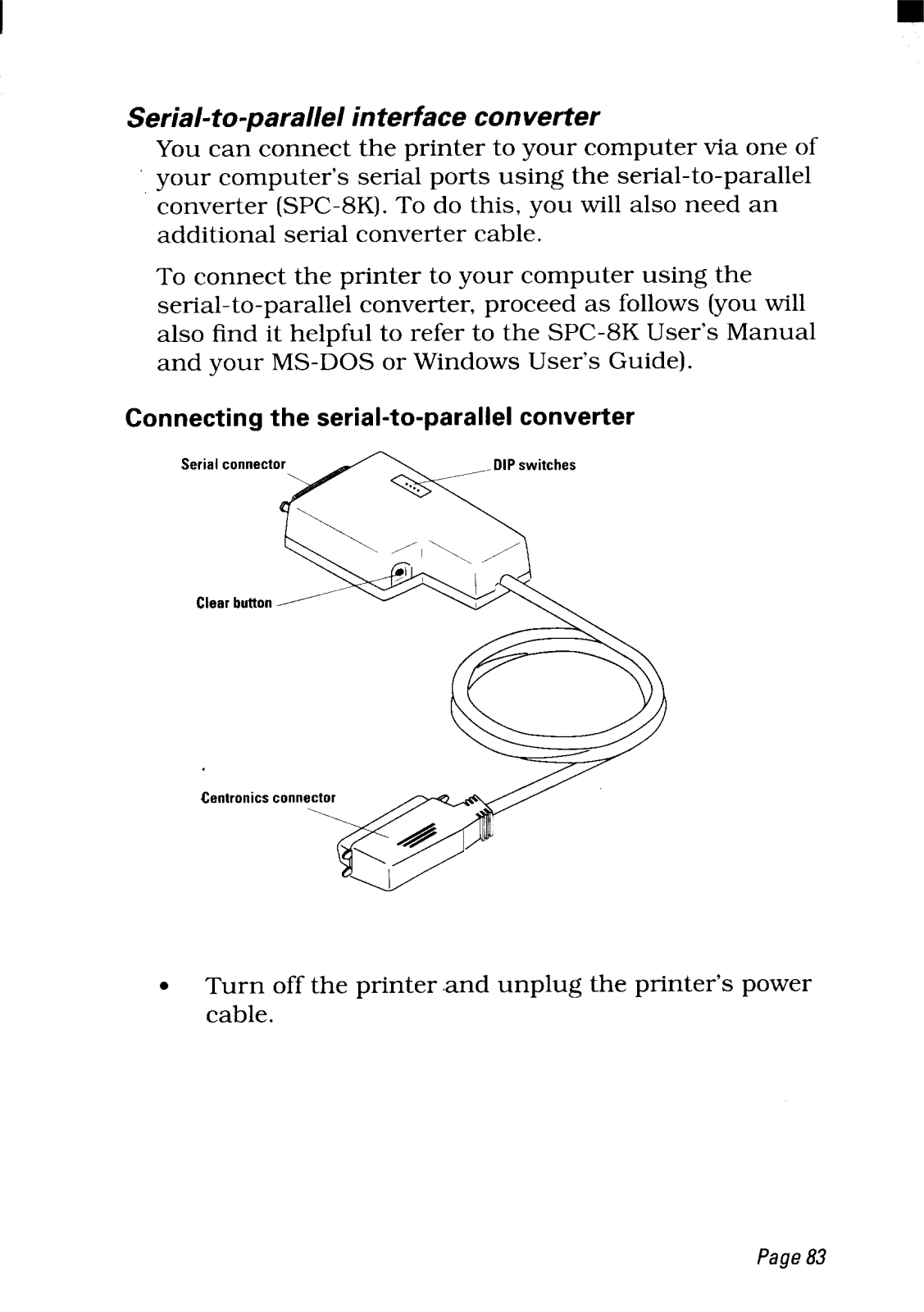
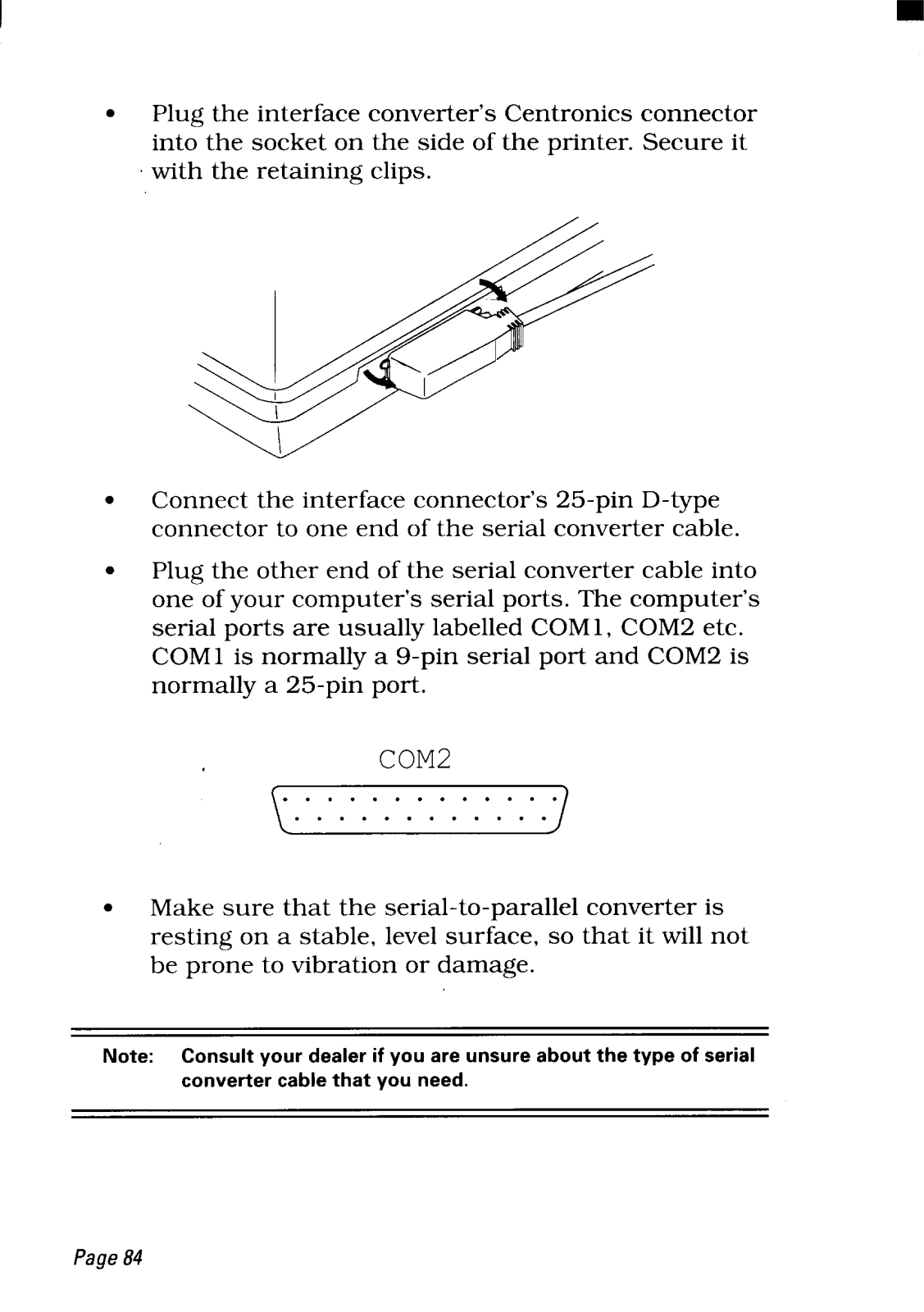
- Type of connection: Centronics standard 36 pin parallel cable or serial to parallel convertor optional.
Q: What is the fastest the NX-2450 can print?
A: It can print a maximum of 240 characters in a second.
Q: What kind of cartridges does a particular printer use?
A: The writer utilizes a combination of 11 inbuilt bitmapped cartridge and 15 professional cartridges designed for Windows usage.
Q: Is the printer capable of printing in color?
A: Yes, the writer has the capability to print in Multicolor inks like magenta, cyan, violet, yellow, orange, green and black as well.
Q: What is the capacity of the paper tray?
A: The paper container is design to a maximum capacity of 55 papers which can be used for printing tasks.
Q: Which varieties of paper are compatible with the NX-2450 printer?
A: This writer is designed to utilize single sheets of paper, fanfold papers or an array of multipartner forms.
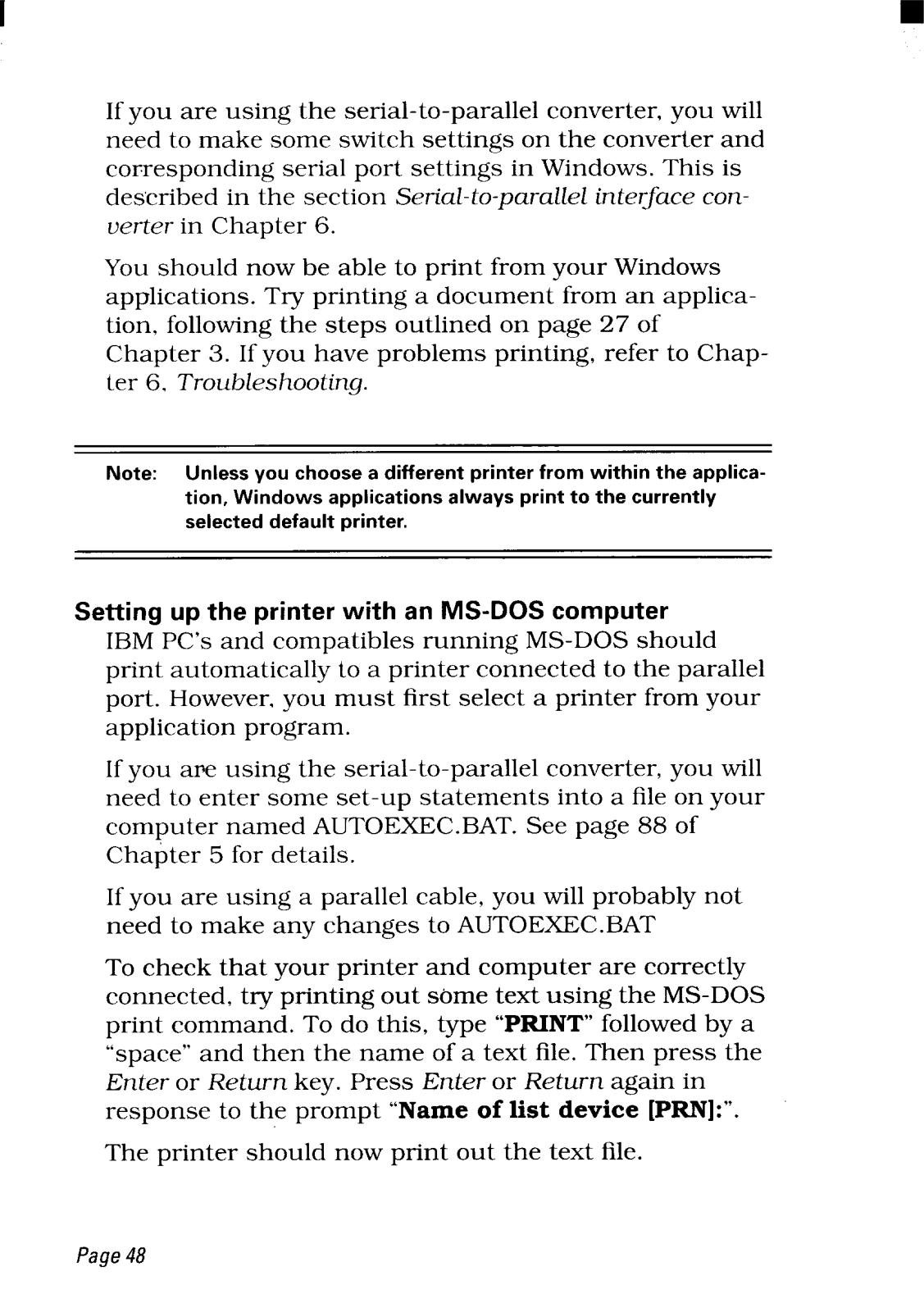
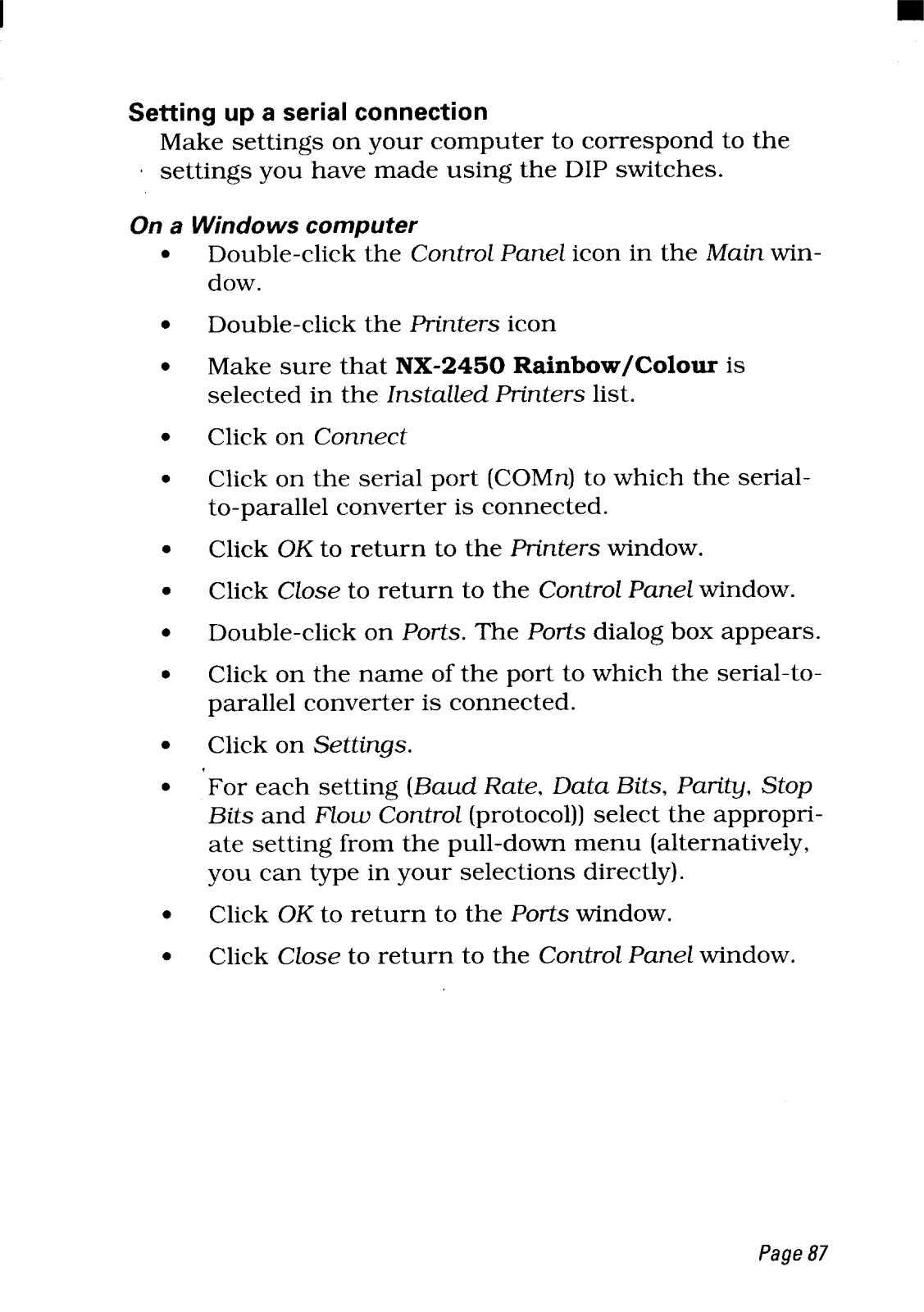
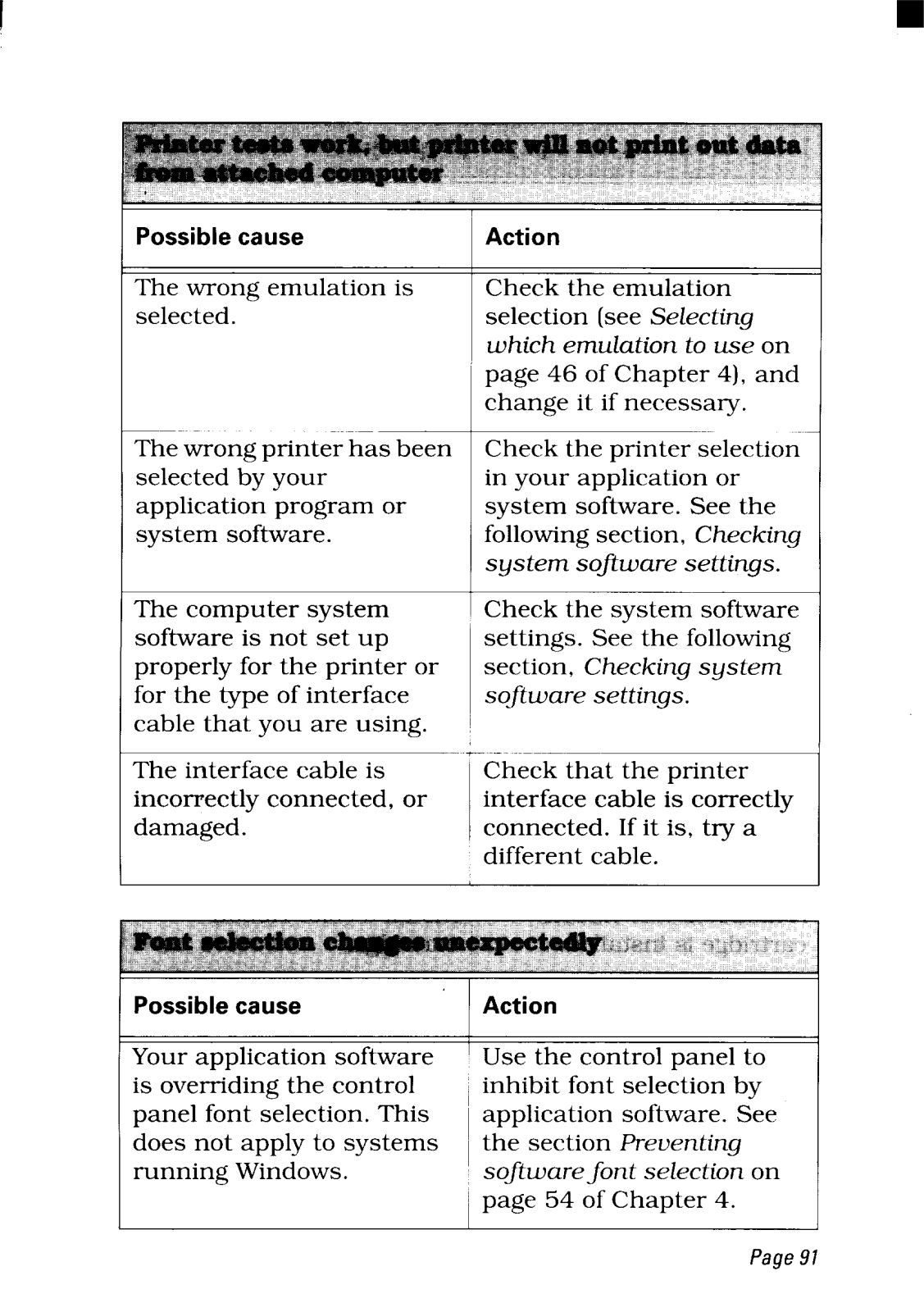
Q: How does one associate their printer with a computer using windows?
A: One may associate their printer with the help of the printer driver included in the floppy disk provided and then setting the NX-2450 printer as the main printer from the control panel or settings application.
Q: Are there any special wiring prerequisites for connecting a printer?
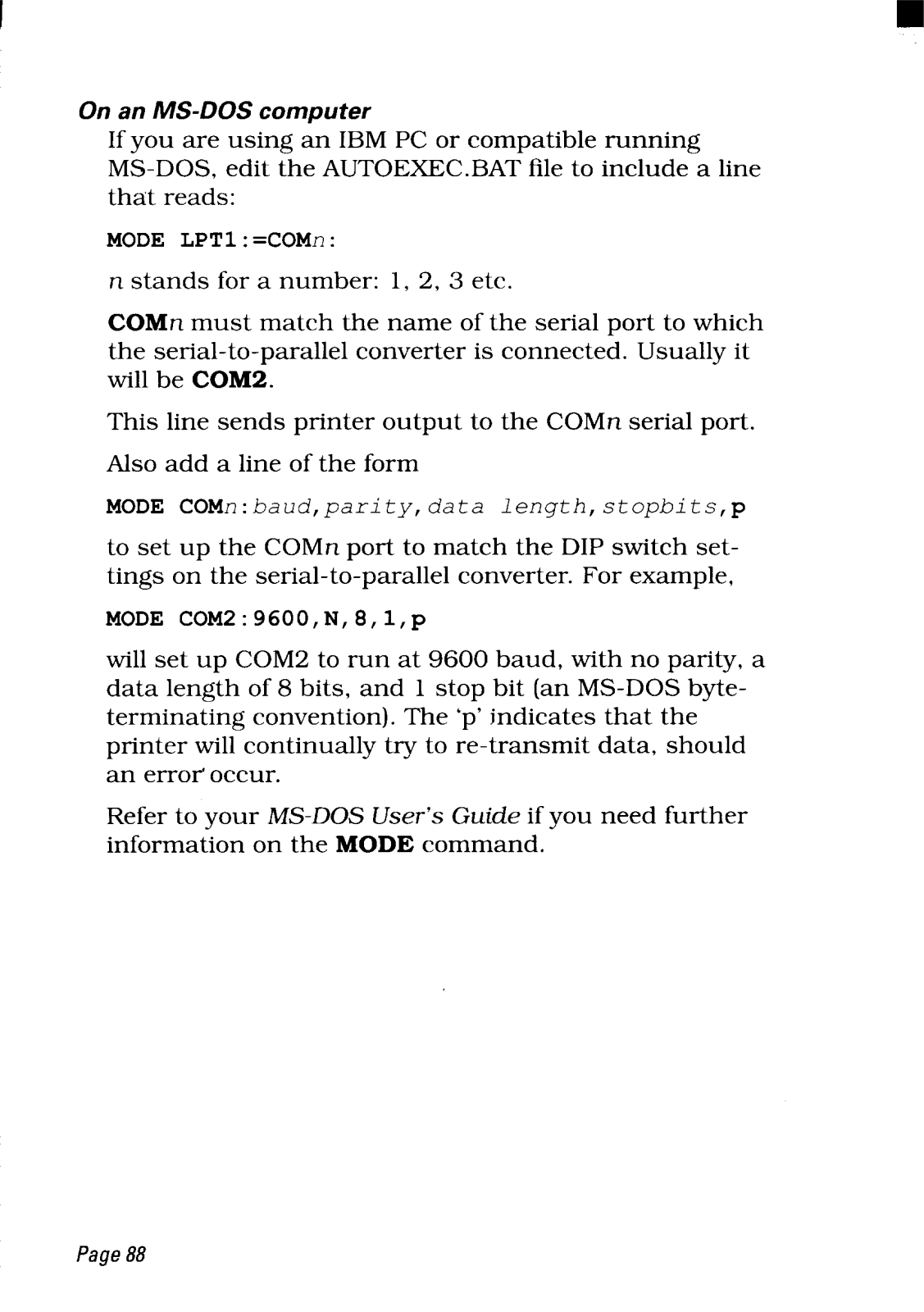
A: yes, in order to connect a computer to the printer a basic wiring 36 pin Centronic parallel cable is compulsory to have.



 Loading...