

- Model: NX-10
- Category: Dot Matrix Printer
- Interface: Parallel Connector
- Power Supply: Regular Electricity Source
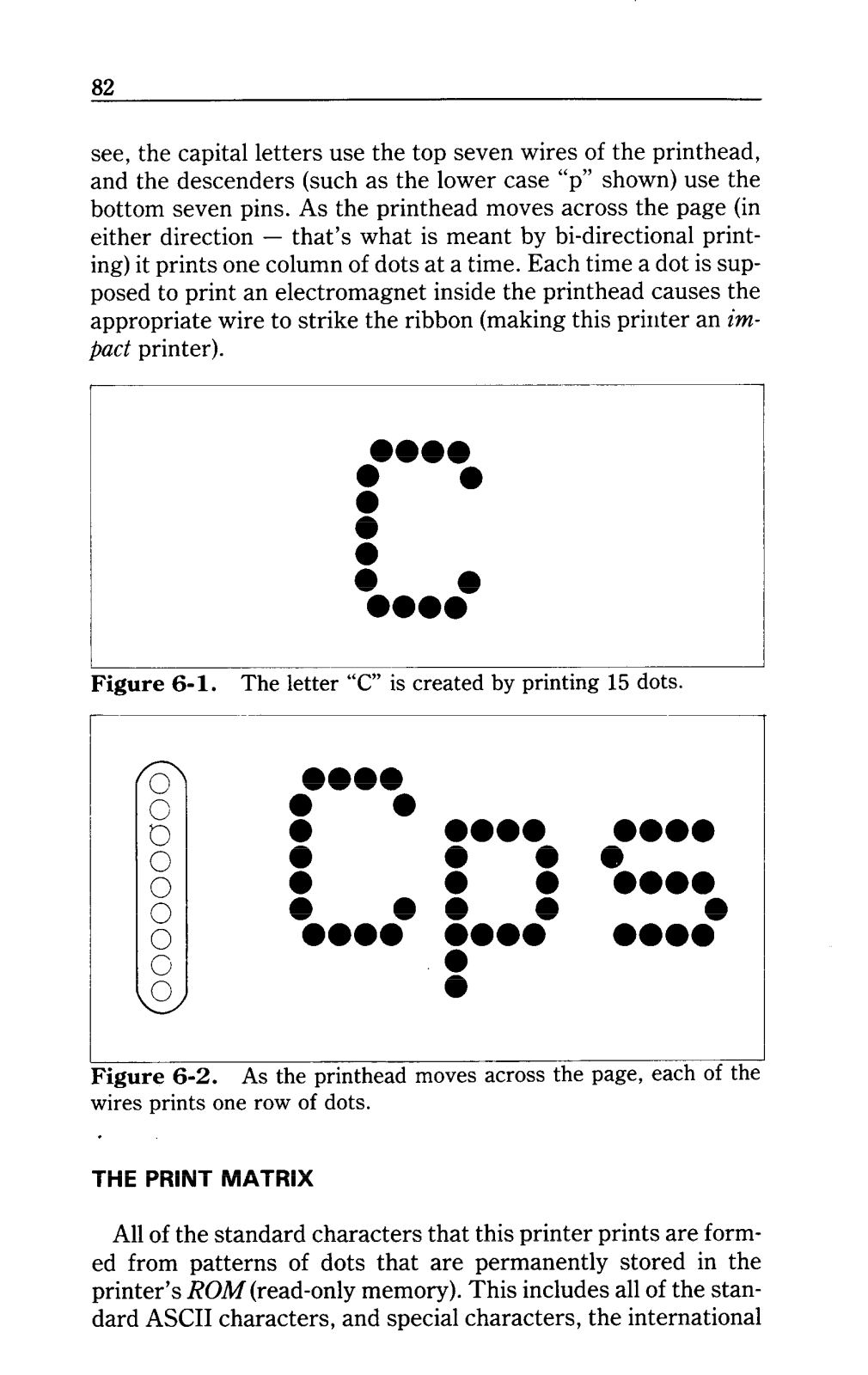
- Print Head: 09 Pin Piston
- Printing Speed: Up To 120 Characters Per Second
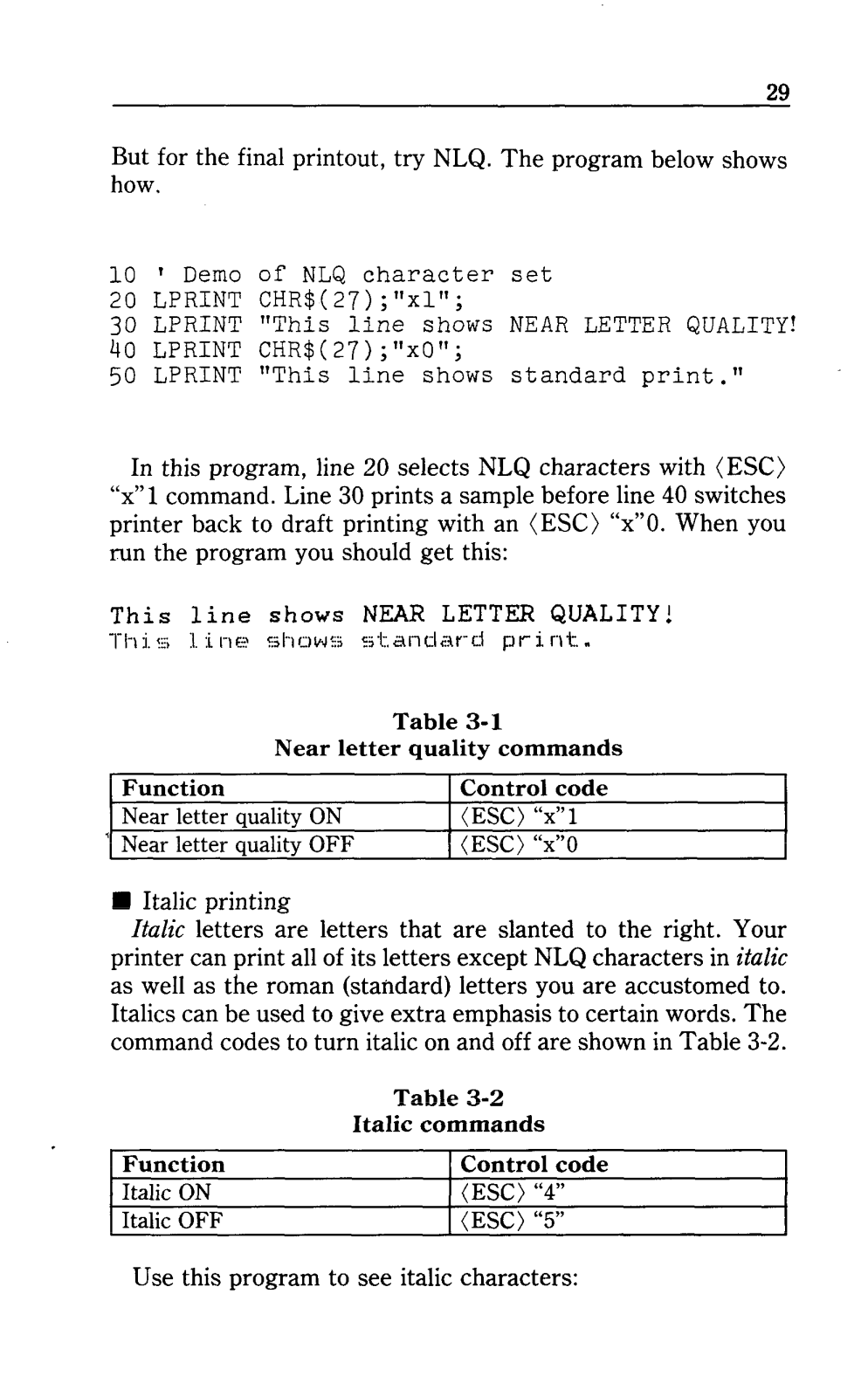
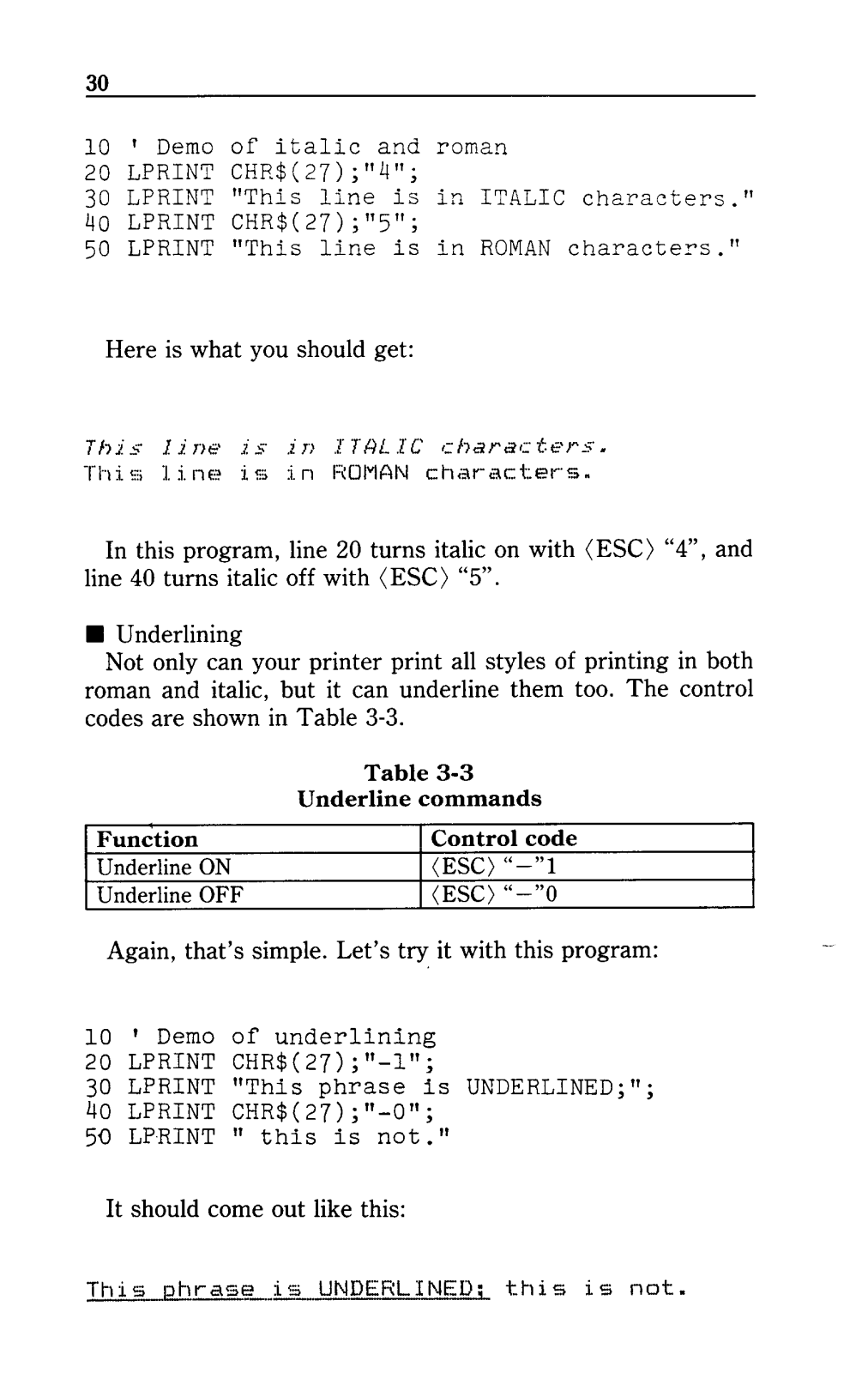
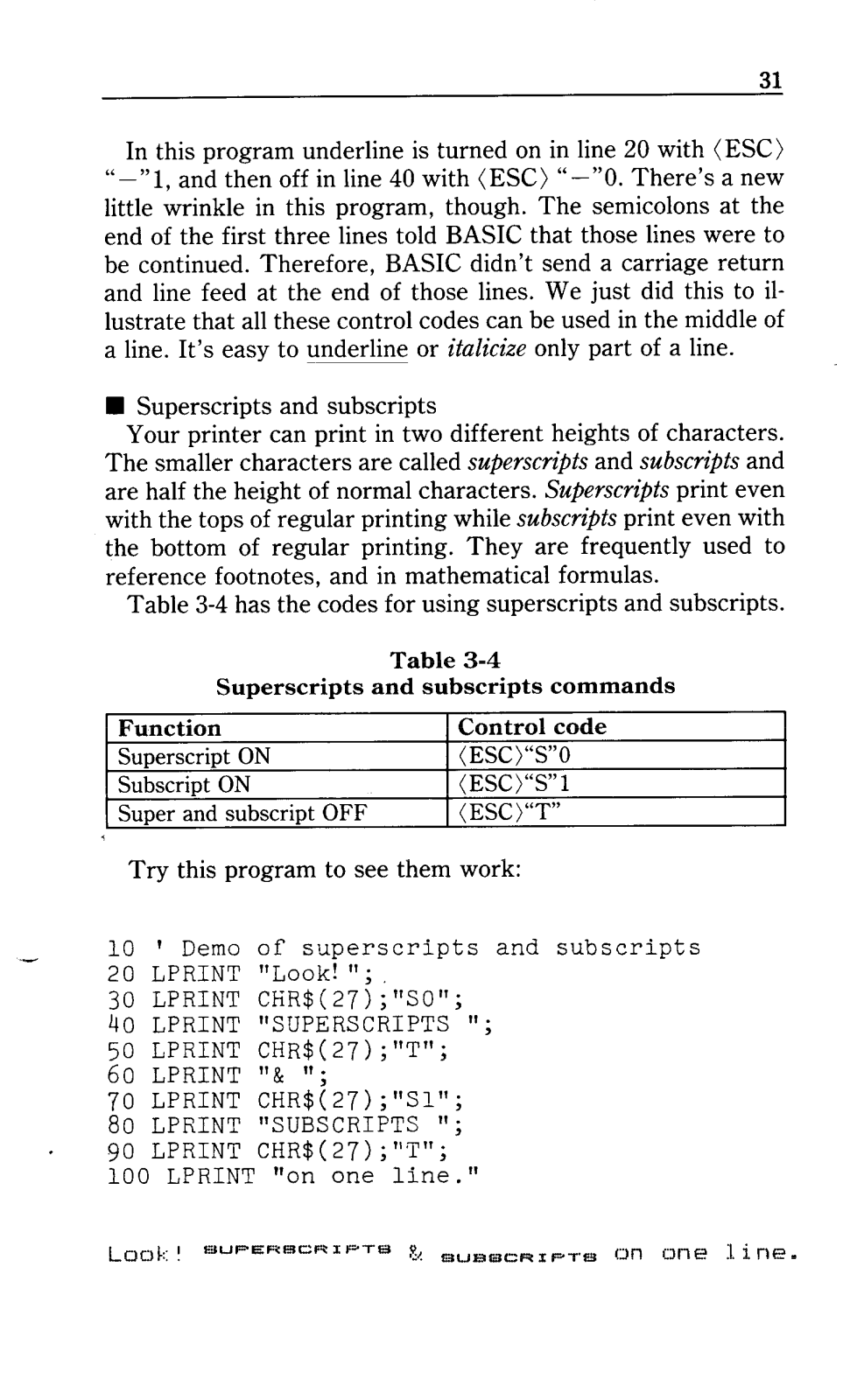
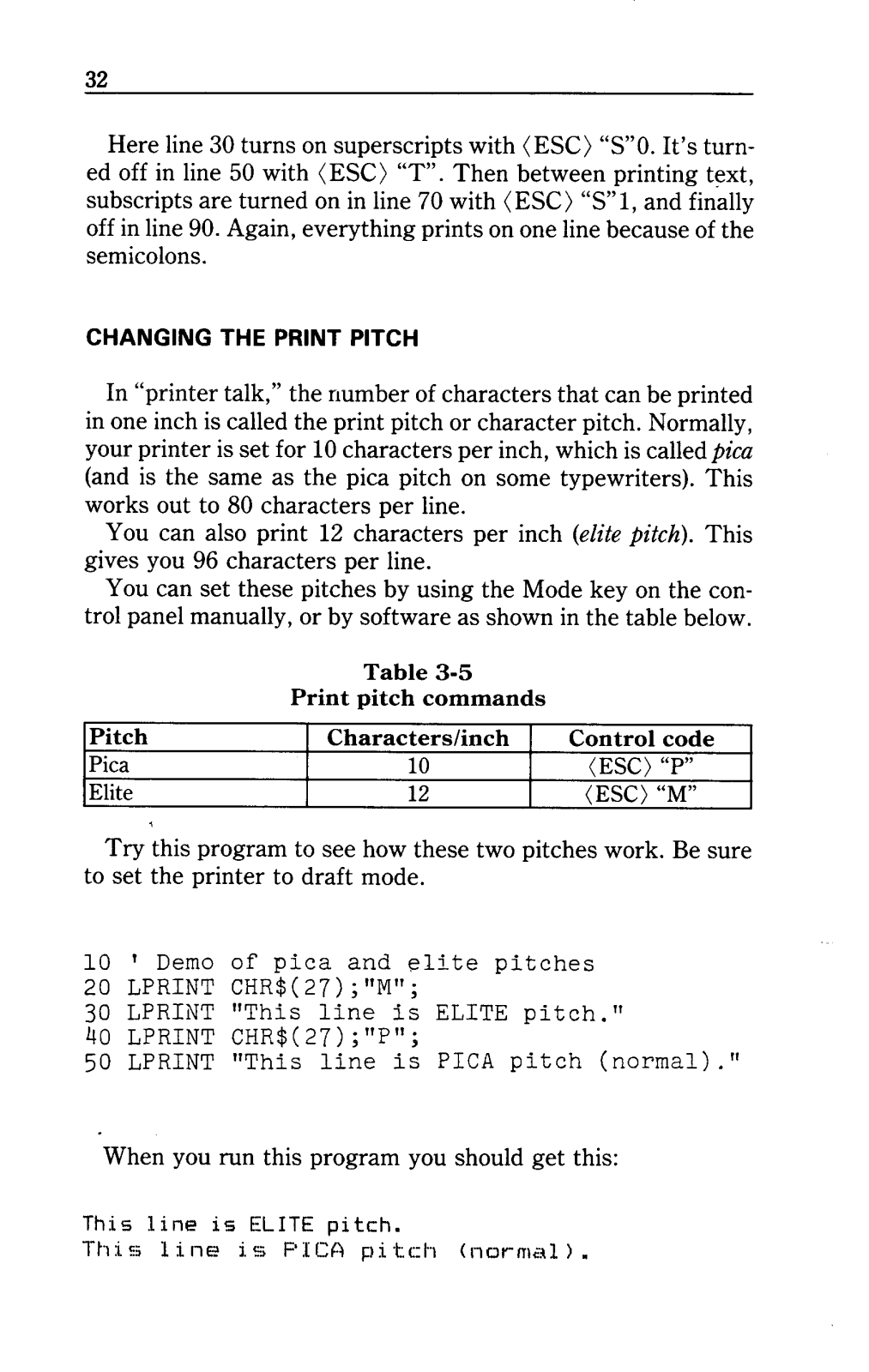
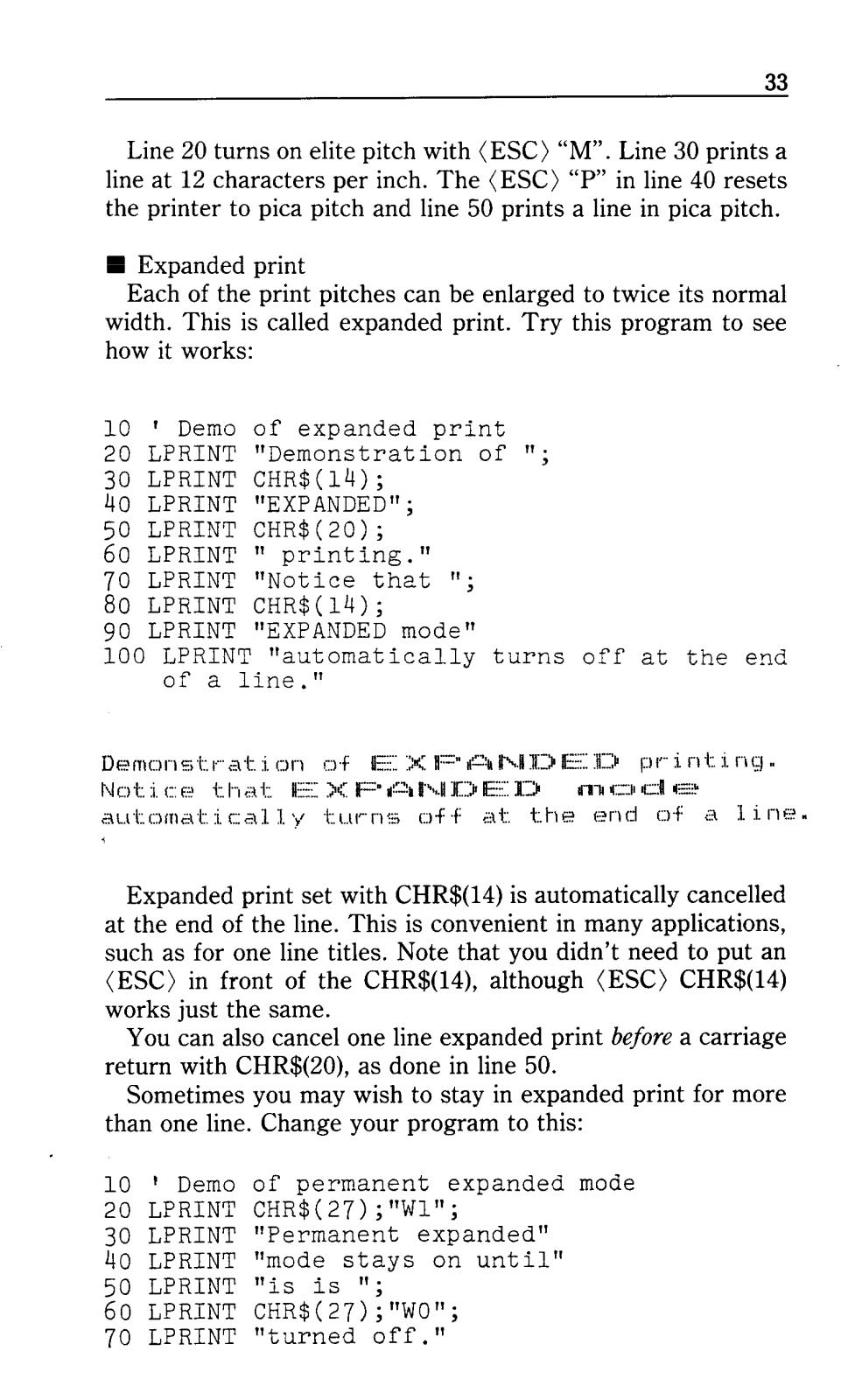
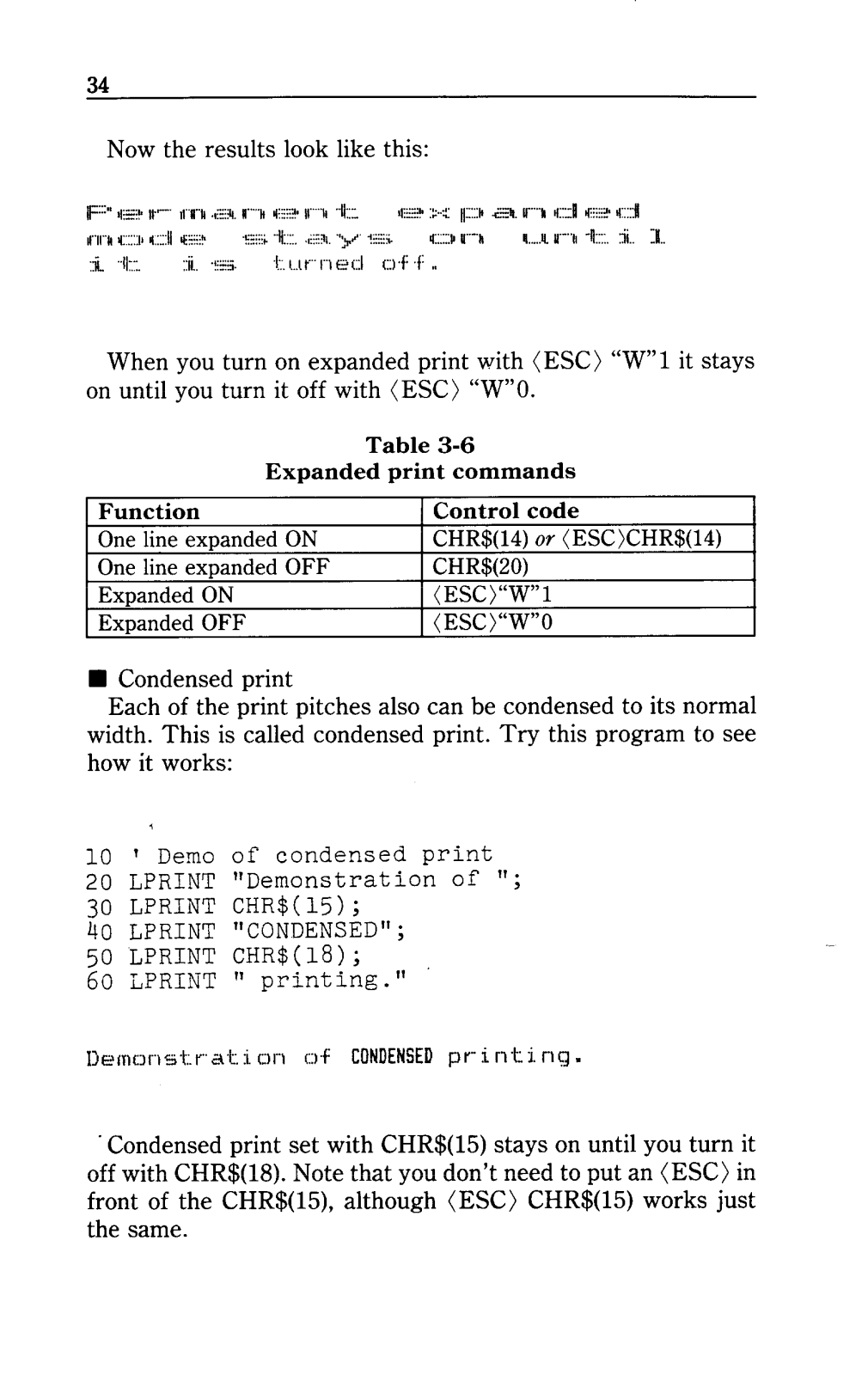
- Included printer modes: Draft Printing, NLQ, Italic, Bold, Expanded, Condensed and Proportionally spaced
- Character set: Supports the standard English Alphabet and special characters
- Paper handling: Can print on single sheets as well as continuous fan-fold pieces of paper
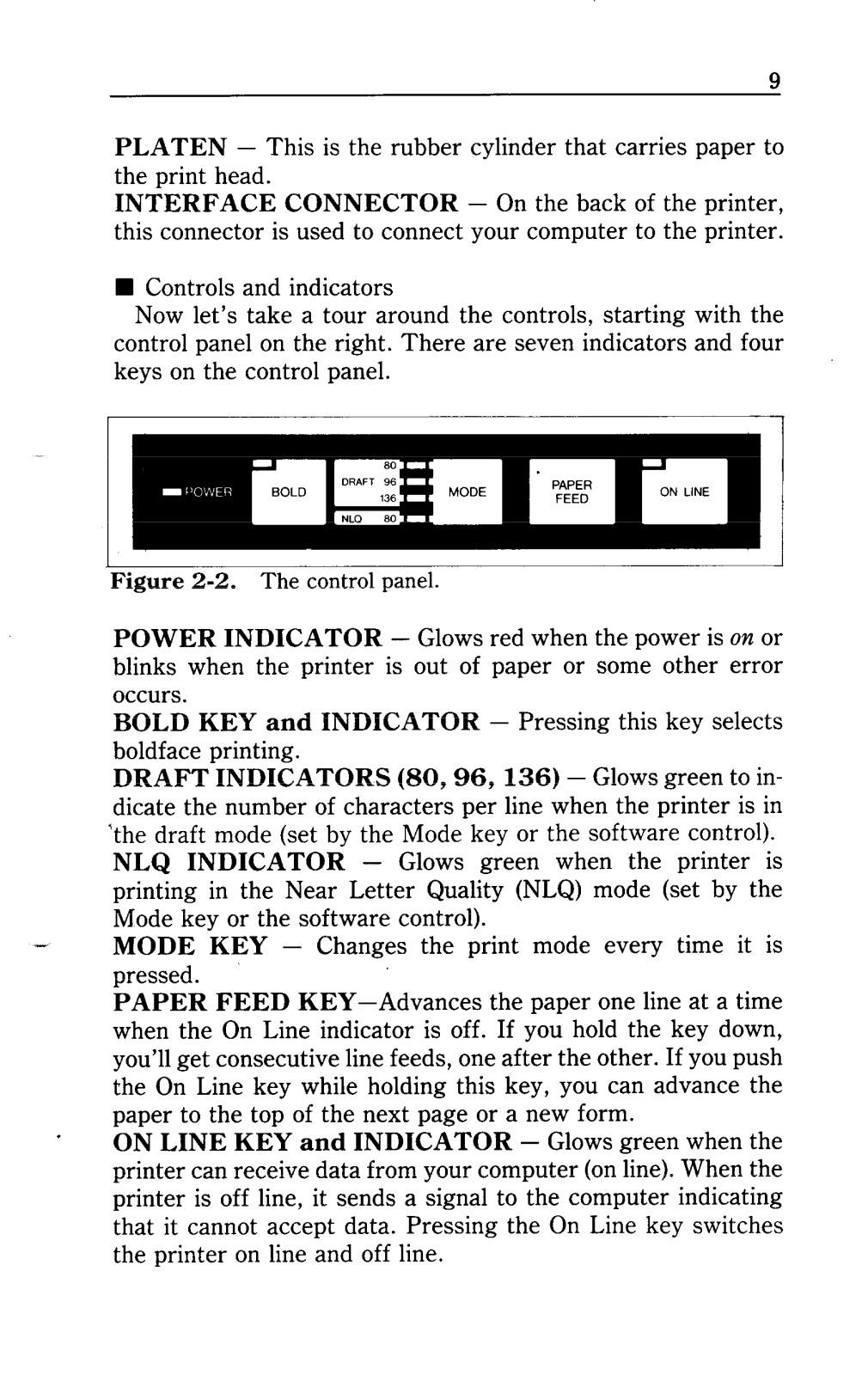
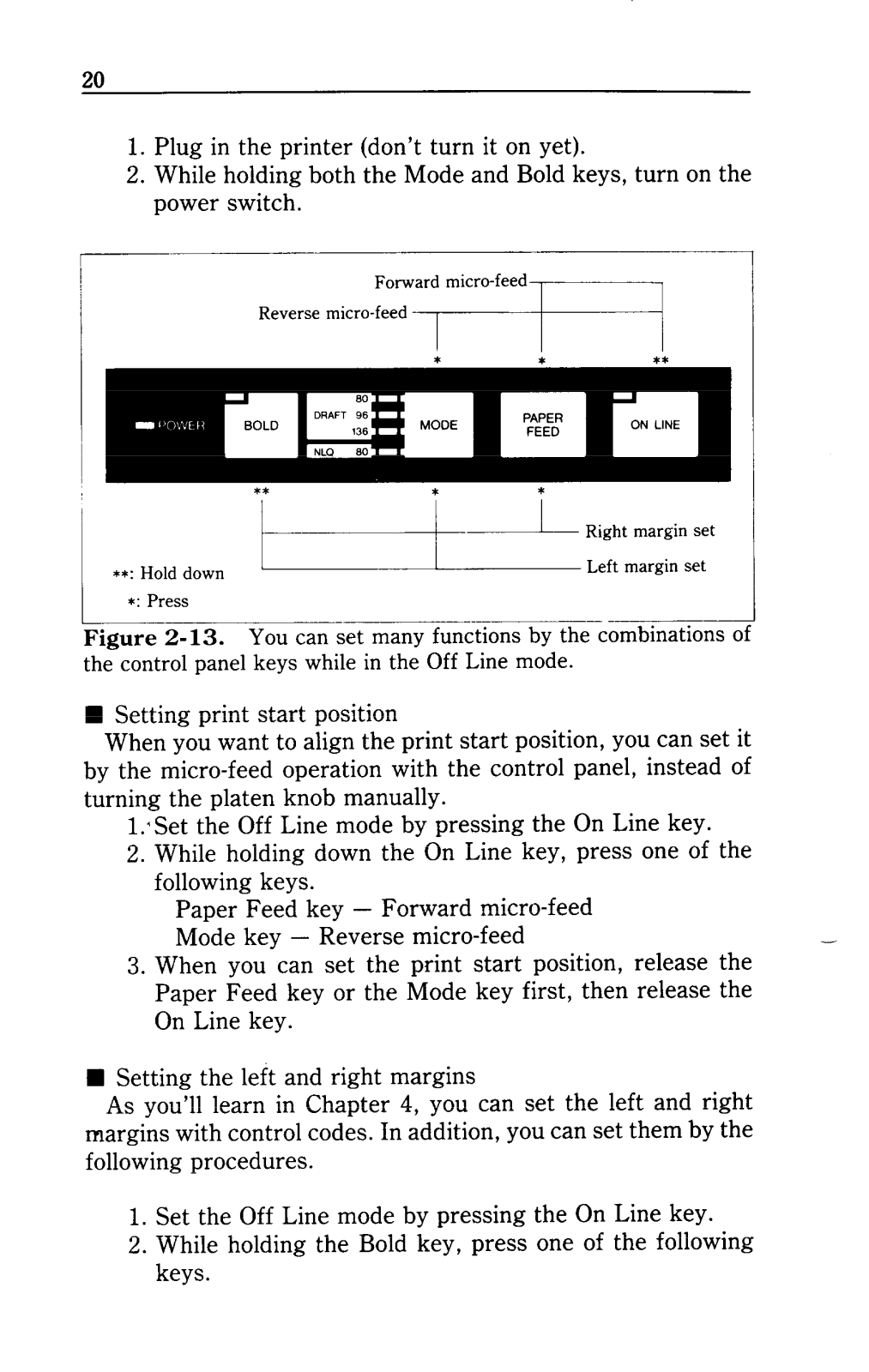
- Control panel: LED Indicators for power, draft mode and NLQ mode, control keys for multiple functions
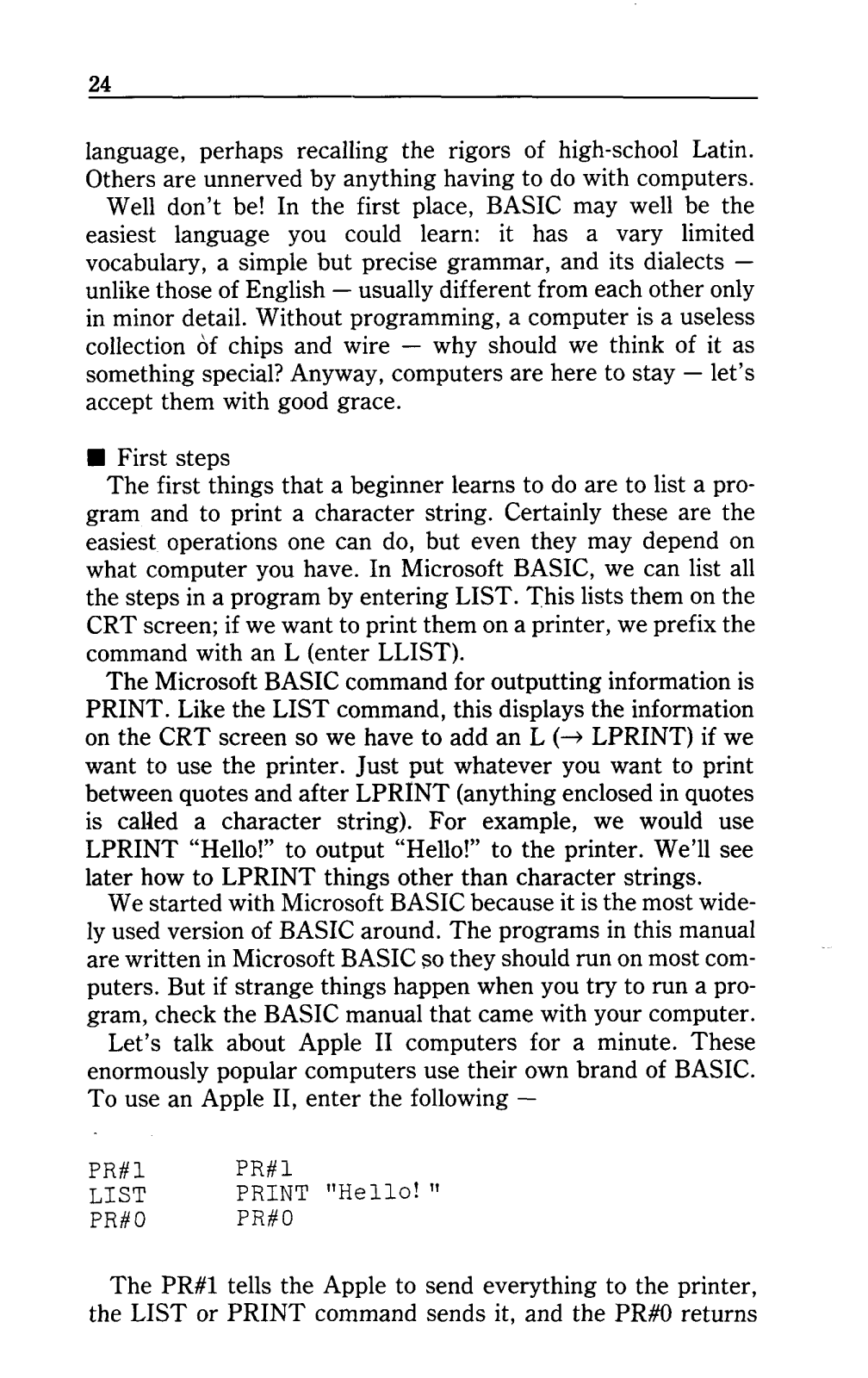
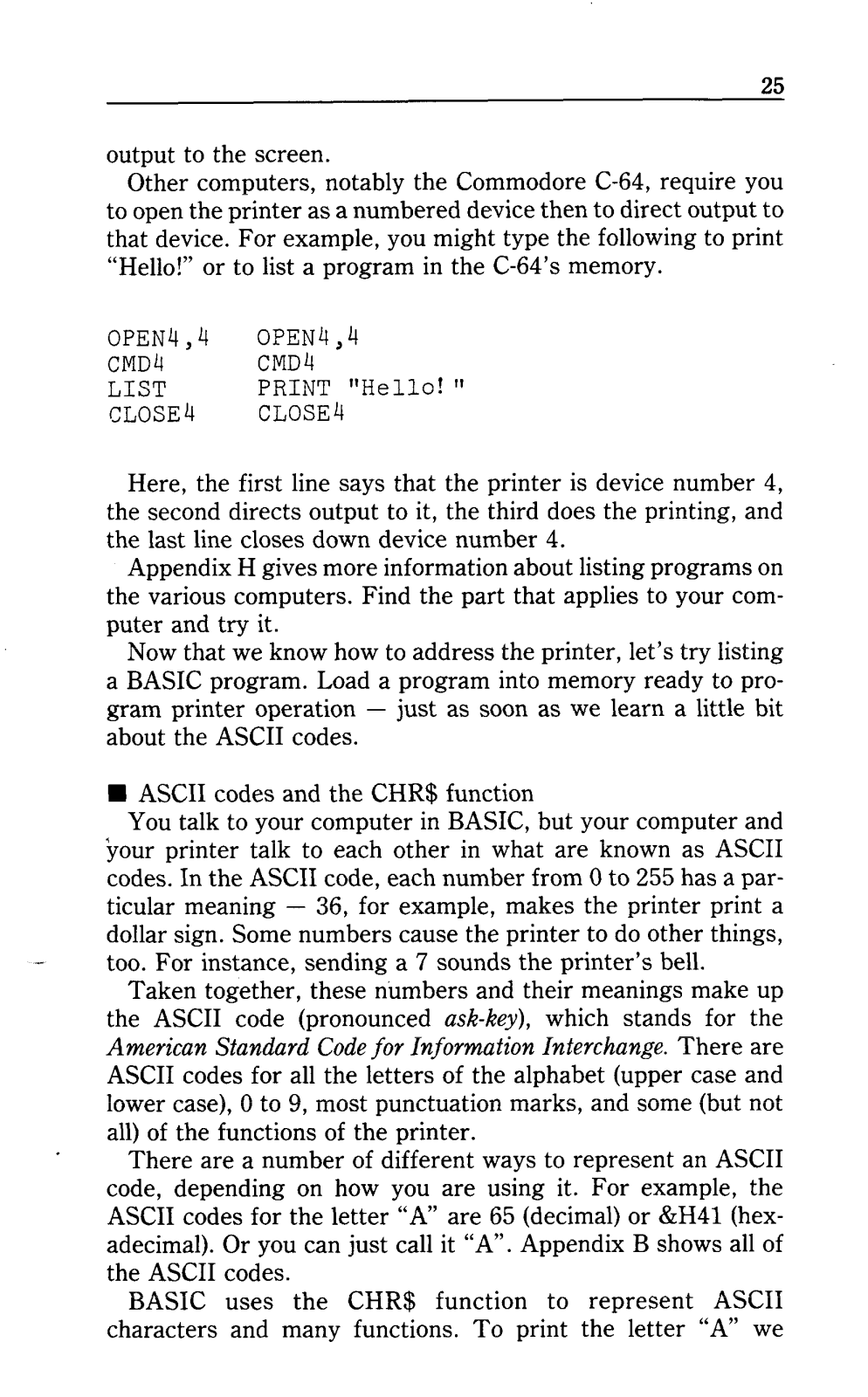
- Computer Compatibility: Can be used with IBM PC; Apple II; Commodore C-64; TRS-80
- Overall dimensions: Not given
- This product weighs: Not given
- Electric requirements: Not given
- The sound level: Not given
- Validity of Warranty : Not given
Q: Describe the procedure for Printer and computer interconnections?
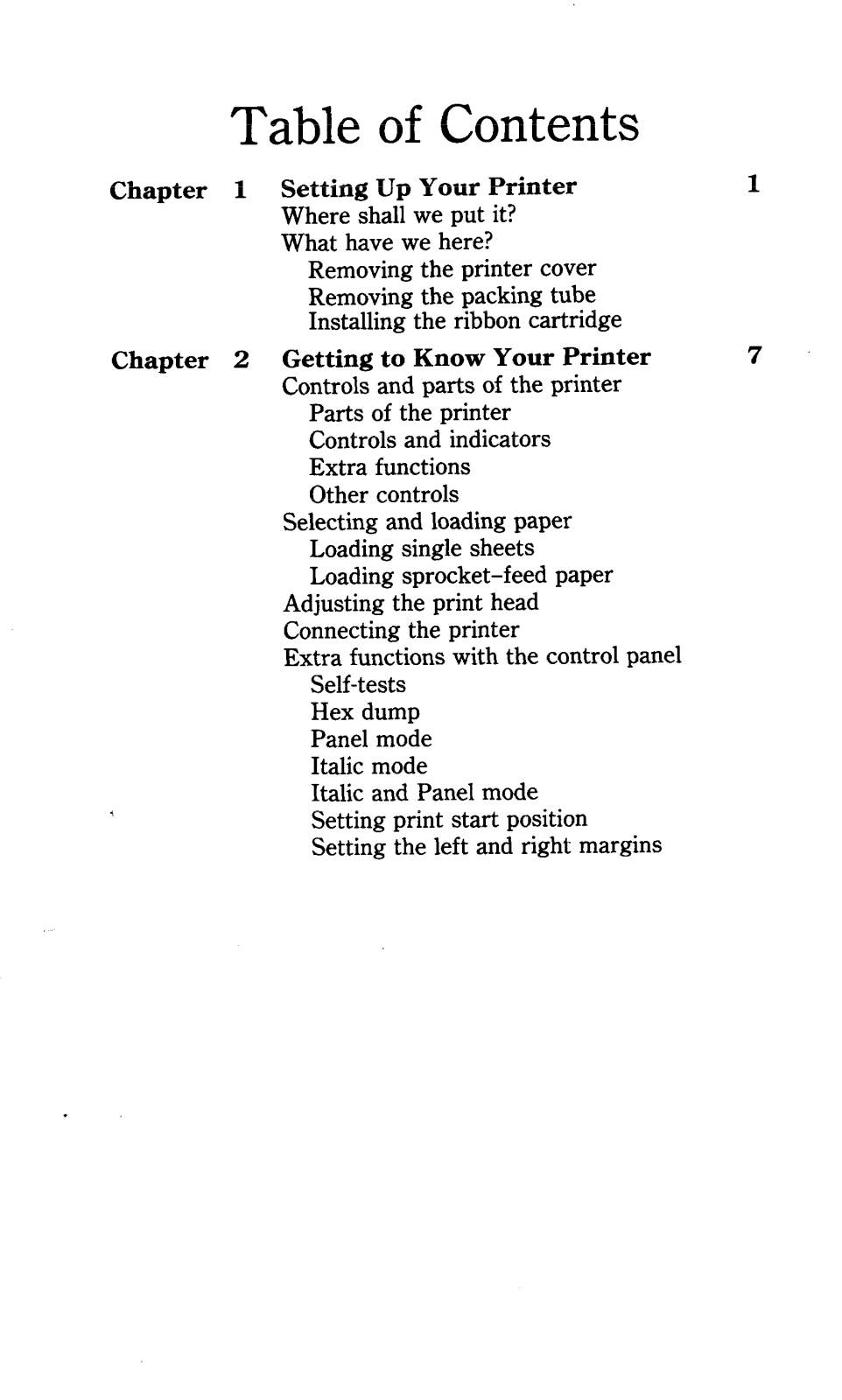
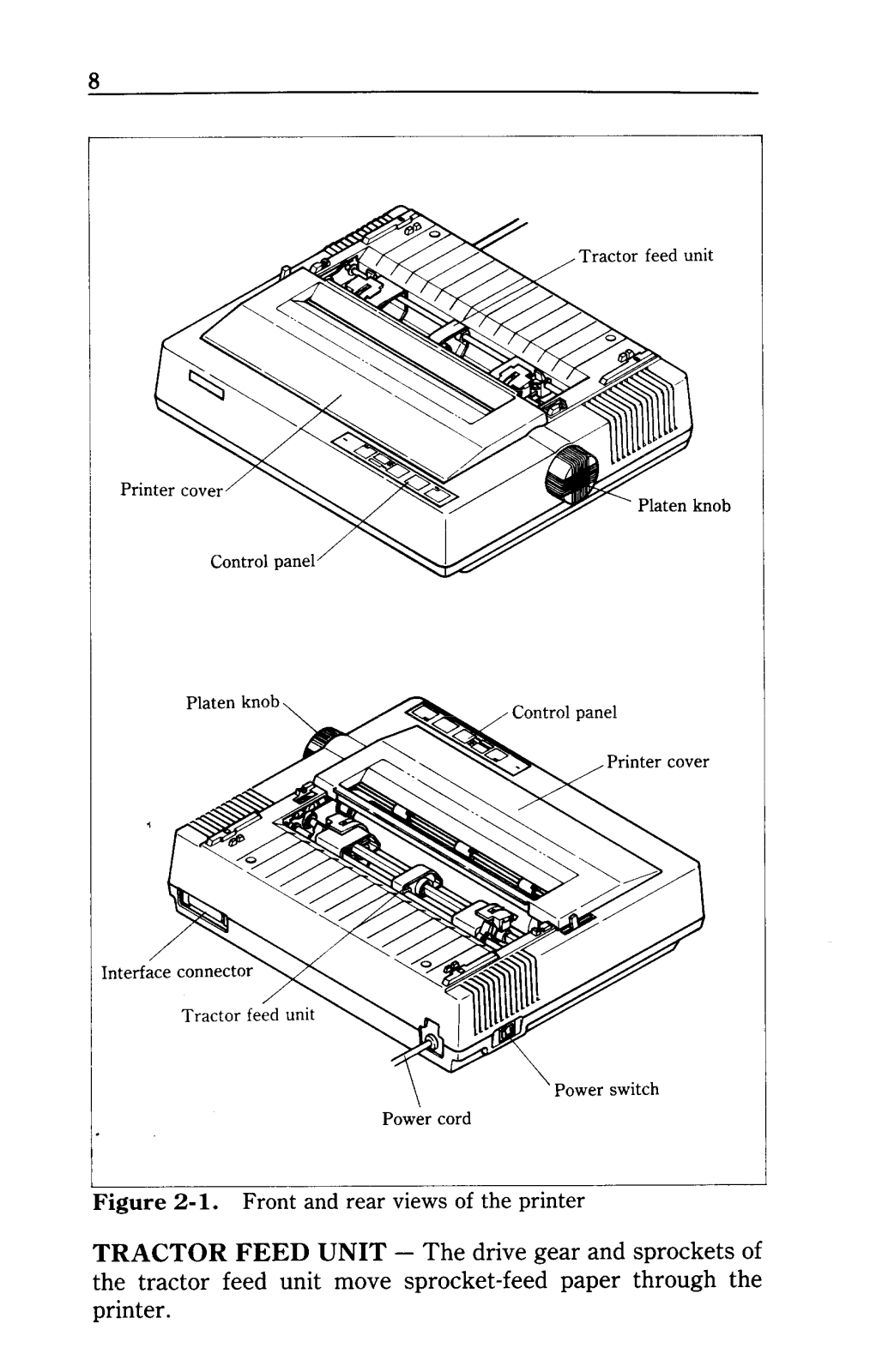
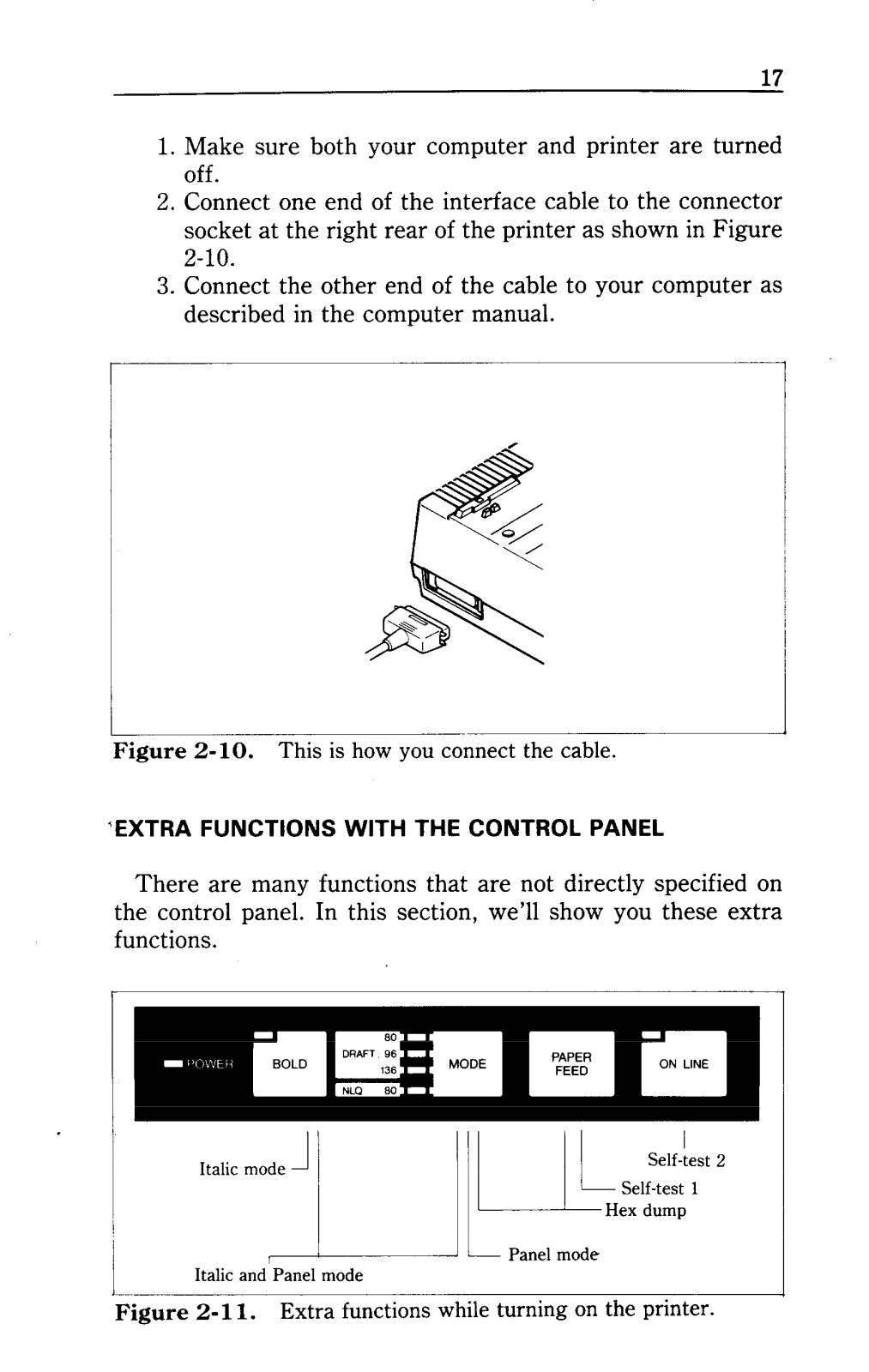
A: Use the interface cable with one end to connect the printer with the back panel’s socket and the other end to your computer after switching on both the devices.
Q: What varieties of paper can be used for this printer?
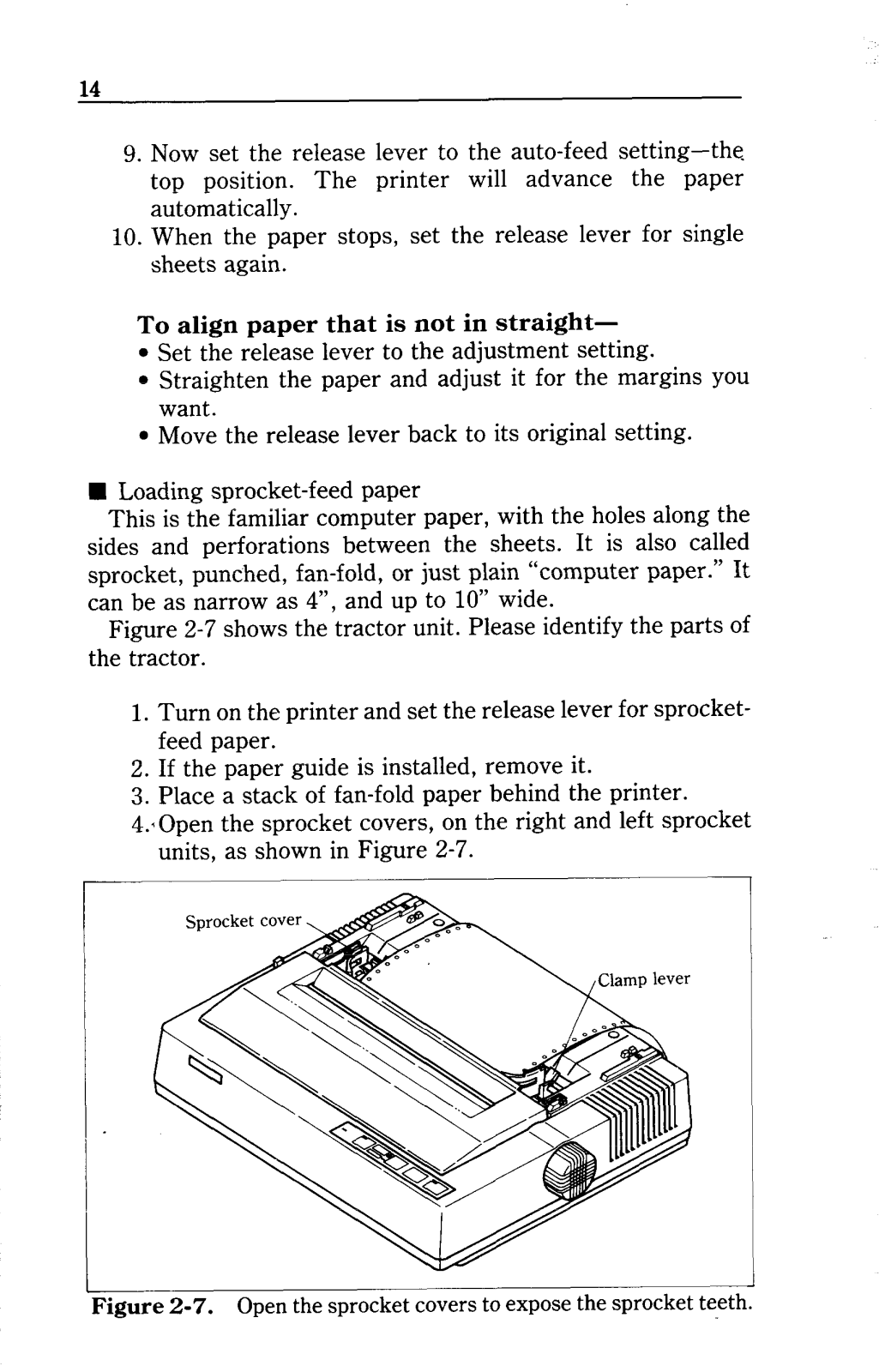
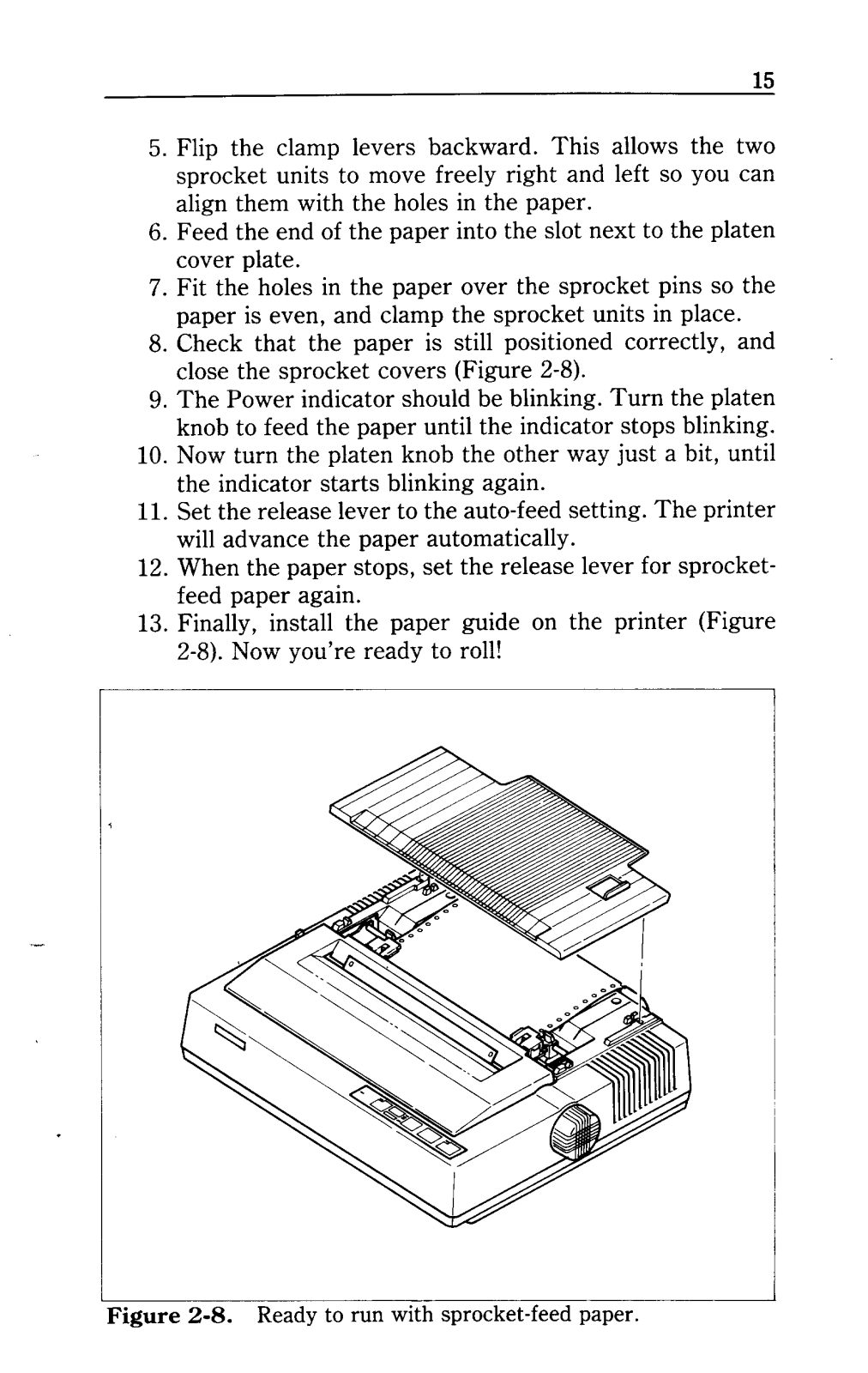
A: Single sheets (stationery, envelopes) or continuous sprocket-feed paper can be dry feed through this printer.
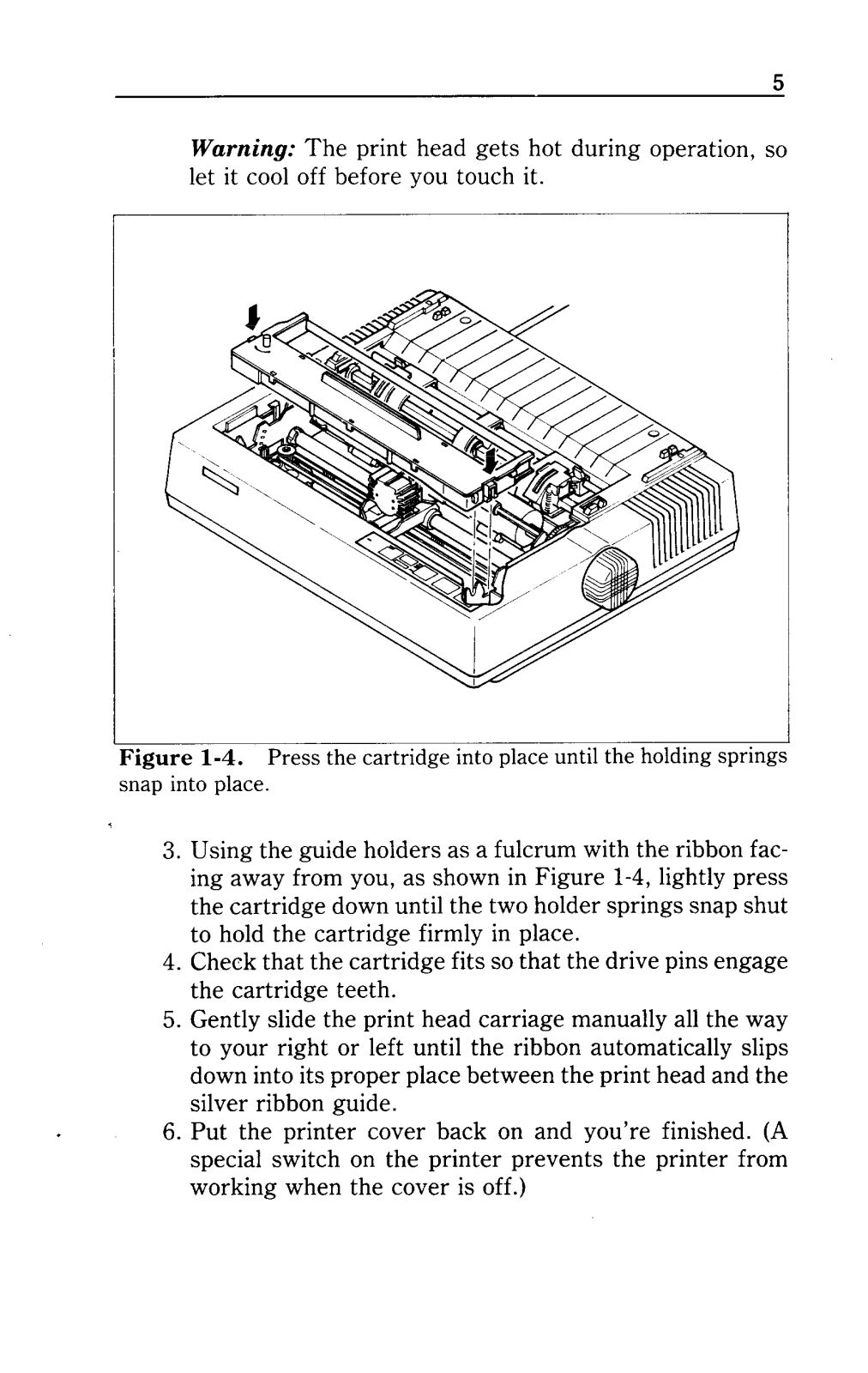
Q: What are the steps involved in changing the ribbon cartridge?
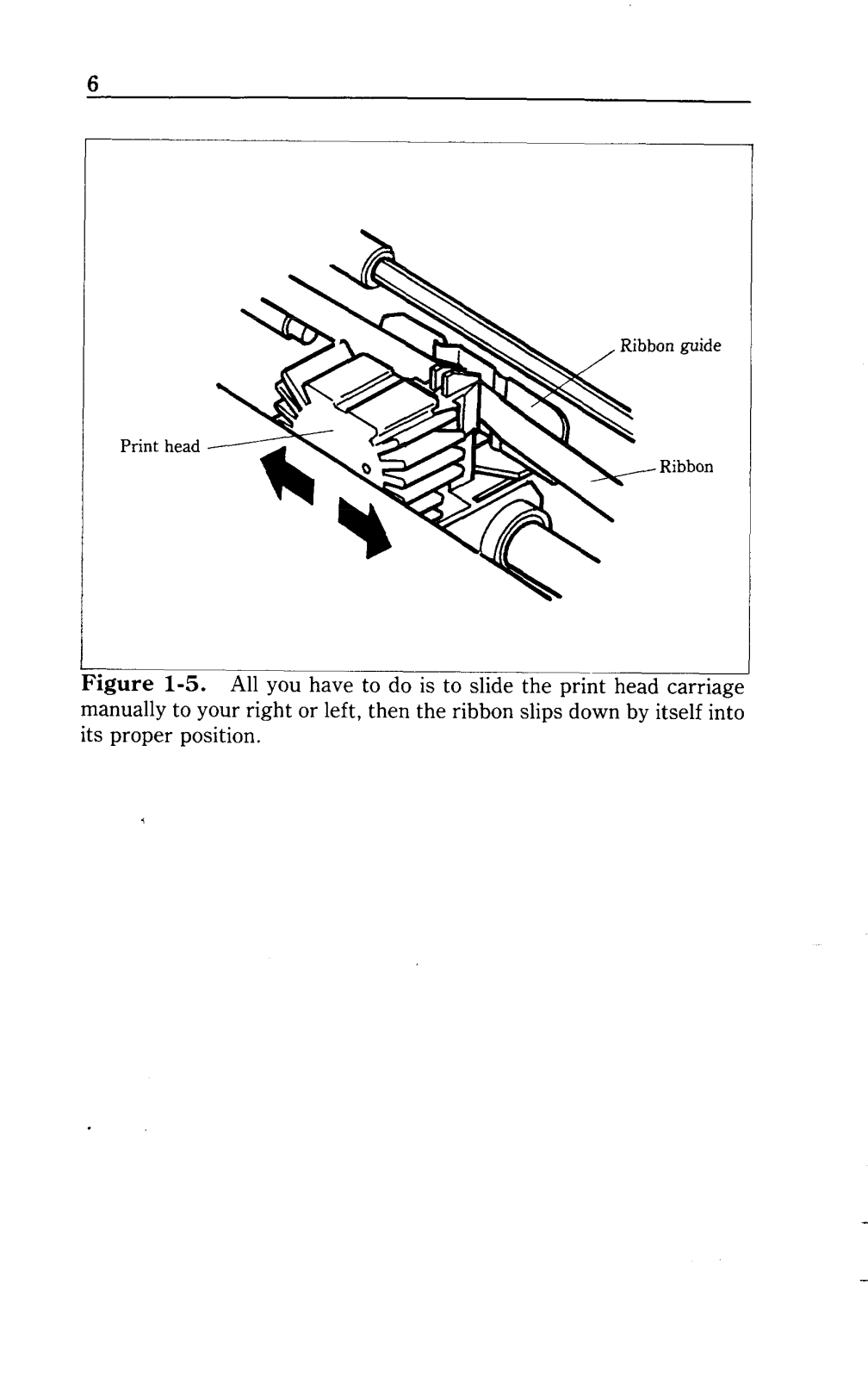
A: First, switch off the power, then take out the cover of the printer and shift the print head towards the center. Now press down the cartridge till the holders have caught the springs together and put it back together again.
Q: What if the printer does not print?
A: Ensure proper checking of whether the printer is switched on, whether the ribbon cartridge has been placed inside properly, whether the paper is picked up and whether the printer is working online.
Q: Does the printer still support several modes while in use?
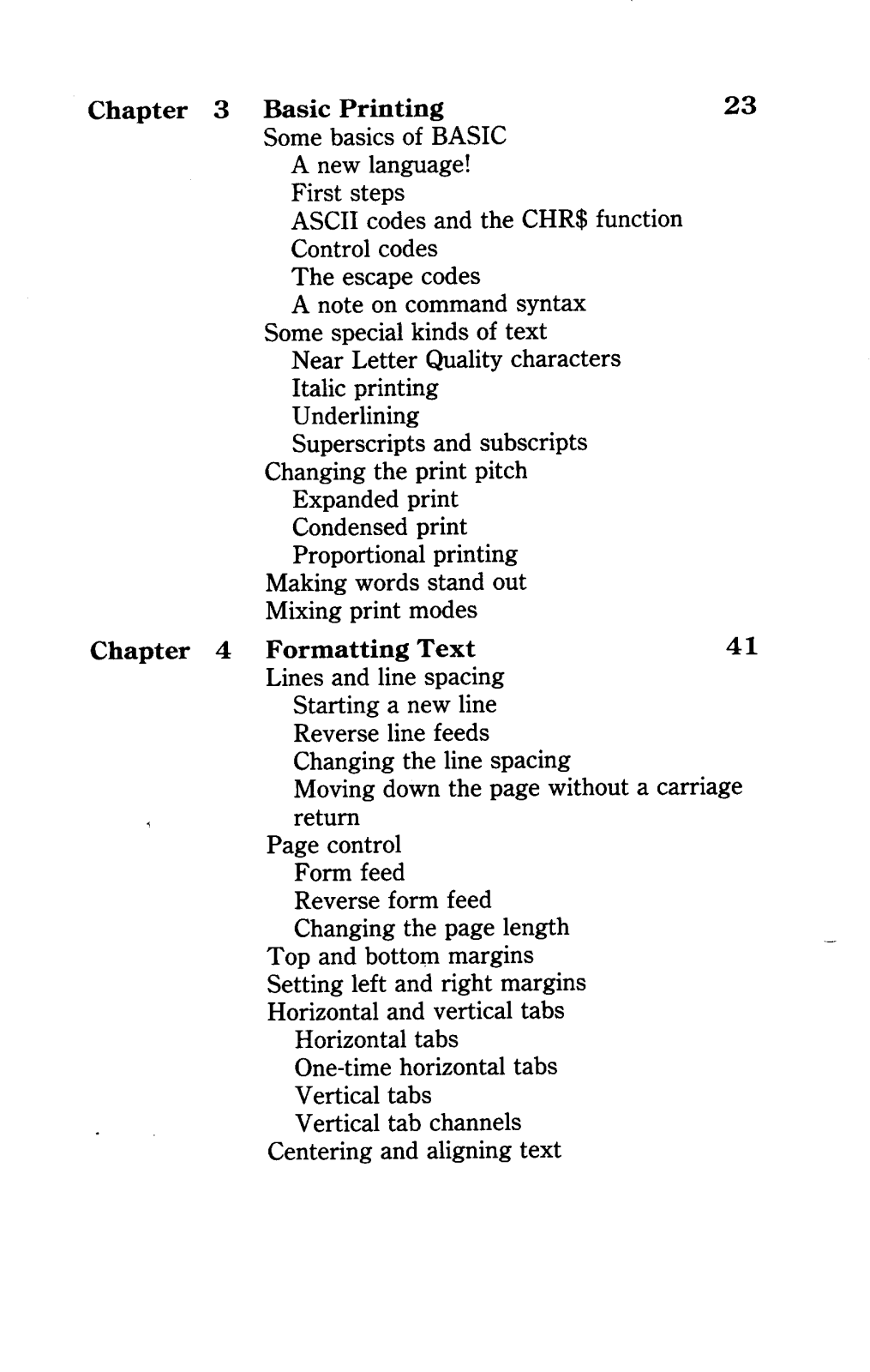
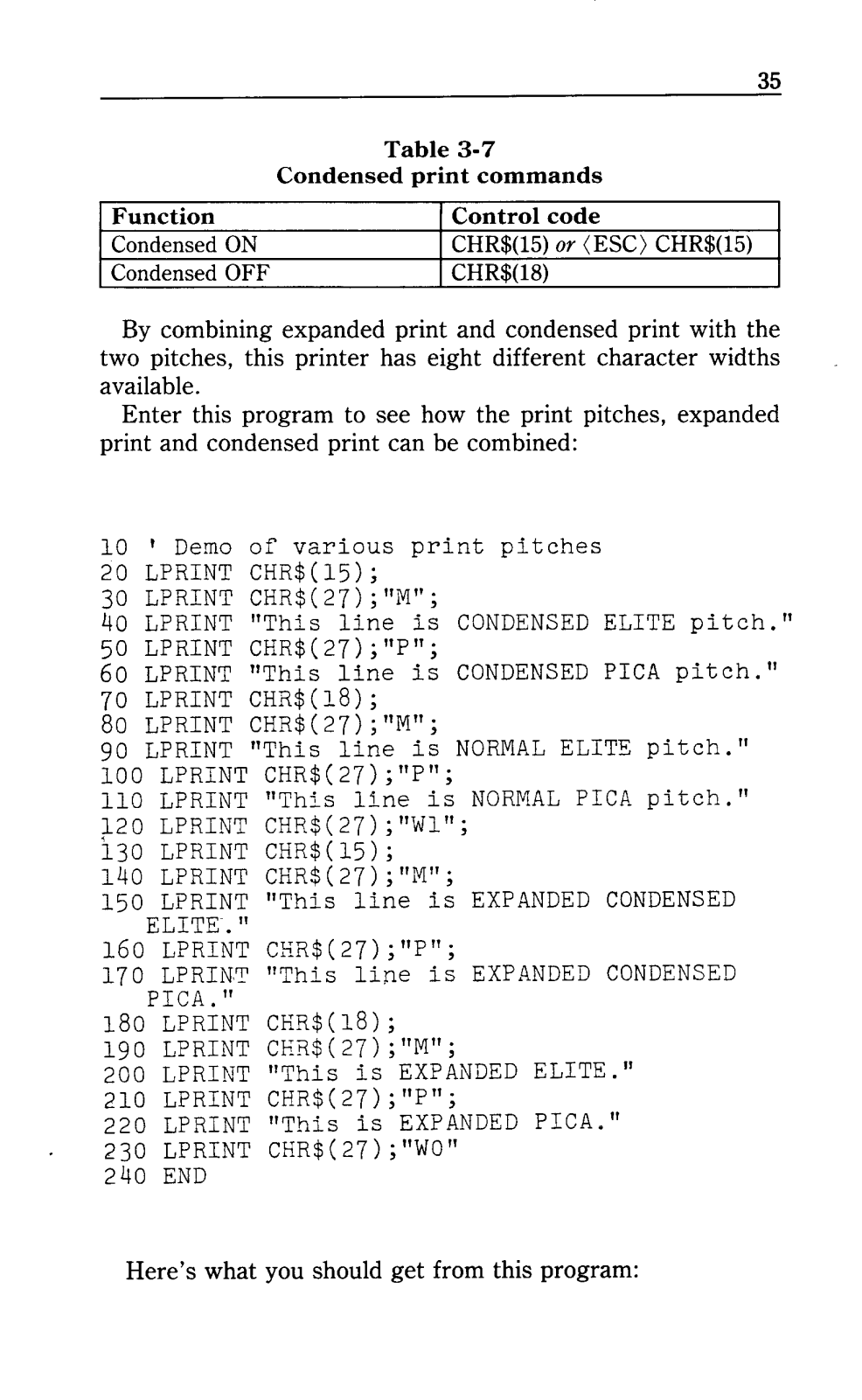
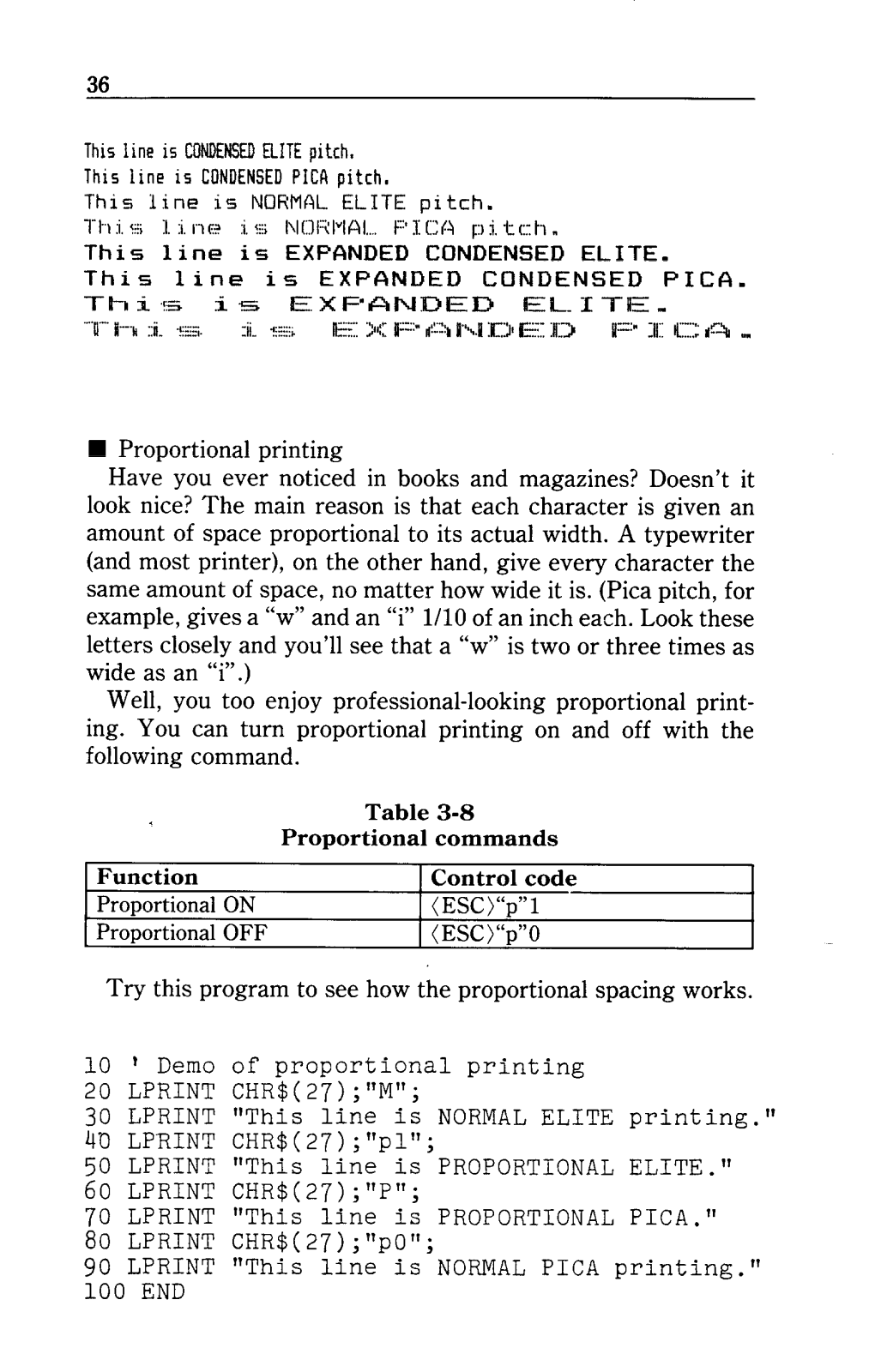
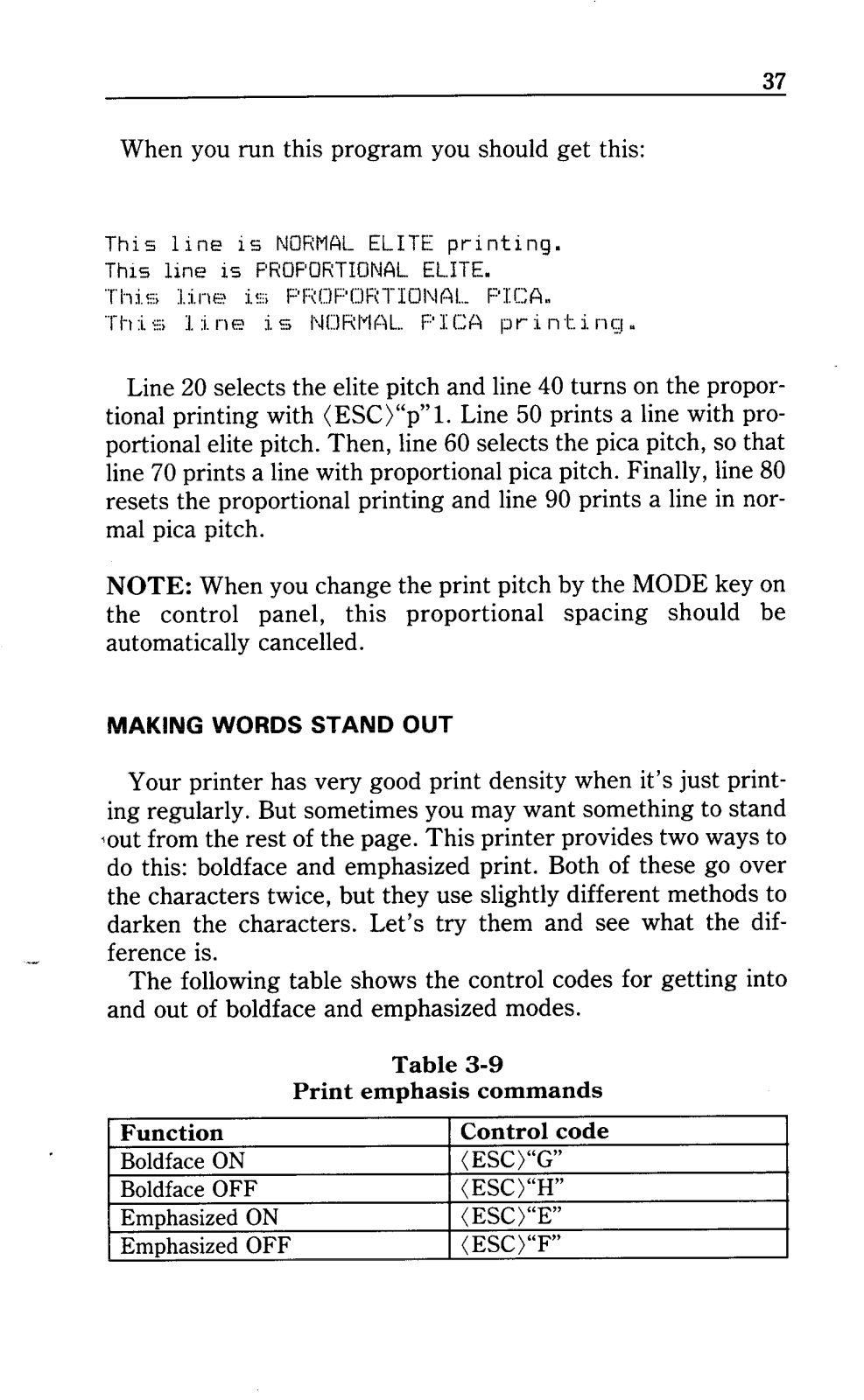
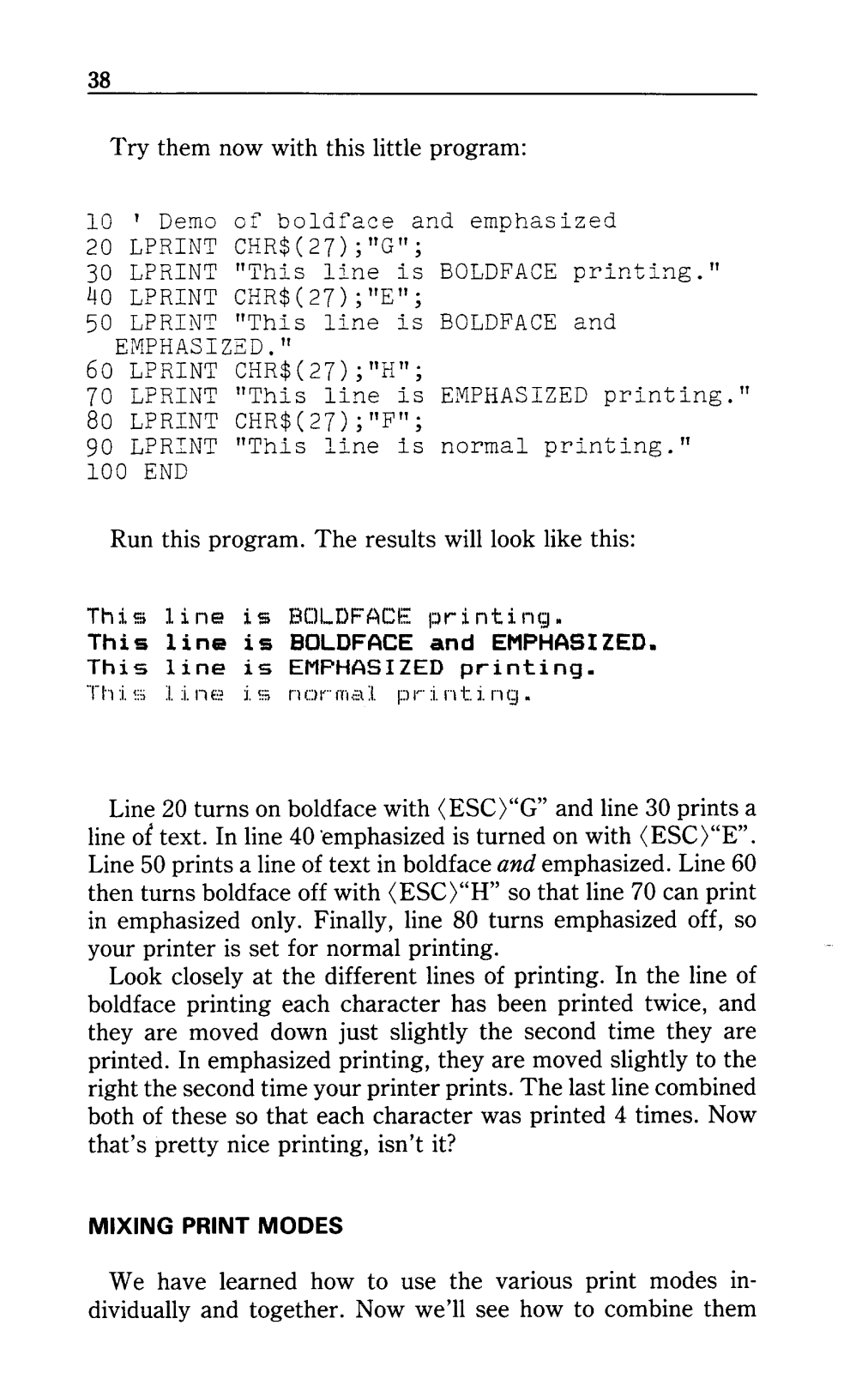
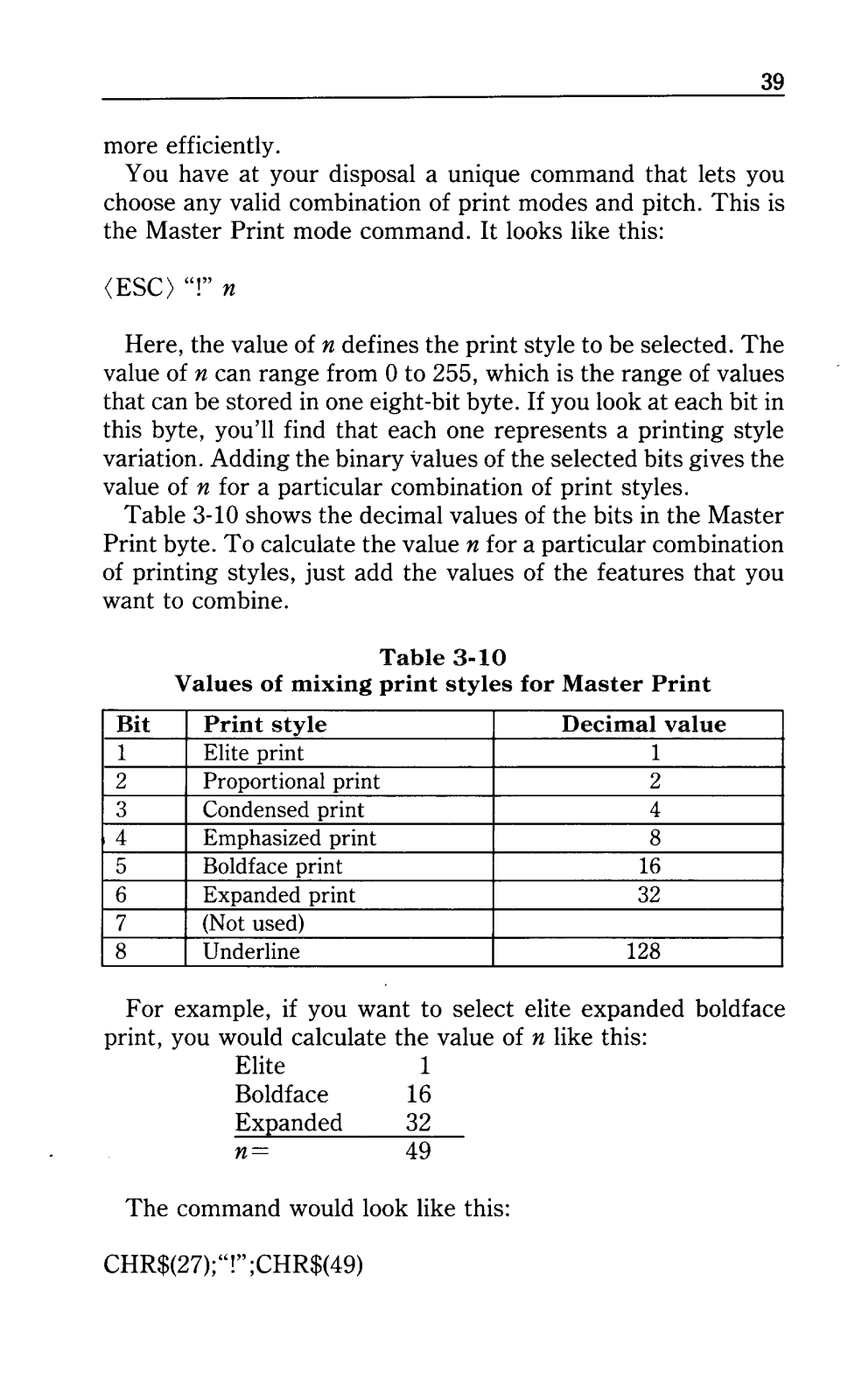
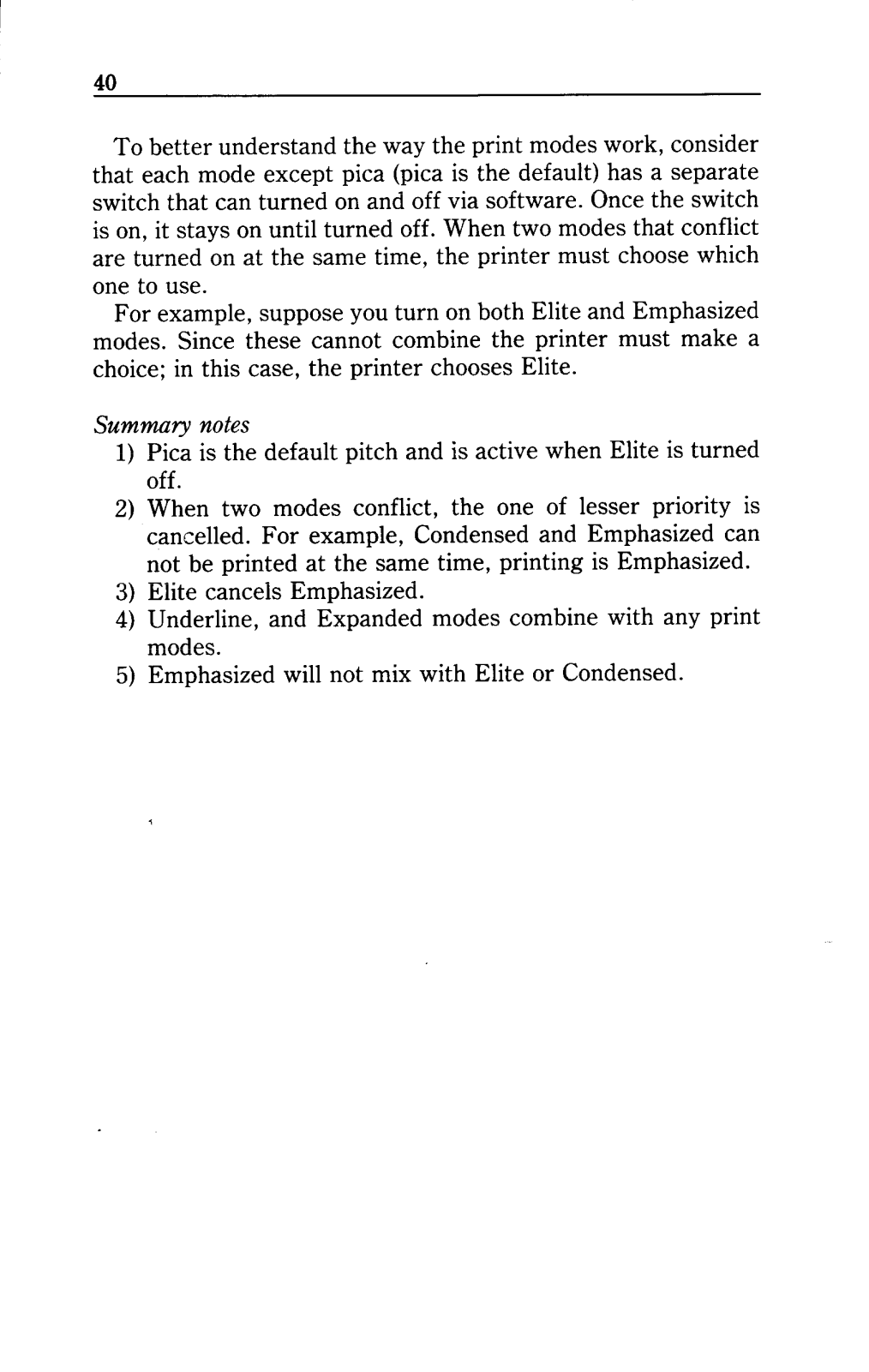
A: Certainly, the printer has several modes of printing some which include draft, italic, near letter quality, bold, expanded, condensed, and more modes such as proportional.
Q: How can I do a self-test on the printer? Please provide unnecessary details.
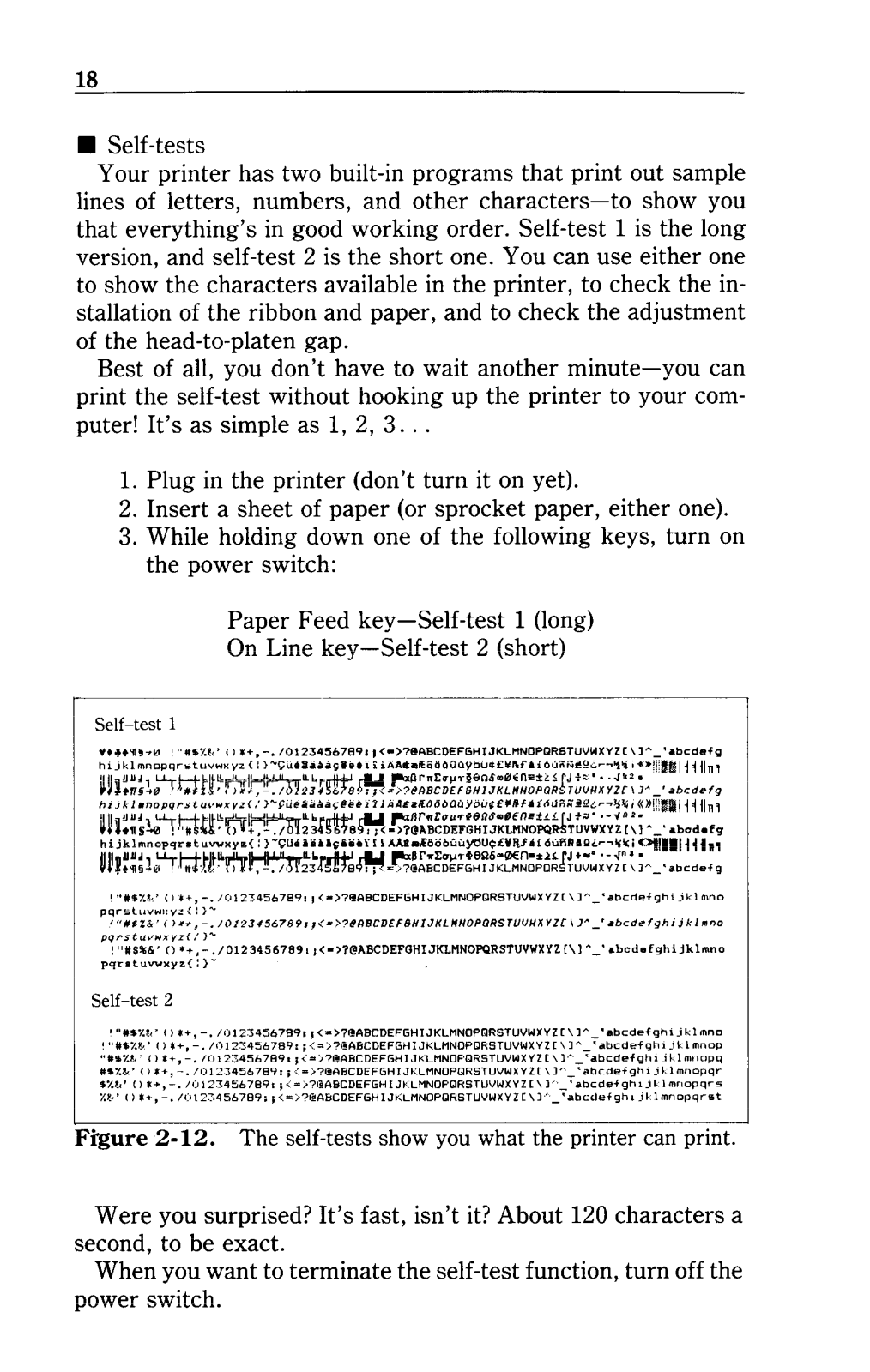
A: Place an intended paper sheet in there and press the paper feed key as you turn the power to perform self-test number 1, second one requires you to long press the on-line key.
Q: How can I check there is no warranty for this printer?
A: Warranty issues are sometimes included in the manual and sometimes are not, therefore talk to your retailer to raise such queries.

 Loading...