

Page 1
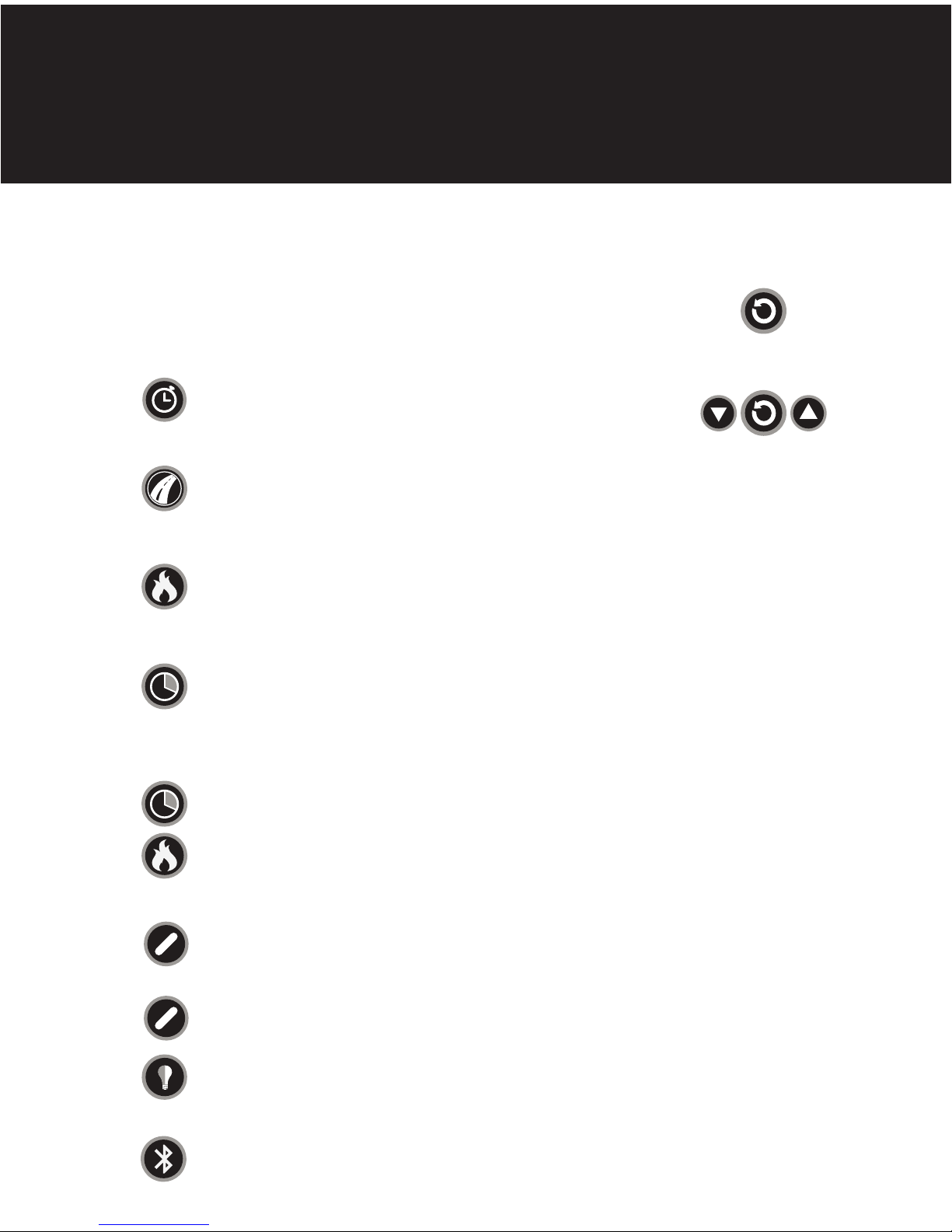
QUICK START
HIIT
WAKE UP
PRESS ANY BUTTON ON CONSOLE OR START WORKOUT
START WORKING OUT
STOP WORKOUT FOR 30 SECONDS OR PRESS ENTER
PRESS ENTER AGAIN TO RESET
press the AVG/MAX button to see average or
max values displayed in speed and power windows
press the WATTS/Kcal button to change
the units displayed in the power window
Press to turn on the backlight
Hold for 5 seconds to lock light on
Press again to turn off
Press TIME program button
Use up + down arrows to select desired time
Press ENTEr to set
Press ENTER to start program
Press DISTANCE program button
Use up + down arrows to select desired distance
Press ENTER to set
Press ENTER to start program
Press calorie program button
Use up + down arrows to select desired distance
Press ENTER to set
Press ENTER to start program
Press INTERVAL program button
Use up + down arrows to select desired WORK time - ENTER to set
Use up + down arrows to select desired REST time - ENTER to set
Use up + down arrows to select desired number of INTERVALS
Press ENTER to set
Press ENTER to start program
Press INTERVAL program + CALORIE program buttons
Use up + downarrows to select desired CALORIES - ENTER to set
Use up + down arrows to select desired REST time - ENTER to set
Use up + down arrows to select desired number of INTERVALS
Press ENTER to set
Press ENTER to start program
TRACK ACTIVITY
WORKOUT SUMMARY
CONSOLE RESET
TIME
PROGRAM
DISTANCE
PROGRAM
CALORIE
PROGRAM
INTERVAL
TIME
PROGRAM
INTERVAL
CALorie
PROGRAM
AVERAGE/MAX
WATTS/KCAL
BACKLIGHT
Press bluetooth button - icon will flash
follow pairing instructions for your device
Bluetooth
WATTS/Kcal
AVG/MAX
Page 2

set up
console
access
maintenance mode
within 15 seconds of console wake - up
Press UP + DOWN + TIME SIMULTANEOUSLY TO ENTER MAINTENANCE MODE
PRESS UP + DOWN BUTTONS TO ACCESS MAINTENANCE SCREENS
PRESS TIME TO TOGGLE THROUGH
P1 TREAD (HIITMILL)
P2 BIC 1 (HIITBIKE / AIRFIT)
P3 ERGO (HIIT UBE)
P4 STEP
P5 BIC 2 (AIRFIT GEN 1)
P6-P9 NONE
CUMULATIVE HOURS AND DISTANCE
SOFTWARE VERSION
screen 1
product information
screen 2
active time out
PRESS TIME BUTTON TO ADJUST
DEFAULT 15 SECONDS
PRESS TIME BUTTON TO ADJUST
DEFAULT 30 SECONDS
screen 3
summary mode time
screen 4
select machine type
PRESS DISTANCE BUTTON TO CHANGE UNITS
screen 5
select units
FOR THE HIITMILL ONLY
PRESS RESISTANCE LEVER TO THE FORWARD MOST POSITION
PRESS TIME BUTTON TO SET ANGLE TO ZERO
screen 7
HIITMILL CALIBRATION
ONLY IF RECOMMENDED BY STAIRMASTER
INSERT USB DRIVE LOADED WITH SOFTWARE INTO SLOT ON RIGHT SIDE OF CONSOLE
PRESS CALORIE BUTTON
WAIT FOR COUNT UP
REMOVE USB
screen 8
SOFTWARE UPDATE
exit
maintenance mode
PRESS enter to exit maintenance mode
read owner’s manual for complete instructions + safety warnings
PRESS BLUETOOTH BUTTON TO TURN ANT+ ON OR OFF
screen 6
ANT +
 Loading...