

Page 1
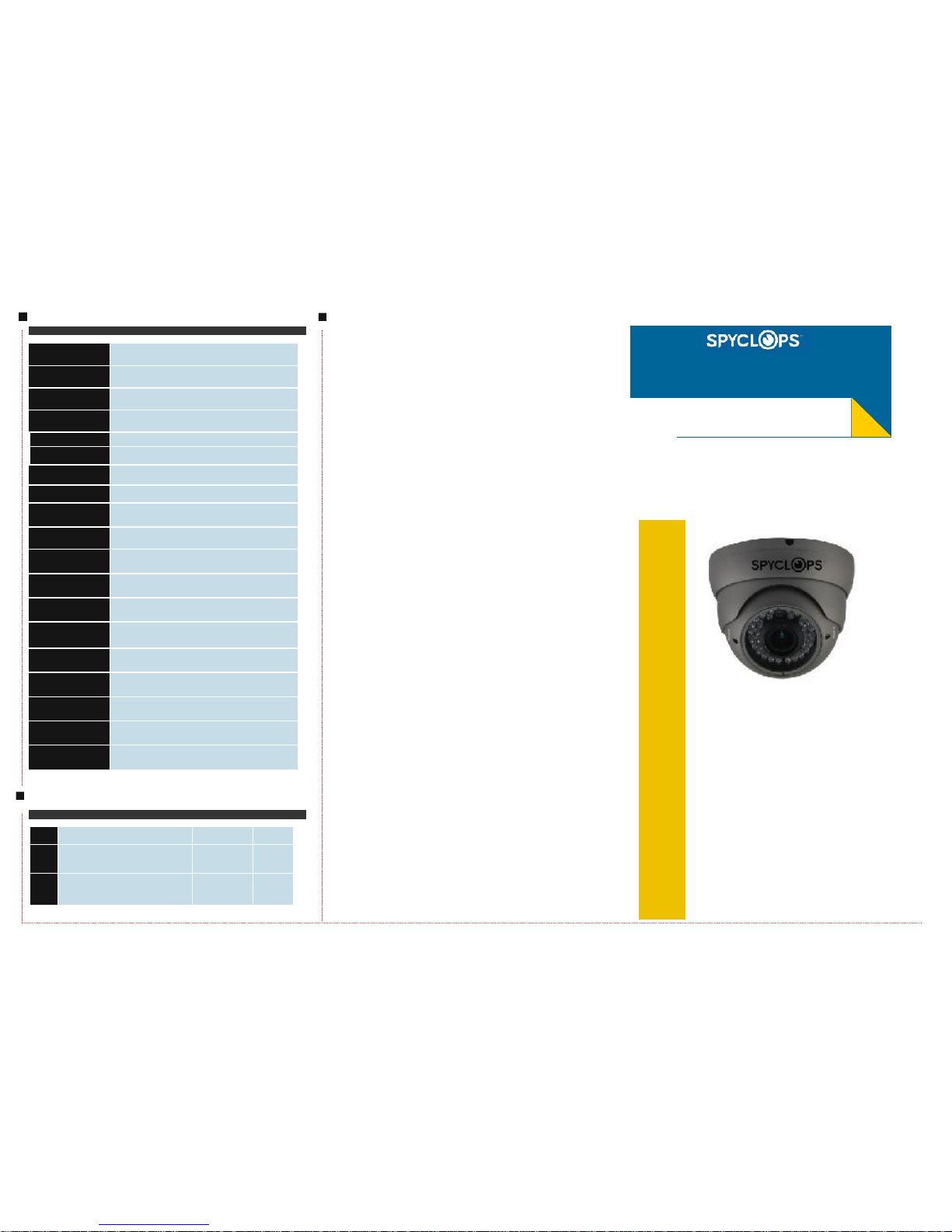
SPY-DOMEG
Vandalproof IR Dome Color Camera
Specification
Packing List
No
Name Model Number
2.
User Guide
SPY-DOMEG
1
1.
Vandalproof
IR Dome Color Camera
SPY-DOMEG 1
Notes:Before providing power for the
camera, please read this User Guide in
detail!
Model
SPY-DOMEG
Pick up Element
1/3" SONY Super HAD CCD II
Effective Picture Elements
(H×V)
NTSC:976(H)×494(V) PAL:976(H)x582(V)
Horizontal Resolution
700 TV Line
Minimum Illumination
0.001 Lux/F1.2
S/N Ratio
More than 52dB
Scanning System
2:1 interface
Synchronous System
Internal, Negative sync.
Auto Electronic Shutter
NTSC: 1/60s~1/100,000s, PAL: 1/50s~1/100,000s
Gama Characteristic
0.45
Video Output
1Vpp, 75Ω
Auto Gain Control
Auto
Power/Current
DC12V(+/-10%)/450mA
Lens
2.8-12mm Manual Zoom Lens
Dimension (mm)
¢131x 93(H)
Weight (g)
800
Storage Temperature
-30~+60℃ RH95% MAX
Operating Temperature
-10~+50℃ RH95% MAX
IR Distance
30 Meters (with¢5x 36 PCS Infrared LED )
Page 2
INTRODUCTION
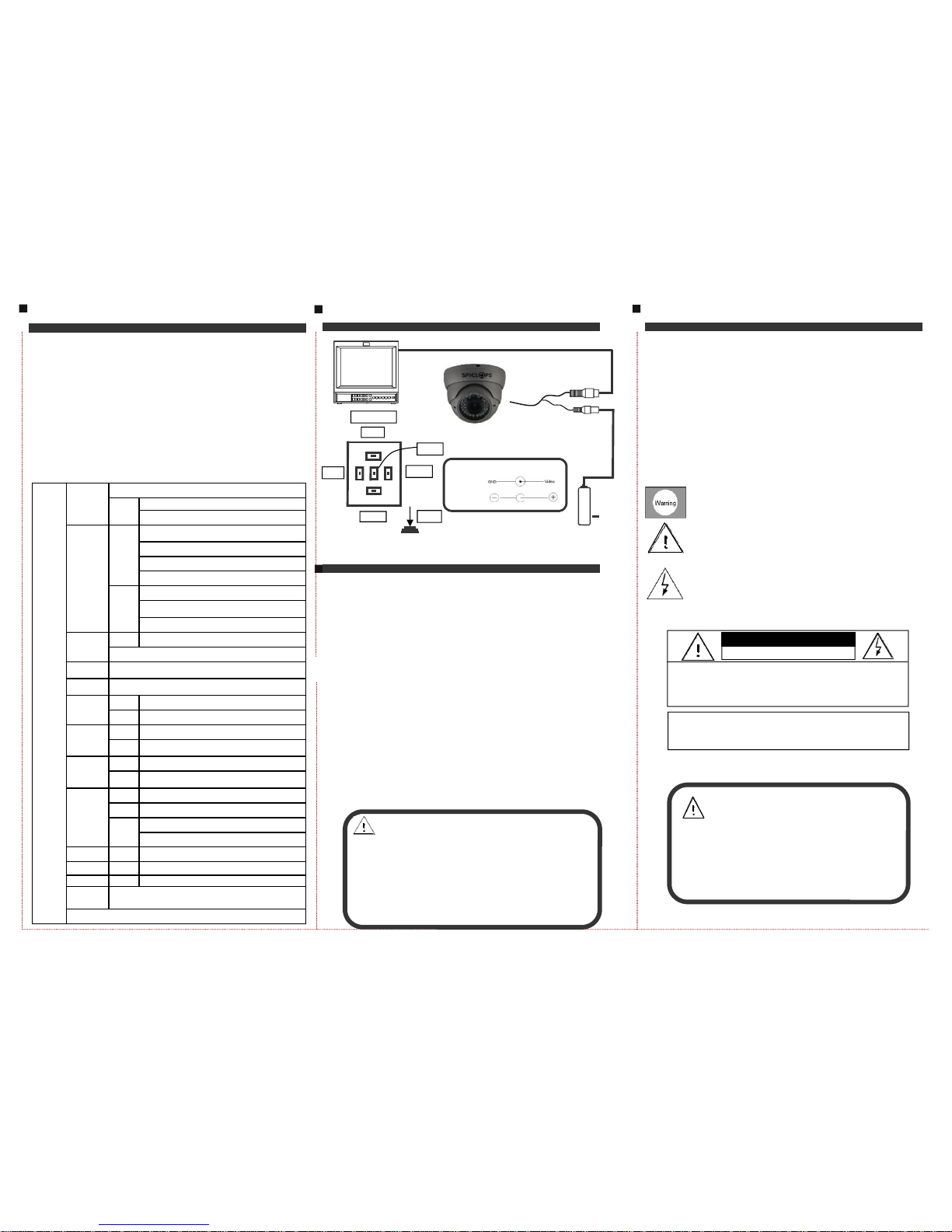
Congratulations on your purchase of this product.
This User Guide suits SPY-DOMEG product. We adopt
the latest SONY technical of sensor and driver. The most
attractive characteristics are small and easy hidden, suits
the elevator and corridor. In addition, it owns the characters of high definition and stability, strong anti-jamming,
rich and real color. Fixing and using this model are convenient too. It is very good for you to apply to your CCTV
system.
Please read this instruction manual carefully to en-
sure proper use of the product.
CONNECTING
BRIEF OF PRODUCT
* Sensor (CCD)
Adopt SONY 1/3" CCD Sensor.
* Auto Gain Control (AGC)
Built-in auto gain control (AGC) circuit. The color camera
can get high definition picture in low Lux condition.
* Scanning Mode
NTSC or PAL mode.
* Support UTC function
With UTC Remote Controller for the convenience of OSD menu
setting.
* OSD SETTING
DC12V Power Supply
Monitor
SPY-DOMEG
TROUBLE AND SOLUTION
Link wire rule:
Power
Video
Note:
● Please note the camera’s operating temperature and its using
environment
requirement. Avoid using the camera at too high or
too low temperatures. The operating temperature is -30~+60℃.
(Recommendatory operating temperature is -10~+50℃.)
● Never make the camera face the sun or bright object. Otherwise, it will damage the CCD.
● Do not mount the camera near by the radiator or heater.
1. No Picture after providing power
. May be the power supply voltage abnormity, please check the power
supply voltage and pole whether exactitude.
. Please check all the connecting cable and monitors whether be connected
correctly or not.
2. The picture level direction have flowing interference ripples
. May be caused by the power supply AC ripples, it need filter the wave of the
power supply.
. Check the monitor and peripheral equipments used.
3. The picture background color changes continuously
. The fluorescent lamp’s electromagnetic field cause color roll. This is proper
phenomenon of the cameras.
. Reduce the fluorescent lamp numbers or increase the distance between the
camera and the fluorescent lamps can improve it.
. Use power supply external sync. camera can solve it.
4. The picture smear too mass
. The power supply’s voltage unstable.
. Connecting cables not connect corr ectly or have high impedance.
To prevent fire or shock hazarded. Do not expose the unit
The symbol is intended to alert the user to the presence of
The symbol is intended to alert the user to the presence of
to rain or moisture.
important operating and maintenance (servicing)
Instructions in the literature accompanying the appliance.
uninsulated ‘dangerous voltage ’ within the product’s
enclosure that may be of sufficient Mag nitude to constitute
a risk of electric shock to persons.
Video
DC12V
CAUTION:
CAUTION: TO REDUCE THE RISK OF ELECTRIC
SHOCK
DO NOT REMOVE COVER OR BACK NO USER
SERVICEABLE PARTS INSIDE. REFER SERVICING
RISK OF ELECTRIC. DO NOT OPEN
CAUTION: TO PREVENT ELECTRIC SHOCKS AND RISK OF
FIRE HAZARDS, DO NOT USE OTHER THAN
SPECIFIED POWER SOURCE.
Notes:
●The power supply must through safe attestation. Its output voltage,
current, voltage polarity and operating temperature must match the
camera’s requirement.
●When using the camera in the thunderbolt condition,please note to
mount Anti-thunder device or put off the power supply plug and cable.
●In order to capture high quality pictures, the power supply’s cable and
video output cable should not be too long.
MENU
UP
DOWN
RIGHT
LEFT
PRESS
KEY BOARD
OSD SET
LENS
MANUAL
AUTO
TYPE:DC/VIDEO
MODE:CLOSE/AUTO/OPEN SPEED:0-255
SHUTTER/
AGC
AUTO
HIGH LUMINANCE MODE:SHUT+AUTO IRIS/AUTO
IRIS
BRIGHTNESS:0-255
LOW LUMINANCE MODE:OFF/AGC
BRIGHTNESS: ×0.25, ×0.5, ×0.75, ×1
MANUAL
MODE:SHUT+AGC
SHUTTER:1/50,1/120,1/250,1/500,1/1000,1/2000,
1/4000,1/10000
AGC:6,12,18,24,30,36,42,44.8
WHITE BAL
ATW SPEED/DELAY CNT/ATW FRAME/ENVIRONMENT
PUSH/ANTI CR/PUSH LOCK/USER1/USER2/MANUL
BACK LIGHT OFF/BLC/HLC
PICT AD-
JUST
MORROR/BRIGHTNESS/CONTRAST/SHARPNESS/HUE/GAIN
ATR
OFF
ON LUMINANCE/CONTRAST
MOTION
DET
OFF
ON
DETECT SENCE/BLOCK DISP/MONITOR AREA/
AREA SEL/TOP/BOTTOM/LEFT/RIGHT
PRIVACY
OFF
ON
AREA SEL/TOP/BOTTOM/ LEFT/RIGHT/
COLOR/TRANSP/MOSAIC
DAY/NIGHT
COLOR
B/W BURST:OFF/ON
AUTO
BURST:OFF/ON
DELAY CNT/DAY-NIGHT/NIGHT-DAY
NR NR MODE:Y/C,OFF,Y,C
CAMERA ID OFF/ON
SYNC INT
LANGUAGE
CAMERA RESET/BACK/EXIT/SAVE ALL
ENGLISH/CHINESS/JAPANESS/ESPANOL/PORTUGUES/
PYCCKNN/FRANCAIS/DEUISCH
 Loading...