

Page 1
GLAS
case o
e
Install Guide
Premium Real Glass
Screen Protector
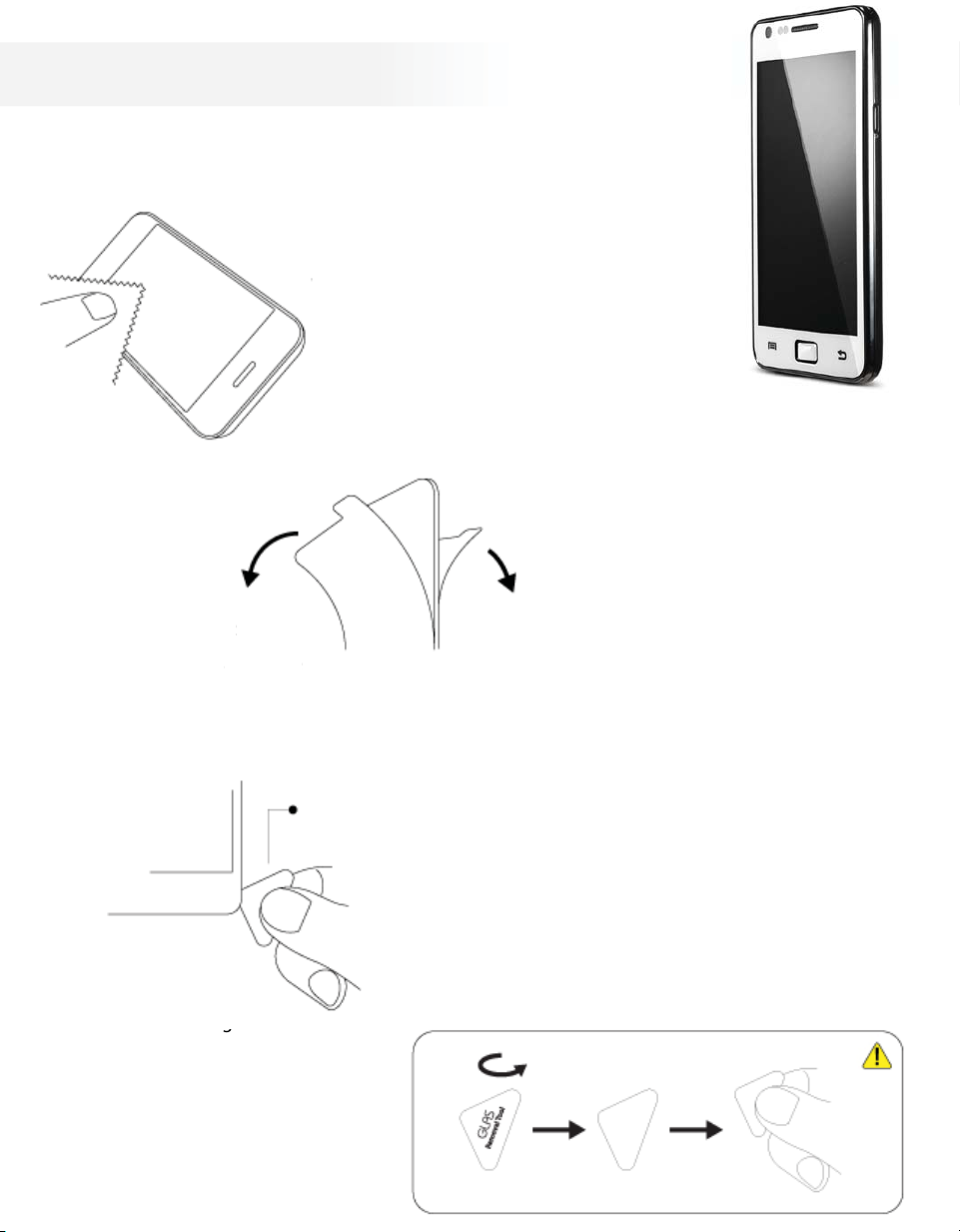
1. Clean the LCD screen
Please use the included cleaning alcohol and
the microber fabric to clean the LCD screen
prior to the instalation.
GLAS
GLAS
(White)
3. Remove Front Cover
for protecting GLAS Surface
After the installation, take o the
removable cover on the front.
4. In case of removing
In
the product
In case of removing the Product
please use the “GLAS Removal Tool”
to safely remove the product
from the LCD screen.
f removing
Surface
ake o th
*
GLAS Removal Tool
*
GLAS Removal Tool
In case of removing the Product with Removal Tool,
please Turn the Side of written “GLAS removal Tool” down.
2. Remove Back Cover
for protecting GLAS adhesive
& install
GLAS onto the Screen
Pull the back tab to take o the adhesive cover,
then carefully position the product to apply
it onto the Screen.
 Loading...