

Page 1
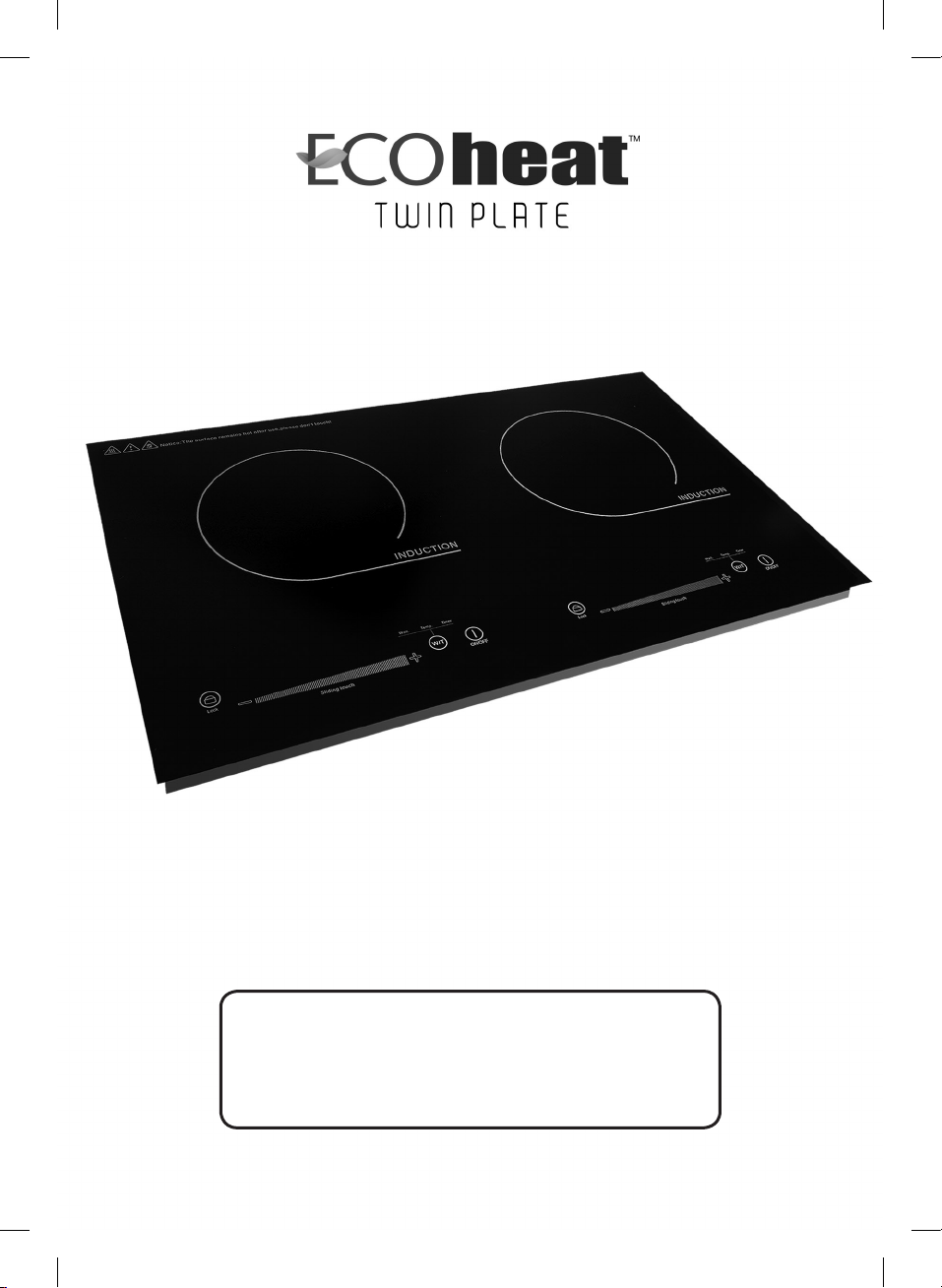
Operating Manual
Thanks for investing in the Ecoheat Induction Cooker.
Please read this user guide thoroughly before use.
Retain for future reference. Happy Cooking.
Model: EcoHeat Twin
Page 2

The Control Panel and Basic Operation
1 Turning the Cooker On
Push the Power Button Once
2 Selecting Wattage
• To select Wattage push the W/T button once and the default wattage of 1200
appears on the LED screen.
• To select a lower wattage, press the
• To increase wattage press
• To decrease wattage press –
• The range of wattage settings: 1200, 1000, 750, 500
+
3 Selecting Temperature
• To select temperature,
press the
• The default temperature of 200ºC will appear on the LED screen.
• To change temperature press
• Temperature range of 60ºC to 200ºC
W/T button
– button. Watch for indicator light to display.
+ or – or alternatively, use the sliding scale
Wattage Settings
The cooker has 4 built in variable energy settings:
500W 750W 1000W 1200W
NOTE Each time you shift between Wattage
and Temperature, using the W/T button, the
cooker will revert to its default factory settings
of 1200 watts or 200ºC.
2 Ecoheat TWIN Operating Manual
PLEASE NOTE
• Cookware must be placed
on top of unit to turn on
• Only magnetic cookware
will activate the plate
Page 3

Additional Settings
ON/OFF Connect cooker to power. The ON/OFF LED light will illuminate. Avoid power
overload: Never share a power point or use power board with other appliances.
AUTO SHUT DOWN Cooker will shut down within 30 seconds of a pot being removed
from glasstop.
TIMER To activate timer press icon down and hold for 3 to 4 seconds. Press icon once
and the LED screen will display “0:00”. The minute value “:00” will flash. To set, press
+ or – icons. Range: 0 to 59 minutes. Press icon again to illuminate hour setting. Value
will flash “0:” Whilst flashing, press
maximum of 3 . To cancel timer, press down on icon for 3 to 4 seconds.
CHILD LOCK Press icon down for 3 seconds to activate child lock. Press down again
for 3 seconds to cancel.
+ or – icon to adjust hours from a minimum of 0 to a
Twin Fan
Ecoheat Twin represents cutting edge technology in reflected heat extraction
performance. The dual extraction fans will continue to extract reflected heat from the
inner core of the cooker until the inner circuitry has cooled to a safe level. This ensures
continual future optimum performance of the cooker. Power to the cooker must remain
on at all times after cooking is completed until fans reach auto shutdown. Once fans
shut down it is then safe to disconnect cooker from power source.
Cookware
Induction friendly cookware with a flat base diameter between 10cm - 26cm is most
compatible. Use the ‘magnet’ test to check induction compatibility. If magnet sticks to
cookware base, it is induction friendly. Ceramic, glass and aluminum cookware are not
suitable. Cookware with a base diameter less than 10cm is not suitable. Curved and
footed bases are not induction friendly. Non induction friendly cookware will activate
Error Code E0 that will illuminate on the LED screen. If suitable cookware is not placed
on cooktop within one minute, it will revert to Stand-by mode.
Cleaning and Maintenance
The Ecoheat Twin Induction should be unplugged before being cleaned.
CLEANING THE GLASS COOKTOP AND CONTROL PANEL: Clean with soft wet cloth. For
oily residues, clean with soft wet cloth dipped in a little toothpaste or neutral detergent.
Wipe clean till residue free. Avoid using scouring pads or harsh abrasives.
CLEANING THE AIR VENTS: Clean using a flexible dry cleaning brush.
Ecoheat Induction 3
Page 4

Safety Notice
• Never use a power board or share a socket with other appliances.
• Keep cooker horizontal and 10cm away from any wall for adequate ventilation.
• Never clean cooker with water whilst powered.
• Keep cookers ventilation slots free and clear at all times.
• Keep metallic utensils clear of glass top during cooking.
• Never use induction cooker if glass top is cracked or damaged.
• Never place an empty pot on cooktop.
• Children should remain clear of cooker at all times.
• Electromagnetic fields are in force and persons with a fitted pacemaker should seek
medical advice prior to use.
• Never place the induction cooker on metal surface. This may cause metal surface to
heat and cause injury.
• Reflected heat may cause cooktop to heat. Let cool prior to handling.
• Damaged or frayed power cord must be replaced by a licensed electrician.
• Once cooking is completed, keep cooker power on till fan stops. This will cool down
internal circuitry and avoid heat damage. The fan will automatically shut down once
cooled to a safe level.
• Avoid direct impact or force to the black crystal plate, as it may cause damage.
• Never place cooker on carpet, tablecloth, paper or gas cooktop.
• Always unplug cooker at the power point prior to cleaning.
• Ensure the black crystal plate is cool before storing.
4 Ecoheat TWIN Operating Manual
Page 5

Built In Detection and Prevention Sensors
E0 Incompatible Cookware Detection
Non-magnetic cookware placed on the cooker will activate error code
appear on the LED screen.
E1 Internal Overheat Detection
Should the internal temperature of the cooker get too high, it will automatically revert
to stand-by mode, and display the error code
E1.
E3 Dry Burn Detection
If the cooktop excessively overheats or a pot base exceeds 270ºC or burns dry, the
cooker will automatically revert to stand-by mode and display error code
E2 Voltage Abnormality Detection
If an abnormality in voltage or current is detected, the cooker will automatically revert
back to stand-by mode and display error code
returns to normal.
Two Hour Shutdown Protection
If the cooker is on for longer than two hours without a mode or function icon pressed,
it will automatically revert to stand-by mode. (Unless timer is preset for a longer period).
E2. The cooker will restart once power
E0. This will
E3.
One Minute Shutdown Protection
If a pot is removed from the cooktop for longer than 1 minute, the cooker will stop
heating and automatically return to stand-by mode and display error code
E0.
E4 Internal Thermostat Shortening
If an abnormality in thermostat function is detected the cooker will automatically revert
to standby mode and display error code
establish thermostat functioning correctly.
E4. An electrician should conduct testing to
E5 IGBT Board Malfunction
The IGBT board has a short circuit or open circuit condition and an electrician should
investigate.
Ecoheat Induction 5
Page 6

Troubleshooting Checklist
The Problem Troubleshooting Guide
1. Power is switched ON at a. Check to see power point is working.
point, but no sound can be b. Check to see if plug is in good
heard, or the POWER icon condition.
has been pressed but LED
light isn’t on.
2. The cooker shuts down after a. Is the pot induction friendly?
60 seconds and alarm sounds. b. Have you placed pot in centre of
the cooktop?
c. Is the base diameter of the pot wider
than 26cm?
3. The cooker stops suddenly a. Is the pot’s base heat too high
during cooking. (above 270º?)
b. Is the ventilation inadequate or airflow
blocked around the cooker?
c. Has timer been accidentally activated
and time has expired?
d. Has an error code appeared
indicating power voltage or fuse
problem?
Specifications
Rated voltage Rated Frequency Rated Power AMP
240V 50Hz 500W 2.27
240V 50Hz 750W 3.41
240V 50Hz 1000W 4.55
240V 50Hz 1200W 5.45
6 Ecoheat TWIN Operating Manual
Page 7

Warranty
ALL ECOHEAT INDUCTION COOKERS ARE SOLD
WITH A 12 MONTH MANUFACTURERS WARRANTY.
We trust you will love cooking with Ecoheat.
Certification
Ecoheat Induction 7
Page 8

EcoHeat Induction Cookware
PO Box 34, Five Dock 2046 Sydney NSW
Phone (02) 9712 1022 l Fax (02) 9712 1540
Email: [email protected]
www.sosimplesolutions.com.au
 Loading...