

Page 1
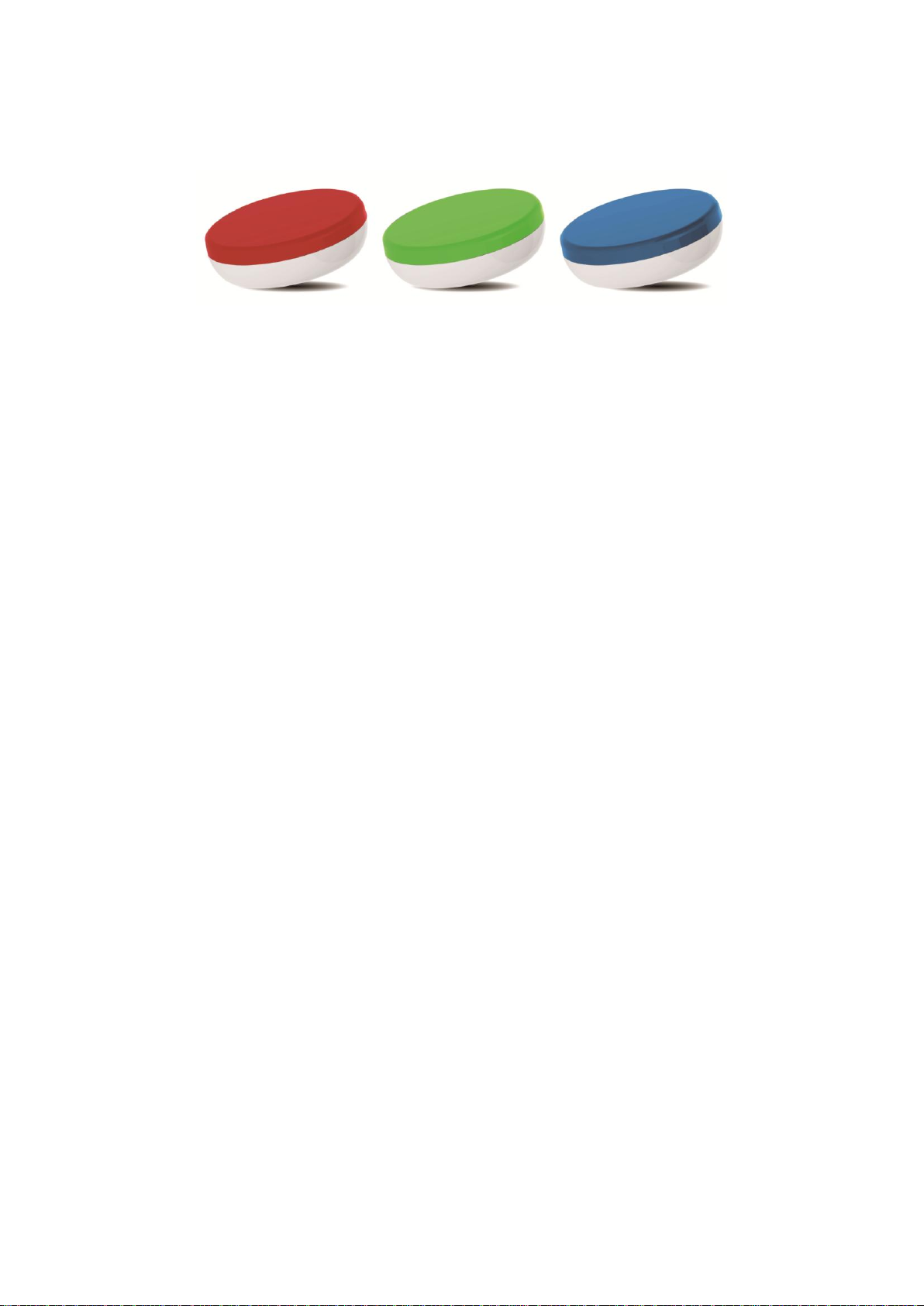
Sonostar SmartFit Product Manual
Getting Started
Your Sonostar SmartFit Bluetooth Activity Tracker will contain:
Sonostar SmartFit Bluetooth Activity Tracker
3V Lithium Coin battery, CR 2032
Setting up your Sonostar SmartFit
Remove the lower case, one of your 3 upper cases and coin battery from the
packaging. .
Put one O Ring along the edge of the upper case.
Put the coin battery on the lower case, with the “+” sign facing up. The battery
should rest in the center of the compartment.
When the battery is in place, insert a ruler or other flat object in the slot on the
back of the unit to turn the door clockwise and lock your lower case with its
upper case until the mark matches.
Setting Up Your Sonostar SmartFit on your iPhone 4S+ and Android OS
4.3+
If you have an iPhone 4S or higher, and Android OS 4.3 or higher, you have the option
to set up and sync your SmartFit via that device. To get set up with your SmartFit,
please do the following:
Download the iPhone app from the App store or the Android app from the
Google play.
When you open the SmartFit App for the first time, you will be prompted to
import basic information.
1
Page 2
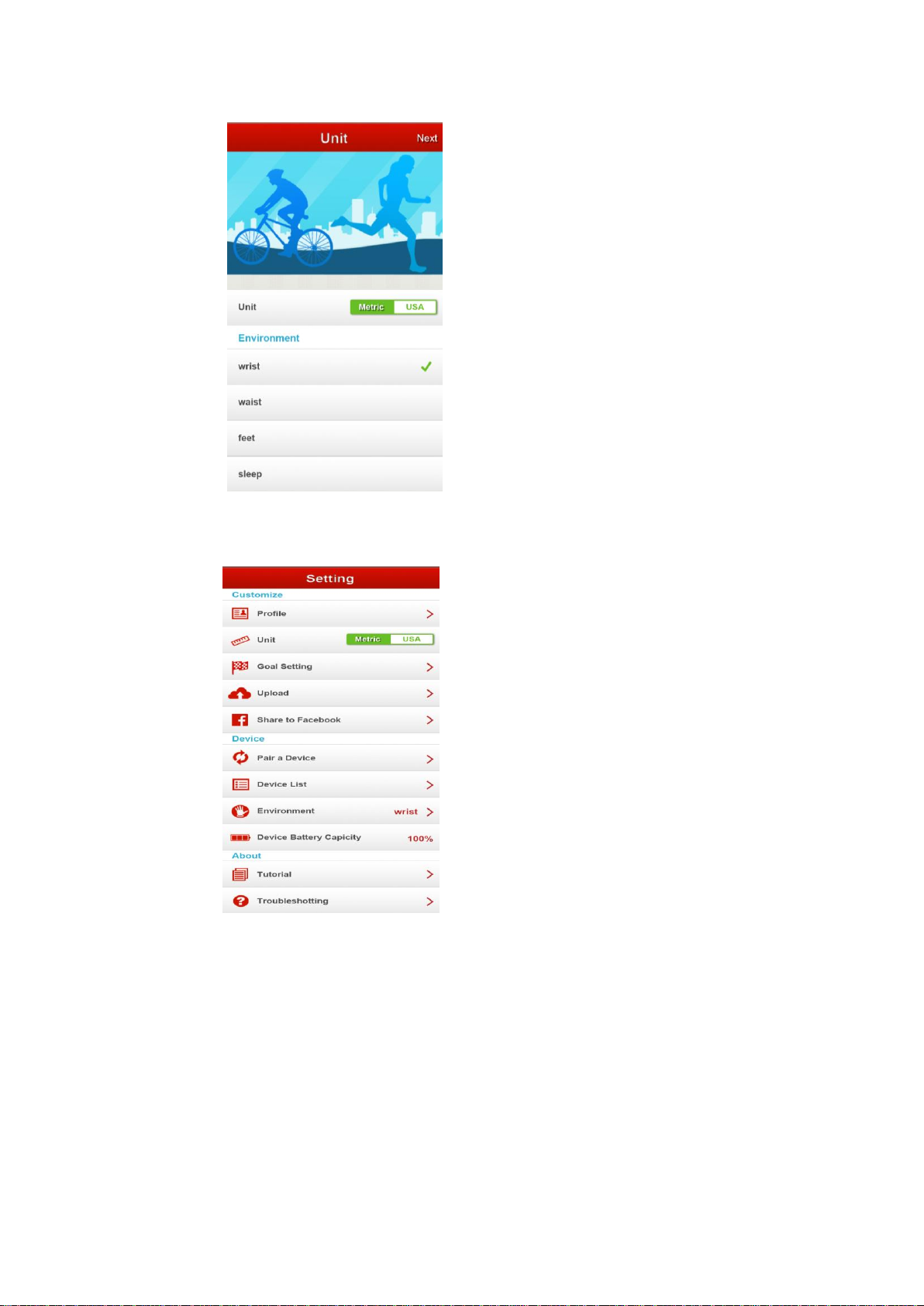
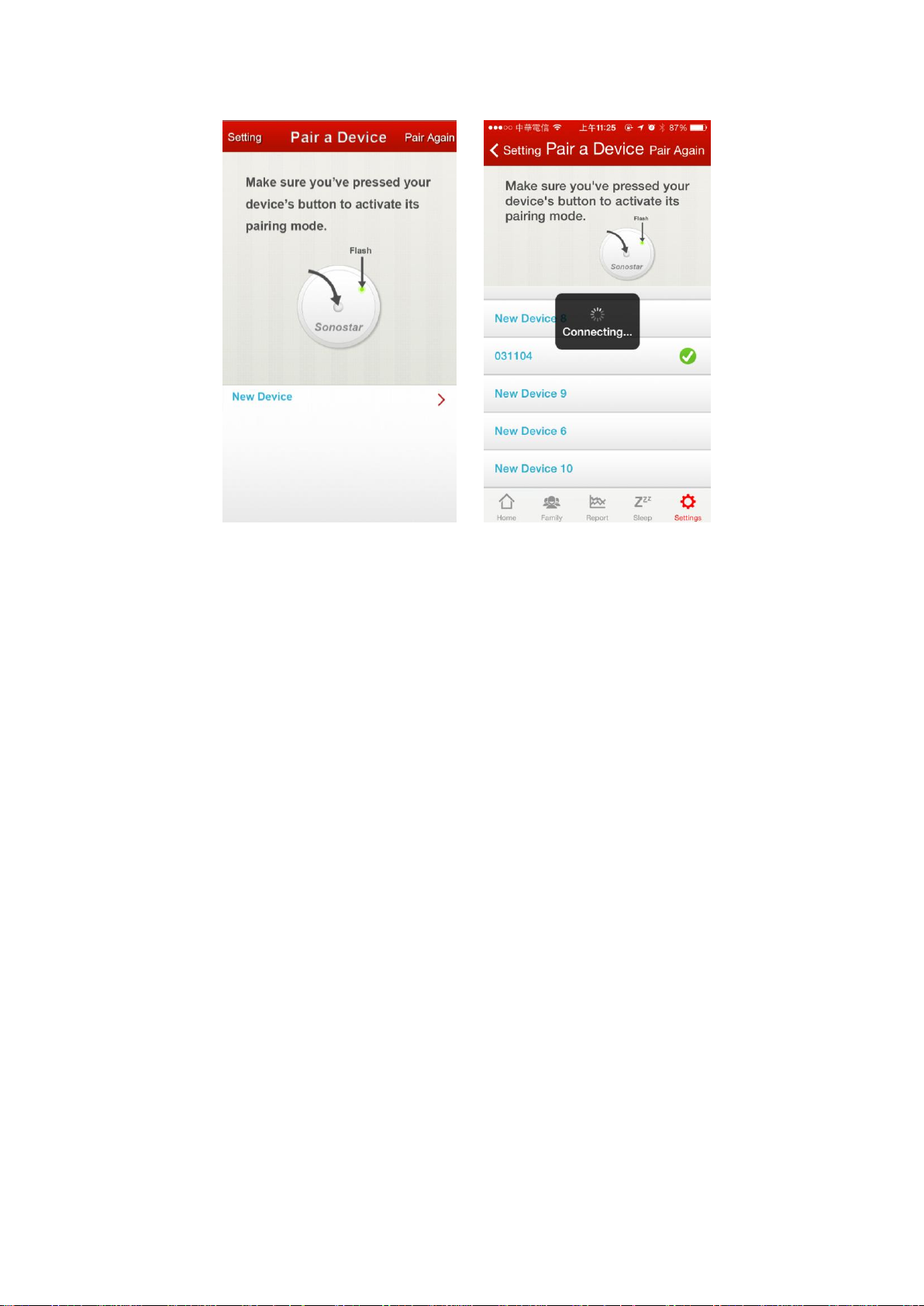
Once you’ve into the app, select the “Pair a Device” button in the Settings
page.
1. Insert the battery and close the battery door.
2. Make sure the Activity Tracker is active.
3. Move your SmartFit near by the iPhone or Android device.
When your SmartFit has been discovered, you’ll be available to click the
“New Device” button to pairing with your Activity Tracker.
2
Page 3
Using your Sonostar SmartFit
Wearing your SmartFit
Your SmartFit is most accurate when worn on or close to the body. A belt,
wristband, shoes are all ideal places to wear your SmartFit.
A wristband is provided, designed to keep it on your wirst.
Your SmartFit is sweat, rain, and splash resistant, but not waterproof. It is
not intended to be worn swimming.
Battery
Your SmartFit runs on a replaceable 3V coin battery, CR2032. It can be
found wherever batteries are sold.
Your battery should last 6 months with regular use.
When your battery drops below 20% a low battery indicator will show on
your SmartFit App.
If your SmartFit’s battery drains, purchase a new 3V coin battery, CR2032.
Use the subsidiary coin or ruler to unlock the battery door compartment,
located on the back of the SmartFit. Your old battery can be recycled.
Federal Communication Commission Interference Statement
This equipment has been tested and found to comply with the limits for a Class B
digital device, pursuant to Part 15 of the FCC Rules. These limits are designed to
3
Page 4

provide reasonable protection against harmful interference in a residential
installation. This equipment generates, uses, and can radiate radio frequency energy
and, if not installed and used in accordance with the instructions, may cause harmful
interference to radio communications. However, there is no guarantee that
interference will not occur in a particular installation. If this equipment does cause
harmful interference to radio or television reception, which can be determined by
turning the equipment off and on, the user is encouraged to try to correct the
interference by one or more of the following measures:
• Reorient or relocate the receiving antenna.
• Increase the separation between the equipment and receiver.
• Connect the equipment into an outlet on a circuit different from that to which the
receiver is connected.
• Consult the dealer or an experienced radio/TV technician for help.
FCC Caution:
This device complies with Part 15 of the FCC Rules. Operation is subject to the
following two conditions: (1) This device may not cause harmful interference, and (2)
this device must accept any interference received, including interference that may
cause undesired operation.
The user that changes or modifications not ex-pressly approved by the party respon-sible
for compliance could void the user’s authority to operate the equip-ment.
4
 Loading...