

Page 1
Multi-Measure
®
Combo Pro
Multi-Measure
®
Combo Pro
Electronic Distance
Measuring Tool
Pocket Reference Guide
SONIN INC.
Phone: 800-223-7511 Website: www.sonin.com
© 2003 Sonin Inc. All Rights Reserved
Printed in China 055-1400-0070 Rev.2
#10300
PLEASE READ THIS FIRST:
Your choice of the SONIN COMBO PRO shows
you are a professional who demands quality and
value from your tools. Please take a few minutes
to read this manual. Your SONIN COMBO PRO
has many easy-to-use features that will make your
measuring tasks faster and easier once you
understand them.
The SONIN COMBO PRO is actually two measuring tools in one. It can take measurements by
bouncing sound waves off flat hard surfaces such
as walls or ceilings from 1 ft 6 ins (46cm) up to
60 ft (18m) in the SINGLE UNIT MODE or
from 3 ft (1 m) up to 250 ft (75m) by sending
infrared light signals to the Target (included) and
receiving sound waves back from the Target in
DUAL UNIT MODE.
Use the SINGLE UNIT MODE primarily for
indoor measurements or whenever you are
measuring to a suitable, hard, flat surface, less
than 60 ft (18m) away.
Use the DUAL UNIT MODE when you need
to measure distances greater than 60 ft (18m),
when there is no suitable surface to bounce the
signal off of, or when there are obstacles partially
blocking the measuring path. [ If you can see the
Target (and it is within range), the COMBO PRO
can take a measurement. ]
- 1 - - 2 -
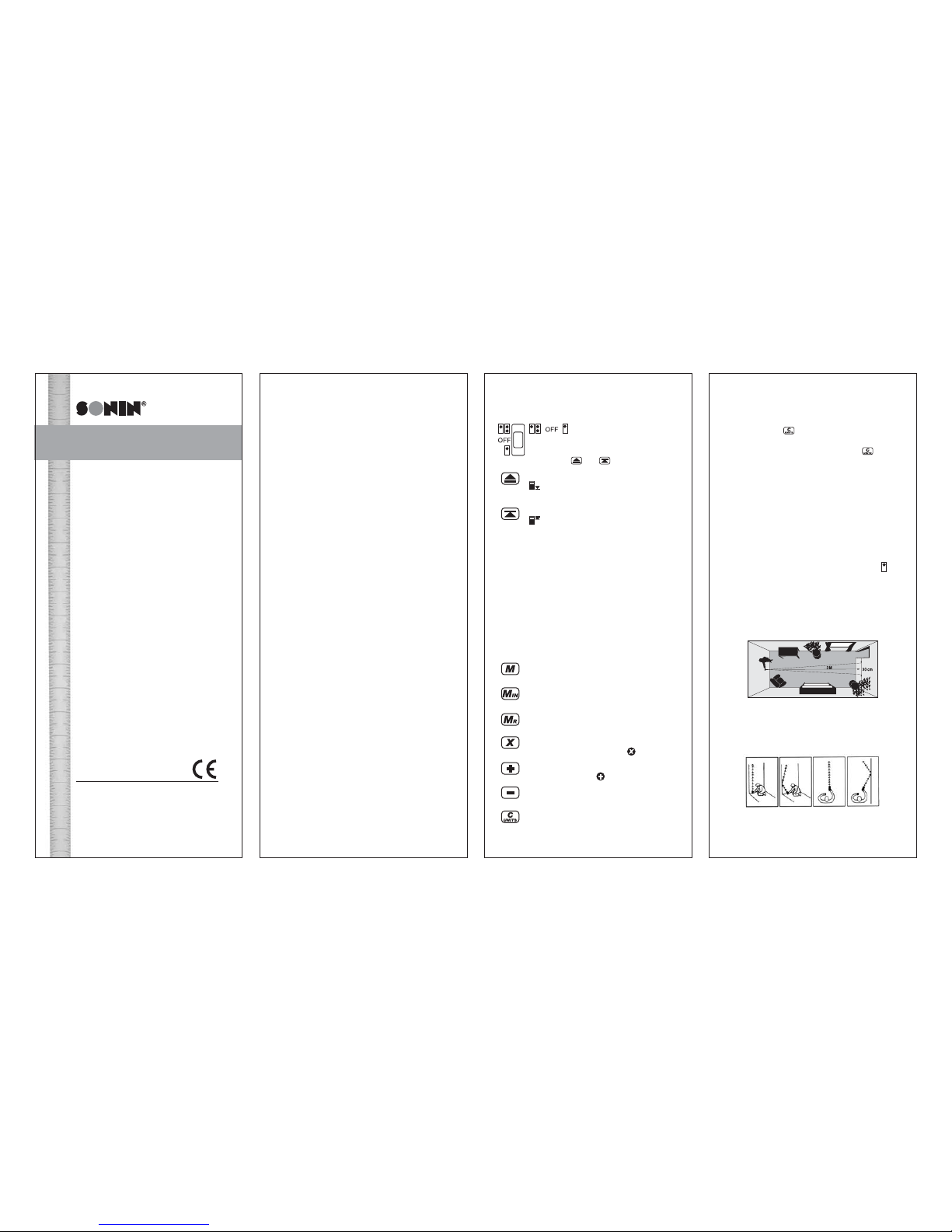
KEYS AND THEIR FUNCTIONS:
Determines whether the unit
is operating in Single Unit or Dual
Unit mode. The Receiver will not turn on
until either
or is pressed.
Measures from bottom of unit
icon will appear in the lower right
corner of the display.
Measures from top of unit
icon will appear in the lower right
corner of the display.
Using either button: Press and HOLD to track
measurements - for continuous readings while
moving. Fastest way to measure but no reading
validation. Useful for locating correct surfaces
when there are obstacles in the way.
Press and RELEASE to validate measurement only
when unit is held absolutely still. Most accurate
mode. Useful in environments when obtaining a
stable reading can be difficult. Validates all
measurement before displaying. Filters out noise
from machinery and other sources.
Turns on Memory. Cycles through memory
registers.
Stores data displayed into blinking memory
registers.
Recalls memory from blinking memory
registers.
Multiplies measurements for area and
volume. Stores and recalls
memory.
Adds linear distances, areas and volumes.
Stores and recalls
memory.
Subtracts linear distances, areas and
volumes.
Clear/Convert/Off Button. Press and
immediately release to clear display. Press
- 3 -
and hold for two seconds to change display
units. Press twice to turn unit off.
Press and Hold
key for more than 2 seconds
to change display units. The display will cycle
between m, ft:in, ft:ft and yd. Release key to
select desired mode.
GETTING STARTED
TAKING MEASUREMENTS
SINGLE UNIT MODE:
1) Install a fresh 9V alkaline battery in rear of
unit. Push contacts firmly in place.
2) Select SINGLE UNIT MODE by sliding
the switch on the side of the unit to the
position.
3) Aim cone at a hard, flat, unobstructed surface
such as a wall or mirror.
4) Make certain you have a clear path to the
surface (wall). (See FIG. 1.)
5) Hold Receiver perpendicular to the surface.
(See FIG. 2.)
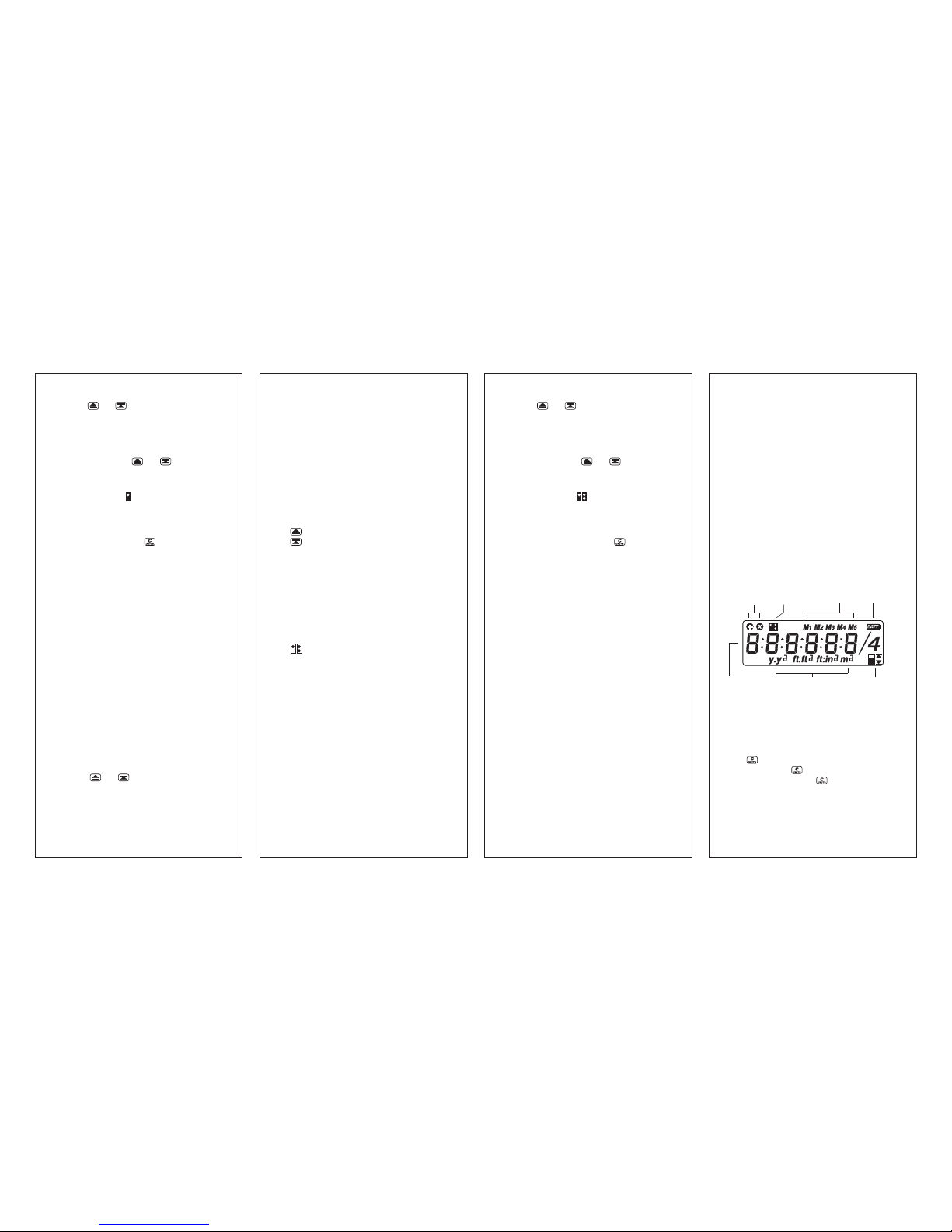
FIG. 1 - The sound waves emitted from this unit
spread 1 ft (30 cm) for every 10 ft (3m) measured.
YES NO YES NO
(FIG. 2)
Page 2
- 4 -
6) Press
or until a consistent measurement appears (about 2 seconds). The unit will
continue to take and display rapid measurements as long as the button is held. Release
button to freeze the measurement.
Press and release
or to validate
measurement.
NOTE: When a measurement is taken in single
unit mode, the
icon will appear in the
upper left hand of the LCD.
7) Your unit is factory preset to display metric. To
set your display to desired mode (m, ft:in,ft:ft
or yds) Press and hold
button until desired
mode displays, then release.
NOTE: Unit will now default to your preset
mode even after unit is turned off.
HELPFUL MEASURING HINTS
FOR SINGLE UNIT MODE
MEASURING:
1) Measurements cannot be taken through glass
or off of soft or padded surfaces.
2) The SONIN COMBO PROs range and ability
to measure in tight spaces can be increased.
Stand in the middle of the distance to be
measured and add measurements taken in
opposite directions.
3) When measuring in confined spaces (hallways),
try to measure down the center line and midway
between the floor and ceiling.
4) To find a specific distance from a wall, walk
toward or away from the wall while holding
down
or .
5) When the surface being measured to has protrusions and recesses, you can determine
where the beam is hitting. Move sideways
parallel to the target surface, while holding
- 5 -
down the measure button. You will see the
distance increase for recesses and decrease
for protrusions.
6) Be sure the surface you are measuring to is
hard, flat and uniform. Some surfaces such as
stucco or clapboard may scatter signals.
7) When using tracking mode, the unit may lock
on to a stronger (usually closer) measurement.
If this happens, release the measure button
and try again.
8) REMEMBER:
Measures from bottom of unit.
Measures from top of unit.
TAKING A MEASUREMENT IN
DUAL UNIT MODE:
1) Install a fresh 9V alkaline battery in rear of
Receiver and Target. Push contacts firmly
in place.
2) Select DUAL UNIT MODE by sliding the
switch on the side of the Receiver to the
position.
3) Move the switch on the side of the Target to
the ON position. Light on front of Target will
blinking slowly indicating target is on.
4) Place the Target at one end of the distance
to be measured.
NOTE: The measurement will be taken to the
back of the Target.
5) Walk with the Receiver to the other end of
the distance to be measured and aim the
Receiver directly at the face of the Target
Aiming at an angle to the face of the Target
will decrease the maximum distance the
COMBO PRO can measure.
6) Make certain you have a clear path to the
Target.
- 6 -
7) Press
or until a consistent measurement appears (about 5 seconds). The unit will
continue to take and display rapid measurements as long as the button is held. Release
the button to freeze the measurement.
Press and release
or to validate
measurement.
NOTE: When a measurement is taken in Dual
Unit Mode, the
icon will appear in the
upper left hand of the LCD.
8) Your unit is factory preset to display metric. To
set your display to desired mode (m, ft:in,
ft:ft or yds) Press and hold
button until
desired mode displays, then release.
NOTE: Unit will now default to your preset
mode even after unit is turned off.
HELPFUL HINTS FOR DUAL UNIT
MODE MEASURING:
1) Make certain there is a clear line of sight
between the Receiver and the Target.
2) Use validate mode when taking measurements
near traffic, construction or other noise sources.
3) The Target is not affected by noise. If there
are loud noise sources such as machinery,
traffic, etc., arrange the measurement so the
Receiver is furthest from the noise source.
4) Use DUAL UNIT MODE Operation
even for short measurements [under 60 ft
(18m)] if there are obstacles in the path of the
measurement. SINGLE UNIT MODE
Operation requires a path 1 ft (30 cm) wide
for each 10 ft (3m) of measured distance.
For example, at 60 ft (18m), SINGLE UNIT
MODE Operation requires a path 6 ft
(1.8m) wide and high. DUAL UNIT MODE
Operation only requires that the Receiver is
- 7 -
able to see the Target.
5) If the wind is gusting, make certain you use
validate mode for measurements. See the
section on ENVIRONMENTAL CONDI-
TIONS.
6) When measuring distances beyond the
maximum range (see section on ENVIRON-
MENTAL CONDITIONS) break the measurement into 2 or more measurements and use
the ADD function to sum them.
REMEMBER:
Your COMBO PRO will automatically power
down and lose all measurements 7 minutes
after the last key press.
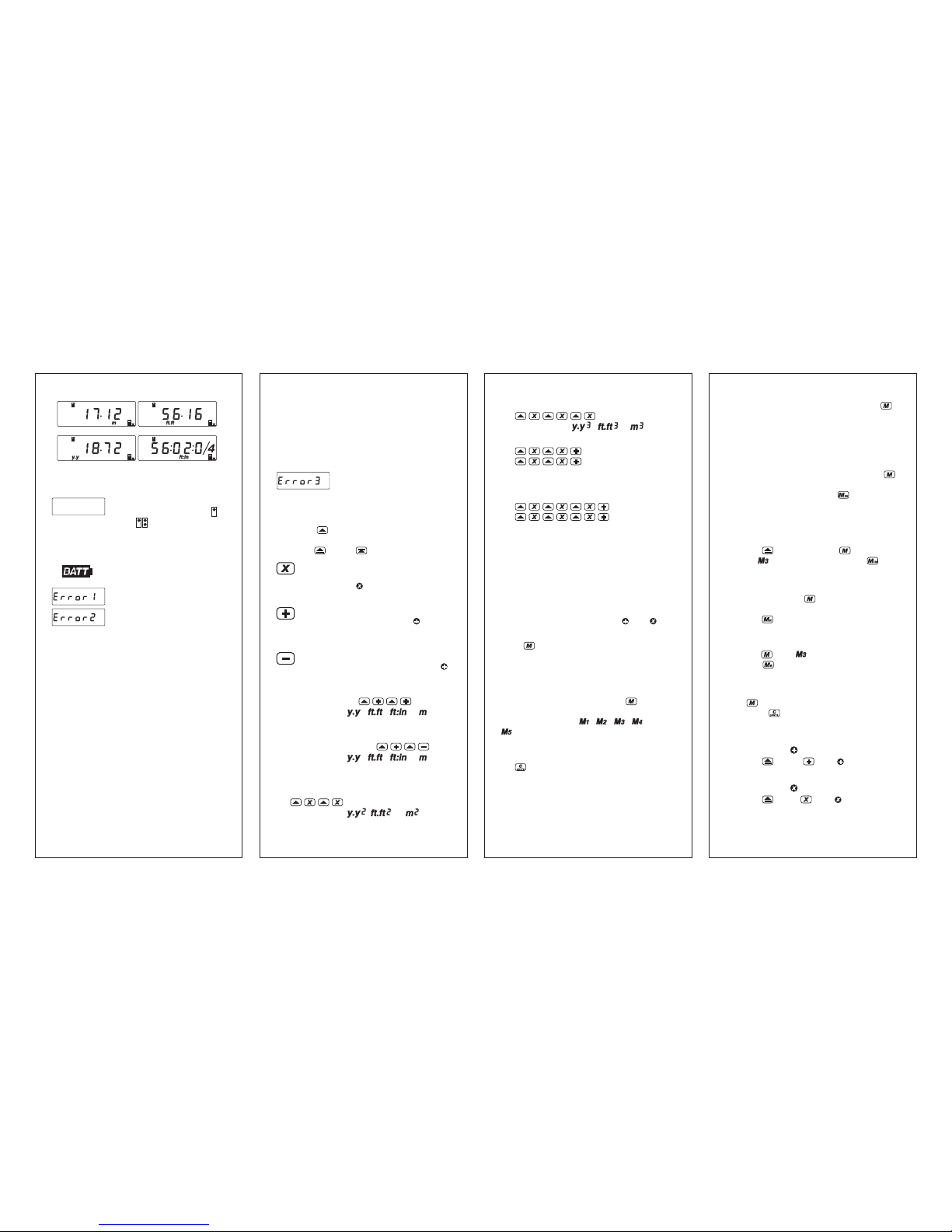
READING THE DISPLAY:
The SONIN COMBO PRO can display
measurements in 4 modes.
To change the display units or convert a displayed
value from one set of units to another, press and
hold . The displayed value will change with
the units. Release
when the desired units are
displayed. If you release
before the reading
changes units, the display will clear and the reading
will be erased unless first stored (see MEMORIES).
Battery Low
Indicator
Bottom & Top
Measuring Icon
Units / Sq / Cu
Icon
Single / Dual
Unit Mode Icon
Memories
Register
Six Digits & Fraction
Data Display Line
Multiply & Add
Memory Register
Page 3
- 8 -
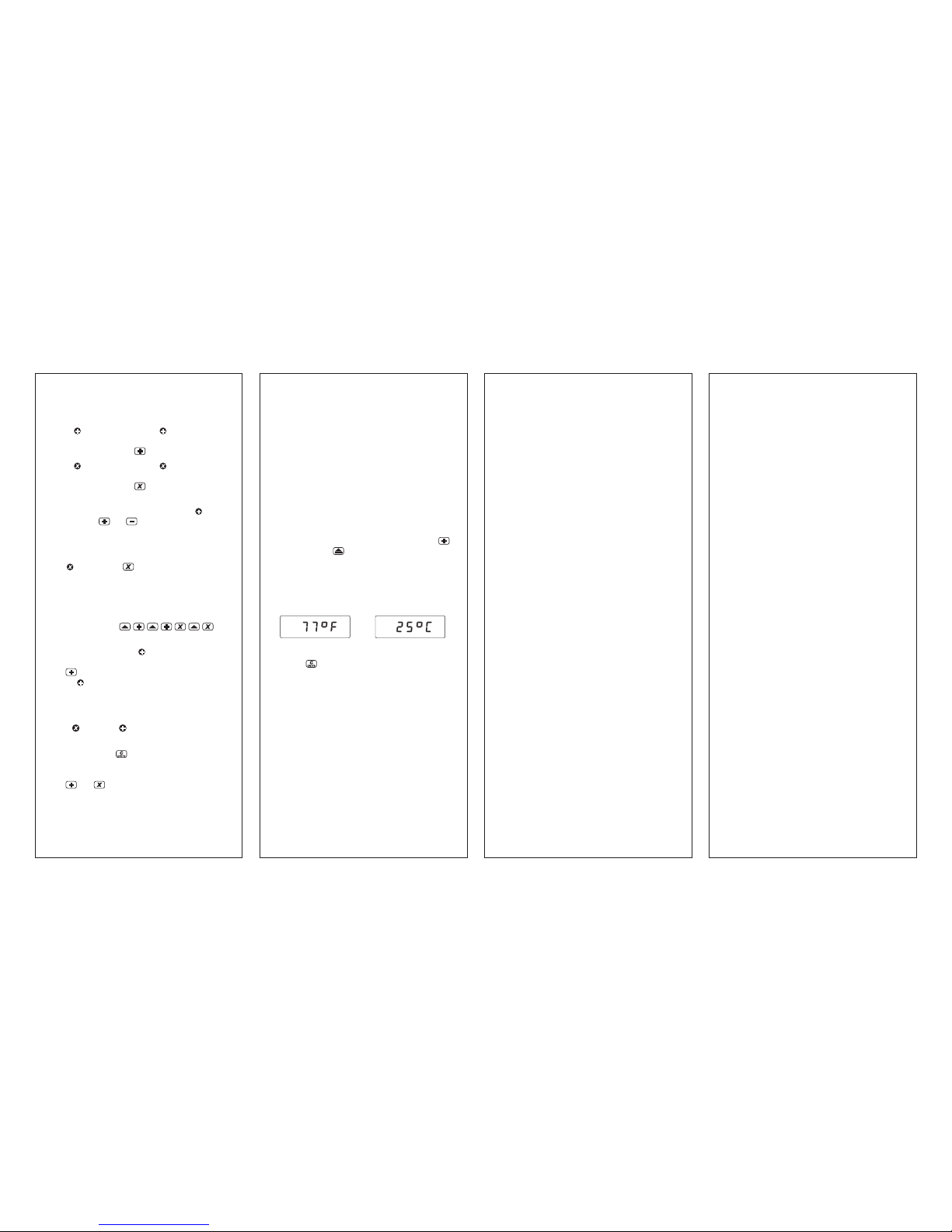
1) If the unit is unable to take a "good" measurement the display will show one of the following:
BLANK SCREEN Make certain
the Receiver switch is in the
or the position.
Check/replace battery. If unit
still doesn't work, call your
SONIN Dealer.
When the BATT symbol appears
on the display, replace the battery.
Out of Range or No Return
Signal.
No Valid Reading.
Possible causes for Error 1 and Error 2 include:
a) Measurement out of range [1.5 to 60 ft
(0.46 to 18.2 m) without Target, 3 to 250
ft (1 m to 75 m) with Target].
b) Unit is not perpendicular to the surface or
Target. (See Fig. 2.)
c) Surface is not hard and flat.
d) Interference from nearby noise sources. Try to
position the Receiver as far from the noise
source as possible or turn off the machinery
causing the noise (see section on ENVIRON-
MENTAL CONDITIONS).
e) Receiver or Target was moved during the
measurement. The distance between the two
units must not be change during the reading.
f) Excessive wind.
- 9 -
g) Target is not turned on.
h) The Target is being triggered by an infrared
light signal other than the Receiver. If direct
sunlight is "blinding" the Target, exchange
the position of the Receiver and the Target
so the light is coming from behind the Target.
Math error - square or cube
result overflow.
COMPUTATION FUNCTIONS:
To make the computations in the descriptions
below, the button symbol indicates taking an
actual measurement (length, width or height) with
either the or the button.
Multiplying: The unit multiplies linear
measurements to compute areas and
volumes. The
symbol will appear in
the upper left corner of the display.
Adding: The unit adds linear measurements, areas or volumes. The
symbol
will appear in the upper left corner of
display.
Subtracting: The unit subtracts linear
meaurements, areas or volumes. The
symbol will appear in upper left corner of
display.
Adding distances:
(Display shows , , or )
(Continue until you are done adding
distances.)
Subtracting distances:
(Display shows , , or )
(Continue until you are done subtracting
distances.)
Multiplying to compute areas:
(Display shows , or )
3) To Exit Memory, continuously press the
key until Memory Registers no longer appear
on the LCD, NOTE: the unit will automatically
exit memory mode when you clear the memory,
store to memory or recall the memory.
To Store Memory:
Take a measurement. Press and release the
key until you reach the desired memory register.
Then, while blinking, press the key once to
store the displayed reading. The memory icon will
now turn off to indicate that it has data stored to
that register and back to the measuring mode.
Example: To store in M3
Press
once, and press 4 times (the icon will blink) then press .
Your measurement will be stored in M3.
To Recall Memory:
Press and release the key until you reach the
desired memory register. Then, while blinking,
press the key. This will recall the data stored
in that memory register.
Example: To recall from M3
Press
until is blinking. While blinking
press
key. Memory stored in M3 will
display on LCD.
To Clear All Stored Memory :
Press key until all 5 Memory icons are blinking.
Then press
key. All memory stored will be
erased and your unit will automatically go back
to measuring mode.
To store in :
Press , then (the symbol will
appear in the upper left corner of the display)
To store in :
Press , then (the symbol will
appear in the upper left corner of the display)
- 11 -- 10 -
Multiplying to compute volumes:
(Display shows , or )
To add areas:
(Display shows total area)
(Continue until you are done adding areas.)
To add Volumes:
(Display shows total volume)
(Continue until you are done adding volumes.)
Note: The SONIN COMBO PRO can only add
like units of measure.
MEMORIES:
Your SONIN COMBO PRO has SEVEN Memories.
5 Memory Registers - M1, M2, M3, M4 and M5
and two calculation memories in
and .
To Access M1 - M5 Memory Registers:
Press
Key Once to Turn On Memory. If any
memory is already stored, the icon will appear
on the LCD showing where there is stored data,
otherwise it remains blank indicating all memory
registers are empty.
Continue to press and release the
key to
access the memory registers. The icons will blink
when accessible. (i.e. , , , and/or
blinking)
NOTE:
1) When M1 - M5 icons are blinking and the
key is pressed, it will clear the memory
in that register.
2) If you plan to store a new measurement, you
must first take the measurement before entering
into memory.
meter decimal feet
yard foot:inch
Page 4
SPECIFICATIONS:
Range Without Target:
Min: 1.5 ft (0.46m)
Max: 60 ft (18.2 m)
Actual: Will vary depending on environmental
conditions.
Range With Target:
Min: 3 ft (0.91m)
Max: 250 ft (76.2 m)
Actual: Will vary depending on environmental
conditions.
Accuracy:
Single Unit Mode: 99.5% ± 1/4 in (± 1 cm)
Dual Unit Mode: 99.5% ± 1/2 in (± 1 cm)
These accuracies are possible when
environmental conditions are as follows:
Temperature: 32 to 86°F (0 to 30°C)
Relative Humidity: 30 to 70%
Altitude: -328 ft to +328 ft (-0.1 to +0.1 km)
Wind Speed: Still Air
EXAMPLES: SINGLE UNIT MODE
At 15 ft (4.57 m) your reading will be within
1 1/4 ins (3 cm). At 60 ft (18.2 m) your reading
will be within 3 3/4 inches (10 cm).
EXAMPLES: DUAL UNIT MODE
At 15 ft (4.57 m) your reading will be within
1 1/2 ins (3 cm), At 60 ft (18.2 m) your reading
will be within 4 inches (10 cm).
Resolution:
1/4 in (0.01 m, 0.01 ft or 0.01 yd)
Ultrasonic Frequency:
40 kHz without Target,
25 kHz with Target
- 14 - - 15 -
Battery:
9 volt (alkaline recommended)
Current Consumption:
8 - 13 mA
(Approximately 50 hours continuous
use with a new 9 volt alkaline battery)
Operating Temperature:
32 to 100°F (0 to 38°C)
Auto Shut-off:
Approximately 7 minutes after last key press.
Size:
Receiver: 5 7/8 x 2 7/8 x 1 3/4 inches
(147 x 75 x 45 mm)
Target: 4 3/4 x 3 x 1 1/16 inches
(121 x 75 x 27 mm)
Weight:
Receiver: 6.2 oz (175 g) without battery
Target: 4.0 oz (115 g) without battery
- 12 -
NOTES:
1) Turning the unit off will erase both memories.
2) If
memory is empty (no symbol in upper
left corner of display) a measurement can be
stored by pressing button.
3) If
memory is empty (no symbol in upper
left corner of display) a measurement can be
stored by pressing button.
4) Subsequent measurements can be added to
or subtracted from measurement in
by
pressing
or button, respectively. The
resulting value (sum or difference) is displayed.
5) Subsequent measurements can be multiplied
by the stored value (measurement or area) in
by pressing button. The resulting
value (area or volume) is displayed.
6) Other operations such as computing the area
formed by the sum of two distances multiplied
by a third distance are also possible.
For example:
7) The SONIN COMBO PRO can only add like
units of measure. If
contains a distance
and the display shows an area, pressing the
button will cause the area to be stored
in
and the previously stored distance to
be lost.
TO RETRIEVE A STORED VALUE
IN AND
1) Clear the display by pressing and immediately
releasing the
button.
2) Once you have cleared the display, press the
or button to retrieve the reading
stored in that memory.
- 13 -
TEMPERATURE COMPENSATION:
Because temperature affects the speed of sound,
the SONIN COMBO PRO has automatic temperature compensation for greater accuracy. In order
to make the most of this feature, wait 1 minute for
each 1°F (2 minutes for each 1°C) of temperature
difference between cool and warm locations.
DISPLAYING TEMPERATURE TO IMPROVE
ACCURACY: Since temperature affects accuracy,
the SONIN COMBO PRO is most accurate when
its internal temperature matches the air temperature.
To display temperature: press and hold
key, then press key, the internal temperature
will appear on the display immediately (in °C when
m display units are selected or in °F if selected
display units are ft:in, ft:ft, yds).
For Example:
To go back to measurement mode, press and
release
key or press the measure key directly.
HINT: To speed equalization of the SONIN
COMBO PROs internal temperature versus air
temperature, wave the unit back and forth in the
air to circulate room temperature air through the
unit. For additional information, see "Temperature"
in the section on Environmental Conditions.
LOW BATTERY INDICATOR:
Replace the battery when the BATT symbol appears
on the LCD.
or
Page 5
- 19 -
FCC NOTE:
This device has been tested and found to
comply with the limits for a Class B device,
pursuant to part 15 of the FCC Rules. These
limits are designed to provide reasonable
protection against harmful interference in a
residential installation. This device generates,
uses and can radiate radio frequency energy
and, if not used in accordance with the
instructions, may cause harmful interference to
radio communications. However, there is no
guarantee that interference will not occur in a
particular installation. If this equipment does
cause harmful interference to radio or television
reception, which can be determined by turning
the device off and on, the user is encouraged
to try to correct the interference by one or more
of the following measures:
- Reorient or relocate the receiving antenna
- Increase separation between the device
and receiver
This Class B Digital Apparatus meets all
requirements of the Canadian InterferenceCausing Equipment Regulations.
- 16 -
ENVIRONMENTAL CONDITIONS
THAT COULD AFFECT PERFORMANCE:
IMPORTANT: Ultrasonic Distance Measuring,
Tools work best for quick and easy measuring and
estimating. They are not intended for precision
work, although they can be very accurate under
optimal conditions.
Humidity - Humidity and temperature can affect
the range and accuracy of all ultrasonic distance
measuring tools. They may give measurements
that are longer or shorter than their specifications
(depending on atmospheric conditions). The range
is longest in high temperature/high humidity and
low temperature/low humidity and range is shortest
in high temperature/low humidity and low
temperature/high humidity.
Humidity effects on accuracy are greatest at high
temperatures and negligible at low temperatures.
At 100°F (38°C) and 99% R.H., the distance
measurement will be short by 0.6%. At 100°F
(38°C) and 0% Relative Humidity, the distance
measurement will be long by 0.6%. At 32°F (0°C)
the distance measurement will essentially not be
affected by humidity.
Temperature - Your SONIN COMBO PRO has
unique automatic temperature compensation to
ensure consistency of measurements between 32°F
and 100°F (0°C to 38°C). The response rate of
this circuitry enables you to move between warm
and cold areas and measure with reasonable
accuracy. However, we recommend that you do
not leave your SONIN COMBO PRO in very cold
or very hot conditions (e.g. sunlight in a car), as
the unit will then require more time to adjust to air
temperature.
- 17 -
As long as the internal temperature is equal to the
air temperature, accuracy is unaffected. Wait for
the unit's internal temperature to equal the air
temperature or, add 1% of the measured distance
for each 10°F (5.5°C) that the measured temperature is below the actual temperature; subtract 1%
of the measured distance for each 10°F (5.5°C)
that the internal temperature is above the air
temperature. (See section on DISPLAYING
TEMPERATURE for instructions on how to obtain
a temperature measurement from your SONIN
COMBO PRO.)
Altitude/Barometric Pressure - Altitude and
barometric pressure can affect the range and
accuracy of all ultrasonic distance measuring tools.
As the altitude increases (barometric pressure
decreases), the range is reduced. As altitude
decreases (barometric pressure increases), the
range is increased.
To correct for altitude (pressure) effects on accuracy,
subtract 0.4% of the measured distance for each
1000 ft/ - 0.6" Hg (0.3 km/-15mm Hg) you are
above sea level. Add 0.4% of the measured
distance for each 1000 ft/ +0.6" Hg (0.3km
/+15mm Hg) you are below sea level (sea level
= 760mm Hg).
Noise - High frequency noise from machinery,
engines, computers, stereos, TV sets, etc. can affect
the reading and you may get random readings.
Stand away from or shut off this type of equipment
when measuring.
Outdoor Measurements - Your SONIN
COMBO PRO is designed for indoor and outdoor
use, provided there is only light wind. A strong
wind will tend to affect accuracy and/or range.
- 18 -
FIELD CALIBRATION:
This unit was calibrated under the circumstance
of 760 mmHg atmosphere and 50% relative
humidity, if the unit is not used under such environmental conditions, it may produce an error. The
built in users calibration mode is designed for the
user working under other than standard conditions
such as high altitudes. After the unit is calibrated
all environmental errors are compensated and the
accuracy is improved.
To Field Calibrate unit -
1) Turn the switch to the position.
2) Place unit 10 feet (or 3 meter) from the bottom
of the unit to a flat vertical surface.
3) Press and hold both
and keys then
press
key, the unit will turn on and process
calibration immediately.
4) When calibration is completed 10.00 ft.ft
(or 3.00 m) will displayed on the LCD.
5) Then turn off the unit and turn on again, the
new calibrated data will now used in all
measures.
NOTE - BEFORE CALIBRATING UNIT:
1) It is imperative that the unit be exactly 10 feet
(imperial) or 3 meter (metric) from the bottom
of the unit to a flat vertical surface.
2) Verify the temperature of the unit is within
± 1°C of the ambient temperature.
TO RESET BACK TO FACTORY DEFAULT
SETTING:
1) Turn OFF unit and turn in ON again.
2) Press and hold
key then press . The
LCD will display (RESET). the
factory default setting now restored to the unit.
3) Then turn OFF unit and turn ON again to
resume measuring.
TECHNICAL ASSISTANCE
If you have any questions or need technical
assistance, e-mail to:
CUSTOMER SERVICE
SONIN takes pride in offering unmatched
customer service to owners of SONIN
products. If you have any questions or would
like additional information, please call:
1 - 800 - 223 - 7511 (USA)
or e-mail to:
 Loading...