

Page 1
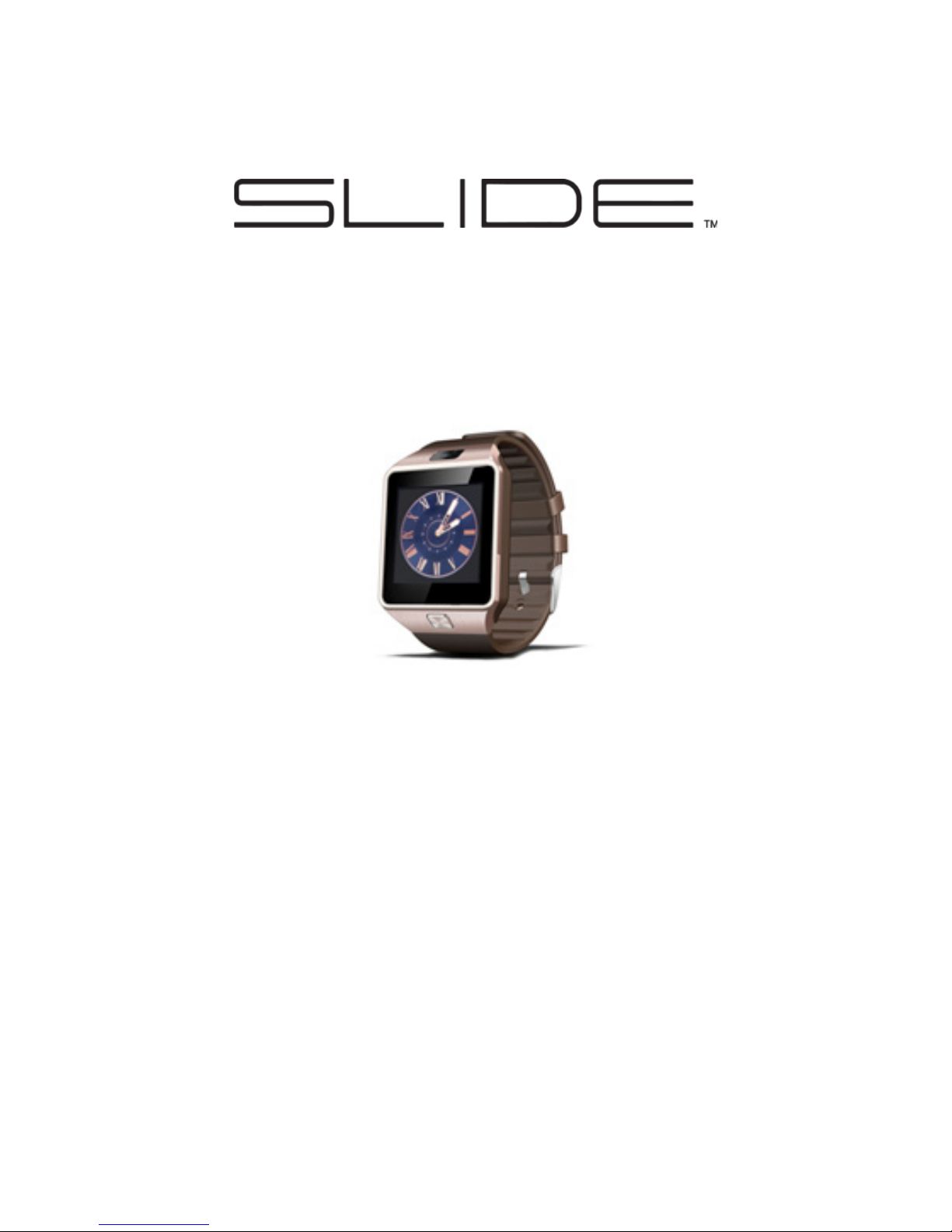
SMARTWATCH
Quick Start Guide
Please read this manual before use.
SW200
Visit us at
www.slideusa.com
or contact us at
Page 2
• Please charge the watch for at
least two hours prior to its rst
use.
• If prompted for a password,
enter “1122.” This is the default
password. You can change the
password under Settings, in the
Security Settings menu.
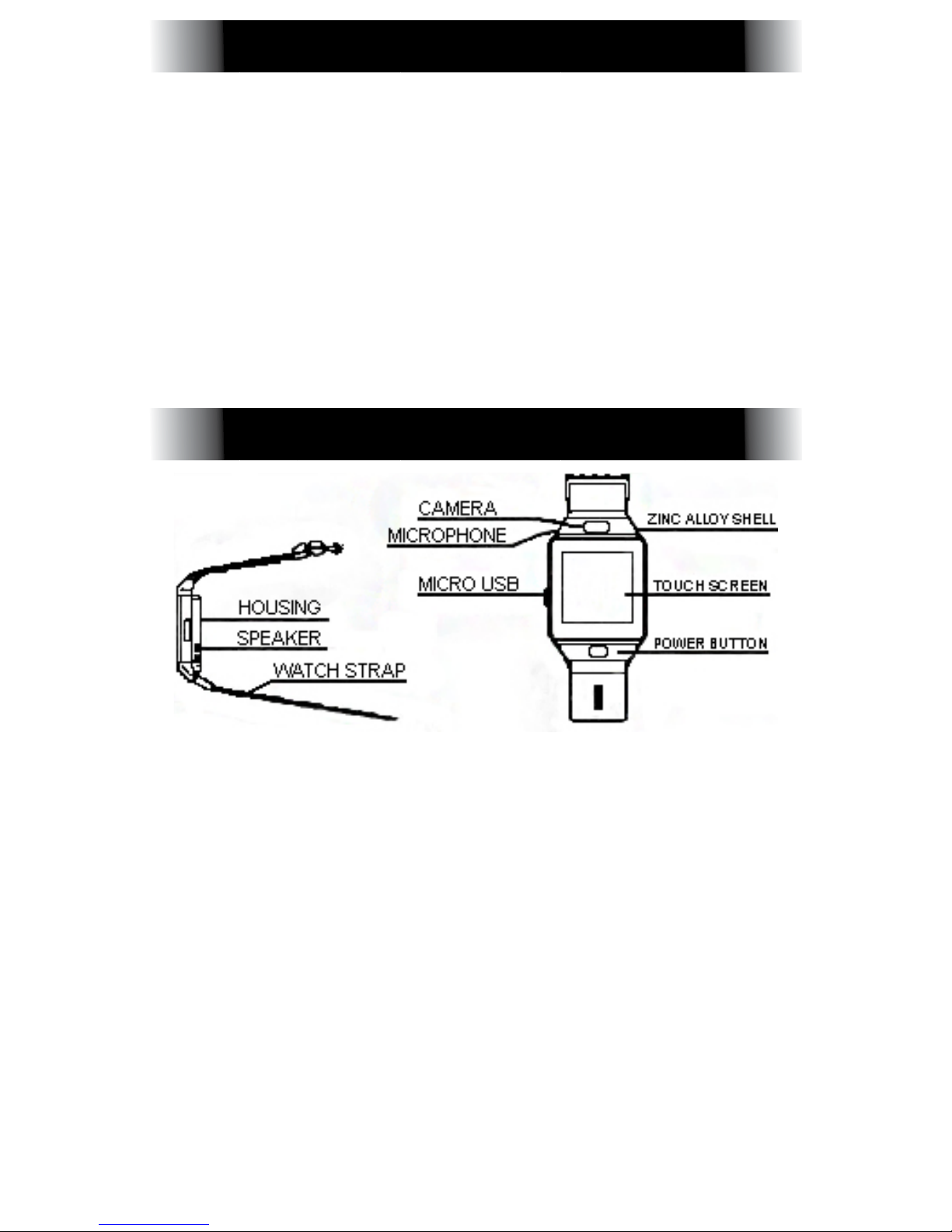
Power Button: Power the watch
On/Off, turn the screen On/Off, or
return to the Main Menu.
Micro USB Port: Charge or transfer
data to/from the device.
Touch Screen: Available functions
will be shown on the touch screen,
and can be controlled by simply
touching them and following the
instructions.
SAFETY WARNING
PRODUCT DETAILS
Page 3
• Slide the screen to the left to
change to the next page.
• Slide the screen to the right to
return to the previous page.
• Swipe from the top of the screen
to the bottom to bring up the
Settings menu.
• Swipe from the bottom of the
screen to the top to bring up the
available applications.
To change the clock face, touch
the center of the screen when
the clock is active. You can cycle
through the different styles of clock
face. The watch will automatically
save the most recently selected
clock face.
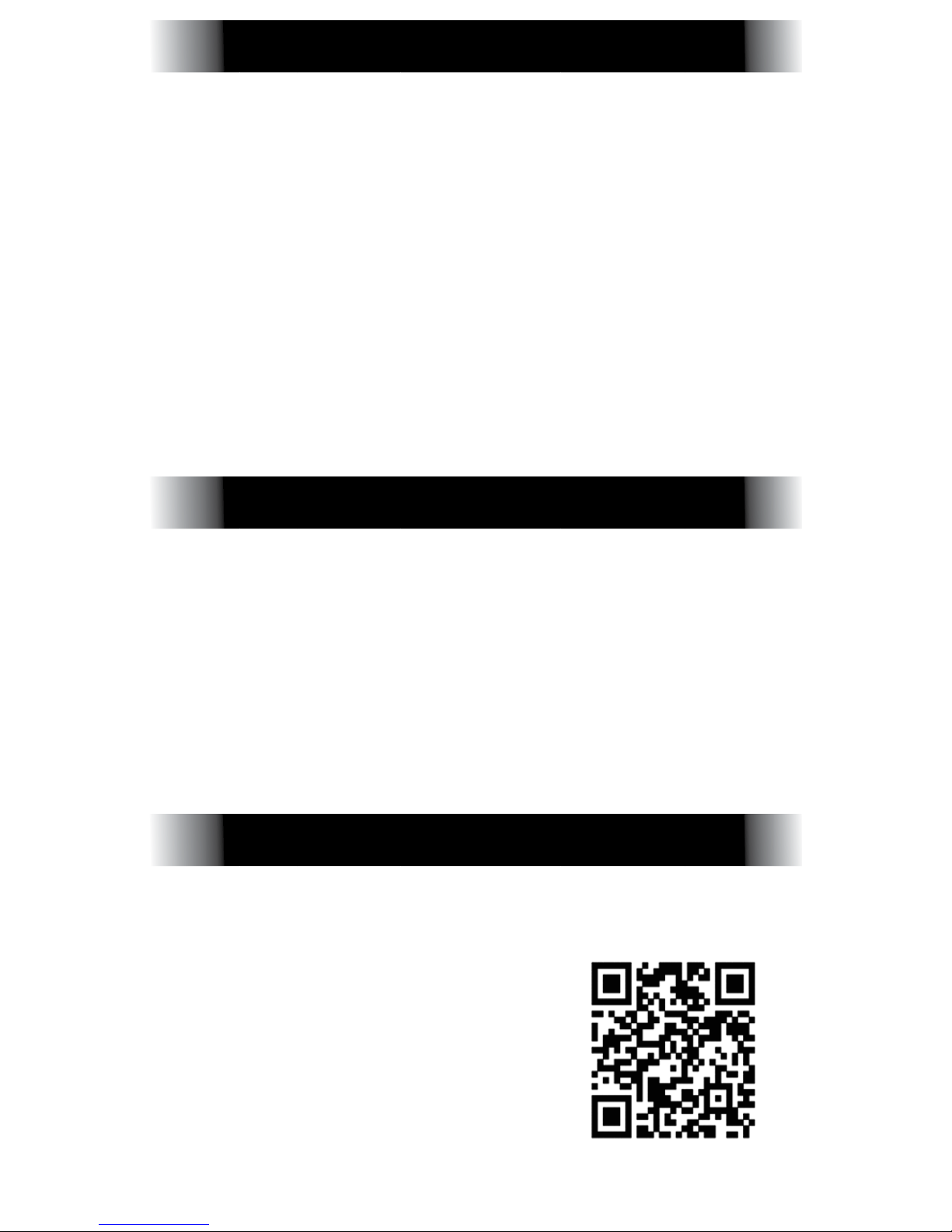
FOR ANDROID PHONES:
Scan the QR code to
the right to download
the app and sync your
phone. Always update
the Sync software
as updates become
available.
QUICK CONTROLS
CLOCK DESIGN
USING YOUR SMARTWATCH
Page 4

FOR IOS PHONES: Turn on Bluetooth
®
on both the watch and the phone.
Then, from the watch, go to the
Bluetooth® option in the menu and
touch “Search for New Device.”
Locate your phone, and connect
the two. Make sure to allow the
Phone Book to be shared, as that
will help with displaying incoming
notications.
You can also connect by searching
for the watch on your phone’s Bluetooth® screen. Follow the same steps
as above.
These functions can be found in
the Main Menu:
• Messaging: Sync with your phone to
receive messages.
• Bluetooth
®
• Call Logs
• Dialer
• Phone Book
• Remote Notier: Incoming notications or
SMS messages from the connected phone
receive alerts on the watch.
• Remote Camera: Control the phone camera with your watch.
• Anti-Lost: Locate your phone using your
watch, and vice versa.
• Settings
• Pedometer
• Sleep Monitoring: Show your sleep quality,
BASIC FUNCTIONS
Page 5

based on sleep time.
• Sedentary Reminder: Set a reminder to
get up and exercise, preventing you from
staying stationary for too long.
• Quick Response: Provides the QR code
to download the Sync Software on your
phone.
• Alarm
• Calendar
• File Manager
• Audio Player: Play music loaded onto the
watch, or on your phone.
• Camera
• Calculator
• Audio Player
• Image Viewer
• Sound Recorder
• Browser: Requires a SIM Card.
SIM CARD AND MEMORY
The watch accepts SIM Cards for
wireless usage and MicroSD Cards
as an internal memory source. To
install both, remove the back case
off of the watch, and remove the
battery. You will see a sliding metal
xture for the SIM Card. Slide it to
Open and insert the SIM Card.
Next to the SIM Card slot is a place
for the MicroSD Card. Make sure
both are secure before inserting
the battery and back case.
Page 6

• It usually takes about 1-2 hours
to achieve a full charge.
• Use the included cable and
charger to charge the watch.
You can use your Android accessories with the watch.
• Bluetooth® will disconnect when
the phone is too far from the
watch. Reconnect with the
watch if Bluetooth® becomes
disconnected for any reason.
When reconnecting, agree to
the Phone Book sync to receive
notications properly on your
watch.
Unable to Turn the Watch On
• The power button may not be held
for long enough. Press and hold the
power button for at least 3 seconds.
• The watch may have low power.
Charge the watch fully, then attempt
to turn the watch on.
Watch Shuts Down Automatically
• The watch may have low power.
Charge the watch fully.
NOTES
TROUBLESHOOTING
Page 7
Usage Time is Short
• The battery may not be adequately
charged. Charge the watch fully.
• When using a SIM Card, the power
may run out quickly if the signal is
poor. Move to a location with better
signal.
Unable to Charge
• Check that the charger is working,
and try using another Micro USB
Cable for charging.
• Check that the connection in the
Micro USB Port is good.
Wrong Caller Name on Watch
• The Phone Book may not have
synced when the watch initially
connected to the phone. Disconnect, then reconnect the phone and
watch, and select Sync Phone Book
when prompted.
Poor Voice Quality on Phone Calls
• The watch and phone may be
too far apart. Move them closer
together.
• The signal may be bad for the
phone. Try to move to a location with
better phone signal.
Page 8

FCC Statement
This equipment has been tested and found to comply with the limits for a Class B digital device,
pursuant to Part 15 of the FCC Rules. These limits are designed to provide reasonable
protection against harmful interference in a residential installation. This equipment generates
uses and can radiate radio frequency energy and, if not installed and used in accordance with
the instructions, may cause harmful interference to radio communications. However, there is
no guarantee that interference will not occur in a particular installation. If this equipment does
cause harmful interference to radio or television reception, which can be determined by turning
the equipment off and on, the user is encouraged to try to correct the interference by one or
more of the following measures:
-- Reorient or relocate the receiving antenna.
-- Increase the separation between the equipment and receiver.
-- Connect the equipment into an outlet on a circuit different from that to which the receiver is
connected.
-- Consult the dealer or an experienced radio/TV technician for help.
This device complies with part 15 of the FCC Rules. Operation is subject to the condition that
this device does not cause harmful interference.
Changes or modifications not expressly approved by the party responsible for compliance
could void the user's authority to operate the equipment.
Page 9

49
Your wrist watch is a radio transmitter and receiver. It is designed and manufactured not to exceed
the emission limits for exposure to radiofrequency (RF) energy set by the Federal Communications
Commission of the U.S. Government. These limits are part of comprehensive guidelines and establish
permitted levels of RF energy for the general population. The guidelines are based on standards that
were developed by independent scientific organizations through periodic and thorough evaluation of
scientific studies. The standards include a substantial safety margin designed to assure the safety of all
persons, regardless of age and health. The exposure standard for wireless mobile phones employs a
unit of measurement known as the Specific Absorption Rate, or SAR. The SAR limit set by the FCC is
1.6 W/kg. * Tests for SAR are conducted with the phone transmitting at its highest certified power level in
all tested frequency bands. Although the SAR is determined at the highest certified power level, the
actual SAR level of the phone while operating can be well below the maximum value. This is because
the phone is designed to operate at multiple power levels so as to use only the power required to reach
the network. In general, the closer you are to a wireless base station antenna, the lower the power
output. Before a phone model is available for sale to the public, it must be tested and certified to the FCC
that it does not exceed the limit established by the government adopted requirement for safe exposure.
The tests are performed in positions and locations (e.g., at the ear and worn on the body) as required by
the FCC for each model. The highest SAR value for this model phone when tested for use at the mouth is
0.131W/Kg and when worn on the body, as described in this user guide, is 0.518W/Kg. (Body-worn
measurements differ among phone models, depending upon available accessories and FCC
requirements). While there may be differences between the SAR levels of various phones and at various
positions, they all meet the government requirement for safe exposure. The FCC has granted an
Equipment Authorization for this model phone with all reported SAR levels evaluated as in compliance
with the FCC RFexposure guidelines. SAR information on this model phone is on file with the FCC and
can be found under the Display Grant section of http://www.fcc.gov/ oet/fccid after searching on FCC ID:
2AJVKSW200
Additional information on Specific Absorption Rates (SAR) can be found on the Cellular
Telecommunications Industry Asso-ciation (CTIA) web-site at http://www.wow-com.com. * In the United
States and Canada, the SAR limit for mobile phones used by the public is 1.6 watts/kg (W/kg) averaged
over one gram of tissue. The standard incorporates a sub-stantial margin of safety to give additional
protection for the public and to account for any variations in measurements.
 Loading...