

Page 1
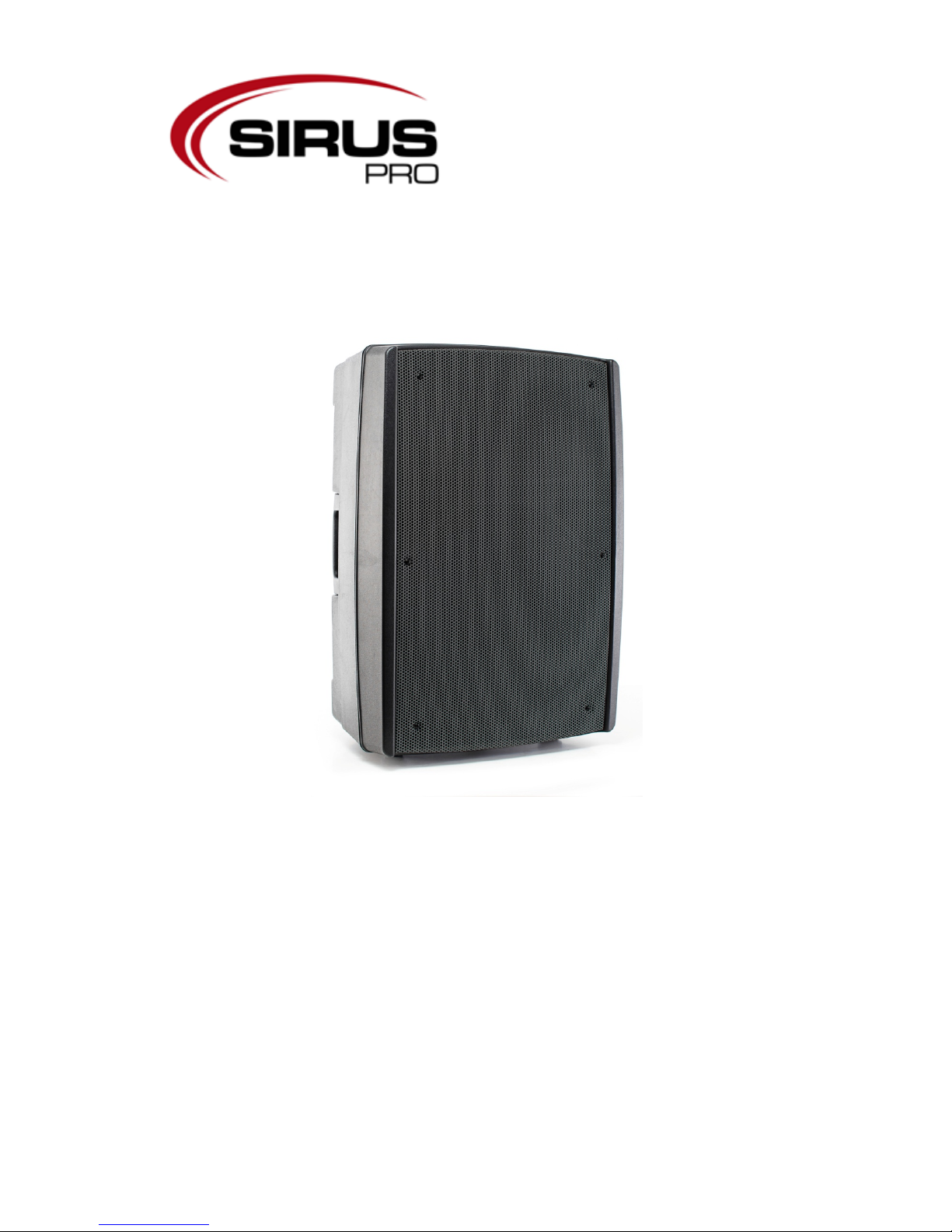
Manual
Speaker
KF-12A
Page 2

Table of content
1.
Safety instructions ..................................................................... Fehler! Textmarke nicht definiert.
1.1. FOR SAFE AND EFFICIENT OPERATION ..................... Fehler! Textmarke nicht definiert.
2. Introduction ....................................................................................................................................... 3
2.1. Before starting ......................................................................................................................... 4
2.2. Turning on the system ............................................................................................................. 4
2.3. Back view ................................................................................................................................. 5
3. Tips ............................................................................................ Fehler! Textmarke nicht definiert.
3.1. Connections ............................................................................................................................. 6
3.2. Connect a n unbalanced signal ............................................................................................... 6
4. Technical data .................................................................................................................................. 7
2 / 8
Page 3

1. Safety instructions
• This Device is suitable for indoor use only.
• All modifications will void the warranty.
• Repairs have to be carried out by skilled personnel only.
• Only use fuses of the same type and original parts as spare parts.
• Protect the Unit from rain and humidity to avoid fire and electric shocks.
• Make sure to unplug the power supply before opening the housing.
1.1.
Instructions for a safe and efficient operation
Be careful with heat and extreme temperature
Only use the device in a place where no extreme temperatures will occur.
Do not keep it in a temperature bellow 32°F /0°C, or exceeding 104°F /40°C.
Avoid exposing it to direct rays of the sun or near a heating appliance.
Keep away from humidity, water and dust
Do not place the set in a location with high humidity or lots of dust.
Containers with liquid should not be placed on the set.
Avoid placing it on un-stable location
Select a level and stable location to avoid vibration.
Do not use chemicals or volatile liquids fo r cleaning
Use a clean dry cloth to wipe off the dust. Metall Parts can be cleaned with a wet soft cloth for
stubborn dirt.
If out of work, contact sales agency soon
If any troubles occurs, remove the power plug immediately, and contact with an engineer for repairing,
do not open the cabinet by yourself, it might result a danger of electric shock.
Take care with the power cable
Never pull the power cable to remove the plug from the receptacle, be sure to hold the plug. When not
using the device for an extended period of time, be sure to disconnect the plug from the receptacle.
IMPORTANT:
Damages caused by the disregard of this user manual are not subject to warranty. The dealer will not
accept liability for any resulting defects or problems. Make sure the electrical connection is carried out
by qualified personnel. All electrical and mechanical connections have to be carried out according to
the European safety standards.
3 / 8
Page 4

2. Introduction
2.1. Before starting
1. When turning on the device make sure that all gain control is set to -∞. That ensures that there
cannot occupy noise, caused by faulty cables or the like, while turning on the device. Raise
the gain slowly and step by step until you reach the required level. You should do like this with
all active speaker systems, because the amplifiers of most of these system are strong enough
to destroy the speakers caused by noise.
2. Check the voltage before connecting the system with power supply system.
2.2. Turning on the system
1. After preparing everything how described in 2.1. , connect the device to the power supply.
2. Switch the device on.
3. If the speaker/amplifier is ready the power LED lights up.
4 / 8
Page 5
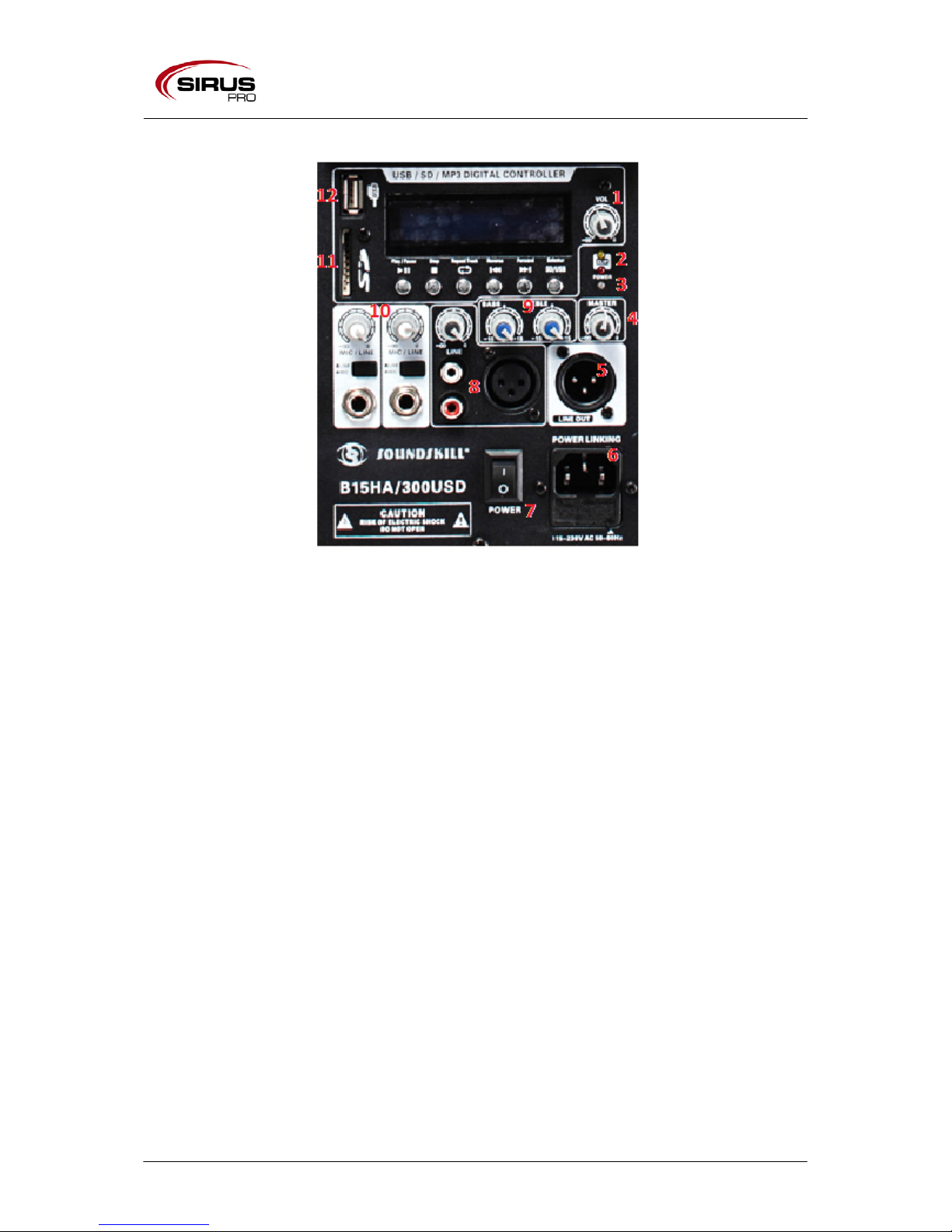
2.3. Back view
1. Volume MP3
Controls the volume of the MP3 Player.
2. Clip LED
If this LED lights up you should decrease the master volume. Otherwise an overload of
the system can occur.
3. Power LED
This LED lights up if the device is switched on.
4. Master volume
Controls the master volume of the system.
5. Output XLR
Output of the main signal.
6. Power connection
7. Power switch
8. XLR/Chinch Line in
Here you can connect an audio source with a XLR- or RCA connector. The volume control
is above the RCA connectors.
9. EQ section
With the EQ section you can adjust bass and treble.
10. Input chain 6,35mm
Here you can connect a microphone or another audio source via a chain. Make sure that
the gain is set to -∞ before connecting an audio source. Assure before connecting if you
connect a line or microphone audio source. Press the button above the chain input.
Pressed means a microphone is connected, depressed means a line signal is connected.
You can set the volume with the gain-poti.
11. SD-Card Slot
12. USB Slot
13. Control MP3-Player
13.1 Play/Pause Starts or pause the playing.
13.2 Stop Stops the playing
13.3 Repeat Track Repeats the song.
5 / 8
Page 6
13.4 Reverse Step to the previous song or rewind.
13.5 Forward Step to the next song or fast-forward.
13.6 Selector Choose the source MP3/USB
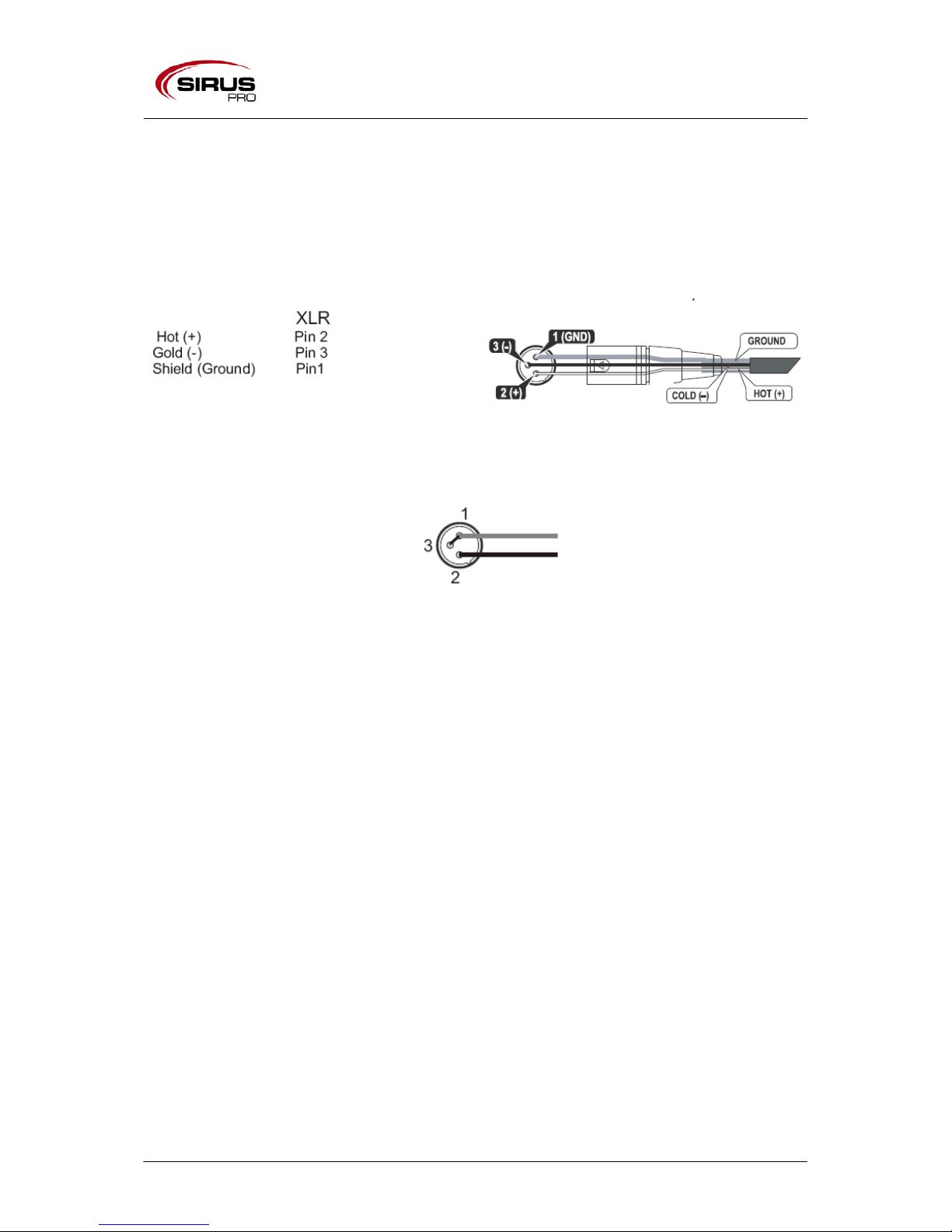
3. Connections
The device has female XLR connector which accepts a balanced line signal.
3.1. Connect an unbalanced signal
6 / 8
Page 7
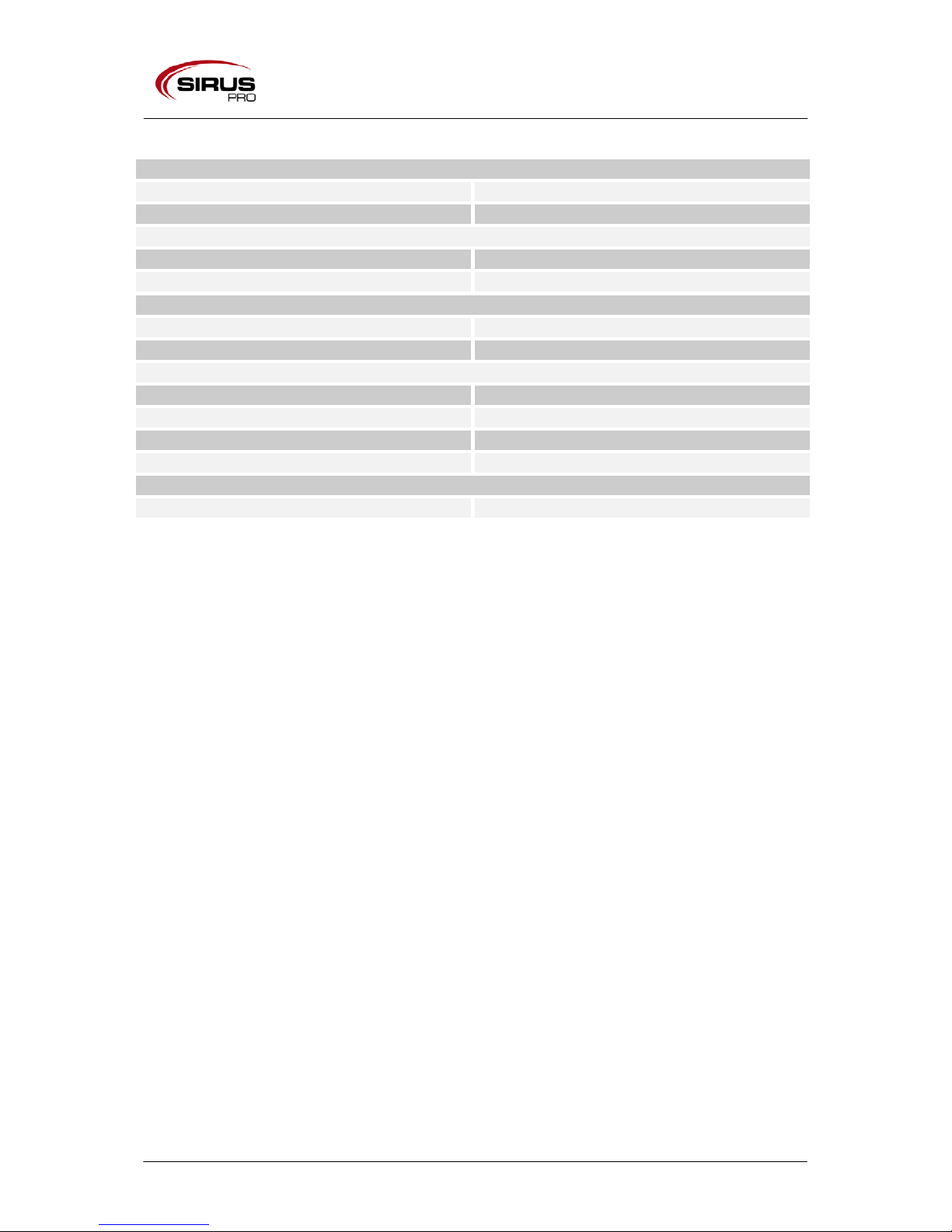
4. Technical data
Frequency
Frequency response
48Hz-18kHz
Crossover
3,3Hz
Sensitivity
Sensitivity (1W/1m)
96 dB
SPL/program
125dB (Peak)
Components
Transducer MF
12“/Aluminum Chassis/2,5“ voice coil/50 Oz
Transducer HF
PK Membrane 34mm voice coil/35 W
Technical data
AMP Power Top
50 W
Type
2-way 12“ Fullrange LS
AMP Power Mid
120 W
Impedanz
8Ω
Hardware
Dimensions (L/B/H)
420x392x690mm
7 / 8
Page 8
Importer:
B & K Braun GmbH
Industriestraße 2
D-76307 Karlsbad
www.bkbraun.com
8 / 8
 Loading...