

Page 1
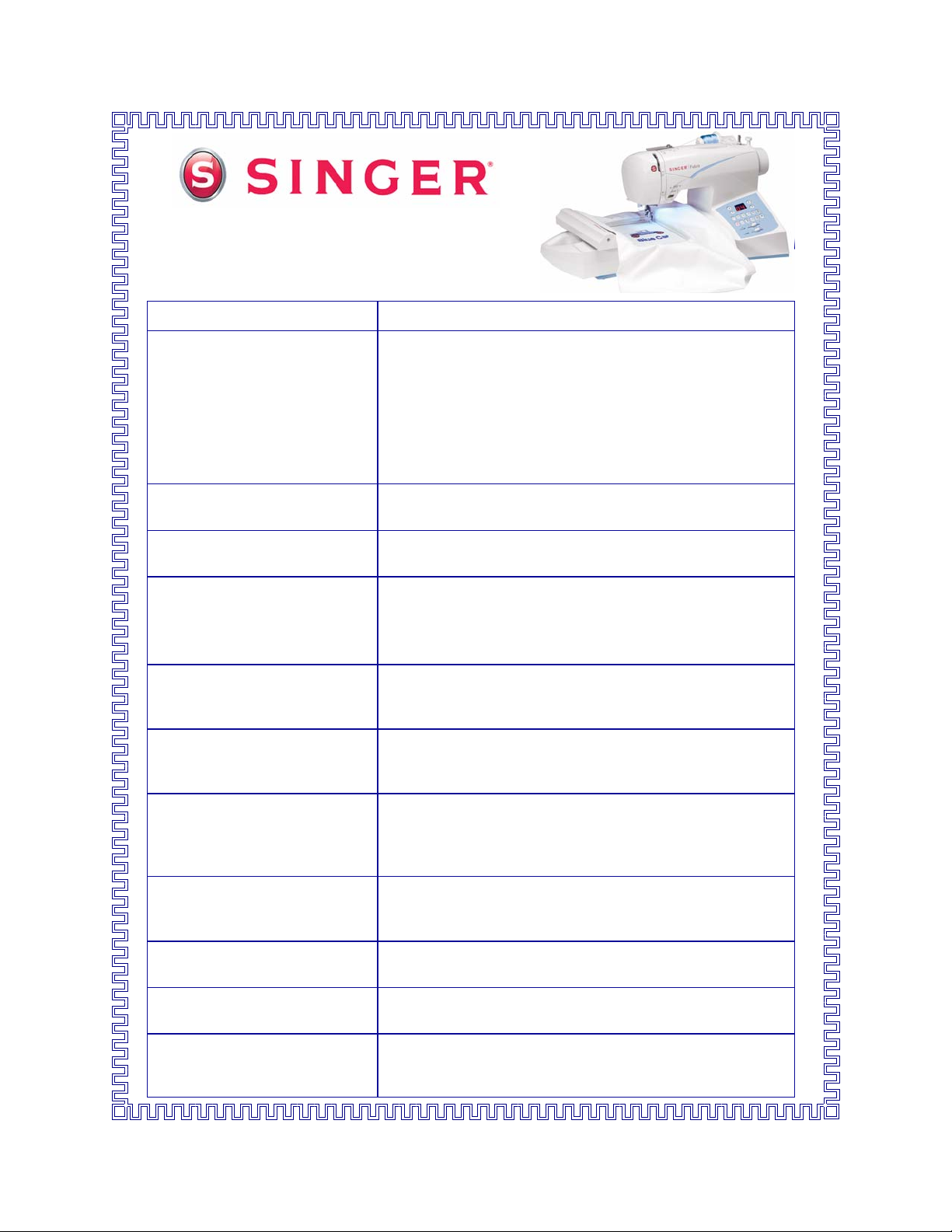
Futura
Features and Benefits
Model CE-350
™
General Features:
New:
Three Stay-Bright
Automatic Needle Threader
Automatic Tension This system ensures stable stitch quality, whatever the
Top Loading Jam-Proof
Bobbin System with Clear
Cover
Optimum Power Control The Optimum Power Control provides precise piercing
Drop Feed A conveniently located lever will lower the feed dogs for
™
LED Lights
Three lights over the sewing area address a feature asked
for by consumers - better lighting! With lights on each
side of the needle area as well as one light over the large
surface to the right of the needle, it is easier to see your
work. An illuminated sewing area makes all your sewing
more precise. Sewing is also more pleasurable because
the well lighted sewing area reduces eye-stain often
caused by working in low lighting.
Effortless threading of the machine, including automatic
threading of the eye of the needle!
type of fabric being used.
This mechanism incorporates a rotating hook that ensures
smooth, quiet jam-proof sewing. The bobbin loads from
the top so it is easy to insert the bobbin. The clear cover
makes it effortless to monitor the bobbin thread supply.
power when sewing multiple layers or dense fabric. The
piercing power is the same regardless of sewing speed.
free-motion embroidery, machine embroidery, monograms
and attaching buttons.
Extra-High Presser Foot Lifter There are two heights to the presser foot lifter. The
second height offers a ¼” more clearance which is needed
when placing multiple layers or bulky fabrics under the
presser foot.
Vertical Spool Holder In addition to the machine’s horizontal thread delivery, a
second vertical spool holder is provided at the back of the
machine, specially designed for many of today’s threads.
Self-Lubricating Because the machine is permanently lubricated, there is
no need to oil the machine, and no oil gets on fabric.
Warning Signals Audible warning messages alert the sewer, ensuring
trouble-free sewing.
Aluminum Frame The internal skeleton of the sewing machine. This rigid
support holds all the mechanisms in perfect alignment for
perfect, skip-free sewing.
Page 2
New:
Redesigned Accessory Tray
The machine’s accessories are stored in the Removable
Extension table. The covers for the accessory compartments have been redesigned as hinged covers, rather than
removable lids. The covers are more secure and won’t be
misplaced.
Warranty Futura has a 25 year limited warranty, including 5 years on
electronic components and 1 year on adjustments.
Consumer’s Choice More sewers own SINGER® sewing machines than all
other brands combined.*
(* Source: Market Facts, March 2002)
Sewing Machine Features:
Electronic Sewing Machine Sewing machine has push button stitch selection. This
means that the optimal settings for length and width are
automatically set when choosing a stitch. They can be
overridden to personalize length and width choice.
100 Built-In Stitch Programs
A large variety of stitches for construction, decorative
sewing, heirloom sewing and quilting always ensures the
perfect stitch for every project.
Built-In Stretch Stitches Specially designed stitches that add strength and flexibility
to seams, especially useful when sewing on knitwear.
Built-In Quilting Stitch Create a hand-sewn quilted look with this unique stitch.
New:
Twin Needle Function
Built-In Heirloom-Friendly Stitch
Selection
Automatically reduces stitch width on decorative patterns
to prevent needle breakage when sewing with twin needle.
Pin Stitch, Blanket Stitch, and Entredeux are a few of the
popular heirloom stitches available.
7mm Stitch Width Most stitches can be set for a maximum width of 7mm.
When sewing decorative stitches or satin stitches, the wide
stitches are bolder and more pronounced.
One-Step Built-In Buttonholes Choose from 6 different one-step buttonholes. Buttonhole
sewing is a one-step simple process that provides reliable
results because the sides of the buttonhole sew the same
direction to prevent gaps in stitching or fabric distortion.
New:
Exclusive Buttonhole
Underplate
This is a SINGER
fabric between a lower plate and the foot, to ensure perfect
buttonholes on multiple layers of fabric. Effectively, this is
®
developed system that sandwiches
like a mini-embroidery hoop in which the machine feeds
the attachment
, rather than the fabric. It makes creating
buttonholes possible in places that conventional buttonhole
devices cannot easily reach.
New:
Programmable Needle Up and
Down
Select whether the needle is in up or down position when
the machine stops. It is beneficial to have the needle stop
in the down position when appliquéing, quilting or pivoting
fabric. When removing fabric or picking the bobbin thread
up, program the needle to raise to the highest position.
Page 3
13 Needle Positions Needle position can be changed for individual projects,
Embroidery Features:
Connects Directly to the
Computer via USB Cable
Windows
®
Compatible Operates with any computer with an Operating System of
Operational Tutorial Included Step-by-step tutorial to help even a beginner with using the
such as inserting zippers or cording and topstitching.
First machine to connect directly to the computer,
eliminating the need for conversion boxes or tools. This
unique innovation gives you the same capabilities of other
machines at a fraction of the cost.
Windows
®
2000 or higher, including Vista®.
embroidery features of the machine.
Customer Support Site Convenient, on-line help is always there when needed.
Auto-Punch
Included
120 Built-in Designs Select from built-in designs including animals, holidays,
New:
Built-in Lettering Program with
10 Fonts
™
Software
Automatically digitize custom embroidery using your own
images or clip art with control over stitch settings.
flowers and more.
Select from10 built-in fonts: Arial Large, Arial Rounded,
Block Large, Block Small, Courier, Helvetica 2 colors, Kids,
Script 1, Script 2 and Times Large. Letters can sized,
rotated and shaped with 30 lettering frames such as arc,
banner, wave and more.
New:
Outline Lettering
Reads All Popular Home
Embroidery Design Formats
Design Browser This function of the software provides for viewing several
Combine Designs Multiple designs can be combined into one design file us-
New:
Convert Designs for Editing
New:
Advanced Editing Tools
New:
Advanced Fill Types
Lettering can be created with a running stitch or satin stitch
outline of the same color or a contrasting color.
All popular formats accepted. Download designs from the
Internet or work from a collection on CD or floppy disk.
designs at one time, in order to scroll through and view
design collections
ing paste design or copy and paste.
Convert popular home and commercial format designs into
a format that can be edited with the advanced editing tools.
Edit the shape of selected design sections. Edit the design
stitch-by-stitch. Apply preset or custom fill types to the
design.
Use preset fill patterns or created custom fill patterns for
Freeform, Column, Motif, Elastic Step, Pattern step, and
Random fill types.
3-D Realistic View
This function of the software provides a preview of the
selected design in a manner such that the stitches appear
on screen as they will when sewn out on the fabric.
Page 4
3-D Realistic Print This function of the software provides for printing the 3-D
Change Colors This function of the software provides for selecting colors
realistic view. This is useful when creating placement templates.
for an embroidery design. Software includes thread
charts, with color numbers, for several of the most popular
brands of embroidery thread.
New:
Transmit design 4 ways
New:
Trace Design
Operates with Start/Stop
Button
New:
Embroidery Block Indication
and Selection
Move forward or Backwards
through a design
1 Degree Increment Rotation Rotate embroidery designs in increments as small as
Reduce or Enlarge Design
Embroidery designs can be transmitted to the Futura embroidery machine in 4 different ways. The design can be
sent one color block at a time, the whole design can be
sent at one time, the design can be sent in one color or the
color sequence can be chosen during data transmission.
Trace the outline of the design in the embroidery hoop for
more accurate design positioning.
Use the Start/Stop button to start machine. When it is
desired to stop sewing, press the Start/Stop again to stop
sewing and have the needle stop at its highest position.
When sending the whole design at once to the Futura
machine, design color blocks are indicated on the control
panel display. To select a block push numerical selection
button.
Move forward or backwards through the design using the
Needle Stop position button or Reserve Stitch.
1 degree for precise positioning.
When changing design size, the software automatically
recalculates the stitch density.
New:
Automatic Software Updates
New:
Automatic Firmware Updates
2 Embroidery Hoops Included A large 4½” x 6¾” hoop and a smaller 3⅛” x 4¾” hoop
New:
CD Video Tutorial Workbook
available as optional purchase
New:
3 Optional Software Packages
Available
Customer Service Help is just a call or click away.
®
SINGER
is a registered trademark, and Futur a™, HyperFont™, PhotoStitch™, Auto Cross-Stitch™ and AutoPunch™ and StayBright™ trademarks, of The Singer Com pany Ltd. or its affiliates.
The latest software enhancements can be downloaded
automatically or manually from within the Futura software.
The latest software enhancements can be downloaded
automatically or manually from within the Futura software.
included with the machine.
A Compact Disk Video Tutorial/Workbook for the Futura
embroidery software is available. This CD tutorial helps
guide you through use of the Futura software system operation and design creation. It also provides projects for
embroidery and sewing on the Futura machine.
Choose from new, enhanced versions of HyperFont
Auto Cross-Stitch
™
and PhotoStitch™.
The Editing software (an option for CE-150 & CE-250)
is already in the basic CE-350 Futura software program.
Call 1-800-4SINGER, or visit www.singerco.com.
™
,
 Loading...