

Page 1

PHX(F) Series Troubleshooting Guide
PHX(F) Series 120-277VAC
Identify the Sign Problem:
Follow the owchart to diagnose the symptoms
Tools Needed:
Philips head screwdriver
Multi-meter
Dark band or area
when illuminated
Pg
A message is lit
that shouldn’t be
2
Pg
The display is
ickering
3
Always turn off the power to the sign prior to opening the cabinet.
Disconnect the power wires going to the sign.
Note: Clear all metal
chips created by drilling
into sign cabinet.
Note: Do not overtighten fasteners or
distort back panel.
Pg
4
Note: Make appropriate wiring
connections per local codes.
Last Update: 07/19/18
The entire display
is out
Description of Normal Operation for the Sign’s Internal Power Supply
Diagnostic LEDs are included on the internal power supply to aid in verifying that input power is present and is being transferred to
the sign face through the output connectors.
V Out LED
This LED illuminates Green when 120-277VAC power is applied to the internal power supply’s input power pigtail.
Note: The transformer on the power supply converts 120-277VAC power to +12V.
Output Connectors
These connectors transfer power from the internal power supply to the sign face to illuminate the individual message(s).
For signs with one message and one power supply, the V Out LED should illuminate green when the message is powered. For signs with
multiple message and/or multiple power supplies, the V Out LED on each power supply of the energized message should illuminate.
Note: A longer single message may require multiple power supplies to illuminate the entire message.
Pg
5
Neutral
Line
Power Supply
Power Supply
120-277VAC
Single Message with Multiple Power Supply Example
Power Interconnect
(Factory installed) Power Supply
V Out LED Output ConnectorOutput Connector
Power Interconnect
(Factory installed) Power Supply Input Power Pigtail
Neutral (White Wire)
V Out LED
SPST
On/Off Switch
Message A Lead
(Black Wire)
Input Power
Pigtail
Sign Face
Output Power to Sign Face
Page 2
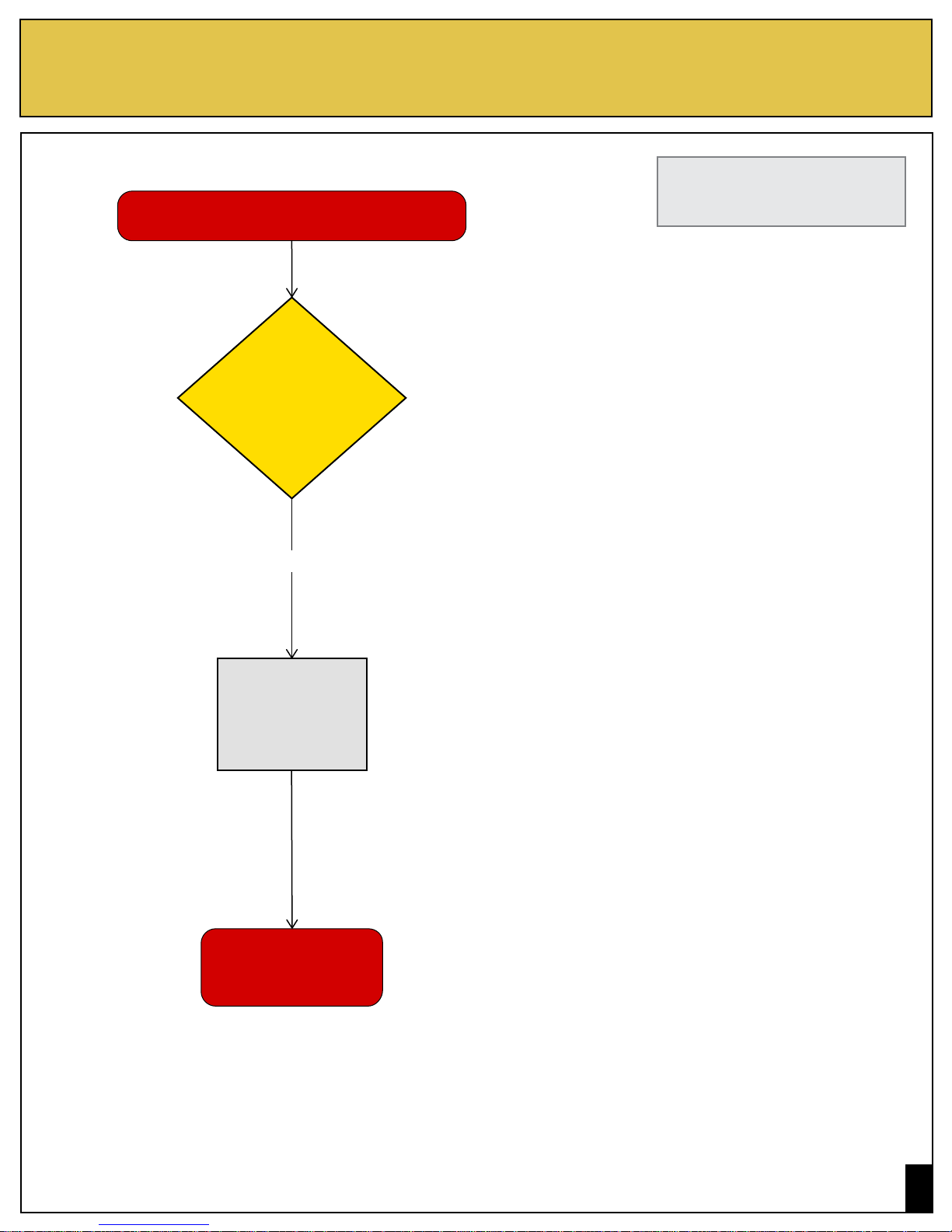
Problem: Dark band or area when message is illuminated
PHX(F) Series 120-277VAC
There is a dark band or dark area when
message is illuminated
Do some
areas of the sign
face appear dark when
illuminated?
Last Update: 07/19/18
Please refer to the
diagrams on page 1.
YES
Entire sign
needs
replaced
Contact sales with
the serial number
of the sign
Pg
2
Page 3

Problem: A message is lit that shouldn’t be
PHX(F) Series 120-277VAC
A message is lit that should not be
Do the
wires run
parallel to other
high power
devices?
NO
YES
Last Update: 07/19/18
Please refer to the
diagrams on page 1.
Run wires in
separate conduit
Is there
incoming
voltage on that
channel?
NO
Replace
power supply
YES
Recheck all
connections to switches
or controlling system
Contact sales with
the serial number
of the sign
Pg
3
Page 4

Problem: Display is ickering
PHX(F) Series 120-277VAC
Display is ickering
Is the
V Out LED
illuminated
steady?
NO
Last Update: 07/19/18
Please refer to the
diagrams on page 1.
Check switches
and wiring
YES
Is the
output connector
secure?
NO
Re-attach
connector
YES
Supply is
defective and
needs replaced
Contact sales with
the serial number
of the sign
Pg
4
Page 5

Problem: Entire display is out
PHX(F) Series 120-277VAC
Entire display is out
Is the
V Out LED
illuminated?
YES
Is the
output LED for
the aected message
illuminated?
NO
NO
YES
Can you measure
the correct incoming
voltage at the sign?
YES
Last Update: 07/19/18
Please refer to the
diagrams on page 1.
NO
Check switches
and wiring
Are the input
connectors and
pigtail secure?
YES
NO
Is the
output connector
secure?
NO YES
Re-attach
connector
YES
Supply is
defective and
needs replaced
Contact sales with
the serial number
of the sign
Pg
5
 Loading...