

Page 1
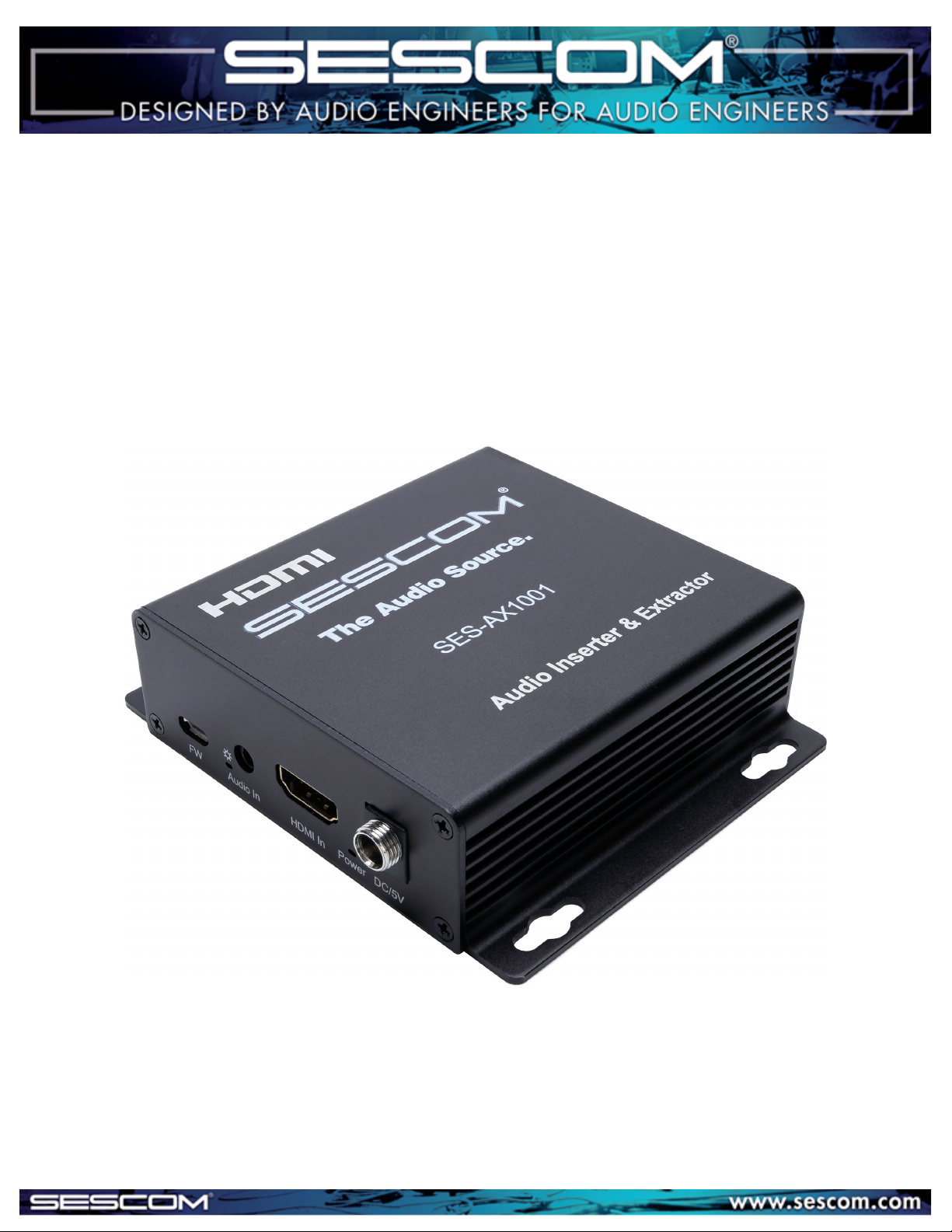
4K HDMI Audio Embedder & Extractor
SES-AX1001 User Manual
Page 2
Supported Video
Format
Operating Temperature
Range Operating Humidity
Range Input Video Signal
Input DDC Signal
Support Video Color Format
Support Audio Format
Data transfer speed rate
Compliance
Power consumption
Dimension (L×W×H)
Net Weight
-5 to 40℃ (23 to 104℉)
5 to 90%RH (No Condensation)
0.5-1.0 Volts P-P
5 volts p-p(TTL)
4Kx2K/1080P/1080i/720P/576P/576i/480P/480i
3D video
xv-YCC/deep color 36bit
PCM, DTS-HD Master Audio, Dolby true-HD etc.
18Gbps (Maximum)
HDCP2.2/1.4
1.5W (Maximum)
104.4 x 89 x 2 8.3mm (3.7 x 4.3 x 1.3in)
155g / 5.4oz
Operating Instruction
FEATURES:
ITEM INCLUDES:
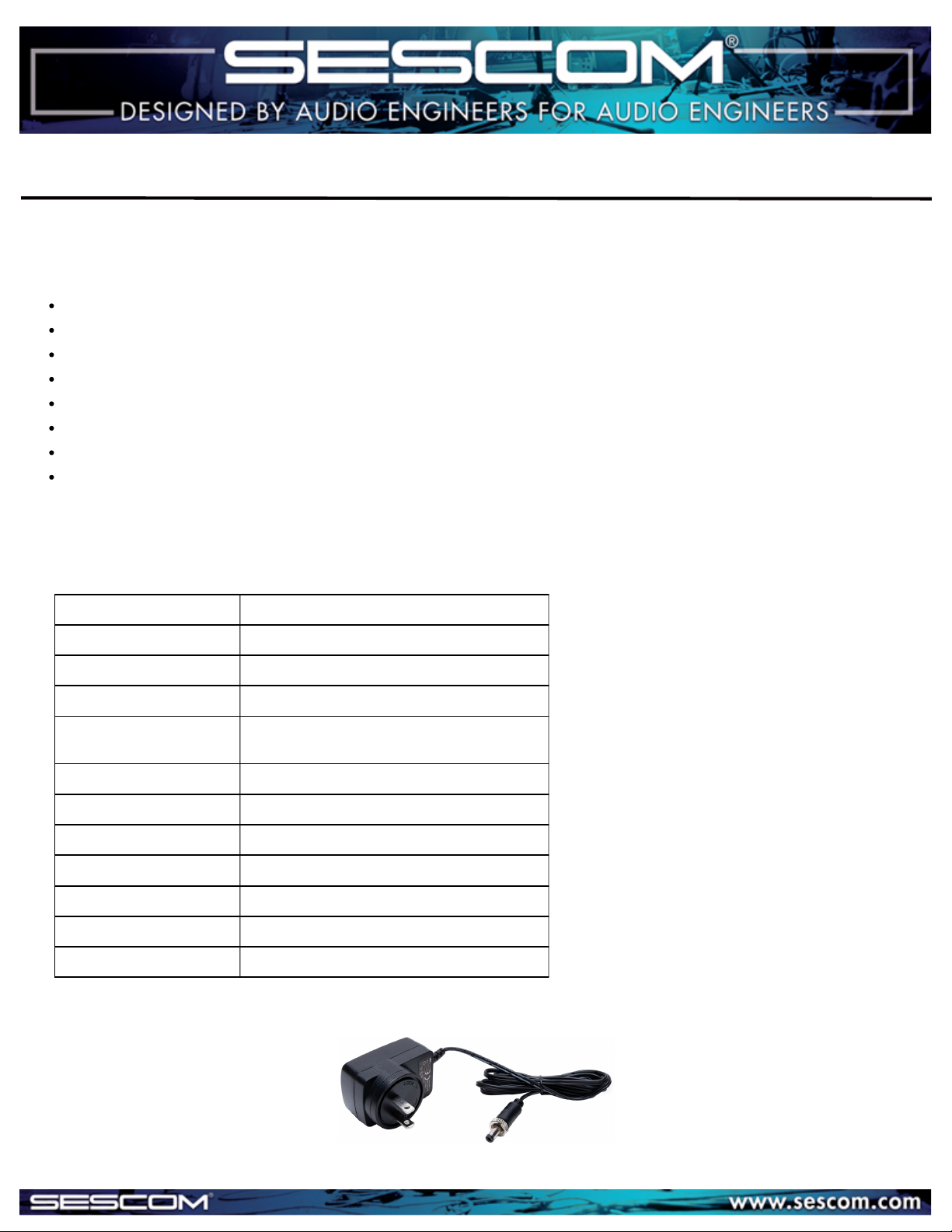
5V DC Power Supply
Supports audio embedding and extracting
SPDIF 5.1 and Analog Audio PCM 2.0 Outputs
2 DIP Switches for audio embedding or extraction configuration
Audio Uncompressed PCM, Dolby, DTS Supported
Supports Resolutions up to 4K2K 60Hz
Bandwidth: up to 18Gbps
Compliance: HDCP 2.2 / 1.4
CEC Supported
SPECIFICATIONS:
Page 3
Operating Instruction
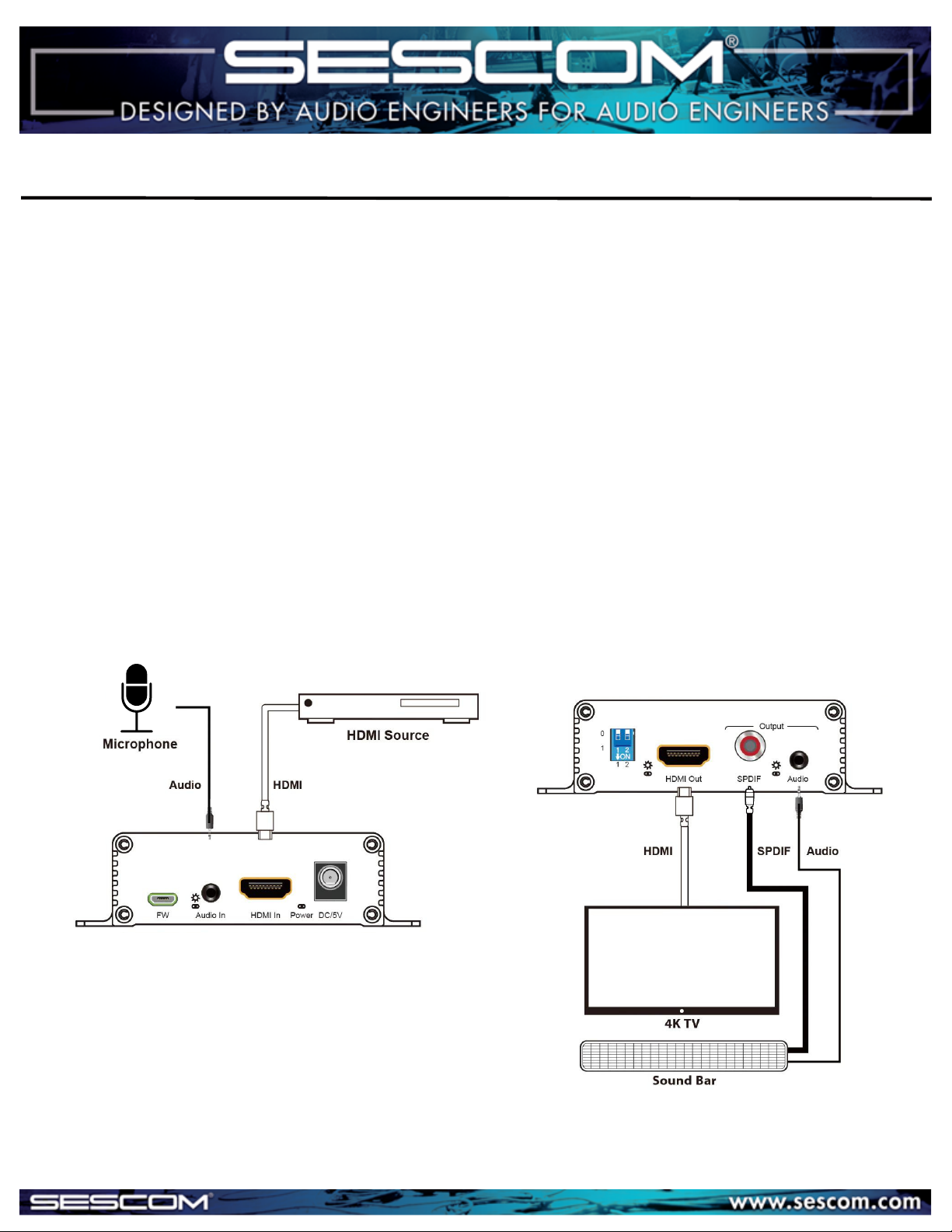
Application Diagram:
1) Connect your desired HDMI signal source into the HDMI input of the unit.
2) Connect the HDMI display device (such as: HDTV or Projector) into HDMI output of the unit.
3) Connect Optical audio cable or RCA audio cable to Amplifier.
4) Connect DC 5V power to the the unit.
Connecting and Operating:
Input Side Diagram Output Side Diagram:
Page 4
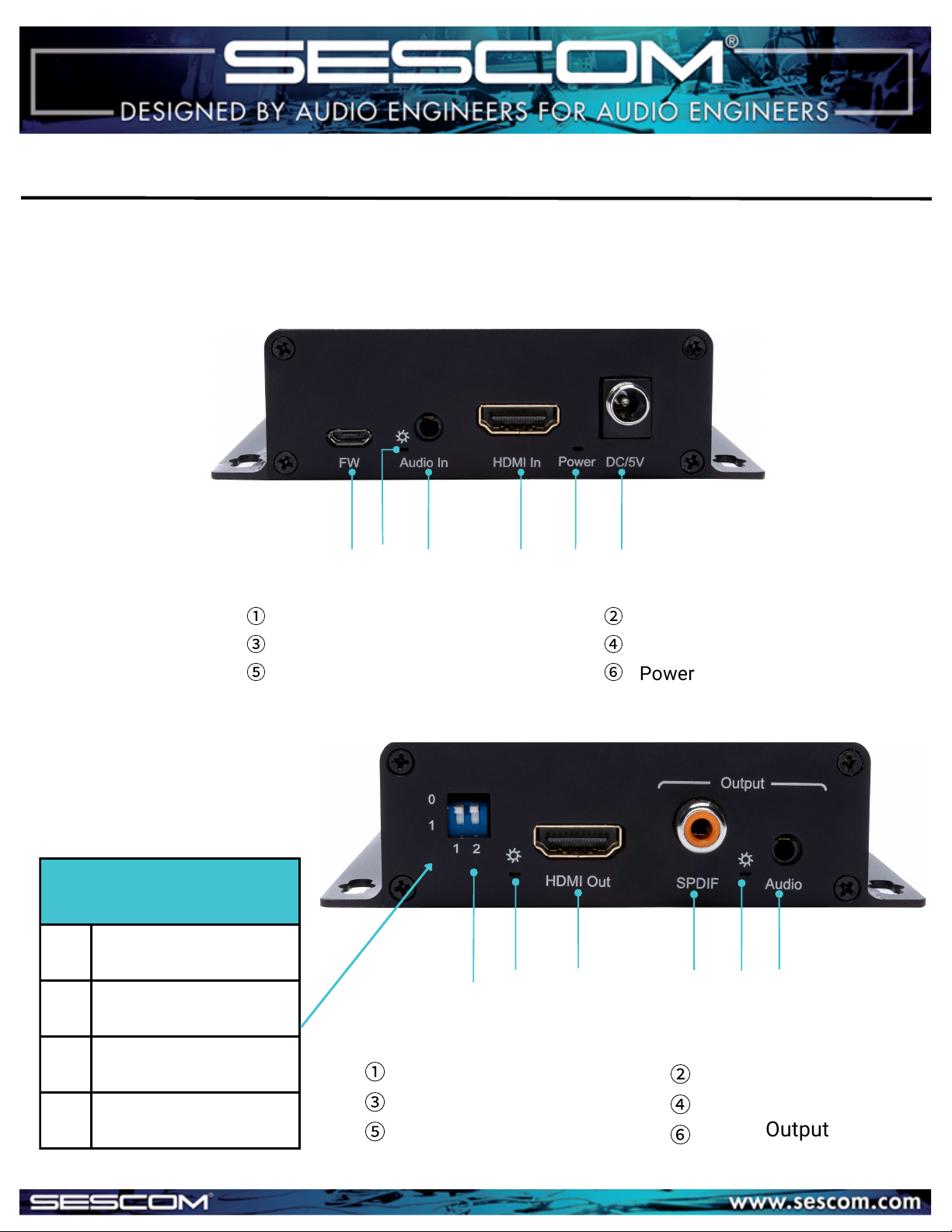
For factory use only
Audio Input
Power Indicator
Audio Indicator
HDMI input
Front Panel
①
③
⑤
②
④
⑥
Power Supply Input
1 2 3 4 5 6
Back Panel
Audio Configuration:
00
Audio Embedded
01
PCM2.0 Audio Extraction
10
5.1 Audio Extraction
11
Bypass
1 2 3 4 5 6
Audio DIP Switch
HDMI Output
Audio Output Indicator
HDMI Output Indicator
SPDIF Audio Output
①
③
⑤
②
④
⑥
Audio Output
Operating Instruction
PANEL DESCRIPTIONS
Page 5
PO Box 720 | Mount Marion, NY 12456 | (845) 246-1915 | www.sescom.com
100% Employee Owned Division of Tower Products Incorporated
Operating Instruction
MAINTENANCE
1 Year
1) Damage requiring service: The unit should be serviced by qualified
service personnel if:
(a)The DC power supply cord or AC adaptor has been damaged;
(b)Objects or liquids have gotten into the unit;
(c)The unit has been exposed to rain;
(d)The unit does not operate normally or exhibits a marked change in
performance;
(e)The unit has been dropped or the cabinet damaged.
2) Servicing Personnel: Do not attempt to service the unit beyond that
described in these operating instructions. Refer all other servicing to
authorized servicing personnel.
3) Replacement parts: When parts need replacing ensure the service
uses parts specified by the manufacturer or parts that have the same
characteristics as the original parts. Unauthorized substitutes may
result in fire, electric shock, or other hazards.
4) Safety check: After repairs or service, ask the service to perform
safety checks to confirm that the unit is in proper working condition.
WARRANTY
PRODUCT SERVICE
Clean this unit with a soft, dry cloth. Never use alcohol, paint thinner or
benzine to clean this unit.
 Loading...