

Page 1
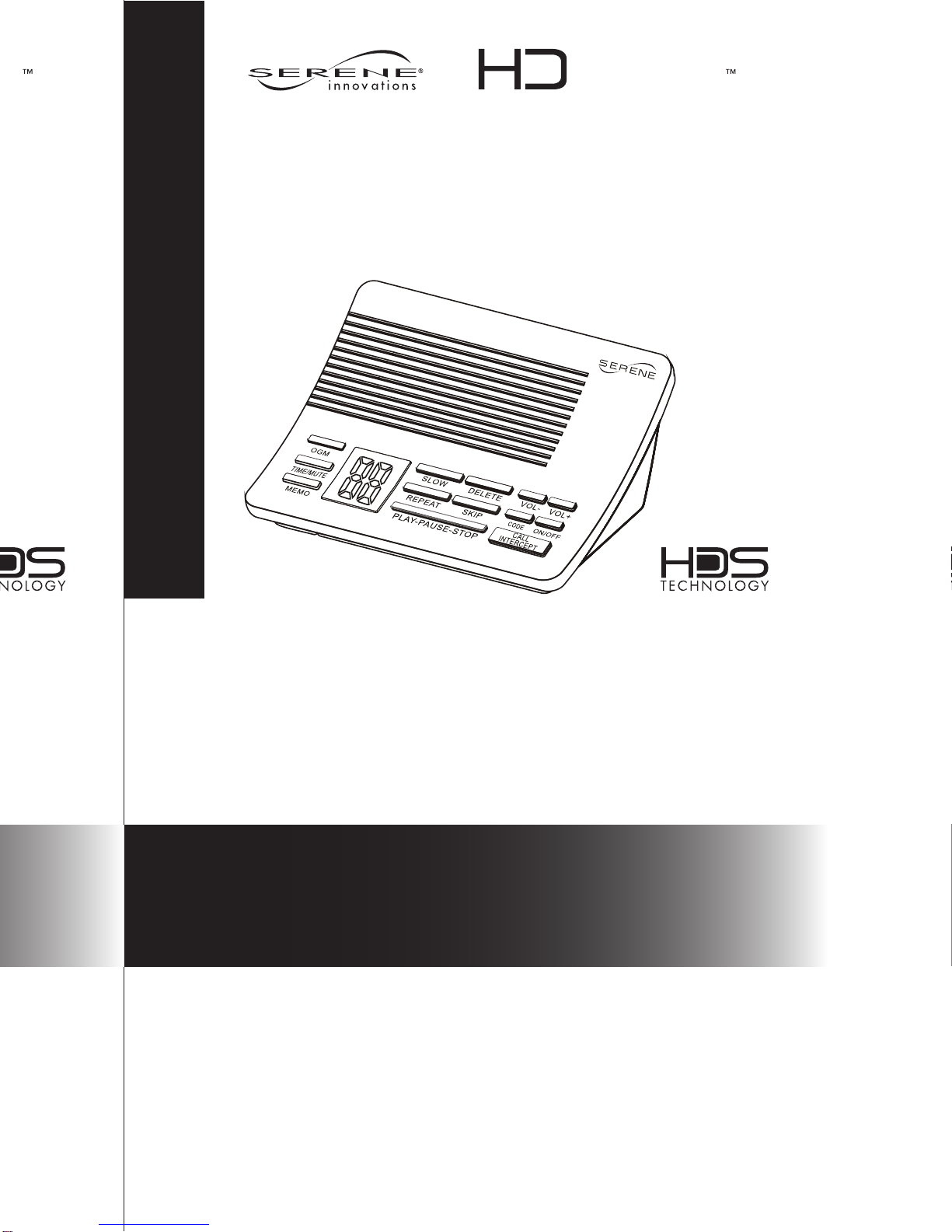
VM-150
Serene VM-150
Amplified Answering Machine
• Loud and clear message playback
• Selectable slow playback speeds
• Easy set up, just plug and play right out of the
box with pre-recorded Greeting. Forty minutes
of recording time, remote access, toll saver and
more
Hear More,
Understand Better
This answering machine is ready for
you with these settings:
• Pre-recorded greeting message
• Answers after 4 Rings
• Flashing indicator for new messages
ANSWERING
MACHINE
ANSWERING
MACHINE
Quick Start Guide
Page 2

Turn on Answering Machine:
Press ON/OFF to turn on or off the answering machine.
(Note: If the digital indicator is flashing, it shows the number
of new messages; if it’s not flashing, it shows the number
of old messages and no new message. “- -“on the indicator
means it is off. )
To play new or old message:
1. Press PLAY to play message
2. Press VOL+ or VOL- to adjust volume.
Slow down a message:
Press SLOW to slow down the message to Slow 1, press
again for Slow 2, or again for Normal speed.
Repeat a message:
To repeat the current message, press REPEAT once. To go
to the previous message, press REPEAT twice.
Skip a message:
To skip to the next message, press SKIP
Delete one or all messages:
During message play back, press DELETE to delete the
message. While in standby, press and hold DELETE for 3
seconds to delete all old messages.
(Note: New messages cannot be deleted until they have
been heard.)
To intercept a call:
1. While someone is leaving you a message, press CALL
INTERCEPT and start talking. Press it again to hang
up.
2. To mute, press SET-TIME. To un-mute, press SETTIME once again.
Customizing a new Out-Going Message (OGM):
1. Press and hold the OGM for 3 seconds. It will
announce, “To record new OGM, pleas speak after the
tone.
2. Speak clearly and it will allow you to record
up to 30 seconds. Press STOP when finished.
Need Help? Call Toll-free Help Line:
866-376-9271 (9AM-5PM PST, M-F)
 Loading...