

Page 1
Health and Safety
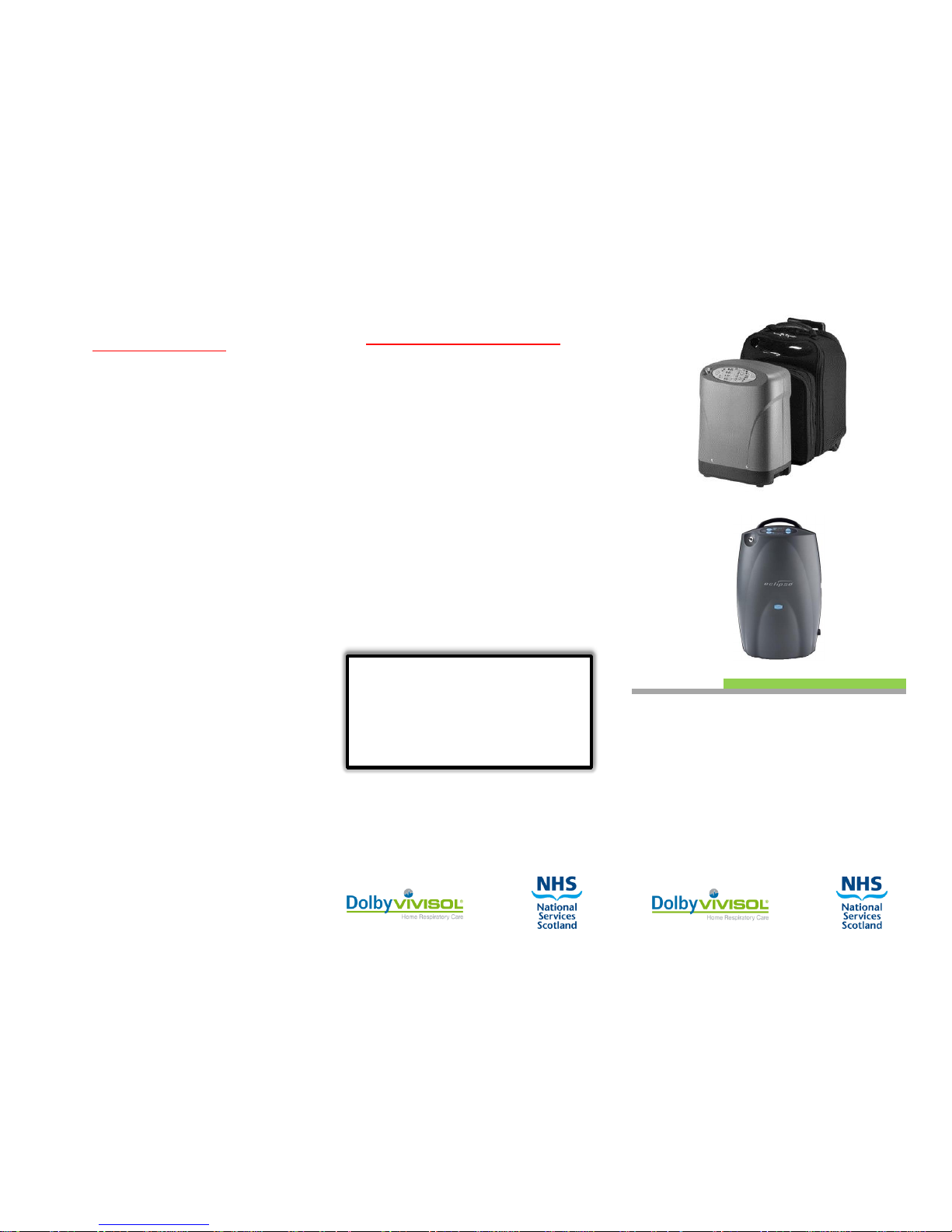
Your Transportable Oxygen
Concentrator
Important Contact Details
This equipment has been provided
through Dolby Medical and
National Services Scotland to
satisfy your requirement for
Oxygen during your holiday.
If you have any enquiries
regarding the operation of your
concentrator please call:
Dolby Vivisol
0800 833531
Many of the precautions that need
to be observed with respect to
static concentrators apply equally
to transportable concentrators.
In particular:
DO NOT cover the machine or place
it in a confined space.
Place it in a clean dry area where air
can flow around it.
DO NOT use any cleaning materials,
oil or grease on the machine.
DO avoid personal use of face or
hand creams which may themselves
contain oily ingredients.
DO keep the machine and yourself
away from all sources of ignition, in
particular do not permit smoking
within 1.5 metres (5 feet) of your
machine.
DO ensure the area is well ventilated
when Oxygen is in use.
DV-Your_Transportable_Oxygen_Concentrator-V2
Page 2
Introduction
This transportable Oxygen Concentrator has
been supplied to provide you with oxygen for
your temporary needs.
It will be similar in many respects to other
concentrators if you have used them and
operates under the same principles.
Under normal use it should be connected to
the mains power supply to enable the unit to
be utilised for a short time where mains
electricity is not available.
Although this machine may, in use, feel
different to what you are used to, it is
important that you set it to the same flow rate
as was prescribed by your consultant.
A minimal level of noise is normal due to the
way the machine works.
This booklet advises you how to operate the
machine and the basic health and safety
precautions you should observe.
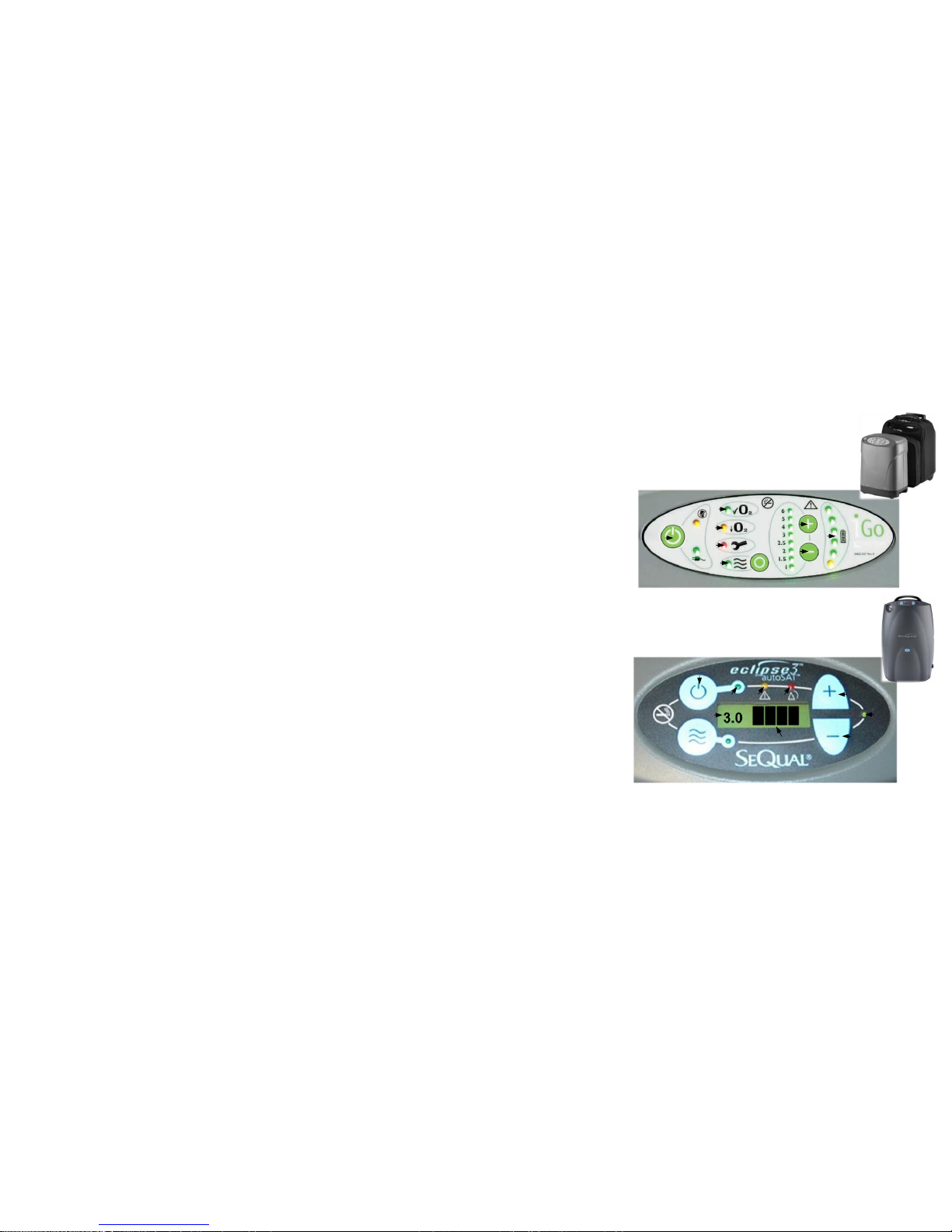
1. Connect the machine to the mains supply.
Switch on at the mains socket.
The power indicator (I) will light up; this
confirms that your unit is connected to
the mains.
Operating Instructions
Please note that the actual location of the various indicators may be slightly different from those shown
2. Press the on-off button (A) for one second
An alarm will sound briefly.
The green, yellow and red indicator lights
will come on (B, C, D)
The red light will go off after a short time
followed by the yellow one.
The green light will remain on.
You will hear the internal machinery start
to operate.
The flow rate setting (E) will light up; this
should be the same flow rate as specified
by your doctor (see below for changing
the settings if required).
The battery level indicator (F) will light up
(green or show black bars depending on
the type of machine), this shows the
charge status of the internal backup
battery.
3. Select the correct flow rate
Press the plus or minus button on the
control panel (G and H respectively on
the diagram) until your prescribed flow
rate is displayed.
You may detect a slight change in the noise
made by the machine, this is perfectly normal.
4. Connect your oxygen tubing
The oxygen outlet is at the top left of the
machine on the front.
5. Simply fit your cannula or face mask to
commence using the machine.
4. Switching off your machine
Press the on-off button (A) for three
seconds. You will hear the machine
switch off.
If required, turn off at the mains and
unplug the unit.
A
B
C
E
G H F
A
B C D
E F G
H
I
 Loading...