

Page 1
Quick-Start Instructions
HINT: Using the Bar Hole feature greatly
speeds locating underground leaks. The
pump runs at a much higher ow during this
function.
IMPORTANT: Always use external lter at
intake to protect pump.
WARNINGS:
To prevent the risk of ignition of ammable
atmospheres, batteries must only be changed in
an area known to be non-hazardous.
To prevent ignition of ammable or combustible
atmospheres, disconnect power before servicing.
Do not mix batteries of different age or type.
Substitution of components may impair intrinsic
sa fety.
Not for use in atmosphere of oxygen greater
than 21%
To maintain intrinsic safety, service must be
performed by factory authorized technicians
with approved replacement parts only.
CAUTION: Lithium backup cell may explode
if mistreated. Do not recharge, disassemble or
dispose of in re.
This is not a substitute for the
instruction manual. It is for
reference only.
Read and understand the
instruction manual before use.
MADE IN THE USA
WITH GLOBALLY SOURCED COMPONENTS
Distributed by:
851 Transport Drive
Valparaiso, IN 46383-8432
Phone: 219 465 2700
Web: www.gasleaksensors.com
Innovative Detection Solutions
Page 2
1. Install the batteries by removing the
instrument from the pouch and removing
the battery cover from the bottom of the
instrument.
2. IMPORTANT: CAREFULLY OBSERVE
POLARITY WHEN CHANGING BATTERIES.
Improperly installed batteries will cause the
instrument not to operate.
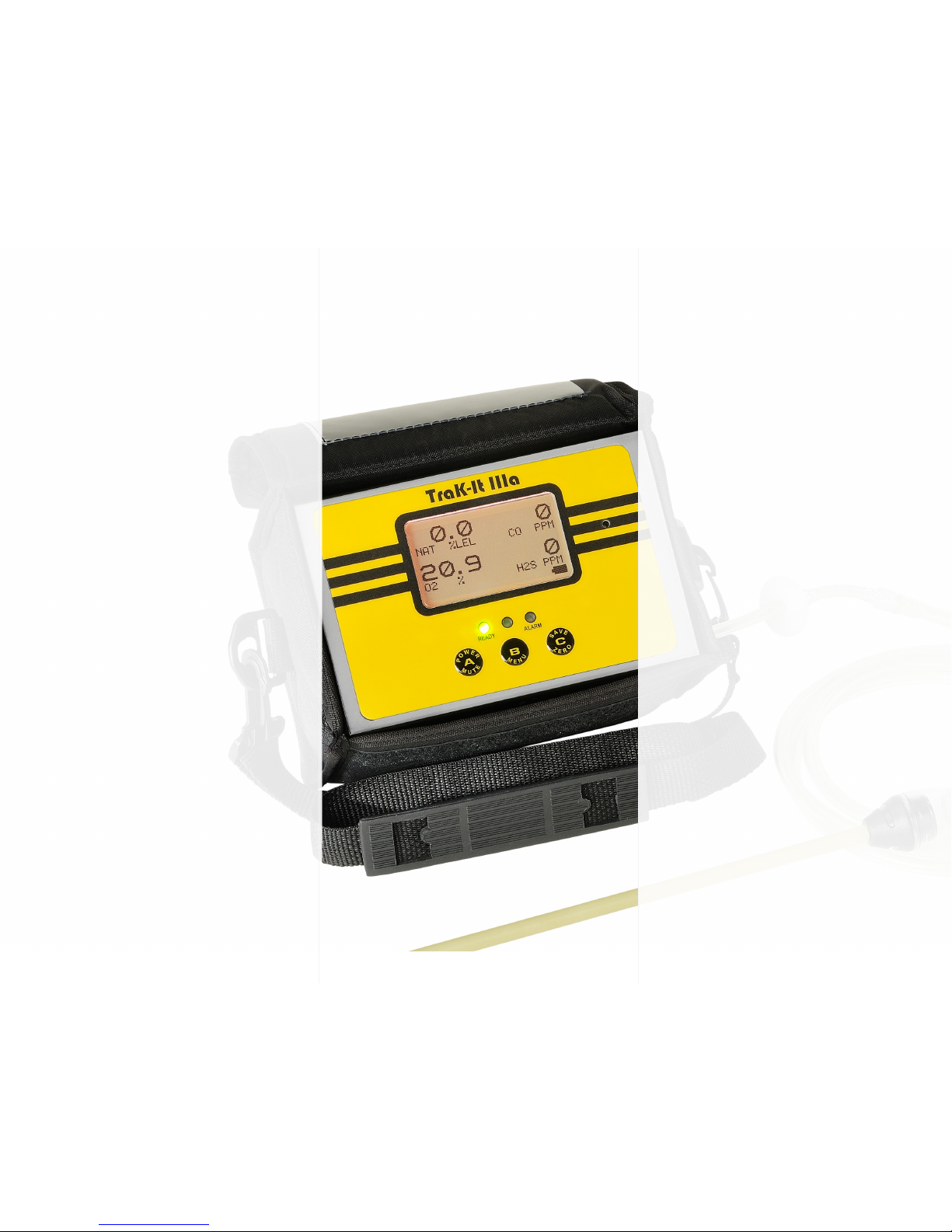
3. Locate button “A” – push & hold until the
unit powers up, then release the power button.
4. Allow unit to go through the warm up
sequence in clean air. At the end of warm
up, the unit will auto zero and enter the
working display. This requires from 40 up
to180 seconds.
5. If FAIL is displayed for any of the sensor
readings, make sure the instrument is in
clean air; push and hold the “C” button until
AUTO ZERO is displayed. If this process
does not clear the fail on the display, this
could indicate a problem with the instrument
or sensor.
6. Look at the display – Up to four (4) gases
are shown: O2, LEL, H2S (or HCN) and CO.
7. The combustible gas scale will automatically
range from %LEL to %Volume if so equipped
with the 100%v/v (TC) sensor.
8. Be certain the lter assembly is attached to
the sample inlet.
9. Place your nger over the inlet and wait ~5
seconds for “FLOW BLOCKED” to appear on
the display. If the instrument does not show
“FLOW BLOCKED” service is required.
10. You are now ready to use the instrument.
You can now enter the area and detect gases.
12. Any “NSC” readings indicate a
combustible gas sensed other than the one
the instrument is calibrated to measure.
Any “NSR” readings indicate a noncombustible gas sensed the instrument is not
calibrated to measure. (found on instruments
with 100%v/v (TC) scale only
12. Press and hold the “C” button to zero the
instrument. (only in a gas free area).
13. When your investigation is complete
push button “A” and hold for 5 seconds until
the instrument displays “POWER OFF” then
release to shut off.
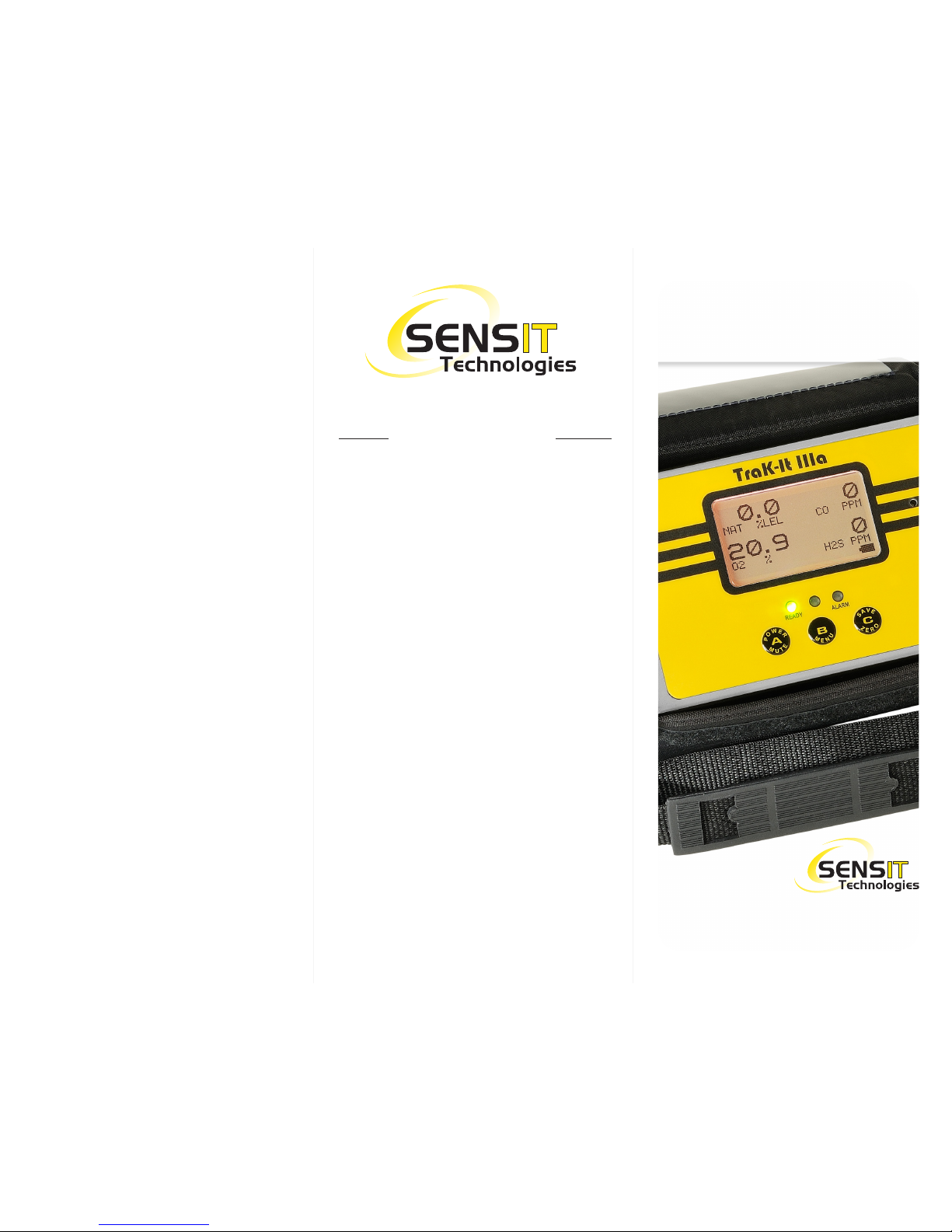
SENSIT® Trak-It IIIa
QUICK-START INSTRUCTIONS
 Loading...