

Page 1
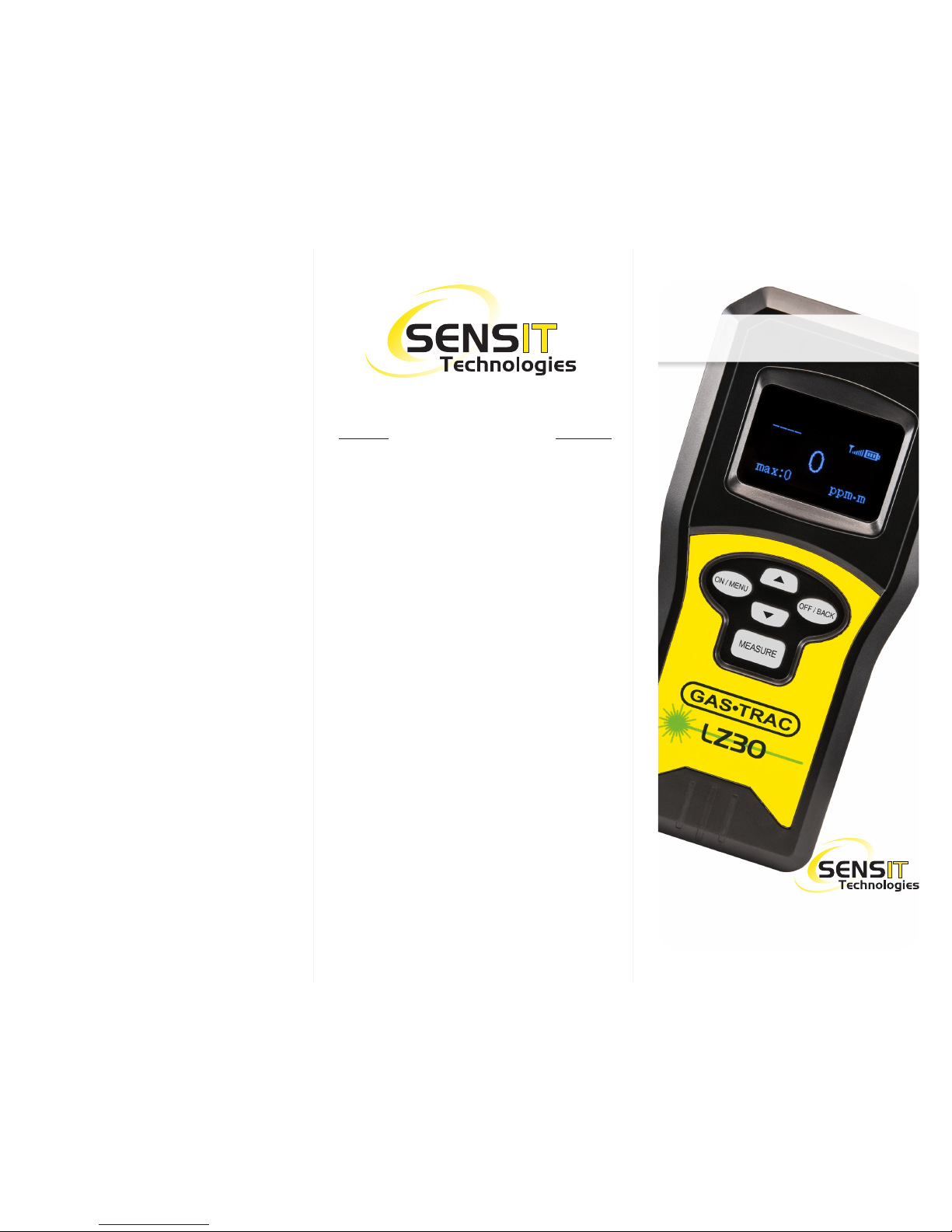
Quick-Start Instructions
This is not a substitute for the
instruction manual. It is for
reference only.
Read and understand the
instruction manual before use.
Distributed by:
851 Transport Drive
Valparaiso, IN 46383-8432
Phone: 219 465 2700
Web: www.gasleaksensors.com
Innovative Detection Solutions
Page 2
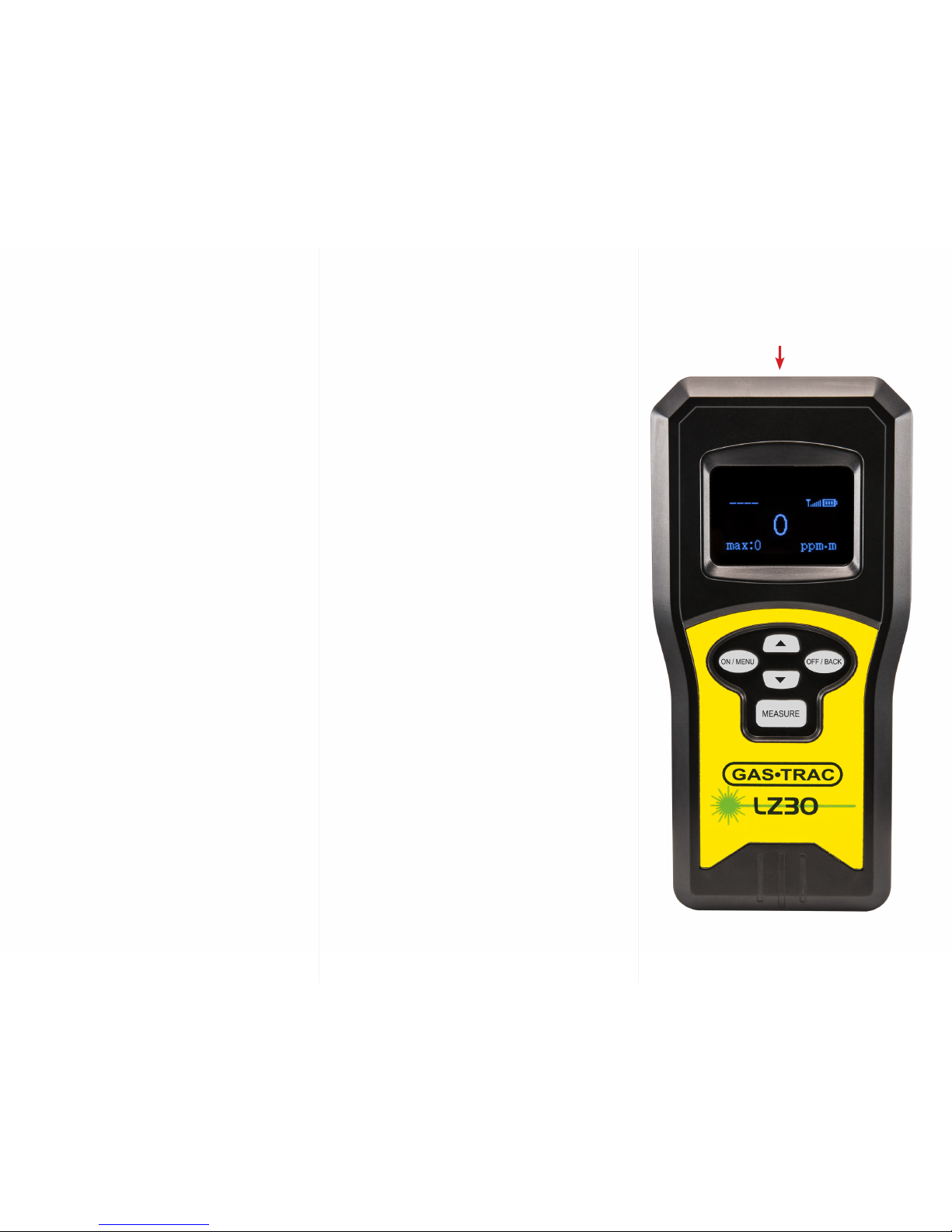
1. With the instrument in the carry case,
press and hold the ON/MENU button
until the screen illuminates (instrument
may require charge before use).
2. Make sure the path between the
calibration cell and instrument is
unobstructed and both the cell and
instrument are fully seated in the case.
3. A “bump test” can be performed by
pressing and releasing the MEASURE
button. Wait for 5 seconds and press
and release the MEASURE again
to deactivate. A MAX ppm-m result
(located lower left on display) should
display 1500 ppm-m or higher.
4. Remove the instrument from the case.
Point the instrument at an area of
concern, press and release the MEASURE
button. Using the “green” spotter laser,
slowly scan the area in an “S” or “Z”
pattern to maximize coverage. NOTE:
The laser needs sufcient reection
off of an object for proper operation.
If not achieved, REF/L (reection
low) or REF/H (reection high) may
be shown. Reposition or approach
from a different angle and try again.
5. For detection through widows, avoid
90 degree detection and maintain
distances greater than 5 meters.
6. When your investigation is complete,
stop the measurement by pressing
and releasing the MEASURE button.
7. To power the instrument off, press and
hold the OFF/BACK button until display
goes completely dark.
LZ-30
Quick Start
WARNING:
AVOID EYE CONTACT WITH LASER.
Alarm - (preset and adjustable, visual/
audible/vibration)
Three levels 20%, 50% and 100% of
alarm set point.
PLEASE REFER TO OWNERS MANUAL
FOR COMPLETE DETAILS ON THE
AFOREMENTIONED AND MORE!
Laser (color and function)
IR Laser = laser that is tuned for
methane detection, not in the visible
spectrum.
Green = Spotter laser, represents
location of IR laser
Red = Distance laser, represents the
distance in meters at which the IR laser
is traveling.
 Loading...