

Page 1
QuickStart
S-PIR from SeNd Technology is a PIR motion/heat detector
with SMS Alerts built-in. It is used primarily as a security system for houses, holiday
homes, garages and other buildings that you want to monitor movement in. When
alarm is activated, your system will text authorised mobile numbers in rotation until a
recipient responds. It will follow this text with a call which you can answer and through
its built in microphone, listen in at your site!
Sim Card registration
Sim Card registrationSim Card registration
Sim Card registration - if you are using a PAYG Sim Card rather than a Contract Sim Card, you will need
to register your PAYG Sim Card and add credit to it by following network providers instruction's in the
booklet provided with your sim card. Make sure that any PIN codes are disabled.
Inser
InserInser
Insert Sim card
t Sim cardt Sim card
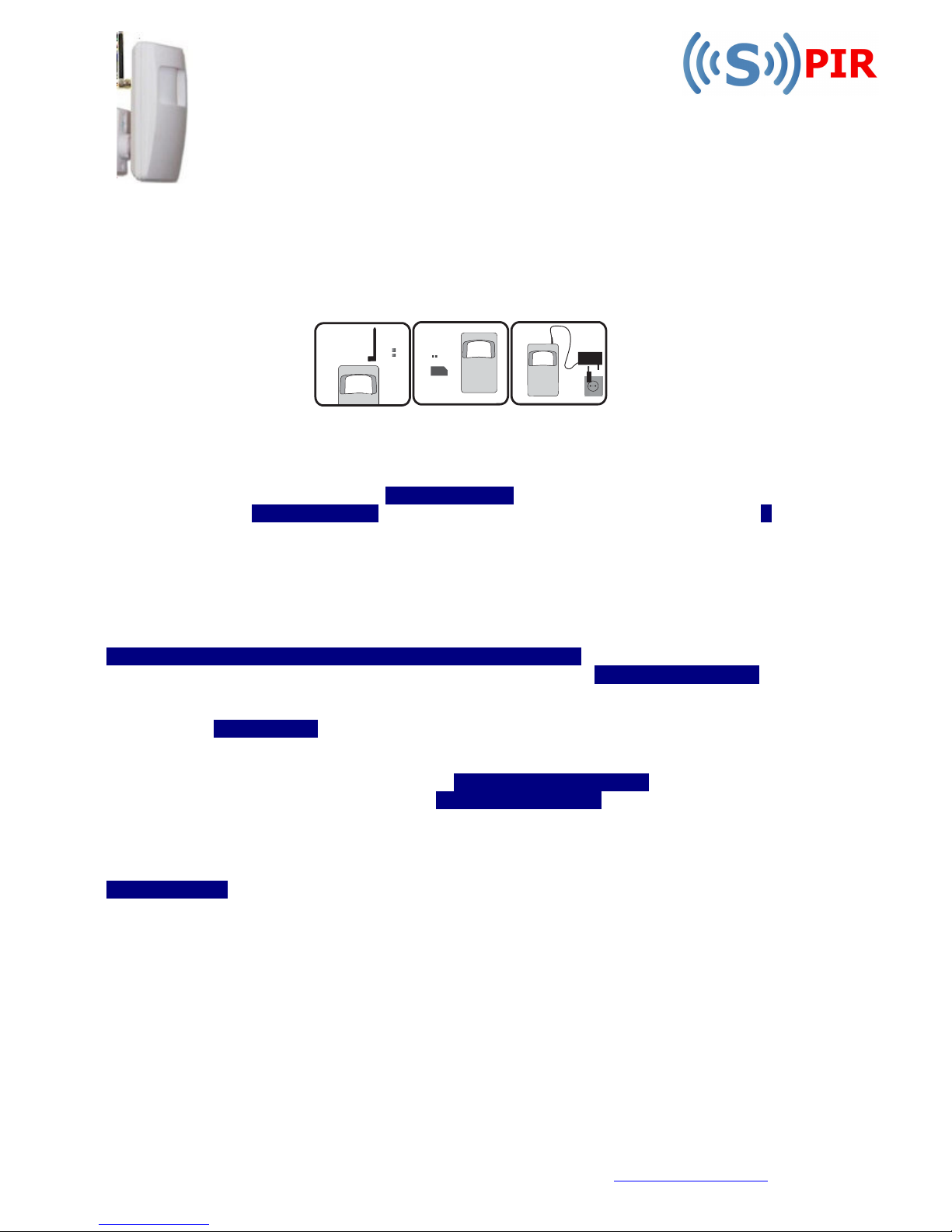
t Sim card into device. Connect Antenna and Plug in power supply connector. Plug power supply
into mains socket.
System will start in 1-2minutes. If LED indicator is still blinking fast after this time, check SIM Card is
inserted properly and that PIN Code has been disabled.
Manufacturer’s default password
passwordpassword
password is four zeros 0000. You need to change this by sending the following
text from Supervisor’s mobile phone:- 0000spPSWspXXXX where XXXX is your chosen pin. To alter your
pin at a later date: - YYYYspPSWspXXXX where YYYY is your old password. Small characters sp stand for
a space.
To program the mobile numbers that will have access
To program the mobile numbers that will have access To program the mobile numbers that will have access
To program the mobile numbers that will have access to and control the system, all numbers must be
entered with international country code ie 44 for UK. NR1 is mandatory and is the primary user.
Numbers should be entered based on priority since the system (upon alarm activation) will try to
contact the first entered number and in case of failure, will follow with the second etc. To add
recipients, send SMS message via text from any mobile:
XXXXspNR1:44ZZZZZZZZZZspNR2:44ZZZZZZZZZZspNR3:44ZZZZZZZZZZZ where X is your chosen pin and Z’s
are mobile numbers of alarm recipients without the prededing 0. ie 7658 NR1:447898878549 You can
also program these numbers individually, one number at a time. To overwrite just repeat the process
for the NR you are overwriting with the new number. Ie to delete user in NR2 position, send the
following text: XXXXspNR2:DEL.
Date and Time
Date and TimeDate and Time
Date and Time settings. Important to set these so system can send reports at specified times if you
require. Send the following SMS to the system: XXXXspMMMM.mn.ddsphh:mi where MMMM means year,
mn–month, dd–day, hh–hour, mi–minutes eg. 7658sp2010.09.22sp12:28 = 22 Sept 2010, 12.28pm (pin 7658).
By default, a status SMS message
a status SMS messagea status SMS message
a status SMS message will be sent daily at 11am to NR1. This message gives signal strength,
zone status and at the same time is a useful check system is operating. These parameters can be
configured to different time and period settings or disabled completely by sending SMS:
XXXXspINFO:00.00 Whilst any user can change these settings only NR1 will receive the status SMS.
To arm or disarm the unit
To arm or disarm the unitTo arm or disarm the unit
To arm or disarm the unit, authorised users can call the S-PIR (at no cost to them) and wait until the
system drops the call (you will hear three rings for arming and one for disarming). Do not hang up until
you hear this. NR1 will receive a confirmation text of arm or disarm. When arming, if you are in the
zone, you will get 15 seconds to leave the zone and then confirmation of arming will be received
When unit is armed and mmmmotion is detected
otion is detectedotion is detected
otion is detected, system will send SMS message to NR1. If SMS cannot be
delivered, NR2 will be texted and so on. If you prefer for all recipients to be informed jointly, this can be
programmed (see advanced manual). After SMS delivery, the unit will then ring recipients in set order
until a user picks up. If users answers, remote microphone switches on and user can listen to activity
at his site. Do remember if call diverts or voice mail is switch on at recipient’s mobile, this will cut in if
you don’t answer and your mobile will record microphone activity until voice mail stops (length of this
recording will vary according to your phone’s voice mail settings but do note, this activity will use credit
from the unit’s sim at your usual rate).
For further and advanced programming
advanced programmingadvanced programming
advanced programming – see advanced user Guide at
www.sendtech.co.uk
www.sendtech.co.ukwww.sendtech.co.uk
www.sendtech.co.uk
Page 2
Safetyinstructions
Please read and follow these safety guidelines in order to maintain safety of operators and people
around:
• Alarm system S-PIR has radio transceiver operating in GSM900 and GSM1800 bands.
• Don’t use the system where it can be interfere with other devices and cause any potential danger.
• Don’t use the system with medical devices.
• Don’t use the system in hazardous environment.
• Don’t expose the system to high humidity, chemical environment or mechanical impacts.
• Don’t attempt to personally repair the system. Any system repairs must be done only by qualified,
safety aware personnel
• The system must be powered by power supply source should not exceed 15VA power supply which
must be approved by LST EN60950-1 standard
• Any additional device connected to the S-PIR system must be powered up by a LST EN60950-1
approved supply.
•
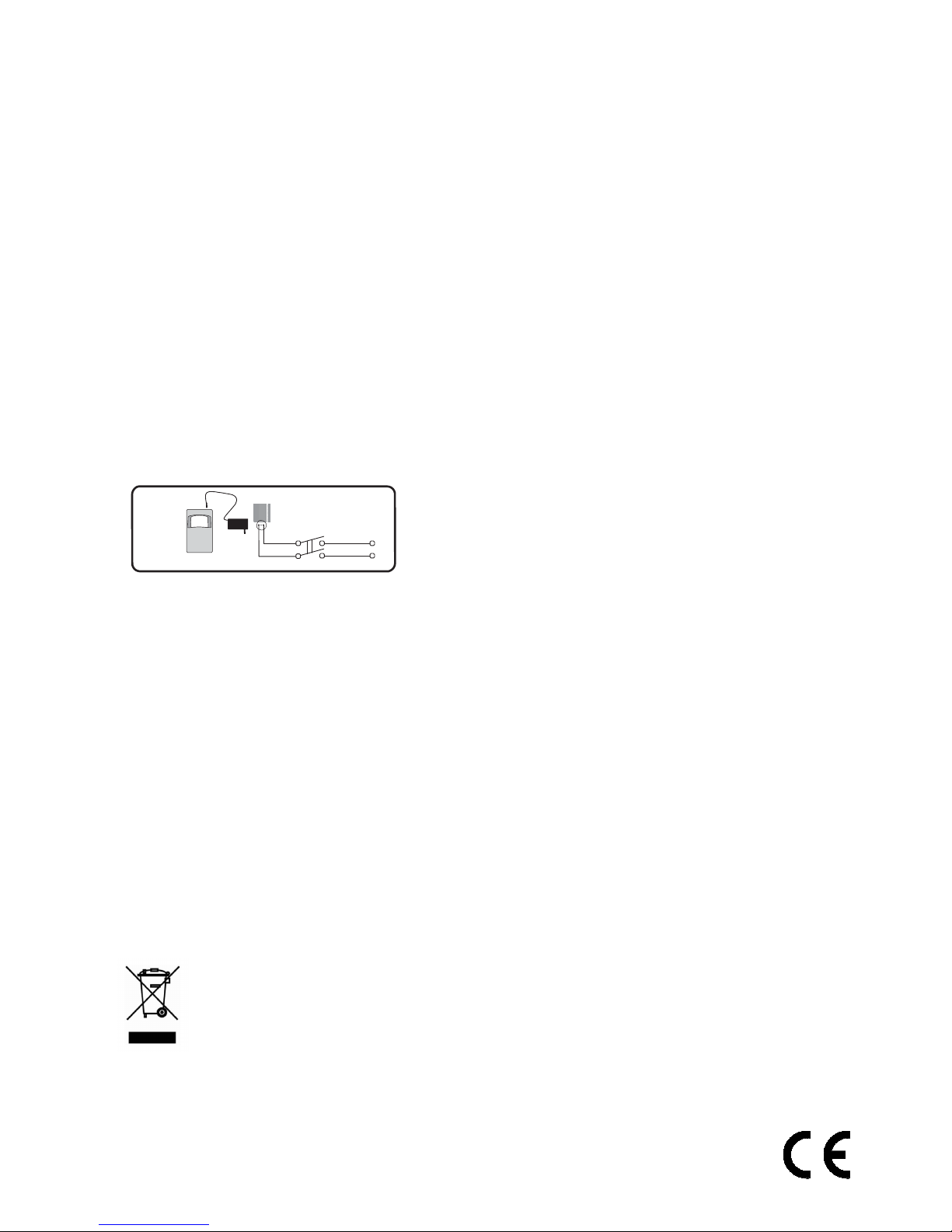
External power supply can be connected to AC mains only
inside installation room with automatic 2-pole circuit
breaker capable of disconnecting circuit in the event of
short circuit or over-current condition. Open circuit
breaker must have a gap between connections of more
than 3mm.
• Mains power must be disconnected before any installation or tuning work starts. The system
installation or maintenance must not be done during stormy conditions.
• The system must be used only with approved back-up battery to avoid fire or explosion hazards.
Special care must be taken connecting positive and negative battery terminals.
• Electrical socket from which the system is powered must be in an easily accessible place.
• The device is powered by a backup battery. The device is switched off by unplugging external
electrical power supply and disconnecting battery connector which is ac- cessed by opening device
frame cover.
• Fuse F1 type - C1S 2.5A. Blown fuse cannot be replaced by the user and the replacement fuses have
to be exactly the same as indicated by the manufacturer.
• WARNING: in order to avoid fire or explosion hazards the system must be used only with approved
back-up battery. Special care must be taken when connecting positive and negative battery
terminals
The WEEE (Waste Electrical and Electronic Equipment) marking on this product (see left)
or its documentation indicates that the product must not be disposed of together with
household waste. To prevent possible harm to human health and/or the environment,
the product must be disposed on in an approved and environmentally safe recycling
process. For further information on how to dispose of this product correctly, contact
the system supplier, or the local authority responsible for waste disposal in your area.
Manufacturer declares that this GSM Alarm System S-PIR is in compliance with the essential
requirements and other relevant provisions of Directive 1999/5/EC.
 Loading...