

Page 1
LOCK
ACC
ON
START
2
4
The LED will turn yellow when you connect SX to the
PC’s USB port.
Connect SX to the PC
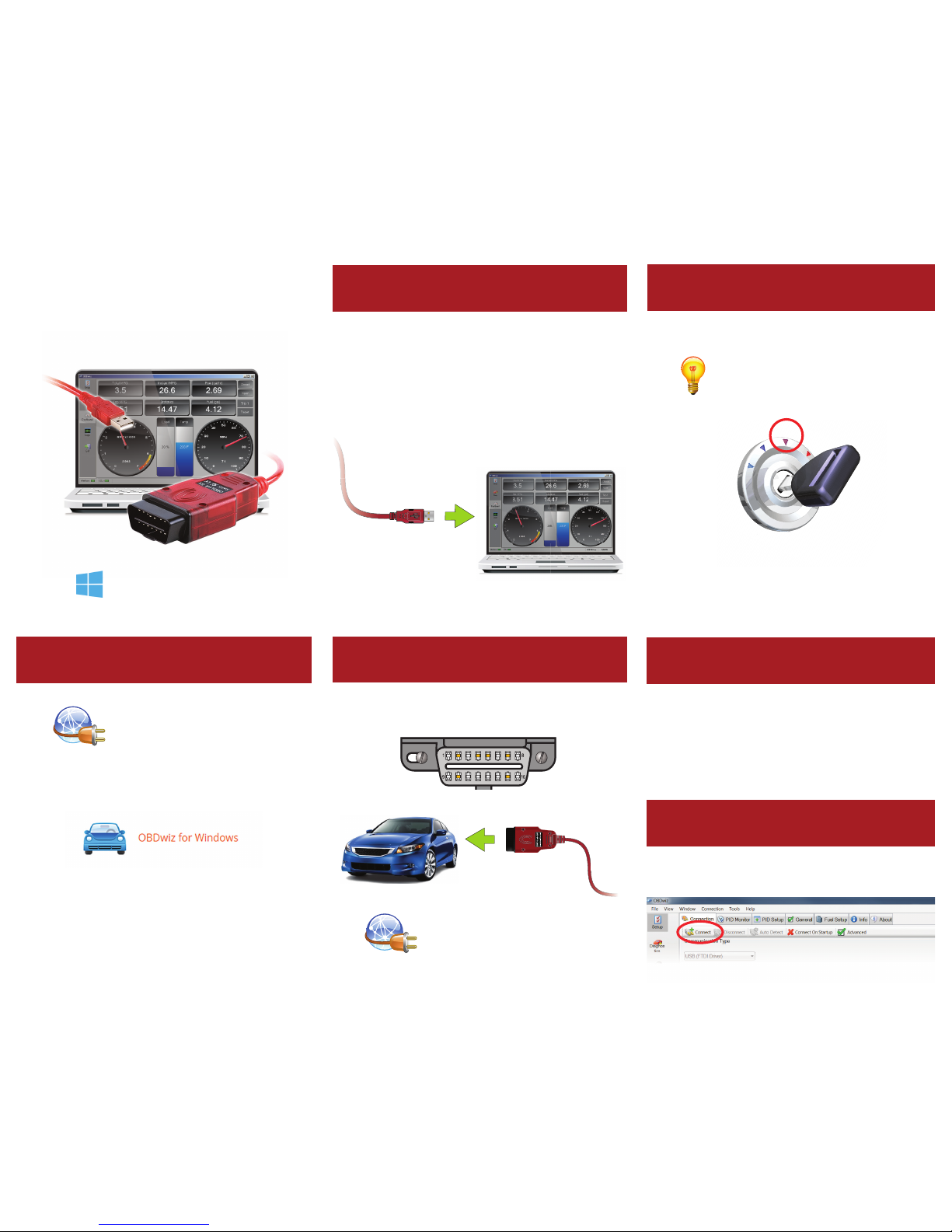
Turn ignition to “Key On, Engine O ”
The OBD port is usually found on the driver’s side,
under the dash.
Can’t nd your OBD port?
Visit obdport.info
3
Plug SX into the OBD port
OBDLink SX
Quick Start Guide
Windows
Point your browser to
obdlink.com/software
Download “OBDwiz for Windows”. Run the installer
to setup the software.
Click Start > Programs > OBDwiz > OBDwiz. When
prompted, enter the license key.
1
Install OBDwiz software
— Using Windows XP or Vista? Download the drivers at
obdlink.com/support/sxusb
— Using Windows XP or Vista? Click ‘Auto Detect’ rst.
— Red LED? Drivers were not installed properly.
The LED will turn green.
— Yellow LED? Check OBD port, auxiliary port, and
the cigarette lighter for blown fuses.
— License key can be found on an insert included with
your purchase.
Vehicles with push button start: press the
button without stepping on the brake pedal.
5
6
Launch OBDwiz software
Connect to your vehicle
Click the ‘Connect’ button:
Page 2

Thank you for your purchase!
If you like OBDLink SX,
please post your review on
– Need help? Go to obdlink.com/support
or scan the QR code
 Loading...