

Page 1

HD Satellite Finder Meter
USER’S MA NUAL
HD Satellite Finder Meter
WS-6922
USER’S MANUAL
WS-6922
Page 2

Product Description
CO NTENTS
CO NTENTS
THE P RO FE SS IO NA L EQ UI PM EN T- -- -- -- -- -- -- -- -- -| U SE R ’S M ANU AL| THE P RO FE SS IO NA L EQ UI PM EN T- -- -- -- -- -- -- -- -- -| U SE R ’S M ANU AL|
Digita Satellite Meter 1
|
Product Description
1.Guide
1.1 Face Panel & Button
1.2 Power On/Off
1.3Power Supply & Battery
2. Menu
2.1 Satellite Find
2.3 System Setting
2.4 Angle Calculation
2
3
4
4
4
5
9
12
2.2 Multimedia
10
3. Specifications
16
2.5 Shortout Buttons
14
5.Product Standard Package
19
4.Warning
18
Using WS692 2 can receive D VB-S and DVB- S2
signal. It' s very conven ient for inst aller to catc h
quick and acc urate align ment for ante nna to the
best positi on.
WS 6922uses m icroproce ssor contro ller with rel iable
and stable pe rformance . When it is turn ed on ,
channel pic ture , signal s trength and s ignal quali ty
will be showe d on LCD screen . And also big men u
window can be s elected for d ata figure.
WS 6922 displ ays EL/AZ, CB ER/VBER, S/N, signal
strength an d lock sound al arm
WS 6922 can det ect very weak s ignal and pro vide
antenna pow er(OFF/13V/ 18V). It's with auto
WS 6922 has the AV in and AV out f unction.
WS 6922 assis t with key back lighting, flashlight
WS 6922 uses th e 12V power ada pter. It inclu des
8.4V3000m AH high capac ity LI-ION battery which
can work for mo re than 2 hours w hen it is fully
charged.
Page 3
1.GUIDE
1.1Panel keypads
THE P RO FE SS IO NA L EQ UI PM EN T- -- -- -- -- -- -- -- -- -| U SE R ’S M ANU AL| THE P RO FE SS IO NA L EQ UI PM EN T- -- -- -- -- -- -- -- -- -| U SE R ’S M ANU AL|
Digita Satellite Meter 3
Digita Satellite Meter
|
2
|
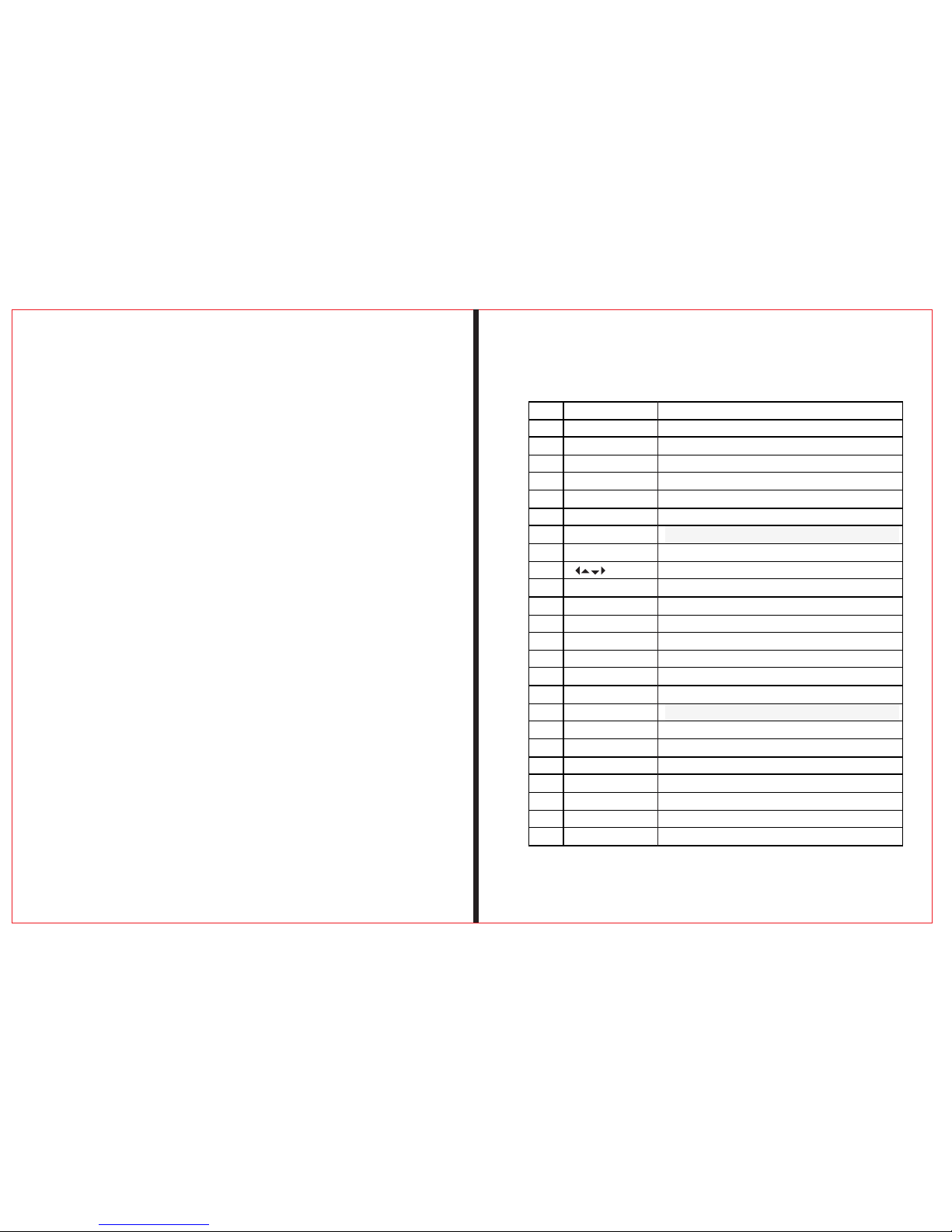
NO. Name Function
1 signal input port connect antenna
2 LCD screen shows menu and image of programs
3 lock indicator light This light will be on when signal is locked.
4 charge light This light will be on when it is charging and off when it is full.
5 power light the light will be on when the meter is on.
6 22K light open the light
7 13/18V light Horizontal/vertical switching output instructions
8 F1 F2 F3 F4 key funtion key
9 OK key Arrow key uses to move cursor and OK key usesto confirm.
10 MENU key Shows main menu and return to previous menu
11 EXIT key to cancel and exit from the present menu.
12 0-9 numerical keys to enter numerical parameter setting
13 +/- key 空
14 B.Light KEY Swithch LCD display
15 MUTE to turn on or turn off the sound
16 TV/Radio KEY Press to switch between TV and radio
17 M.INFO KEY Multi-channel display shortcuts
18 INFO KEY To show parameter of current channel
19 USB PORT Port for Upgrade or connecting to multimedia
20 Power Connection port Port for connecting to external power supply
21 Power Connection port to turn on and turn off the meter’s power
22 AV OUT audio and vedio output
23 AV IN audio and vedio input
24 flashlight holes flashlight
Page 4

1.2 Power On/Off
To turn on the meter when Power Switch moves to I
position.
To turn off t he mete r when Po wer Switch moves to 0
position.
Please turn off the meter to charge the meter in time
when system informa tion fo r showi ng low po wer popes
up.
1.3Power Supply and Battery
It's used with 12V 1.5A Power Ad aptor. It charges
through external po wer whe n batte ry is out o f power.
It's used with 8.4V 3000 mAH Lithium Battery. It needs
4 hours charging time by connecting power adapt or with
external power or car c harging. After i t's ful l charge, it
works for more than 5 hou rs (It al so depe nds on th e load
of external antenna ).
2.MENU
Press “ MENU” key to ente r into ma in menu , and
2.1Satellite Find
THE P RO FE SS IO NA L EQ UI PM EN T- -- -- -- -- -- -- -- -- -| U SE R ’S M ANU AL| THE P RO FE SS IO NA L EQ UI PM EN T- -- -- -- -- -- -- -- -- -| U SE R ’S M ANU AL|
Digita Satellite Meter 5
Digita Satellite Meter
|
4
|
Notice: For initial c harge, please make batte ry full ycharged(We suggest it charge for 8 hours).
use Ar row key t o move cu rsor, and then press “OK ” key to se lect
sub-menu.
Page 5

THE P RO FE SS IO NA L EQ UI PM EN T- -- -- -- -- -- -- -- -- -| U SE R ’S M ANU AL| THE P RO FE SS IO NA L EQ UI PM EN T- -- -- -- -- -- -- -- -- -| U SE R ’S M ANU AL|
Digita Satellite Meter 7
Digita Satellite Meter
|
6
|
2.1.1 Satel lite
Press “OK ” button to ent er can be c hange t he sate lli-
te name and the current f reque ncy
2.1.2 LNB Type
Press “OK” button ent er next m enu
2.1.2.1 Mot or
press ◄ ► button S elect M otor mo de.
(OFF、USALS、DisEqC 1.2)
2.1.2.2 LNB P ower
press ◄ ► button S elect L NB Powe r
(OFF、18、13、13/18)
press ◄ ► button S elect L NB styl e
(Single、UNIVERSAL、ON E CABLE)
2.1.2.3 LNB s tyle
2.1.2.4 The v ibration frequency
press ◄ ► butto n Select vibr ation frequency
(5150、9750、100 00、10050、1060 0、10750、
11200、112 50、11300、11475)
2.1.2.5 22K hz switchy
press ◄ ► butto n Select 22Kh z switch(OFF、ON)
2.1.2.6 Swi tch type
press ◄ ► butto n Select Swit ch type
(None、DisEqC 1 .0、DisEqC 1.1)
2.1.2.7 Fre quency
Use the numerical button to input Freq Value for Down Freq
2.1.2.8 Sym bRate
Use the numerical button to input Value for Symbol Rate
2.1.2.9 Pol
press ◄ ► button Select Polar Mode(VER、HOR)
2.1.2.9 Sea rch Mode
press ◄ ► button Choose search method(ALL Service、
FAT Only、TV Only)
Set parameters, and press “OK” button to enter the Submenu, and then align direction of antenna according to the
interface parameters.
2.1.7 Searc h
press ◄ ► button choose search mode
(Satellite、Transporder) ,press “OK” go to search
Page 6

THE P RO FE SS IO NA L EQ UI PM EN T- -- -- -- -- -- -- -- -- -| U SE R ’S M ANU AL| THE P RO FE SS IO NA L EQ UI PM EN T- -- -- -- -- -- -- -- -- -| U SE R ’S M ANU AL|
Digita Satellite Meter 9
Digita Satellite Meter
|
8
|
2 . 2 M u l t i m e d i a
Program automatic ally sa ve the se arch is complete return
to the previous menu.
Media Player must be ex terna l memor y into th e USB port.
Ortherwise , there wi ll be USB D evice i s not Fin d screen.
2.2.1 Play music in MP3 format
Press the don e button to sel ect MP3 songs ,
according t o the ok button t o play MP3
Page 7

THE P RO FE SS IO NA L EQ UI PM EN T- -- -- -- -- -- -- -- -- -| U SE R ’S M ANU AL| THE P RO FE SS IO NA L EQ UI PM EN T- -- -- -- -- -- -- -- -- -| U SE R ’S M ANU AL|
Digita Satellite Meter 11
Digita Satellite Meter
|
10
|
2.2.2 Syste m upgrade
choose the fi le named “img ” suffix press “OK” button,
suggestin g to upgrade “a pp” or “user dd b” , press
up and down but ton , press ok co nfirmed,c omfired
once again pr ompted to con firm the upgr ade , press
“OK” button t o start the upg rade , upgrad e do not
power off .
2.2.3 Downl oad the current user dat abase
Usb interfa ce , press the F1 k ey , you can down load the curr ent user data base 。accord ing satelli te
tp tools to pro duce there ow n default sat ellite
database
2.3 System setting
2.3.1 Langu age Select
Choose a kind s of menu langu ages
Page 8

THE P RO FE SS IO NA L EQ UI PM EN T- -- -- -- -- -- -- -- -- -| U SE R ’S M ANU AL| THE P RO FE SS IO NA L EQ UI PM EN T- -- -- -- -- -- -- -- -- -| U SE R ’S M ANU AL|
Digita Satellite Meter 13
Digita Satellite Meter
|
12
|
2.3.2 Scree n format
screen outp ut format sle ct (4:3TV、16:9TV)
2.3.3 Light s etting
Button back light delay s lect switch
(OFF、5 Second、10 S econd、20 Seco nd)
2.3.4 Facto ry reset
Press “OK” ke y , software re turn back fac tory set
2.3.5 SW VER
display sof tware versi on number
2.3.6 Relea se Time
display software setting time
2.4 Angle Calculation
2.4.1 Satel lite
Press OK key , ch oose satell ite
2.4.2 Longi tude
enter local l ongitude by n umber key
2.4.3 Locat ion
choose loca l west .east of p osition
2.4.4 Latit ude & Hemisphere
enter local l atitude by nu mber key
2.4.5 Hemis phere
choose loca l west .east of p osition
2.4.6 Calcu lation
press the “OK ” button to cal culate the current
parameter s(Azimuh、Elcv ation、POL)
Page 9

THE P RO FE SS IO NA L EQ UI PM EN T- -- -- -- -- -- -- -- -- -| U SE R ’S M ANU AL| THE P RO FE SS IO NA L EQ UI PM EN T- -- -- -- -- -- -- -- -- -| U SE R ’S M ANU AL|
Digita Satellite Meter 15
Digita Satellite Meter
|
14
|
2.5 Shortcut Buttons
2.5.1 In the br oadcase , pre ss “OK” button to enter
the lower men u , follow the pr ompts
2.5.2 in the br oadcast, pr ess the “TV/Radio” button ,
to achieve TV/Radio fe ature conversion。
2.5.3 In the br oadcast , pre ss “INFO” button to ente r
next menu, fo llow the prom pts
2.5.4 Press “ F2” button ch oose signal i ndicate voi ce
for turn on or tu rn off
2.5.5 Press “ MUTE” butto n to turn on or turn off the
sound.
Page 10
THE P RO FE SS IO NA L EQ UI PM EN T- -- -- -- -- -- -- -- -- -| U SE R ’S M ANU AL| THE P RO FE SS IO NA L EQ UI PM EN T- -- -- -- -- -- -- -- -- -| U SE R ’S M ANU AL|
Digita Satellite Meter 17
Digita Satellite Meter
|
16
|
Specifications
Han ding Pre ca uti ons an d Pro hibit ion s o f Bat ter y i n
S at Me ter
Warning:
一、 You are using Lithimum ion batteries and Li ckel
metal hydride batte ries. So Plea se don' t work under high
temprature or high pr essur e condi tion. I f the following
items happened,ab norma l chemi cal rea ction mey occur
which will lead to the ba ttery o verhe at,em it smoke,ignite
and/or burst.
1.Incinerate and di spose t he batt ery in fi re or heat it.
2.Pierce the batter y with a na il or oth er shar p objects.
Strike it with a hammer o r step on i t.
3.Immerse the battt ery wit h water o r conne ct the positive
(+) and negative
4.Connect the posit ive (+) a nd nega tive (- )terminals with
other metal objects , such as n eckla ces hai r pins and so on.
The battery is only app licab le to the c harger whi ch supp lied or appointed by the ma nufac turer o f this ma chine.
(二) The battery is only applicable to the charger which
supplied or appoint ed by the m anufa cture r of this machine.
1.The battery shoul d be stor ed with in a temp rature range
of 0℃ to 40℃.
2.The battery is expe ndabl e. When stored for a lo ng time ,
charge the battery at least once per half month so as t o
prevent over discha rge.
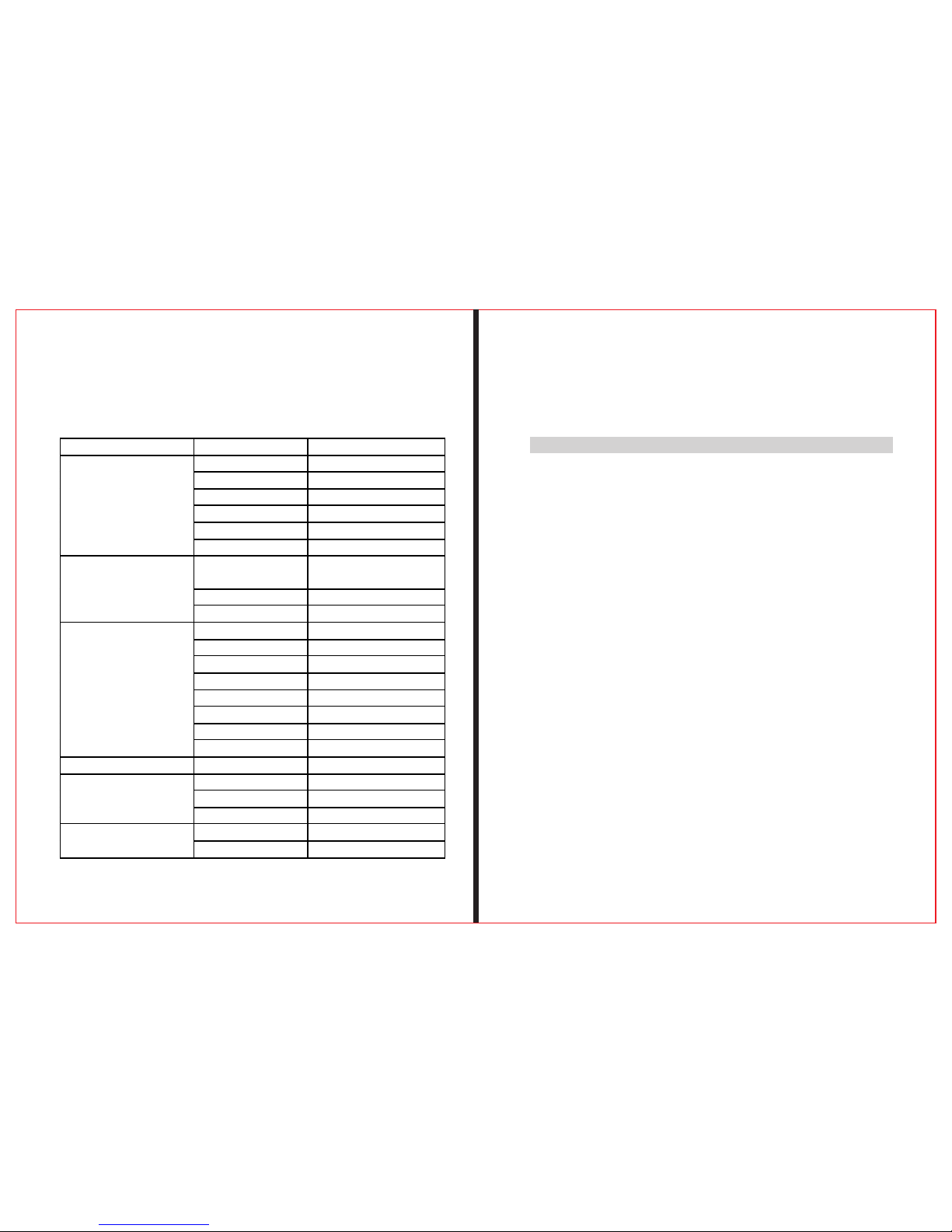
System Fully DVB compliant yes
connector F type feminin
frequency range 950MHz-2150MHz
signal level -65dBm~-25dBm
LNB power supply 13/18V, max 350mA
LNB switch control 22KHz
LNB input
DiSEqC Ver 1.0/ 1.1/1.2
Front end
QPSK(S);QPSK,8PSK,
16APSK,32APSK(S2)
Modulation range 2Mbps~45Mbps
Demodulator
SCPC OR MCPC both yes
processor 32bit processor (133MHz)
FLASH 8Mbyte(64MHz)
SDROM 16*16Mbyte(DDR1)
Data rate speed up to 15M bits/s
Resolution 720*576,720*480
Vedio format PAL/NTSC/SECAM
Type Mono
System resource
sampling rates 32,44.1 48KHz
Data interface connector USB
LI-ION battery 3000 mA
Supply voltage 8.4Volt
Power supply
Charger 100-220V
Mesurement 9.5x15.5x4.5 (cm)
Physical characteritics
Weight(net weight) 0.5 Kg
Page 11

THE P RO FE SS IO NA L EQ UI PM EN T- -- -- -- -- -- -- -- -- -| U SE R ’S M ANU AL| THE P RO FE SS IO NA L EQ UI PM EN T- -- -- -- -- -- -- -- -- -| U SE R ’S M ANU AL|
Digita Satellite Meter 19
Digita Satellite Meter
|
18
|
Handling:
Please use the battery only supplied by the manufacturer,
otherwise it will destroy the battery.
Please do not put the battery in fire or dispose it together with
garbage.
Please contact the waste administrative institute to cope with
waste battery carefully.
5.Product Standard Package
Car chargercable
Carrying ca se
Power
AV lable
Carrying ca se
 Loading...