

Samsung SGH-A800T, SGH-A800DSA, SGH-A800MBA, SGH-A800RBA, SGH-A800S Quick Reference Card
...Page 1
SGH-A800 GSM Telephone
Quick Reference Card
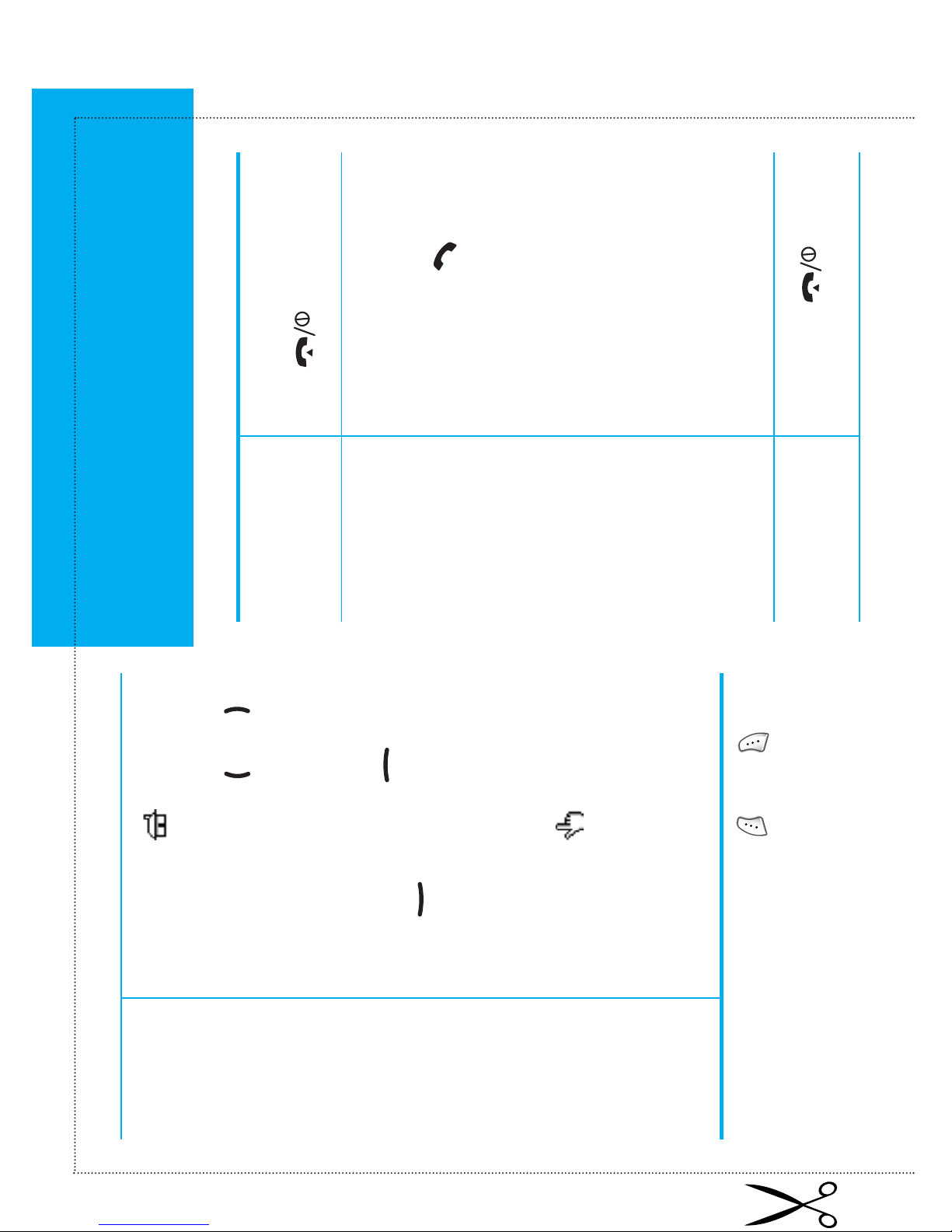
Press and hold down
the key.
Switch On/Off
(Direct Call)
➀ Key in the number.
➁ Press the key.
Make a Call
Press the key.
End a Call
(Voice Dial)
Provided that the name is
recorded and the Active
folder menu option is set
to Voice dial:
➀ Open the phone.
➁ Say the name.
➀ Press the soft key in
idle mode.
➁ Scroll with the or
key through the main
menus until you reach the
required menu.
➂ Scroll with the
or key through the
list of options until the
required option is
selected.
➃ Press the soft key to
confirm.
Access
the Menu
Functions
• Each of the two soft keys ( and )
performs the function indicated by the
text above it (bottom line in the display).
Page 2
Search for a
Number
in the
Phonebook
Press the volume keys on
the left side of the phone.
Adjust the
Volume
➀ Key in the number.
➁ Press the Save soft key.
➂ Select the memory type.
➃ Enter the name.
➄ Press the soft key.
➅ Select the category.
➆ Press the Save soft key.
Store
Numbers
in the
Phonebook
Open the phone
or
Press the key.
Answer a
Call
Redial the
Last Number
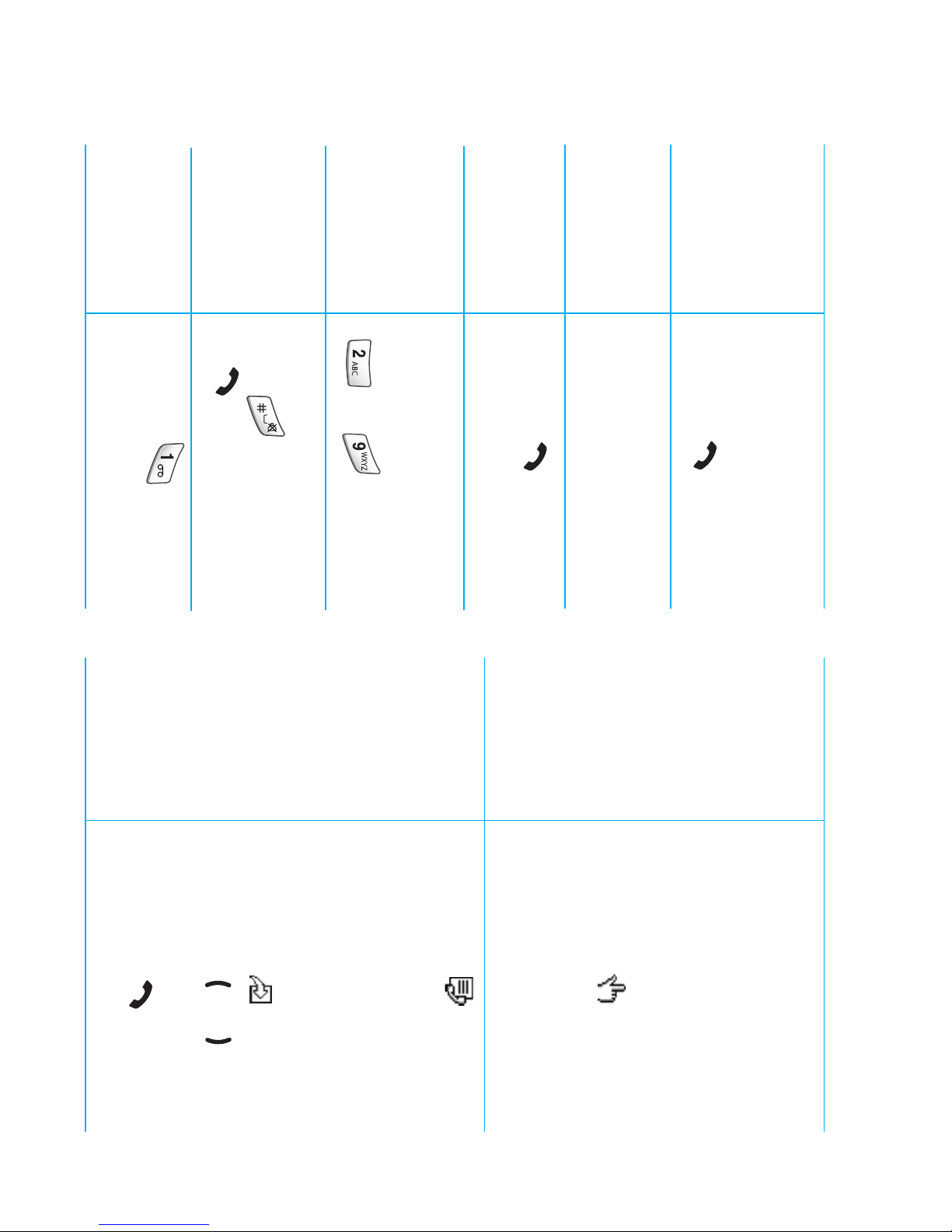
Speed-Dial
Press the key twice.
In idle mode hold down
the appropriate key
( to ).
Dial a Number
in Your SIM
Card
Enter the SIM location,
press followed
by .
Listen to Your
Voice Mail
Press the key.
➀ Press the soft key
in idle mode.
➁ Select Find nameor
Findnumber.
➂ Enter a name or number.
➃ Press the soft key.
➄ Press the or key,
if necessary.
➅ Press the key to
dial.
 Loading...