

Page 1

Samsung Monochrome Laser MFP SCX-5635FN
Control Panel Components
1
2
3
Standard
3
5
6
7
8
9
1. ID Copy
2. Direct USB
3. Display
4. Fax
5. Copy
6. Scan/Email
7. Compass Navigation
8. Menu
9. Back
10. Number keypad
11. Address Book
12. Redial/Pause
13. On Hook Dial
14. Stop/Clear
15. Start
16. Power Saver
1.Document Input Tray
2. Document width Guides
3. ADF (Automatic
Document Feeder)
4. Document Output Tray
5. Control Panel
6. USB Memory Port
7. Output Tray
8. Output Support
9. Standard Tray
10. Paper Level Indicator
11. Multi-Purpose Tray
12. Rear Cover
13. Power Switch
14. Power Receptacle
15. Duplex Unit
10
14
13
11
12
13
11
12
14
15
16
15
7
4
5
6
8 9
2
1
4
10
Samsung Monochrome Laser MFP SCX-5635FN
Imagine expanded productivity with the simplest way.
SCX-5635FN boosts your work efficiency and performance. The smart office assistant
supports workgroups users and small and medium business users. SCX-5635FN can print,
copy, scan and fax with 35ppm printing speed, duplex and convenient network features that
you require in a workgroup environment. Getting a productivity boost has never been this easy.
Why wait for in line for a bulky copier? Superbly trimmed to fit in smaller spaces, the SCX-5635FN
is styled to help you work more efficiently. The newly designed identity of OPE panel and 4 line
backlighted LCD and Direct USB feature guide you to get the job done faster and easier.
Page 2
Samsung Monochrome Laser MFP SCX-5635FN
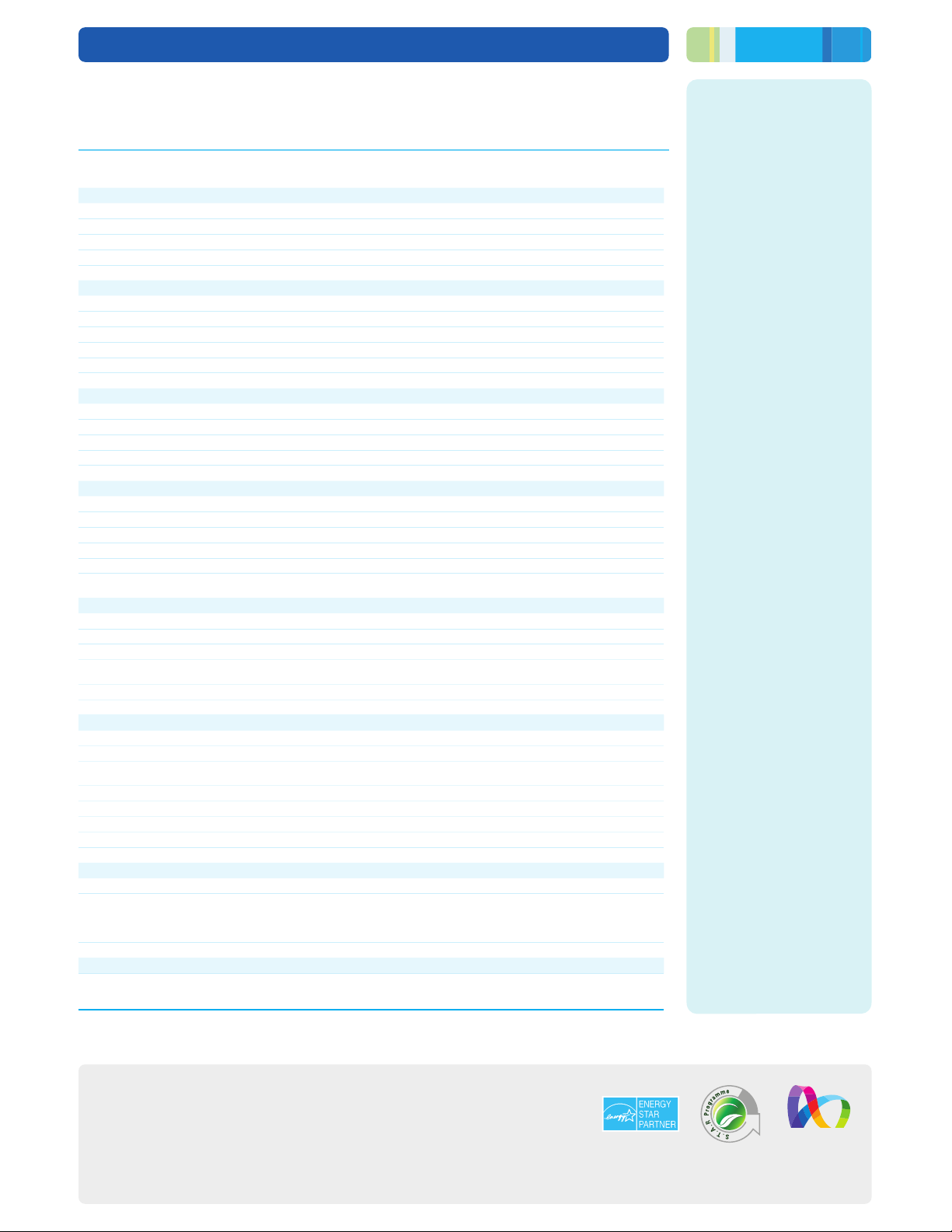
Specifications
SCX-5635FN
Print
Speed (Mono)
Resolution
First Print Out Time (Mono)
Emulation
Duplex
Copy
Speed
Resolution
First Copy Out Time (Mono)
Zoom Rate
Multy Copy
Duplex Copy
Scan
Compatibility
Method
Resolution (Optical)
Resolution (Enhanced)
Scan to
FAX
Compatibility
Modem Speed
Resolution
Memory
Auto Dial
Fax Feature
Paper Handling
Input Capacity and Types
Output Capacity and Types
Media Size
Media Type
ADF Capacity
ADF Document Size
General
LCD
Memory / Storage
OS Compatibility
Interface
Noise Level
Duty Cycle, Monthly
Dimension (W x D x H)
Weight
Consumables
Type
Yield
Model Code
Options
Options
Standard : 203 x 98 dpi, Fine/Photo : 203 x 196 dpi, Super Fine : 300 x 300 dpi, Colour : Up to 200 x 200 dpi
On hook Dial, Auto Redial, Last Number Redial, Auto Reduction, Multi-send, Delayed Send,
250-sheet Cassette Tray, 50-sheet Multi-purpose Tray, 250-sheet Optional Cassette
Plain paper, transparency, envelope, labels, card stock, thick, thin, cotton, colour, preprinted, recycled,
Width : 142 ~ 216 mm (5.6" ~ 8.5"), Length : 148 ~ 356 mm (5.8" ~ 14")
Windows 7/2000/2003/2008 Server/XP/Vista, Various Linux OS, Mac OS X 10.3~10.5,
Windows Terminal Services, Citrix Presentation Server (Compatible), SAP (Compatible)
Less than 52 dBA (Printing), Less than 52.5 dBA (Copying), Less than 26dB (Initial Standby)
Up to 33 ppm in A4 (35 ppm in Letter)
Up to 1200 x 1200 dpi effective output
Less than 8 seconds
PCL5e, PCL6, PS3, PDF 1.4, TIFF
Up to 33 cpm in A4 (35 cpm in Letter)
Up to 1200 x 1200 dpi effective output
Less than 9.5 seconds (From Ready mode)
25~400% (platen), 25~100% (ADF)
PC, Email, USB Memory, FTP, SMB
Fax forwarding (Email/Fax), Broadcasting up to 209 locations
150-sheet Face Down, 1-sheet Face Up
76.2 x 127 mm (3" x 5") ~ 215.9 x 355.6 mm (8.5" x 14")
Hi-Speed USB 2.0, Ethernet 10/100 BaseTX
Standard: Average Cartridge Yield 4,000 standard pages.
High Yield: Average cartridge Yield 10,000 standard pages.
(Ships with 4,000 pages Starter Toner Cartridge)
Declared cartridge yield in accordance with ISO/IEC 19752
Memory : 128MB (CLP-MEM201), 256MB (CLP-MEM202)
Paper Cassette : 1EA x 250-sheet (SCX-S5635A)
Standard
1~99 pages
Standard (1:1,1:2)
TWAIN Standard, WIA Standard
Colour CCD
Up to 600 x 600 dpi
Up to 4,800 x 4,800 dpi
ITU-T G3
33.6Kbps
4 MB (225 pages)
Speed dial : 200 Locations
bond, archive
50-sheet
4 line Graphic LCD
128 MB (Max. 384 MB)
80,000 pages
466 × 435 × 458 mm
18.8 kg
Single Cartridge
MLT-D208S, MLT-D208L
Wireless Lan (ML-NWA30L)
2009. 12
5635v1E01-06-10
Color Xpression
© 2009 Samsung Electronics Canada, Inc. All Rights Reserved. Samsung is a
registered trademark of Samsung Electronics Co., Ltd. Screen images are simulated.
Page 3

Expand productivity with simplicity
Samsung Monochrome Laser MFP
SCX-5635FN
Page 4
Samsung Monochrome Laser MFP SCX-5635FN
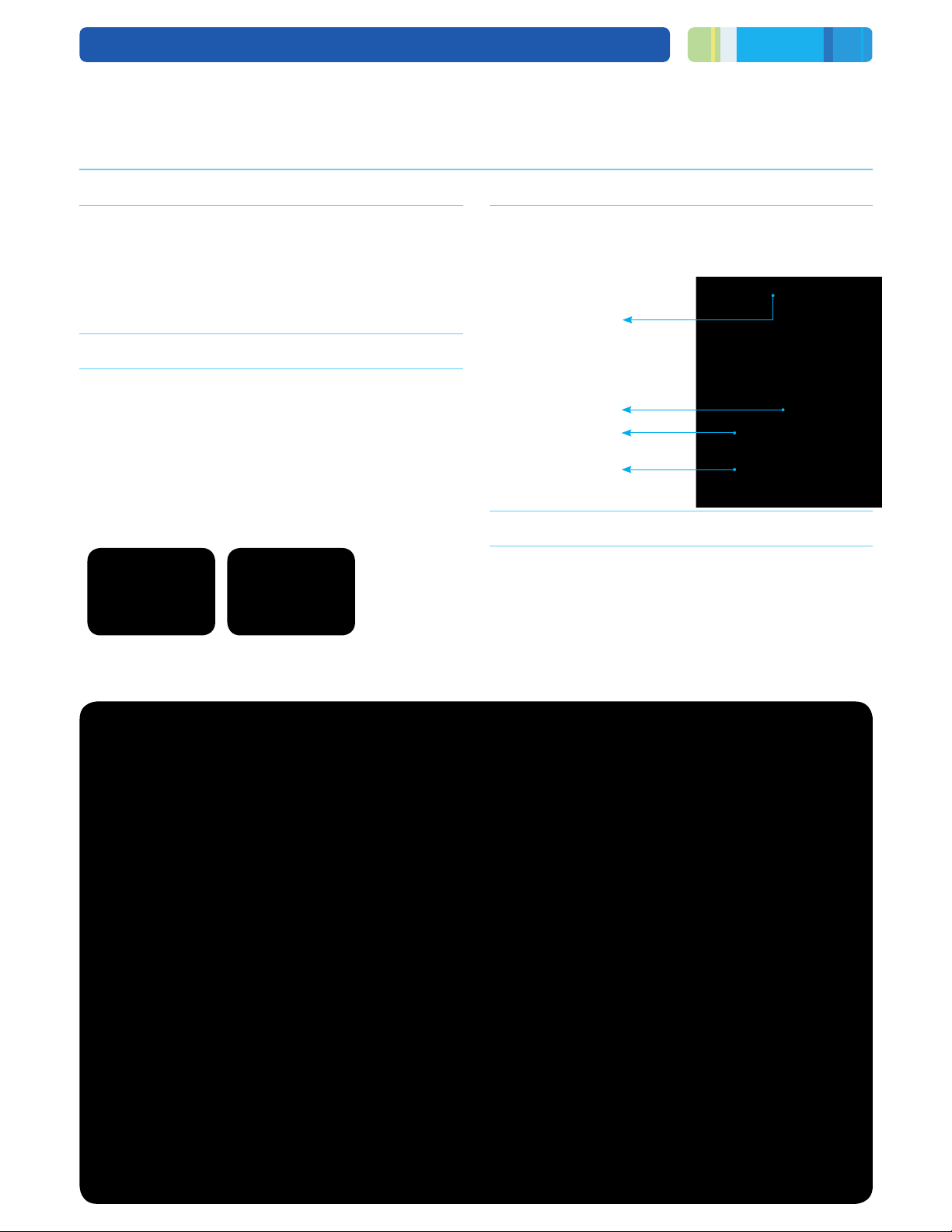
Enhanced performance that meets workgroup users needs.
High speed printing and copying Robust paper handling
SCX-5635FN has the fastest printing and copying speed of up
to 35ppm for desktop Style MFP within short distance of actual
users, while a single page rst print out time is as quick as
8 seconds.
Expandability with option items
- SCX-5635FN maximizes your job environment with optional
items. Expandable memories boost up printer’s performance
with up to 384MB. Every printout is delivered quickly and
smoothly without any bottleneck to disrupt workow.
- Broaden the capabilities of your device with a wireless
network. SCX-5635FN allows you to connect without the
need to restrict your workplace location due to hard wire
cabling availability. Expand the network by connecting
everyone and print from any location, simply and wirelessly.
Optional Memory Wireless LAN
SCX-5665FN supports up to 550 sheets composed of 50-sheet
multipurpose tray, 250-sheet standard tray and optional
250-sheet tray. SCX-5635FN sets you free from frequent
reloading paper and saves your time.
50 Sheet ADF
50 Sheet MP
250 Sheet CST
250 Sheet CST
Enhanced emulation
Built-in emulation technology ensures utmost compatibility with
any computer or software, so the multifunction printer can
process every document fast and easy. No matter the job or
requirement, from basic prints to professional looking
documents, you are guaranteed the printout and quality you
need.
Page 5
Samsung Monochrome Laser MFP SCX-5635FN
Easy to operate and maintain
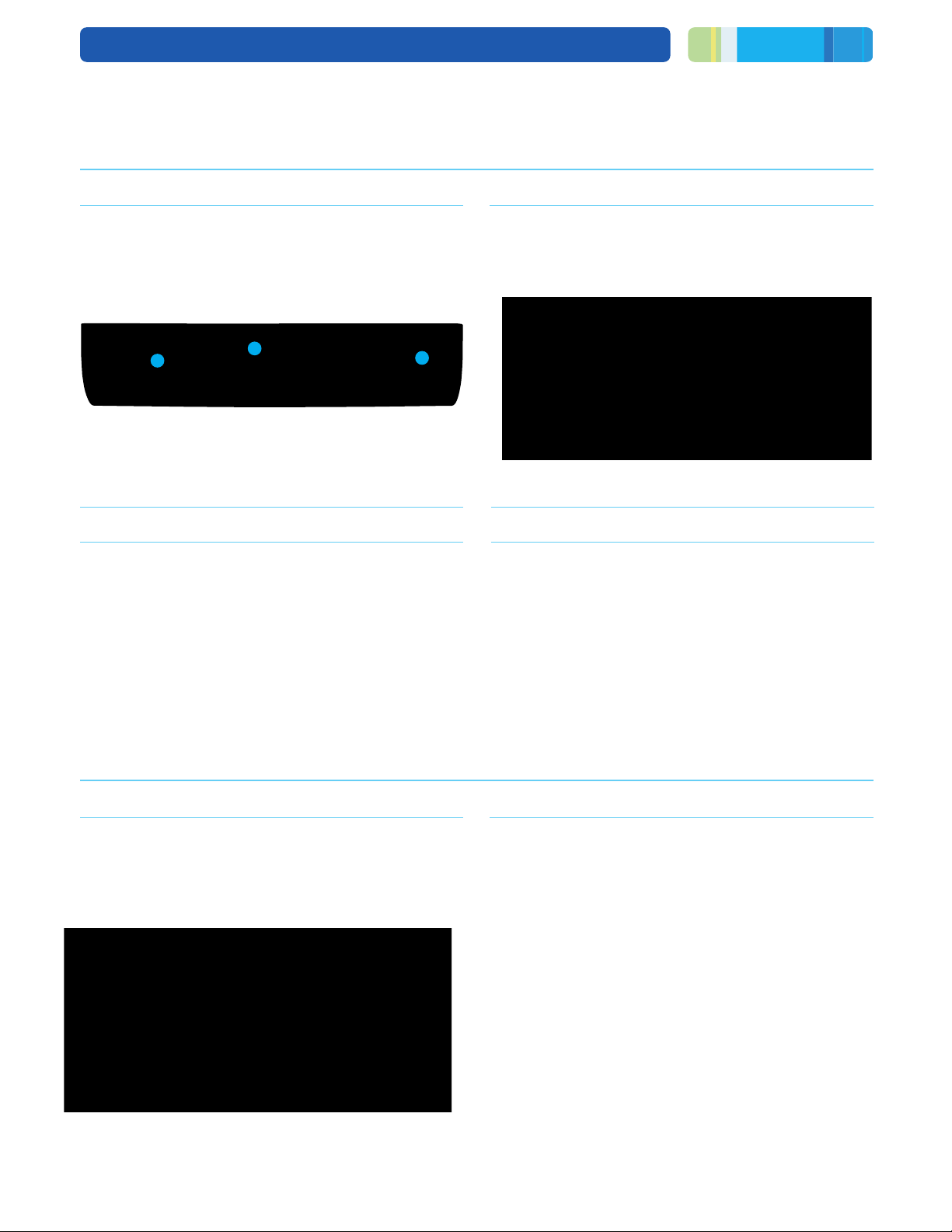
Intuitive and easy UI Direct USB
Get everyone at work onboard quickly with simple and easy to
use UI panel. Reduce training and troubleshooting time with
simple intuitive menus and buttons. The 4 line backlight LCD
spreads your control sight and blue lighted compass navigate
you the job process status.
1
2
01
–4 line Backlight LCD
02
–Compass Navigation
03
–Power Save Button
3
Reasonable maintenance cost
More economical to operate than other models in the market,
the SCX-5635FN adds more value to set-up. Think of the
compounded savings you stand to make, with each printout
costing you less than ever. The assurance of reliability also
minimizes cost-wastage typically with paper jams and other
malfunctions.
Change the way you look at printers, and how you work, with
the outstanding features of the SCX-5635FN. A direct USB port
turns it into a self-functioning PC to save time and effort, while
letting you print and scan directly with a USB device.
Scan to USB : JPEG, BMP, PDF, TIFF
Print from USB : JPEG, BMP, PDF,
TIFF, PRN
Support for various paper sizes
Maximum paper handling versatility with customizable paper
input sizes.
- Letter, Legal, Ocio, Folio A4, JIS B5, ISO B5, Executive, A5
- Min : 98 x 148 mm (3.86" x 5.83")
Max : 215.9 x 355.6 mm (8.5" x 14.0") Legal
Always up to the task
Robust maximum monthly duty Worry-free operations
With an average of 1,000 to 3,000 prints a month, you stand to
get the most out of your multifunction printer. Even in the most
demanding and challenging business environments, the
SCX-5635FN leads in productivity - capable of delivering a
maximum monthly duty of 80,000 pages.
80,000 Pages
The multi-talented SCX-5635FN will change the way you work.
You get high performance that will boost productivity and
streamline workow. SCX-5635FN is designed with smart set
design for easy and fast maintenance to reduce unavailability
time so you can spend more time on the job and not xing
paper jams.
Page 6

 Loading...