

Page 1
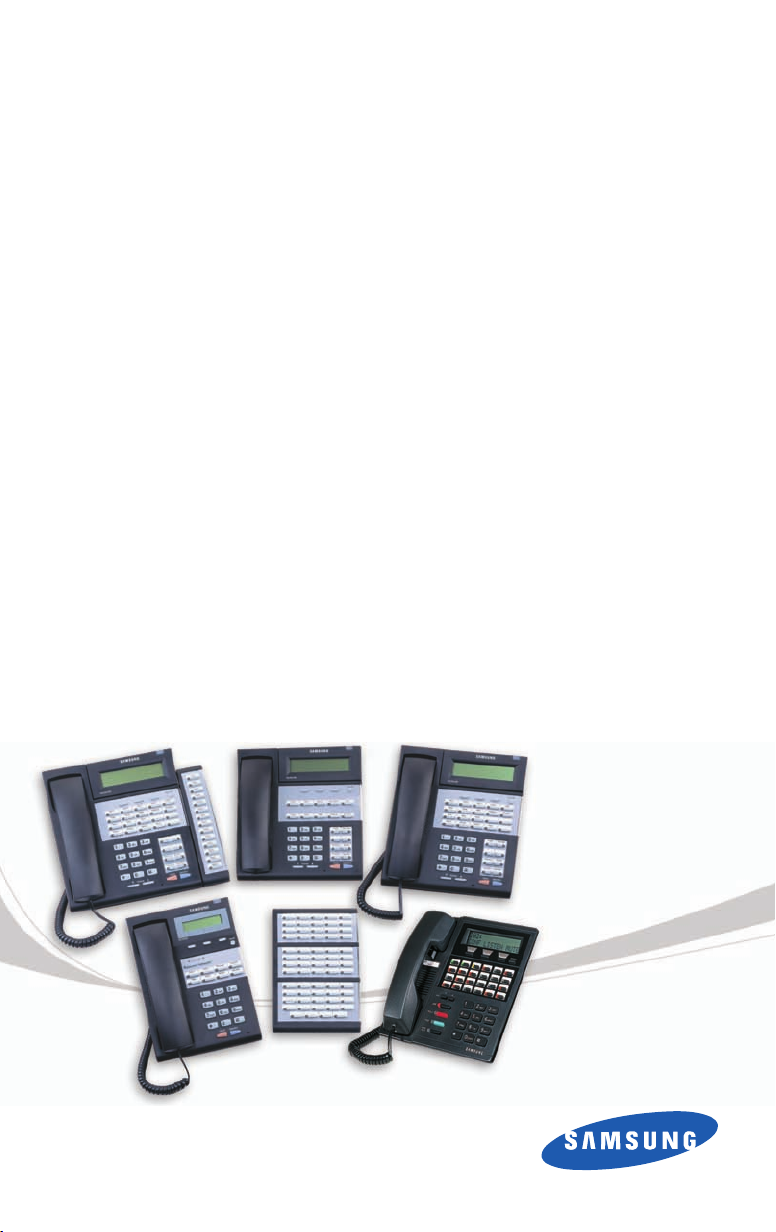
Digital
Keysets
Quick Reference Guide
Page 2

This QUICK REFERENCE GUIDE provides the basic operation of your Samsung
Digital telephone.
PLACING CALLS
OUTSIDE CALLS - To place a call to an outside party:
Lift the handset.
Press an idle outside line button, line group button, or dial a line access
code to receive dial tone.
Dial the telephone number.
Replace the handset or press the ANS/RLS key when the call is completed.
NOTE: To call preprogrammed speed dial external numbers, lift the handset
and press the appropriate key.
INTERNAL CALLS - To place a call to another extension at your location:
Lift the handset.
Dial the extension number or group number.
Wait for the party to answer. If you hear a brief tone burst instead of ring-
back tone, the station called is set for Voice Announce or Auto Answer.
Begin speaking after the tone.
Replace the handset or press the ANS/RLS key when the call is completed.
SPEAKERPHONE CALLS - Your Samsung telephone has full speakerphone
capability.This feature is used for both internal or external calls.To activate this
feature:
Press the SPEAKER key.
Place an internal or external call.
Press SPEAKER key to disconnect the call.
NOTE: The handset can be used at any time during the conversation.To resume
handsfree operation, press the SPEAKER key, and replace the handset.
ANSWERING CALLS
OUTSIDE/INTERNAL/VOICE ANNOUNCE CALLS - To answer these
three types of calls:
Lift the handset or press the ANS/RLS key to answer on SPEAKERPHONE
and you are automatically connected to the ringing call.
Replace the handset or press the ANS/RLS key when the call is completed.
NOTE: If a call is flashing at your telephone but not ringing,you must press the
flashing button to answer. The volume can be adjusted at any time by
pressing the up and down arrow keys on your navigation button.
Page 3

PLACING A CALL ON HOLD
Calls can be placed on System Hold or Exclusive Hold. Calls placed on
Exclusive Hold can only be picked up from the extension that placed them on
hold. A call placed on System Hold can be picked up from any extension.
SYSTEM HOLD - To place a call on hold:
Press the HOLD button. The call will flash green at your telephone.
To take the caller off hold,press that button and the green flashing light will
go steady green again.
Resume conversation.
EXCLUSIVE HOLD - To place a call on hold at your telephone so that other
users cannot answer it:
Press the HOLD twice.The call will flash green at your telephone.
To retrieve the call, press the flashing green line button or press the HOLD
button a third time.
NOTE: Internal calls are always placed on exclusive hold.
TRANSFERRING CALLS
You can transfer a call by notifying the party to which the call is being transferred, or transfer a call without notification (blind transfer).
While on a call, press the TRANSFER button. Your call is automatically put
on transfer hold.
Dial the extension number for the party receiving the transferred call.
Wait for the called party to answer and announce the call, or simply hang
up without announcing.
Replace the handset to complete the transfer.
Page 4

TRANSFERRING WITH CAMP-ON
When you transfer a call to another station and receive a busy signal, you can
camp the call on to this station. Hang up when you hear the busy signal. The
called party is alerted that a call is waiting.
NOTE: If you receive No More Calls tone, the station has no key available to
receive another call. Press TRANSFER to return to the caller.
CALL WAITING
If an outside call is camped-on to your telephone or another station is campedon to you:
Your keyset rings and the call that is waiting (camped-on) flashes green.
Press the flashing button to answer; the other call is put on hold automati-
cally if your station has the Automatic Hold feature set. If not, you must
press HOLD and then the flashing button or finish the call and hang up; the
waiting call will ring.
Lift the handset or press the ANS/RLS key to answer.
NOTE: Intercom calls will not go on Automatic Hold.
CONFERENCE CALLS
To make a conference call while engaged in a conversation:
Press the CONF button and receive conference tone.
Make another call, either intercom or outside, press the CONF button and
receive conference tone.
Make another call or press the CONF button to join all parties. You can
conference up to five parties (you and four others).
Repeat the last step until all parties are added.
Hang up to leave the conference call.
NOTE: When attempting to add another party to the conference and you are
not able to reach the desired person, hang up. Press the CONF button
again to return to the previous conversation.
Page 5

FORWARDING CALLS
You can forward your calls to another station, group of stations, or an external
telephone number.Program a destination for the type of forwarding you want
as detailed below. If you have FWD ALL, FWD BUSY, and FWD NO ANSWER
keys, press the associated soft key to activate the feature. A steady red light
reminds you what forward condition is activated.
Clear all call forward conditions set at your station by lifting the handset and
dialing 600.
FORWARD ALL CALLS
To forward all your calls to another station:
Dial 601 plus the extension or group number.
Receive a confirmation tone and hang up.
FORWARD BUSY
To forward calls to another station when you are on the phone:
Dial 602 plus the extension or group number.
Receive a confirmation tone and hang up.
FORWARD NO ANSWER
To forward calls to another station when you do not answer:
Dial 603 plus the extension or group number.
Receive a confirmation tone and hang up.
FORWARD BUSY/NO ANSWER
If you have both a Forward On Busy destination and a Forward No Answer destination programmed, you can activate them simultaneously:
Dial 604.
Receive a confirmation tone and hang up.
OTHER FEATURES AND FUNCTIONS
SPEAKER/RECEIVER AND RINGER VOLUME - Press the up () or
down () arrow buttons during a conversation to raise or lower volume.
Page 6

Features and Specifications
Line Groups
9 Local/LCR
____________________________
____________________________
____________________________
Station Groups
501 _____________________________
502 _____________________________
503 _____________________________
504 _____________________________
Paging Zones - Dial 55 plus
0 _____________________________
1 _____________________________
2 _____________________________
3 _____________________________
4 _____________________________
5 _____________________________
6 _____________________________
7 _____________________________
8 _____________________________
9 All External Zones
* All Page
Programmed Messages
01 _____________________________
02 _____________________________
03 _____________________________
04 _____________________________
05 _____________________________
06 _____________________________
07 _____________________________
08 _____________________________
09 _____________________________
10 _____________________________
11 _____________________________
12 _____________________________
13 _____________________________
14 _____________________________
15 _____________________________
16 _____________________________
17 _____________________________
18 _____________________________
19 _____________________________
20 _____________________________
Feature Access Codes
0Operator
10 + xxx Pick Up A Parked Call
12 + xxx Pick Up A Held Call
13 Door Lock Release
16 + xxx Speed Dialing
17 Save And Redial Number
18 New Call (Recall)
19 Last Number Redial
400 Cancel Do Not Disturb
401 Set Do Not Disturb
42 + xxx Cancel Sent Message
43 Return Message
44 Callback
45 Busy Station Camp-On
46 Conference
47 Account Code
48 + xx Cancel Programmed MSG
49 Send Flash To C.O. or PBX
53 + xxx + 1 In Group
53 + xxx + 0 Out of Group
56 Meet Me Answer
600 Cancel All Call Forward
601 + xxx Set Forward All Calls
602 + xxx Set Forward Busy
603 + xxx Set Forward No Answer
604 + xxx Set Fwd Busy/No Answer
605 + xxx Set Forward on DND
606 + xxx Set Forward Follow Me
65 + xxx Pick Up Ringing Extension
66 + xx Pick Up Group
67 Universal Answer
* Authorization Code
NOTE: Some features may not be available on your system software version or some access codes may have changed to
meet your company’s application.In either case consult with your System Administrator.
L-QRG-DIGSET 04 12/05
www.samsung.com/bcs
 Loading...