

Rose electronics UM4-0X16U/E, UM16-1X16U, UM16-0X16U/E2, UM16-2X8U, UM16-4X16U Specifications
...Page 1
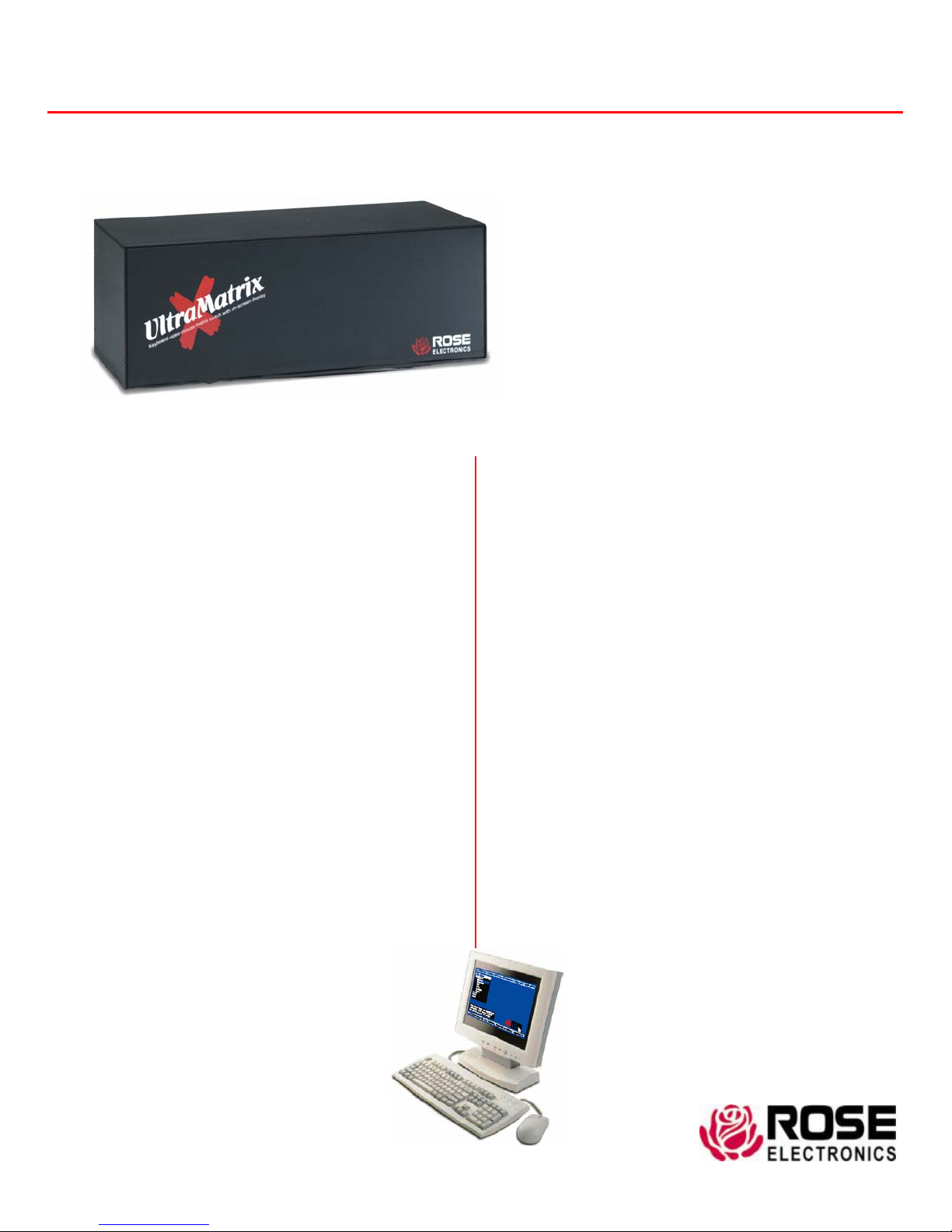
UltraMatrix X-Series
Features and Benefits
J Modular design makes units simple to install, expand,
and maintain
J Security system with user ID, password, and profile
prevents unauthorized configuration and access
J Uses UltraCable™ for superior cable management
with lengths of up to 100 feet
J Video resolution up to 1600 x 1280
J On-screen menu informs you of connection status
with user friendly messages
J Multi-lingual menu (English, French, German, Spanish,
Italian, and Portuguese)
J Status screen shows inter-box communication,
connections, computer power, and other information
J VT220 color terminal emulation for accessing serial
devices
J Pre-configuration feature allows installation without
powering down servers
J Connect more than 16 users by adding local KVM
stations at each switch
J Free firmware upgrades for product
enhancements and new Software
features available at www.rose.com
J Rackmount kits available in 19”, 23”, and 24” sizes
J Made in USA
Multi-User KVM Matrix Switch
Available in three models; 4, 8, or 16 user
Multiple users can access and control up to 1,000
computers and network devices
Supports PC, Sun, Apple, USB, UNIX workstations
and serial devices
Modular design and hot swappable Plug-in cards
make the system versatile and easy to expand and
maintain
Available with RJ45 expansion card connectors
The UltraMatrix™ Advantage . . .
The UltraMatrix series products offer the latest in KVM
switch technology. Rose's enterprise KVM switch has
the ability to connect multiple users to as many as
1,000 computers. These computers can be a mix of
PC's, UNIX systems, Apple/Mac, SUN, and several
supported serial devices like routers, Ethernet
switches, and UNIX. If you need a VT220 terminal
emulator to connect to a serial device, the UltraMatrix
can even perform as a VT220 color terminal.
The UltraMatrix reduces clutter, saves physical space,
and reduces equipment and power costs. Use the onscreen menu to configure the unit, name computers,
select computers, and show computer connections.
Units connect together with a bus connection to make
a seamless and truly scalable KVM matrix solution. The
advanced distributed design of the UltraMatrix uses
networking communication technology to reduce cost,
eliminate single points of failure, and increase reliability.
The UltraMatrix provides serial support to access
computers, routers, Ethernet hubs, UNIX devices and
more. It can perform as a “VT220” color terminal
emulator with an eight-page scroll buffer. Local
monitor connection, security, flash memory, system
status, and a long list of other features
ensure the UltraMatrix will streamline your
data center or server room. Call us for more
information on this and other excellent Rose
products,
UltraMatrix on-screen menu
WWW.ROSE.COM
Page 2
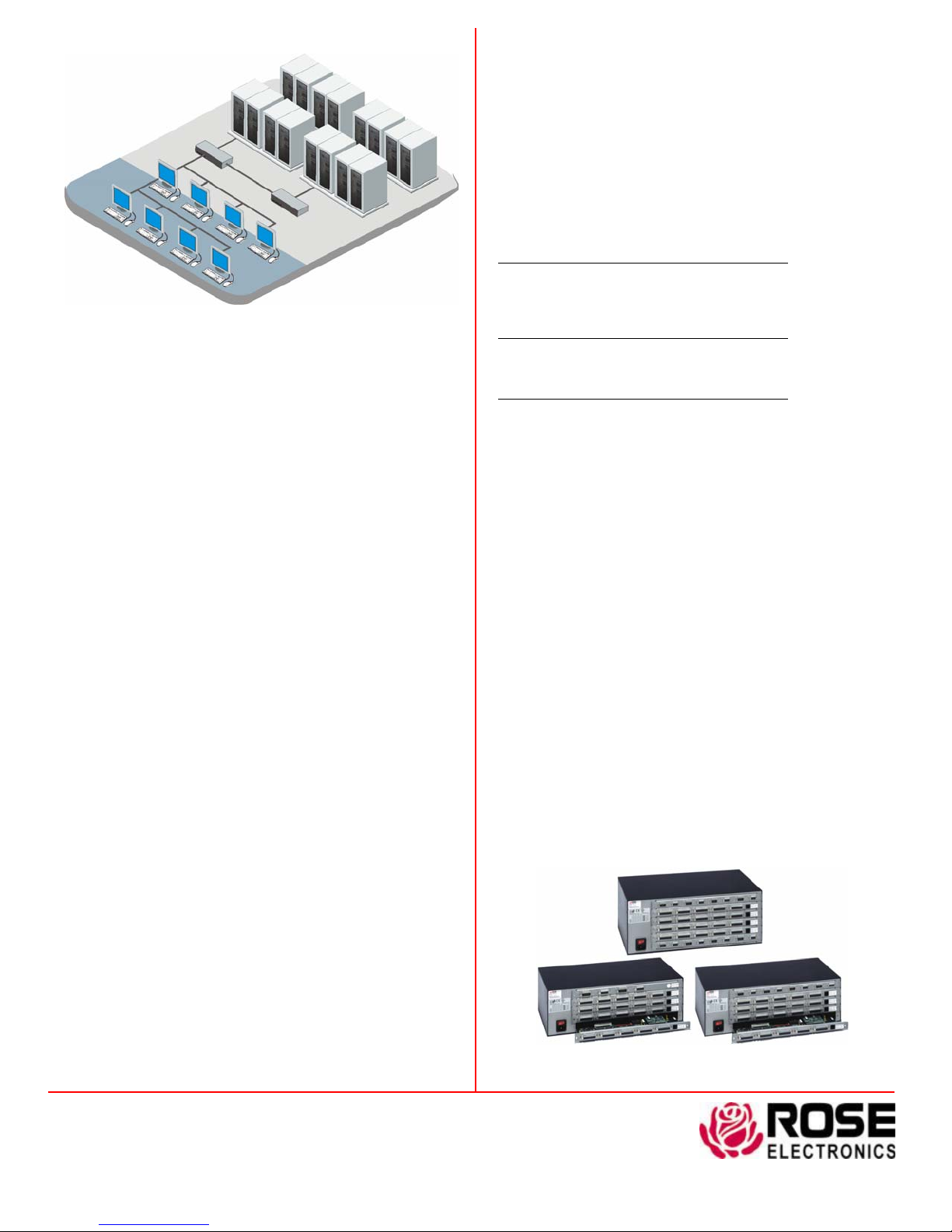
Typical Application
UltraMatrix Models The UltraMatrix UM4 and UM8 models are
based on a five-card chassis which accepts up to four computer/user
cards and one expansion card. The UM16 model uses four
computer/user cards and two expansion cards. The UltraMatrix
comes ready-to-go with the cards installed according to your order.
The maximum you can populate one chassis is sixteen computers and
four users. You can connect the units together to add more
computers and users. The chassis is versatile for expan ding as your
system grows. It makes maintenance and service easy and supports
future hardware.
Cables Rose’s UltraCable streamlines the cable connections to
UltraMatrix, simplifying cable management and improving system
reliability. Computer or user cables are ordered by the connector type
needed and desired length. Expansion cables are ordered by length
and are usually connected in a bus. You need one cable for every two
global user stations.
Installation The UltraMatrix is easy to install. You simply connect
your computers, keyboards, monitors, and mice to the UltraMatrix
ports using UltraCables. Configure each switch by access the onscreen menu, configure settings such as computer names and
security, and save it in flash memory.
Operation You can tailor the UltraMatrix to suit your style of
operation by configuring the level of security that you desire. You can
either auto-assign security settings to KVM stations or require users
to log into the switch with a user ID or password. The user profile
then grants access rights to designated computers and controls other
characteristics. Use simple keyboard commands to access
computers and system status. The On-screen display gives helpful
messages to indicate the status of all connections. To allow
maximum versatility, users can connect in four different modes: view,
share, control, and private. Each card also has a serial port if you wish
to control the connection of any user station to any computer by at
the serial data link of another computer.
Serial devices The on-screen display of the UltraMatrix is so
powerful that it can be configured to be a color VT220 terminal for
accessing serial devices.
Keyboard and Mouse UltraMatrix fully emulates the keyboard
and mouse, so computers can be booted at any time. It supports all
operating systems such as Windows 95/98/NT/2000, Linux, Sun
Solaris/Open Windows, Apple, and UNIX workstations. Keyboard and
mouse can be PC or Sun. Five types of computer mice are directly
supported including wheel mice. USB and Apple are supported by
inexpensive external converters.
Flash Memory
contains flash memory. We provide free lifetime firmware upgrades,
available from our FTP site. Load new firmware into the UltraMatrix
to add new features or support new equipment.
To support the latest devices, UltraMatrix
On-screen-menu The UltraMatrix excels with it's on-screen
menu technology. The interface uses pop-up boxes to make
selections. Help line is shown for each item to make the interface
even more user-friendly. The interface can be programmed for
English, French, German, Spanish, Italian, or Portuguese. You can
easily configure the computer names, security, appearance, screen
saver and many other features with ease and style. Use the onscreen menu to connect to computers by name, see connection
status, and observe system status in real time.
Part Numbers
Model # Users # Computers
UM4-0X8U/E 0 8
UM4-0X16U/E 0 16
UM4-1X8U 1 8
UM4-1X16U 1 16
UM4-4X16U 4 16
UM8-0X16U/E 0 16
UM8-1X16U 1 16
UM8-2X8U 2 8
UM8-4X16U 4 16
UM16-0X16U/E2 0 16
UM16-1X16U 1 16
UM16-2X8U 2 8
UM16-4X16U 4 16
/E or /E2 part number suffix = expansion card installed
/ERJ or /E2RJ part number suffix = RJ45 expansion card installed
0 user models are generally used in an expanded system
UM16 models require two expansion cards
RM-UM4/nn (4x/8X) Rackmount kit, nn=19”, 23”, or 24”
RM-UM16/nn (16X) Rackmount kit, nn=19”, 23”, or 24”
Specifications
Dimensions (UM4 & UM8 – 3RU) 16.7”W x 7.0”D x 5.25”H
(UM4 & UM8 – 3RU) 42.4 x 17.8 x 13.3 cm
(UM16 – 4RU) – 16.7”W x 7.0”D x 7.0”H
(UM16 – 4RU) – 42.4 x 17.8 x 17.8 cm
Weight (UM4 & UM8) – 14 lb. (6.4kg) fully populated
(UM16) – 17 lb. (7.7kg) fully populated
Power Auto-switching 90 – 240 VAC, 45 – 60 watts
Video bandwidth UM4 = 100MHz, UM8, UM16 = 250MHz
Video sync HV, composite. Sync-on-green
Environmental 0 – 45° C, 5% – 80% non-cond. relative humidity
Connectors Power: IEC 320 standard receptacle
CPU/KVM: DB25F
Expansion: UM4=DB15M/F, UM8/16=HD15M/F
RS232 serial: RJ45 6 conductor
Chassis Electro galvanized steel, black powder coated
Approvals UL, cUL, TUV, CE
Phone: 281-933-7673 E-mail: [email protected]
10707 Stancliff Rd. Houston, TX 77099
Rose Electronics – Europe: +49 (0)2454 969442 Rose Electronics – Asia: +65 6324 2322
DS-UMX 1.9 Copyright 2004 Rose Electronics. All rights reserved
Rear View UM4-4X16U/E UM16-4X16U/E2 UM8-4X16U/E
WWW.ROSE.COM
 Loading...