

Page 1
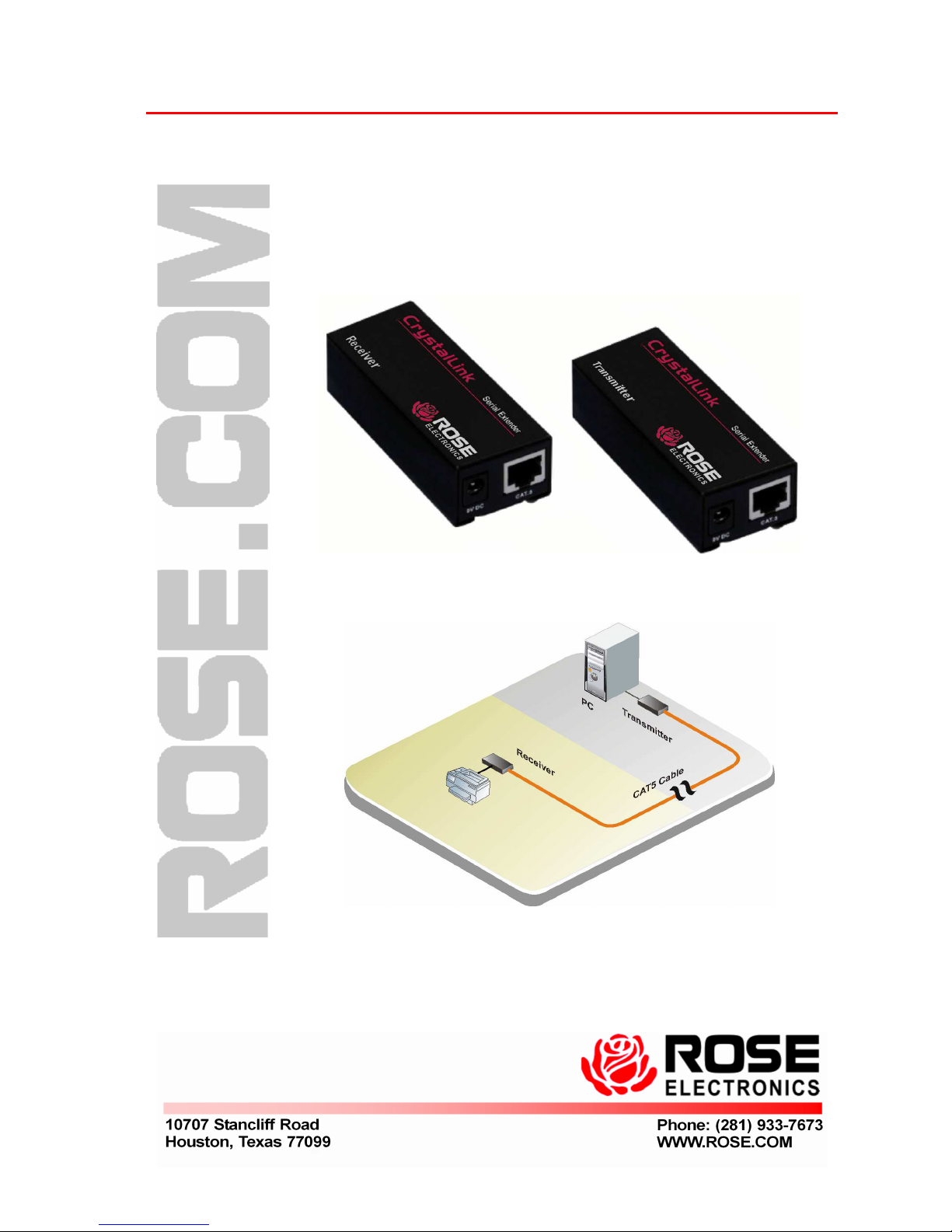
CrystalLink
CrystalLink CrystalLink
CrystalLink
CAT5 Serial Extender / 9
Quick Start Guide
Page 2
Perform the following steps to install the CrystalLink CAT5 Serial
Extender
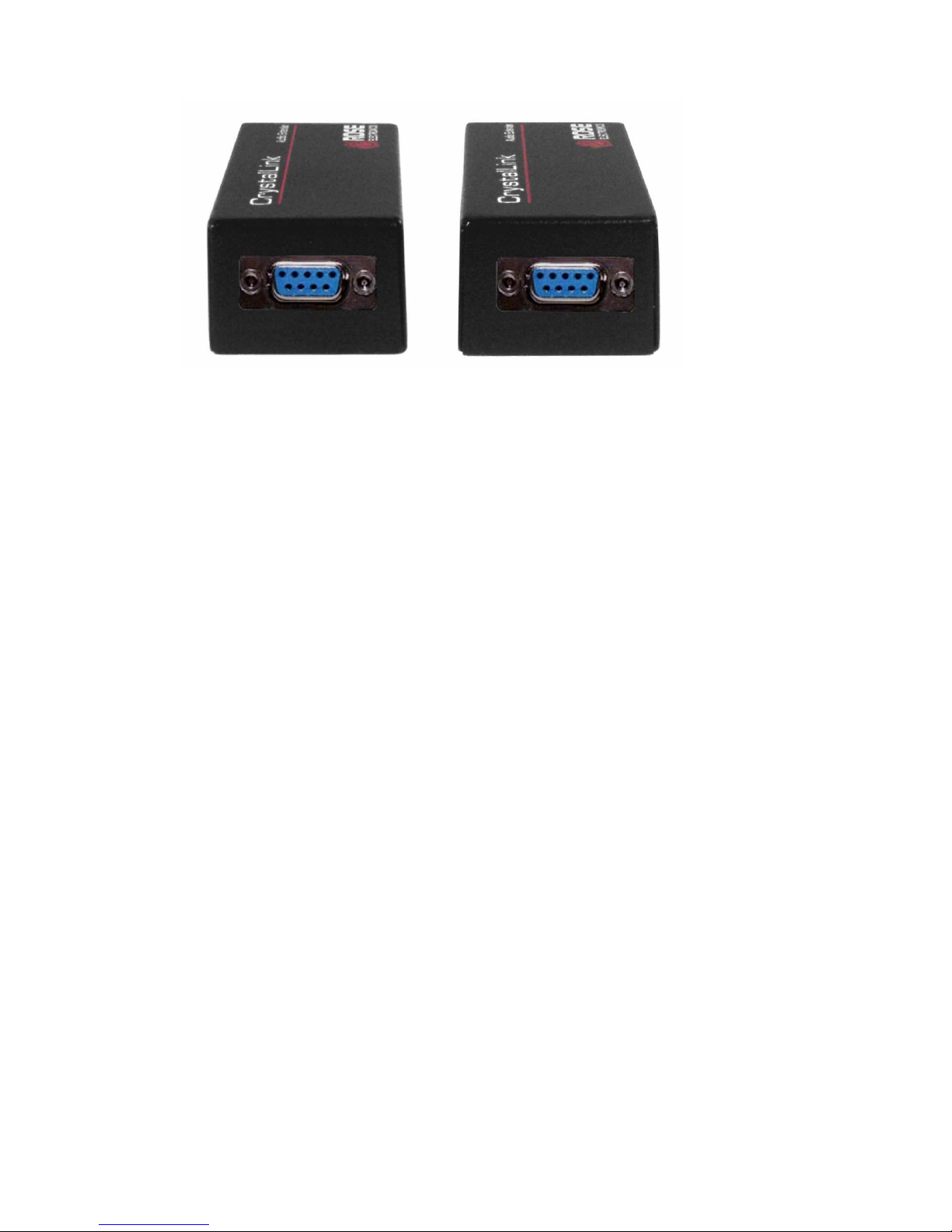
1- Connect the Local unit’s DB9F port to the corresponding Com port
on your PC using the provided DB9MM cable.
2- Connect a compatible serial device to the Remote unit’s DB9F port.
3- Connect the local unit to the remote unit with up to 3,300 feet (1000
meters) of UTP CAT5 cable.
If the serial transmission does not perform properly, connect the 9VDC
power adapter to the power jack on the transmitter unit and re-test the
transmission. If the transmission is still performing improperly, remove
the power adapter from the transmitter unit and connect it to the
receiver unit.
If the serial transmission is still unacceptable, contact Rose Electronics
technical support.
Page 3
Features
Extend the distance of any compatible serial device up to 3,300 feet
(1,000 meters) from your PC over CAT5 cable.
Sends serial data at 230 kbps
One CAT5 cable for serial data to the remote unit
Conforms to RS-232c standards / wiring per 568A / 568B
Specifications
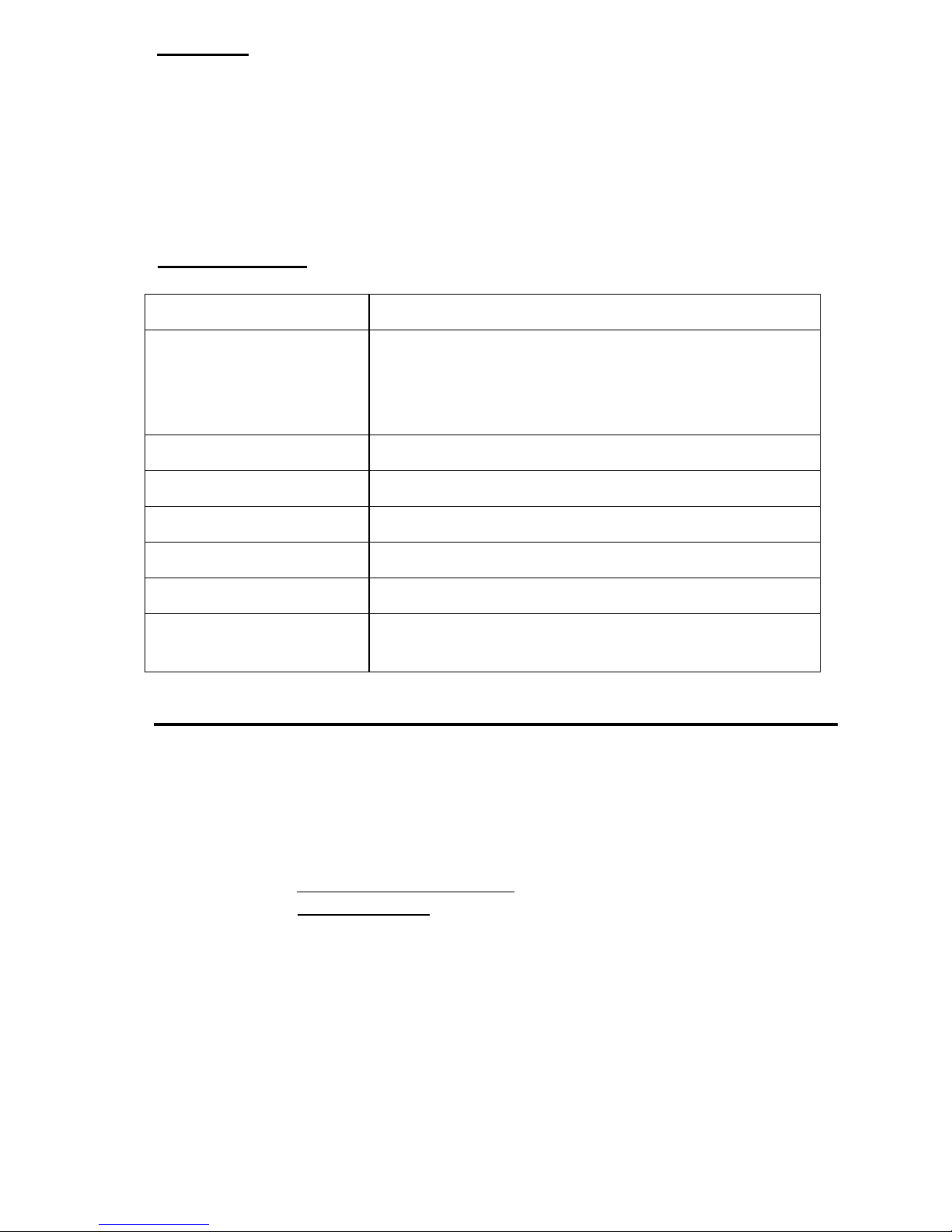
Part Number CLK-SLDTPD9/9
Connectors
Local RS-232 – DB9F
Remote RS-232 – DB9F
Link – RJ45F
Power – From +9VDC power adapter
Max data rate 230 kbps
Cable Distance 3.300 feet (1,000 meter) Max.
Communication mode Full-duplex
Power Adapter 9VDC 300mA
Weight Local / Remote unit – 2.3 oz / 65g
Dimensions
Width Depth Height
1.33in / 34mm 3.62in / 92mm 0.87in / 22mm
Technical Support
If you are experiencing problems, or need assistance in setting up,
configuring or operating your unit, consult the appropriate sections of this
document. If, however, you require additional information or assistance,
please contact the Rose Electronics Technical Support Department at:
Technical Support hours are from: 8:00 am to 6:00 pm CST (USA), Monday
through Friday.
Please report any malfunctions in the operation of this Unit or any
discrepancies in this document to the Rose Electronics Technical Support
Department.
Page 4

 Loading...