

Ronda normtech 6203.B, mastertech 7003.L, mastertech 7003.N, mastertech 7004.N, mastertech 7004.P User Manual
Page 1
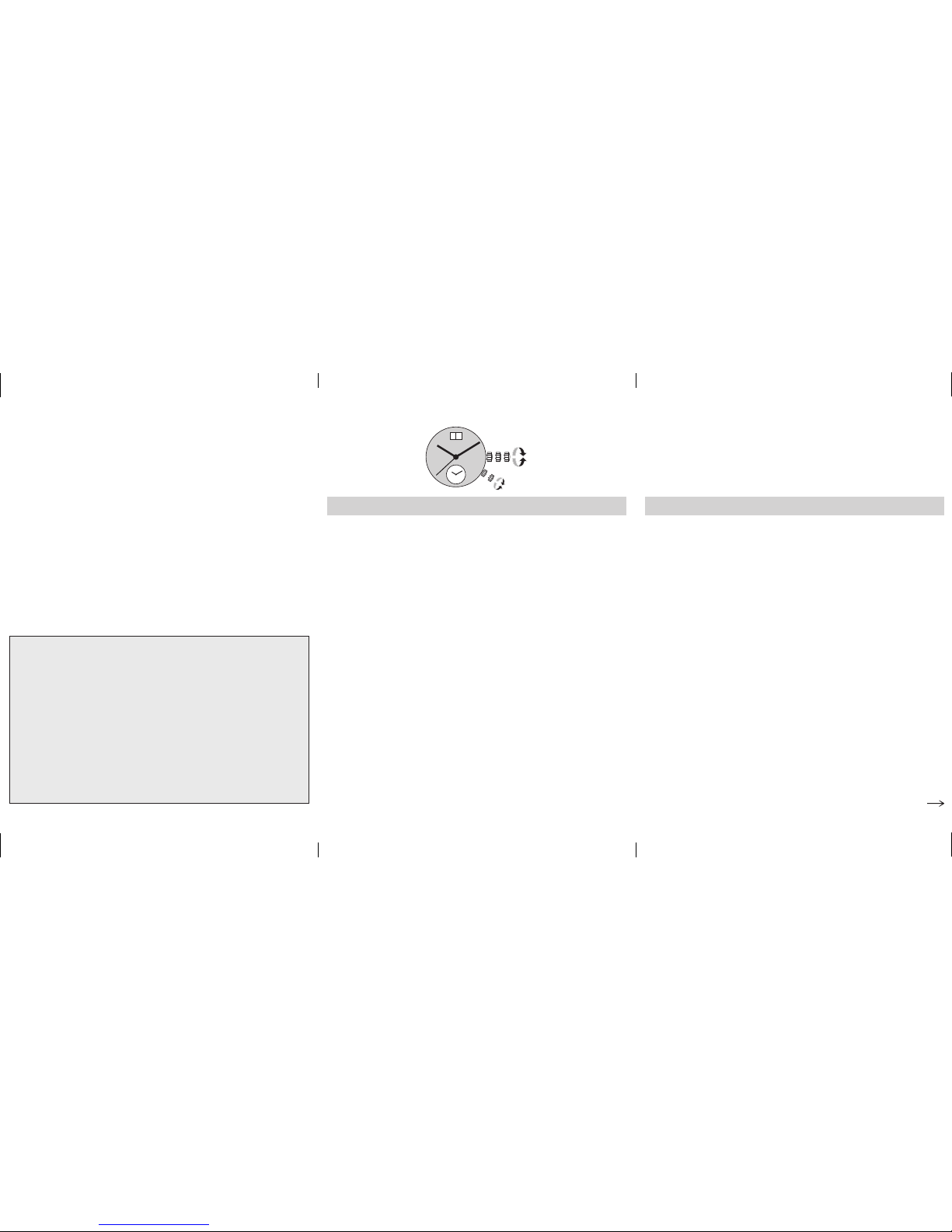
Cal. 6203.B Cal. 6203.B Cal. 7003.L
Crown A
Pos. I Position of rest (watch running)
Pos. II Quick-change correction for date
The date can also be corrected during the day-changing
phase between 10.00 pm and midnight. The date of the
following day has to be set, because no automatic date
change takes place at midnight.
– Pull the crown out to position II (watch still running).
– Turn the crown clockwise until the required date
appears.
– Push the crown back into position I.
Pos. III Setting the time (both time zones together)
– Pull the crown out to position III (watch stopped).
– Turn the crown, until the current time is displayed
(remember the 24-hour cycle).
– Push the crown back into position I.
Crown B
Pos. I Position of rest
Pos. II Setting the time of the 2nd time zone
During the time setting of the 2
nd
time zone,
crown A must be in position I.
– Pull the crown out to position II.
– Turn the crown, until the desired time is displayed.
– Push the crown back into position I.
User’s Manual English
Movements Caliber
– 6203.B
RONDA normtech
– 7003.L
– 7003.N
– 7004.N
– 7004.P
RONDA mastertech
You have decided to buy a watch, which was assembled
by a watchmaker using a Ronda movement. Please note
that no watches are produced or distributed under the
Ronda brand.
In case of repairs, guarantee claims and questions
concerning the functioning of a watch, purchasers and
consumers should contact their retailer or the watch
manufacturer, for which the relevant information can
be found in the sales or guarantee documentation pro
-
vided with the watch.
III III
A
I
II
B
Page 2
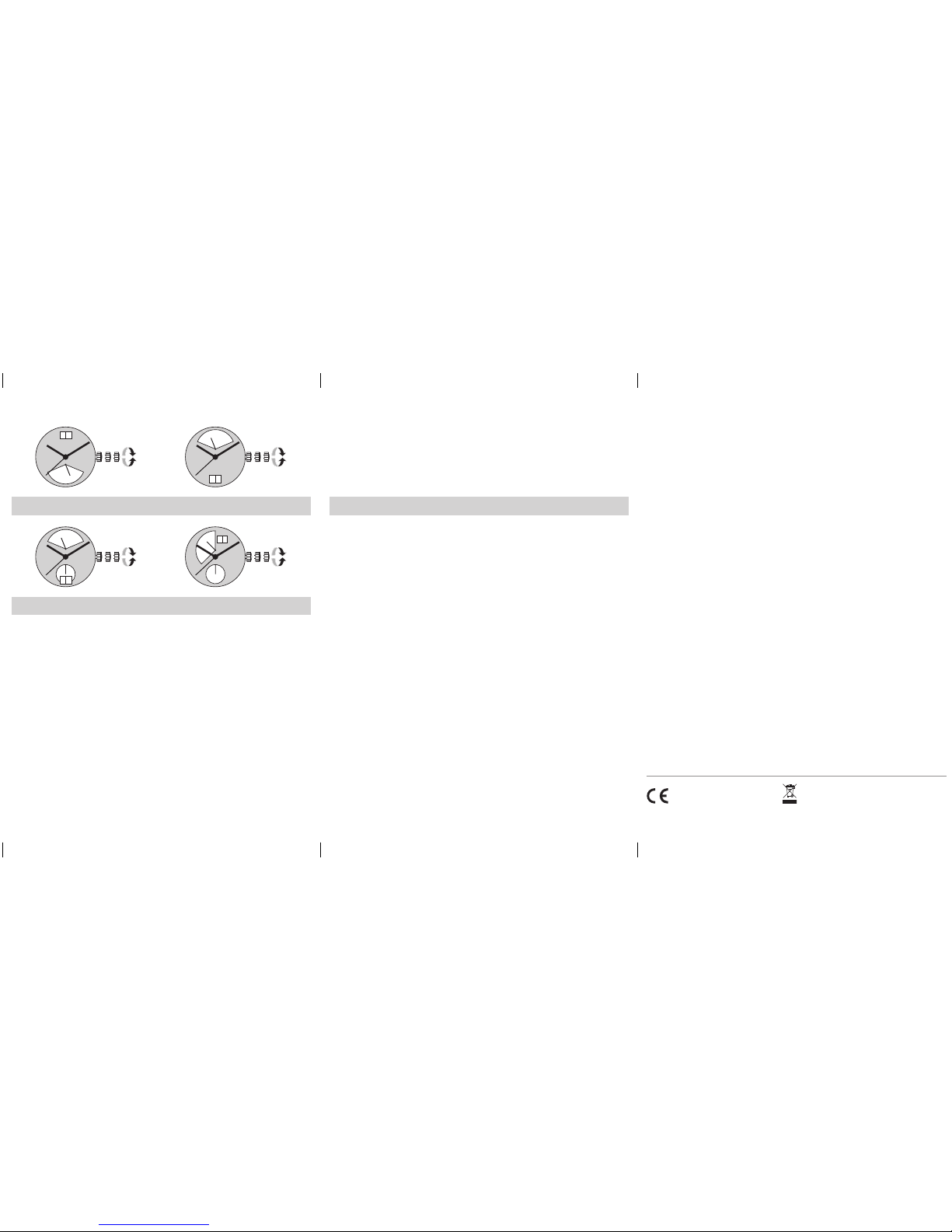
Cal. 7004.N
Cal. 7003.N
Cal. 7004.P
Cal. 7003.L / 7003.N / 7004.N / 7004.P
Pos. I Position of rest (watch running)
Pos. II Quick-change correction for date
The date can also be changed during the day-changing
phase between approx. 8.00 pm and midnight. The date
of the following day has to be set, because no automatic
date change takes place at midnight.
– Pull the crown out to position II (watch still running).
– Turn the crown until the current date appears.
– Push the crown back into position I.
Pos. III Setting the time
– Pull the crown out to position III (watch stopped).
– Turn the crown, until the current time is displayed
(remember the 24-hour cycle).
– Push the crown back into position I.
Setting the day of the week
There is no quick-change correction available for setting
the day of the week.
– Pull the crown out to position III (watch stopped).
– Turn the hands forward by turning the crown, until
the current day of the week appears.
– Push the crown back into position II and set the current
date using the quick change correction.
– Push the crown back into position I.
03 / 2015
Cal. 6203.B
Battery type: 373 / SR916SW (Ø 9.5 mm x 1.6 mm)
Cal. 7003.L / 7003.N / 7004.N / 7004.P
Battery type: CR 2016 (Ø 20 mm x 1.6 mm)
Precision: +20 / -10 seconds per month
III III
III III
III III
III III
 Loading...