

Page 1
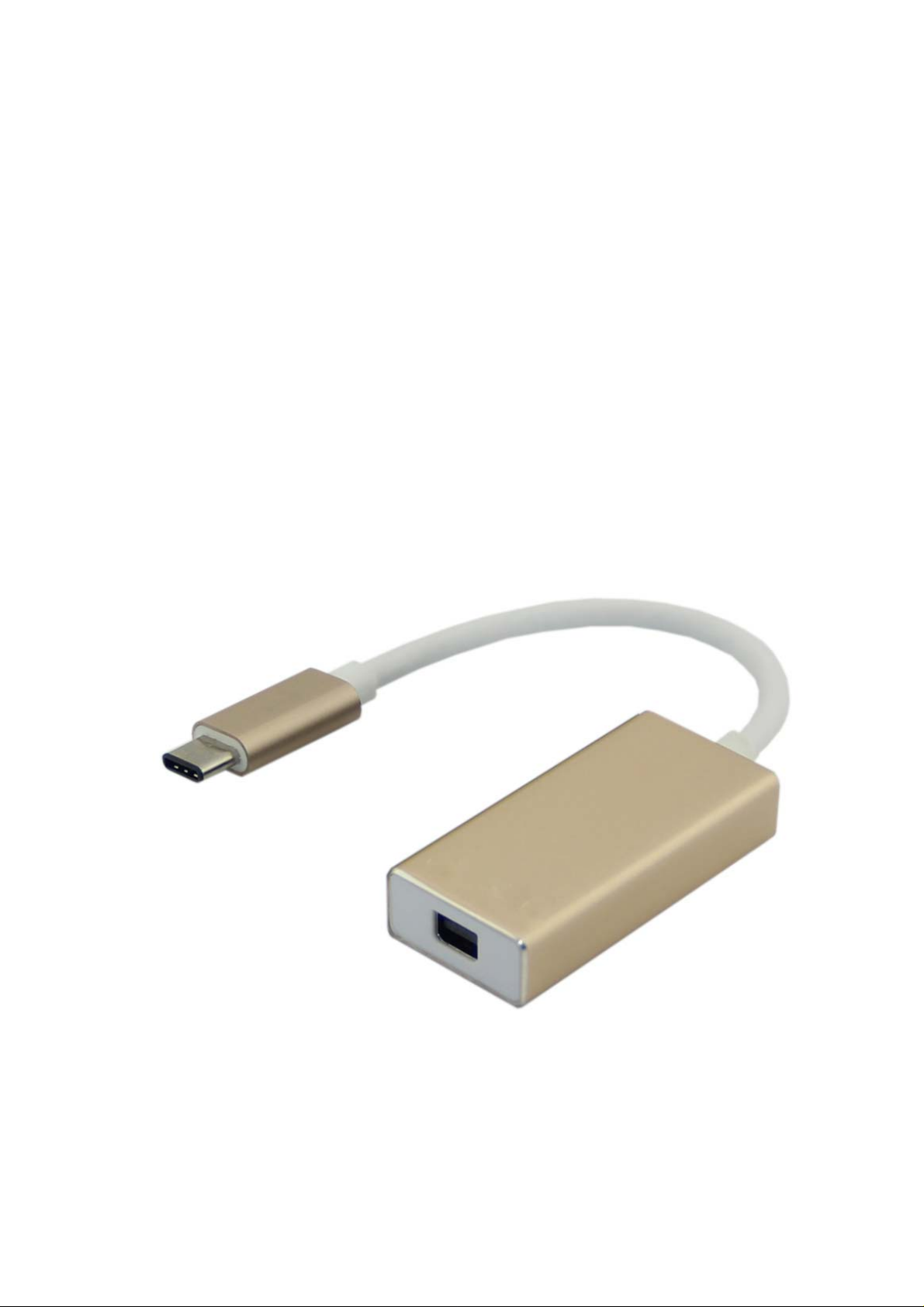
USB 3.1 Type-C™ to Mini
Displayport 1.2v Socket
Converter
User Manual
Page 2

USB 3.1 Type-C™ to Mini Display port Socket converter
Contents
1.0 INTRODUCTION .............................................. 1
2.0 FEATURES ..................................................... 1
3.0 SPECIFICATIONS ............................................ 1
4.0 PACKAGE CONTENTS ....................................... 2
5.0 OPERATION ................................................... 2
6.0 CONNECTION DIAGRAM .................................. 2
Page 3
USB 3.1 Type-C™ to Mini Display port Socket converter
USB 3.1 Type-C™ to Mini Display port 1.2v
Socket converter
DEAR CUSTOMER
Thank you for purchasing this product. For optimum performance and
safety, please read these instructions carefully before connecting,
operating or using this product. Please keep this manual for future
reference.
1.0 INTRODUCTION
This is a USB 3.1Type C™ to Mini Displayport 1.2v Socket, designed for
connecting Mini displayport monitor to host computer, the host computer
can easily connect to the Mini Display port monitor. Connecting the
monitor with a Mini Display port cable which is contacted with Mini
Display socket of this converter It can work on Mac book or Google new
Chromebook Pixel or Asus Zen AiO and other USB 3.1 Type C™
supported devices.
2.0 FEATURES
Support USB 3.1Type C™ Video output 4K*2K@60hz resolution
NO driver needed
Aluminium Housing Provide gold,silver,grey space,three colors
With 10cm Cable
USB 3.1Type C™ interfaces support plug and play, hot swap
Easy to carry and use
3.0 SPECIFICATIONS
Item No.:
Aluminium Housing 716131 716131D 716131X
ABS Housing 716129 716129S
Size(L*W*H)
Aluminium Housing 200*23.4*11mm
Input/Output Connector
Input port USB 3.1Type C™ Male*1
Output port Mini Display port 1.2v Socket
Warranty
Limited Warranty 1 Year
Environmental
Operating Temperature
Operating Humidity 10% ~ 85 % RH (no condensation)
0℃~45℃
1
Page 4
USB 3.1 Type-C™ to Mini Display port Socket converter
Storage Temperature
-20℃~ 70℃
Storage Humidity 5% ~ 90 % RH (no condensation)
System requirements Windows, MAC OSX, Google Chrome
Regulatory Approvals
FCC CE Certification
RoHS 2.0 & REACH Compliant
Accessories Adapter
User Manual English Version
4.0 PACKAGE CONTENTS
Before attempting to use this unit, please check the packaging and make
sure the following items are contained in the shipping carton:
Main unit x1
User Manual x1
5.0 OPERATION
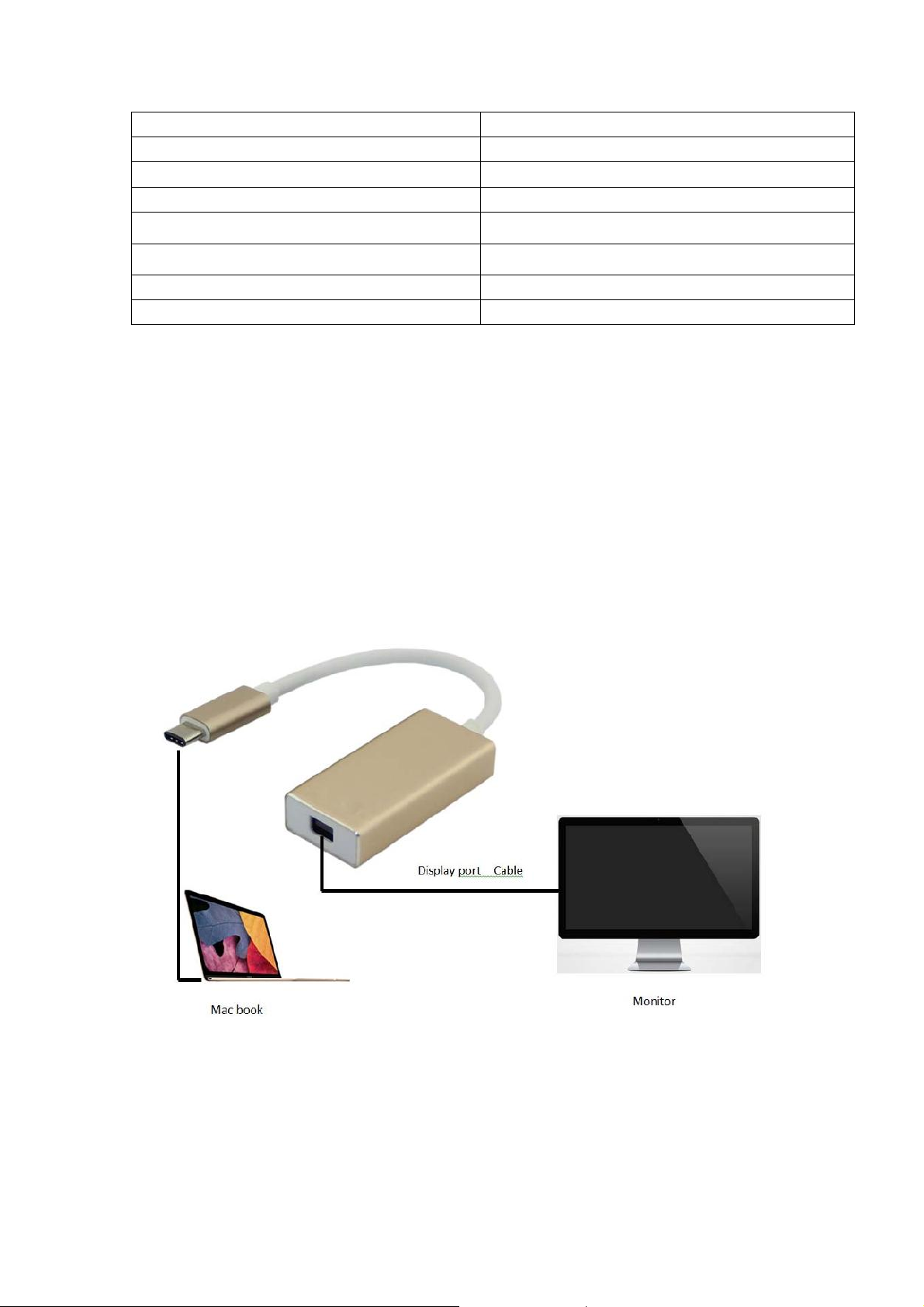
1) Connect the Mini Display port 1.2v Socket to Monitor
2) Connect the USB 3.1Type C™ male port of this product to computer
6.0 CONNECTION DIAGRAM
2
 Loading...