

Page 1
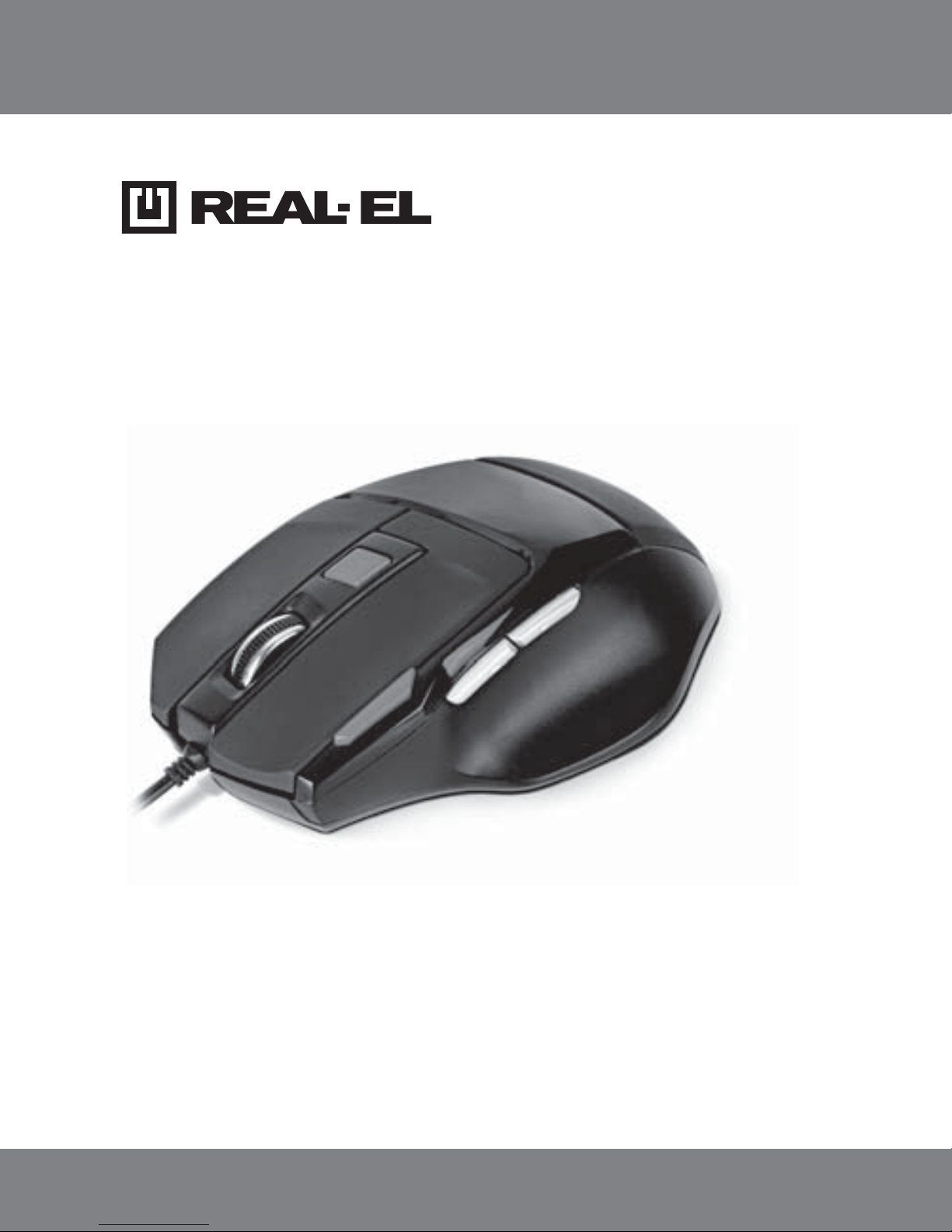
RM-500 GAMING
GAMING OPTICAL MOUSE
USER’S MANUAL
Page 2

Technical support: www.real-el.com
1
ENG
User’s Manual
RM-500 GAMING
Congratulations on purchasing the ТМ REAL-EL PC mouse!
Please read this User’s Manual before using the unit and retain this User’s
Manual in а safe place for future reference.
COPYRIGHT
© 2015. ENEL GROUP OU. This Manual and information contained in it are copyrighted. All rights reserved. All trademarks are the property of their legal
holders.
NOTICE OF RESPONSIBILITY RESTRICTION
Despite the exerted efforts to make this Manual more exact, some discrepancies may occur. The information of this Manual is given on “as is” terms.
The author and the publisher do not bear any liability to a person or an organization for loss or damages which have arisen from the information contained in the given Manual.
PACKAGE CONTENTS
• Optical Mouse – 1 pc
• User’s Мanual – 1 pc
• Warranty card – 1 pc
SPECIAL FEATURES
• Stylish ergonomic design
• Two modes – gaming and Multimedia
• 6 + 1 buttons (scroll wheel)
• Two navigation buttons (Forward and Back)
• Double click button
• DPI resolution switch
• 2000 dpi maximum resolution
• Gold-plated USB connector
• Soft Touch coating
• Weighted construction
• Blue scroll wheel backlight in Multimedia mode
• Drivers installation not required for Windows XP/Vista/7/8
Page 3

ENG
Technical support: www.real-el.com
2
Gaming Optical Mouse
RM-500 GAMING
SYSTEM REQUIREMENTS
• Windows XP/Vista/7/8.
• Free USB port.
DESCRIPTION
Attention! Functions of additional buttons
and change according
to the active mode (gaming or multimedia).
Gaming mode:
Scroll wheel
Double click button
DPI resolution switch
Move forward
Move backward
Multimedia mode:
Scroll wheel
Double click button
DPI resolution switch
Next track
Previous track
Notes:
• To change resolution, press button and
hold it down for less than 5 seconds; to
change the mode, hold it down more than
5 seconds.
• In multimedia mode, the scroll wheel adjusts volume level.
• To pause the playing track, just press the scroll wheel.
INSTALLATION
• Connect the mouse to an available USB port of your PC.
• Installation of the mouse is automatic after its connection to a PC USB
port.
Fig. 1. Top view
Page 4

Technical support: www.real-el.com
ENG
3
User’s Manual
RM-500 GAMING
Notes:
• Technical specifications given in this table are supplemental information and cannot give occasion to claims.
• Technical specifications and package contents are subject to change
without notice due to improvement of TM REAL-EL production.
TROUBLESHOOTING
Problem
The mouse is not
working.
Solution
1. Disconnect the mouse from the PC and check
connector pins for possible damage. If there is no
external damage found and connector pins are
OK, connect the mouse to the PC.
2. Address your nearest authorized service center.
TECHNICAL SPECIFICATIONS
Parameter, measurement unit
OS compatibility
Type of mouse
Resolution, dpi
Quantity of buttons
Interface
Conformity with
Сable length, m
Dimensions, mm
Weight, g
Value
Windows XP/Vista/7/8
optical
800/1200/1600/2000
6 + 1 (scroll wheel)
USB
FCC, CE
2
115 × 77 × 39
140
Page 5

Model: RM-500 Gaming
Manufacturer: ENEL GROUP OU, Joe tn 5-39, Tallinn, Harjumaa 10151, Estonia.
Made in China.
® Registered Trademark of ENEL GROUP OU. Estonia.
 Loading...