

Page 1
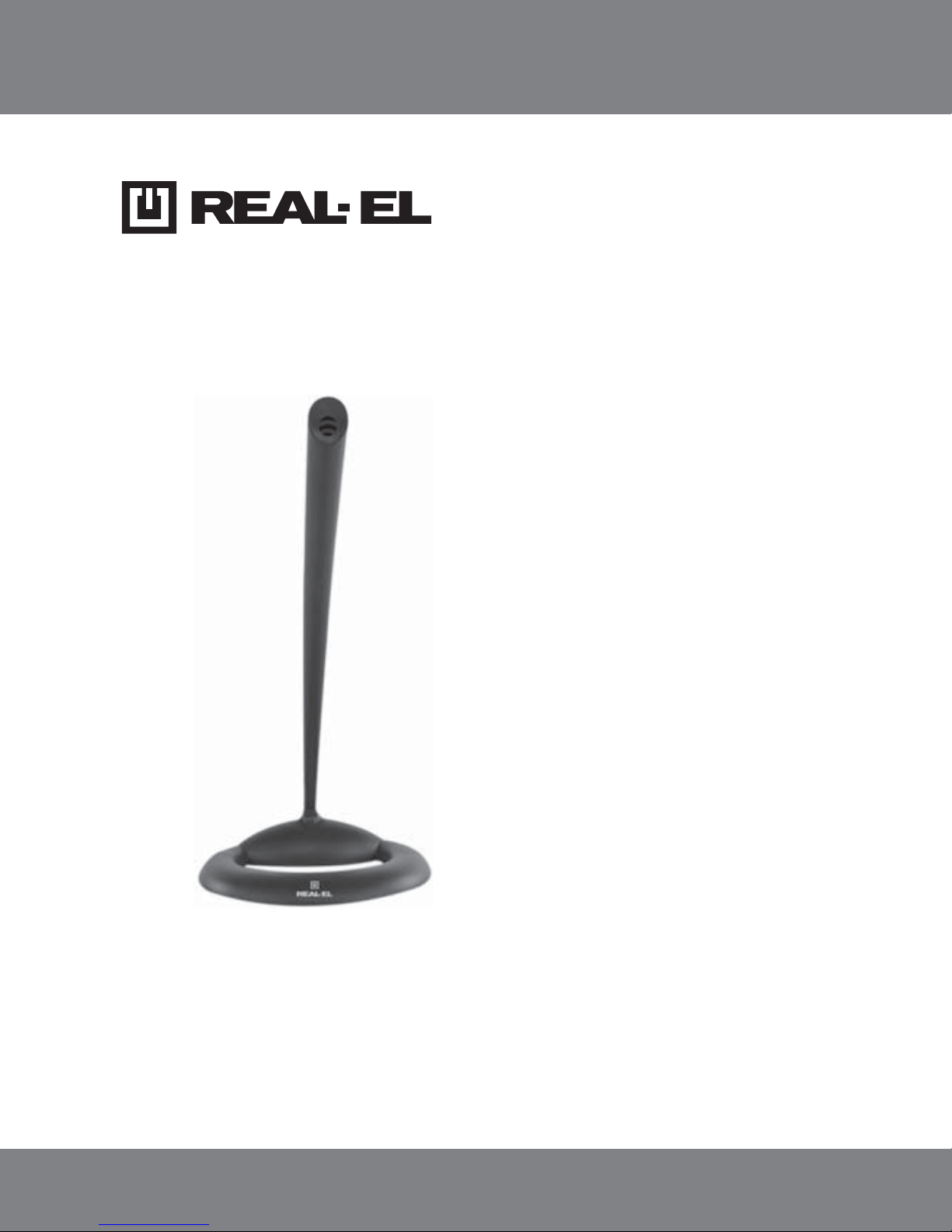
DESKTOP MICROPHONE
MC-40
USER’S MANUAL
Page 2

Technical support: www.real-el.com
1
ENG
User’s Manual
MC-40
Congratulations on purchasing the ТМ REAL-EL microphone!
APPLICATION
MC-40 desktop microphone is designed for online communication, recording words and phrases and controlling pronunciation in distance foreign
language learning. The model fits equally well for home and office use. The
stand hinge on allows to change the tilt angle. The steady base provides
good stability on a table.
PACKAGE CONTENTS
• Microphone – 1 pc
• User’s Manual – 1 pc
• Warranty card – 1 pc
SAFETY PRECAUTIONS
• Do not place in environment of possible ingress of liquid, moisture, dust and
exposure to high temperatures.
• Do not open and do not repair on your own. In case of a device malfunction,
consult your nearest service center.
SPECIAL FEATURES
• On/Off button
• Adjustable tilt angle
• High sensitivity of the microphone capsule
• Steady base
CONNECTION AND OPERATION
• Connect the microphone plug to the microphone input of a signal source
(PC, notebook), as shown in Fig. 1. Turn on the signal source.
Page 3
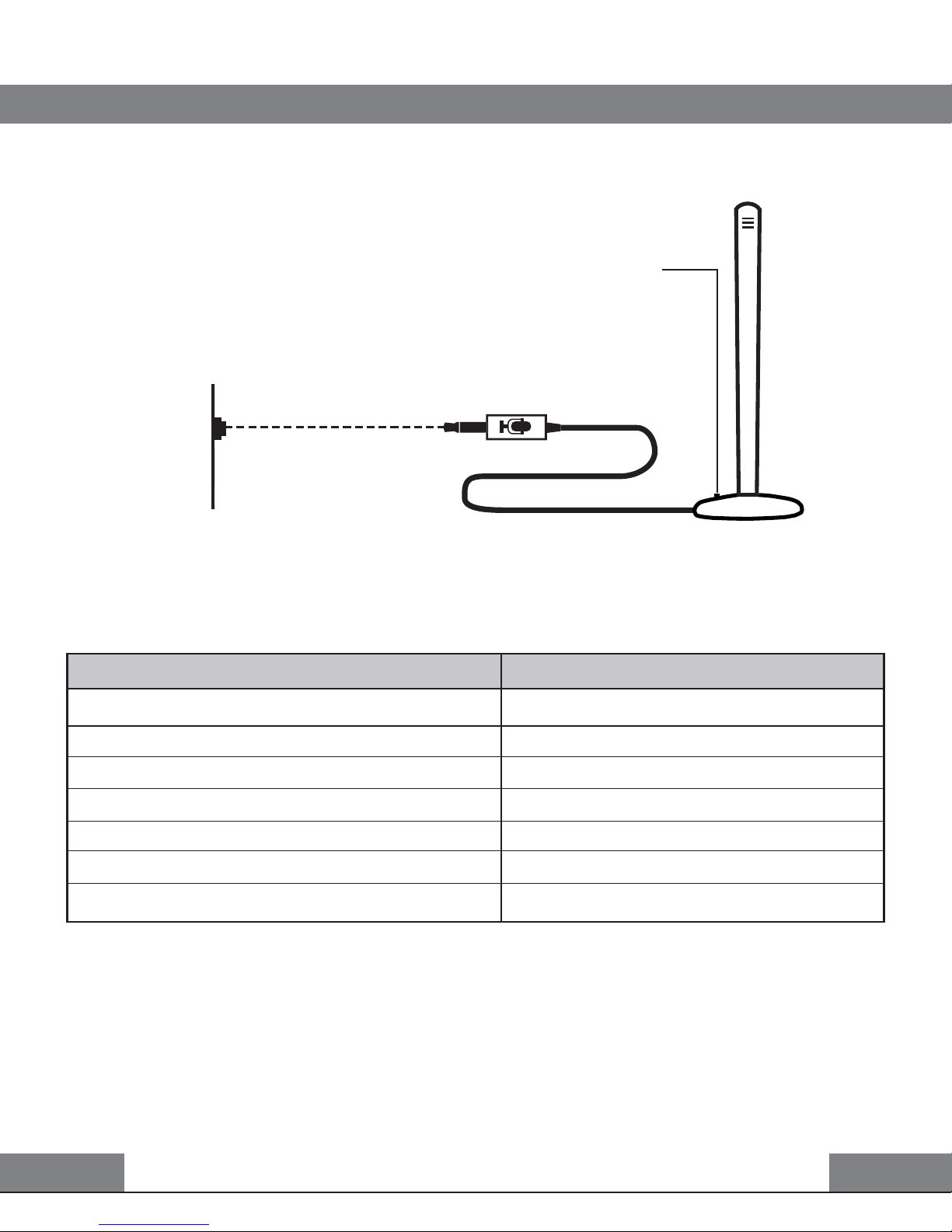
On/Off button
TECHNICAL SPECIFICATIONS
Parameter, measurement unit
Sensitivity, dB
Frequency range, Hz
Microphone module size, mm
Connector type
Cable length, m
Dimensions, mm
Weight, g
Value
-54 ± 2
32 – 16 000
6 × 5
Ø 3.5 mm mini jack
3
10 × 24 × 3.6
50
Notes:
• Technical specifications given in this table are supplemental information and cannot give occasion to claims.
• Technical specifications and package contents are subject to change
without notice due to improvement of TM REAL-EL production.
Mic in
Mic connector
Sound card
ENG
Technical support: www.real-el.com
2
Desktop microphone
MC-40
Fig. 1. Connection diagram
Page 4

Model: MC-40
Manufacturer: ENEL GROUP OU, Joe tn 5-39, Tallinn, Harjumaa 10151, Estonia.
Made in China.
® Registered Trademark of ENEL GROUP OU. Estonia.
 Loading...