

Page 1
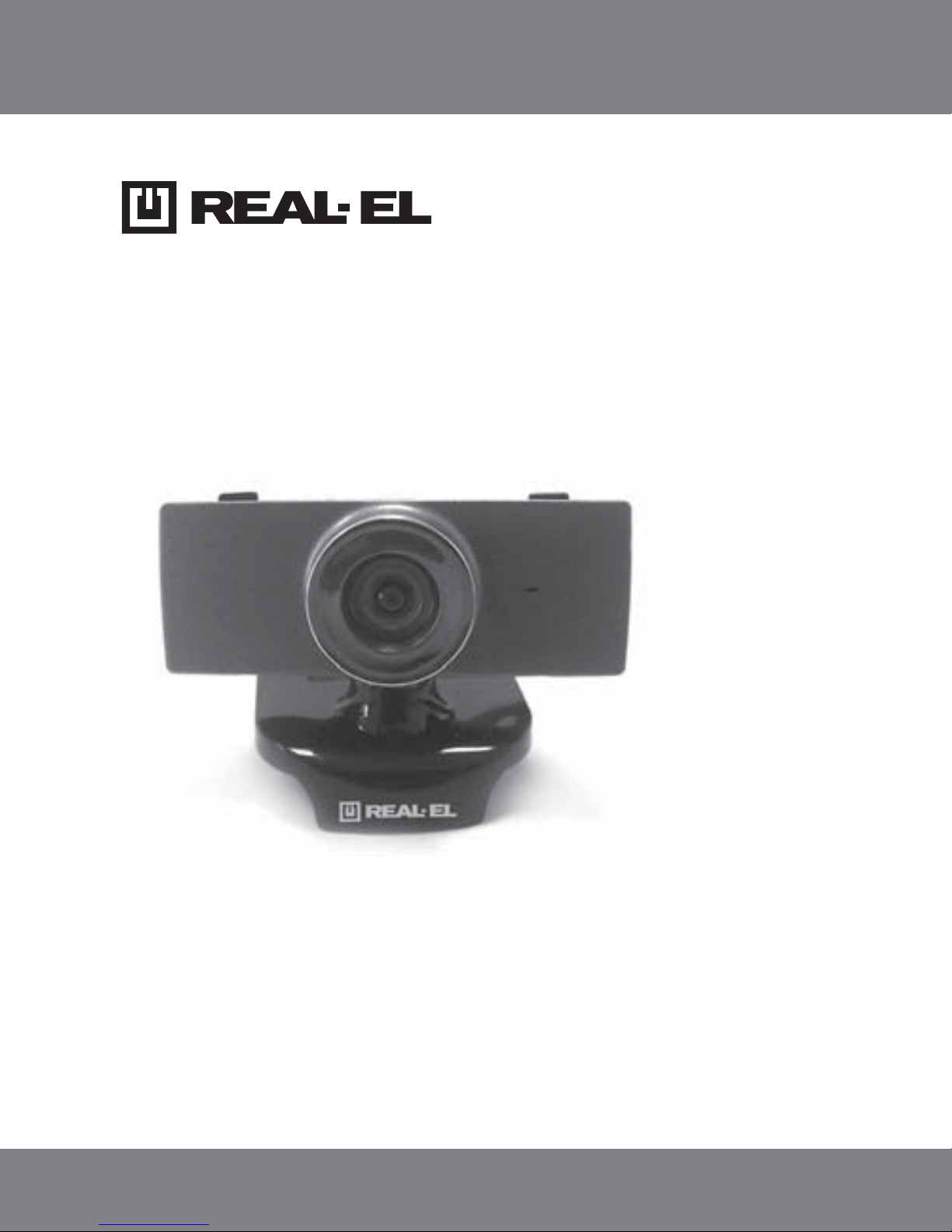
FC-140
WEB CAMERA
USER’S MANUAL
Page 2

Technical support: www.real-el.com
1
ENG
User’s Manual
FC-140
2
2
2
2
3
3
3
Congratulations on purchasing the ТМ REAL-EL web camera!
Please read this User’s Manual before using the unit and retain this User’s
Manual in a safe place for future reference.
COPYRIGHT
© 2015. ENEL GROUP OU.
This Manual and information contained in it are copyrighted.
All rights reserved.
TRADEMARKS
All trademarks are the property of their legal holders.
NOTICE OF RESPONSIBILITY RESTRICTION
Despite the exerted efforts to make this Manual more exact, some discrepancies may occur. The information of this Manual is given on «as is»
terms. The author and the publisher do not bear any liability to a person or
an organization for loss or damage which has arisen from the information
contained in this Manual.
CONTENTS
1. SAFETY PRECAUTIONS ..................................
............
2. PACKAGE CONTENTS ................................
................
3. SPECIAL FEATURES .........................................
..........
4. SYSTEM REQUIREMENTS ................................
...........
5. CONNECTION AND INSTALLATION ...................
.............
6. DESCRIPTION ............................................
.............
7. TECHNICAL SPECIFICATIONS .........................
..............
Page 3

1. SAFETY PRECAUTIONS
• Protect your web camera from high humidity, dust or high temperatures.
• Do not use gasoline, spirit or other dissolvents for cleaning. This may
cause damage to the surface. Clean the outside of the camera with soft
cloth.
• Do not attempt to disassemble or repair your device.
• Protect the device against powerful shocks and falls – they may damage
the internal electronics.
2. PACKAGE CONTENTS
• Web camera – 1 pc
• User’s manual – 1 pc
• Warranty card – 1 pc
3. SPECIAL FEATURES
• 3-lens optics
• Built-in microphone
• Manual focus
• Comfortable mounting clip for camera fixation
• Hinge for camera rotation
• Plug&Play
4. SYSTEM REQUIREMENTS
• Windows 98SE/2000/XP/Vista/7 or up
• Pentium P4 1.4GHz or AMD Athlon 1GHz
• 128 MB RAM
• 24-bit color video adapter
• Available USB port
ENG
Technical support: www.real-el.com
2
Web Cemera
FC-140
Page 4
Technical support: www.real-el.com
ENG
3
User’s Manual
FC-140
Notes:
• Technical specifications given in this table are supplemental information and cannot give occasion to claims.
• Technical specifications and package contents are subject to change
without notice due to improvement of TM REAL-EL production.
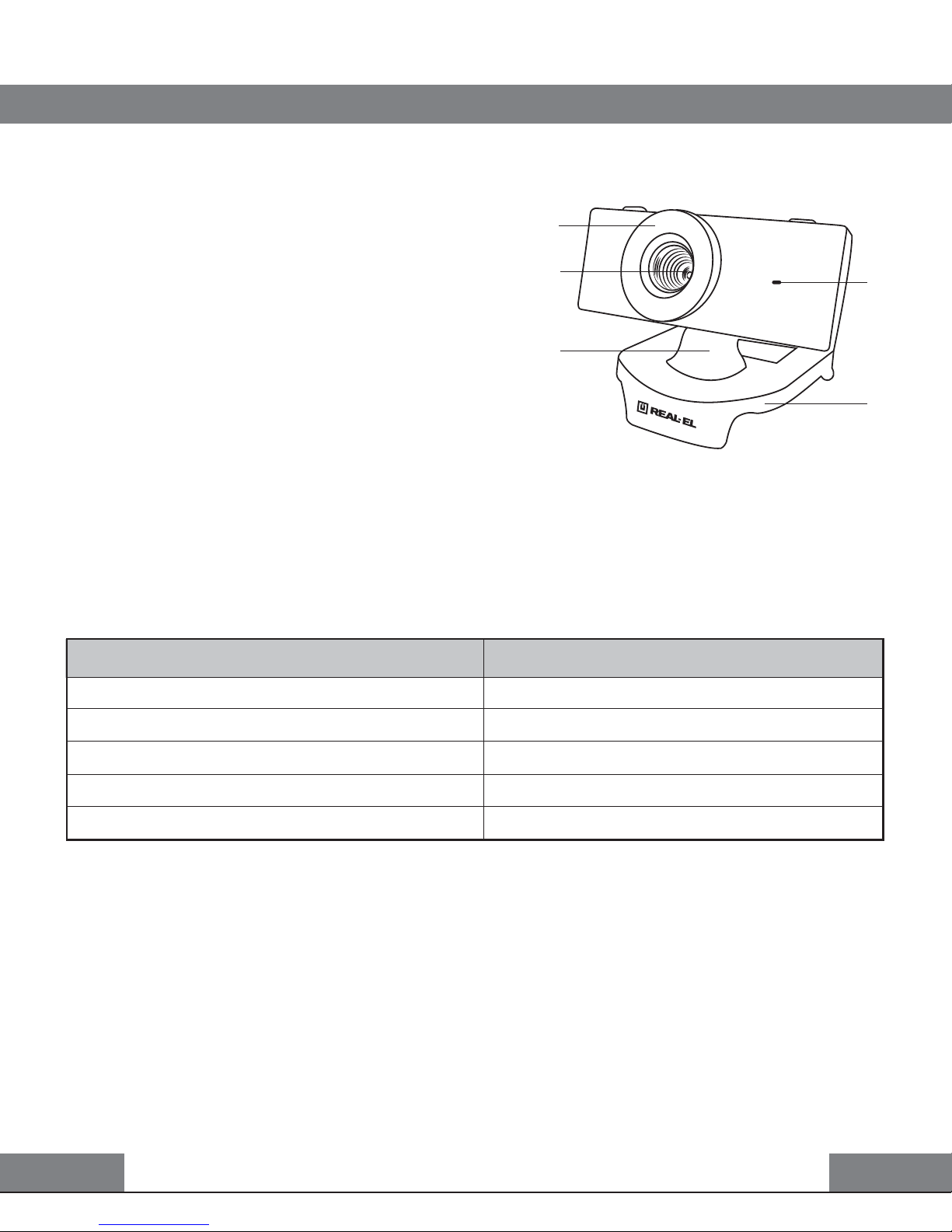
Fig. 1. Web camera description
7. TECHNICAL SPECIFICATIONS
5. CONNECTION AND INSTALLATION
• Connect the web camera to an availa-
ble USB port.
• This web camera supports Plug and
Play technology. Installation of the device
is automatic after its connection to the
USB port.
6. DESCRIPTION
Focus
Lenses
Hinge
Built-in microphone
Mounting clip
Parameter, measurement unit
Sensor type
Resolution, pix
Frame rate, frames/sec
Focus distance, mm
Cable length, m
Value
CMOS
640 × 480
up to 30 fps for 640 × 480
3 to infinity
1.25
Page 5

Model: FC-140
Manufacturer: ENEL GROUP OU, Joe tn 5-39, Tallinn, Harjumaa 10151, Estonia.
Made in China.
® Registered Trademark of ENEL GROUP OU. Estonia.
 Loading...