

Page 1
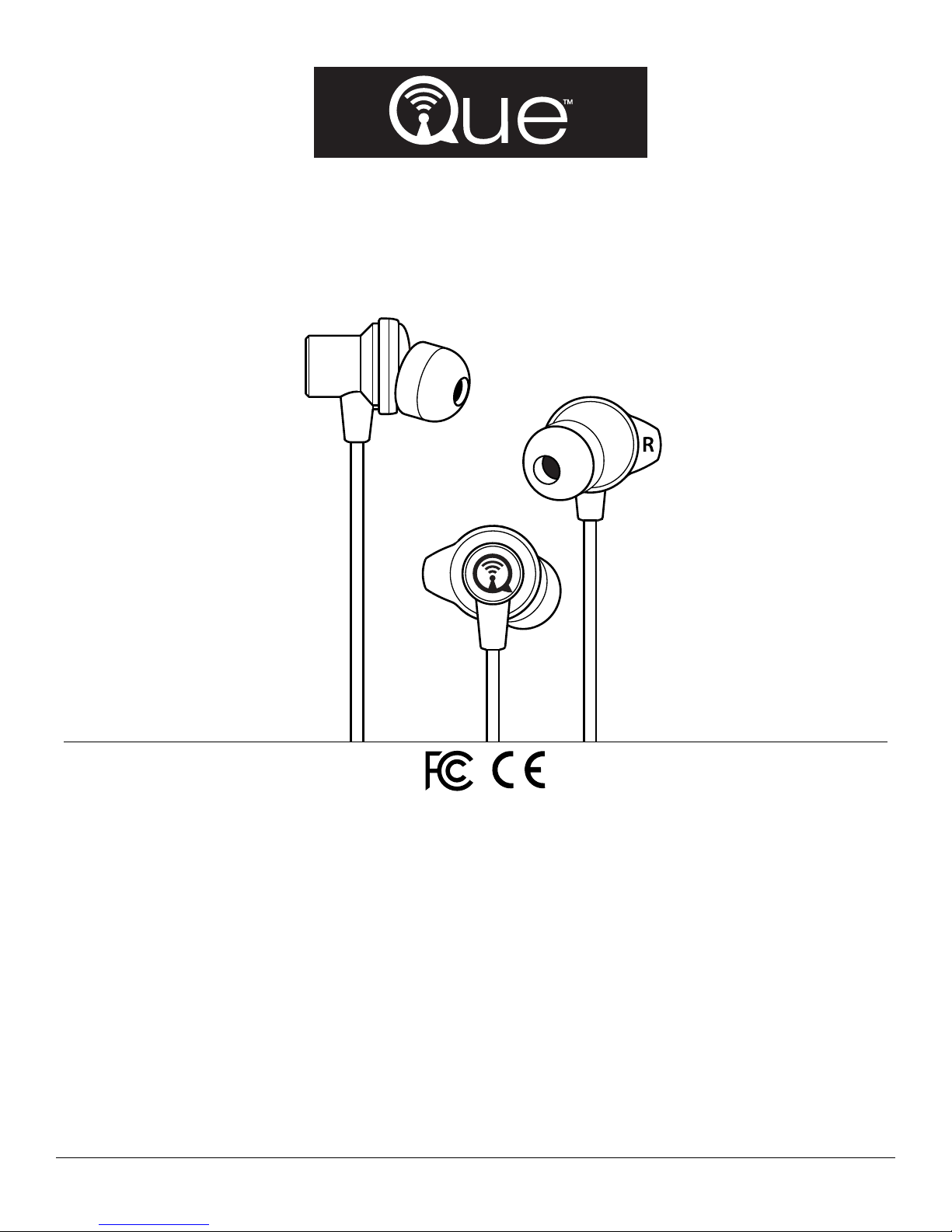
Q3E
Sports Bluetooth® Earphones
User Manual
Thank you for choosing Q3E Bluetooth® earphones.
Specifications
• Model No: Q3E
• Bluetooth Version 4.1
• Charging port: Micro USB
• Protocol Support HFP, HSP, A2DP and AVRCP
• Supports simultaneous connection with two
Bluetooth devices
• Operating range: Up to 33 feet (10 meters)
• 90mAh rechargeable batteries
Note: The Q3E earphones are water/sweat resistant. It is recommended to wipe the ear tips gently with a damp cloth.
• Talk time: 6 - 7 hours
• Music play time: 5 - 6 hours
• Standby time: 250 hours
• Charging time: 1 - 2 hours
• Phone support: answer calls, reject calls, last number redial
• iPhone battery indication
• CVC echo and noise cancellation
• Voice prompt support: Power On / Pairing / Connected /
Battery Low / Power Off,etc.
Que Acoustics LLC
Page 2
Charging
These earphones contain non-detachable, rechargeable batteries. Que Acoustics LLC is not liable for any damage or hazard caused due
to unauthorized tampering or attempted opening of the earphones. Any tampering will void the warranty.
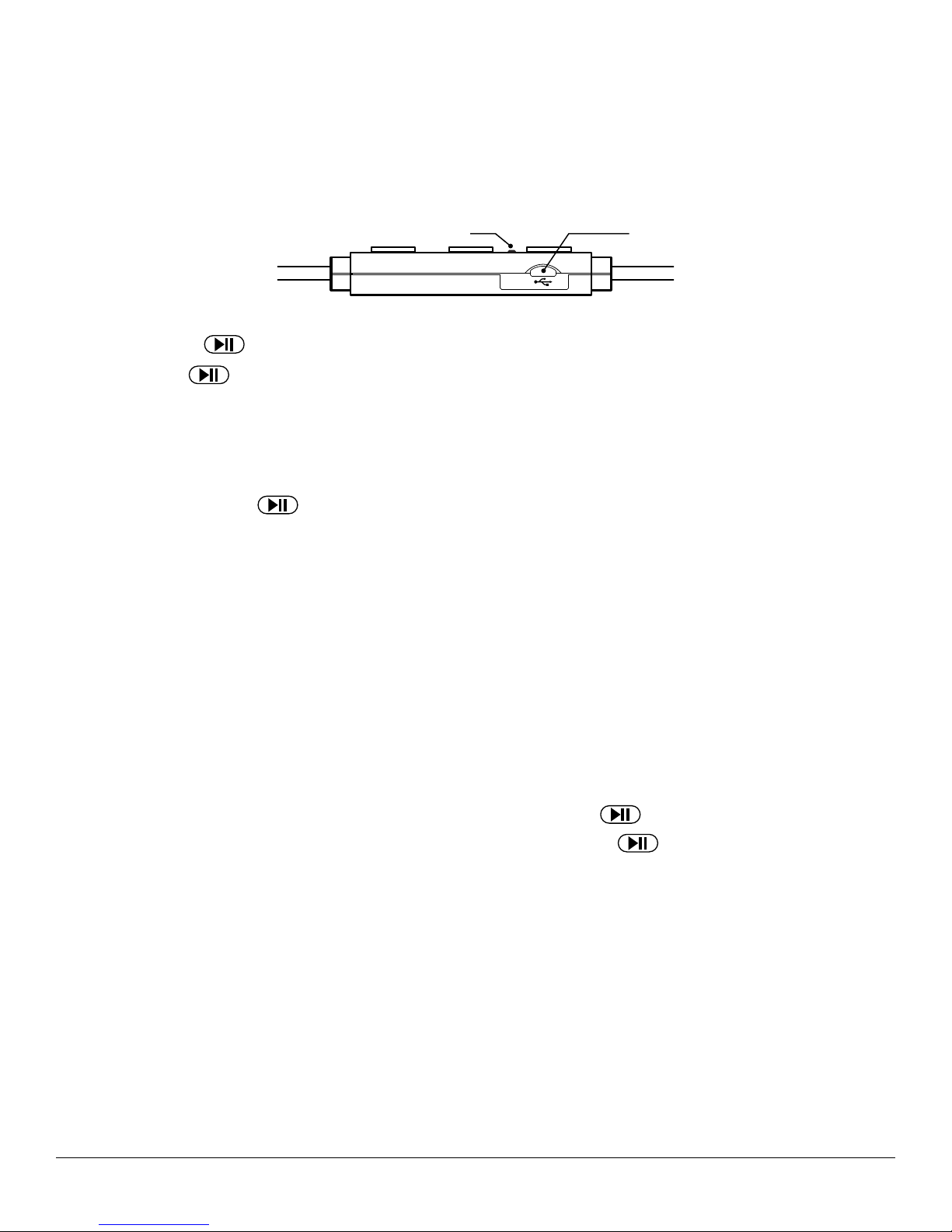
Connect the micro USB connector on the charging cable to the port on the Q3E. Connect the USB connector on the cable to a phone
wall adapter/charger/car charger/computer/power bank or any device with a USB port. The LED will light up red to indicate charging and
will turn blue when the battery is fully charged.
Please charge the earphones fully before using for the first time.
Power On / Power Off
POWER ON: Press the (multi-function-button) for about 2 - 5 seconds until the LED flashes blue with a voice prompt ‘power on’.
POWER OFF: Press
LOW BATTERY ALARM: The LED flashes red several times with a voice prompt ‘Battery Low’.
for 4 secs or so until the LED flashes red with a voice prompt ‘power off’.
USB PortLED
Pairing
Pairing and connecting with a Bluetooth device:
1. Turn Bluetooth ‘off’ on your device.
2. On Q3E, press and hold the
pairing mode.
3. On your device, turn Bluetooth ‘on’, and scan for names until Q3E appears. Click on Q3E to initiate connection with the earphones.
Upon successful pairing the voice prompt will say ‘connected’ and the blue LED will continue to flash once every 5 – 10 seconds.
You only need to go through the above sequence once when you pair the Q3E with your Bluetooth device for the first time. Next time,
as long as your device has Bluetooth turned ‘on’, simply power on the Q3E and pairing will take place automatically. When successful,
the voice prompt will say ‘connected’ and periodically you will see a single flash of the blue LED.
On power up, if the blue LED on the Q3E flashes twice every 5 – 10 seconds, it indicates that the Q3E is not paired with any device.
Pairing with 2 devices:
Repeat steps 1 to 3 for pairing the Q3E with 1st device.
4. Turn Bluetooth ‘off’ on your 1st device.
5. Repeat steps 1 to 3 to pair Q3E with the 2nd device
6. On the 1st device turn Bluetooth ‘on’ and click on Q3E to connect to the earphones. The Q3E will maintain the connection with the
2nd device.
7. The Q3E will now be connected to both devices simultaneously.
until the LED flashes rapidly, alternating between red and blue. This indicates that the Q3E is in
8. You can toggle between the 1st device and the 2nd device with a short click of the
Note: If the Q3E has been paired with a device before, simply power it on by pressing the
arphones will pair with the device automatically. (Bluetooth on the device must be turned ‘on’).
If your device has Bluetooth version 2.1 or older, you may need to enter the password “0000”.
If the pairing is not successful within about 90 seconds, switch off both the Q3E and your device, and repeat steps 1 through 3.
.
until the blue LED flashes, and thee-
Que Acoustics LLC
Page 3
Listening to Music
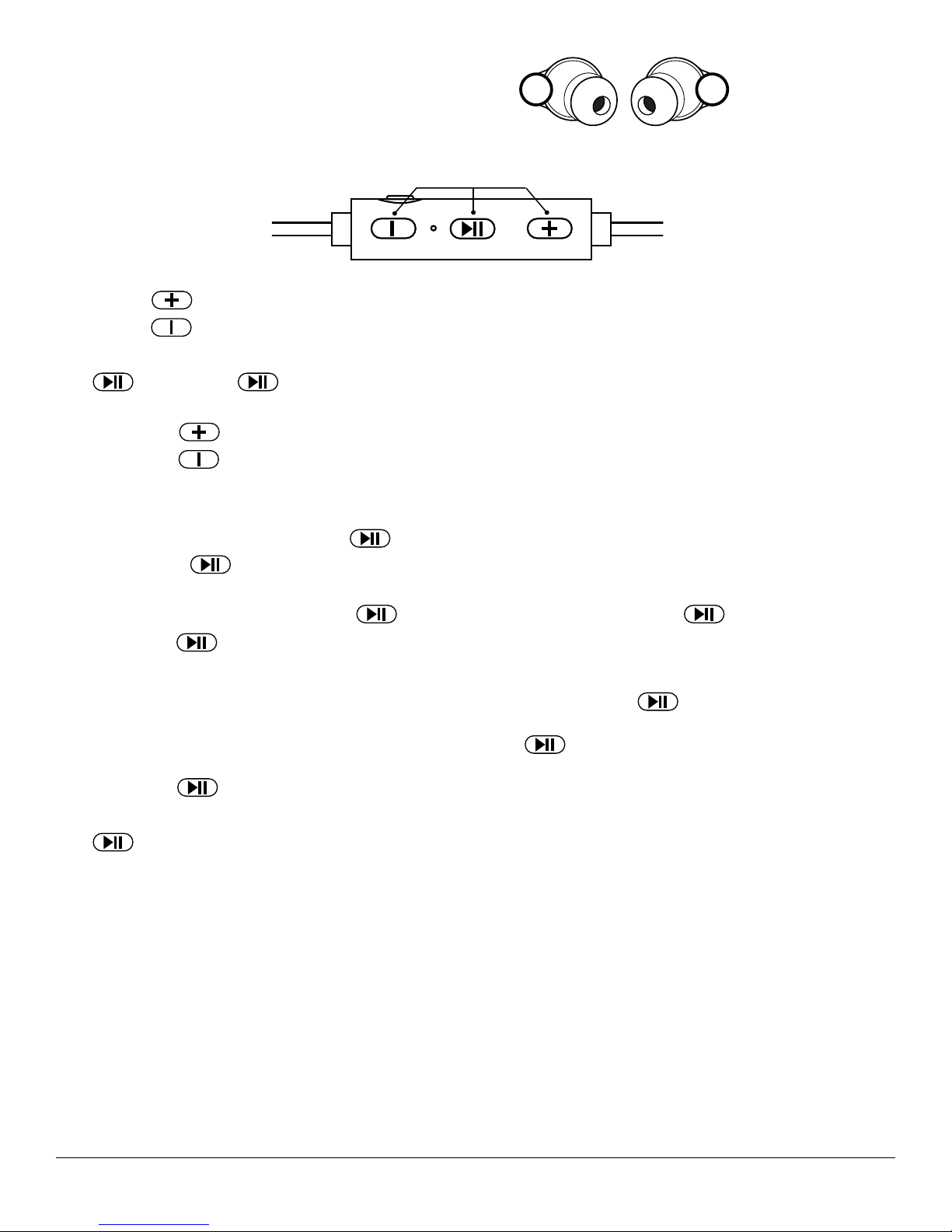
Identify the Right and Left Channel as they are not interchangeable.
To ensure that the earphones feel comfortable for you, please choose
the ear tips that feel the best for your ears. Ergonomic design of the earphones ensures secure fit in your ear.
Control Buttons
Volume Control
RL
Short click the
Short click the
Play/Pause
Click
Track Control
Press and hold the
Press and hold the
Phone Functions
Answering Calls (while connected to 1 mobile phone)
To answer an incoming call, click (short press)
To end the call, click
Rejecting Calls
To decline an incoming call, press and hold the
Note: Keeping the
Answering Calls (while connected to 2 mobile phones)
While you are on a call on one phone, if you wish to answer a call on the second phone click
on the first phone.
To answer a call on the second phone and keep the first call on hold, click
Now you can go back and forth between the two calls with
single clicks of the
to pause. Click again to resume playing.
button to increase the volume.
button to decrease the volume.
button to advance to the next track.
button to go back to the previous track.
.
again.
until there is a double beep sound. Let go of
pressed for longer may cause the Q3E to power off.
.
twice.
immediately.
once. This will also end the call
Last Number Redial
Click
When two phones are connected, this feature is only available on the first phone that was paired.
Note: The operation on some phones may be different.
Battery Indicator
On iOS devices an icon (headphone and battery) will display the battery level of the Q3E.
Accessories
1 Micro USB Charging Cable
6 Ear Tips (2 small, 2 medium, 2 large)
WARRANTY
Warranty Period: 12 months from the date of purchase. Que Acoustics LLC will repair or replace (at its discretion) any products found
to be defective due to manufacturing. Please register your product: www.QueAcoustics.com/register
For technical assistance, please email:
©2017 Que Acoustics LLC. All rights reserved.
twice. A voice prompt will say ‘Last Number Redial’ and the call will be placed.
Que Acoustics LLC
 Loading...