

Page 1
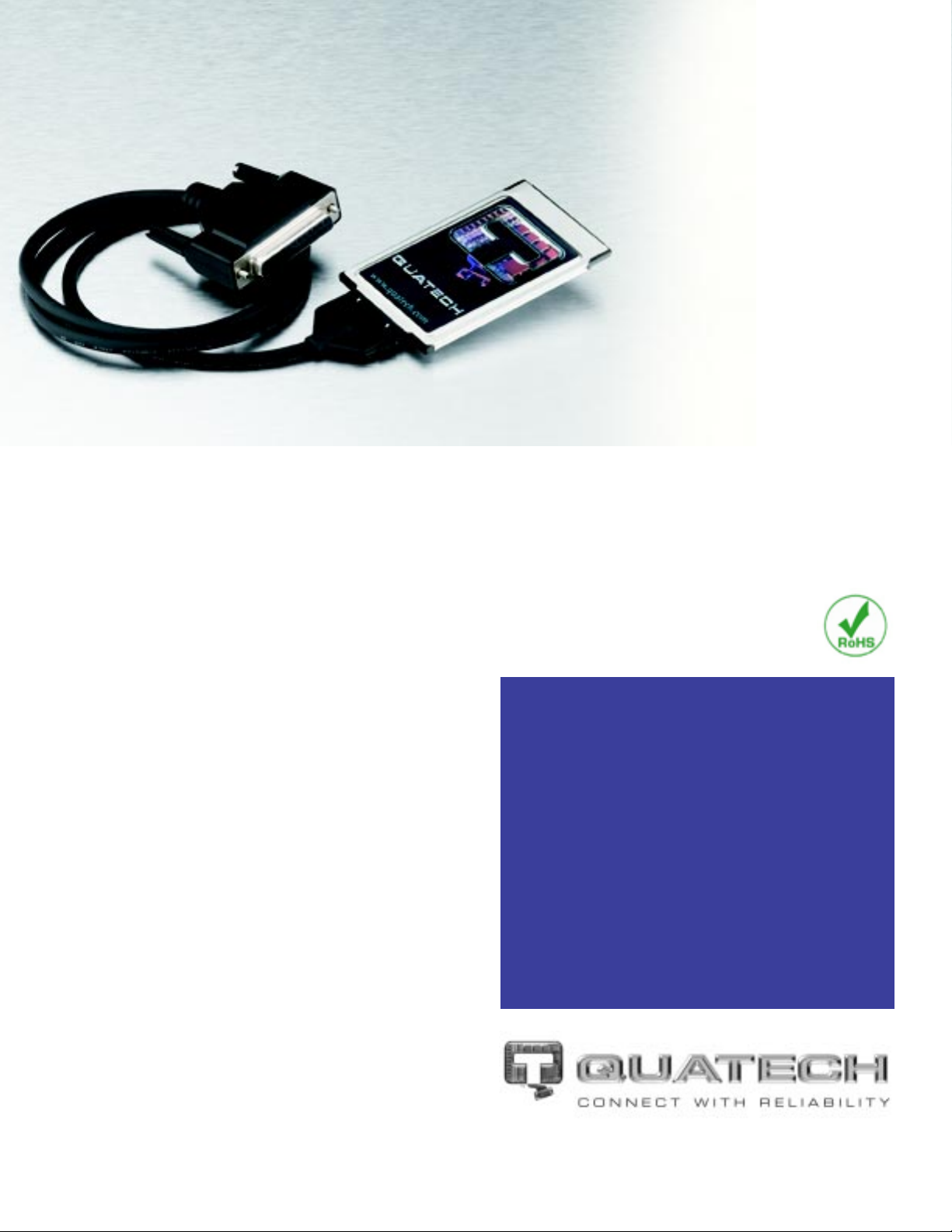
EPP/Parallel
PCMCIA
Card
Add a high-speed EPP parallel port to any PCMCIAenabled laptop, handheld, or desktop computer .
Many portable and hand-held computers do not pro vide
a parallel port. When they do, the built-in port often
cannot function in EPP mode. Quatech’s SPP-100 is
an ideal choice in these situations when a high speed
parallel interface is required.
For example, the SPP-100 is currently being used in
several portable medical application s to provide EEG and
EKG tests to patients in remote areas who would
otherwise need to travel hours to reach the nearest
hospital. It is u sed as part of a real-time scoring system
for stock-car racing, and as an interface for an electronic
sewing machine. Of course, the most common use is to
provide a high-speed printer port when one is not
provided by the PC.
Quatech’s SPP-100 fully supports the IEEE 1284 EPP
standard, and functions ex actly like a computer’s native
parallel port. Thus, unlike the many USB to parallel
converters on the market, Quatech’ s SPP-100 will work
seamlessly with any hardware or software that requires
either an EPP or standard parallel port.
■
Fully supports the IEEE 1284 EPP interface
standard
■
IBM PC parallel port compatible
■
Software configurable base address
■
Software configurable interrupt
■
Memory only interface supported
■
Five year warranty
■
RoHS compatible
www.quatech.com
Page 2

SPP-100 Specifications
Bus Interface: 16-bit PCMCIA, Release 8 and backward compliant
OS Support: Windows 95/98/Me/NT/2000/XP/Vista
Windows CE (see web for device compatibility)
Linux (standard modes only)
OS/2
HP Palmtop
Data Rate: 700 kbps (max)*
* Actual baud rates can be affected by cabling and other factors
Ports: 1 Parallel Port
Modes: EPP Mode
Standard Unidirectional Parallel Port Mode
Standard Bidirectional Parallel Port Mode
Interrupt Levels: IRQ 3-7, IRQ 9-12, IRQ 14, IRQ 15
Power Requirements: 35 mA @ +5 V, 25 mA @ +3.3 V
Certifications: CE, FCC Class B, RoHS and WEEE Compliant
Connector: Standard DSUB-25 connector via included pigtail
cable off the card as follows:
PIN 1: STROBE
PIN 2: D0
PIN 3: D1
PIN 4: D2
PIN 5: D3
PIN 6: D4
PIN 7: D5
PIN 8: D6
PIN 9: D7
PIN 10: ACK
PIN 11: BUSY
PIN 12: PERROR
PIN 13: SELECTIN
PIN 14: AUTOFEED
PIN 15: NFAULT
PIN 16: INT
PIN 17: SELECT
PIN 18: GND
PIN 19: GND
PIN 20: GND
PIN 21: GND
PIN 22: GND
PIN 23: GND
PIN 24: GND
PIN 25: GND
Ordering Information:
SPP-100: EPP PCMCIA card with DB25 female cable
Made in USA [email protected]
www.quatech.com
February 2007
 Loading...