

Page 1
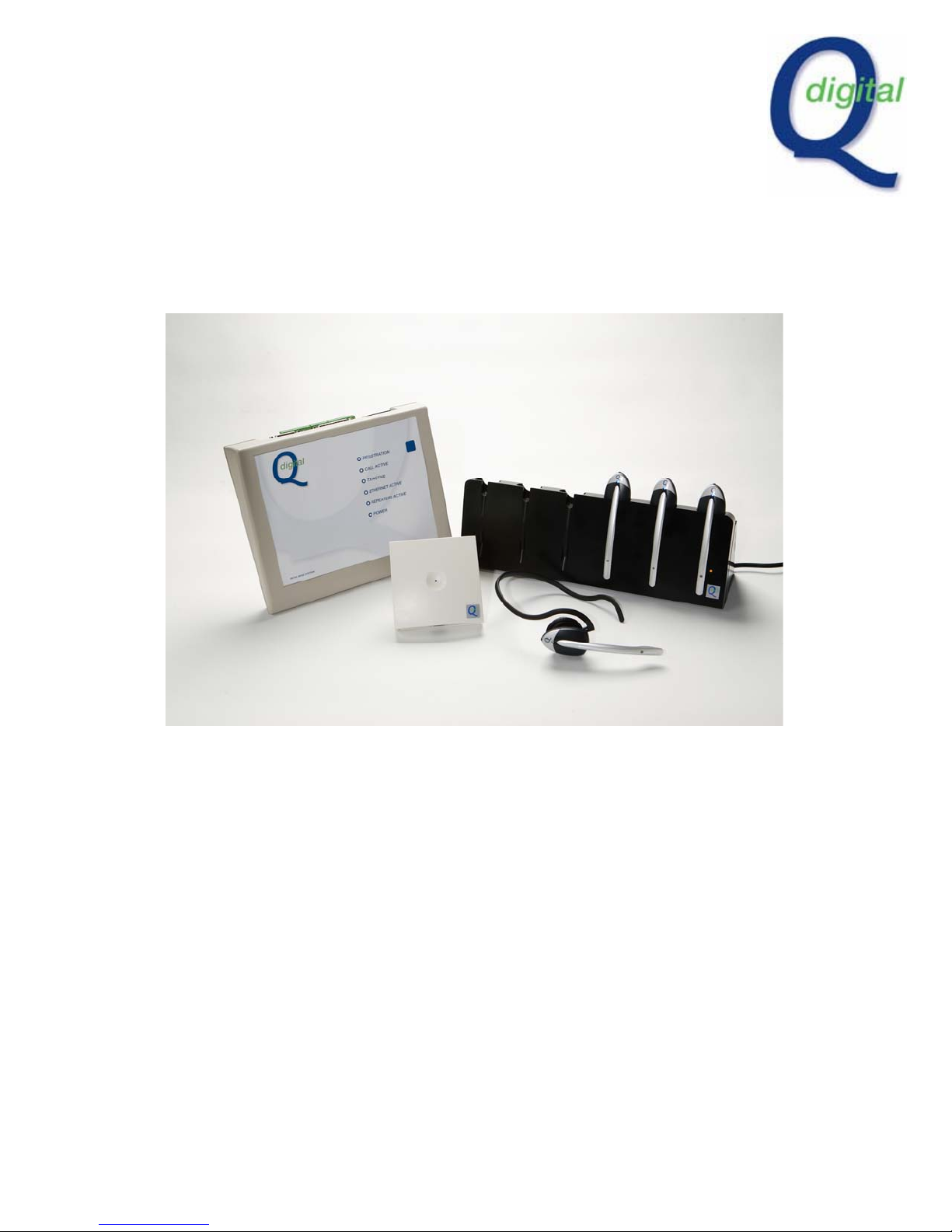
Q Digital Retail
Headset System
User Manual
I
NTRODUCTION
Thank you for choosing Q Digital. Your system is now installed. This booklet helps
to familiarise you with the system. You will also be provided with a user-guide for
wall-mounting by the charger.
Page 2
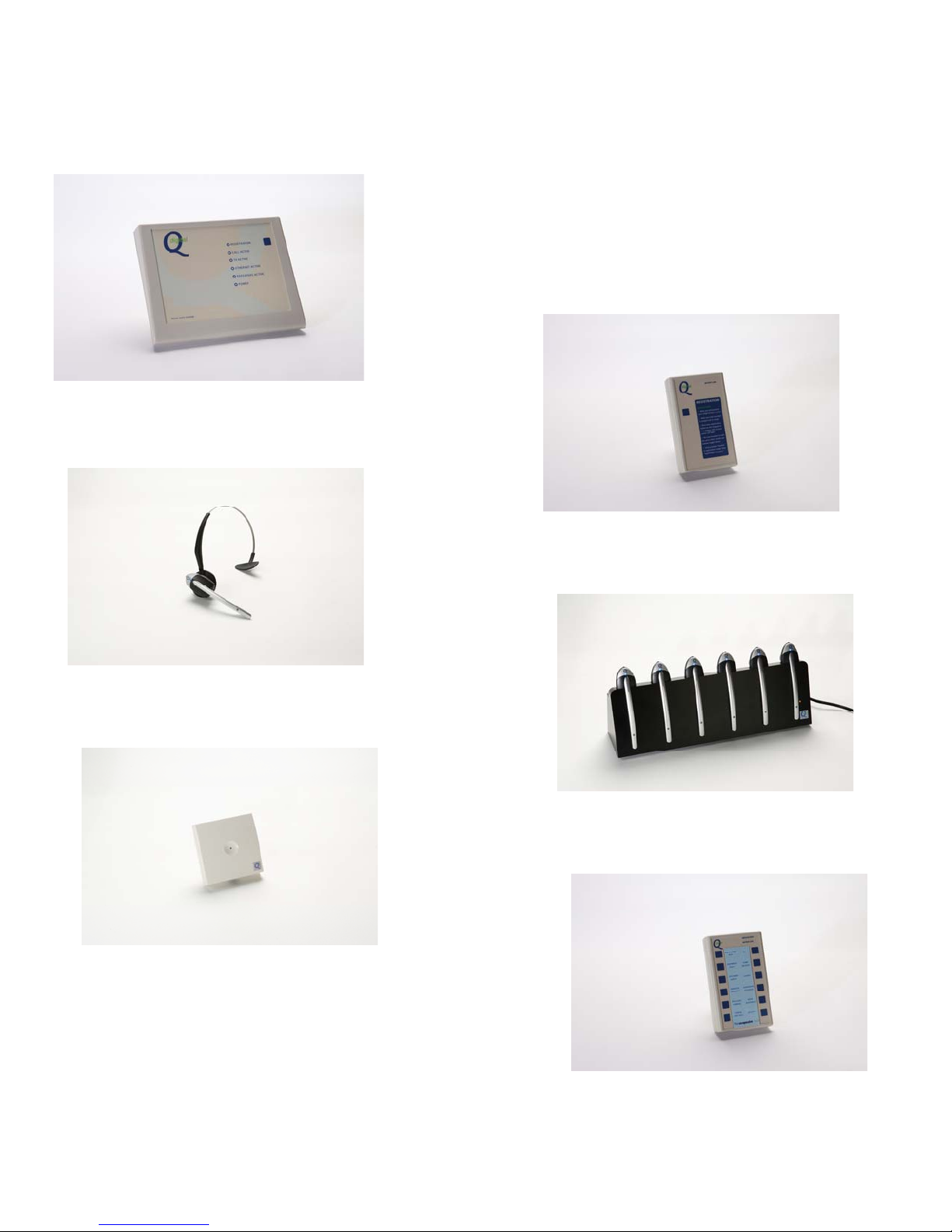
The System comprises of the following components:
1. Retail Base Station
Q-RB6
3. Lightweight Retail Headset
Q-RB6
5. Repeater *
Q-REP
(* Optional items)
2. Registration Keypad
Q-RK
4. 6 –Port Charger
Q-RCH
6. Keypad *
QD-MK12
Page 3

Equipment
The Retail Base Station should be w all mounted in a location to maximise range in
your premise. It communicates with the headsets and keypads you are using on the
premises and needs to be powered ‘on’ at all times. Your premises may also have
one or more repeaters included in the system. These are designed to increase
range. Up to 4 repeaters may be added to the base station network.
The system comes with one or more 6 port charger units. This should be located
within the transmit range of the base station so that the headsets log on to the
network automatically when they’re uplifted from the charger rack. If the charger is
located out of range, registration may be delayed.
Make sure the charger remains plugged in at all times, even at night when premises
is closed. (see red LED on front surface). If the charger is not plugged in the
headsets will not charge.
Wireless key pads initiate pre-recorded voice messages to all headset wearers
when keys are pressed. Key pads are battery powered. When the red light on the
keypad illuminates batteries need replacing.
Base Station functions
The Base Station has 6 LEDs. (status indicator lights)
Power : illuminated indicates power is on.
Repeaters Active: illuminates when a headset is operating in a repeater area.
Ethernet Active: illuminated indicates that the headset system is connected to a
wired ethernet connection.
TX Active: illuminated when a keypad activates a message to headset users.
Call Active: illuminates when a headset user presses their talk mode.
Registration: Illuminates when you press the registration button on the base station
or registration button on the Keypad.
Page 4

Registration process
Before using the system each headset needs to be registered to the base station.
Thereafter, any new or additional headset you want to use with the system has to be
registered. The base station takes a finite number of headsets, 6 is standard
although base stations with capacity of up to 12 headsets are available.
When registering one or more new headsets, follow this procedure:
1. Make sure the new headset(s) has been in the charger and is/are charged.
2. Collect up all the headsets in use on the system making sure they’re in range of
the base station. If a headset isn’t in range during the registration process it will
be deleted from the system.
3. Either by pressing the registration button on the base station, or, standing in
range of the base station, press the registration switch on the hand held key pad.
The blue led on the base station will Flash.
4. Put new headset(s) only
ear and pressing large silver switch and volume toggle down for a second.
in registration mode by placing the headset on your right
Wait
for the “headset in registration mode” message to play in your ear.
5. Voice message ‘headset registered’ signifies successful registration.
6. You may also hear an “initialising” message before a double blip tone that will
indicate it is ready to use.
7. As soon as headset(s) is/are registered the system is ready to use. Press
registration switch again to complete registration process.
Page 5
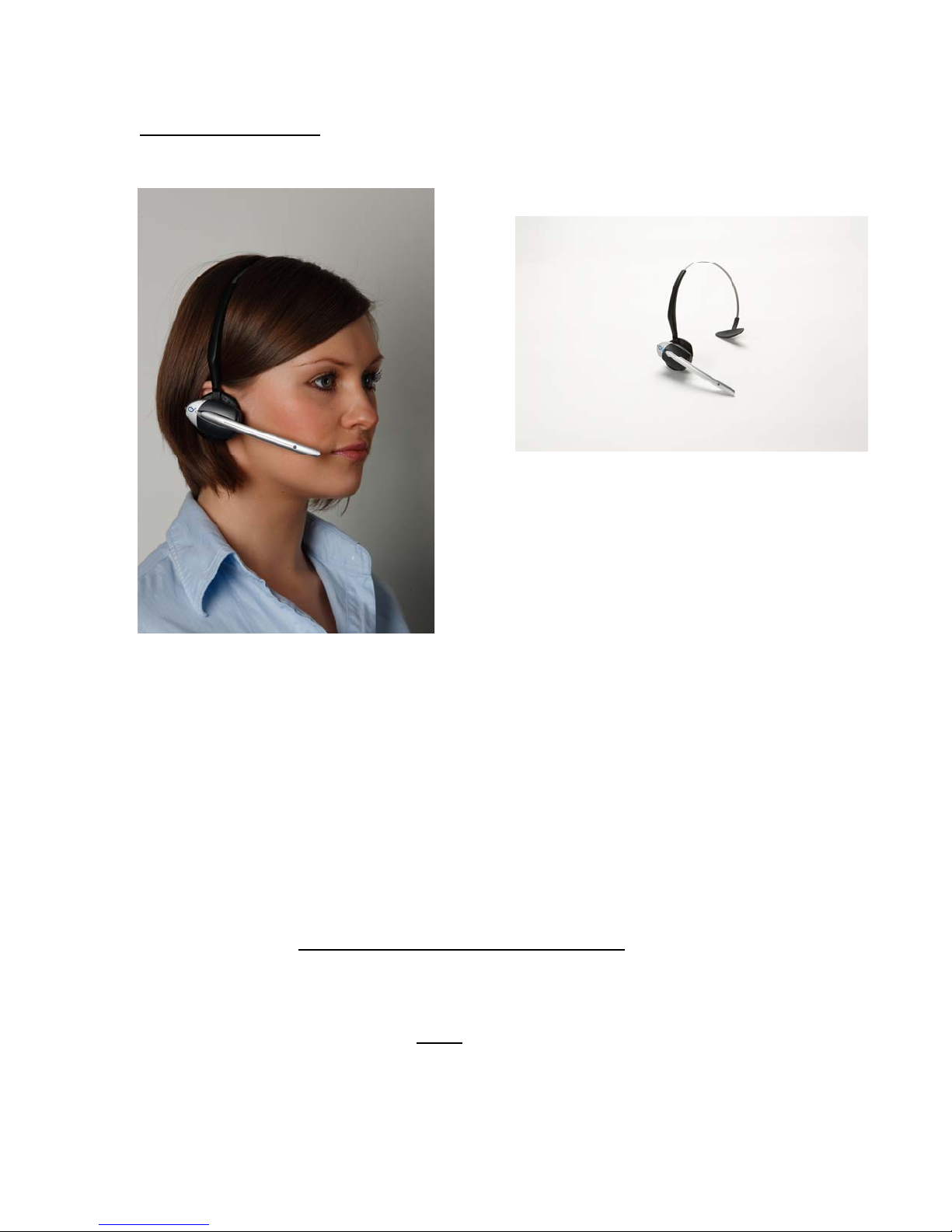
Headset functionality
You can wear the headset on either ear. Choose the head band, the neck band or
the earpiece attachment to suit
Volume: There are 5 volume settings. Use the toggle at the rear of the headset to
adjust volume by pressing upwards for each step.
Speech: The headset can be used in 3 speech modes, VOX (voice activated), Talklock, and PTT (push to talk).
VOX: in this mode your headset is always in transmit mode, but you will only activate
the microphone when you talk. You can hear the microphone switching off. To
activate VOX mode press the volume toggle up for 5 seconds
. To switch off, press
the silver button.
Talk-lock: This mode puts you in hands free mode during a single conversation. To
activate, press the silver button for under
1 second, the headset is then hands-free.
To de-activate press silver button again. This will shut off microphone.
PTT: Press silver button while you are talking, release when finished.
Page 6

Battery charger/charging process
Whenever a headset is not being used it should be placed back into the charger. The
re-charge process starts as soon the headset is placed back into the charging port.
Your headsets will last for up to 8 hours between charges, slightly less on VOX
mode or “talk lock” mode. A voice prompt ‘battery low’ indicates that user should
swap headsets.
Charge time is approximately 2.5 hours to full charge.
When headsets are charging the blue light on the headset will flash every 5 seconds.
When fully charged blue light is constant.
Key pads
Key pads are often used for sending pre-recorded voice messages to the headset
wearers. If a key is pressed, the message will go via the base station to each
headset. Key pads are battery powered. If the red LED is on, the battery needs
replacing.
Repeaters
If a headset goes out of range the user will hear a voice prompt ‘out of range’ In the
ear. When user is back in range they will hear the system re-engage with the base
station by a double blip.
If you need more area coverage speak to your service provider. Up to 4 repeaters
can be added to a system to increase range.
Page 7

Trouble shooter
None of the headsets are
working
1. Check the base station (Q-RB) has power LED on.
2. Check the battery charger has power LED on.
One or more headsets not
working
One of the headsets isn’t
working, it’s registered
within range and it is fully
charge.
Battery life has
deteriorated and not
lasting as long as when
new.
Headset won’t log on
during registration process
1. Make sure it is fully charged. Check Led on the
headset flashes intermittently when out of charger.
2. “Out of range” message: make sure you are within
range of the base station.
3. “Registration incomplete” message: re-register the
head set with the base station.
Headset may have a faulty circuit board. Call your
service provider for repair or replacement.
New batteries should last between 6 to 8 hours in
operation. If this period is reduced considerably,
please replace your batteries by contacting your
service providers. Quail Digital recommends changing
the batteries every 12 to 18 months.
Make sure the maximum number of headsets allowed
in the system has not been exceeded. The standard QD
system is for 6 headsets this is the case if you have a
Q-RB6 base station model.
How do I get more head
bands and ear foams or
any other spare part of the
system.
Quail Digital, 92 Lots Road, London, SW10 0QD,
Contact your service provider or www.quaildigital.com
or [email protected]
W: www.quaildigital.com
 Loading...