

Page 1
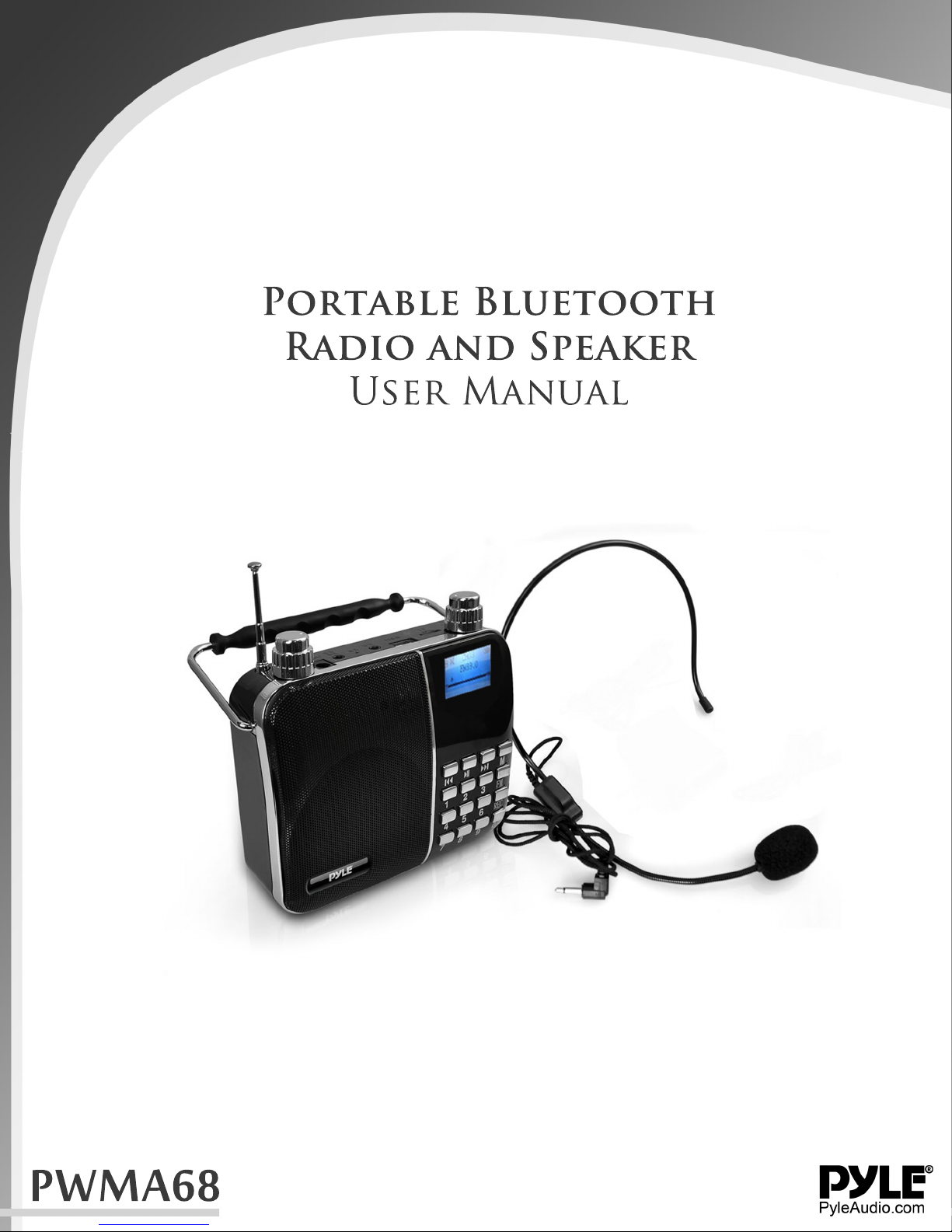
Portable Bluetooth
Radio and Speaker
User Manual
PWMA68
Page 2

Functions
[Digital song] input numbers to select songs, support 1-9999 preferred song.
[MP3 player] direct broadcast TF card and U disk MP3 files, support for MP3, WMA, WAV
music formats.
[Digital recording] built-in microphone, recording function.
[Lyrics] support the display of song lyrics , synchronized display playback.
[FM Radio] FM digital stereo radio, clock radios, radio broadcast memory, you can store
40 radio stations.
[Reader] to connect the USB cable, copy and delete files of TF memory card.
[Audio Input] stereo audio input interface, easily connecting computers, digital music
players, cell phones and other audio-visual products of various types of sources.
[Break-point memory] track play automatically remember the last exit.
[Alarm clock] clock, alarm clock, calendar.
[Rechargeable lithium battery] built-in rechargeable lithium battery, environmental
protection, energy saving, practical.
Buttons, jacks function (subject to our available products)
Power rotary switch / volume control
1. Switch: counterclockwise rotation switch clicks, the display lights on, clockwise rotation
switch again clicks is shut down.
2. Volume adjustment: counter-clockwise to increase the volume, clockwise to decrease
the volume.
3. ECHO Volume adjustment: When connecting a microphone, clockwise to increase
volume, counter-clockwise to decrease the volume.
4. [MIC]: microphone achieve access megaphone.
5. [AUX]: Audio input interface, connected to computers, digital music players, cell phones
and other audio-visual products of various types of audio input
6. [USB]: insert U disk MP3 music playback, maximum support 32G.
7. [TF CARD]:Insert TF card to play MP3, maximum support 32G music.
8. [DC 9V]: power supply into the jack into the unit distribution 9V1A the charger, charging
the battery icon flashing screen, after full battery icon does not flash
9. [ ]:Play / Pause, enter the sub-menu state press to return to the previous level.
10. [ ]:previous song, press & hold rewind.
11. [ ]:Next song, press & hold fast forward.
12. [M]: Press to confirm function, press return to the main menu.
13. [FM]: Press to enter FM / play / pause, press & hold to search radio stations and save.
14. [REC]: Press when entering the record, press enter to save and play back the
recording, playback recording press Delete Record.
15. [1234567890]: Enter the number selected songs, select the radio, select the
frequency.
Page 3
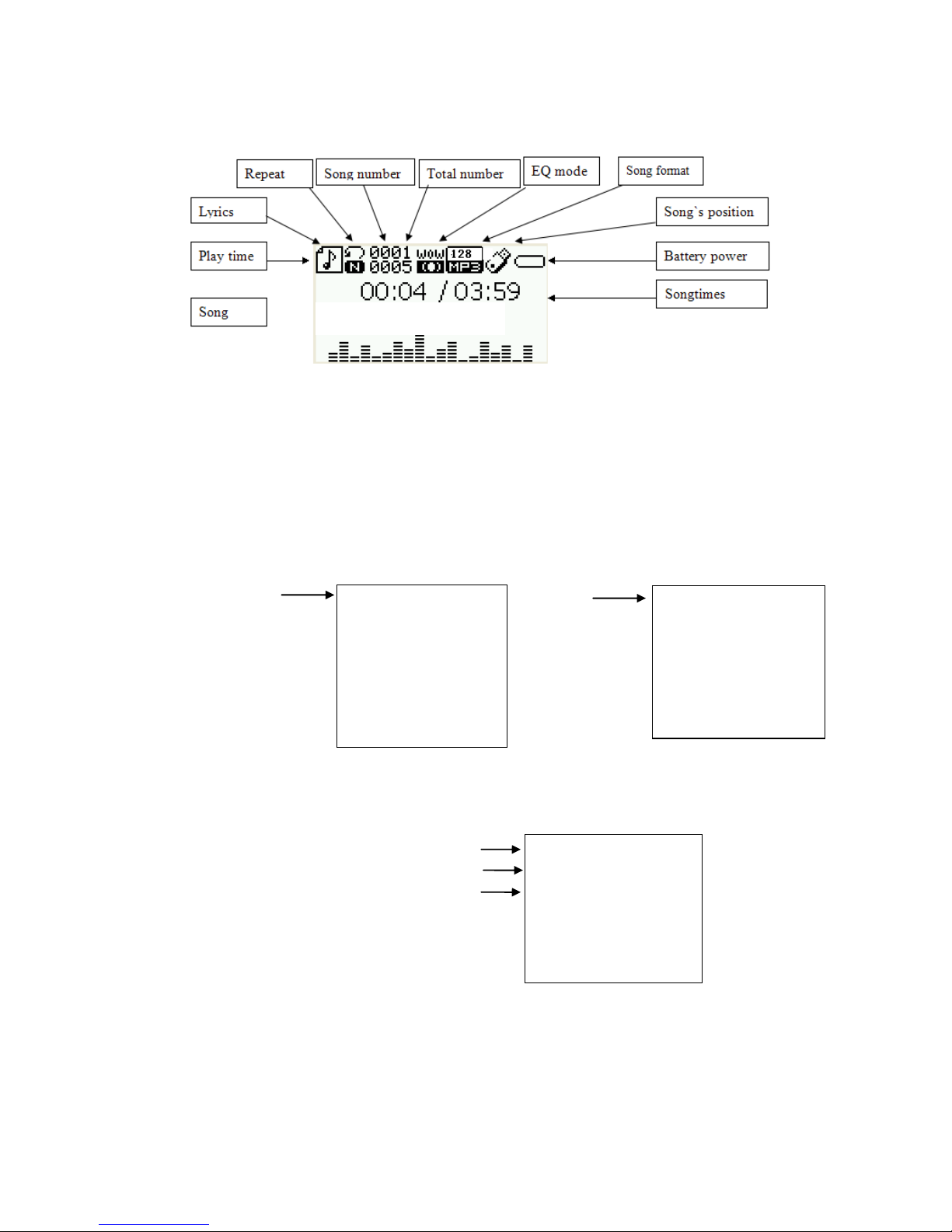
Directory player
As shown below "New Folder" to store songs:
Select the file to play steps: Insert U disk or TF card, enter the music playback mode,
pause the playback mode, press "M" key to enter sub menu, following figure:
Insert TF Card Insert USB
Press the "M" key to enter the card catalog or U disk directory as shown below:
Songs stored in "Removable Disk" root directory
Songs stored in "Removable Disk" root directory
"Removable Disk" root of the file list
New "folder" to store songs
New "folder" to store songs
Songs stored in "Removable Disk" root directory
Songs stored in "Removable Disk" root directory
Press the "next track" button to select "New Folder", press "M" key to enter, as shown
below:
Catalog
Delete
Delete all
return to the main screen
Exit
Catalog
Delete
Delete all
return to the main screen
Exit
ROOT
Michael
Tar lay Swift
Justin Bieber
When you say nothing at all
Chasing payment
Page 4
Exit:
"New Folder" songs
"New Folder" songs
"New Folder" songs
"New Folder" songs
Press the "next track" button to select "Song", press "M" button to confirm to play.
Exit to return to the root directory of songs to play, as shown below actions:
"Removable Disk" root of the file list
Songs stored in "Removable Disk" root directory
Back to "Removable Disk" root folder lists,
Press the "next track" button down to select a song, press the "M" really
Recognize return to the root directory of songs to play
Music mode settings
In music mode , press M key to enter the setup menu, following figure:
Cycle mode
EQ settings
Natural, rock, pop, soft, jazz, heavy bass and other sound options.
Repeat mode
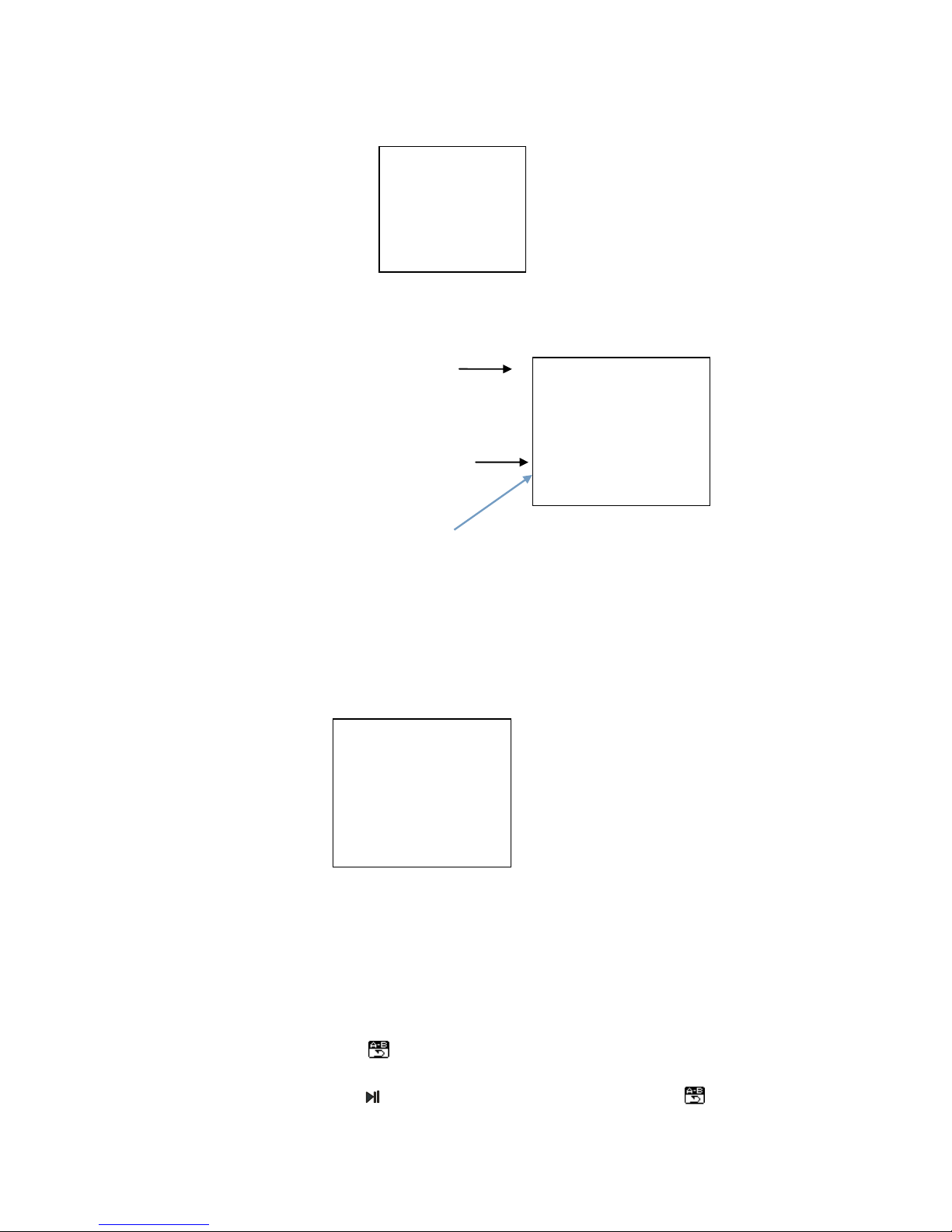
A-B Repeat
1. While playback, press M key to enter the play sub-menu button to select "Repeat
Mode" menu , press the M key to enter the "repeat mode."
2.Repeat mode: repeat icon "A" flashes, waiting to determine the starting point A, at
this time, press the button to confirm the starting point A, repeat icon "B" flashes
1.Cycle mode
EQ settings
Repeat mode
Lyrics (open)
Return to the main screen
Exit
1.
2.Try
3.Far away from home
4.I remember
5.Morning
ROOT
Michael
Tar lay Swift
Justin Bieber
When you say nothing at all
Chasing payment
Page 5
waiting for a starting point to determine the starting point B repeat, this time, press to ,
determine the end point is B, repeat icon fixed. Start repeat playback between points A-B
5 times.
3. In the three states above, press M key to exit Repeat mode.
Lyrics (open)
Playing the "open" lyrics, select "Off" to play music not display the lyrics, display playback
time.
Recording
The machine does not contain storage memory chips, recording, external TF card or
insert U disk recording device to store files, if the external memory storage device is not
inserted, the machine will be prompted to "disk error", please insert the external storage
memory device further recording.
In the main menu, select "Record" menu, press M key to enter the recording mode, press
the key again to start recording, press & hold "M" key to save the audio file, the file is
saved to the VOICE folder in the "Music mode" pause music playback state, press the M
key to enter the sub-menu, select the "card catalog" VOICE folder can be found in the
audio file playback.
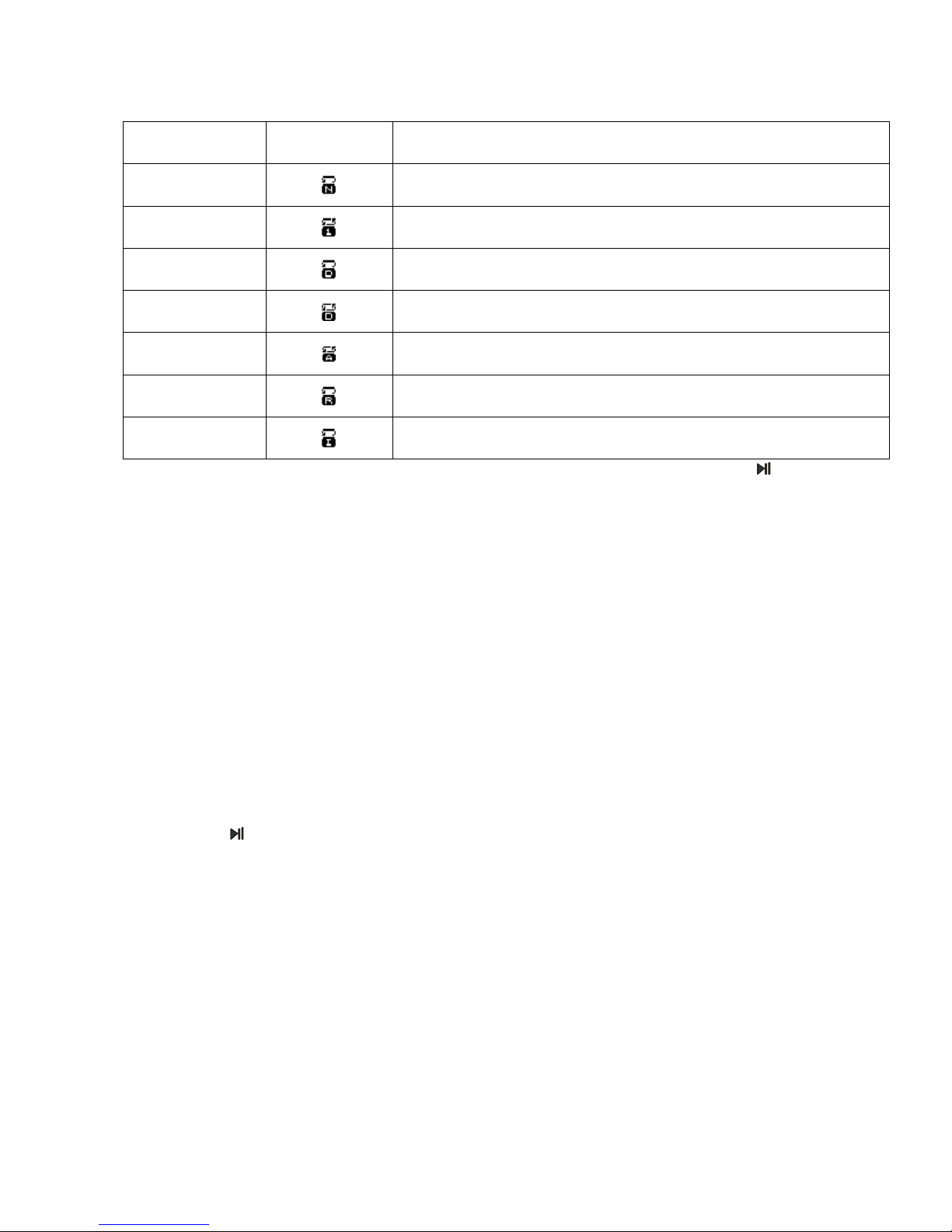
Icon
indicate
Normal mode
Play all files sequentially, not recycled.
Single cycle
Repeats the current file.
Directory player
In order to play files in the current directory, not the cycle.
Catalog circulation
Repeats the current file directory.
Full cycle
Loop all files.
Random play
Random files.
Browse Play
Order of play all the songs in the current directory before 10 seconds.
Page 6
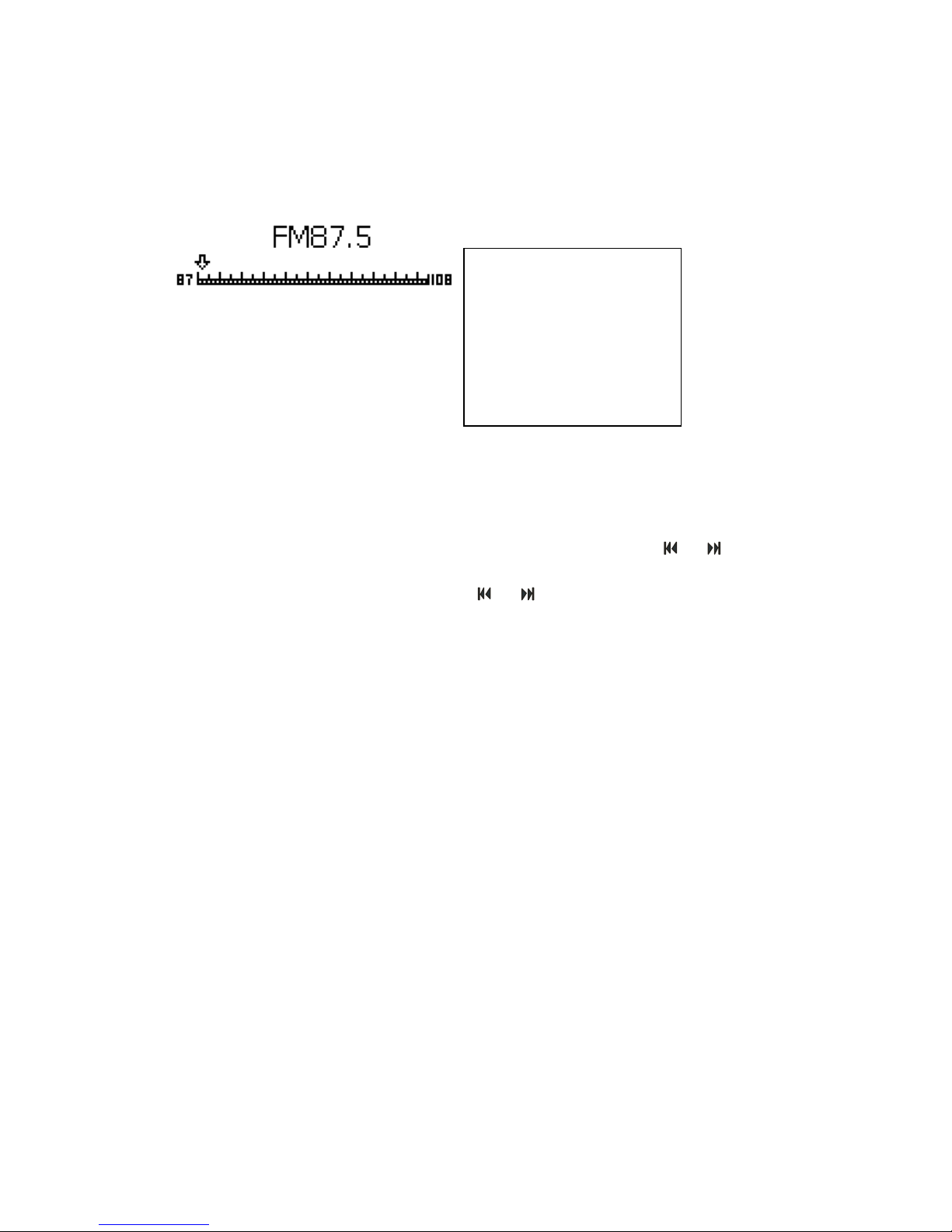
FM Radio
In the main menu, select "FM Radio" mode, press the "M" key to enter, following figure:
Automatic scan: enter radio mode, press the "M" key to pop up on the icon sub-menu
button to select "Auto Tuning", and press "M" key to start automatic station search, the
search will be displayed when a station CH01-CH40, and save the station.
Memory selection: automatic station search has been completed, press or to
select the memory has been saved station.
Manual Installation: manual selection, press or semi-automatic selection.
Digital selection: direct input frequency of the station you want to hear, such as the sound
of the radio station FM87.8 CCTV China, enter the number 878 can press the M key to
confirm.
FM radio sub-menu Function Description
● Select Save station: save current station;
● Select radio recording: save current station being broadcast content; (need to insert TF
card to store audio files)
● Select Delete radio: Delete the current radio station;
● Select Delete All: delete all stored station;
● Select automatic station search: effective automatic search for radio stations in the
band;
● Select Normal frequency channel : namely 87.5∽108.0MHZ;
● Select campus frequency channel: the 76.0∽90.0MHZ;
1.Save Radio
2.Radio recording
3.Delete radio
4.Delete all
5.Automatic scan
6.Normal frequency channel
7.Campus frequency channel
Page 7
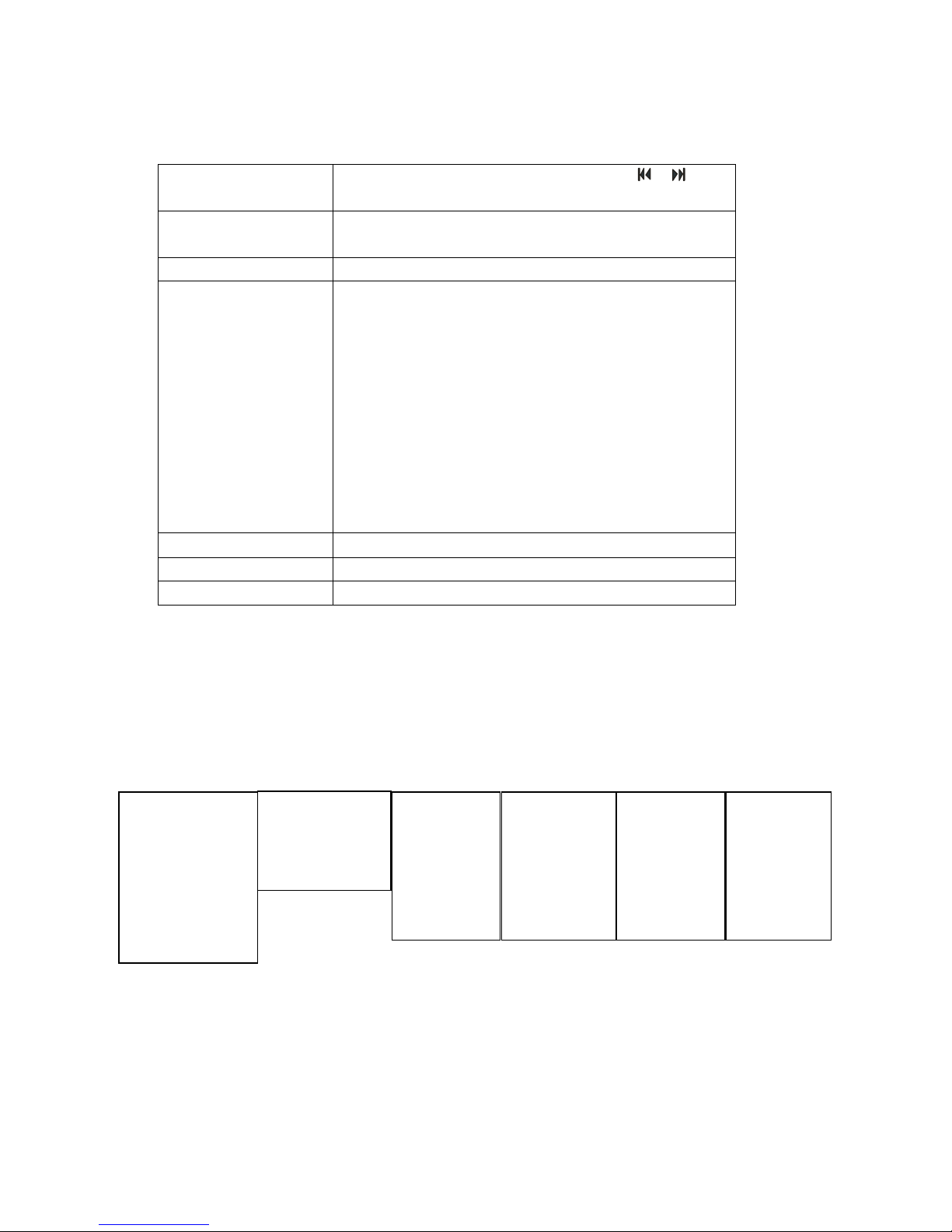
System Settings
In the main menu, press the key, select "System Settings" mode, press the "M" key to
enter.
Alarm settings
Enter the "System Settings" option, following figure:
Select "Tools" option, press "M" key to enter the "Tools" ,view as above picture
Press the "M" key hit (open) alarm clock, then select "Time" item to set the alarm time.
System time
When press "M" to select date time, press " ", " " keys
to adjust the numbers.
Back-light time
0-30 seconds to turn off the display back-light, 0 for the
long bright back-light.
language selection
Set different national language main menu.
Tool
Shutdown Settings (Sleep Timer) :( unit: minutes), both in
any state, there is no key operation from the beginning of
the calculation, the time to automatically shut down, for
use before sleep songs. Note: Sleep mode setting only
take effect upon once, it will automatically clear a set of
off time after shutdown, such as the need this function,
please set it again.
Alarm: The next section of the specification is described
in detail.
FM timer setting: The next section of the specification is
described in detail.
Contrast adjustment
Setting the display do not degrees.
Firmware version
Display the player's firmware version.
Exit
Exit this screen.
System time
Back-light time
language selection
Tool
contrast adjustment
Firmware version
Exit
Power Settings
Alarm
set the timing FM
Exit
Alarm(off)
Time
cycle
Alarm tone
Volume
Exit
Time
7:30
Alarm(open)
Time
cycle
Alarm tone
Volume
Exit
Alarm(off)
Time
cycle
Alarm tone
Vo lume
Exit
Page 8
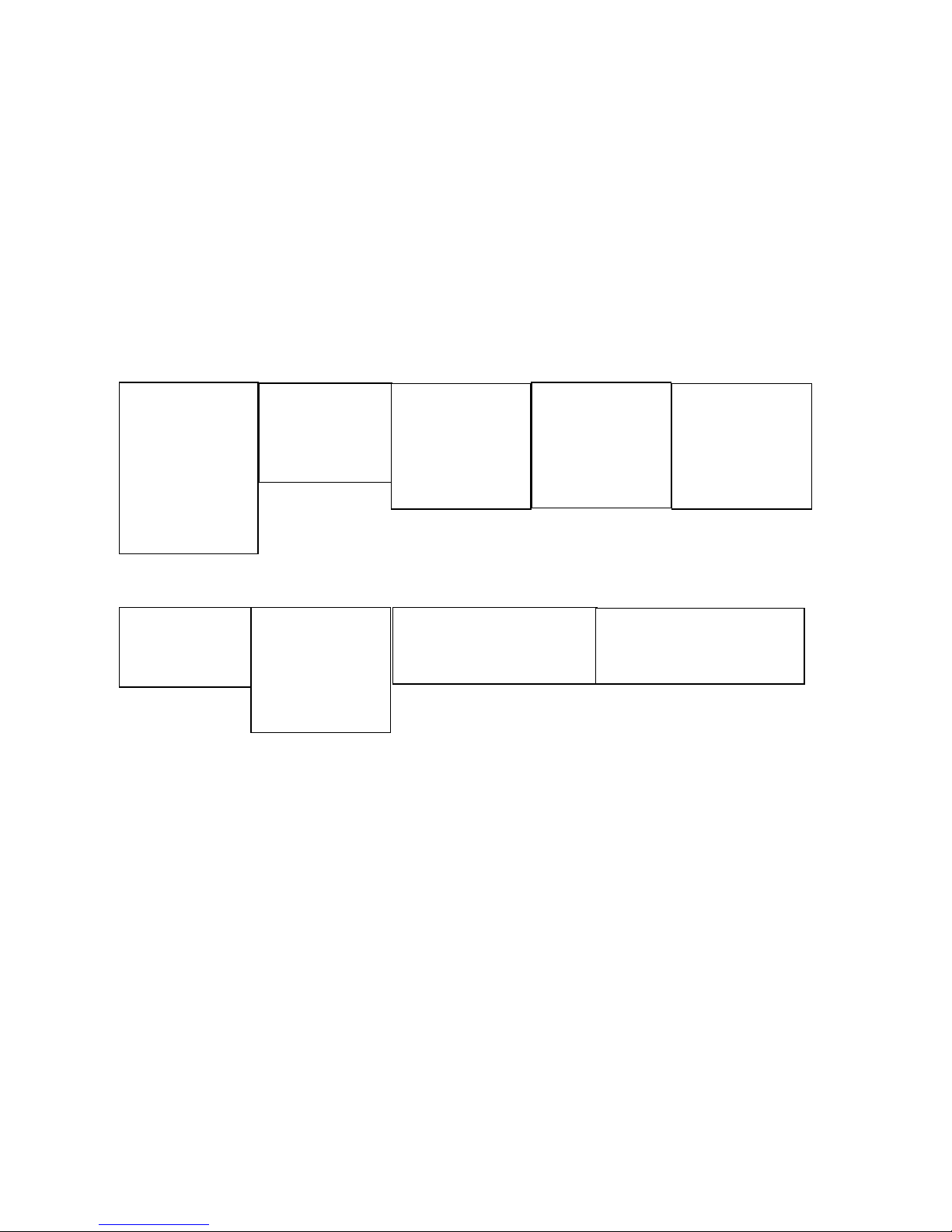
Timing FM Settings (clock radio)
Press the icon opens the timing FM radio function, first set the "regular FM (open)", then
set the "FM Time", the last set, "radio frequency", for example:7:00 am tomorrow, I want to
listen to 30 minutes F93.9MHZ "Radio Guangdong music station," simply press the last
icon of a "normal band" Digital is set to FM93.9 can, tomorrow morning on time 7:30
minutes automatic turn on the radio broadcast.(Note: The system time of the machine
must be set the same as GMT)
The AUX audio input interface, the distribution of the "audio signal line" end into the
machine "AUX" jack and the other end into the computer's "Ω symbol" audio output jack,
and computer speaker function.
Charging Use
Insert distribution of 9V1A charger to DC 9V jack of machine's for charging, the battery
icon will not flashing as full charge on. It can use too long connected by charger as
machine built overcharge protection circuit. About 4-6 hours to charge full with battery,
and support charging by shutdown. Different volume will influence the battery life and
battery indicator also will be biased
Low battery
When the battery is low voltage occurs, the system will automatically shut down, this time
please charge, if the machine is not used for a long time, at least once a month charge,
can protect the battery and prolong life.
System time
Back-light time
language selection
Tool
contrast adjustment
Firmware version
Exit
Power Settings
Alarm
set the timing FM
Exit
Timing FM(off)
FM recording(off)
FM time
Radio frequency
Exit
Timing FM(open)
FM recording(off)
FM time
Radio frequency
Exit
Timing FM(open)
FM recording(off)
FM time
Radio frequency
Exit
FM time
7:30
Timing FM(open)
FM recording(off)
FM time
Radio frequency
Exit
Normal frequency channel
Campus frequency channel
Normal frequency channel
Page 9

Solutions to Common problems
1. Playback Display format error: U disk (or TF card) format compatibility problems with
the computer form a U disk (or TF card), and then re-copy songs to play.
2.Only download 700MB computer prompts can be downloaded: "Removable Disk" for the
FAT format, can be "Removable Disk" with the FAT32 format can be solved once and then
download, or the number of "Removable Disk" in the root directory of the storage files do
not more than 180, may be in the "Removable disk" root directory "New folder" download.
You cannot play music: a U disk formatted with a computer (or TF card), and then re-copy
songs to play.
3. Boot automatically shut down: the battery is low, please charge two hours before use.
Play automatic shutdown or restart: the battery is low, please charge two childhood before
use.
4. No sound speaker: volume is turned on.
5. No sound connected to the computer: PC interface connection errors, check the correct
computer's audio output connector.
6. Key non-functional or functional fault: power-cycle.
 Loading...