

Page 1
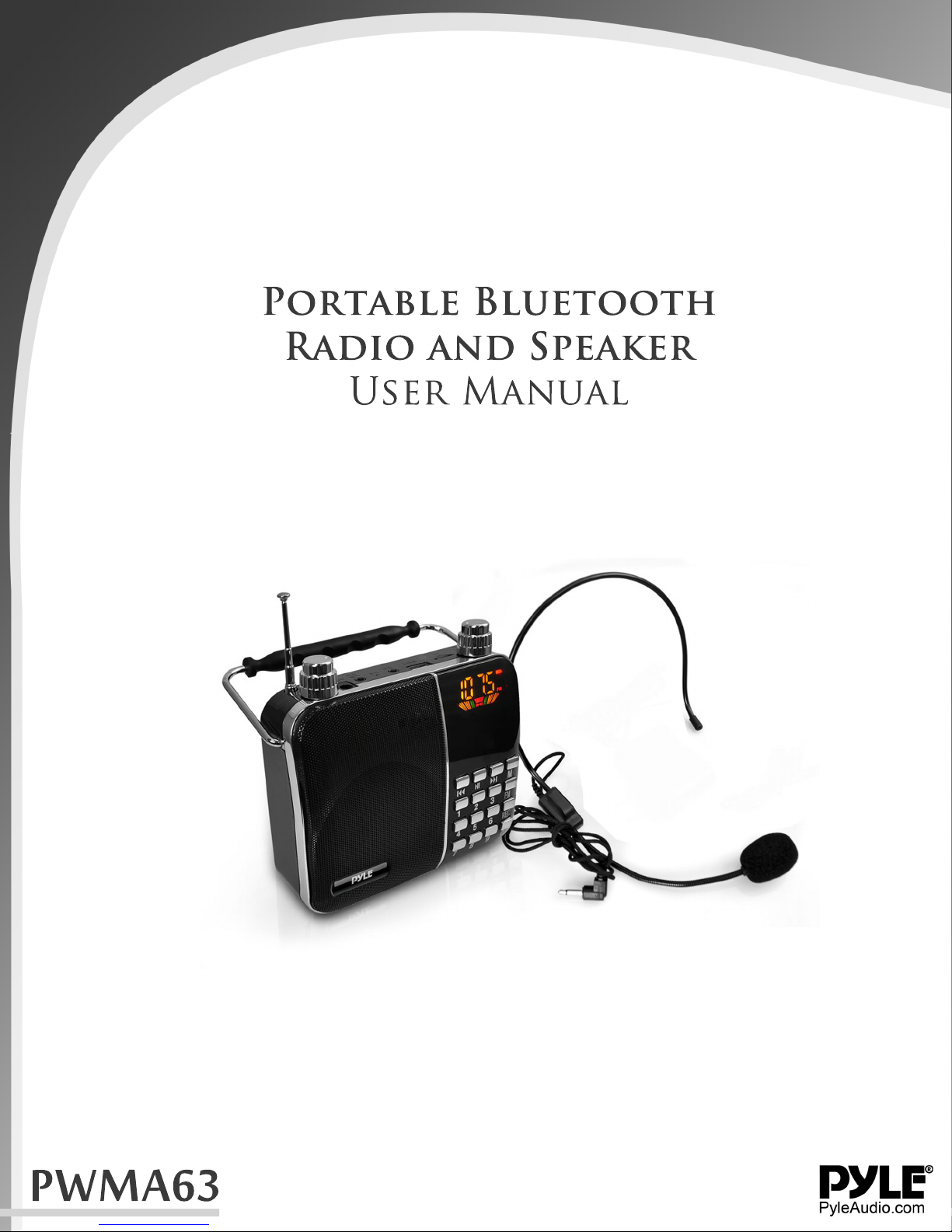
Portable Bluetooth
Radio and Speaker
User Manual
PWMA63
Page 2

[Digital song]input numbers to select songs, support 1-9999 preferred song.
[MP3 player] direct broadcast TF card and U disk MP3 files, support for MP3, WMA, WAV
music formats.
[Digital recording] built-in microphone, recording function.
[Lyrics] support the display of song lyrics , synchronized display playback.
[FM Radio] FM digital stereo radio, clock radios, radio broadcast memory, you can store
40 radio stations.
[Audio Input] stereo audio input interface, easily connecting computers, digital music
players, cell phones and other audio-visual products of various types of sources.
[Break-point memory] track play automatically remember the last exit.
Buttons, jacks function (subject to our available products)
Power rotary switch / volume control
1. Switch: counterclockwise rotation switch clicks, the display lights on, clockwise rotation
switch again clicks is shut down.
2. Volume adjustment: counter-clockwise to increase the volume, clockwise to decrease
the volume.
3. ECHO Volume adjustment: When connecting a microphone, clockwise to increase
volume, counter-clockwise to decrease the volume.
4. [MIC]: microphone achieve access megaphone.
5. [AUX]: Audio input interface, connected to computers, digital music players, cell phones
and other audio-visual products of various types of audio input
6. [USB]: insert U disk MP3 music playback, maximum support 32G.
7. [TF CARD]:Insert TF card to play MP3, maximum support 32G music.
8. [DC 9V]: power supply into the jack into the unit distribution 9V1A the charger, charging
the battery icon flashing screen, after full battery icon does not flash
9. [ ] :Play / Pause, enter the sub-menu state short press to return to the previous
level.
10. [ ] :previous song, long press rewind.
11. [ ]:Next song, long press fast forward.
12. [M]: Short press to confirm function, press return to the main menu.
13. [FM]: Short press to enter FM / play / pause, long press to search radio stations and
save
14. [REC]: Press when entering the record, press enter to save and play back the
recording, playback recording press Delete Record
15. [1234567890]: Enter the number selected songs, select the radio, select the
frequency.
Page 3

Computer Speakers connection
The AUX audio input interface, the distribution of the "audio signal line" end into the
machine "AUX" jack and the other end into the computer's "Ω symbol" audio output jack,
and computer speaker function.
Charging Use
Insert distribution of 9V1A charger to DC 9V jack of machine's for charging, the battery
icon will not flashing as full charge on.It can use too long connected by charger as
machine built overcharge protection circuit. About 4-6 hours to charge full with battery,
and support charging by shutdown. Different volume will influence the battery life and
battery indicator also will be biased
Low Battery
When the battery is low voltage occurs, the system will automatically shut down, this time
please charge, if the machine is not used for a long time, at least once a month charge,
can protect the battery and prolong life.
Solutions to Common Problems
1. Automatic shut down: the battery is low, please charge two hours before use.
Play automatic shutdown or restart: the battery is low, please charge two childhood before
use.
2. No sound speaker: volume is turned on.
3. No sound connected to the computer: PC interface connection errors, check the correct
computer's audio output connector.
4. Key non-functional or functional fault: power-cycle.
Technical Specs:
Output Power: 20 Watt
Lyric (Text) File-Type Compatibility: .LRC *Download Your Own Lyric Files
Full Battery Provides up to 6 Hours Operation
Loudspeaker Driver: 3''
Impedance: 4 Ohm
S/N Ratio: >80dB
FM Radio: 87.5 - 108MHz
Freq. Response: 100-18kHz
Power Supply: 110/220V
Digital Audio File Support: MP3, WMA, WAV
MAX Flash Memory Support: 32GB
Size: 5.5'' x 4.7'' x 5.2''
Unit Weight: 0.837 lbs.
 Loading...