

Page 1
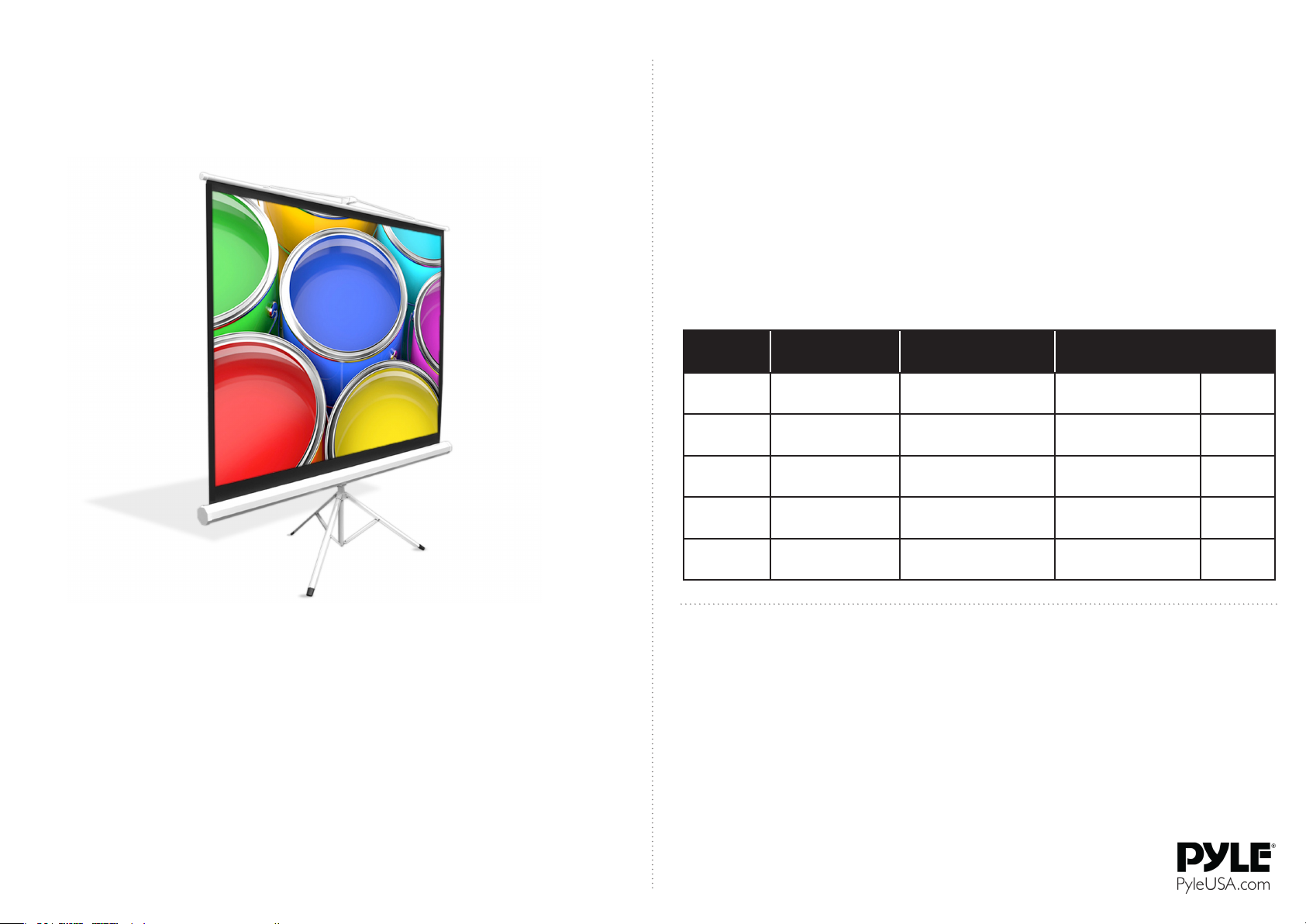
FLOOR-STANDING TRIPOD PROJECTOR SCREEN
QUICK SETUP GUIDE
MODELS: PRJTP42, PRJTP52, PRJTP72, PRJTP84, PRJTP100
FEATURES
• Matte White Projector Screen
• Lightweight, Portable and Durable
• Premium Viewing Surface Matte Fabric
• Fold-Out Steel Tripod and Roll-Up Screen
Style
• Perfect Design for Traveling I Mobile Presentations
• Black Masking Border for Optimum Image
Focus and Alignment
SPECIFICATIONS
• Allows for Clear and Vivid Image I Video
Capture
• Simple Installation and Operation
• Aluminum Case Screen Housing
• Matte Fabric Thickness: 4.5mm
• Auto-Locking Pull Feature
• Viewing Format: 4:3
• Quick and Easy Setup
• Perfect for the Home or Oce
SETUP
Choose a suitable place for setup, open the tripod feet rst, pull out the
upper bar to a suitable height and lock into place. Then hang the pull rod
above to the goose neck and adjust the screen height. Then nally x/lock
the screen at the desired position.After use, release the screen and slide the
unit back into the housing.
USEFUL INFORMATION
a. The tripod legs should be placed on a smooth, level surface.
PRJTP42
PRJTP52
PRJTP72
PRJTP84
PRJTP100
VIEWING AREAMODEL
23.5’’ x 31.5’’
(40” Diagonal)
29.5’’ x 39.5’’
(50” Diagonal)
43.3” x 57.1”
(72” Diagonal)
50” x 66.9”
(84” Diagonal)
59.8” x 79.9”
(100” Diagonal)
STANDING
DIMENSIONS
TOTAL FOLDED/
CLOSED DIMENSIONS
WEIGHT
11.2 lbs4.6’’ x 7.3’’ x 41.3’’24.0’’ x 31.9’’ x 82.6’’
12.38 lbs 4.6’’ x 7.3’’ x 49.2’’ 29.9’’ x 39.7’’ x 82.6’’
14.65 lbs4.6’’ x 7.3’’ x 66.5’’42.9’’ x 57.0’’ x 82.6’’
17.15 lbs4.8’’ x 7.5’’ x 66.5’’42.9” x 67.0” x 82.6”
19.9 lbs 4.8’’ x 7.5’’ x 88.2’’42.9” x 78.7” x 82.6”
WARNINGS
The screen cannot be folded. Do not use ngers or hard objects against the screen surface.
Avoid moisture, especially chemical, exposure to the stand and screen. Keep the screen far
away from the high temperature objects or re. If the screen is dirty, wash it by gently wipes
of a broom or soft material rag, do not use organic solvents or chemicals to clean the screen
surface. When pulling the screen down, do so slowly and at a vertical. Do not pull it roughly.
Stop pulling as soon as the black border is visible, otherwise you risk damage and malfunction of the unit. d. After use, place the screen back into the housing in order to avoid damage
or debris. If you do not use the unit for an extended period of time, please store the unit
safely in it's original box.
b. When adjusting the height of screen, please do so slowly and carefully.
 Loading...