

Page 1
Page 2
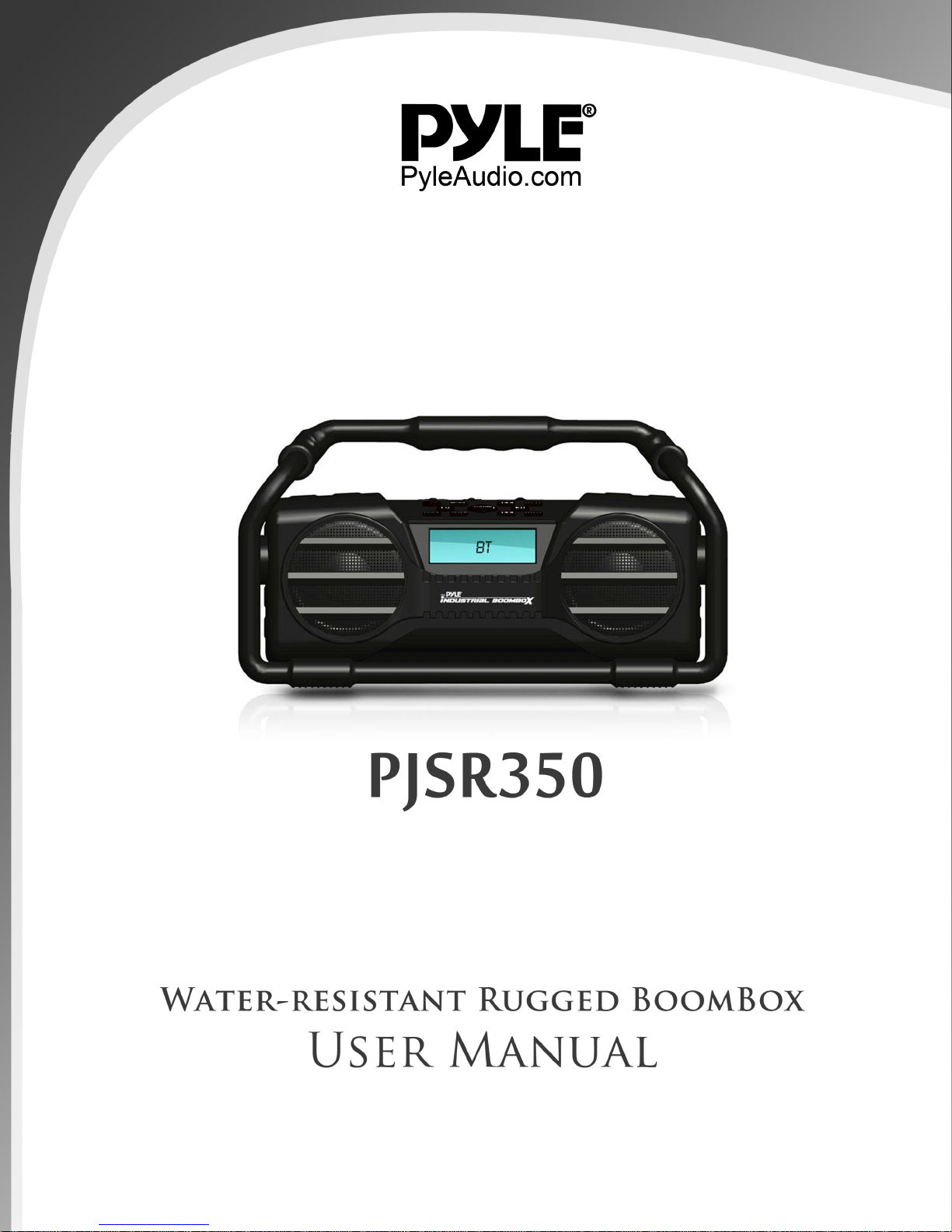
Rugged Water-Resistant Bluetooth Boombox
PJSR350
User Manual
Function Description
Bluetooth/FM/USB/SD/Auxiliary Input
Power Adapter: Input: AC: 120V~60Hz
Output: DC 9V 2.5A
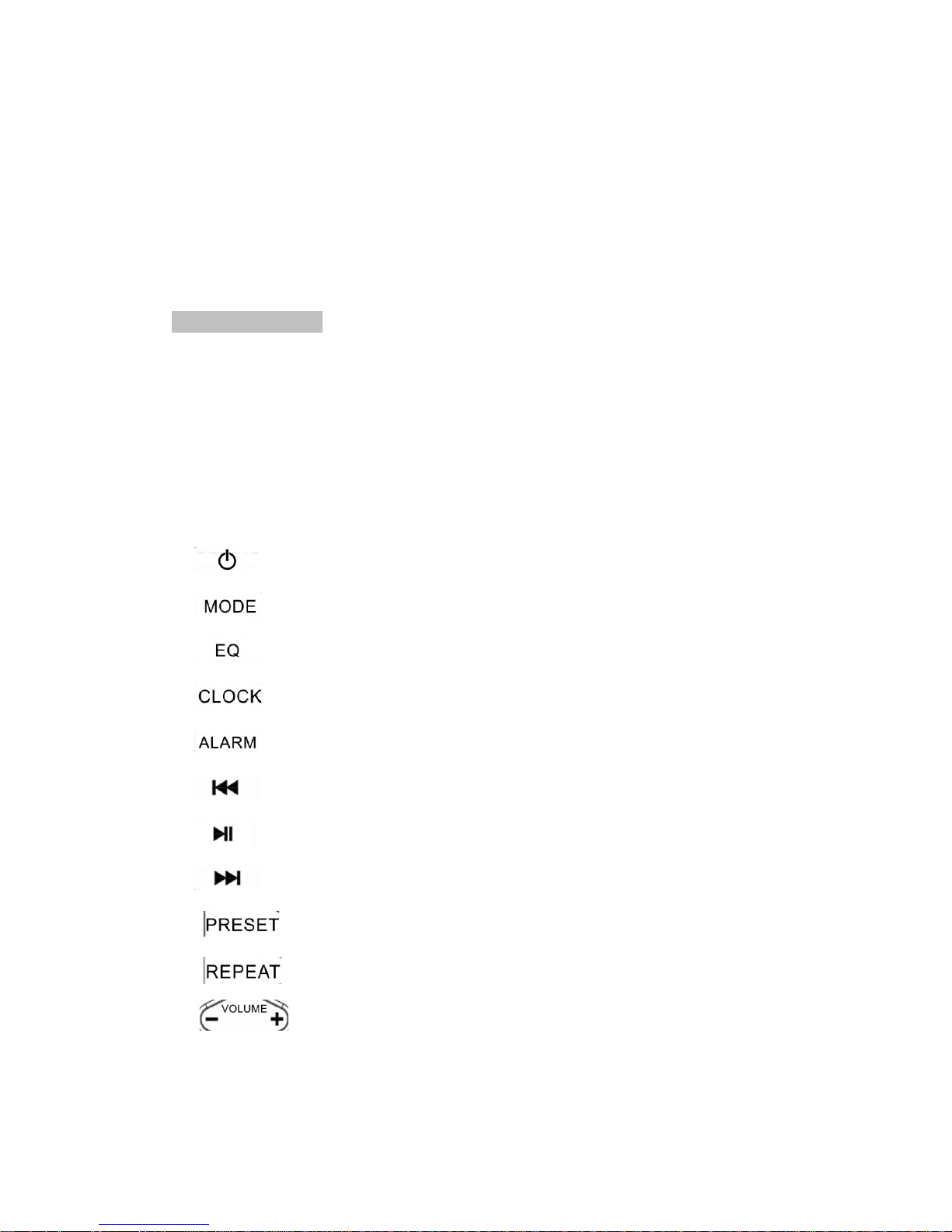
Button Instruction on Panel:
1. ---- ON/OFF/Standby
2. ---- Changes the Playback mode /Battery Charging Status
3. ---- Adjust EQ settings / MY EQ Custom settings
4. ---- Clock settings
5. ---- Alarm Settings / Alarm On-Off
6. ---- Previous Track / Reset button
7. ----Pause/Play
8. ----Next Track / Reset button
9. ---Store Button for FM stations
10. ----Repeat button (Works under USB/SD Modes)
11. --- Increase or Decrease Volume
Page 3

ON/OFF Operation Instruction
Plug the provided adapter into a power source. Plug the DC (the other end of the
cable) into the DC IN port located on the back of the machine. Press the ON button
to enter standby mode, which will provide the system time and date. Press the
button again to enter the normal, working mode. In order to turn the machine off,
press and hold the button.
Bluetooth Mode
1. Press the button to switch to Bluetooth Mode. Now, the device’s
Bluetooth will automatically proceed to search and connect with other Bluetooth
devices. If you have previously connected with this product, then it will
automatically reconnect. If the connection is successful, it will show a Pairing
success.
2. When opening the Bluetooth and connecting it to a mobile phone or other
devices with Bluetooth, search the name of 'Pyle Audio' and connect.
3. After connecting, you can play music from your mobile phone or other Bluetooth
devices through this device.
4. Press the button to pause the media; press it once more to continue
playing.Press and holdthis button in order to disconnect from the Bluetooth.
5. Press the button to play the previous song.
6. Press the button to play the next song.
7. Press and hold the button to remove the memory of Bluetooth.
FM Mode Instruction
1. Press the button to switch to FM. The LCD will display the current FM
frequency.
2. Press the button to adjust toward to the lower frequency of 0.05MHz.If
youpress and hold this button, it will automatically search a lower frequency. It will
automatically begin playing the station it has found.
3. Press the button to adjust toward to the higher frequency of 0.05MHz.If
you press and hold this button, it will automatically search a lower frequency. It
will automatically begin playing the station it has found.
4. The FM frequency range is: 87.5-108MHZ
Page 4

A) Storing Preset FM Stations
1. Press and hold the button. While using the button or button,
choose the FM Station you wish to store. After that, press the button to
confirm.
Playing Media through USB
1.Pressthe button in order to switch to USB mode.
2.Plug a MP3/WMA stored USB into the USB slot, then the machine will
automatically play music. The LCD will show the quantity of music files, playing
time, and whatever current song is playing.
3.Press the button to play the previous song
4.Press the button to play the next song.
5.Pressthe button to pause the music; if you press it again, it will continue
playing.
6.Press the button torepeat (FOL/ ONE/RAN/ ALL) the current song(s).
Mobile Phone Charger
Plug a USB Cable to the USB slot, and the other end connect with Android/Iphone4
S/Iphone 5S Mobile phone, then LCD on the phone will show charging.
(Machine should be working). Charger Output: 5V 1A.
Playing Media through SD Card
7.Press the button in order to switch to SD Card mode.
8. Plug a MP3/WMA stored SD card into the SD slot, then the machine will
automatically play music. The LCD will show the quantity of music files, playing
time, and whatever current song is playing.
9. Press the button to play the previous song
10. Press the button to play the next song.
11. Press the button to pause the music; if you press it again, it will continue
playing.
12. Press the button to repeat (FOL/ONE/RAN/ ALL) the current song(s).
The Operation of Auxiliary Input
1. Press button, then it will switch to Auxiliary Input playing mode, plug
Page 5

3.5mm audio cable into AUX IN slot on the machine, and the other end is
connecting with other audio source and playing.
Setting the Time
1. Press and hold the button to enter the time setting menu.The order of
setting is: set time/set date. Use the button for up and the button for
down. Then, use the button to confirm. You will need to confirm your
setting choice for each section (Hour, minute, day, month, etc.). After you are done
confirmingthe settings of your time/date, it will prompt you that thetime was
saved and automatically exit.
2. Press the button to check the current time while playing media.
3. When the unit is on standby, it will only display the time (cannot adjust the
time).
Setting your Alarm
To set your alarm, press and holdthe alarm button until the next screen pops up:
Alarm setup 1/Alarm setup 2. During the setup process, usethe or
button to make changes. Press the button to confirm all choices. Scroll
through the time until you have reached your desired alarm time setting; press
to confirm your choice. Cycle through the next option by using the or
and choose Once or Daily with the button. After that, you must set the
desired date of your alarm (if it is a one-time alarm). Repeat the above process of
changing and confirming settings for this step. Once this is confirmed, you must
choose the desired volume of your alarm by cycling through with the or
buttons. When you have confirmed all settings, make sure to choose “Alarm On.”
Once this is done, confirm the alarm setting with the button and you will be
prompted with Alarm Saved. When the alarm is ringing, press the button to
close/stop the alarm.
Battery Display
When you plug in the DC power, the built-in battery will charge.When charging, the
LCD display will show the charge status of battery if you press and hold the MODE
Page 6

button. After the battery has charged full, the LCD will show a full charge. In any
playback mode, press and hold the key in order to view the current status of
the battery.When using the battery (no power adapter), standby mode will show
the current capacity of the battery.
The Choice of EQ Sound
Whatever the playing mode, you can cycle through the different EQ settings
bypressing the EQ button to switch the audio style of the music you enjoy.
(normal-classic-jazz-pop-rock-bass-treble-myEQ)
The Custom Setting for My EQ
Press and hold the EQ button to enter intomyEQ Settings. You can scroll through
the choices using or and the buttons to set your personal interests
of high-low sounds. You may increase or decrease Bass and Treble output, which
can be adjusted respectively by±14Db.
After you have completed optimizing your settings, you can choose myEQ in the
option of EQ sound (the presets) and you will be able to enjoy the music style you
like.
Page 7
 Loading...