

Page 1
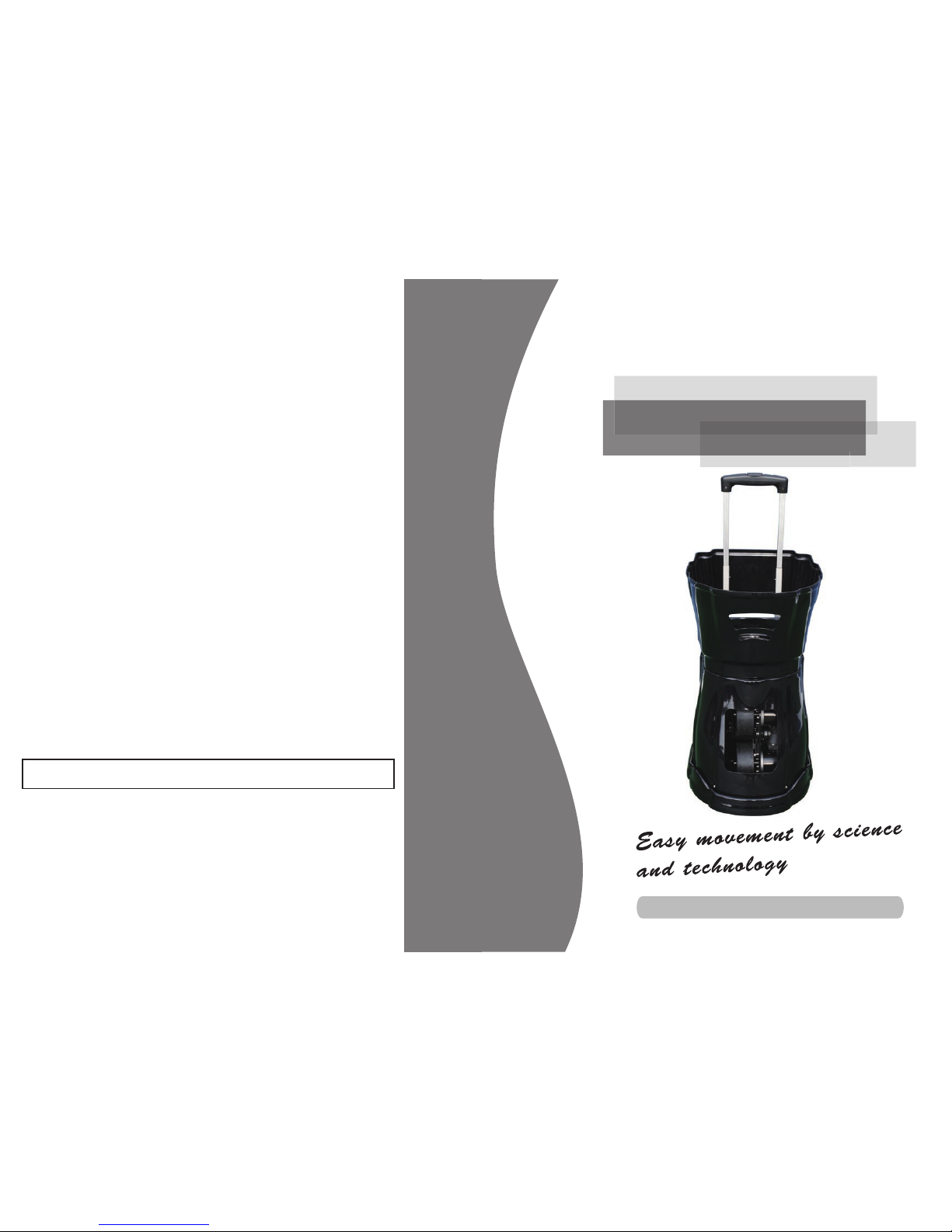
User Manual
Multifunction
tennis ball machine
Forbid minors to operate or clean the machine, to avoid damage the machine
or cause any danger.
Thanks for choosing multifunction tennis ball machine.
Please read this manual carefully before operating with the machine.
Page 2
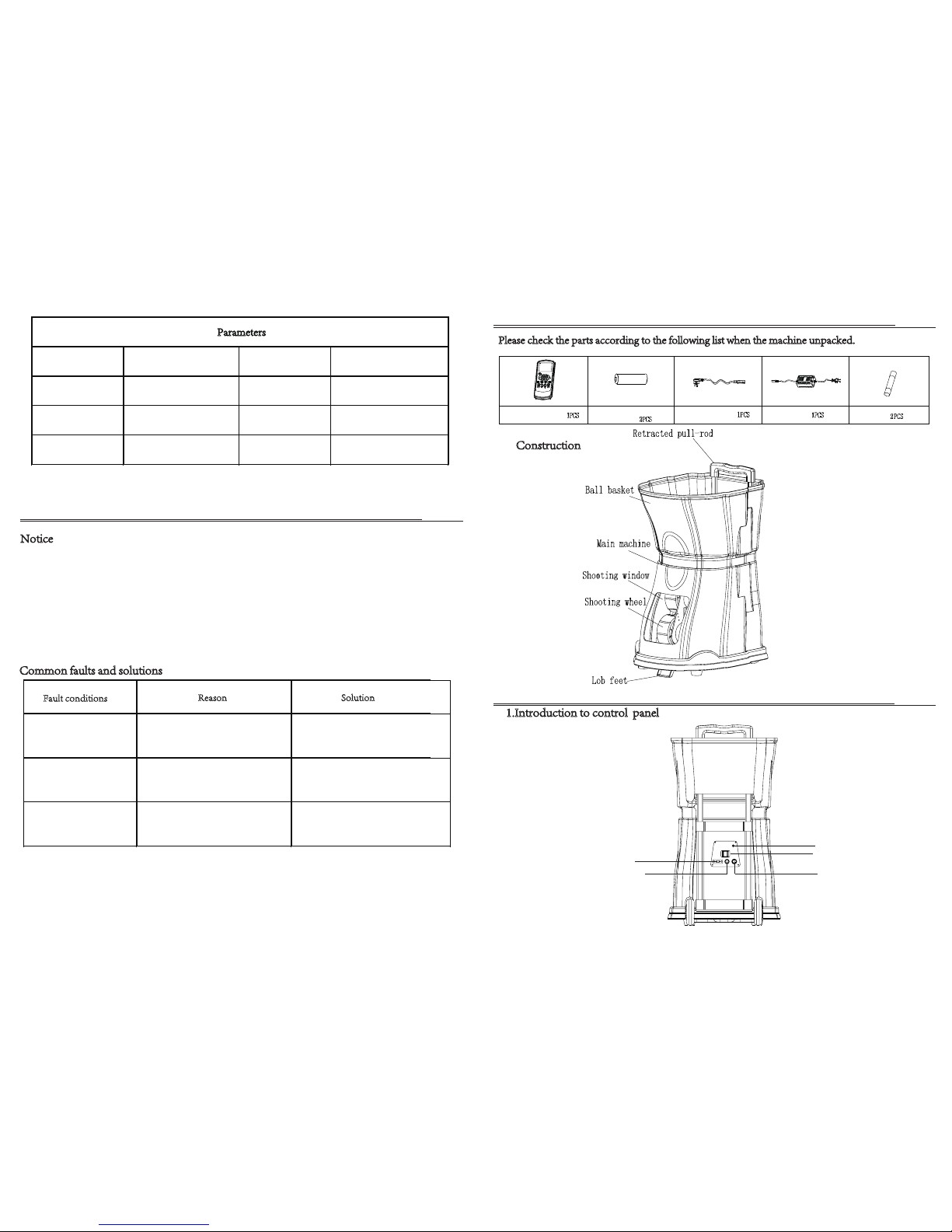
Construction
①
1.Introduction to control panel
NO2 Instructions
NO. 1 S p a re par ts lis t
Please check the parts according to the following list when the machine unpacked.
Remote control
Remote control
battery(9V)
AC power cable
Charger
Fuse
Power light
DC socket
Fuse
AC socket
Switch
④
Power 120W Speed 20-140 km/h
Color Black,white,red Frequency 2-8 sec/ball
Voltage
AC power(100V-240V),
DC power(12V)
Weight
Net weight:22KG,
Gross weight:25KG
Capacity 150 balls Package 57.5*46*54.5cm
Parameters
Common faults and solutions
Notice
NO. 4 FAQ
▲ Do not use the wet tennis ball to avoid stuck problem.
▲ Do not stand in the front of the shooting window when working.
▲ If there are ball into the machine carelessly , please turn off the power immediately and take out the ball.
Otherwise will cause malfunction (such as stuck ball) or even damage the machine.
▲ Power off when cleaning up interior of the machine, do not allow the minors operate the machine, avoid to
cause any danger.
▲ Regular clean the tennis fur inside of the machine..
▲ To prolong the battery life,please keep the battery working at least once in three months.
Fault conditions
Reason Solution
No power
①Wrong switch or cable
②Fuse burn
No serving
①No power on the machine
or battery
②Ball stuck
Outside the court
②Speed is too fast
①Machine put on the wrong place
③Different type of tennis ball
②Change fuse
①Choose correct switch and cable
①Connect the power of the
machine and remote control
②Take out all the balls inside
of the machine
②Slow down the speed
③Choose the same standard tennis balls
①Put the machine in the middle point
of the base line
Page 3
②
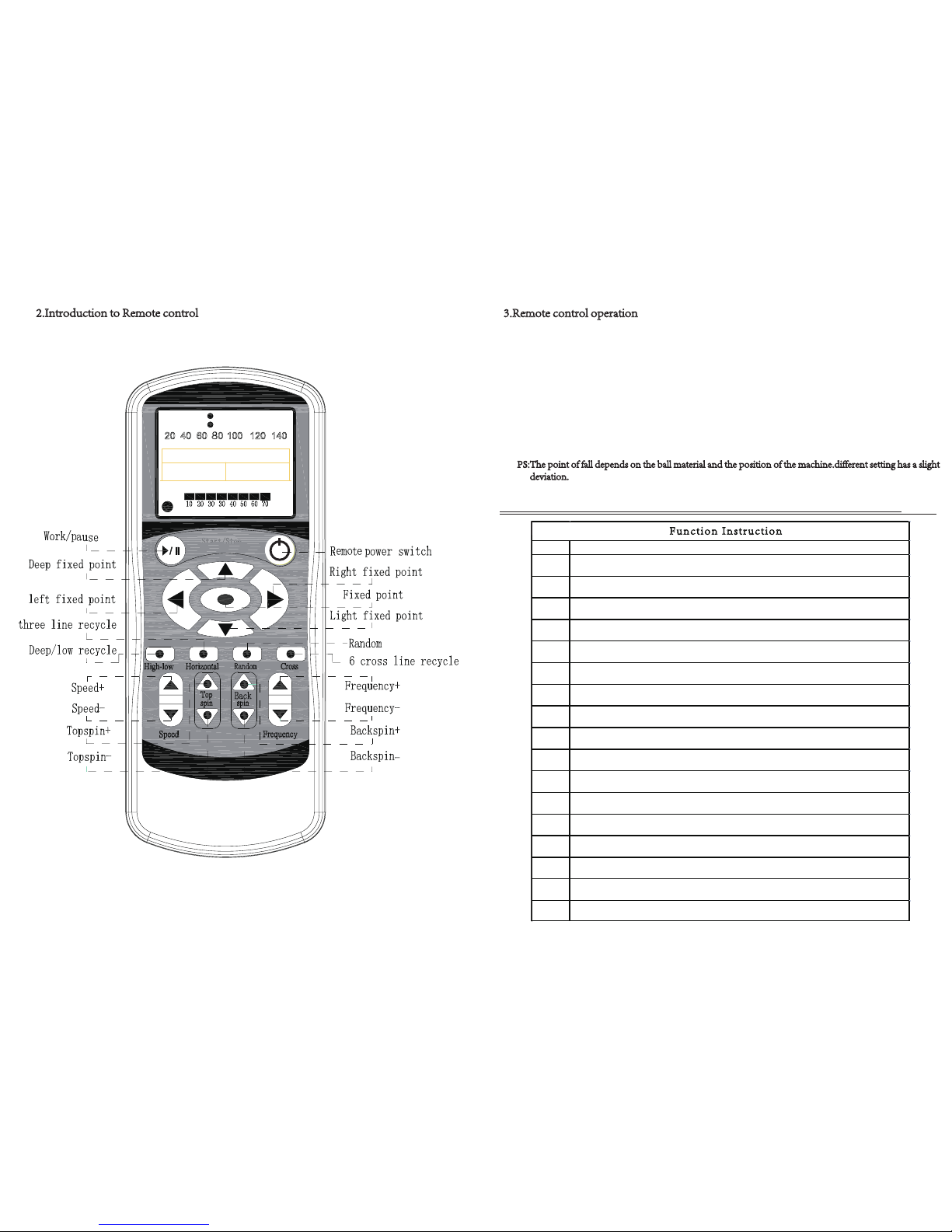
2.Introduction to Remote control
③
①Fixed point: Press fixed point button,you can adjust the direction up,down,left and right
②High-low: Press the high-low button, the machine start to shoot deep and light ball circulation
There are three modes:left,middle,right. Press fixed point button to stop
③Horizontal: Press horizontal button , the machine start to shoot forehand and backhand three line
or two line circulation. There are two modes:light ,deep. Press fixed point button to stop
④Random:Press random button,the machine start to serve the random balls
Press fixed point button to stop
⑤Cross:lightball,middle lightball&right deepball,left lightball&middle deepball,left deepball&right
lightball. Press fixed point button to stop.(Please check the drop point on the screen of remote
control)
3.Remote control operation
N
O. 3 Functio n Parameters
NO. Description
1
Smart remote control with multi-function
2
High performance of photoelectric sensors makes the machine runs more stably
3
H
umanized design, internal serve direction, more practical training
4
The remote control is clear and easy to operate with LCD screen
5
The battery with large capacity can last 3-5 hours which allows you to
have fun when playing
6 Remote control with two line function(wide,middle,narrow),three line functions
7
One button to choose six kinds of cross-line ball
8
Capacity:150pcs balls
9 Random function
10 6 kinds of top and back spin adjustment
11
Internal battery makes the machine more convenient
12 Double S ball dividing system makes the ball shooting more smoothly
13 Suitable for any tennis balls(training balls,professional balls)
14
shooting wheels and the main motor with high quality
materials are durable,motor service life can be up to 10 years
15
Portable telescopic rod,easy to move
16 Standard accessories :remote control,charger,and cable
17 Luxurious design easy to carry,can be placed in the trunk of any cars after folding
Fun ct io n In st ru ctio n
PS:The point of fall depends on the ball material and the posit
ion of the machine.different setting has a slight
deviation.
Page 4
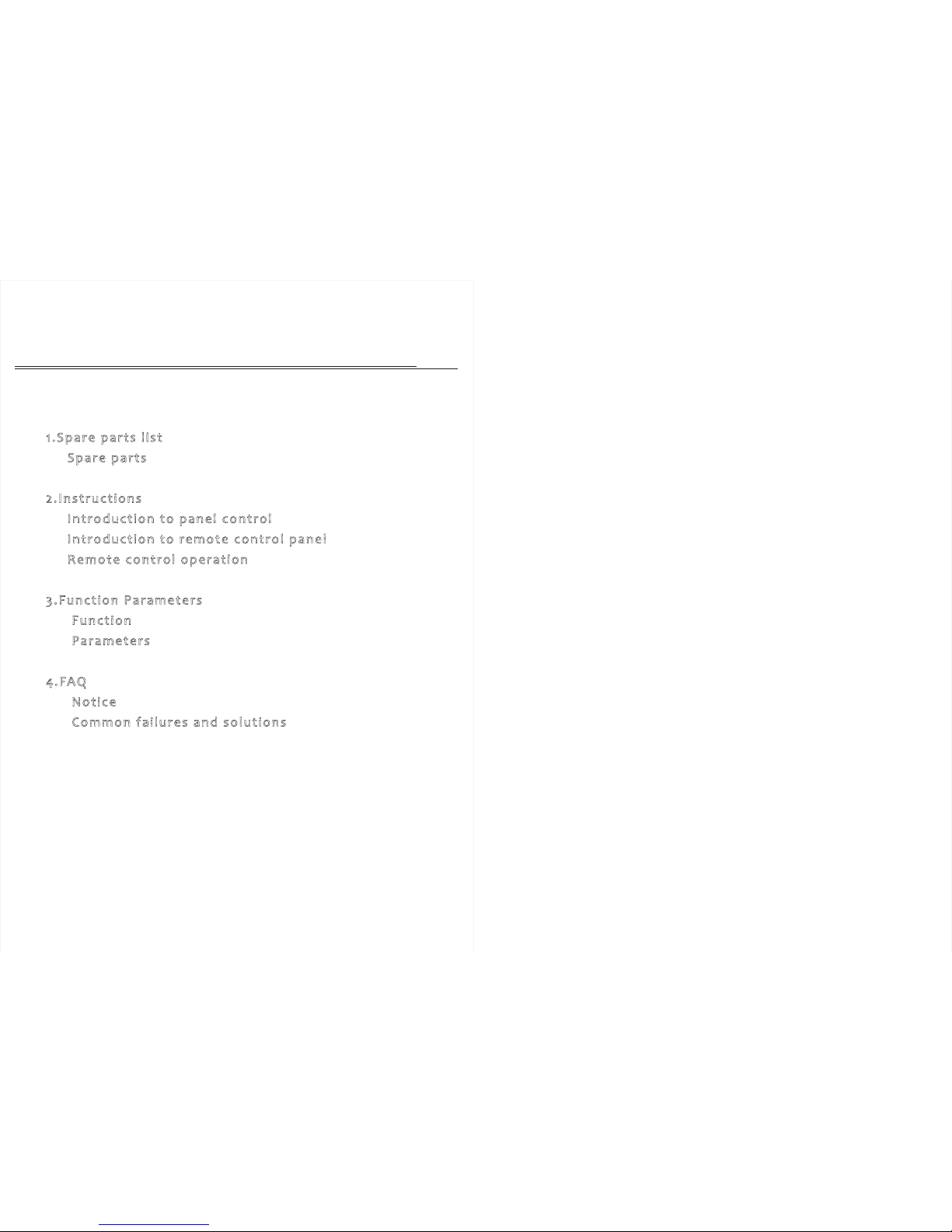
Catalogue
1.Spare parts l ist
Spare parts ························································ ①
2.Instruction s
Intro duction to pane l control ·······························①
Introd uction to remote control pane l ··················· ②
Remote control operation ············· ······················ ③
3.Function Parame te rs
Function ···························································· ③
Paramet ers ························································ ④
4.FA Q
Notice ······························································· ④
Common failu res and sol ution s ····························④
 Loading...