

Page 1
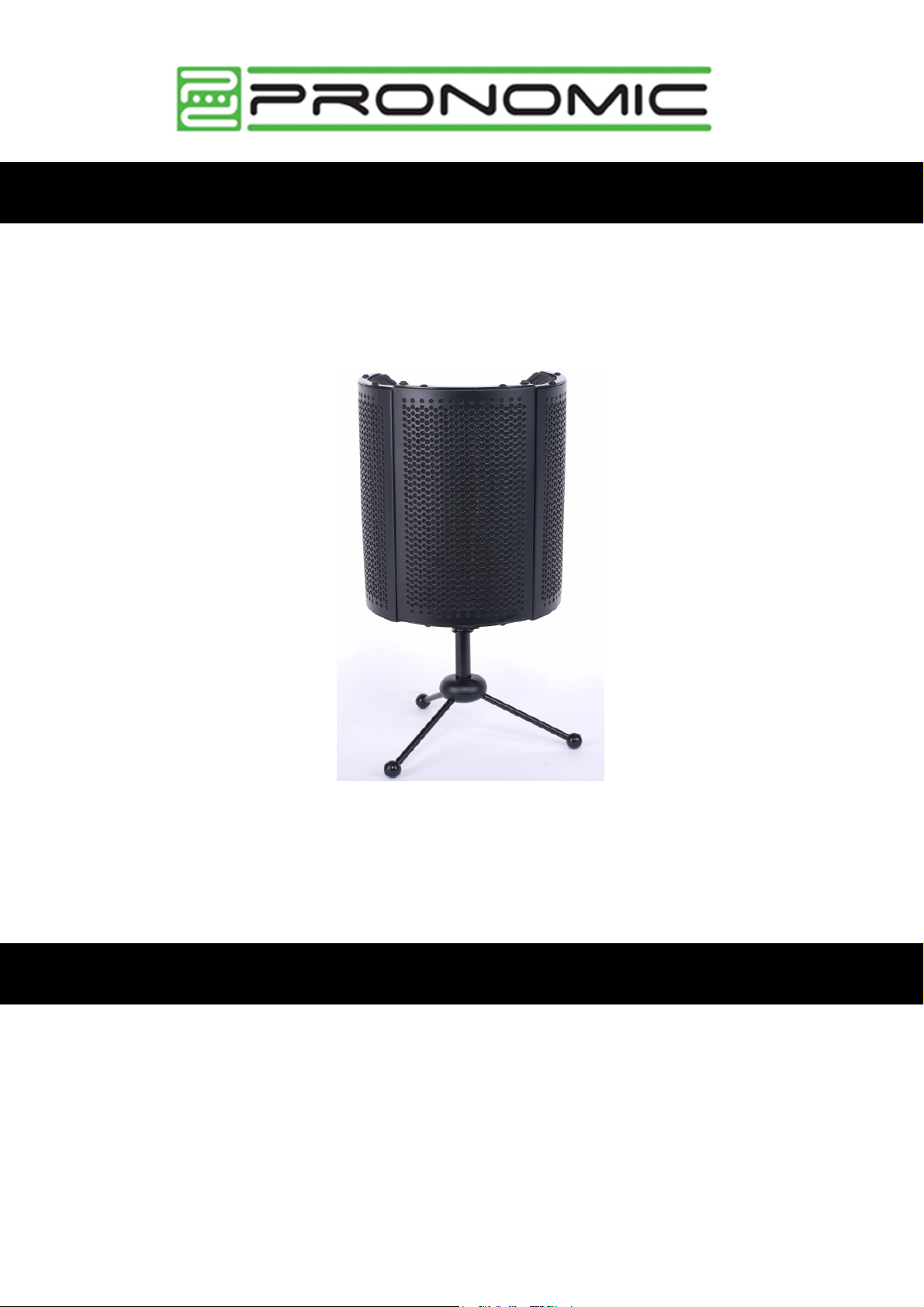
Pronomic MP-40 Micscreen-Tischstativ
Artikelnummer: 00096241
Bedienungsanleitung
Version: 06.2023
Vielen Dank, dass Sie sich für diesen Mic-Screen mit Tischstativ entschieden haben.
Um sicherzustellen, dass Sie mit dem Produkt voll und ganz zufrieden sind, lesen Sie bitte sorgfältig
diese Aufbauanleitung, bevor Sie unser Produkt verwenden. Bewahren Sie diese Anleitung an einem
sicheren Ort auf. Die Anleitung muss an alle nachfolgenden Anwender weitergegeben werden.
Page 2
Detaillierte Sicherheitshinweise zum Aufbau und zur Nutzung
Lassen Sie bitte beim Aufbau und Nutzen des Stativs Vorsicht walten. Es verfügt über diverse
Klappmechanismen und Scharniere und kann Verletzungen verursachen, wenn es
unsachgemäss auf-/abgebaut wird.
Bitte beachten Sie, dass das Stativ auch umstürzen kann, wenn man es anrempelt oder
unsachgemäß aufstellt. Empfindliche Mikrophone können dann Schaden nehmen.
Lassen Sie Kinder nicht unbeaufsichtigt. Das Produkt ist kein Spielzeug
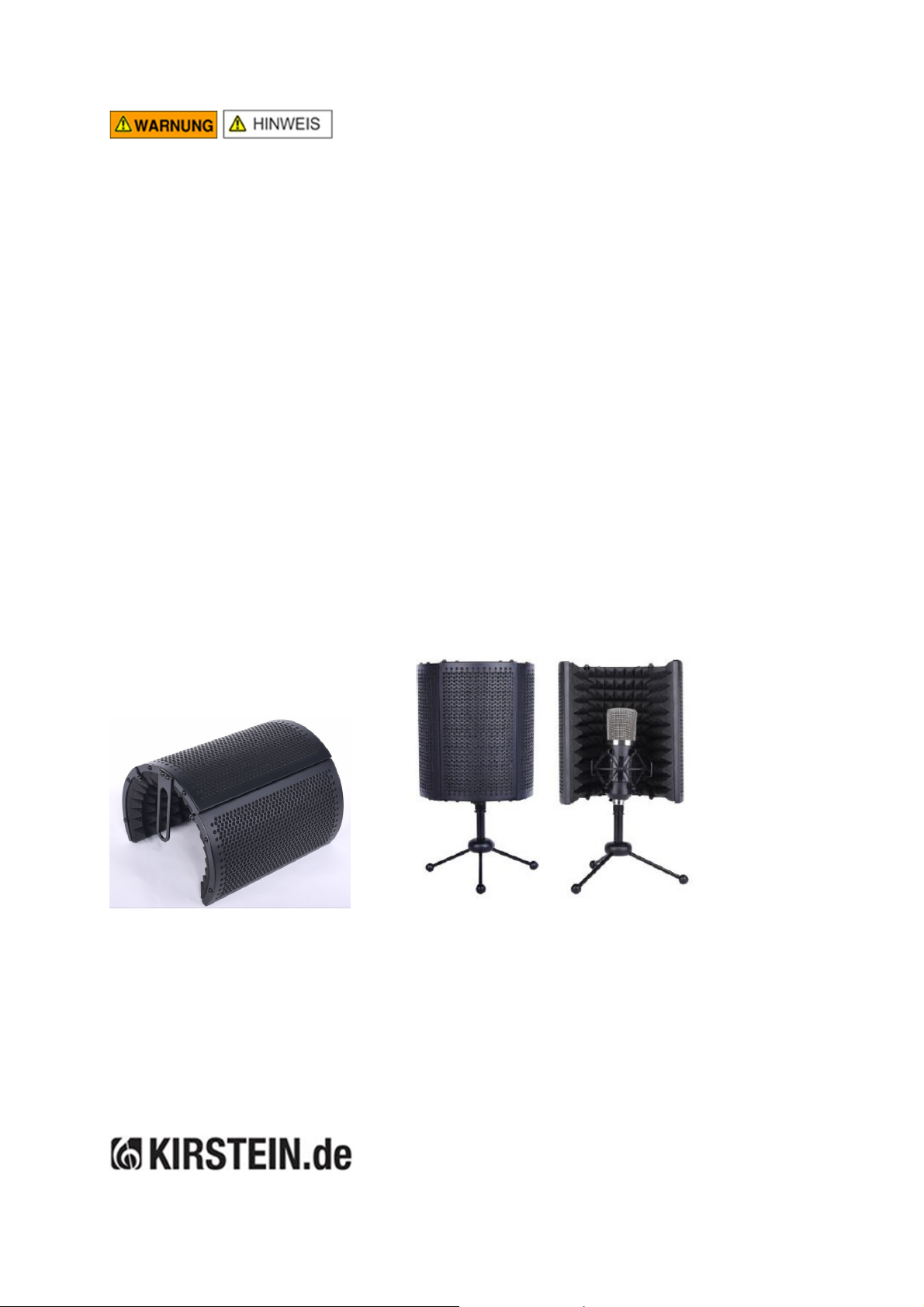
Am oberen Ende des Dreibeinstativs ist das Fixierungsgewinde angebracht. Um den Schirm
auf das Stativ zu schrauben, muss dieses Gewinde zunächst abgeschraubt werde, Führen
Sie nun das Stativ von unten in die elliptische Haltevorrichtung am unteren Ende des Schirms
und schrauben das obere Gewindeteil wieder fest.
Für den Fall, dass Sie den Schirm ohne Tischstativ auf einen separaten handelsüblichen
Microfonständer schrauben möchten, haben wir dem Lieferumfang ein entsprechendes
Reduziergewinde (5/8 auf 3/8 Zoll) zugefügt.
Prüfen Sie vor Nutzung des Ständers unbedingt dessen Stabilität und Halt. Nutzen Sie die
Spannweite der Dreibein-Streben vollständig aus, um maximale Standsicherheit zu erreichen.
Richten Sie die Standbeine je nach Schwerpunkt optimalerweise so aus, dass ein Kippen und
Umfallen des Ständers mit justiertem Mikrophon verhindert werden.
Bestandteile und Aufbau des Mehrzweckständers
*Micro und Spinne sind nicht im Lieferumfang enthalten
Reinigung und Pflege
Reinigen Sie die Elemente bei Bedarf mit einem trockenen Tuch und lagern Sie das Produkt trocken
und staubfrei. Hin und wieder ein kleiner Tropfen Öl auf Gewinde und Scharniere erhält und erleichtert
die Klappfunktionen.
Alle technischen Daten und Erscheinungsbilder können ohne vorherige Ankündigung geändert werden. Alle Angaben waren zum Zeitpunkt der
Drucklegung korrekt. Die Musikhaus Kirstein GmbH übernimmt keine Gewähr für die Richtigkeit oder Vollständigkeit der in diesem Handbuch enthaltenen
Beschreibungen, Fotos oder Aussagen. Gedruckte Farben und Spezifikationen können geringfügig vom Produkt abweichen. Produkte der Musikhaus
Kirstein GmbH werden nur über
befugt, die Musikhaus Kirstein GmbH in irgendeiner Weise rechtlich zu binden.
autorisierte Händler vertrieben. Distributoren und Händler sind keine Vertreter der Musikhaus Kirstein GmbH und nicht
Musikhaus Kirstein GmbH - Bernbeurener Str. 11 - 86956 Schongau - Germany
Page 3
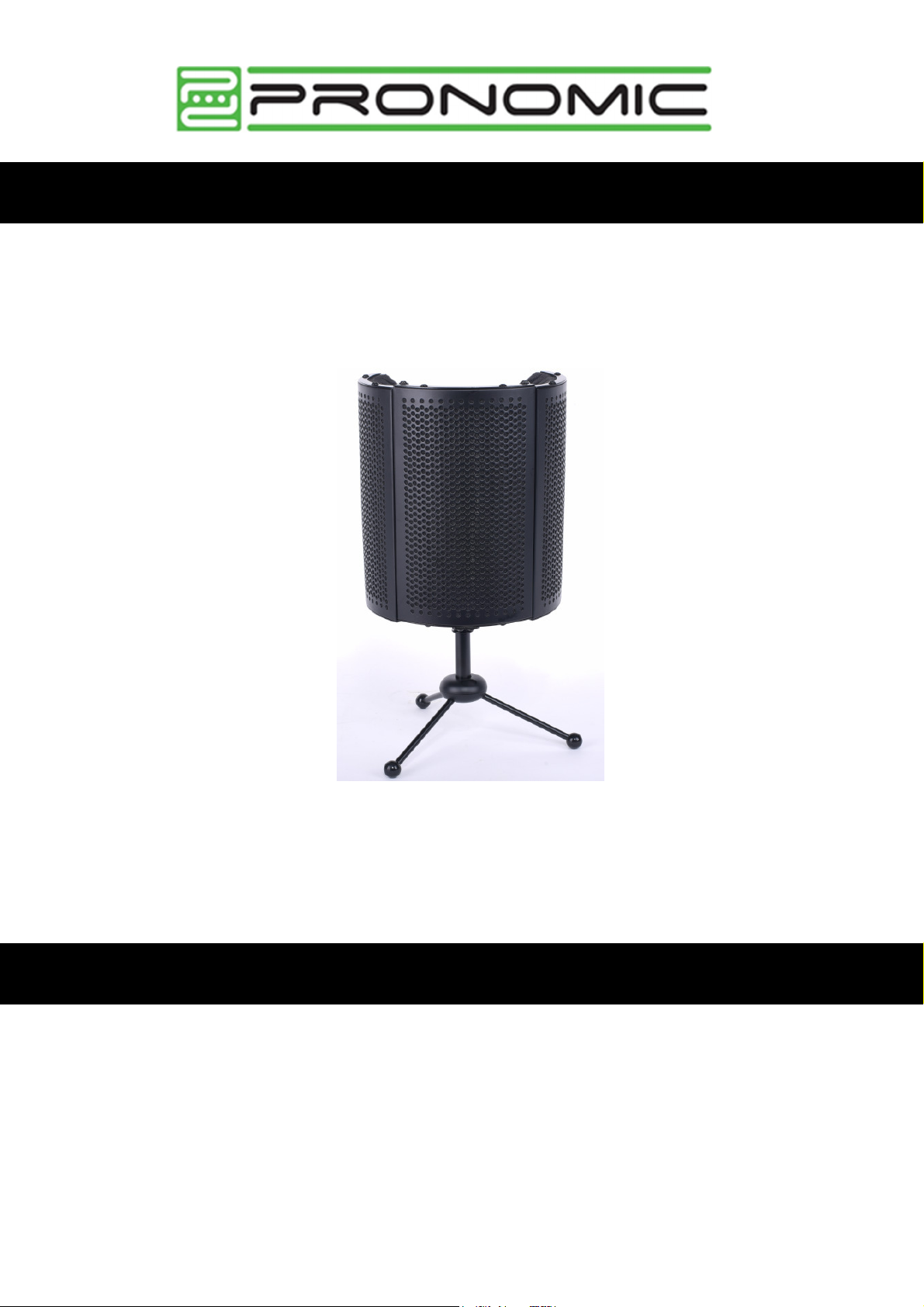
Pronomic MP-40 Micscreen Table Stand
Item number: 00096241
Operating instructions
Version: 06.2023
Thank you for purchasing this Mic Screen with Table Stand.
To ensure that you are fully satisfied with
the product, please read these assembly instructions carefully before using our product. Keep these
instructions in a safe place. The instructions must be passed on to all subsequent users.
Page 4
Detailed safety instructions for assembly and use
Please take care when setting up and using the product. It has various folding mechanisms
and hinges and can cause injuries if it is assembled/disassembled improperly.
Please note that the tripod can also fall over if it is jostled or set up improperly. Sensitive
microphones can then be damaged.
Do not leave children unattended. The product is not a toy.
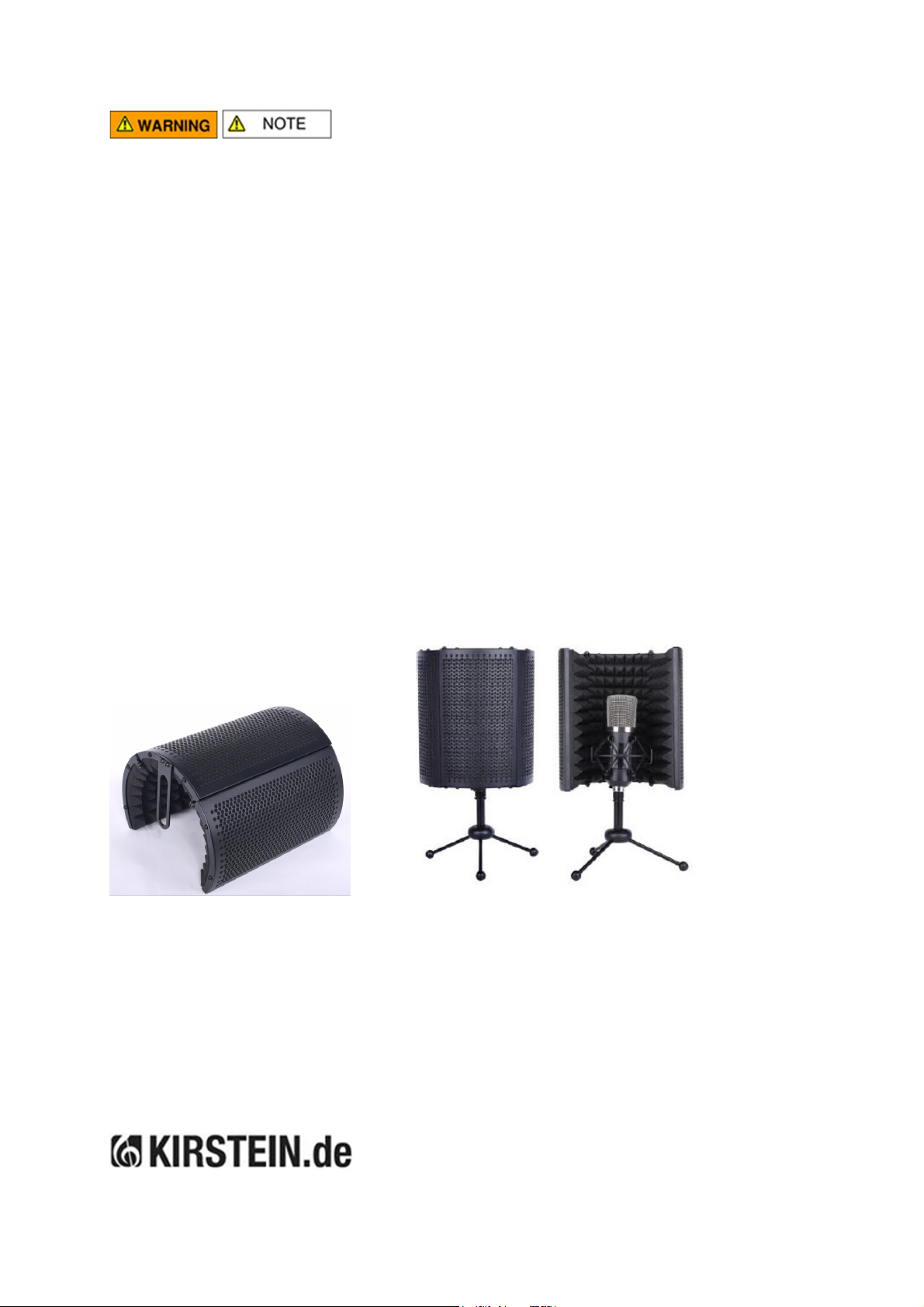
The fixing thread is attached to the upper end of the tripod. In order to screw the screen onto
the tripod, this thread must first be unscrewed. Now guide the tripod from below into the
elliptical holding device at the lower end of the screen and screw the upper threaded part back
on.
In case you want to screw the screen onto a separate standard floor microphone stand
without a table stand, we have added a corresponding reduction thread (5/8 to 3/8 inch) to the
scope of delivery.
Before using the stand, be sure to check its stability and support. Make full use of the span of
the tripod struts to achieve maximum stability. Depending on the centre of gravity, optimally
align the legs to prevent the stand from tipping and falling over with the microphone adjusted.
Components and construction of the multi-purpose stand
*Micro and spider are not included in the scope of delivery
Cleaning and care
Clean the elements with a dry cloth if necessary and store the product in a dry and dust-free place. A
small drop of oil on the thread and hinges every now and then maintains and facilitates the folding
functions.
All technical data and appearances are subject to change without notice. All information was correct at the time of going to press. Musikhaus Kirstein
GmbH does not guarantee the accuracy or completeness of the descriptions, photographs or statements contained in this manual. Printed colours and
specifications may differ slightly from the product. Musikhaus Kirstein GmbH products are only sold through authorised distributors. Distributors and
dealers are not representatives of Musikhaus Kirstein GmbH and are not authorised to legally bind Musikhaus Kirstein GmbH in any way.
Musikhaus Kirstein GmbH - Bernbeurener Str. 11 - 86956 Schongau - Germany
 Loading...