

Page 1
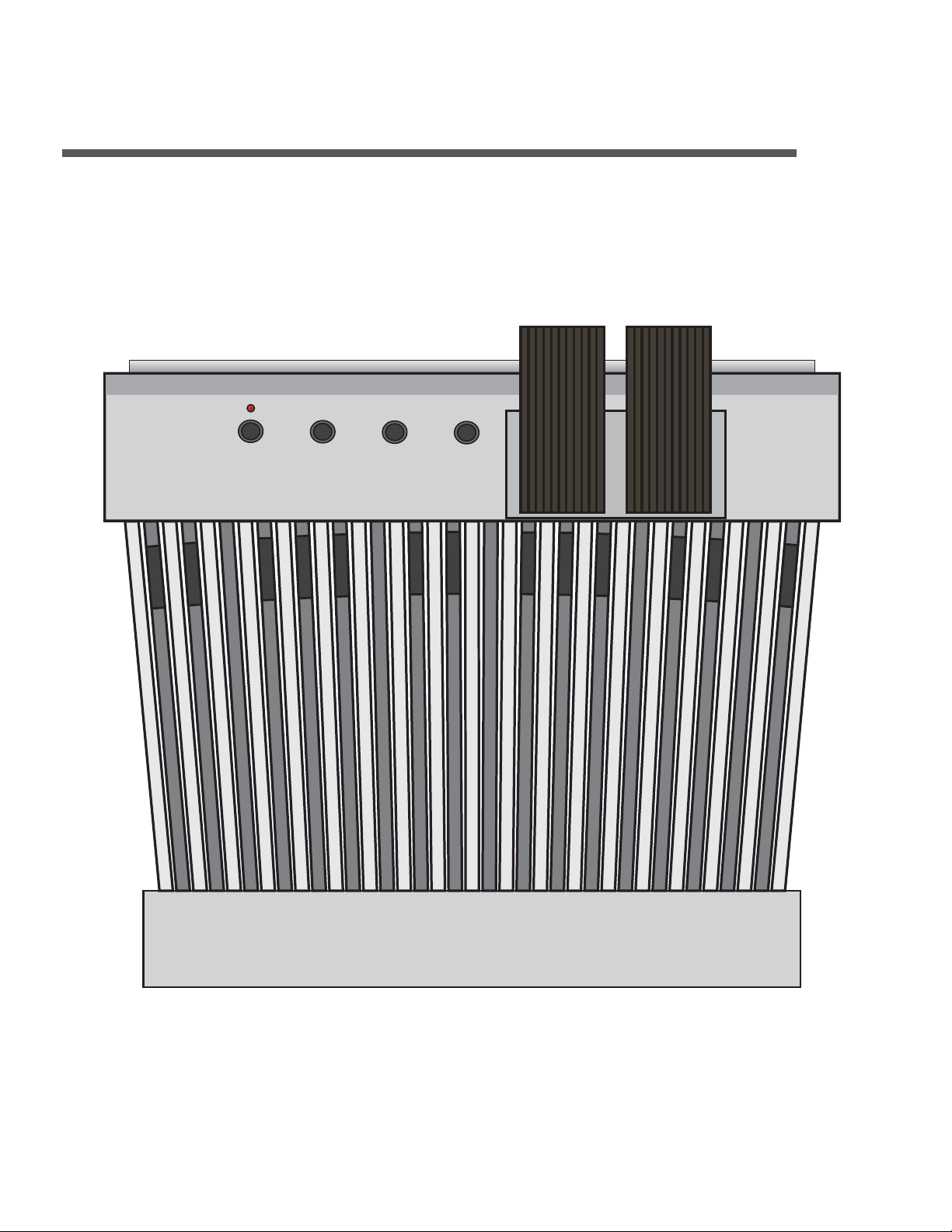
XP32-PRO Bass Pedals
32-Note ‘Princess Style’ MIDI Foot Controller
with Dual Expression
User Manual
Page 2
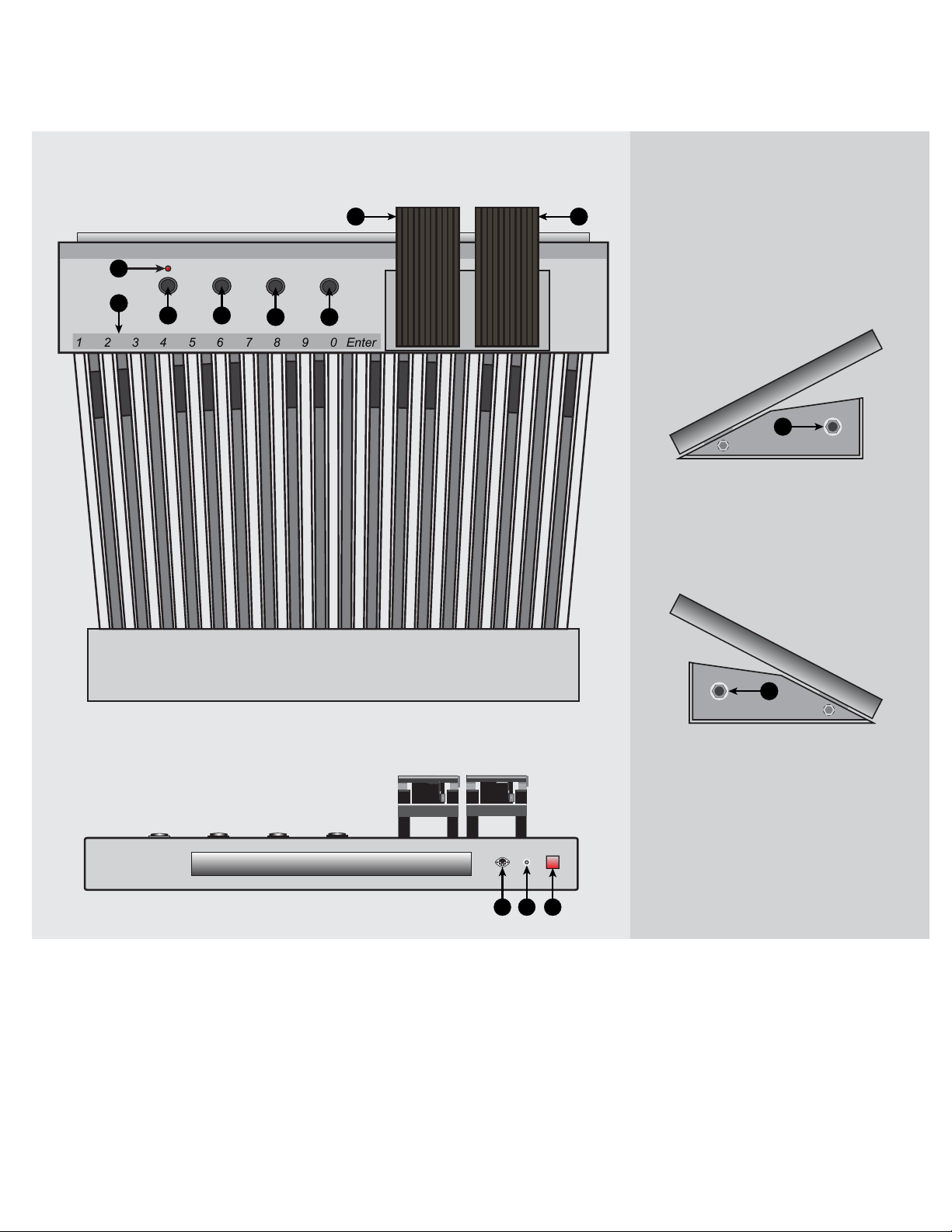
XP32-PRO: Layout & Features
Foot Pedals: Top View
1110
6
5
1 2 3 4 5 6 7 8 9 0 Enter
1
2
3 4
Right Expression Pedal:
Right View
13
Left Expression Pedal:
Left View
12
Foot Pedals: Rear View
(1) Octave Down Button
(2) Octave Up Button
(3) Channel Select Button
(4) Program Select Button
(5) Data Entry Keys
(6) LED Indicator
(7) MIDI Out Port
7 8 9
I
O
(8) AC Adaptor Input
(9) Power Switch
(10) Left Expression Pedal
(11) Right Expression Pedal
(12) Left Expression Output
(13) Right Expression Output
Page 3

Using the XP32-PRO Bass Pedals
Playing the Pedals:
To play the pedals, first connect the pedals to your sound module or synth using the
MIDI out port (7). Then connect the AC adaptor to the AC adaptor input (8) and flip the
power switch on (9).
Shifting the octave:
To shift the octave up, press the octave up button (2) once. To shift the octave down,
press the octave down button (1) once. To reset to the default range, press the octave
up (2) and octave down (1) buttons simultaneously
Changing the MIDI channel:
To change the MIDI channel, press the Channel Select (3) button. While the LED is
blinking, use the data entry keys to enter the MIDI channel* followed by the Enter key.
Sending Program Change Messages:
To send a program change message, press the Program Select Button (4). While the
LED is blinking, use the data entry keys to enter the program number* followed by the
Enter key.
Changing the MIDI Velocity:
The XP32-PRO pedals are non-velocity sensing and transmit a default midi velocity of
64 for any note press. This value can be changed by first pressing the channel select
(3) and program select (4) buttons simultaneously. Then enter the new velocity using
the data entry keys followed by the enter key.
Sending Bank Selections
To send a bank select message, first press the channel select (3) and program select
(4) buttons simultaneously. Then press the Octave Down (1) button. Then enter the
bank value followed by the enter key
*The current channel and program may also be changed by an increment of plus or
minus one by pressing the octave up or octave down keys, respectively.
Page 4

Using the Expression Pedals
The XP32-PRO is equipped with dual expression units for added dynamic control.
Each expression pedal also contains a side switch that could be used to trigger various effects such as rotary speed, chorus on/off, etc. To use the expression pedals
(10,11), simply connect any 1/4” STEREO cable into the expression pedal output,
(12,13) into any expression or swell input on your synthesizer or keyboard.
Using the Compatibility Switch (internal)
The XP32-PRO volume pedals are each equipped with a compatibility switch in order
to make it work with synthesizers and keyboards from different manufacturers. The
compatibility switches are located under the expression units and each have 2 positions, “reverse”, and “standard”. Please see the following list of keyboard
manufacturer’s to determine which position the switch should be in
Use STANDARD position: Yamaha, Kawai, and Korg
Use REVERSE position: Roland, Nord, CME, Kurzweil, Novation, and M-audio
 Loading...