

Page 1
Page 2

Introduction
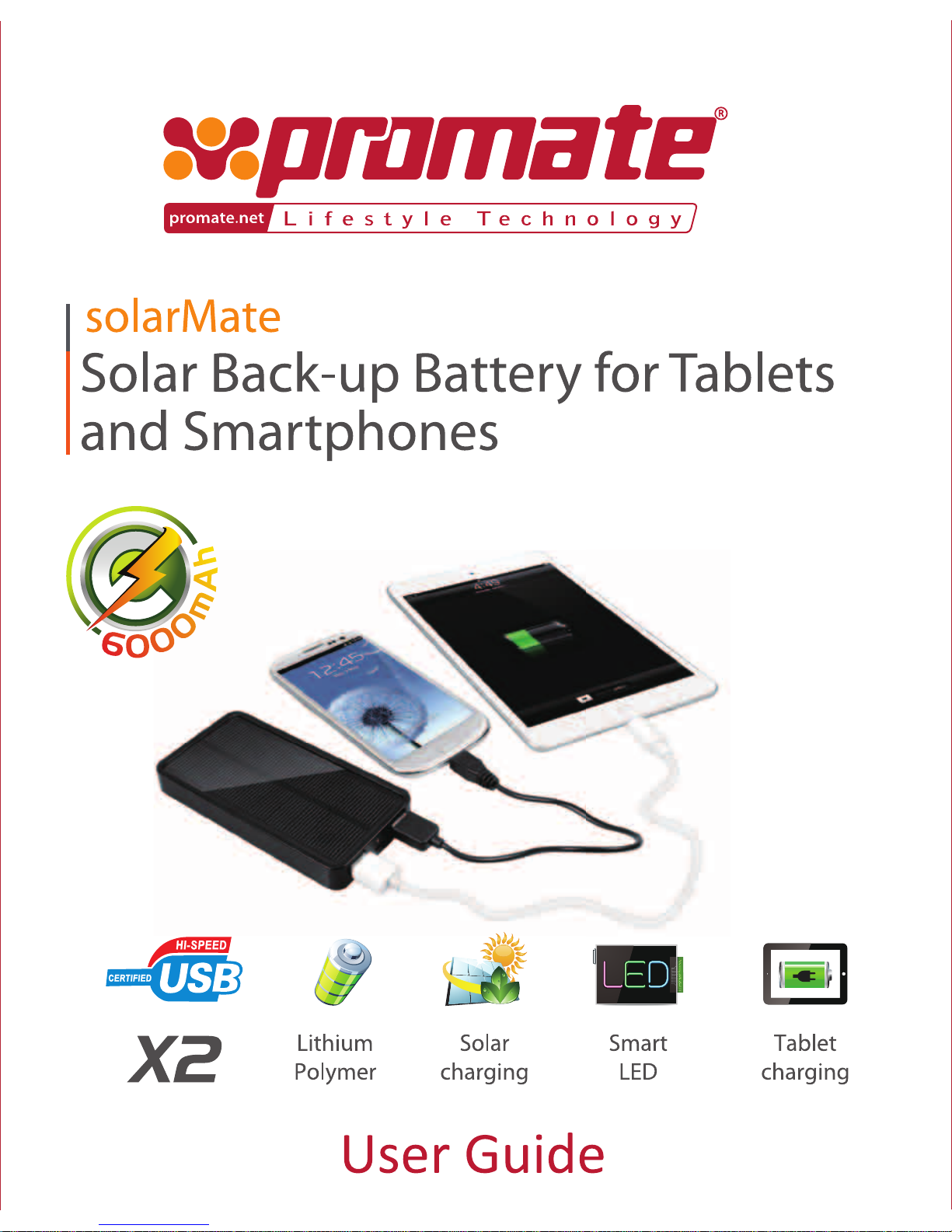
Thank you for purchasing Promate solarMate which is a sleek, portable
back-up battery that can be used on-the-go. Its innovative and versatile
design allows you to charge both smartphones and tablets
simultaneously utilizing the dual USB charging ports. With front solar
panel and USB charging options, it gives you the freedom to re-charge
wherever you are. Providing power at your fingertips, solarMate is the
perfect green charging solution for all your on-the-go charging needs.
Features
• Portable power bank with dual charging option - Solar powered or via
Standard USB
• Compatible with most smartphones and tablet devices
• In-built short circuit and over-charging protection
• Smart LED charging and discharging status indicator
• Functional solar charging status indicator
• Automatic device charging detection
• Micro-USB charging cable included
• Rechargeable for over 500 cycles
• Made from ABS plastic material with crystal silicon solar panel
Packaging Contents
• solarMate
• Micro-USB cable
• User Guide
• Warranty card
Page 3
Appearance and Interface Description
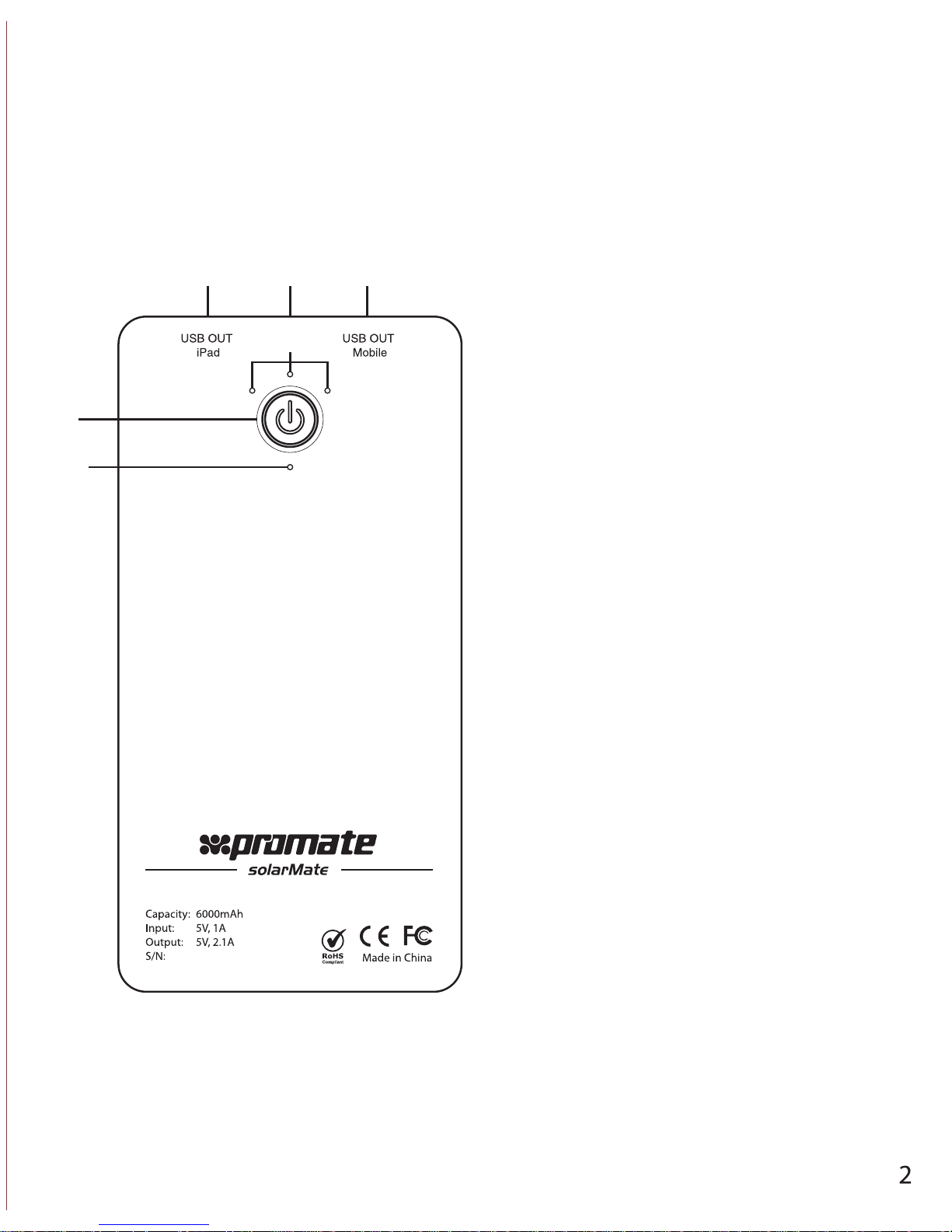
1.Power button On/Off
2.Power indicator/ Battery
Capacity Indicator
3.Red LED will turn on if enough power is
received from solar panel.
4.USB output for charging iPad
5.USB output to charge mobile devices
6.Micro USB charge In
1
3
2
4 6 5
Page 4

Technical Specification:
Battery: Lithium Polymer
Capacity: 6000mAh
Rated Input: 5V, 1A
Rated Output: 5V, 2.1A
Solar Panel: Mono crystal silicon panel, 0.7W 140mA
Charging time: via Sunlight is 20-23 hours
via USB is 5-6 hours
Storage Temperature: -20 ~ 70°C
Made form ABS Plastic with Mono crystal silicon panel
Instructional Usage
Charging the solarMate
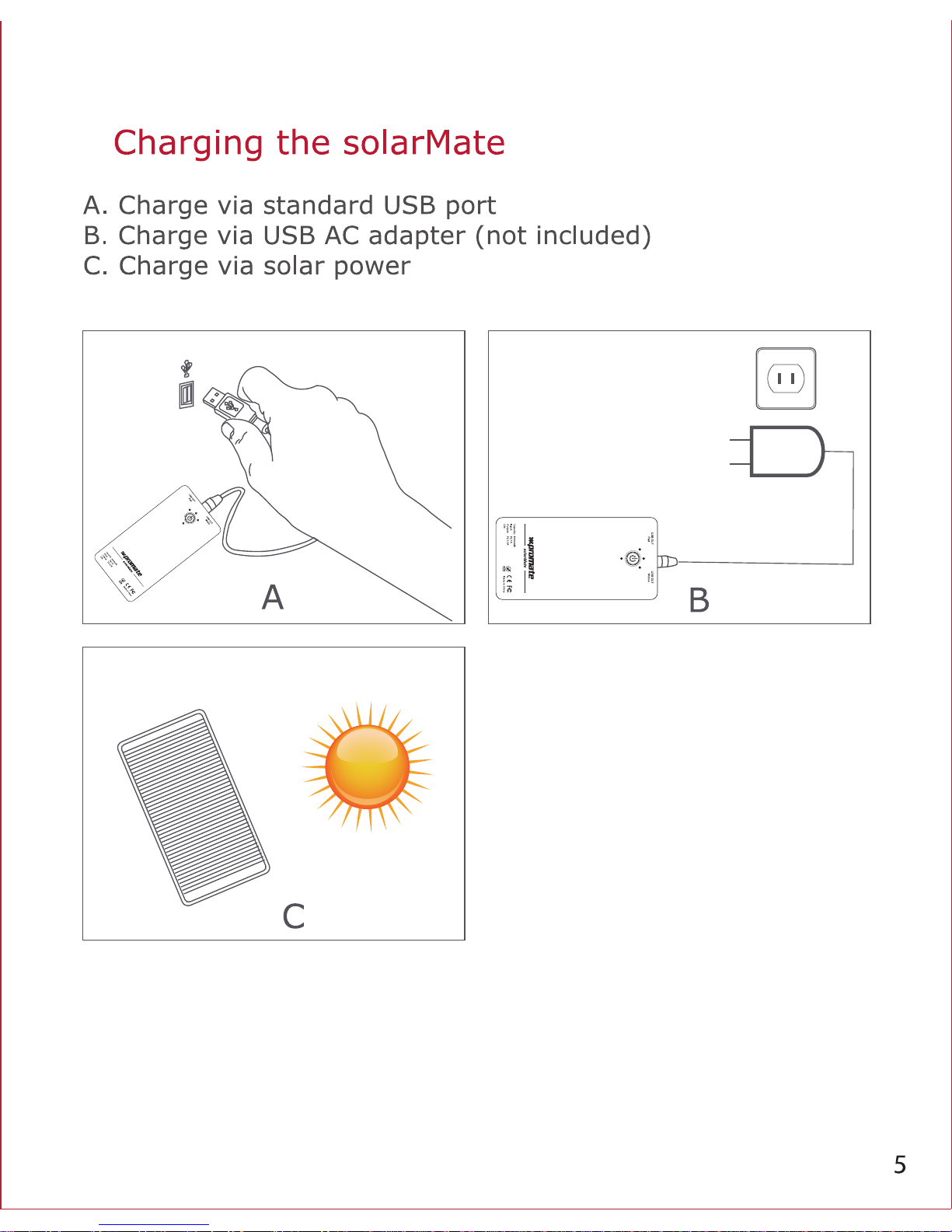
solarMate can be charged from three different interfaces:
• Charge via standard USB port
• Charge via USB AC adapter (not included)
• Charge via solar power
Before first use, please check the charging cable is original and the
solarMate is turned off or not before charging. Plug Micro- USB
charging cable into the charging port of solarMate; plug other side of
the cable into the USB charging port to the output source. Charging will
start and the blue charging indicators will go on.
Page 5
Power Indicator
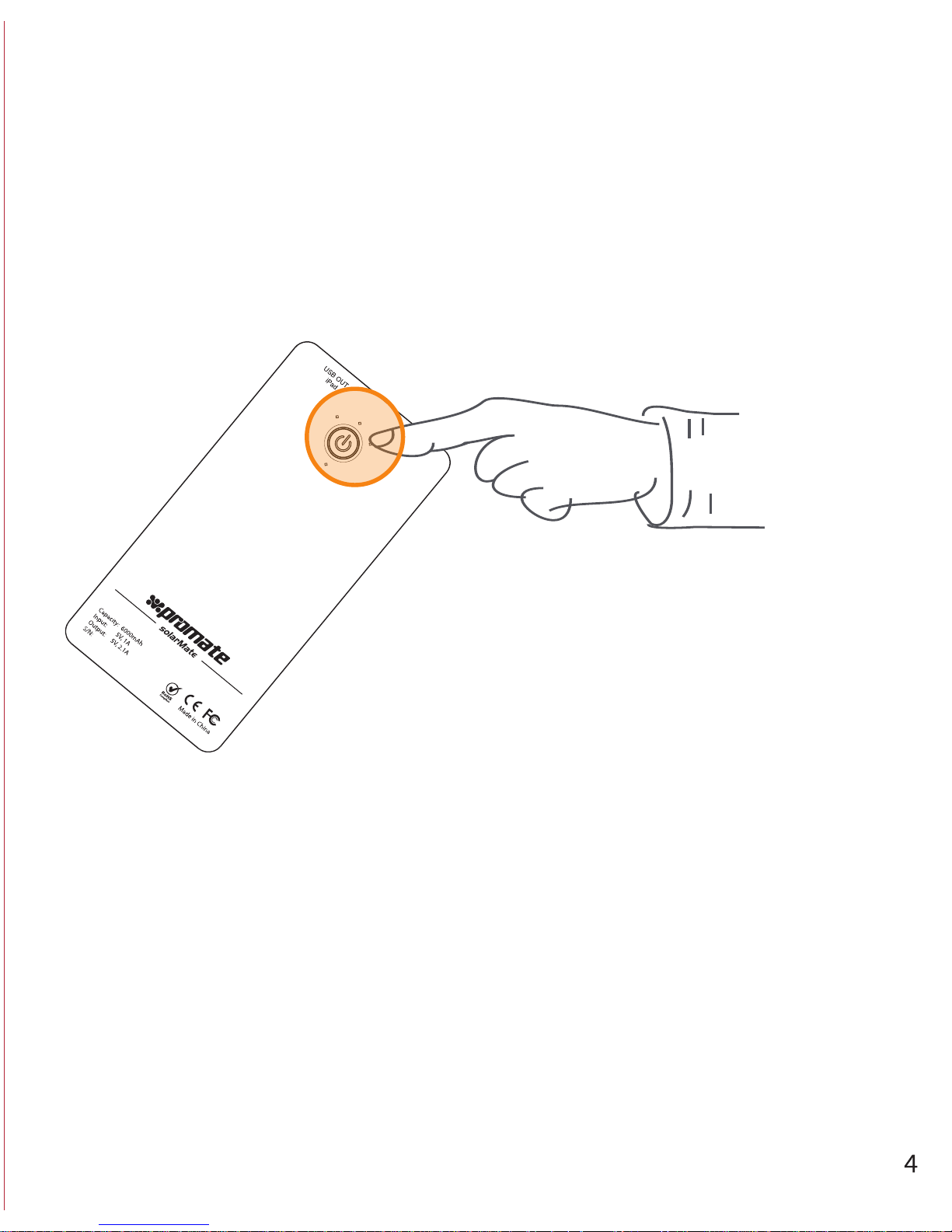
To check the remaining remaining power percentage, press shortly the
bower button. Each light will light up in blue to show the showing the
capacity:
• One light means about 33% capacity remaining
• Two lights means about 66% capacity remaining
• Three lights means about 99% capacity remaining
• Press power button to display remaining power percentage
Page 6
Page 7
Page 8

Precautions
Please read this User Guide carefully before using the product. The
contents herein may be changed to deliver the better services to the
end-user. To keep the perfect performances of the product, never use it
in cold, hot, dusty or moistened areas or places, especially in the
following conditions:
1. Moist or underwater conditions.
2. Conditions near the heater or high-temperature service.
3. Conditions with direct sunshine.
4. Conditions with apt falling.
5. Never dismantle the product without due permission, otherwise it
may nullify the warranty clauses.
Trouble Shooting
If solarMate is not working, please do the following:
1. The voltage of device not compatible, please check the voltage.
2. Cable and/or tip are connected incorrectly.
3. Cable or connect tips are damaged, replace accordingly.
4. Power-on button is not activated, just press the button and check the
LED light up.
5. Battery exhausted and voltage too low, please recharge the product;
6. Product damaged or short-circuited please contact the retailer.
Page 9

 Loading...