

Page 1
Page 2

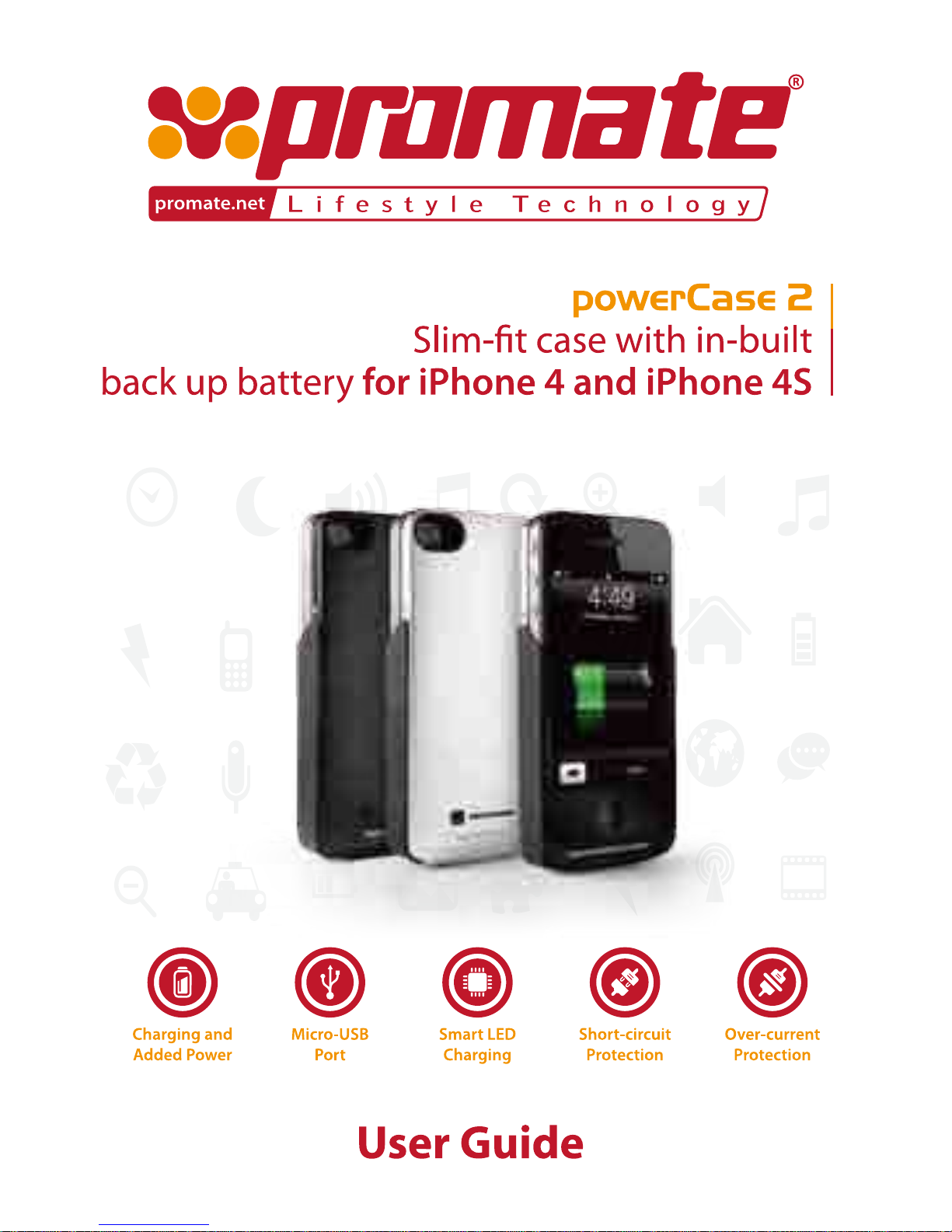
Slim-fit case with in-built back up battery for iPhone and iPhone 4S
User Guide
Introduc on
Thank you for purchasing the powerCase 2. Please read the user manual carefully before y our opera on
and keep it in proper place for your future reference.
Product Performance
• Slim fit design, fashion, energy-supply for business and outdoor ac vi es
• Short-circuit protec
on, an -overcharge protec on, an -discharge protec on
Contents
• PowerCase 2
• Micro-USB cable
• Mul
lingual manual
powerCase 2
1
Page 3
Specifica ons
• Rechargeable 1600mAh Lithium Polymer cell
• Power input/output: 5V 500mA
• Weight: 68g
• Dimensi
on: 125 x 61 x 6mm
Features
Slim fit case with back-up battery for charging and added power
Adds 7 hours of talk time, 8 hours of video and 23 hours of music
Charge your iPhone while sec ured and protected in the case
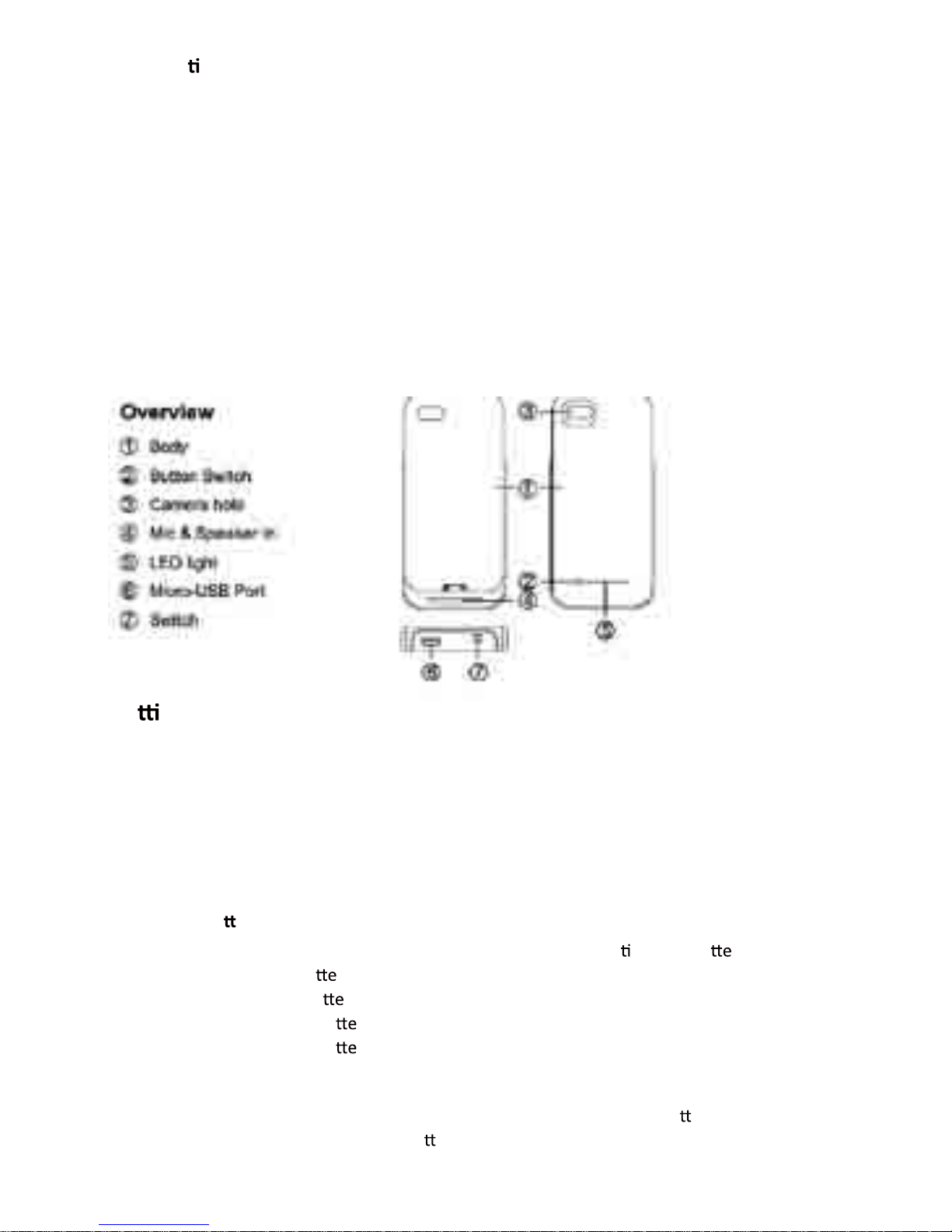
Micro-USB port to charge battery case and sync device when connected
On/off power button to activate charging as and when needed
Smart LED charging status indicator
Short-circuit and over-current protection
Ge ng Started
1) Charging the power case
• Connect powerCase 2 via the micro-USB cable into USB socket
• LEDs will blink while charging
• Charge for 2-3 hours
• LEDs will stop flashing when charged
• Disconnect powerCase 2
2) Checking ba
ery level
• There are four charging lights on the side, each light indica
ng 25% ba ry power
• One light > 25% ba
ry power
• Two lights > 50% ba
ry power
• Three lights > 75% ba
ry power
• Four lights > 100% ba
ry power
3) Charging
iPhone
4 or 4S
•
•
•
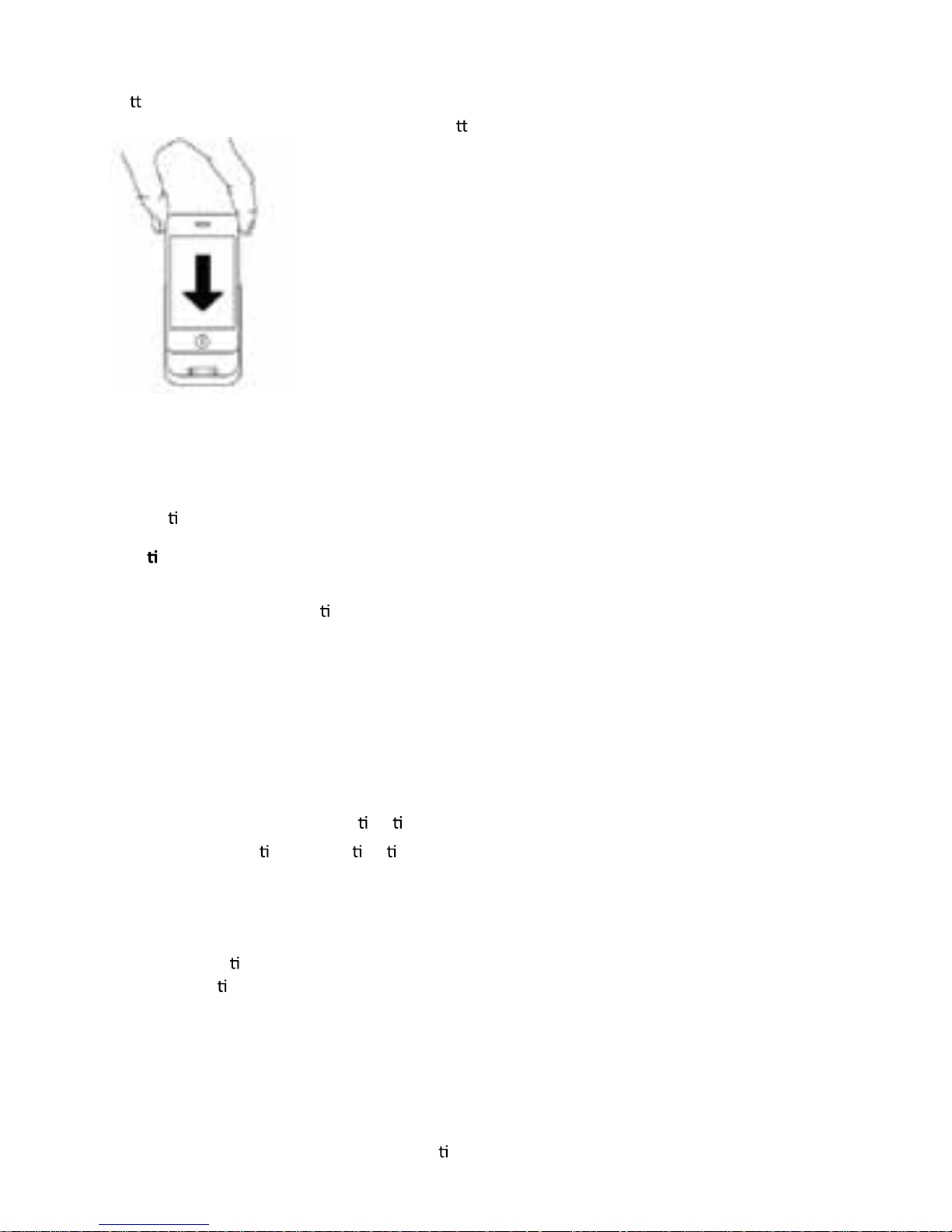
• Slide your iPhone into the case and make sure dock connector is a
ached properly
•
•
•
• To charge phone simply press bu
on on rear
2
Page 4
•
•
•
• Ba ery symbol will appear on lock screen; this indicates charging is underway
•
•
•
• To put into standby mode, hold and press bu
on on rear of case for 2-3 seconds
4) Charge and Sync by Micro-USB
• While the powerCase 2 is connected, you are able to sync your iPhone as if it were connected to
a computer
• Simply connect USB cable from case to a computer
• Connec
on will operate as normal and syncing/charging can take place
Troubleshoo
ng
a) The iPhone does not fit into the case:
• powerCase 2 is only compa
ble with iPhone 4 and 4S
• You cannot use any other cases or bumpers
b) powerCase 2 will not charge:
• Check if power source is working
• Check if cables are properly connected
c) Computer cannot detect iPhone
• Check if cables are connected correctly
• Only use the Micro-USB cable provided
d) powerCase does not double my opera
on me
• The amount of addi
onal opera on me varies on a number of factors
• Try to disable unused features like Wifi or Bluetooth
• Close background apps and lower brightness
Warning
• Read all instruc
ons and warnings prior to using this product. Failure to read and follow these
safety instruc
ons could result in fire, explosion, electrical shock or other hazard, causing
serious and/or fatal injury and/or property dam
age.
• Do not modify, disassemble, open, drop, crush, puncture or shred the product
• Do not expose the product to rain or water
• Keep away from open flames or sunlight to prevent heat build-up
• Keep away from high voltage devices
• This product is not a toy, keep away from children. Ensure that all persons who use the product
read and follow these warnings and instruc
ons
3
Page 5

 Loading...