

Page 1
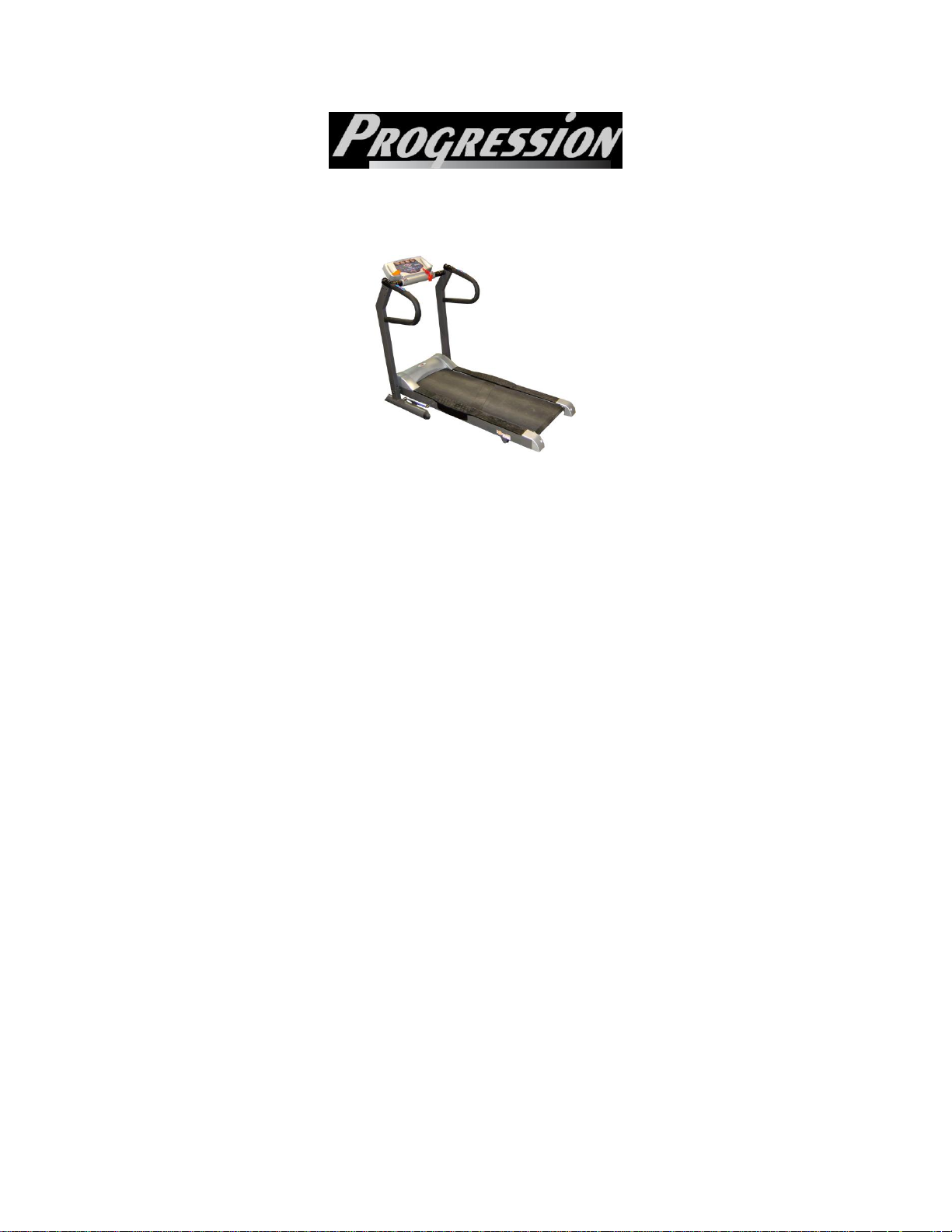
Progression Fitness MF8628
Treadmills
MF 8628
OWNER’S MANUAL
I Specifications
II Safety Precaution
III Display
IV Functions of the Computer
V Key Pads
VI Operations
VII Race Track
VIII Suggested Workout
IX Warranty
X Maintenance
Program chart
Page 2

Progression Fitness MF8628
I SPECIFICATIONS
- Horsepower 2.5 continuous duty
- Programs 3 Pre-set (with 30 levels) plus the manual
- Side Rails yes
- Deck cushioned
- Speed 1.0 – 16 KPH.
- Heart Monitor Hand sensor
- Walking Belt/Board 16” x 51”, Soft-Flex board
- Roller size 2”
- Style Fold-up
- User capacity 250 lbs maximum weight
II SAFETY PRECAUTIONS
1. Read the owner‟s manual before operation or using the treadmill
2. Always keep children away during operation.
3. Remember to take the time to perform stretching or warm-up exercises
to avoid injury.
4. Stop immediately if you feel uncomfortable.
5. Stand on the side rails. Never start the treadmill standing on the
running board. Allow the treadmill to start moving before stepping onto
the belt.
6. To avoid the risk of electrical shock, always keep the console dry.
Never use the treadmill while you are wet.
7. Wear comfortable, good quality walking or running shoes. Never use
the treadmill with bare feet, sandals or stockings.
8. If you have heart problems, or taking any medications, you are inactive
and or are over the age of 35 years, do not use the pre-set treadmill
programs or start an exercise program without first consulting your
physician.
9. To reduce the possibility of treadmill damage, always use a surge
protector with your treadmill.
III DISPLAY
DISTANCE: It shows how far you have walked, jogged or run. It doubles
as the Height window.
SPEED: It shows the current speed of the treadmill. It also doubles as
the Age/Fat kg window,
TIME: It shows how much time you have run on the treadmill. This
windows also serves as the Weight/Fat % in the FAT analysis mode.
PULSE/Calorie It shows both the heartbeats (or pulse) per minute
and how much calories have been burned. Likewise this is also the MALE
/ FEMALE window in the FAT Analysis mode.
Page 3

Progression Fitness MF8628
400M TRACK: It shows the progress of your session in the race
track. Each lap is 400 meters.
FAT ANALYSIS: It shows the results of the analysis: SLIM, PERFECT,
OVER-PERFECT and FAT.
DISTANCE: It shows how far you have run on the treadmill.
IV FUNCTIONS OF THE COMPUTER
1. Time: It shows the elapsed time of your workout; the time counts up if
it is in the manual mode; while it will count down if it is in the program
mode.
2. Toggle Switch. There is toggle switch on right hand rail: SPEED on
the right side. The switch allows one to increase or decrease the speed
conveniently. The left side rail has the safety or emergency ON/OFF
switch.
3. 400M track: The track shows how many laps you have run on the
treadmill. Every lap is 400 meters.
4. FUNCTION: There are 4 function windows. The Function windows
show the different functions: SPEED, TIME, INCLINE, PULSE,
CALORIE and DISTANCE.
V KEY PADS
1. SPEED UP. This key enables to change or increase speed manually.
It starts 1 kilometer per hour. Every key press, it increases or speeds
up by 0.1 km. This special feature is designed to let you reach the
desired speed quicker and easier.
2. SPEED DOWN. Function of this key is the same as the above “speed
up” key. It decreases the speed instead of increasing the speed.
3. MODE Key. This key allows you to select one of the 3 (P) programs
and user modes: manual speed, manual incline, P1 up to P3, and Fat
Mode.
4. On/off Key. It switches the treadmill on or off.
5. START/STOP Key. You press this button to start the treadmill or to
stop when in operation. Note that you only need to press the „speed
up” button to start the treadmill in MANUAL mode.
6. Set Key. It accepts or sets the values
7. HOT speed Key. This key allows one to change the speed to 3, 6, 9
kilometers.
VI OPERATIONS
1. Getting Started
a. Step on the foot rails.
Page 4

Progression Fitness MF8628
b. Insert power (SAFETY) key to turn on motor. Press the ON button.
All the display windows will be lit as soon as you press the
“ON/OFF” button.
c. Clip the power key “safety” clipper on your belt or shirt.
2. Operating the treadmill.
a. Quick start. Press the “speed up” or START button, and the
treadmill will start. The manual (M) LED lights up. Note that there
is a 4 second delay before the belt moves. As you continue to press
the speed up button, the speed increases. Conversely, pressing the
speed down button, the speed decreases. You can likewise change
the incline manually (3 levels).
b. Programs
i. The MF8628 has 3 preset speed programs: P1, P2, and P3
and in each of these programs are 10 LEVELS of difficulty or
workouts. See Program Chart (page 7) for the breakdown of
each level.
1. The P1 to P3 are extended programs. They are
2. FAT MODE. This is a body fat analysis procedure.
specifically designed for:
a. P1 is for WARM-UP workout. Set the time or
how long you want to exercise. The treadmill‟s
time will begin to go down as soon as you
press the START button until it reaches ZERO
(0); then, the treadmill stops.
b. P2 is the CARDIO. One can set the target
distance. Likewise, the DISTANCE will begin to
decrease as soon as the treadmill starts until it
reaches ZERO. Then the treadmill will stop.
c. P3 is the FAT BURN.
d. The default level of each of the programs is
Level 5, with 20 minutes as the default time.
e. You can likewise change the time, distance
and calorie of the work-out or programs
(assigned values) by overriding the defaults
prior to starting the program. The treadmill
will still maintain the “program” but with
your desired intensity or level.
Hence, it is not a walking or running program. This is
not a fitness test either but rather a calculation to
show ideal weight range for one‟s height. The first
number shown in the SPEED window represents the
FAT mass which means the actual fat mass (in kilos)
in the body; while the second number is the
Page 5

Progression Fitness MF8628
percentage of total body weight that is fat shown in
the TIME window.
a. Use the MODE button to move to the FAT
b. Then, press SET (INCLINE DOWN) to select
c. Press SET to enter the WEIGHT. Use the +
d. Press SET to enter the AGE. Do the same as
e. Press SET to enter GENDER. Use the + or –
f. Press START and hold your hands on the
ii. To use the various pre-set programs, press “Mode” button.
To change the programs (P1 – P3, FAT); just continue
pressing the “mode” button. The LED light of the
corresponding program is lit as you press the “Mode” button.
iii. If you have chosen the programs (P1, P2, P3), you can
change the speed manually and randomly.
iv. To execute, the chosen program, press the “start” button.
v. The treadmill will stop automatically in case the preset value
counts down to zero.
vi. The treadmill beeps 2 seconds before change of speed in
the program mode.
VII RACE TRACK
A. The MF 8628 has a special 400 meter race track. Every LED change
is equivalent to 20 meters.
VIII SUGGESTED WORK-OUT
Quick Workout
20 to 30 minutes
Warm up for 2 minutes at 3 KPH
Increase speed to 4 KPH after 2 minutes
Then add 0.2 KPH of speed every 2 minutes until you reach a speed at
which you are breathing hard. Maintain this speed 12 to 20 minutes.
Cool down for the last 4 minutes by slowing down to 3 KPH.
MODE.
the HEIGHT in centimeters.
(plus) or – (minus) buttons to change the
numbers or entry.
above.
buttons to change the entry. One (1) for male
and two (2) for female
pulse sensors to get your body fat readings. It
shows the body fat in kilograms in the SPEED
window and the body fat percentage on the
TIME window.
Page 6

Progression Fitness MF8628
You can likewise increase the intensity by changing the incline
manually.
IX WARRANTY
30 (THIRTY) years on the motor
5 (FIVE) years on other parts and labor
X MAINTENANCE
1. General cleaning of the treadmill will prolong the life of the treadmill. It will
insure the treadmill will operate smoothly and quietly for years to come. Be sure to dust
the exposed part of the deck and the area around the treadmill so that there is no
accumulation of dust. Use the vacuum to suck dust out under the belt.
2. Lubrication. In order to keep the treadmill in the best working condition, the
running board should be lubricated every other month or 50 hours of depending on
frequency of use.
3. Running Belt tension. As running belts tend to stretch slightly with use, the belt
may occasionally need to be tightened. If the belt is loose, you will find that it slips while
walking or running and the motor is still running. To tighten the belt, use the hex allen
key (wrench) in the hole in the end cap of the frame of the treadmill and turn the key one
full turn clockwise. Check the tension of the belt. Continue the sequence on both sides
until the belt is at the correct tension and alignment.
4. Centering the running belt. Likewise, the belt may only and on occasion need to
be centered. First, the belt should be properly tensioned as indicated above. Run the
treadmill at 3 KPH. If the belt has moved to the right, using the same allen key, turn the
right adjustment (end cap) screw ½ turn clockwise; then turn the left adjustment screw ½
turn counterclockwise. Check if the belt has moved and is centered. Repeat the sequence
until the belt is centered. And if the belt has moved to the left, turn the right adjustment
screw ½ turn counterclockwise; then turn the left screw ½ turn clockwise. . Check if the
belt has moved and is centered. Repeat the sequence until the belt is centered.
ALWAYS UNPLUG THE TREADMILL FROM THE ELECTRICAL OUTLET
BEFORE CLEANING, LUBRICATING OR SERVICING THE UNIT.
Page 7
Progression Fitness MF8628
PROGRAM CHART
PROGRAM 1 PROGRAM 2 PROGRAM 3
SPEED SPEED SPEED
LEVEL 1 2 KM 4.0 4.0
LEVEL 2 3.0 4.5 5.0
LEVEL 3 4.0 5.0 6.0
LEVEL 4 5.0 5.5 7.0
LEVEL 5 6.0 6.0 8.0
LEVEL 6 3.0 4.0 4.0
LEVEL 7 3.5 4.5 5.0
LEVEL 8 4.0 5.0 6.0
LEVEL 9 4.5 5.5 7.0
LEVEL 10 5.0 6.0 8.0
Note:
The numbers or values indicated above for each level are starting values. The speed remains the same in
Programs, Levels 1 to 5. The speed will increase or vary as the program progresses. The default program
time is 20 minutes while the minimum or lowest time is 10 minutes for each routine or program chosen.
Each time, the speed changes , there will be a warning beep few seconds before the change.
 Loading...