

Page 1
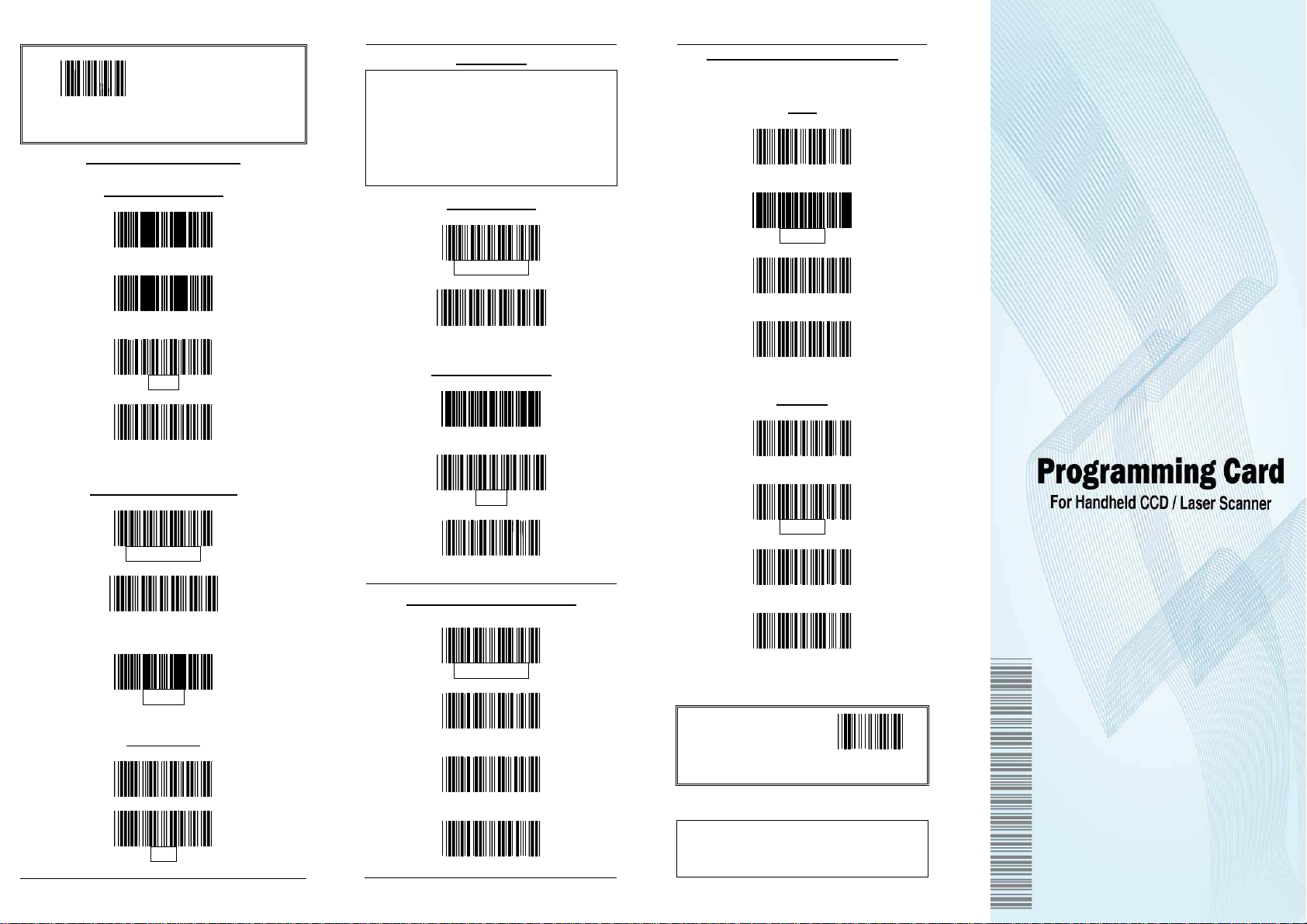
All program setup must
start with reading the
“Start of Configuration”
label, and read the “End
of Configuration” label to
The USB mode is effectively a keyboard
emulator works with hosts that are
ing systems and
compatible operating
s NT 5.0
o additional
software is needed since the USB driver
Start of Configuration
Keyboard Wedge Mode
Message Terminator
Keyboard Type Selection
International Keyboard
save any changes.
None
Hor. Tab
Enter
Execute
US Keyboard
(ALT Method)
IBM AT
Capital Lock
ON
OFF
USB Mode
Good Read Beeper Selection
(For selective models only)
USB-compatible operat
have USB ports. USB
systems are Windows 98, Window
and Mac OS 8 and later. N
support is built into this operating system.
Keyboard Type
US Keyboard
International Keyboard
Message Terminator
None
Enter
H Tab
Scanning Mode Selection
Auto Scan Mode
Trigger Mode
Alternative Mode
Repeat Mode
* The default parameter
values are framed.
Copyright © 2009. All rights reserved.
Tone
High
Medium
Low
Disable
Duration
Long
Medium
Short
Very Short
End of
Configuration
P/N: 593-30000E-006
Page 2
Introduction
Ia laser product.
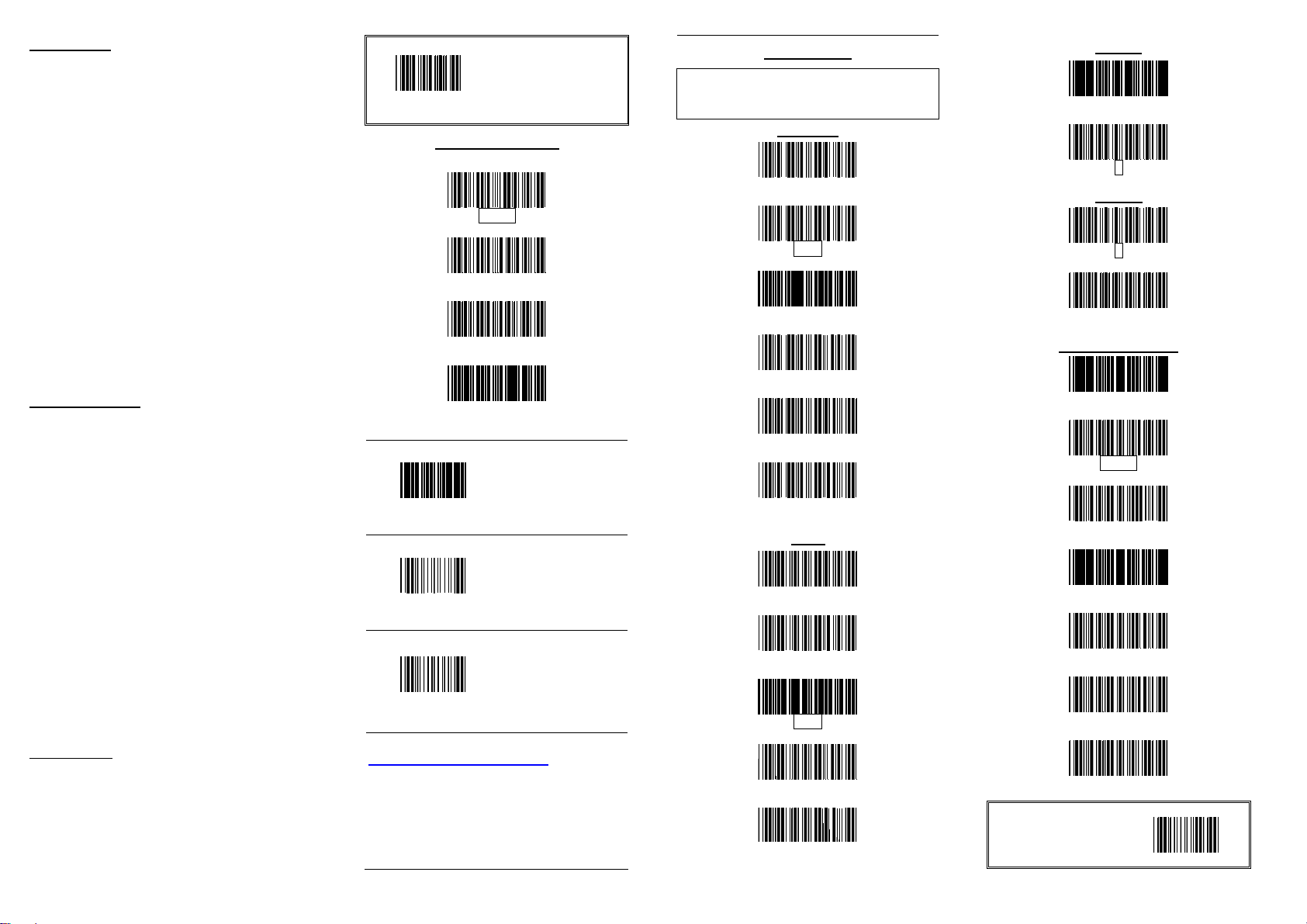
All program setup must
start with reading the
“Start of Configuration”
label, and read the “End
of Configuration” label
The reading of the
"RESET” label turns
all the parameters
The reading of the
"ABORT" label
discards all the
parameters read prior
to the "End of
The reading of the
“SHOW VERSION”
label will show the
to the latest
The factory default communications are: 9600
baud, 8 data bits, mark parity, 1 stop bit, and
* The default parameter
This programming card contains only
frequently-used programming bar code
labels, and by scanning these labels, it can
configure the scanners. This allows
decoding options and interface protocols to
be tailored to a specific application. The
configuration is stored in non-volatile
memory and will not be lost by removing
power from the scanner.
The scanner must be properly powered
before programming. During the
programming mode, the laser scanner will
acknowledge a good and valid reading with
a short beep. It will give long beeps for an
invalid or bad reading.
For detailed programming instructions and
safety notices please refer to
“Programming Guide for Handheld
CCD/Laser Scanner”.
Important Notice
No warranty of any kind is made in regard
to this material, including, but not limited
to, implied warranties of merchantability or
fitness for any particular purpose. We are
not liable for any errors contained herein
nor for incidental or consequential
damages in connection with furnishing,
performance or use of this material. We
shall be under no liability in respect of any
defect arising from fair wear and tear,
willful damage, negligence, abnormal
working conditions, failure to follow the
instructions and warnings, or misuse or
alteration or repair of the products without
written approval.
Specification or version may be subject to
change without notice. The actual
specification and version are based on the
product delivered.
Laser Safety
The laser scanner complies with safety
standard IEC 60825-1 for a Class I laser
produce. It also complies with CDRH as
applicable to a Class I
Avoid long term staring into direct laser
light.
Start of Configuration
to save any changes.
Interface Selection
PC/AT
RS-232C
USB
Wand Emulation
RESET
ABORT
SHOW VERSION
back to default values.
configuration".
firmware version.
USB Interface Cable Notice
Some handheld CCD/Laser scanner contains
build-in USB controller (USB on Board), and
this update would only work with new USB
cable (P/N: 171-10U301-200). Please find the
“U” marking on the devices or refer
Buyer’s Guide for more information.
RS-232 Mode
CR/LF terminator message.
Baud Rate
19200
9600
4800
2400
1200
600
Parity
Even
Odd
Mark
Space
None
Data Bit
7
Message Terminator
values are framed.
8
Stop Bit
1
2
None
CR/LF
CR
LF
H Tab
STX/ETX
EOT
End of Configuration
 Loading...