

Page 1
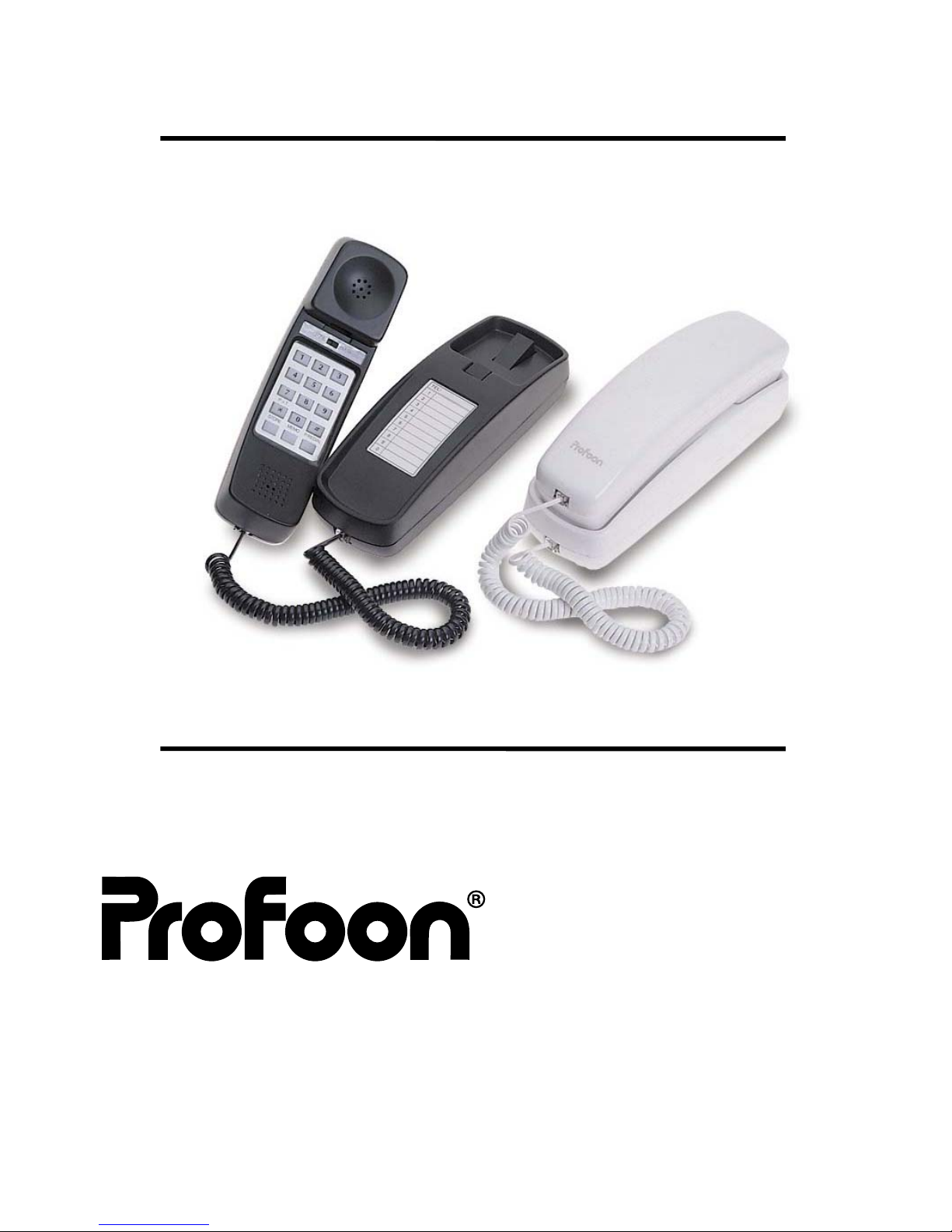
Fout! Bladwijzer niet gedefinieerd.
User manual
TX_112
Page 2

Fout! Bladwijzer niet gedefinieerd.
CONTROLS
1. line wire jack 8. tone/pulse switch
2. ringer switch 9. keyboard
3. handsetwire connections 10. redial/pause button
4. number index card 11. MEMO button
5. handset guide 12. STORE button
6. hookswitch 13. teleservice button
7. loudspeaker
Page 3

Fout! Bladwijzer niet gedefinieerd.
HOW TO CONNECT
1.
Connect the curled handsetwire between the base unit and
the handset unit [3].
2. Connect the telephone wire to the modular jack [1] on the
bottom-side of the telephone.
3. Plug the telephone plug in your telephone-outlet
The TX-112 is ready for use.
WALLMOUNTING.
-
To mount the TX-112 on to a wall, drill two holes in the wall on
top of each other with a distance of 10cm and insert two
plugs with screws.
- slide the telephone over the screws.
- To prevent the receiver from falling, lift the handsetguide and
rotate it over 180°.
Page 4

Fout! Bladwijzer niet gedefinieerd.
HOW TO USE
Tone/pulse:
-
Select the dial-mode, using switch 8.
* select PULSE in case you are connected to a rotary
dialling telephone exchange;
* select TONE in case you are connected to an
electronic telephone exchange.
Outgoing calls
-
Lift the handset, wait for the dialtone and key in the
telephone.
- Replace the handset to disconnect.
Last number redial:
-
Lift the handset, wait for the dialtone and press button
P/REDIAL [10] to redial the last dialled number.
- Replace the handset to disconnect.
Page 5

Fout! Bladwijzer niet gedefinieerd.
Incoming calls:
-
Use switch [2] to control the ringers volume;
- lift the handset to answer an incoming call.
Teleservices
-
In case your telephone is set to pulse dialling and you want
to gain access to a computerservice, dial the
telephonenumber as you normal would do and press key *
one time.
- all coming key-presses will now be dialled-out in tone-mode.
MEMORIES
The TX-112 has a memory-capacity of 10 TWO-TOUCH telephone
numbers.
Store memory:
1.
lift the handset;
2. press STORE [12] one time;
3. key in the telephonenumber to be stored;
4. press STORE [12] one time;
5. press one of the dialbuttons 0-9 to store the number;
6.
replace the handset.
Page 6

Fout! Bladwijzer niet gedefinieerd.
Redial memory:
1.
lift the handset and wait for the dialtone;
2. press MEMO [8] and the required memory button (0-9) to
automatically dial one of the memory numbers;
3. replace the handset to end the conversation.
Pause:
-
When connected through a PABX, is might be necessary to
add a pause after the prefix number (mostly the first 0). Use
key P/REDIAL [10] to add a pause of 3.6 seconds in your
telephone number.
Number index card:
-
Use the number-index-card [4] to write down the names of
the just stored telephonenumbers.
MAINTENANCE
-
Do not locate this telephone in direct sun-light or in moist
surroundings.
- Use a soft moist cloth to clean the cabinet.
- Do not drop the telephone; service only by qualified
personal.
- No serviceable parts are inside this telephone.
- Do not place the telephone on a cellulose-based surface,
the rubber feet may damage the lacquer
 Loading...