

Page 1
User's manual
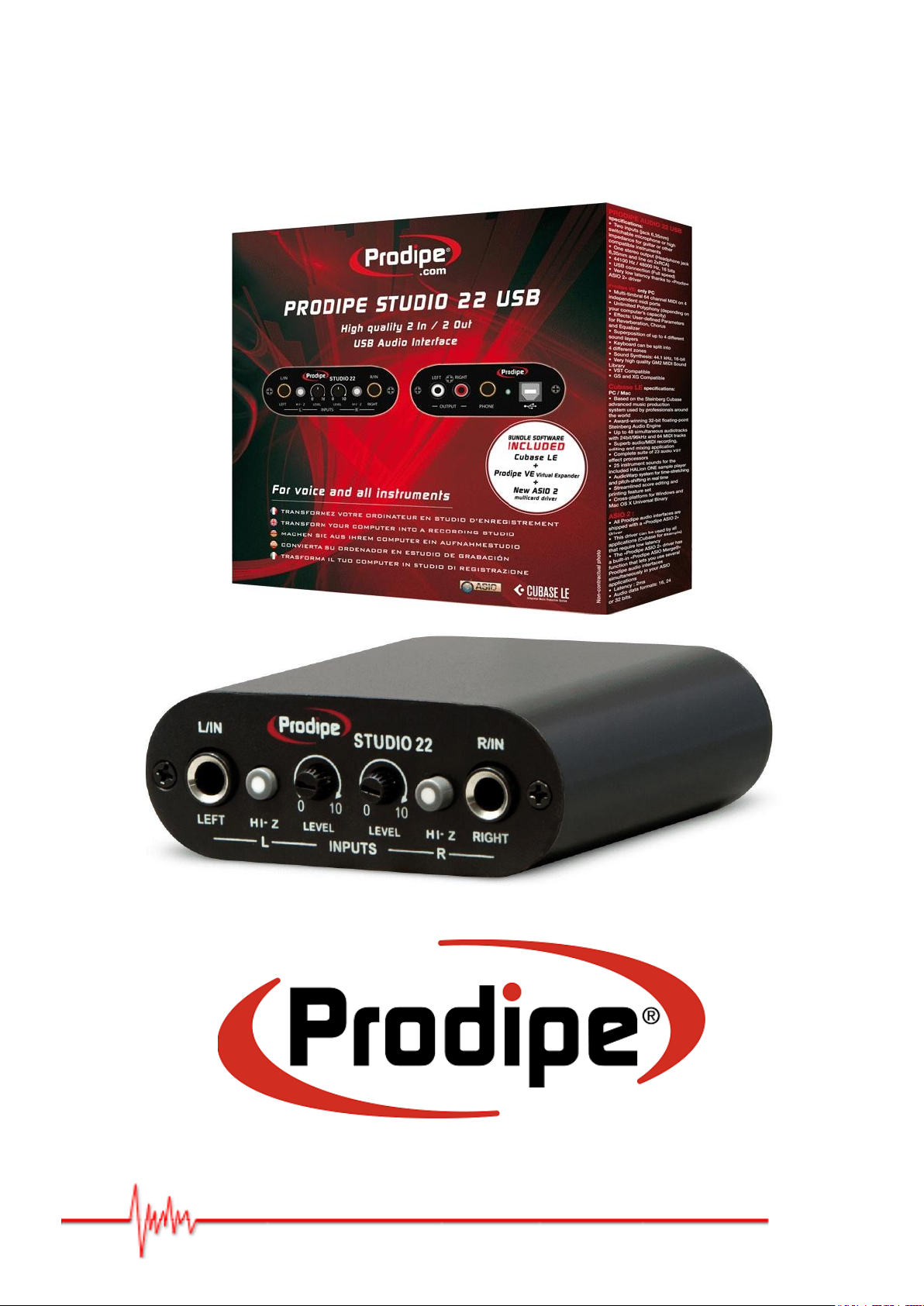
Studio 22
Copyright © 2011 Prodipe / IPE Music
Page 2
Precaution
Thank you for purchasing this digital appliance. To ensure perfect operation and security,
please read the manual carefully and retain it for future reference.
Safety Precautions
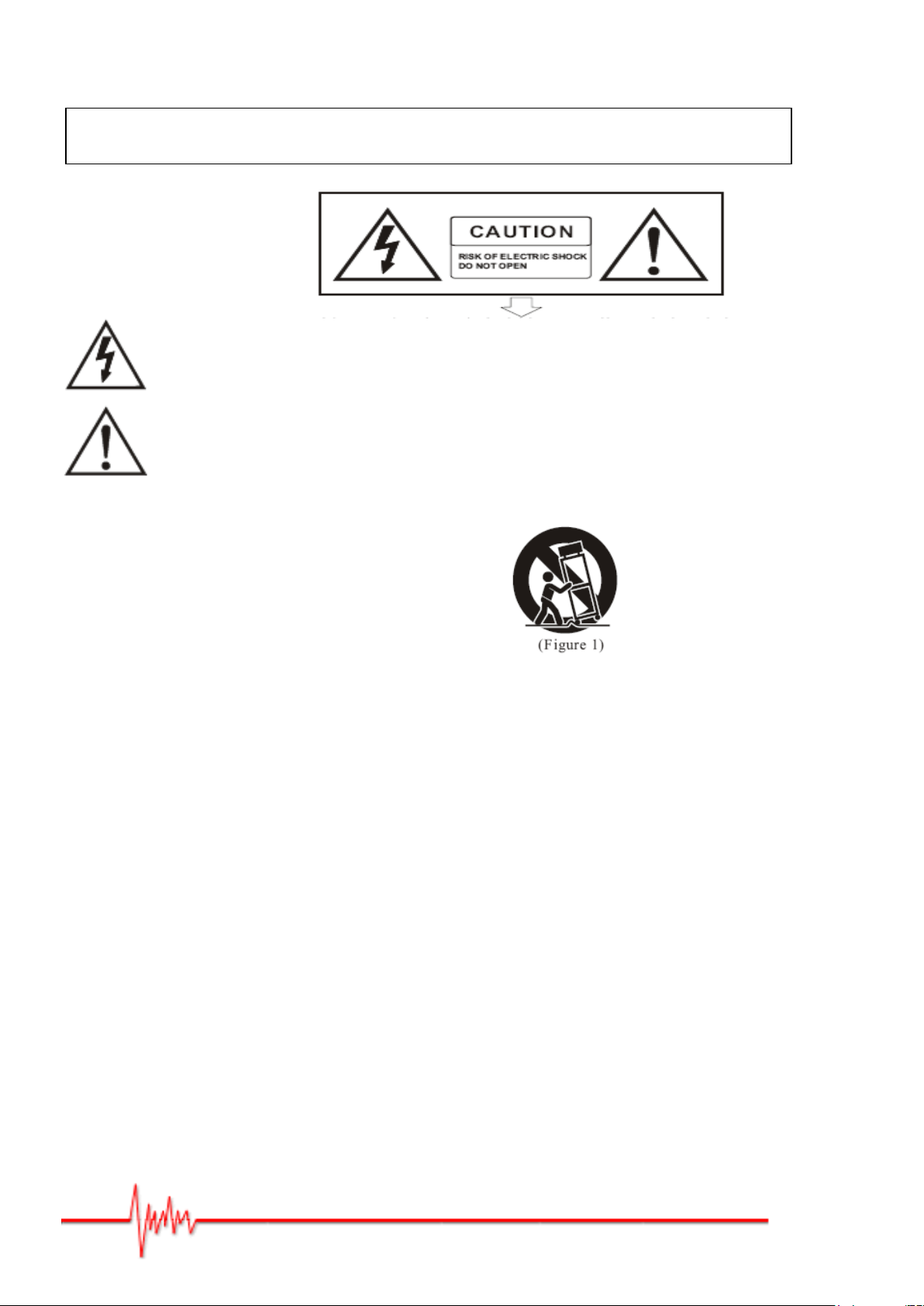
The lightning flash with the arrowhead symbol in an equilateral triangle is intended to alert the user
to the presence of non-insulated “dangerous voltage” inside the appliance that may be of sufficient
magnitude to constitute a risk of electric shock.
The exclamation point within an equilateral triangle is intended to alert the user to the presence of
important operating and maintenance (servicing) instructions in the literature accompanying the
product.
Important Safety Instructions
1) Read these instructions.
2) Retain these instructions.
3) Heed all warnings.
4) Follow all instructions.
5) Do not use this appliance near water.
6) Clean only with a dry cloth.
7) Do not block any of the ventilation openings that were installed in accordance with the manufacturer’s instructions.
8) Do not install near any heat sources such as radiators, heat registers, stoves, or other appliances (including amplifiers)
that produce heat.
9) Do not defeat the safety purpose of the polarized or grounding-type plug. A polarized plug has two blades with one
wider than the other. A grounding type plug has two blades and a third grounding prong. The wide blade or the third
prong is provided for your safety. If the plug provided does not fit into your outlet, consult an electrician to ensure
replacement of the obsolete outlet.
10) Protect the power cord from being walked on or pinched, particularly at plugs, convenience receptacles, and the point
where it exits from the appliance.
11) Only use attachments/accessories specified by the manufacturer.
12) Use only with the cart, stand, tripod, bracket, or table specified by the manufacturer, or sold with the appliance. If
using a cart, be careful when moving the cart/appliance combination to avoid injury from tip-over (Figure 1).
13) Unplug this appliance during lightning storms or when unused for long periods of time.
14) Refer all servicing to qualified service personnel. Servicing is required when the appliance has been damaged in any
way, for example, the power-supply cord or plug is damaged, liquid has been spilled or objects have fallen inside the
appliance, the appliance has been exposed to rain or moisture, does not operate normally, or has been dropped.
WARNING: To reduce the risk of fire or electric shock, do not expose this appliance to rain or moisture.
CAUTION: The appliance should not be exposed to drips or splashes of water. Objects filled with liquids, such as vases,
should not be placed on the appliance
Copyright © 2011 Prodipe / IPE Music
Page 3
Box content:
USB audio Interface Prodipe Studio 22 Pro
USB cable
DVD-ROM with installation software's and ASIO 2 Prodipe's driver.
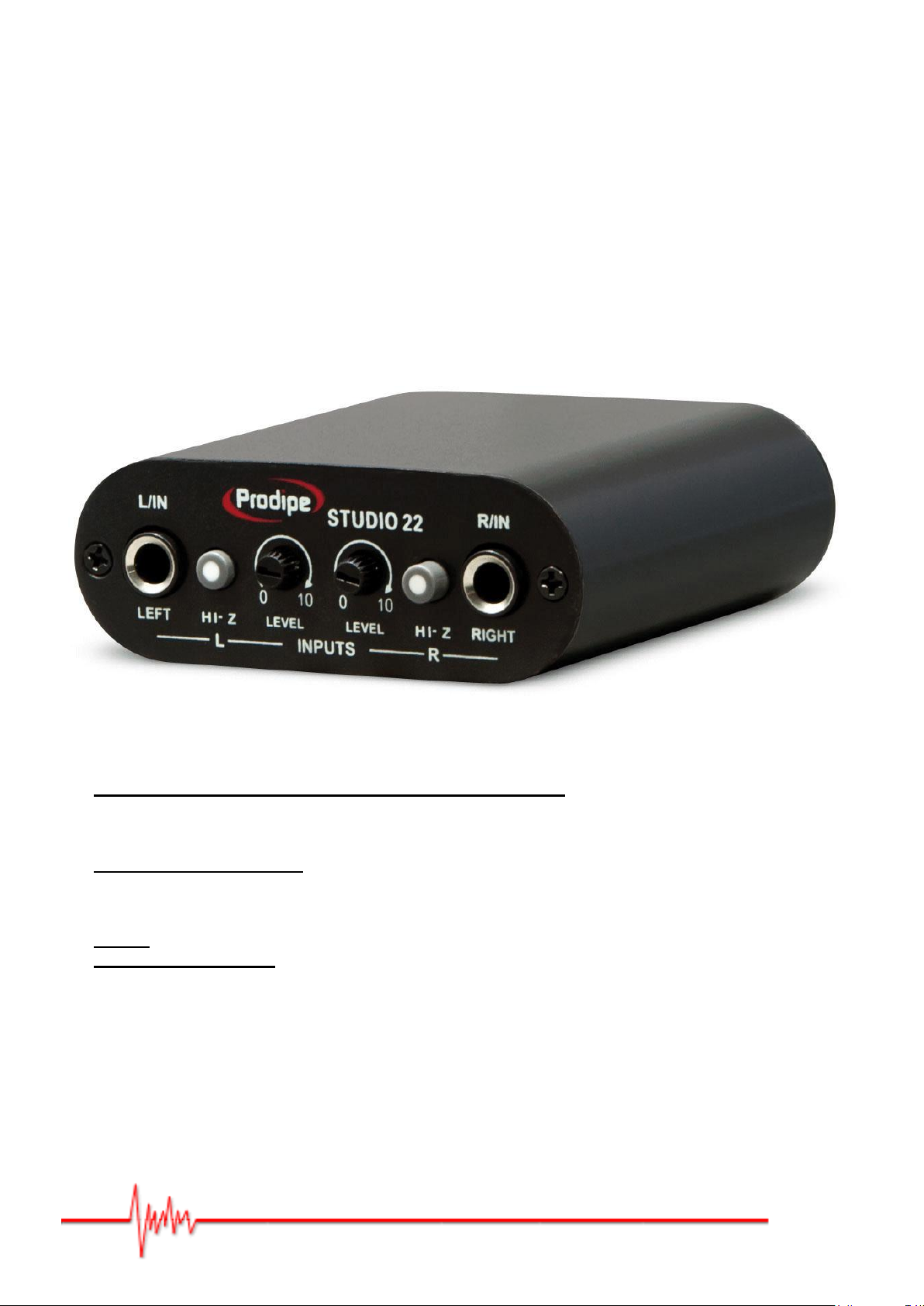
Front panel :
"L/IN" and "R/IN" (LEFT & RIGHT)
Left and right inputs for microphone or instrument jack ¼"
These connectors are for high or low impedances signals (microphones, guitars, keyboards, etc…).
"HI-Z"
High-impedance switches.
These switches let you use (pushed position) a high-impedance audio source (guitar for ex.) on the
corresponding jack (left or right, independently).
"Level"
Input gain level knobs.
These knobs let you adjust the level of the audio input signal of the corresponding jack (left or right)
Copyright © 2011 Prodipe / IPE Music
Page 4
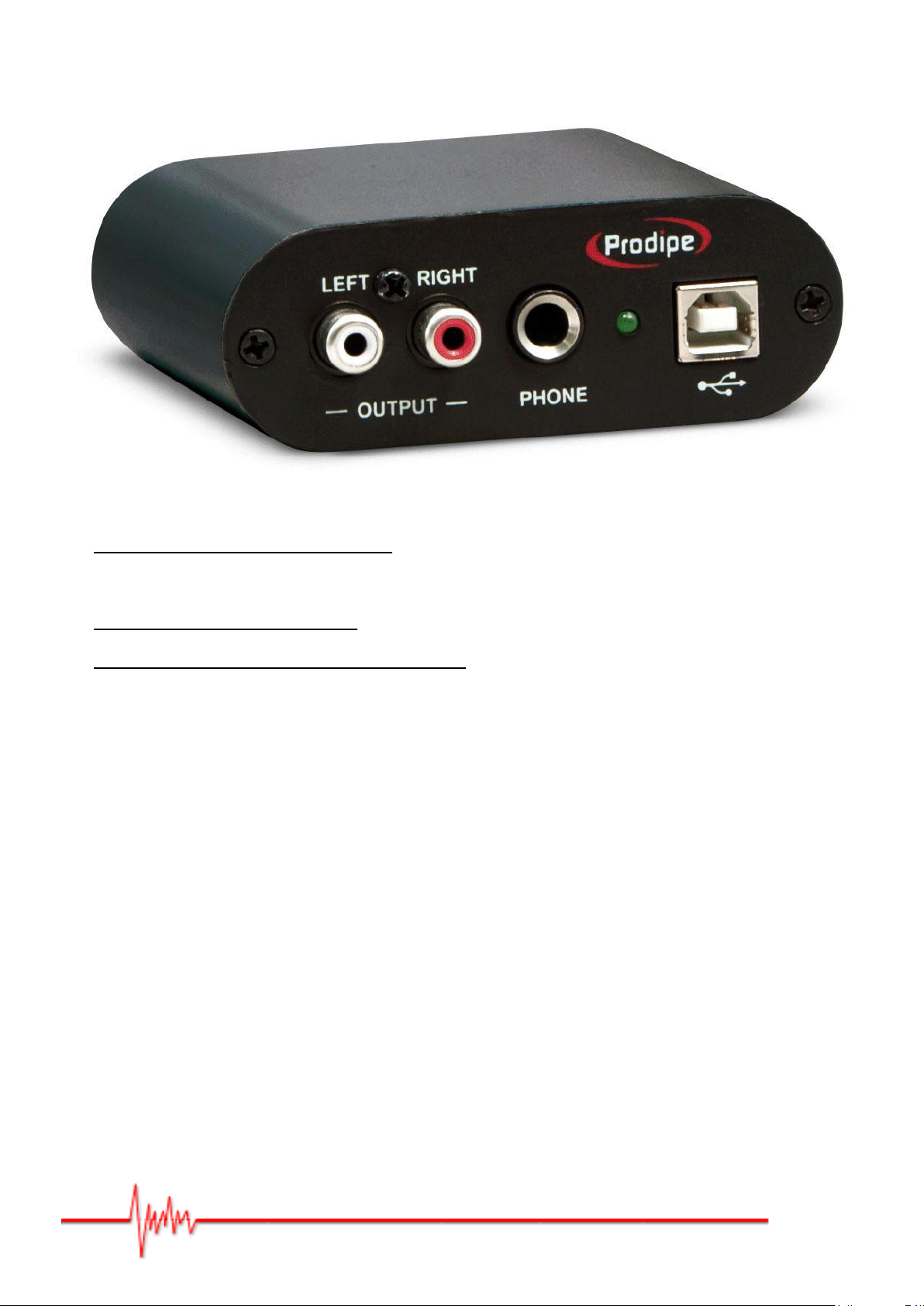
Rear panel:
"LEFT" and "RIGHT" (-OUTPUT-)
Left and right output RCA connectors
Connect them to your mixer or amplifier.
"PHONE"
Headphone ¼" stereo connector.
USB connector (and USB power LED indicator).
Connect here the USB cable (provided) to your computer.
Technical specifications:
Two mono input (¼" jack) for guitar, microphone, or any stereo instrument.
Individual HiZ selectors (one for each input)
Two outputs L/R (RCA connectors).
44100 Hz / 48000 Hz, 16 bits.
USB connection
(compatible 1.1 and 2.0)
Windows XP, Vista, Seven or higher and MAC OS X compatible
(no driver needed)
Shipped with the "Prodipe ASIO 2" driver for Windows including the "Audio Merge" function
(lets you use several Prodipe audio interfaces concurrently in your ASIO 2 compatible
applications)
ASIO 2 latency less than 2ms on input and output
Copyright © 2011 Prodipe / IPE Music
Page 5

IPE Music
20, rue Clément ADER
Z.A. Les Gloriets
85340 OLONNE SUR MER
France
www.prodipe.com
Copyright © 2011 Prodipe / IPE Music
 Loading...