

Page 1

REFERENCE MANUAL
Multifunctions instrument
TIRE PRESSURE GAUGE
+
TIRE PYROMETER
RACING INSTRUMENTS
Get Ahead...
01
01
0
Part number : HPM4+PYR2
MADE IN ITALY
01
Bar
T3:123°C
Page 2
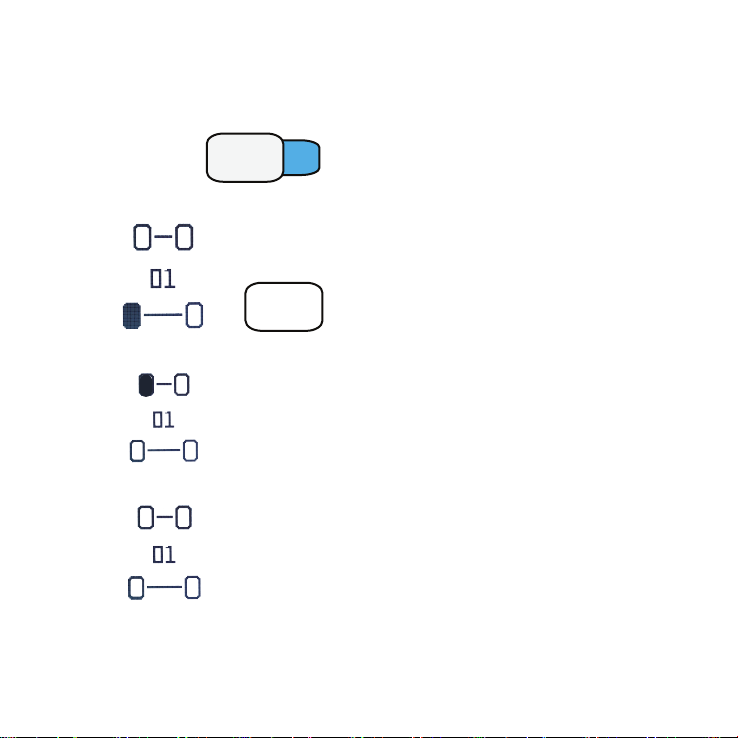
PRESSURE GAUGE MODE
1 - Power ON
Press button
2 - The display shows the test number [ 01 ] :
MENU
ON
OFF
Measure and set the pressure of the tire shown on the
display. When the pressure is set, press MEM button
to save it
Auto Power off after 2,5 minutes if inactivity.
To Power off manually , press and hold the
ON/OFF button.
MEM
3 - The display shows the saved pressure value and the next tire to measure
Repeat the procedure for the other tires.
4 - The display shows all the saved pressures value - COLD TIRES PRESSURE
1.50
1.65
1.50
1.65
Page 3
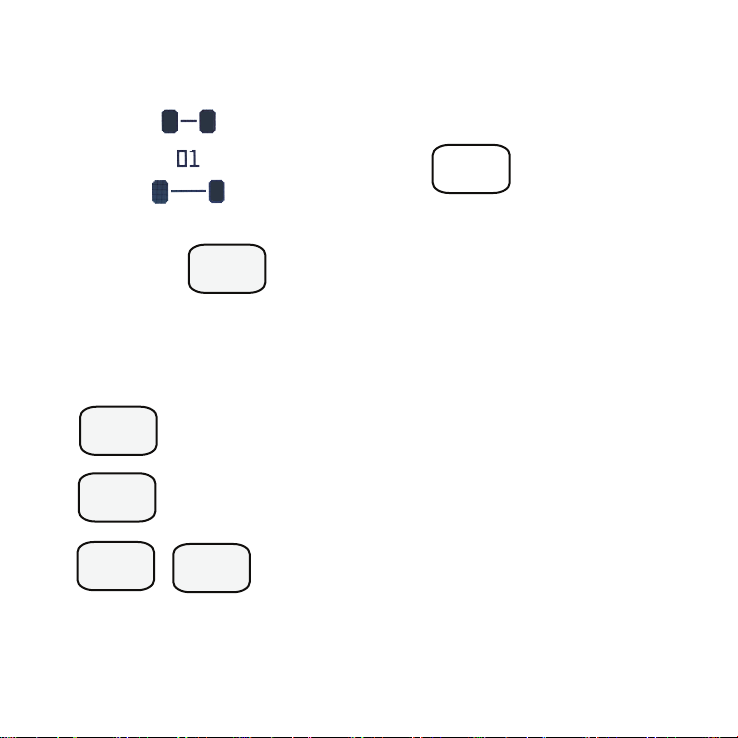
5 - Repeat the same procedure for the HOT TIRES PRESSURE
1.50
1.70 1.65
+0.20 +0.15
1.65
1.85 1.80
1.50
1.65
+0.15+0.20
For a new Test press
MEM
Press for TIRE TEMPERATURES MODE
MODE
TIRE TEMPERATURE MODE
AIR
TRACK
MEM MEM
Press to save AIR temperture.The display show A : XX°C
Press to save TRACK temperature.The display show T : YY°C
Press to save tire temperatures. The display show
T1 to T12 temperatures value
Page 4
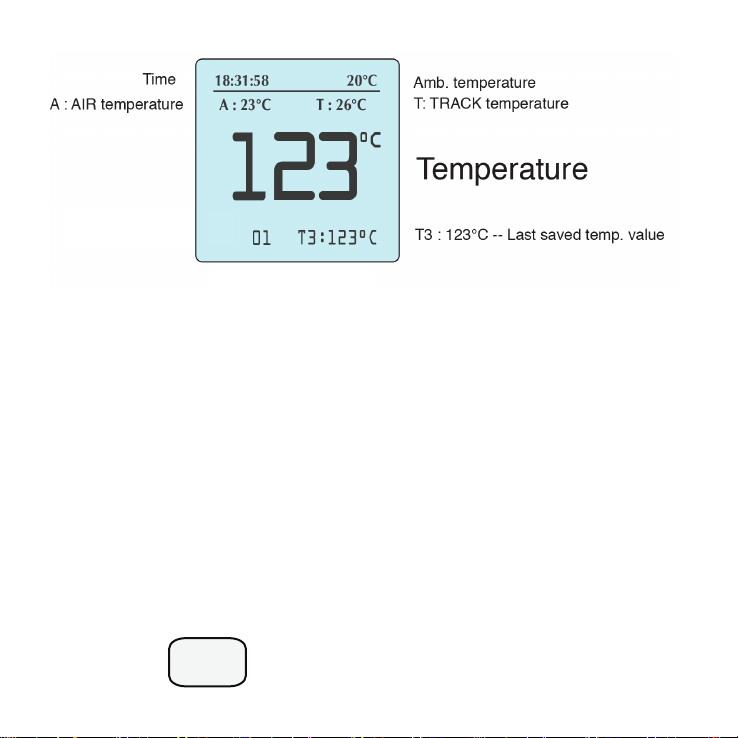
01 : Test number
A : 23°C --> AIR temperature
T : 26°C --> TRACK temperature
01 --> Test number
T3 : 123°C --> Last saved temp
123°C --> Temperature
Press to return PRESSURE MODE
MODE
Page 5
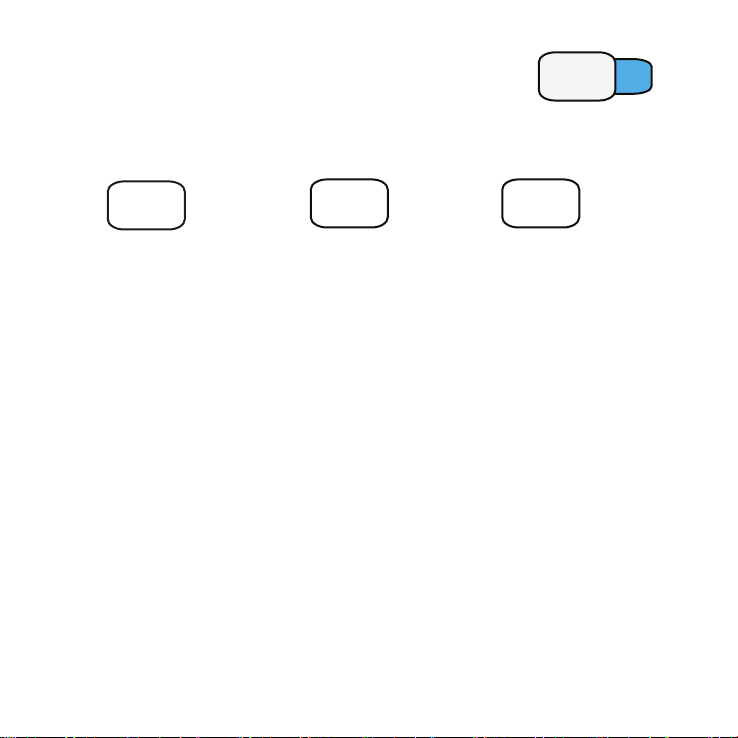
CONFIGURE - RESET - READ MEMORY ------ Press
The display shows all the Menu and which buttons need to press .
RESET DATA READ SAVED PRESSURES CONFIGURE
MENU
ON
OFF
MODE
Follow the instructions shown on the display.
MEM
+
PRESSURE DIFFERENCE FUNCTION
This function is used to show the difference from COLD and HOT tire pressures on
the display.
PRESSURE SHOOT ® FUNCTION
This function is used to save the HOT tire pressures without pressing MEM button.
DISPLAY BACKLIGHT FUNCTION
With the light sensor the instrument set automatically the backlight of the display. It
can reduce the battery life.
LANGUAGE MENU
ENGLISH - FRENCH - ITALIAN language menu available
Page 6
For Technical support visit
www.prismaelectronics.com
MADE IN ITALY
 Loading...